85 comments found.

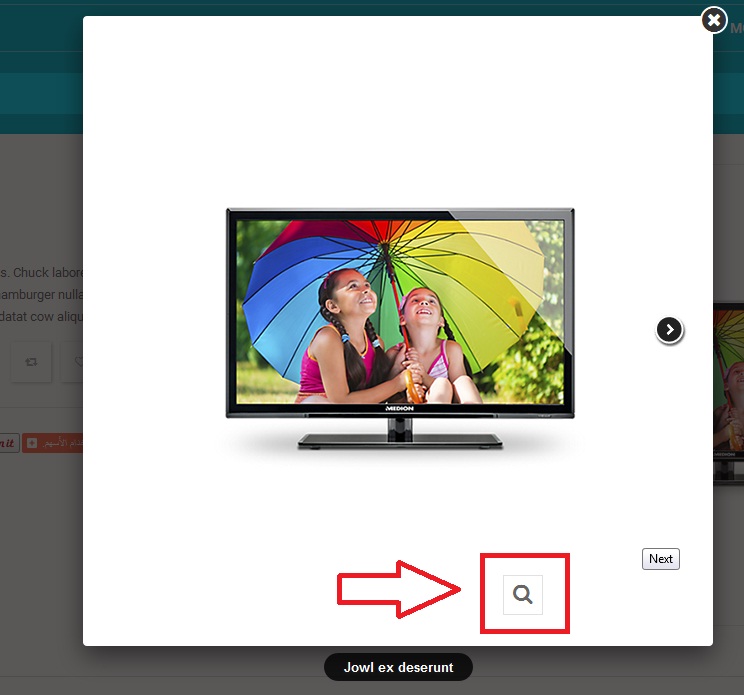
 http://s8.picofile.com/file/8271969484/1.jpg
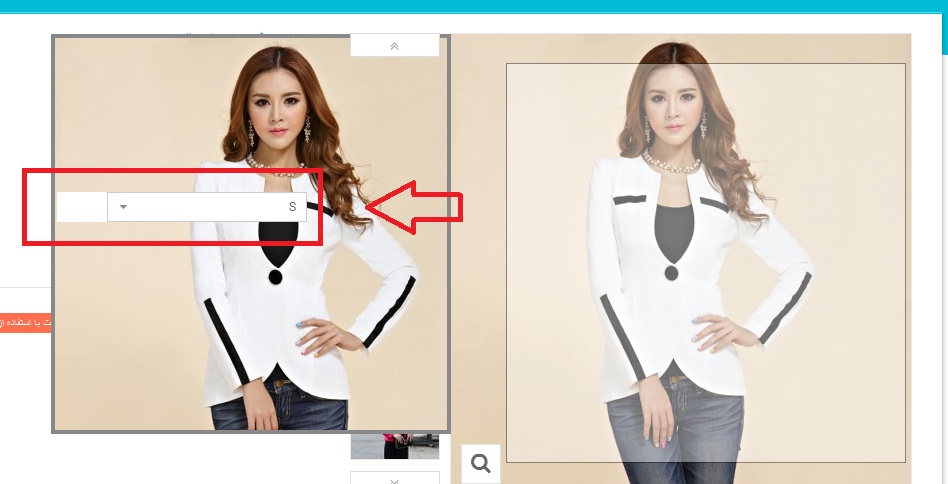
http://s9.picofile.com/file/8271969500/2.jpg
http://s8.picofile.com/file/8271969526/3.jpg
http://s9.picofile.com/file/8271969542/14.jpg
http://s8.picofile.com/file/8271969484/1.jpg
http://s9.picofile.com/file/8271969500/2.jpg
http://s8.picofile.com/file/8271969526/3.jpg
http://s9.picofile.com/file/8271969542/14.jpg
plz If you do not update soon , Give me back my money
Or replaced with another theme
thanks
” Money Back Guarantee Money Back Guarantee We are very confident that you will be 100% satisfied with our themes. If not you have 7 days to ask for a refund. “
Dear sir,
Please go to our website, register an account and then go to forum post your issue, technical support will help you check. Please remember that your information and purchase code need to be filled, and don’t worry because these information is kept in admin area, nobody can see except you and admin.
Thanks!
FAQ’s
.
Official Support
.
Facebook
.
Twitter
Dear sir,
Please go to our website, register an account and then go to forum post your issue, technical support will help you check. Please remember that your information and purchase code need to be filled, and don’t worry because these information is kept in admin area, nobody can see except you and admin.
Thanks!
FAQ’s
.
Official Support
.
Facebook
.
Twitter
hi… Custom CSS Code in spthemeconfigurator is not working ..plz fix it thanks
Dear sir,
Please go to our website, register an account and then go to forum post your issue, technical support will help you check. Please remember that your information and purchase code need to be filled, and don’t worry because these information is kept in admin area, nobody can see except you and admin.
Thanks!
FAQ’s
.
Official Support
.
Facebook
.
Twitter
Terrible template do not buy it. It is not true that language is changed with a click. If you are going to use in Spanish. Do not buy it.
Dear sir,
Please check all our documentation again, we have never said that only 1 click to translate to the other languages, it only support multi-languages, there is no theme on Themeforest can translate to any other language, except English and Arabic ( default). We guided you, and instruct you how to do by your hand, because only some places which can’t be translated into your target language, you have to change by hand, it’s normal. You can ask others.
You ask us, and we also said that “support”. not translation because there is no theme which can translate to all other language.
Please read ticket carefully and do as our guide, you can do it.
Thanks!
“some places which can’t be translated into your target language, you have to change by hand, it’s normal. You can ask others.” They mention that some things but not some, you have to translate everything manually which is absurd because they are hundreds of words also do not even know which modules are exactly.
I challenge you to prove that your template are just a few things.
In addition still they are cheating because I erased all the tickets I sent them for months and demustran your template does not work.
Dear sir,
“you have to translate everything manually” No, we are responsible for supporting all customers, we guided you. We support cutomers, not mean that we “have to do” for them, and they don’t do anything. Moreover, i need to repeat here, our theme “support” multi-languages, not translate it, and there is no author say that their theme . And your ticket is still in our system, you can’t erase anything, any your replies. Our theme still works normally, there is no issue, except for that you don’t translate some places in the theme after changing to your target languages.
Thanks
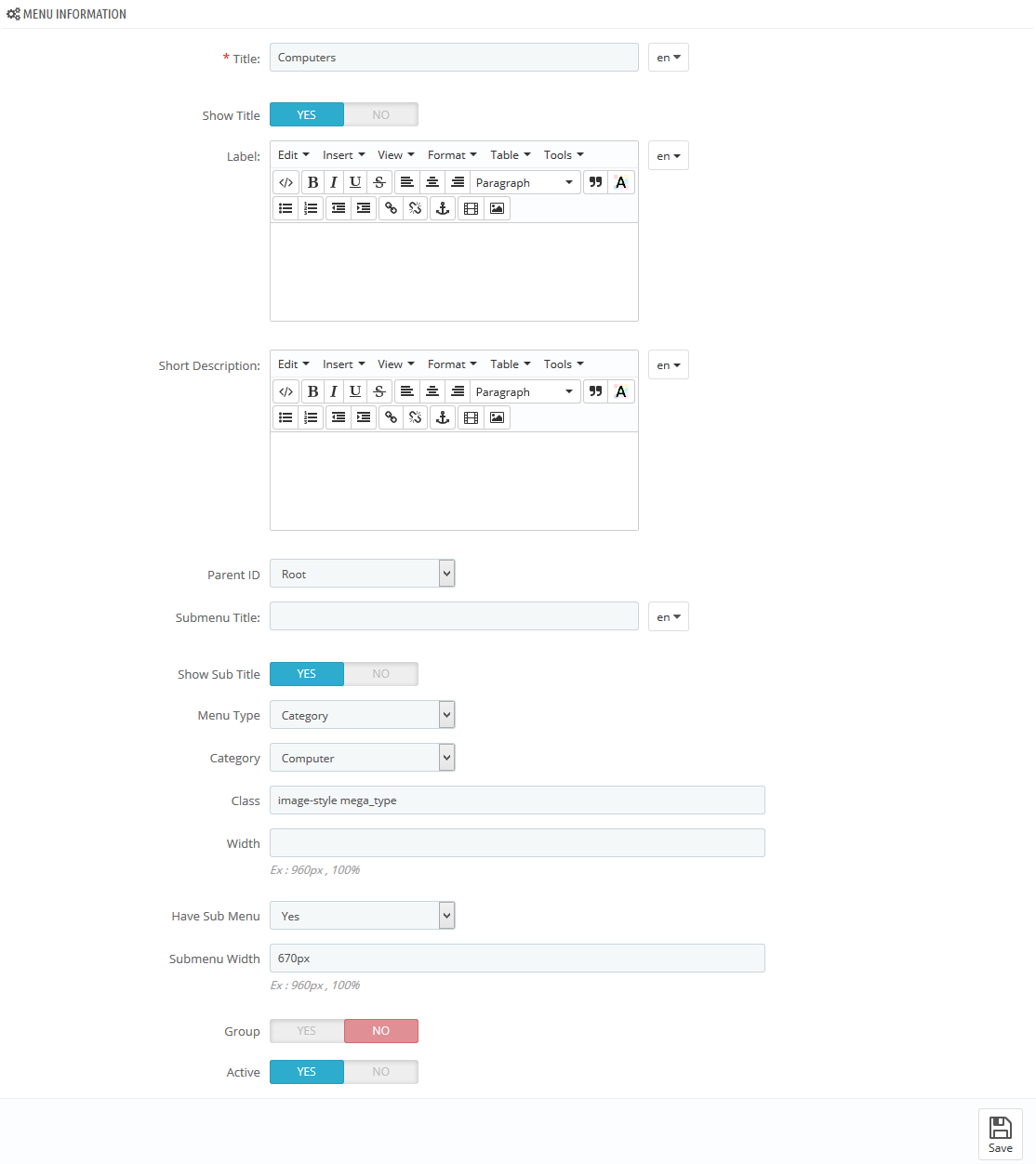
Question: I think the backend settingsscreenshot of the mega-menu ‘computers’ is wrong (in the user guide). It refers to the backend settings of the ‘mobiles’ category.
http://www.smartaddons.com/images_amazon/sp-prestashop-images/sp-themes/sp-matrix/megamenu/computers-menu-backend.pngScreenshotname = ‘Computers-menu-backend’ but it is in fact the ‘mobile-menu-backend’.
Possible to update this?
Hi, I know, I went to the userguide, but the link to the screenshot is wrong. It’s showing the backend settings for ‘mobile’, not ‘computers’. So the menu with the Nexus 7 example, those backend settings screenshot is wrong. It’s referring to the backend settings of the example above. Can you send me or update the screenshot for the backend settings of the computermenu example?
Thanks!
Within the new version files there is no documentation for the new layouts. Also there in no information how to update the template. Are there any new versions of the modules?
Dear sir,
We had updated in user-guide. Please check it!
http://www.magentech.com/documentation/sp-matrix-v-1-6-1-6/Thanks!
FAQ’s
.
Official Support
Your comment doesn’t reply my question. The new guide, still doesn’t have information about the new layouts and how to update. You don’t answer if there are new versions of the modules. Why?
Dear sir,
Please go to right place to see the part of Layout Configuration: http://www.magentech.com/documentation/sp-matrix-v-1-6-1-6/#theme-layout
And the modules are used in this theme that have not had the new version, if we update in this theme, you will have the new version of the modules.
Thanks!
FAQ’s
.
Official Support
This is nice theme but with some bugs. I suggest you to add normal categorie menu in product page. Now you have only layered nav filter and it’s not best thing if there is lot of products in page and categories.
But design is very beautiful  good work.
Dear sir,
Thanks so much for your comment, we will improve it in the next versions.
Best Regards,
FAQ’s
.
Official Support
We bought this theme and are searching for a good FAQ system. We are searching something with dropdown functionality, like this: http://addons.prestashop.com/nl/4371-frequently-asked-questions-faq.html
Do you have any recommended modules for this theme? Thanks!
Dear sir,
Yes, most plugins should work with our themes.
However we can’t guarantee they will do so. There are some plugins that make use of Javascript libraries that may conflict with the libraries used in the themes, which will make our themes not function properly. It’s quite easy to resolve though. Please contact our Official support if you need any help.
Thanks & regards!
Thanks for your answer! Do you have any recommandations for a FAQ module to use?
Dear sir,
You can refer this module. http://codecanyon.net/item/faq-u-module-for-prestashop/8987911
Thanks & regards!
We bought version 1.0.2 a few weeks ago, but we see there is a 1.0.3 version now. Is it possible to get the updated version? If so, we can provide you with our order information.
Dear sir,
Please login to correct account that you purchased this theme and download the updated version on Themeforest.
Thanks for your business!
FAQ’s
.
Official Support
.
Facebook
.
Twitter
I cant asnwer to your ticket system because all the time you send verification token then you f..ng ticket system says; Your password reset confirmation failed because the token was invalid.. My ticket number is : [MTT-THEMEFOREST-GKL3ZR72U3 please tell me some email adres so i can send my detail.
Dear sir,
We resolved your issue. Also reset your account. Please login and check your ticket. If you need any further assistance, please feel free to contact us.
Thanks & regards!
Hello. please, how do you change the title of the store? It’s like this: SP Matrix – Responsive Prestashop Multipurpose – “my store” Would that appears only in the name of my shop Grateful. Eder da Rocha.
Hi, we really like the layout and structure of this theme, but before we purchase it, we would like to see the backend and how certain modules are working. Is it possible to get access to a demo environment with a temporary login? Thanks!
Dear samerdyck,
We are sorry that we do not offer trial themes. However, you can check layout and stucture of SP Maxtrix in our documentation. http://www.magentech.com/documentation/sp-matrix/Thanks for your care!
Perfect template with perfect support!
Thank you for your rating.
Best regards!
Hola,
La pestaña de personalización del producto no carga ¿alguna solución?
Un saludo.
Dear sir,
Please contact us via support section related to this as I need more details about this particular case. Here is the link for your submission: http://www.magentech.com/submit-a-ticket/submit-ticket
Thanks & regards!
Hola, he enviado varios ticket y nuunca obtengo respuesta.
Dear sir,
We will reply your ticket within 12-24h. If not, please send us the ticket number. Maybe, your account was blocked.
Thanks & regards!
Hi , I have resubmitted a ticket, and you never answer me van 5 .
The only message I get is “Your ticket has been successfully submitted. One of our staff members will answer shortly ,” does not indicate to me any ticket number .
Dear sir,
Please send me your ticket number or contact us via email magentech@ytcvn.com, we will reply soon.
Thanks & regards!
Many plugins do not work with your templates. Plugin which need to add a tab in product page can’t add their tab. your template seems not to be fully developped and does not deal with every prestashop functionnalities.
Dear sir,
We are sorry for your trouble when using our theme. If possible, please send us your ticket number. We will test your plugin in our demo site. Also, we will check the trouble with our support system too.
Thanks & regards!
I lost all visits, 200 visits per day have not have not one and google is asking me hreflang
son todo problemas
are all problems
hay alguna solución? Is there any solution?
Dear sir,
In the HTML <head> section of http://www.example.com/, add a link element pointing to your native language site, like this:<a href="http://www.w3schools.com" hreflang="en">W3Schools</a>
Including: hreflang=”language_code”
Thanks & regards!
Hello, how do I remove the “Designed By MagenTech.com” from the copyright?
Thank you.
Dear sir,
Please submit a ticket via link http://magentech.com/member-area/submit-a-ticket/submit-ticket We will assist you for this work.
Thanks & regards!
I got no answer. Anyway, I fixed it handling code but you should give an option to easily remove your branding.
Nice to know that you find out for this issue by yourself. We will note this issue for the next update.
Thanks & regards!
Working with this template and the support is the worst experiense ever. These guys do not understand the questions. They replay A one day and B the other day. BTW is you want to use “Accessories” with your products, better buy another template. With MATRIX doesn’t work.
I will buy and use another template for sure, very soon. It has cost me a lot of wasted time, effort and money.
hi.. problems and questions
1) how do I get the “todays deal” to work? I can’t get the the deal products in the homepage with a counter etc…?
2) How can I display the category field in the left sidebar, like in the theme layout 1.. I tried it in configuration and activated, but still no results.
3) How can I change/add/remove pictures on the frontpage? Also, when I press on the picture in your demo content, then nothing happens…
4) How can I remove the picture in the bottom?
5) How to remove the testimonials?
best regards Henrik
Dear sir,
1) how do I get the “todays deal” to work? I can’t get the the deal products in the homepage with a counter etc…? => Please refer our guide: http://www.magentech.com/documentation/how-to-set-a-product-to-on-sale-in-prestashop-1-6/2) How can I display the category field in the left sidebar, like in the theme layout 1.. I tried it in configuration and activated, but still no results.
=> Please open Menu Modules >> find: Block layered navigator module. Edit template in module configuration. Choose all categories.
3) How can I change/add/remove pictures on the frontpage? Also, when I press on the picture in your demo content, then nothing happens… => Please change the images in your product configuration, then clear cache on your browser.
4) How can I remove the picture in the bottom? => Please edit modules >> Sp Custom HTML at “dispalyFooter2” position, remove this code: logo
5) How to remove the testimonials? => Please edit modules -> SP Custom HTML module at “displayBottom6”
Thanks & regards!
thank you very much for the reply..
I have problem with the picture below (the newsletter picture. There is a text: “Join the matrix store – sign up for daily update” How can I change the text and change the picture (the picture in the newsletter block)
Dear sir,
Please edit in file: \themes\sp_matrix\modules\spblocknewsletter\blocknewsletter.tpl
Thanks & regards!