92 comments found.

Hello it seems that there is a problem with the Sub Style category layout. What can i do to fix this problem?
my website is www.prognost.com and the style is Grid /Title+small image left.
Can you help
Hello,
Thank you for purchasing the theme. On your website, can you mention the problematic section. I suppose it is the one showing this post “LDPE Company avoided cost”. There is a negative top margin on the category links row. This can be removed inside WP Post Module widget settings > Style > Post Meta > Cat links row margin.
If this margin is set as negative, change it to 0 and update changes. Let me know if you find any further difficulty.
Regards
Thank you. But there was no negative value. But i solved the problem by setting the value for content padding to 3.
I see, yes adding a padding will solve this. But I see the negative margin of 4px on the category links row. It is inside autooptimize CSS file. May be an old cached instance. Clearing plugin caches shall remove this margin.
Regards
Why the modifies on the Links style CSS doesn’t apply on iOS operative system?
On iPhone the links are underlined with the color orange even if i haven’t this rule in the Links’ section of CSS.
Hello Bernardo,
The Links section in style.css is for general links on entire site. The links in post body are separately styled with orange border at the bottom. This can be overridden by adding extra CSS inside Appearance > Customize > Additional CSS. Do let me know what style you require. I will suggest the CSS.
P.S. Please post message from the purchase account so that I can continue providing support.
Regards
Thanks SaurabhSharma, i know how the CSS works.
I’ve customize the style CSS of the child theme and only on iOS the modifies on the links in the body of posts(articles) doesn’t work.
Look at this screen of Link style of the links in the posts viewed from iOS (last version): https://drive.google.com/open?id=1uKjtXsrnflvKm-zKDraFR9oXWhoA4Eqd
And this is the link style of the links in the posts viewed from PC WINDOWS and MOBILE ANDROID: https://drive.google.com/open?id=1fZ_bG0dRWSjAxJ-PbS6t59tKE9jtZ529
I can’t log now with the account that purchased the theme sorry!
I’ve seen that i have to do it with Crossbrowsers, how can i do? Even on Chrome and Linux operative system the links CSS doesn’t work.
Hello,
Kindly send me the URL of a post/page on which links are modified. I will check the CSS in both browsers.
Regards
Thanks, i’ve written you at xconsau[at]gmail.com. It’s correct the email?
Hello! Congrats on the theme! Got to use it through Envato Elements but Im having a little problem. When I open a blog post, the logo disapears from the header.. any idea what might be causing this?
Thank You!
Hello mrsawyer,
Thank you for kind words. Can you send me the URL of single post please. I will check and let you know.
Regards
Thank you for quick reply!
http://www.allyouneedistech.com/redmi-first-64mp-smartphone-might-arrive-this-month/I noticed that the Author icon is not showing as well, but when doing a preview from the back office, all shows fine.
Thank you
PS: just noticed that images and featured image are missing as well 
Hello,
I just checked the site. It seems an issue with the WP SmushIt plugin. Kindly check by disabling the plugin for a while.
Regards
Hello! Yes it did work, thank you very much!
Wonderful Design! Congratulations 
Thank you
I bought Qalam theme, but it didn’t come with any predefined templates, I thought the theme came with the template you show in live preview. please, i bought it and want the theme exactly as it shows in the live preview “Demo 1”, when i installed the theme i found nowhere demo 1. i need you to do that. thank you
Hello anderson,
Thank you for purchasing the theme. Kindly navigate to your themeforest account’s downloads page and then click on the download button. Choose “All files and documentation” and then download it.
Then unzip the file and look for the folder named “dummy_data”. It has demos folder with all the templates. Instructions on setting up the theme with same demo can be found here: https://intothedesign.com/docs/qalam/index.html
If you find any difficulty, please email me at xconsau[at]gmail.com
Regards
Good luck!
Thank you.
Nice Theme
Do you plan more Post Layouts?
Thank you. Do you mean single post layouts or the Home page modules?
Regards
Hello,
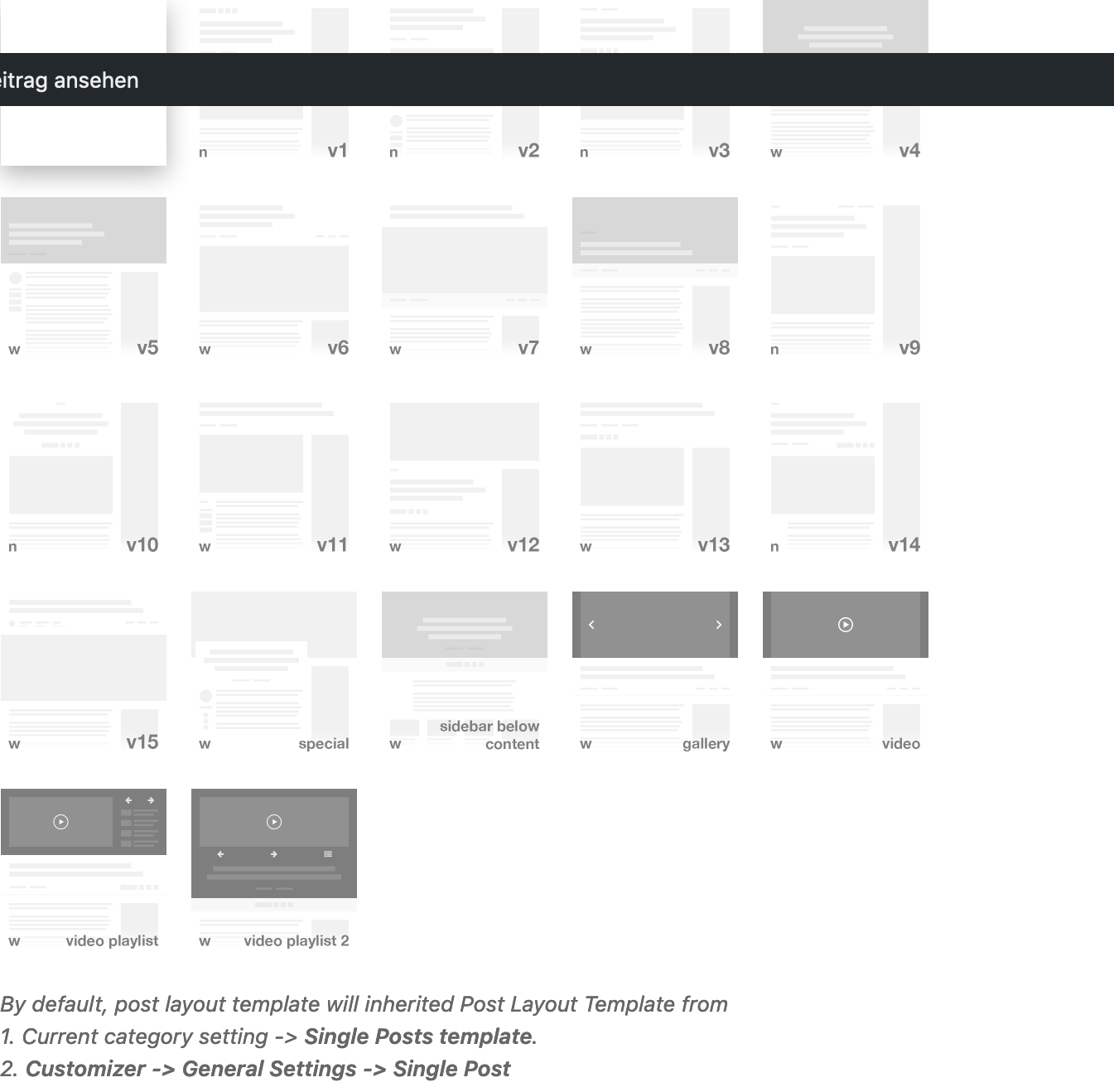
Currently, there are around 7 layout styles for single post: https://s3.envato.com/files/268347742/screenshots/05_customizer_single.jpg , each can have combination of full width title or inline title, making a total of around 14 combination. More can be added in future, but only if I get such response in terms of sales.
Regards
Great Work, Congratulations GLWS
Thank you
Congratulations! Good Luck With Sales
Thanks mate
Congratulations for excellent work and sales!
Thanks
i like but i wish i want to see as fullscreen homepage and posts.
Hello edepli,
Thank you for browsing. I will add a full screen template soon.
Regards
Congratulations! Nice Work, GLWS
Thank you