323 comments found.

From today I’m a member of ryse. I wish our journey will be good. Thank you so much for providing an excellent theme.
Showing this error. How can I fix this? The execution failed. Please check error.log
Please open a support ticket with site access and mention exact steps to replicate the issue? On which section of the site/admin you got the error?
I already message to the support. Please check message from my mail.
Hi there, I can’t make any changes after bought this theme. When I upload the demo then it’s looks like demo. But there is too many demo and pages added like the theme demo. I can’t understand that where to do I start!! Is there any video tutorial? Or I need to be hire wordpress developer or not? If not so how can I make a website by this?
I choose number 2 demo. How can I use it in my homepage?
Please check this tutorial https://radiantthemes.zendesk.com/hc/en-us/articles/360040991194--How-to-select-any-page-as-home-page to fix demo 2 or any page as primary page of your site. If you don’t need any page, you can delete them.
If you face any question, then get in touch with our support team https://radiantthemes.zendesk.com/hc/en-us/requests/new and they would be happy to assist you for any theme related questions. As per themeforest support policy any design/code customization is not part of support.
Hello, how can I change the Search result site – thank you
Hi,
Search is the default search of WordPress so if you want to change that, you can do so by editing the ‘wp-content/themes/ryse/search.php’ file.
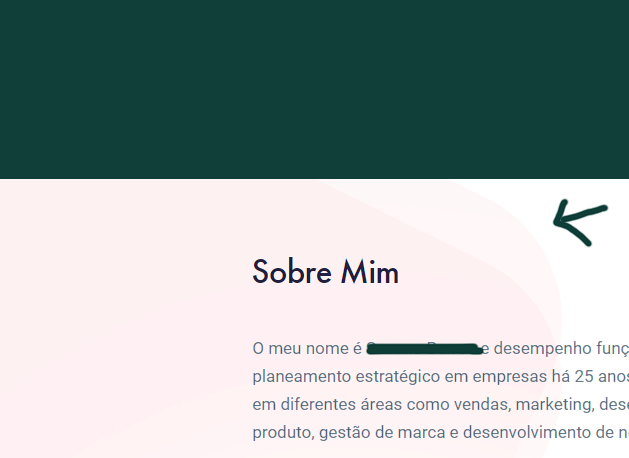
Hello. I’m using one of your demos but I can’t find where to change/remove background: https://i.gyazo.com/491725ab8adcda5acac55909b68a89c7.png
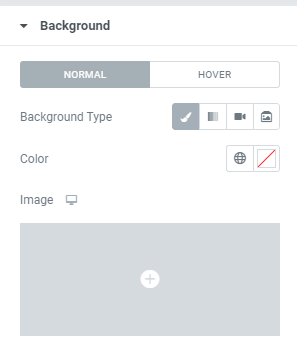
Background options are clear: https://i.gyazo.com/c9de88aadcd4a63a833b2a8588235b4f.pngCan you help me? Thank you!
Unless we see your website url and get access it’s difficult to suggest with just screenshot. Expand Navigator in Elementor and find the layer. All are done within Elementor only.
Hello. Thank you, I was able to find it via Navigator.
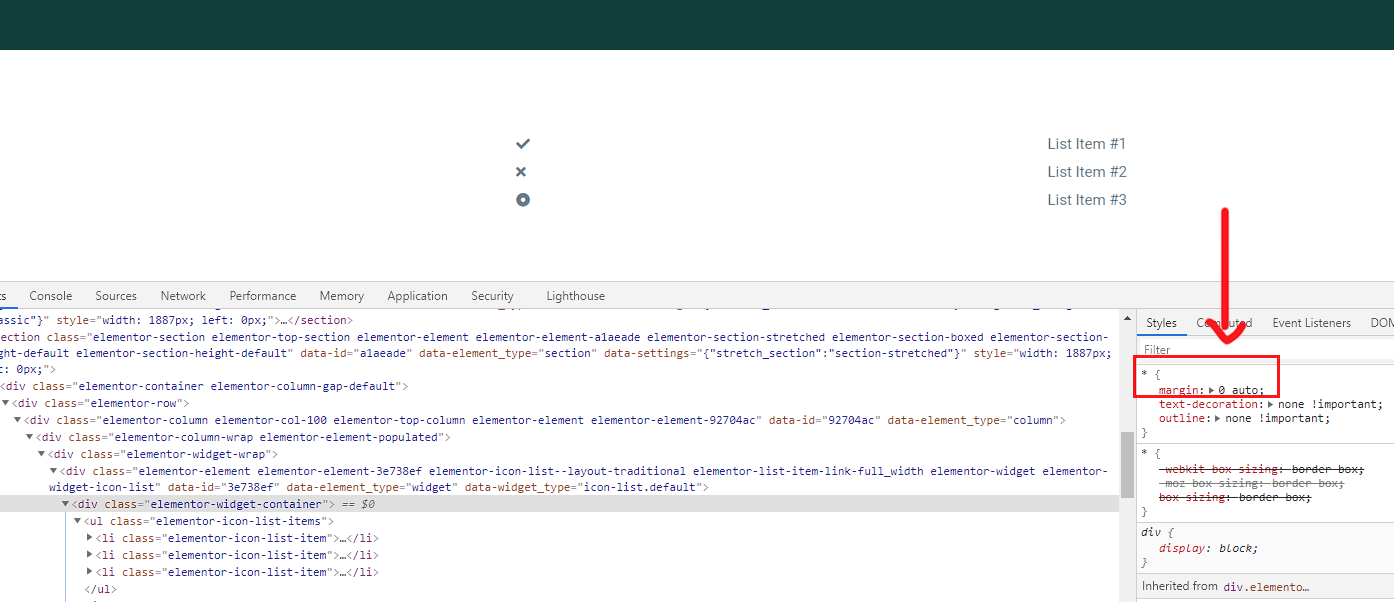
I have another question: I’m trying to use a list but it shows up justified. You can see here: https://i.gyazo.com/6bed3edb2d15380f61153e5b2b2bcb96.png
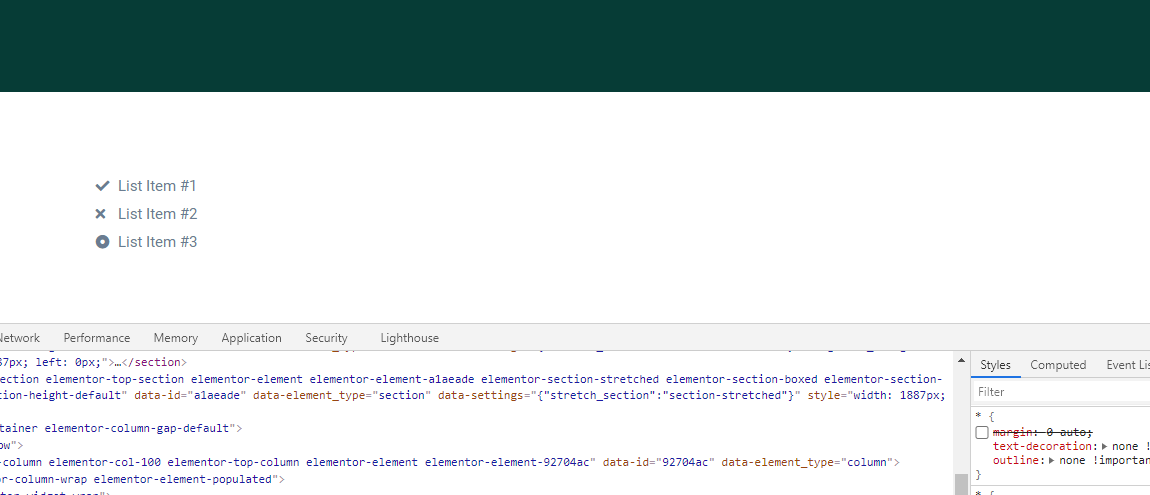
If I unselect margin box, it appears correctly (placed on the left): https://i.gyazo.com/32b4fa2c1e3dcf90bbdd953f32503ad1.png
How can I fix this without breaking code? I’m not sure if this is in use in other template parts.
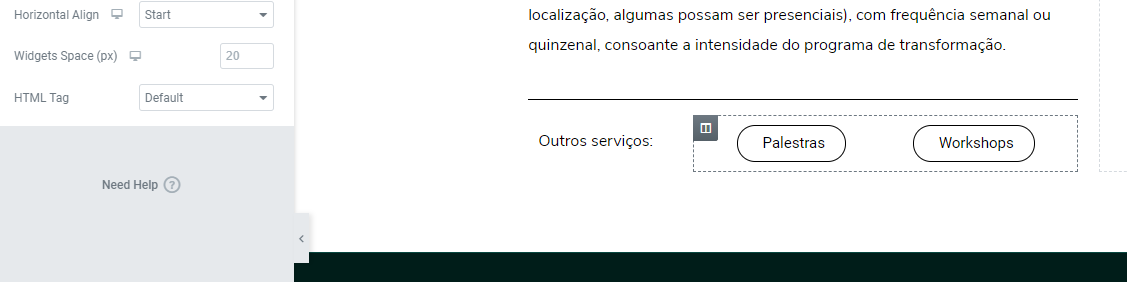
Used “Start” in Horizontal align but nothing happens.
Hi,
As ‘Icon List’ is the default element of ‘Elementor’ so we can’t comment on that. However, please add below CSS on ‘Theme Options > Custom CSS’ to fix the listing problem:-
span.elementor-icon-list-icon { display: inline-block; margin: 0; } span.elementor-icon-list-text { display: inline-block; margin: 0; } .elementor-icon-list-items li:before { display: none; } .elementor-icon-list-items li { padding-left: 0; }
If you’re still having any problem, please open a support ticket directly at https://radiantthemes.zendesk.com/hc/en-us/requests/new with your site url and temporary access so that we can check this for you.
How do we update elementor pro? Can we send you private messages about plugins crashing our site?
To Run Ryse, you don’t need Elementor PRO. All default functionalities of Ryse were achieved by custom Elements made for Elementor.
You can open a support ticket from https://radiantthemes.zendesk.com/hc/en-us/requests/new/ .
We’ll definitely check and suggest solution if theme provided plugins are causing any problem. For third party plugins, respective developer can suggest solution.
Theme is WP 5.5 compatible?
Yes, it is compatible with WorsPress 5.5.
Hi,
i check some others buyer website, entering their website at the bottom left it showing ‘waiting for test.radiantthemes.com’ when the website is loading.. this will make website slow if need to wait for the file from test.radiantthemes.com finish the load..
can it be change to our name domain or store the file from test.radiantthemes.com to our hosting?
Hi,
We can’t comment on other urls you have seen. There is no test.radiantthes.com url in our demo or theme file purchased from themeforest.
How can I change menu for a particular header? I have two menu and I need to change the menu on header ‘Style Eight’. Is it possible?
Hi,
As you can set only one menu as ‘Primary’ menu, so menu will be same for all the header. However, you may assign any other menu on any specific header by editing that header template file. For example, if you want a different menu on header ‘Style Eight’, then edit the ‘wp-content/themes/ryse/inc/header/header-style-eight.php’ file and so on.
Thanks for the quick response. I already set ‘Top Nav’ as Primary menu. It’s coming up with some Header Style’ and another menu (Header Menu) coming up with some other ‘Header Style’. I’m not set this menu as Primary. I already cleared all cache. But I can’t get the idea from where It’s coming.
Hi,
You mean you can’t edit the menu of header ‘Style Eight’? Please specify and open a support ticket directly at https://radiantthemes.zendesk.com/hc/en-us/requests/new with your site url and temporary access so that we can check this for you.
Now I create a fresh page. It’s coming perfectly with the menu that I assigned as a primary menu. But once I assigned the same page as ‘Home’, menu has been changed. again I removed the page from ‘home’ status. It’s fine with the primary menu. So the thing is happening only once a page assigned as home. Did you get it? Unfortunately, my support plan has been expired. That’s why I’m disturbing here. 
Hi,
Please update the theme by following our https://radiantthemes.zendesk.com/hc/en-us/articles/360042211454-Theme-update tutorial for this. Before updating, please keep full backup of the site by using https://wordpress.org/plugins/duplicator/ plugin for safety purpose. If you’re not comfortable with the theme updating, then go to the ‘wp-content/themes/ryse/inc/header/header-style-eight.php’ file and delete the highlighted code of https://nimb.ws/214qDE and https://nimb.ws/NOU1Gu and https://nimb.ws/dsjgPN
Yeh, Great. After the latest update, it’s fixed. Everything fine except a small padding issue on ‘Header Eight’ right side button ( http://snpy.in/h0bdRe ) I think it can fix 10px padding on .wraper_header.style-eight .wraper_header_main .header_main_calltoaction. Right? Anyway thanks for the quick and prompt support. ALWAYS RECOMMENDED 
Hi,
Yes, please add the below CSS code on ‘Theme Options > Custom CSS’ for that:-
.wraper_header.style-eight .wraper_header_main .header_main_calltoaction { padding: 10px 0 0 0 !important; }
If you like the theme kindly consider to review it. A good rating will encourage us to offer more designs and features.
Thank you once again for purchasing the theme.
Sure.
Hi,
If I ‘Select Sticky Style’ as Style One (Classic), ‘Main Header Background Color’ not working. – http://snpy.in/yAc1ph (Header Style Eight)
But It’s working fine on the next option – Style Two (Delayed).
One more thing, If I add an anchor point in a page and click on the button to scroll anchor point it’s working fine. If I add one more float navigation page menu. How to increase this top header gap for anchor? I think you already set this for sticky menu.
Many Thanks.
Hi,
We can only check this on your site. Please open a support ticket directly at https://radiantthemes.zendesk.com/hc/en-us/requests/new with your site url and temporary access so that we can check this for you.
Hello, do we have to make a copyright link or something else for the graphics and pictures in the theme? Thank you
Hi,
All those images are free so you don’t need to make copyright link for them.
thank you
Mega menu is not working, instead of megamenu dropdown it redirects to mega menu elementor page
Hi,
Please follow our https://radiantthemes.zendesk.com/hc/en-us/articles/360042087873-Set-Up-Mega-Menu-For-Elementor- tutorial to manage mega-menu. If still you’re having problem, please open a support ticket directly at https://radiantthemes.zendesk.com/hc/en-us/requests/new with your site url and temporary access so that we can check this for you.
Hello, the Ryse theme stops showing elements on my website!!!
Hi,
We’ve replied to your ticket. Please check and reply to that ticket.
How to enable top header to show on mobile devices?
Hi,
Please open a support ticket directly at https://radiantthemes.zendesk.com/hc/en-us/requests/new with your site url and temporary access so that we can check this for you.
I want to delete header image part from my blog post page, it will cover more parts of the post
Hi,
Please open a support ticket directly at https://radiantthemes.zendesk.com/hc/en-us/requests/new with your site url and temporary access so that we can check this for you. Also, please provide screenshot of which section you’re talking about and url of the page, so that we can inspect.
Hey we love the design, but do u plan to launch the theme with js composer.
I’m sorry to say but this is an Elementor exclusive theme.
How do I import just 1 demo?
To keep it hassle free for all users we have given all demo pages with demo import. If you don’t need few of them, you can delete them.
Hello, i’ve just bought your theme which seems to be great but i can’t upload your demo ? I saw your tutorial but no link for me to import demo file ? https://radiantthemes.zendesk.com/hc/en-us/articles/360042152133-Theme-Installation-tutorial-for-Ryse Could you help ?
Hi,
Thank you for purchasing Ryse. Please check Step 6 – https://radiantthemes.zendesk.com/hc/en-us/articles/360042152133-Theme-Installation-tutorial-for-Ryse . Import starts from Step 6. First you need to activate Plugins and then from Step 9, demo import starts. It’s step by step process and you don’t need any link/file to import demo designs. Should you need any help about the theme, please reach our support team at https://radiantthemes.zendesk.com/hc/en-us/requests/new .
OK i’m going to contact your support…
Version 15 not working.
Maybe a temporary issue. We find all demos are working well. Can you recheck? Maybe clearing cache will help.
Nice theme. Just to reiterate, I and 15 are not working. I tested using incognito in Chrome.
Found the issue. Had a SSL issue on those tow pages. Now fixed and working well. Please check after clearing cache. it should work. Thank you for bringing this to our notice.
Hi, I’m interested in your theme, but I have some pre-sale questions.
Please help me to clarify these.
I want to sell digital services with easy digital downloads; I also wish to collect payments through a form. I found that gravity forms can be integrated with EDD easily.
So I want to know that.
1) does this theme compatible with EDD? 2) can I use gravity forms on this theme?
We haven’t tested it with digital downloads and Gravity forms. But I guess in next update we’ll include compatibility with these two.
thank you , i’ll wait
Hi, We want to convert this theme into html with partnership. Profit will be share 50/50. If you agree then we can start work. Thank you.
awesome design and theme.. i would like to know if you have any design just for landing page?
I’m sorry landing page is not part of demo import. This is very basic page and was built using elementor. You can easily make such structure.
support link is not opening for me, how can i install a demo?
If you go to Support Tab and click Go to Item Support then it’ll take you to https://radiantthemes.zendesk.com/hc/en-us/requests/new?envato_item_id=24085168 .
Please check Ryse installation and import tutorial from https://radiantthemes.zendesk.com/hc/en-us/articles/360042152133-Theme-Installation-tutorial-for-Ryse . Please ensure you complete STEP 10 as mentioned in the article.