1203 comments found.

Hi there,
I’m so new with wordpress. My question is how can I do the sidebar like you do in template? (when click on a menu and it slide to see the side bar). Please help me.
Cheers, Patthawee
Hi Patthawee  hope you are fine,
Thank you for purchasing Writing, sure you will like it  You can get the sidebar from (Appearance > Widgets) then insert the widgets you want in the Sliding Sidebar widget area as shown in the screenshot attached
Please try and let me know if you needed any help, we are always here for you! Also, if you like us, I’ll be very grateful if you give us five stars on Themeforest https://themeforest.net/downloads
Your rating encourages us to provide more updates and support
Hi there,
I set up just like what you recommended, but when I preview my site there is no icon for the sidebar at all. T.T
Reference: https://drive.google.com/open?id=1nxkepeaVldWLayYQSq8Z-kUgS8NYi8j4
BTW, I think it would be great if you can do something like ‘How to setup like a demo’ for newbie like me, sorry to keep bothering
Hi friend hope you are fine,
Can you please send me login info to support[at]ahmad.works so that I can investigate the issue and fix it for you?
Thanks
I don’t see the installation and related doc file. What is the name of the file?
Thanks Armando.
Hi Armando
You will find it in docs folder that’s included in the theme package, then index.html
Please try and let me know if you needed any help
How can I choose a layout with or with out a sidebar?
Hi friend hope you are fine,
You can select sidebar layout from (Appearance > Customize > Layout > General Settings > Sidebar Position)
Please try and let me know if you needed any help, we are always here for you!
Hello – I want the layout of my blog to look like this https://preview.themeforest.net/item/writing-blog-personal-blog/full_screen_preview/11547928 Please provide me instructions. I uploaded the Demo and it looks like this http://christconsciousness.org/ Thanks for an clean crisp theme.
Hi friend hope you are fine,
For best results, it’s advised to import the demo using One Click Demo Import plugin
Please try and let me know your feedback!
I already did that. Please help. See my previous message. Thanks
Hi friend
Ok, can you please send me login info to support[at]ahmad.works so that I adjust your import to be exactly like the theme?
Thank you for your patience
Hello – Where are the instructions for installing this theme and other related documentations?
Hi friend
You will find it in docs folder that’s included in the theme package, then index.html
Please try and let me know if you needed any help
Hello A-Works
First of all, great job, amazing theme! A question, a tried to edit the functions.php file and then the single.php file to add the word count under each of the posts, as i’ve always done for other themes, but nothing happened. Is it possible to do that or it will be maybe a future feature?
Many thanks!
Hi friend hope you are fine,
Thank you for purchasing Writing, sure you will like it
This option isn’t available but I can add it for you if you don’t mind sending login info to support[at]ahmad.works
Thanks!
Login info sent! Thanks
Got it thank you, please stay tuned while I check it for you!
That’s perfect, thank you very much!
You are welcome anytime buddy please feel free to ask anything, we are always here to help!
Enjoy Writing and have a great day
Hello,
EDIT: nevermind, I figured it out but it could still be useful to you:
The issue described below only happens if I have lazy load enabled. without it, everything looks like it’s supposed to look.
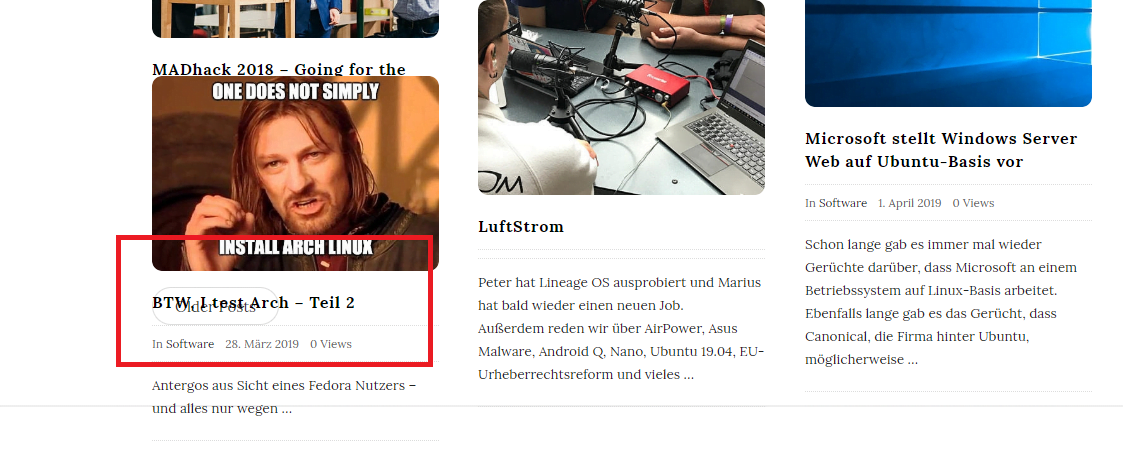
I’m using the masonry with featured posts layout but it looks broken. Some images or headlines overlap other posts, overlap abstract, it even overlaps the “older posts” button and makes it unclickable, sometimes even blog titles are not visible. There are also 2 scrollbars visible if you scroll down which isn’t ideal. I don’t know why this is happening. It also ignores the dont show views setting. See screenshots: https://nerdzoom.de/wp-content/uploads/2019/04/1.png https://nerdzoom.de/wp-content/uploads/2019/04/2.pngThanks!
so now that I figured this out I only have one question: Is there a way to have a widget permanently visible? I don’t want it to slide in/out, I want it visible all the time.
Hi friend hope you are fine,
Thank you for purchasing Writing, sure you will like it
You can set a normal sidebar from (Appearance > Customize > Layout > Sidebar Position > Right)
Please try and let me know the feedback!
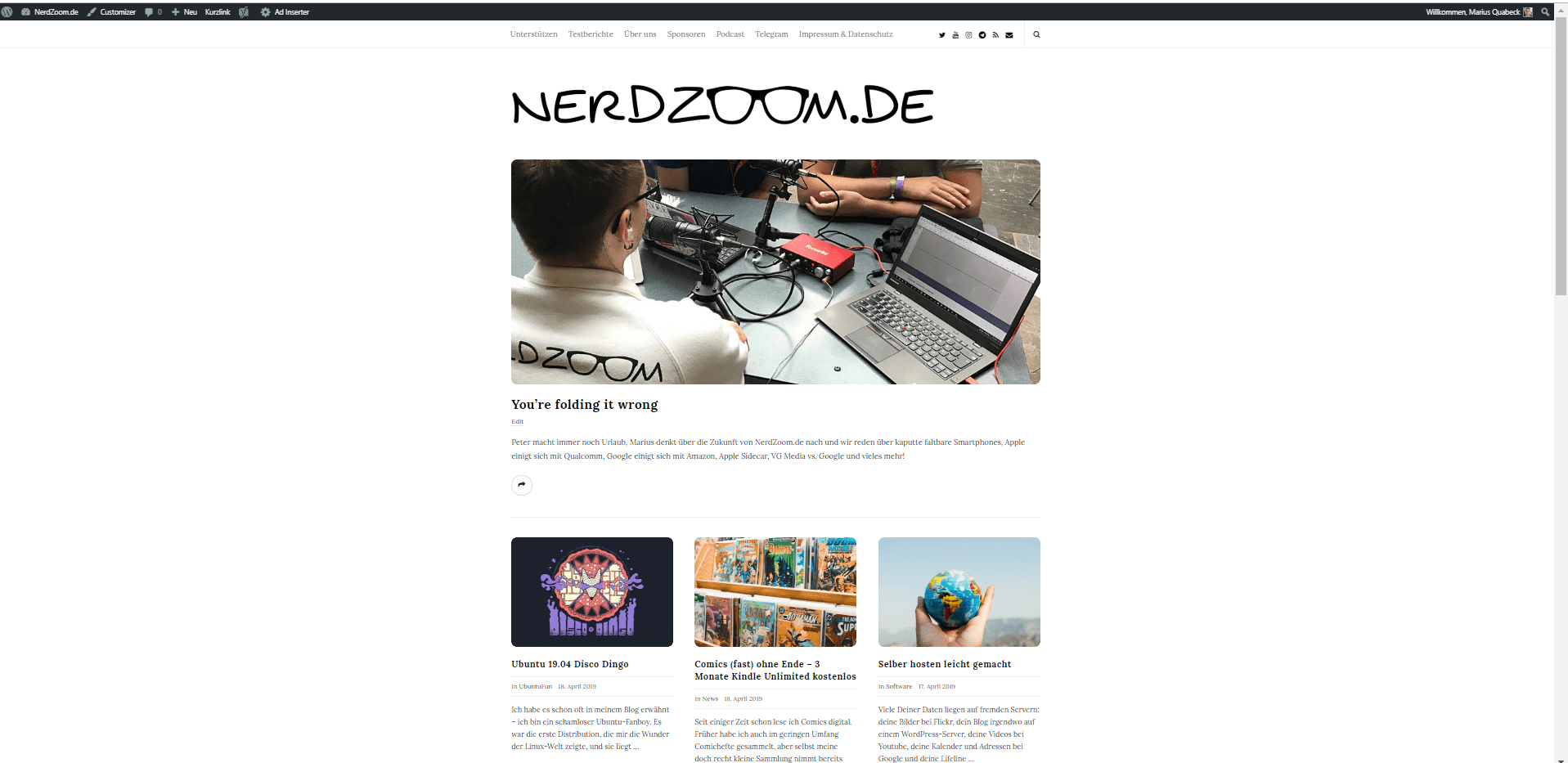
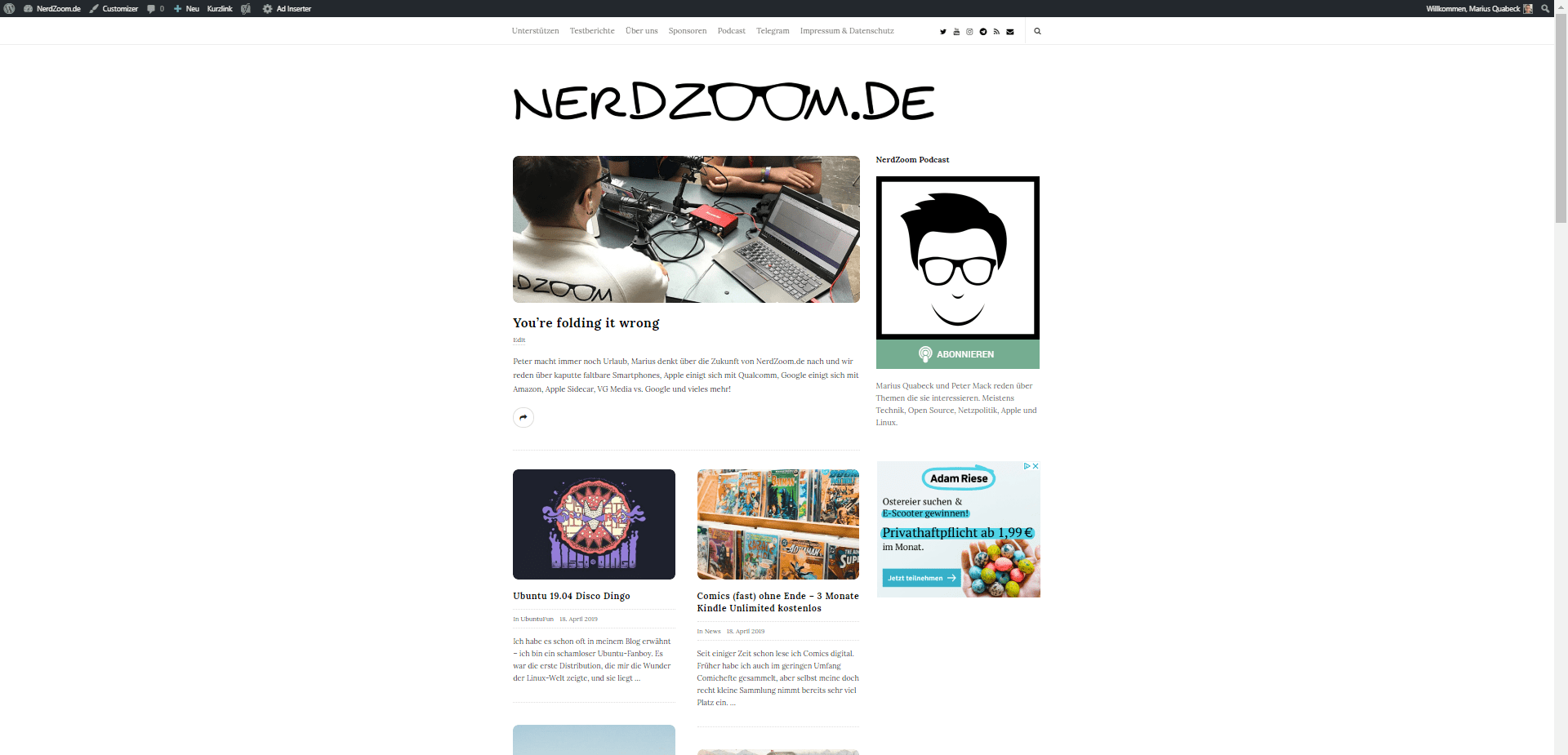
Hi, thanks for the quick reply. It worked. Is there a way to keep it as the 3 column layout that I had before adding the widget? There is a lot of wasted space with the widget enabled. before: https://nerdzoom.de/wp-content/uploads/2019/04/before.png after: https://nerdzoom.de/wp-content/uploads/2019/04/after.png
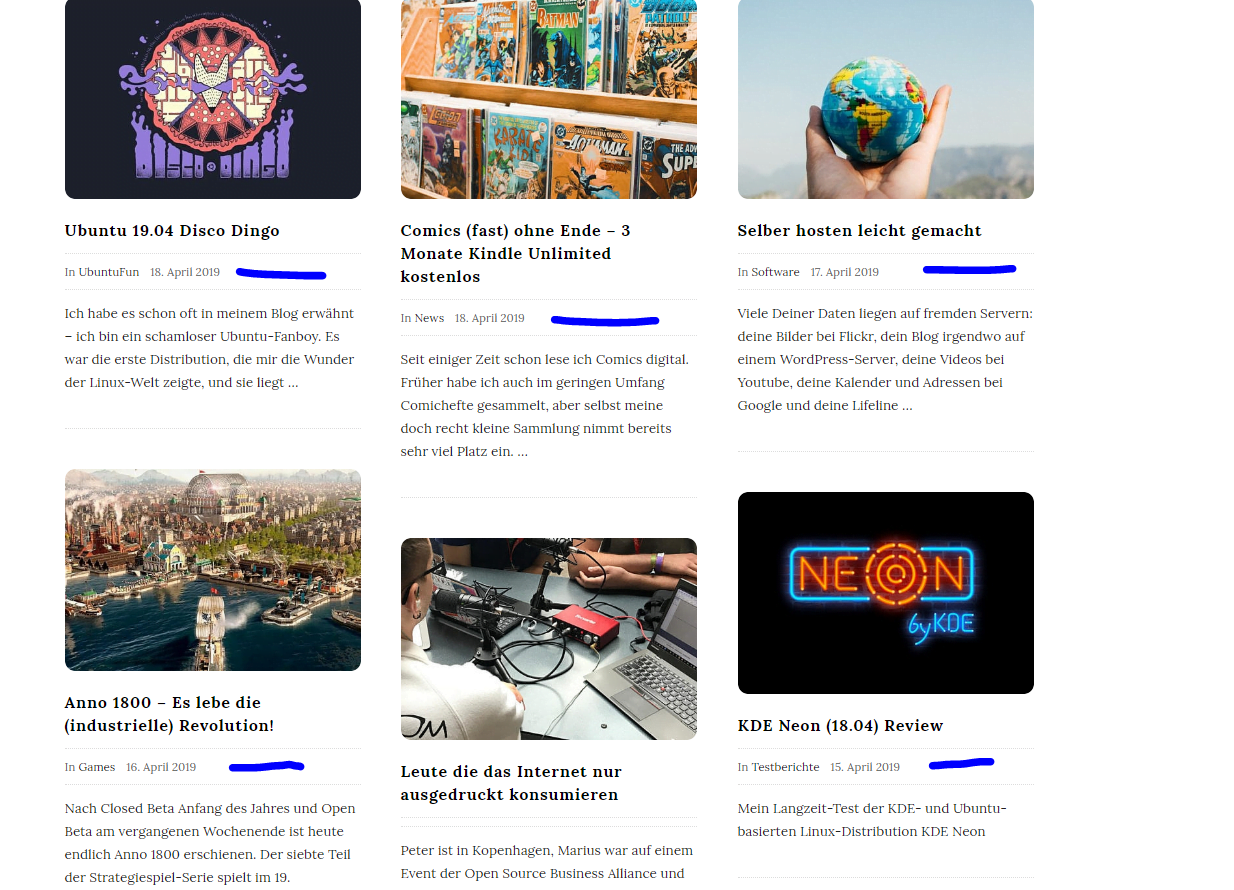
I see that I can show/hide the author name on the post page, is there a way to show it with all the other meta info on the homepage as well?
Hi friend
Please try adding this code to (Appearance > Customize > Additional CSS Code)
@media (min-width:1000px) { .container { width: 1000px !important; } .blog_posts_wrapper.masonry_blog_style .blog_post_container, .blog_posts_wrapper.banner_grid_blog_style .blog_style_featured_other { width: 33.333333%; } }
And for the author name, please show it from customize and add this code to hide it from single posts.
.single .blog_meta_author { display: none; }
Please try and let me know the feedback!
Hi,
this worked great thank you! I will experiment with that design for a bit. I think I like it better without the widget ¯\(ツ)/¯
I don’t want to hide the author name from single posts, I want to display it on the main page, not only on the post page so that you can see who has written what post on the main page https://nerdzoom.de/wp-content/uploads/2019/04/3.png
I see, sorry for the misunderstanding, Please try this code instead and let me know the feedback!
.blog_posts_wrapper.banner_grid_blog_style .blog_style_featured_other .blog_post_meta .blog_meta_item.blog_meta_author { display: inline-block; }
Awesome, this is exactly what I wanted! Thank you so much for your help!
You are welcome anytime buddy, please feel free to ask anything, we are always here to help!
Also, if you like us, I will be very grateful if you give us five stars in Themeforest https://themeforest.net/downloads
Your rating encourages us to provide more updates and support
Hi friend hope you are fine,
I will need to login to fix this issue for you please send me login info to support[at]ahmad.works
Thanks
Where are the instructions to install my Writers bog theme?
Hi friend hope you are fine,
Thank you for purchasing Writing, sure you will like it
You can find the instructions in the documentation included in the full theme package you can get it from https://themeforest.net/downloads then click download then click All Files & Documentation
Please try and let me know if you needed any help, we are always here to help!
Hi, I bought a license a year ago. Now I’m planning to move my blog on another domain and I’m wondering if it might be a problem with my license. Thanks for your answer!
Hi friend hope you are fine,
Thank you for purchasing Writing, sure you like it
No problem at all the license is per one live domain, regardless of the domain name
Please feel free to ask anything, we are always here to help!
Also, if you like Writing, I will be very grateful if you give us five stars in Themeforest https://themeforest,net/downloads
Your rating encourages us to provide more support and updates
Hi, Appearance > Customize > is not loading. Could you help me please? It’s a little bit urgent.
Thanks
Hi friend hope you are fine,
Can you please send me login info at support[at]ahmad.works so that I can investigate and fix this issue for you?
Thanks!
Sent it! Thanks
Got it, Thank you Please check your inbox.
Hi i bought this theme, But I need html code please
Hi friend hope you are fine,
Thank you for purchasing Writing, sure you will like it
Unfortunately there’s no html template of the theme, it’s only Wordpress.
Please feel free to ask anything, we are always here to help!
What is the database support for the theme?
Hi friend hope you are fine,
Thank you for your interest in Writing, sure you will like it
The theme is made for Wordpress, so it supports mysql database. Please feel free to ask anything, we are always here to help!
Thanks
Will I have the access to the actual database file if I purchase the theme?
Hi friend
Sorry, I don’t understand the question, can you please clarify more?
Thanks
Hello!
I just bought the Writing Blog theme for my book blog www.coffeebeanandteareads.com.
I want to deactivate the sliding sidebar, and use a regular right sidebar for all my blog posts and pages.
I went to Customizing > Layout > General Settings
I changed the Sidebar Position from No Sidebar to Right Sidebar.
I also changed the Sliding Sidebar settings from Show to Hide.
The settings reflect in the automatic preview (and it looks great!), but when I click on the Publish button, nothing happens.
Even now I have the Right Sidebar activated and Sliding Sidebar hidden on my theme settings, but the changes aren’t reflected on my blog.
Your help would be greatly appreciated. Thanks!
Hi friend hope you are fine,
Thank you for purchasing Writing, sure you will like it
Can you pleas send me login info at support[at]ahmad.works so that I can fix this issue for you?
Thanks
Just sent you the info. Thanks!
Got it thank you, please stay tuned!
Hi friend
Thank you for your patience, got the issue and fixed it for you
Please feel free to ask anything, we are always here to help! Also, if you like us, I’ll be very grateful if you give us five stars on Themeforest https://themeforest.net/downloads
Your rating encourages us to provide more updates and support
My best author, Add grid display, can you? 5 grid 4 grid 3 grid
Hi friend hope you are fine,
Thank you for your suggestion, we will study it and let you know the feedback!
Have a great day!
I want to update the theme. But the envato plugin does not work. How do I update?Thanks
Hi friend hope your weekend was great,
Thank you for purchasing Writing, sure you will like it
Can you please send me login info at support[at]ahmad.works so that I can investigate the issue and fix it for you?
Thanks!
HI,
It seems that the fonts of posts content in the front page are minor (less than 14px) when your displays are iOS devices, and no matter how i change the font size in ‘blog posts description’, there is no practical change. But the font display on PCs is excellent.
Great work by the way.
Hi friend hope your weekend is going fine,
Thank you for purchasing Writing, honored that you like it
Can you please write me the website url so that I can investigate the issue better?
Thanks!
Hi,
The theme looks great and I’m considering buying it for my personal blog. I’d just like to know: 1) Can the typography be changed? 2) Is there a Goodreads plugin or icon included?
Thanks in advance!
Hi friend hope you are fine,
Thank you for your interest in Writing, sure you will like it
1) Yes, you can change typography, whether it was font type or size or color
2) We are releasing a new update today and will include Goodreads in the social links
Please feel free to ask anything, we are here to help!
Thank you for the quick reply!
You are welcome anytime buddy Please feel free to ask anything, we are always here to help!
Hello,
It’s a pre-sale question,
Does it support and compatible with Woocommerce ?
Hi friend hope you are fine,
Thank you for your interest in Writing, sure you will like it
Unfortunately we don’t support Woocommerce in Writing as it’s a minimal blog theme
Please feel free to ask anything, we are always here to help!
Okay! No issues
Thanks a lot for your quick response.
And one more thing, does it support WordPress multisite or not ?
And if yes, then do I need multiple licenses for all the sub-sites of the network or single license will be for the entire multi-site network ?
hello A works
the only difference is that the link name at the bottom of the action page is the one I have already sent you. rather than it being just https://solomonstay.org
thank you.
I see, please stay tuned while I check this issue for you
Thanks!
Hi friend
Thank you for your patience, the issue is fixed now please check and let me know your feedback!
Thanks
Hello A Works
made sure that what I was doing was like the screenshots. the title goes to the right page for a couple of times and then it all changes again it seems.
but my customize page looks the same as the image. the link at the bottom of the action is the one I have sent you, rather than it just being https://solomonstay.org
thank you.
Hi friend
Thank you for your patience, the issue is fixed now please check and let me know your feedback!
Thanks
Hello A works
Yes, I clicked the published button. But as you will notice the link in the bar is not just the web name but the following: https://solomonstay.org/?customize_changeset_uuid=dde45e4e-a5b9-4411-8dbb-4aaa8c919dcb
Hi friend
This link is the customizer preview of the settings. that’s normal if you are in the customizer or opened this page from customizer or have been redirected there from the customizer. I see that for some reason the settings you pick don’t show to the public, please make sure that they are published as shown in the screenshot.
Let me know the feedback
Hello A -Works
when I type in the web address www.solomonstay.org or click on the title with the orange dot. it doesn’t display the blog style I have chosen. so I click on customize and as soon as I do it transforms into the page I have chosen.
when I close that page the web address is as follows https://solomonstay.org/?customize_changeset_uuid=dde45e4e-a5b9-4411-8dbb-4aaa8c919dcb
however, this means that the tile and web address which is the same location displays a different kind of blog style. which is without the sidebar.
thank you.
Hi friend
Do you click Publish button after making the changes?
Thanks