1096 comments found.
Hi. I found a problem when the browser is set with javascript turned off. Nothing, images or texts, are showing. And this is terrible just because some people disabled js for security reasons… See:
https://2.bp.blogspot.com/-CCt6tp6dL8k/WEMgJ9KZy6I/AAAAAAAAeG0/cM-XAzvrybUkU-l8j62AsHzp4TtRiXnTQCLcB/s1600/MagOne-JS.pngCan you fix this?
Hello. MagOne (and any other magazine Blogger templates) is AJAX based, so they will need JS to display home page layout, and also other complicated functions. Sorry but if you want that feature, you must consider WordPress platform or other more simple Blogger template which is not AJAX based.
Ok. Thanks. Anyway I`m happy with tamplate…

chào a tiến có thể nào cho em biết làm cách nào để trang chủ là FLATNEWS => http://magonedemo.blogspot.com/2000/09/adapted-flatnews.html và trang con là sahifa => http://magonedemo.blogspot.com/2000/09/sahifa-best-magazine-wordpress-theme.html kiểu dạng demo như trang magone có nhiều demo của anh vậy đó.
Cái đó mình phải dùng JavaScript để cấu trúc lại trang. Nó chỉ hoạt động với domain MagOne.BlogSpot thôi. Sorry bạn.
How could I change the share button and remove pinterest and whatsapp. And add linked in instead of them. And move facebook on the left of twitter.
Hello. Send support ticket to http://support.sneeit.com . Thank you.
Hi, The day I applied this template, I was blocked from blogger. How is that possible? Also why can not I register for support page?
Hello. A template can not be caused of blocked from Blogger, but your content. You can contact to Blogger support or ask on Blogger forum productforums.google.com/forum/#!forum/blogger
Blogger will blocked accounts which are SPAM or violated their policies. https://www.blogger.com/content.g?hl=en
In the policies, you can not find anything about template, because it’s just user interface.
Hi, I couldn’t able to give a link to contact page like the one in http://magonedemo.blogspot.com.tr/p/contact.html. What should I do?
Hello. I don’t get the idea. Can you please describe more?
I want to have a contact link, at the bottom of page like the one your demo http://magonedemo.blogspot.com.tr/2000/08/layout-affiliate-marketers.html
And have a contact page like the one here http://magonedemo.blogspot.com.tr/p/contact.htmlWhat should I do?
OK. I managed to do it. Thanx.
Chào a, khung bình luận fb lúc hiển thị lúc không anh à, link mới thì có link cũ thì không => http://www.boyvietnam.net/2016/11/vietsub-bl-hai-nguoi-cha.html =>http://www.boyvietnam.net/2016/10/vietsub-bl-chang-trai-nhan-tao-am-ap.html và em muốn ẩn tất cả những hình ảnh đầu tiên của blog thì phải làm cách nào ạ?
Bạn edit các bài mà không hiển thị và xem bên cột bên phải thử option allow comment đã được check chưa nhé.
Dùng Sneeit Spot / Settings / Post Content / và disable feature image đi.
à phần bình luận thì ok r còn phần disable thì mình tìm hoài k có. https://1.bp.blogspot.com/-nSrE9S1v7oo/WD5bNLnFaSI/AAAAAAABV0s/cmVet77Xu4gawLcaazBjVLwtaGt-p3JnwCLcB/s1600/Untitled.png
Chọn vậy đúng rồi bạn.
I bought the template today, and loved it very much. But I think default font is a little small. How could I change the default font and size?
You can change the font in Template / Customize / Advance.
About the font size, we can not cover all elements with options, so please send the name of element you want to change to http://support.sneeit.com so I can check if that element has option to change the size or we need a custom css.
Thank you.
Hi Tien ,
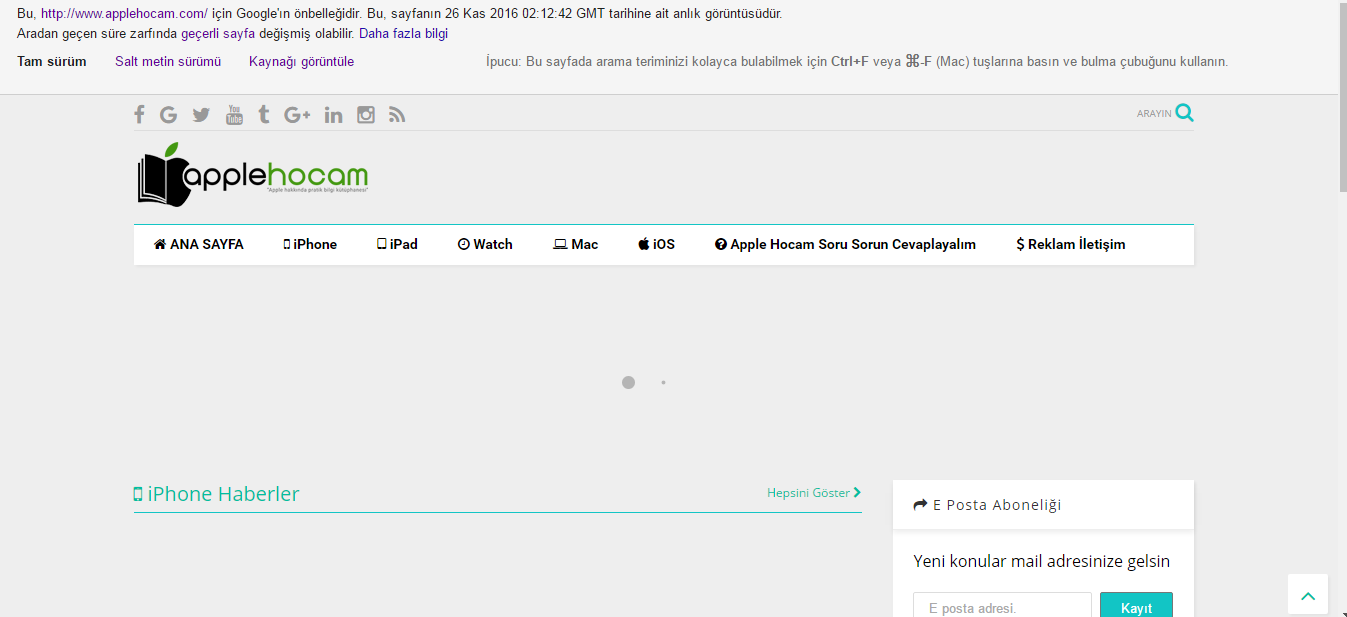
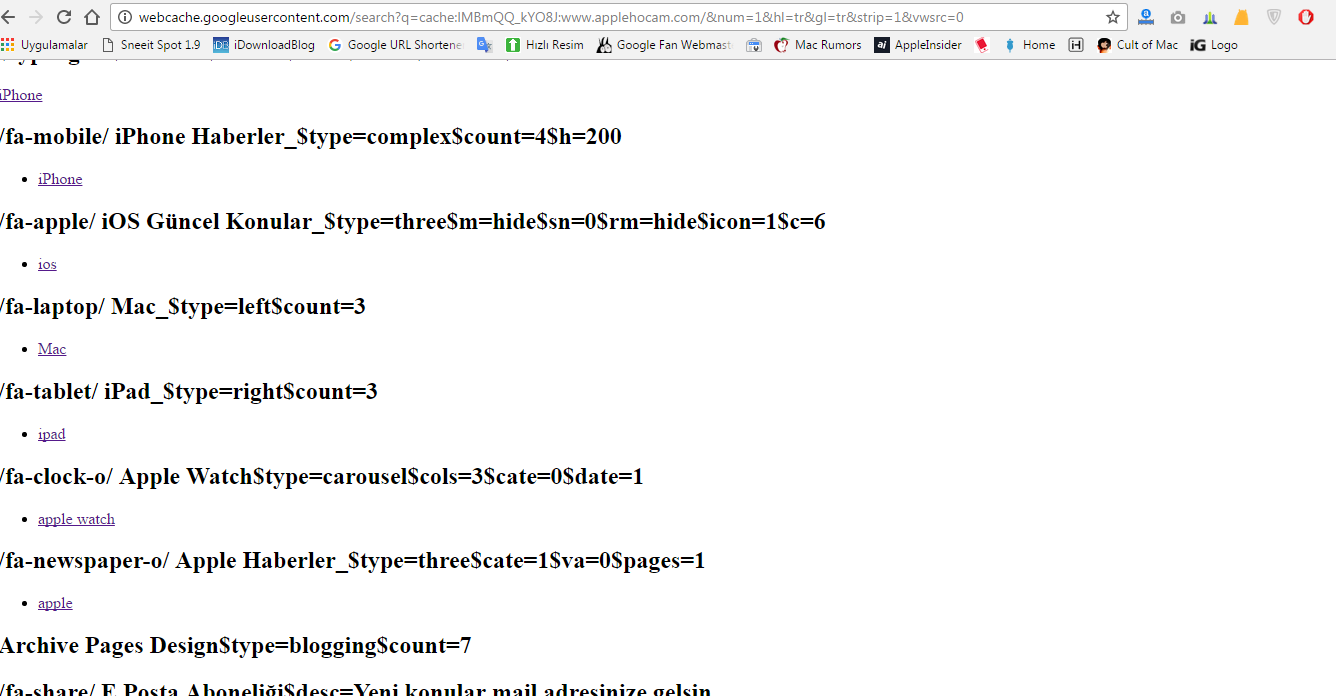
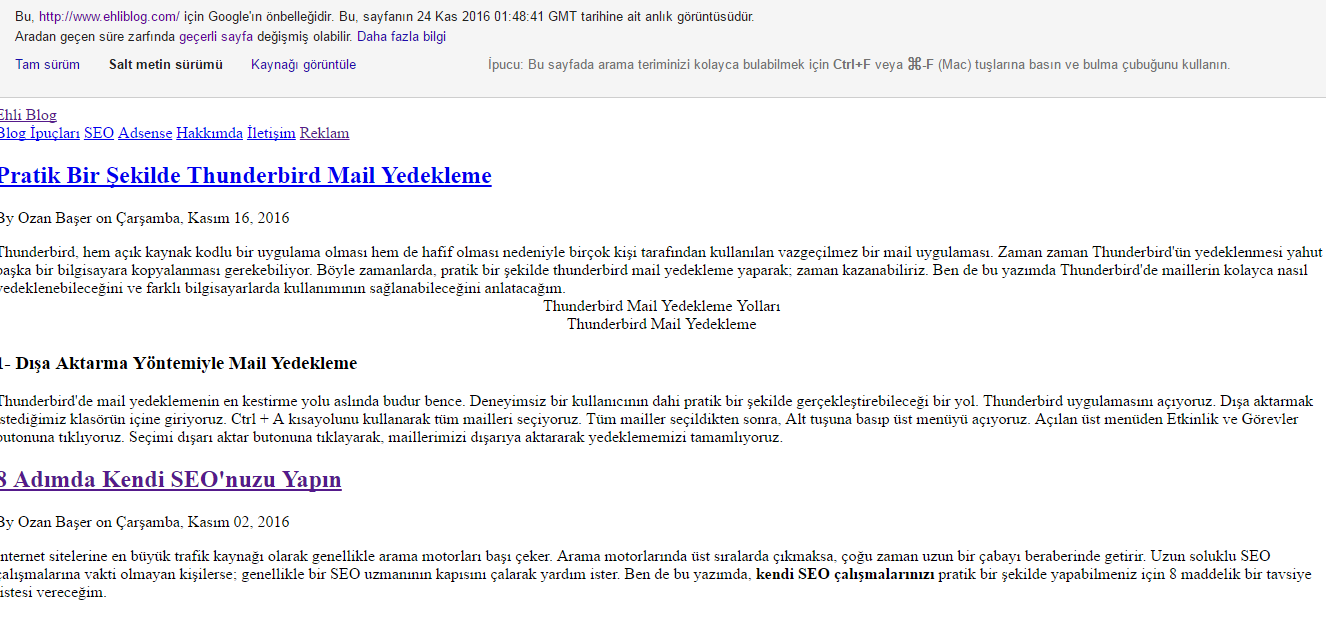
My sitem Google cache looks like this http://i.hizliresim.com/pXj5GJ.png http://i.hizliresim.com/vXma7R.png This way, the topics are not indexed by google How can I provide the google cache lookup on my own site like this example In terms of seo, normally things should look like this in google cache and google botlar. http://i.hizliresim.com/zagGOB.pngBe very happy to help
MagOne is AJAX base template so that’s why the home page will show like that. But Google will never only index using home page. You must check in Webmaster report to see that you submitted site map or not and to see what posts / pages were indexed.
hi i use this code in the article in the first image
img src=”https://www.example.com/imgs/18046755715839ccef5fb4b.jpg” title=”[feature]”
but in the sidebar it show random photo .. why?
i make copy paste from another site and i add the [feature] in the title of the first image but it get random in the popular in the sidebar
Hello. The popular widget of Blogger will get internal images only. This widget is an official widget of Blogger so we can not do anything on it.
Hi Tien,
is it possible to make the header and footer full width and not boxed? Any CSS or something we could just add?
The layout of MagOne not allow to do that.
Cool design! Great service! Easy setup! NICE!
There’s something happening with sneeit -https://s18.postimg.org/zasb52aft/image.png
And labels are off – https://s18.postimg.org/fu7lijfbt/image.png
Hello. Please send the site to http://support.sneeit.com Thank you.
I just released the version 1.9 of Sneeit Spot. Please double check.
Shows normally now, it seems that Blogger released updated version of their platform.
Hello! I just wanted to know whether the disappearance of these buttons is caused by the template. Thank you.. http://pasteboard.co/tgAkQ0Pjy.jpg
No. It is not. You will see the same thing with other template (official templates). You can create a test blog to check.
I am get the same thing with my test blog which is using default template of Blogger. So this is Blogger itself, may be they are developing some thing.
Hi I just bought this product It is not set to my blog both ways. I get an error: Unable to load template: Error while parsing XML (line 1, column 57): The markup in the document following the root element must be well-formed.
What should I do?
Hello. Just send ticket to http://support.sneeit.com . Thank you.
Nice!
How do we hide a widget from mobile and pages in this template?
Never mind, found it in documentation.
Hello Tien,
Thanks for the 5.6 update, weird thing happened after upgrade, as now the INNER POST ADS as well show up on main/home page right after the posts, as in footer of post area.
when post is opened, it shows up at designed place but not at the end. (which it is supposed to do)
Hello. Thanks for the feedback, it’s really useful. I just update the template to version 5.7.0 . Please update and double check if the the bug was fixed for your site.
Thank you very much.
Thanks for quick turn around, version still remains 5.6 but issue fixed. Cheers!
still no response about my ticket support? keep reply my question with your standard and basic answer? i already add u as an admin at my blog/website but no sulotion? the question is very simple: 1) we put adsense code at ads inner 1 or 2, 2) the function of lock and many more not working if we put adsense code (in other word not compatible with adsense 3) please remove the description compatible with ads or adsense ready if you cannot fix the bug
please fix it dont cheat people. tq
I replied your email. But as you request here so I just replied again. You please read it properly and follow my advise.
Stay calm. Thank you.
do u understand english? u keep sending me the same answer. but not fix it at all. the question is: when we put adsense format at template (post content) some of your template not work such us lock and many more. your answer is : follow your format and only put 1 adsense code. yes i did follow but not resolve at all. so what is the solution is? solution is, please fix and update the bug of your template not supported adsense at post body content.
I replied your ticket. Please check.
Hi Tien,
It seems that inner post ads don’t work for me, I’ve enabled it via Sneeit Spot 1.8 but there is nothing showing.
Used the same code I use for mine right-sidebar ads, and they show normally, but the top-left and second inner post ad spots don’t show up at all.
Here are the settings – https://s13.postimg.org/g5raqjmev/ads.png
Here’s a live example on mine blog – http://bit.ly/2fuX36B
Send support ticket to http://support.sneeit.com . Thank you.
Today I update my template to 5.5.0 and I found a bug.
http://www.fatcatslim.ru/2016/11/konec-detstva-recenziya-na-tretiy-sezon-seriala-ostanovis-i-gori.html http://savepic.ru/12155950.jpgThis is bug in all posts bigger then 3 paragraphs. My HTML is OK.
That’s auto inner post ads. If you don’t want, just disable the ads.
I disable it, but problem not solved.
Disable from Sneeit Spot?
Sorry, dear Tien. I disable it. Thank you!
template not working properly if we put adsense at body exspecially asynchronous links ads. please fix it up
I replied your support ticket, please check there. Thank you.
i already reply please do check and help fix the template & bug error. thanks you so much