16332 comments found.
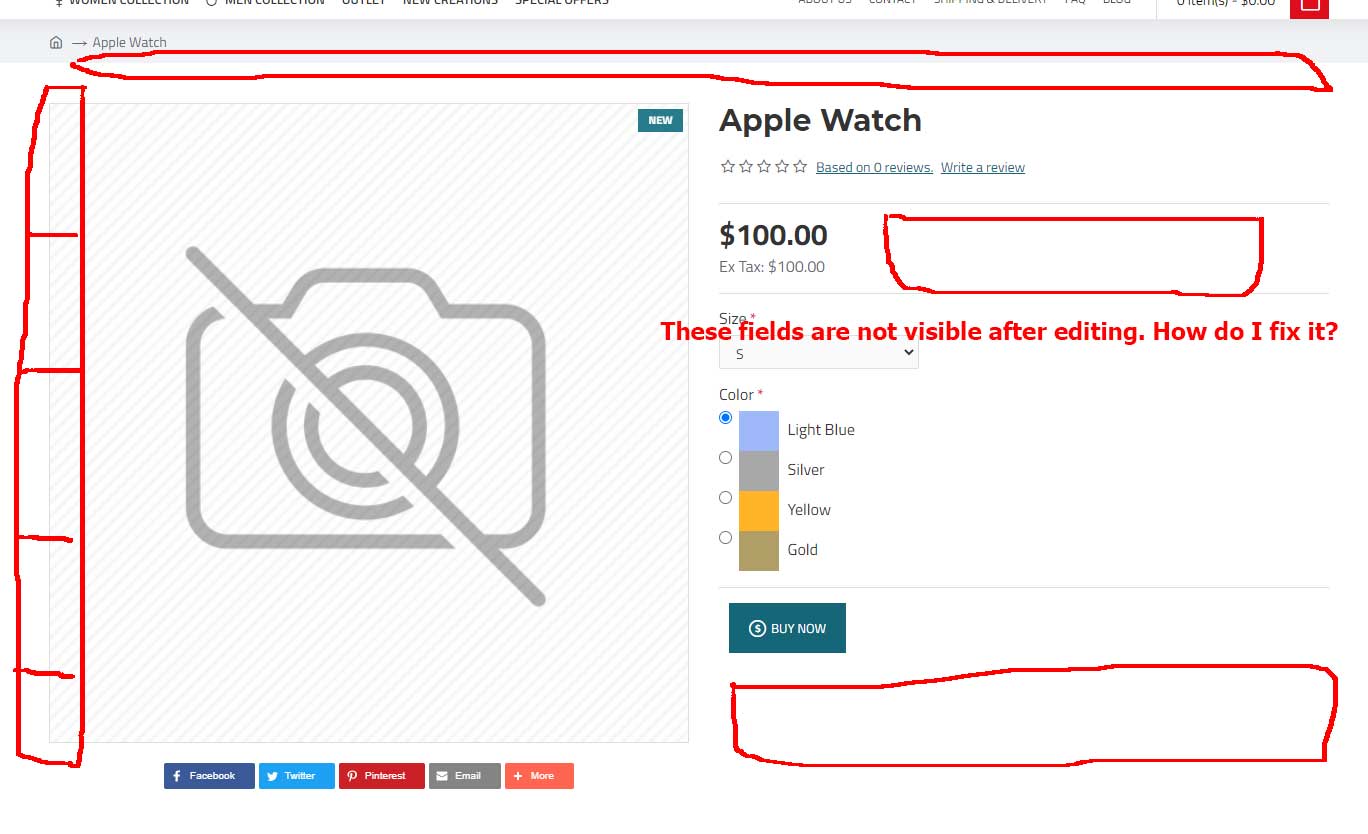
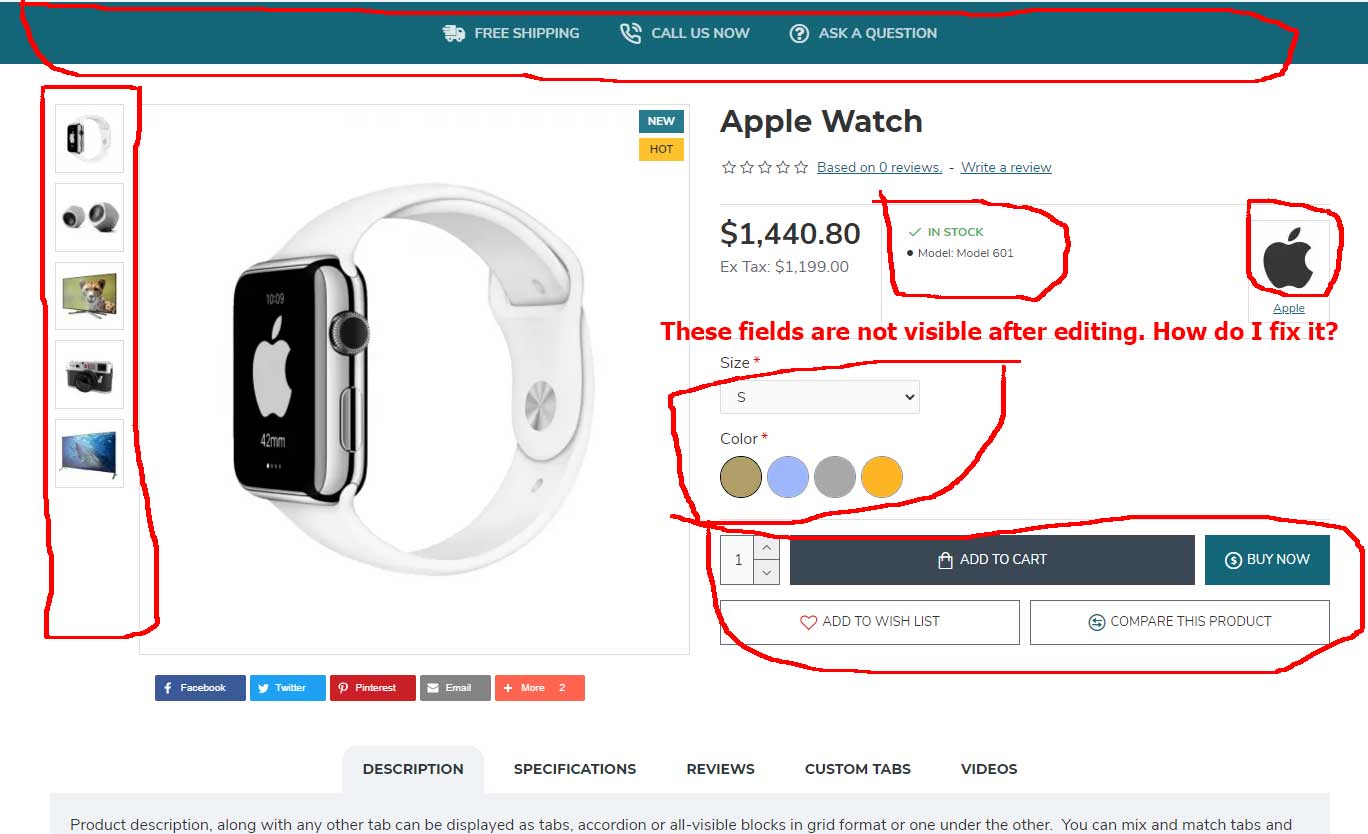
The site is broken when editing from the Theme Editor. Even if I put just one point, it broken the site. Why is that?
Hi, Opencart Theme Editor is not working good in all situations, we recommend you make file changes directly or use a tool like ocmod / vqmod to keep changes when updating the theme.
Best Regards.
If I use Ocmod / vQmod XML Editor, the site will not be corrupted after editing, right? Do you guarantee this?
Yes, it will work fine as long as your changes don’t actually break stuff.

Hi. My support after purchase has expired. And I want to discuss layout customization. Ca we do this without support renewal, since customization is most likely invoiced separetely. Please advise.
Hi, unfortunately we don’t provide design customization either through our support or otherwise, you’d have to consult with a designer or developer for such extra services. We recommend iSenseLabs: http://isenselabs.com/
Or
Envato Studio: http://studio.envato.com/explore/opencart-development
Best Regards.
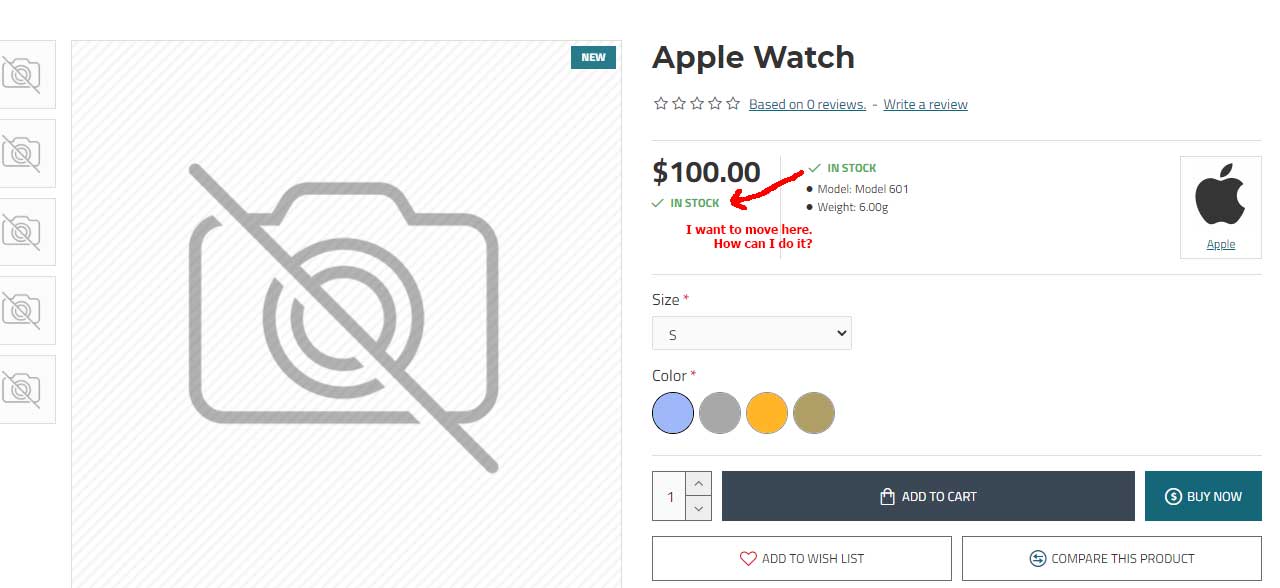
I want to change an area on the product page. I need to move the stock status text below the price. Which page should I edit? How can I do it?
https://i.ibb.co/z638y5w/journal3-edit.jpgHi, you can move the entire stats section, not just the stock via the sort order option found in all the sub-sections in Journal > Styles > Product Page > [Active Style] > Product Details > ...
Best Regards.
Unfortunately, this is not the answer to my question.
In the current cell, the bottom row can be changed. I want to put the STOCK section (IN STOCK – PRE ORDER etc.) under PRICE. I asked that.
Thanks
Also, I cannot draw the TAX section on the PRICE section? I’m asking this
tax price stock
I have to do this?
Can I do this on the product.twig file? If I just put a dot in this file, the site gets corrupted.
And I said that is not possible, only the entire stats section can be sort ordered.
Can I do this on the product.twig file? or which file should I edit?
We can’t provide support on core file modifications but all the product info should be in the product.twig file, yes.
Best Regards.
hello I bought the journal 2 theme in version 2.3 opencart or even not for version 3 opencart?
Hi, we don’t understand what you’re asking, please rephrase. Thank you.
Hello,
How can I delete contents in the following sections in bulk?
Journal > System > Newsletter
Journal > System > Form E-Mails
Journal > Blog > Comments
I imported the demo content, but it is difficult to delete one by one since there are hundreds of them.
Also, I wish you had added bulk selection feature, it would be nice.
Hi, there is no such option in admin but you can bulk delete them using a database management tool like phpmyadmin (the following tables must be truncated: journal3_newsletter, journal3_message, journal3_blog_comments).
For more info please file a ticket on our support page and consult with our developers.
Best Regards.
Thank you so much. I deleted all of the records that came with demo from phpMyAdmin. Also, I think it would be great if you add all the selection to the panel. Please take note. Thanks.
Where is the database sir?
Hi, if you are referring to the demo content please see our documentation on how to import demos: https://docs.journal-theme.com/docs/demos/demo/
Best Regards.
Hi, We did buy VDS Cloud server and server company moved website from hosting to VDS. But after that; our web site style has changed. Have look at web site product page exm: https://www.demirkayaoptik.com/polikarbon-cam-icin-antirefle-ar-sokucu-sivi-DMK-7130
Firstly, page was giving some codes error. Company says php version was different we changed it and code error sorted. But nothnig else from our side!
Do you have any idea why this problem happends?
Hi, that link is not working but please file a ticket on our support page if you need technical assistance.
Best Regards.
Hi, is there a way to have a different logo only on homepage? Maybe with extra code in header.twig file? {% if home %} statement seems not to work when adding it in relevant header twig file
Hi, logo is defined in catalog/controller/journal3/settings.php around line 225, please file a ticket on our support page if you need more details.
Best Regards.
Hi DA,
With new Google Insight algorithm, my webpage score is too low, are we looking forward for an update on the theme?
Hi, we are looking into it and we’ll provide an update if needed.
Best Regards.
How do I remove the Journal 3 -FTP video that is at the bottom of the “product page ” shows up on the mobile. .
Hi, that might be in a product tab Journal > Product Extras > Product Tabs or Journal > Product Extras > Extra Modules.
For more info please file a ticket on our support page and consult with our developers.
Best Regards.
Thank you!
After searching most of the recent comments, I will need to know what is NOT included in the Journal 3.x version, that I would have to purchase separately?
I saw an instance where it mentioned:
“Webkul extensions are not included with Journal”
Are Webkul extensions currently integrated in the theme demos?
If so, do you have a list of these extensions posted available online?
Hi, Journal does not come with any 3rd party extensions included and we don’t have any demos with compatible extensions.
As for compatibility, all Webkul should be compatible, as assured by their developers, but you should also consult with them before buying a 3rd party extension.
Best Regards.
Hi,
is possible to have the Journal 2 Docs?
Because the link https://docs.journal-theme.com/v2/ doesn’t works.
Thanks in advance.
HI, that actual works, I just clicked on it and it’s loading the J2 docs, please try again.
Best Regards.
Hey guys
How to disable events (blur, change) in the checkout fields (address and acount)? I use an autocomplete address and these events are clearing the data entered by the autocomplete
I upgraded Journal to v3.0.46 and still continues to reset the address values entered by the postcode search. Unfortunately my suporte expired, but can you give me a way to resolve it?
Hi, Journal One Page Checkout uses blur events to save fields in database, there’s no option to disable that event without major code changes in how checkout is implemented, most likely you will have to integrate your extension in a different way, please consult with an Opencart developer because such customisations are not covered by our support.
Best Regards.
Please help me how to create Size Chart popup category wise, so that different categories have different size chart popup. Still I have not launched my web site and my support is expired.
Hi, to create a size chart in a popup that is opened from a custom button will involve multiple modules.
1. Create one or more popup modules in Journal > Modules > Popup with your size chart image.
2. Create a Button module in Journal > Modules > Buttons with the link pointing to this popup module.
3. Create Journal > Product Extras > Extra Modules and assign it to the relevant products via Product Assignment and Product Rules. In the builder of this module add a row and column and load the Button module which will open the popup.
Best Regards.
Thank You Very Much.
Image picker not working on mobile
Hi, please file a ticket on our support page and consult with our developers.
Best Regards.
Demo 1 -> I couldn’t find how to change the “Add to Wish List” text. Can you help me?
Hi, please file a ticket on our support page and consult with our developers.
Best Regards.
Hello, your theme is really beautiful and useful. I see it on a friend’s website. However, the site size is very high, do you do anything related to this? I am thinking of getting the theme but I am waiting because the size is important for google. Thanks.
Hi, that depends on the size of your content as well, we have built-in performance tool to help you with performance. For more info please file a ticket on our support page and consult with our developers.
Best Regards.
If we buy a ticket for support, can we reduce the html size to 30 kb
We can’t say that, that is dependent on how much content or how many modules, menus, etc. you have in your store.
Best Regards.
Hi, the brand page has stopped working on my Jomla 3.0. I have changed the theme to the default theme and if it works, but not with this theme. Can you help me? https://www.artifamily.com/index.php?route=product/manufacturer
I have solved the problem. Thank you.
Any chance in a future update we could get a disabled Add to Cart button for out of stock products rather than just hiding it altogether? Hiding it can be untidy looking when if moves the other buttons over in it’s place.
BTW…. Out of Stock Visibility – ON/OFF for Add to Cart button doesn’t seem to be working.
Hi, at this stage that isn’t possible, except the way it is now. The option works fine on our end but we’ll look into it.
Best Regards.
Hi, Just want to know ho to change the setting of image enlarge on products images on hover, i want to show the zoom (enlarge) image on the right side instead of zoom enlarged image in the same position of original image.
Hi, please look in Journal > Styles > Product Page > [Active Style] > Product Image…
Best Regards.

This item was featured on ThemeForest

Power Elite Author
Contact the Envato Market Help Team