1811 comments found.

Hi I am interested in purchasing this theme. I have 3 quick questions: 1. I see that you have Login/Register option. Can users register, login and share content? 2. Is it possible to display the name and picture of the author on the post pictures displayed on homepage or slider? 3. Is it possible to add a Users section on the sidebar and menu? To see the profiles and the list of the authors. Thanks a lot
Hello,
Thank you for browsing the theme. Please find my answers below:
1. The Login/Register link is available via WooCommerce. i.e. if you install the WooCommerce plugin, the login link will automatically show in the theme.
2. Sorry, that is not possible in this theme.
3. You can use any third party plugin like Authors List and use it inside the sidebar widget area or inside the page.
Regards
Hi Saurabh, I’ve used this theme for years and saw that there is now a template for a food blog home page. I’m trying to switch to the Home page 1 – sb template. When I try to upload it using the instructions in Tools>Import, and the food>all_data.xml file, I get an error. I don’t need all of the new categories – just want the template for that new home page that I can plug my categories into. Where can I find that? Thanks so much! Wendy
Hello Wendy,
For the food style theme, you need to only import settings data. You can find settings data inside dummy_data/food/settings.txt file. Copy all contents of this file and then navigate to WordPress admin’s Appearance > Theme Options > Import/Export. Inside the import field, paste this settings data and click on “Import settings” button. Then finally click on the “Save Settings” button. This will give the green style look of food demo.
Regards
Thanks Saurabh. I’ve got the styling imported but am looking for the html code template to set up home page 1 – sb in this way: http://labs.saurabh-sharma.net/themes/newsplus/demo-2/home-1-sb/
Hello,
For the Home page you need to import pages.xml file located inside the dummy_data/food/ folder. This file will import all demo pages as on food demo.
Regards
Hello, i use a worpress site with newplus theme version 1.8.0 (6 years old). I plan to upgrade the web site with latest Newsplus theme V3.9.0. When i replace the old theme with the new one the home page display a blank page (or almost). Do you have a guideline to explain how to upgrade a old Newsplus theme to the latest version. With best regards
Hello Stephane,
Kindly follow these steps for the upgrade:
1. Log in to your WordPress site and switch to a default theme like twentytwenty.
2. Click on the NewsPlus theme thumbnail and then delete the theme.
3. Upload latest theme zip file using Add new > Browse button on the themes page.
4. Activate the theme.
5. Now you will see a dashboard notice prompting you to install or upgrade the NewsPlus Shortcodes plugin. Click on “Begin updating plugins” and update the plugin to latest one.
6. Navigate to Appearance > Theme Options. Either click on Save settings, or better, Reset all settings.
Point #5 and #6 are important in case when you see improper styling or blank page. If this doesn’t work, kindly send me your site URL and admin login at xconsau[at]gmail[dot]com.
Regards
Hi there,
We have been using the WooCommerce shortcode to display featured products: [products limit=”3” columns=”3” visibility=”featured” ]
It was working, and now it’s not. I’m not seeing any errors on the website, either on the front end or the back end or in the console with Google Developer Tools. Can you let me know if this should still be working or if we should take different steps to fix this? The WooCommerce Products widget doesn’t style the Featured Products like my client needs, which is why we’ve opted for the shortcode. Thanks!
Hello,
In most cases, the featured product shortcode will not show any product if there are no products marked as “Featured”. So make sure there are some products set as featured. If it is already so, and still not working, kindly send me your site URL and admin login at xconsau[at]gmail[dot]com. I will check it.
Regards
Thank you! The products are listed as featured. I’ll send you an email today!
Is it compatible with PHP 8.0?
Hello,
Not yet tested with php 8.0. I will test it and will update soon.
Regards
Welcome. I am so sorry, but this style, once installed, does not live up to expectations. Can I count on a refund and license withdrawal?
Marcin
Hello Marcin,
Yes you can submit a refund request from your themeforest account.
Regards
Hi there! Me again. 
We purchased the theme and installed it on the website, but now I’m getting a Tinymce Error! every time I try to edit text. Some things aren’t working like before (as expected), but even the Smart Slider shortcode isn’t showing up. I’m assuming this might be a plugin conflict, but I’m wondering if you have any specific insight. At the very least, do you have any idea on how to get rid of the Tinymce error? I’m now on PHP 7.3, most updated version of WordPress, and all of the plugins are up to date. Please advise if you need any additional information and where I can send it. Thank you!
Hello,
Thank you for purchasing the theme. The tinymce editor was deprecate in recent versions of WordPress. Now it uses Gutenberg editor. You will need to install Classic Editor in order to get old functionality of TinyMce.
Kindly also check by disabling all plugins except the known ones. Make sure the NewsPlus Shortcodes plugin is also updated to the latest version.
Regards
Thank you for your help! I got it all figured out. I thought all the plugins were fully updated (there was no Update notice), but they weren’t. I had to manually upload and update each plugin. Everything seems to be working fine so far!
That’s nice.
Hi there. I have a client with a self-hosted WordPress website. She installed a NewsPlus theme straight from the WordPress themes list for free, but now she’s running into update issues as she can’t update her PHP to the current, secured version. When I looked up the theme, it looks like you’re the author and it’s now been made a premium theme (which is fine, obviously).
Can you confirm that this is the same theme? If we purchase and install this theme on her website, will the customizations be the same? Her WordPress core and all the other plugins are updated to latest versions. I’m really just looking for a way to update her theme to a latest version.
Please advise. Thank you so much for your help!
Hello,
Kindly send me the site URL so that I can confirm if this is the same theme.
... and it’s now been made a premium theme (which is fine, obviously)
It was never a free theme. It is a paid theme right from it’s release.
Regards
Interesting. You’re listed as the author and she said she never paid for it. She found it in the theme listings in her WordPress admin. Here’s the link: http://lashesandlipstick.ca/
By looking at the website, it is the NewsPlus theme but modified by changing theme folder name and some CSS styling. The theme was never available on WordPress.org to be listed in free themes in WordPress admin. May be they have downloaded it from illegal sites.
Regards
Thank you for taking a look. She told me a friend did it for her, so she isn’t sure. I’m following your theory though, and I’ll recommend she purchase the legit one to get any updates. Thanks for your help!
Hi,
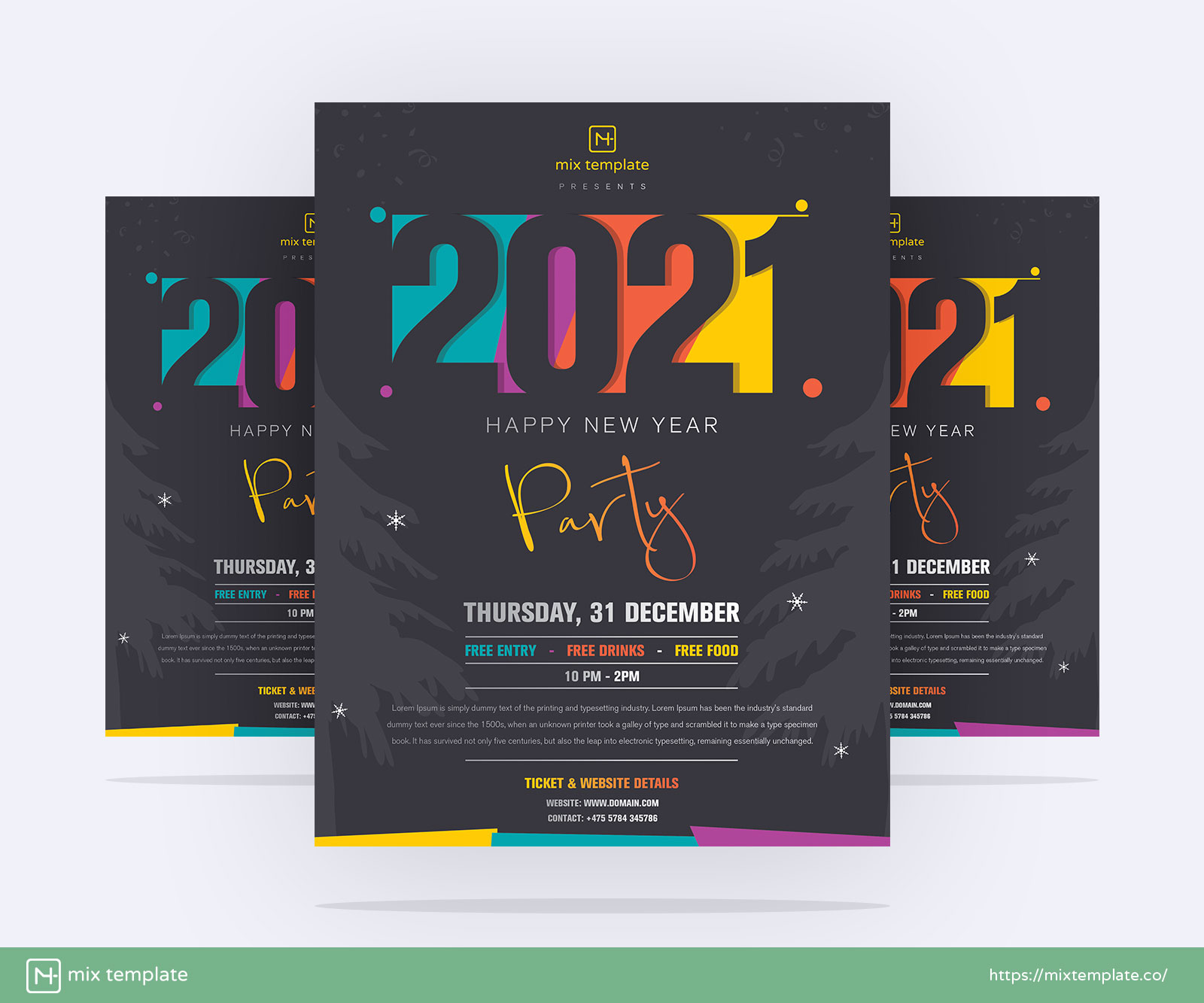
I already send you messages, but you didn’t respond. I purchased the theme yesterday. After publishing the first article the preview image permalink shows error which is following https://mixtemplate.co/wp-content/uploads/bfi_thumb/Free-Creative-Happy-New-Year-2021-Party-Flyer-Template-11-1xbhfofoks59046n4ovewhsupf5orzb1uherufjmsvzo.jpg (it should be stored and shows wp-content/uploads/2020/11)
When i deactivate the newsplus shortcode plugin the permalink shows normal behavior. but when i activate it the preview image stored in uploads/bfi-thumb which is strange. The post images shows perfect permalink https://mixtemplate.co/wp-content/uploads/2020/11/Free-Creative-Happy-New-Year-2021-Party-Flyer-Template.jpg
Kindly fix it out and kindly respond.
Hello,
Thank you for purchasing the theme. I am sorry you had to face the delay in support. It is only because it is Diwali today and I was busy in ceremony and festival rituals.
The image permalink is neither an error nor any bug/issue. The theme and the NewsPlus shortcodes plugin uses BFI Thumb for cropping and resizing images. The cropped images are stored in the bfi_thumb folder. This is nothing to worry about. BFI can be disabled in post modules (per individual settings). Cropping can also be disabled in theme but that would result in uneven image height and sizes.
Do let me know if you face any other issue related to the theme. You can directly email me at xconsau[at]gmail[dot]com. Once again, my apologies for the inconvenience caused.
Regards
Hi, i already purchased your theme after publishing the preview image the i got the following image permalink https://mixtemplate.co/free-creative-happy-new-year-2021-party-flyer-template/
Is it error or something else?
Hi, Sorry i share the wrong link. The error is https://mixtemplate.co/wp-content/uploads/bfi_thumb/Free-Creative-Happy-New-Year-2021-Party-Flyer-Template-11-1xbhfofoks59046n4ovewhsupf5orzb1uherufjmsvzo.jpg The destination folder and image name is change.
You can also see the preview image https://mixtemplate.co/ Preview image https://mixtemplate.co/wp-content/uploads/bfi_thumb/Free-Creative-Happy-New-Year-2021-Party-Flyer-Template-11-1xbhfofoks59046n4ovewhsupf5orzb1uherufjmsvzo.jpg And the post image is correct which is https://mixtemplate.co/wp-content/uploads/2020/11/Free-Creative-Happy-New-Year-2021-Party-Flyer-Template.jpg
Preview image should be like post image.
How I can check demo, if demo website expired?
Hello,
Sorry for the inconvenience caused. I have have renewed the domain. It shall be activated by today.
Regards
Can I use this theme for sell my digital products individually as well as on subscription? Does it uses other woocommerce payment gateways as well? what currencies does it support?
Hello Alex,
Yes you can use the theme for selling digital products. Please be aware that the products selling feature is of WooCommerce and not this theme. All payment gateways, currencies, subscription methods, etc. are solely WooCommerce based features, or may require extra plugins which adds to shopping features of WooCommerce.
You can test the features of WooCommerce (digital products, subscription), etc. even without purchasing the theme. You can do so on any free theme. So once you are satisfied with the working of WooCommerce, you can then choose a theme which is nicely compatible with WooCommerce and styles it properly.
Regards
Theme is not working menu and others, Asking for license key, where to find it? In above the “Launch SEO friendly recipe site instantly. Buy NewsPlus” this message is showing. what to do? KingComposer Page Builder! is with it? Its asking the license key. see the site: https://thenewsstation.net/
Hello,
The text “Launch SEO friendly recipe site instantly.” is a dummy text as a placeholder. It is not asking for any licence key or to purchase the theme.
Menus need to be configured inside Appearance > Menus of the WordPress admin. Create a new menu and set it as primary menu. For other basic steps, please refer to the documentation/index.html file inside your main download zip. If you find any further difficulty, kindly email me at xconsau[at]gmail[dot]com.
Regards
Hi. Very nice theme. Can you please tell me how to remove the image caption text from Excerpt? Thanks.
Hello websteps,
Can you send me the URL of page/post on which caption text is shown.
Regards
Yes, the link is https://bit.ly/33vwoTK . Thanks
Hello,
I just checked the site. The blog posts is shown using King Composer’s Blog Post Element. This element captures entire initial text of post content and shows it as plain text in excerpt. This also includes caption text.
To fix this issue, try adding an excerpt inside the post’s “excerpt” panel. If available, the excerpt will be shown instead of trimming the text from content.
Regards
how can i get demo travel ?
Hello seragsamy,
Thank you for purchasing the theme. The dummy data file for “Travel” demo is located inside your main download zip’s dummy_data/default/all_data.xml file. You can import this file via WordPress Importer.
If you are unable to find this file, make sure you download the “All Files and Documentation” folder from your downloads page of themeforest.
Regards
Hello, I have problem with editing my post in NewsPlus Theme on Wordpress 5.x. When I want to click icon “Edit this element” on Text Block panel, I see a message “Tinymce Error!”. How to solve this problem?
Hello scitive,
Kindly send me the screenshot of the problem at xconsau[at]gmail[dot]com. Also mention which version of the theme you are currently using. I will check the issue.
Regards
Hi there, Big thumb up for your work! Installation is smooth
Regards
Hello,
Thank you for the purchase and kind words.
Regards
Hello! I acquired NewsPlus in 2015. Can I adapt the theme now and how?
Hello Igor,
You can update to latest version by downloading it from your ThemeForest account’s downloads page. If you have any custom styling, make sure you keep a backup of the files which were modified. Any changes in the theme shall be placed in the child theme folder.
Regards
Since upgrading to NewsPlus 3.8.2, my site (www.BoomerHomeBizAdvice.com) does not display the featured image on the post page. I confirmed that Theme Options/Single Post/Disable Single Post Image is not checked. I disabled all plugins and the featured image does appear on the post page. I then re-enabled the plugins one at a time. When I reactivate the NewsPlus Shortcodes plugin, the image disappeared on the post page and only the image file location (text) is displayed.
Hello,
Can you send me the site URL and admin login at xconsau[at]gmail[dot]com please. The NewsPlus Shortcodes plugin do not affect featured images on single post. So I will need to check the issue on your site. The known conflicting one is image module of JetPack.
Regards
Hey,
scrolling in the text block (visual) is not possible. What do we have to do?
Hello,
Do you mean the text block of Gutenberg editor? or King Composer. A screenshot of the problem will be helpful.
Regards
Hey, sorry it is the King Composer!
Can you send me the screenshot please. I will try to reproduce the issue at my end.
Hello,
The scrollbar may not appear in textarea. Instead, hold the expand corner at the bottom right of text area and drag it further down to increase the height. See http://prnt.sc/t19d0b
I will check with plugin author of King Composer if this is a bug or normal thing.
Regards