141 comments found.

Hi Sir,
Below is the blog landing page. Overall there are 9 post out of which first 6 is showing in first page. In the second page the same 6 post is shown and other 3 is show in recent post . Ideally 3 new post should reflect in top 3 of page 2. Please help me in fixing this
https://blog.folksmedia.com/Hi there,
I can’t see the purchased badge on your comment. Please ask your question with account that you purchased this theme.
Thanks a lot
Hello,
I am trying to import the main demo, but I always get error 500 (timeout) from the server. How can I solve this?
Hi there,
Please check the Recommended PHP Configuration Limits and apply them on your host. https://docs.rivaxstudio.com/fonix/#theme_requirements
If you couldn’t resolve it, please contact us from the form below and send your site address and wp-admin access to do it for you.
https://themeforest.net/user/rivaxstudioThanks
Hi Sir,
From below page, i want to remove, Minutes Read, Views and Comments. Please guide me how to do it
https://blog.folksmedia.com/unraveling-the-multi-verse-a-deep-dive-into-spider-man-across-the-spider-verse/Hi there,
From the theme settings > Single > Hero, you can do it.
Thanks
Hi Sir,
Have done the same but not seeing changes in website.
1.Homepage need to remove View Count 2.Post page need to remove Minutes Read, Views and Comments
From there, select layout 13 for the standard post layout and unselect views and others.
For the homepage, you need to edit the “Archive” template and disable the views from the widget settings. Check archive tutorial here: https://www.youtube.com/channel/UC1iKOJwetdLzhcFBbDAhoRg/playlists
Thanks
I have completed all the installations. But I can’t create the side menu.
Hi there,
Can you send an screenshot what exactly you want?
Thank you so much
Please edit the “OffCanvas” template from the Fonix > Rivax studio with the Elementor
It comes out of 2 templates you mentioned. but I edit both, it is not reflected on the site.
Thanks
I bought your Theme and installed Demo 02. Everytime i scroll a little bit down on the homepage, a post will hover over the site and i can not close the window. how can i fix this?
Hi there,
Pplease contact us from the form below and send your site address to check it for you.
https://themeforest.net/user/rivaxstudioThanks
Hi there, this is my website looking crazy after installing the foxin theme: https://technliving.com/
I followed each step as mentioned in the documentation link provided in the text file with the theme inside the zip file.
Hi there,
I checked your site and it is running another theme. Please contact us with email via form below if you have any question: https://themeforest.net/user/rivaxstudio
Thanks a lot
I had to remove it because, my website was looking weird.
Your email replied.
I replied from author page, please check you inbox
I just got your mail and I can understand your situation. Then I think this demo will be fine https://demo.rivaxstudio.com/fonix/main/home-01/ please solve the logo problem also please do it as soon as possible….:)
Hi,
Your email has been replied.
Hi there, In the search console, this error occurred twice after installing the theme, please fix this problem. please check the screenshot below
https://prnt.sc/pwrPJ6l_fFIz Thanks and regards Pankaj Sharma https://technliving.comI forgot to send this error screenshots https://prnt.sc/CsbKLQBGp6sA and this screenshot https://prnt.sc/C7IPziQHg7Qs
Hi there,
Please contact us with email via form below if you have any question: https://themeforest.net/user/rivaxstudio
Thanks a lot
Hello, I installed your demo, but the logo does not change on the main page, even though I change the logo in the settings. I’m using the “Home-01” demo and using the “Header-23” template.
Hi there,
Please check this: https://www.youtube.com/watch?v=Nds5cfT6Obg&list=PL7e9bOCIBsHGBfDRdvqfsxPAM8SA5NcZa&index=13
Thank you
Hey, I recently purchased the Fonix theme but what’s installed looks nothing like the demo i previewed
Ok nvm – I got it to clean up. But now the problem is I can’t edit the homepage I selected. I have been able to edit it with elementor, but I can’t edit the header on the homepage at all. I can’t change the logo from Fonix to my own logo no matter what I try.
Hi there,
Please check our video tutorials here. They will help you: https://www.youtube.com/channel/UC1iKOJwetdLzhcFBbDAhoRg/playlists
Thanks a lot
I looked through your tutorials and can’t find help to my issue which is why I’m asking here. I sent you links via e-mail would love some assistance working through this
Hi there,
I will check your email soon. Thank you
we are still waiting for a quick interaction
Please contact us through the contact form here: https://themeforest.net/user/rivaxstudio
Thanks
Your issue has been resolved.
We have already tried the displacement several times and not only with the mode registered in this image, but in most and all with the same situation
Please send us your wp admin access to check it for you. Send via the contact form here:https://themeforest.net/user/rivaxstudio
Trying to insert new post content, check the selection by tags and check more than one category, to adjust the layout to my needs, presents this content not found error. We need you to adjust this situation, if possible.
https://ibb.co/n677BG2Please send us your wp admin access to check it for you. Send via the contact form here:https://themeforest.net/user/rivaxstudio
I recently acquired a theme from you, FONIX, in it when I try to edit the home, I notice that when marking more than one category tags it is in error, I would like you to correct this failure, to avoid canceling the acquisition.
Hello,
Where you saw the error and what is the error text? Please send a screenshot and contact us from this form: https://themeforest.net/user/rivaxstudio
Thanks
Trying to insert new post content, check the selection by tags and check more than one category, to adjust the layout to my needs, presents this content not found error. We need you to adjust this situation, if possible.
https://ibb.co/n677BG2Are you using the wordpress.com service or installed your site on a host?
Please check the offset option too. Set it on 0
We have already tried the displacement several times and not only with the mode registered in this image, but in most and all with the same situation
Please send us your wp admin access to check it for you. Send via the contact form here:https://themeforest.net/user/rivaxstudio
Hello author, Thanks for the great theme. However, I will like to ask for help on an issue I have faced with using fonts, I tend to see the fonts changed on the ELEMENTOR editor but doesn’t appear changed on the live site, kindly help me look into this,. Thanks
Hi there,
Please check the performance tab in theme settings. If you want to use Elementor custom font, turn off the “Disable Elementor fonts”
Thanks
Thanks a lot for the information, it was helpful. Also if all my post should look like the below template by default, what should i do
https://blog.folksmedia.com/?p=2006Hello,
From the theme settings, select layout 13 for hero layout.
https://docs.rivaxstudio.com/fonix/#post_layoutThanks
Hi Sir,
I am newbie into wordpress and i am learning how to use themes. Please help in resolving below issues.
1.How to deactivate sticky header for Home 11 page 2.How to set only digital team for all the pages(some i see entertainment, some digital)
3.Also please let me know how to edit image from this blog(person with scating board)
https://blog.folksmedia.com/2023/06/20/extraction-2-2/Hi there,
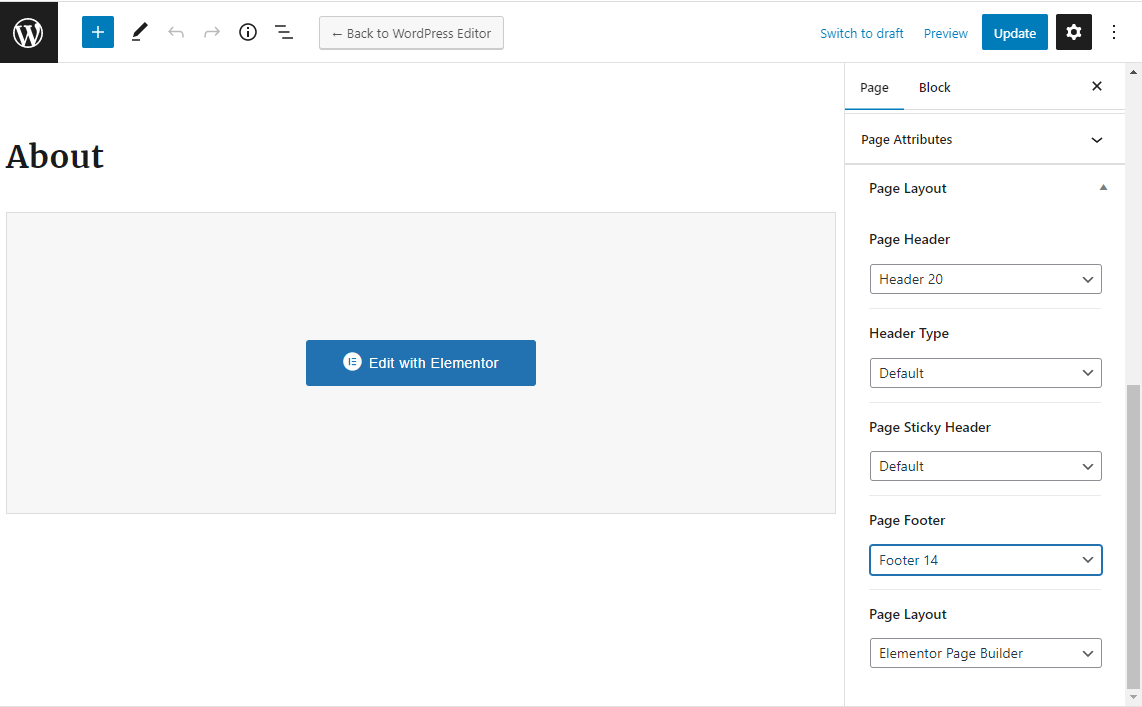
1. If you want to disable it for whole the site, please go to the theme settings > Header and disable the sticky header. But if you want to disable it just for a page, please edit the page and select “Disable” for sticky header template. https://docs.rivaxstudio.com/fonix/assets/images/page-header.png
2. I couldn’t understand what you want. Can you tell me more?
3. Please edit the sidebar template with the elementor in Fonix > Rivax templates
Thanks a lot
Hello! I’m having trouble customizing post categories. When you open a specific category, it opens all posts, even those not configured in the category. In related posts (bottom), they also pull random posts that have nothing to do with the main post. https://fontedearte.com/junho2023/desenho/
At the top of the blog’s categories, I also couldn’t put a default like the home page. https://fontedearte.com/junho2023/
Awaiting. Grateful.
Hi there,
Please check our tutorials here: https://www.youtube.com/channel/UC1iKOJwetdLzhcFBbDAhoRg/playlists
I checked your site and category page working fine. You can edit your archive template (category) like our video tutorial.
If you have any question please ask it.
Thanks
Hello! What were the changes in the new update? After I do the update won’t it mess up my site?
Hi there,
Here you can see the change-log: https://themeforest.net/item/fonix-newspaper-magazine-wordpress-theme/38430314#item-description__changelog
Update tutorial: https://docs.rivaxstudio.com/fonix/#update-theme
Thanks
Hello, I purchased your them and install it. I am facing below issues. can you please help me to fix it.
1. Logo changed but it still showing default logo 2. Please check the image – I am trying to change the text but not found the location – https://i.ibb.co/LpT3XT5/Screenshot-2023-06-07-150903.png
3. Footer – i have already change the footer details but still showing old them footer content..
4. Front is login/register not showing
Please check it once and help me to fix,
Thanks
Hi my dear,
Please check out our video tutorials here. They help you. https://www.youtube.com/channel/UC1iKOJwetdLzhcFBbDAhoRg/playlists
4. We do not have any login/register widget in our theme. If you want it you need to use a free plugin for it. https://wordpress.org/plugins/search/profile/
Thank you
Hello, I purchased your them and install it. I am facing below issues. can you please help me to fix it.
1. Logo changed but it still showing default logo 2. Please check the image – I am trying to change the text but not found the location – https://i.ibb.co/LpT3XT5/Screenshot-2023-06-07-150903.png
3. Footer – i have already change the footer details but still showing old them footer content..
4. Front is login/register not showing
Please check it once and help me to fix,
Thanks
Hi my dear,
Please check out our video tutorials here. They help you. https://www.youtube.com/channel/UC1iKOJwetdLzhcFBbDAhoRg/playlists
4. We do not have any login/register widget in our theme. If you want it you need to use a free plugin for it. https://wordpress.org/plugins/search/profile/
Thank you
Hi,
I’m using Fonix on this website: www.medimix.be/onco
I would like to show multiple authors for a single post. I’ve installed the Co-Authors Plus plugin, but – according to this page: https://www.wpbeginner.com/plugins/allow-multiple-authors-to-be-associated-with-a-post-in-wordpress/ – I have to change some code in the template files. Only problem: I can not find this code anywhere in the Fonix files. Do you know how to proceed?
Kind regards,
Christophe
Hi there,
It is recommended to ask help from a php developer or use a theme with that feature.
Thanks