32 comments found.

Is it a good idea to use it for my dagkonferens i stockholm blog? as I’m a newbie and managing my client’s blog. Thanks
Hello,
Thank you for reaching us!
We usually recommend installing the theme and importing the demo on a clean installation. You can for sure import it over your existing content, however then we would recommend you to always make a backup of your existing content as it might happen that your content will get overwritten sometimes.
Also as our demo content is made with a page builder we cannot guarantee that your previous content is made with the same builder, so you will probably have to adjust your existing content to suit our theme’s demo content.
Let us know if you have any additional questions.
Support
Mikado Portfolio part of
Qode Interactive
Don’t forget to sign up for our newsletter and be the first to find out all the latest news.
Does the theme support RTL ?
Hi there,
Please take a look at the following article.
Do let us know if you have any additional questions.
Support
Mikado Portfolio part of
Qode Interactive
Don’t forget to sign up for our newsletter and be the first to find out all the latest news.
I installed the theme and added the demo but no images, all code is showing vs slideshows or any images.
Hello,
Have you installed and activated Elementor before the demo import? It is necessary that Elementor is activated prior to demo import.
As we do not have enough information in order to help you, and since author’s dashboard is meant for general inquiries and pre-sale questions, we would appreciate if you could please submit a ticket at our Help Center, include URL of your site, and one of our support agents will check this and assist you further. Thank you.
Support
Mikado Portfolio part of
Qode Interactive
Don’t forget to sign up for our newsletter and be the first to find out all the latest news.
hello I’m having a bit of trouble with customizing the footer in this template. Could you please provide some guidance on how to make changes to it? Any tips or instructions would be greatly appreciated!
Hello,
Thank you for reaching us!
The global options for footer can be adjusted in MultiOffice Core Options > Footer while the content of footer can be edited by editing footer widget areas in Appearance > Widgets. For a more detailed overview of theme’s options please check the documentation in this link.
In case you need further assistance please submit a ticket at our Help Center and one of our support agents will gladly help you. To submit a ticket please follow instructions from this article – How To Submit A Ticket.
Support
Mikado Portfolio part of
Qode Interactive
Don’t forget to sign up for our newsletter and be the first to find out all the latest news.
hi, what font is it on the theme?
Hi there,
We haven’t used only one font family. The font families that we used on the website are Muli, sans-serif, Jost, sans-serif and Roboto.
If you wish to see which font is used on some specific label, just right-click on that label and inspect it.
Let us know if you have any other questions.
Support
Mikado Portfolio part of
Qode Interactive
Don’t forget to sign up for our newsletter and be the first to find out all the latest news.
Do you have plans to update this theme? Slider Revolution 6.6.7 is now showing as having a Critical security issue on Wordfence. Thanks.
Hello,
The theme will be updated, however, at the moment we don’t have an ETA when the update will come out.
You should know that in case you need latest version of any bundled plugin you can submit a ticket at our Help Center or, if your support period has expired, you can contact us through this email (just add your purchase code in the mail) and our support agents will provide you with latest version.
Support
Mikado Portfolio part of
Qode Interactive
Don’t forget to sign up for our newsletter and be the first to find out all the latest news.
Thanks.
Support
Mikado Portfolio part of
Qode Interactive
Don’t forget to sign up for our newsletter and be the first to find out all the latest news.
How I can deregister my code ? Or where? I have no site with the theme, and I wanna use know
Hi there,
Please note that that you should have deregistered the theme prior to installing it to a new installation, you can read more about it here.
You can always do it on your end from our help center
If you still need assistance, we would kindly ask you to send us a mail providing your purchase code in it and our team will help you with this.
Thank you.
Support
Mikado Portfolio part of
Qode Interactive
Don’t forget to sign up for our newsletter and be the first to find out all the latest news.
I’m getting the error “PHP Fatal error: Uncaught Error: Call to undefined function get_header() in …” in several pages, but I can’t find that function defined anywhere. If this is my issue and not on your end, I’ll buy the support. Thank you.
Hi there,
As we do not have enough information in order to help you, and since the author’s dashboard is meant for general inquiries and pre-sale questions, we would appreciate it if you could please contact us through this email, include your purchase code and URL of your site in the email, and one of our support agents will check this and assist you further. Thank you.
Support
Mikado Portfolio part of
Qode Interactive
Don’t forget to sign up for our newsletter and be the first to find out all the latest news.
Hi. I’m loving your theme, have been using it for a good few years now. I seem to have an issue accessing the widget – and to edit the footer. do you have any suggestion? also is there a way to add a popup to the site? thank you so much 
Hello,
Please check if you have updated the theme and its plugins to the latest version listed in change log.
If you need to update theme and bundled plugins please follow instructions from this article – How To Update A WordPress Theme And Plugins. After you update the theme all of the bundled plugins with available updates should be listed in Appearance > Install Plugins.
To add popup you can try using some 3rd party plugin, however we cannot give you an exact recommendation since we haven’t tested such plugins with the theme.
Support
Mikado Portfolio part of
Qode Interactive
Don’t forget to sign up for our newsletter and be the first to find out all the latest news.
thank you for your reply.
Support
Mikado Portfolio part of
Qode Interactive
Don’t forget to sign up for our newsletter and be the first to find out all the latest news.
How to import the demo? I cannot see Demo Importer function/plugin.
Hi there,
Thanks for writing in! If you are somehow having an issue with the demo import we would kindly ask you to check your resources as well as you can always try to import our demo content with our XML file
If you have any additional questions we would kindly ask you to submit a request at our help center and our support team will be happy to help.
Thanks.
Support
Mikado Portfolio part of
Qode Interactive
Don’t forget to sign up for our newsletter and be the first to find out all the latest news.
Is a theme’s update expected to be released in order to support WP 6.1?
Hi there,
Thanks for writing in!
The theme will for sure be updated as soon as possible. Our team is working on updating all our themes at the moment including MultiOffice.
We are aware of certain issues which surfaced after the WordPress 5.8 update rolled out, and we are doing our best to release the fix for this issue as soon as possible. This might cause an issue with the widgets so please try using the following plugin until we release a new theme update: https://wordpress.org/plugins/classic-widgets/
If you need any further assistance you are more than welcome to submit a ticket to our Help Center and one of our support agents will assist you.
Thanks
Support
Mikado Portfolio part of
Qode Interactive
Don’t forget to sign up for our newsletter and be the first to find out all the latest news.
Does this theme support Wordpress 6.0?
Hi there,
The theme currently supports 5.7.x and will be updated as soon as possible as our team is working on updating all our themes. You will for sure be notified once it is out and if you need any assistance with the theme feel free to submit a ticket to our Help Center and one of our support agents will assist you.
Thanks.
Support
Mikado Portfolio part of
Qode Interactive
Don’t forget to sign up for our newsletter and be the first to find out all the latest news.
Hi, I have two problems. I don’t see where the demo can be imported and the WPBakery editor doesn’t appear either. I already installed all the necessary plugins but that editor does not appear
Hi there,
Thank you for reaching us!
If you are somehow having an issue with the demo import we would kindly ask you to check your resources as well as you can always try to import our demo content with our XML file.
You should also know that the themes native import method comes with Elementor, so when you run import tool you will get Elementor content, however, you can switch to WPBakery and use it instead, all the same, shortcodes are included as well. Please note that WPBakery does not come included within the theme and you will need to purchase it on your end if you intend to use it. Also, you will have to build your content with it since the Import comes with Elementor content.
If you have any additional questions we would kindly ask you to submit a request at our help center and our support team will be happy to help.
Thanks.
Support
Mikado Portfolio part of
Qode Interactive
Don’t forget to sign up for our newsletter and be the first to find out all the latest news.
okay thanks! just as a comment i recommend you to specify that WPBakery is not included within the theme. It says is compatible with wpbakery but not that is not included.
Hi there,
Thanks for your suggestion. On the ThemeForest specification in the Theme Features, it stands Elementor Page Builder compatible this is because the theme comes with native import method with Elementor content and on the right side there are compatibilities.
We do have specific themes that come both with Elementor and WPBakery or just one of the builders and this is always stated on the Themes Features.
Thanks for understanding.
Support
Mikado Portfolio part of
Qode Interactive
Don’t forget to sign up for our newsletter and be the first to find out all the latest news.
Does template support multilanguage site, please?
Hi there,
Thank you for taking an interest in our theme!
With MultiOffice theme, you can create a multi-language website for sure, and for more info, see this article: How To Create A Multi-Language Website
If you have more questions, let us know.
Support
Mikado Portfolio part of
Qode Interactive
Don’t forget to sign up for our newsletter and be the first to find out all the latest news.
Hello we bought template and it’s not possible import demo content. I ends at 98 % with error: Files don’t exist. May you help us, please?
Hi there,
Thanks for the purchase,
If you are somehow having an issue with the demo import we would kindly ask you to check your resources as well as you can always try to import our demo content with our XML file.
If you need additional help with demo import, please submit a ticket to our Help Center and include your website URL and one of our support agents will take a closer look.
Support
Mikado Portfolio part of
Qode Interactive
Don’t forget to sign up for our newsletter and be the first to find out all the latest news.
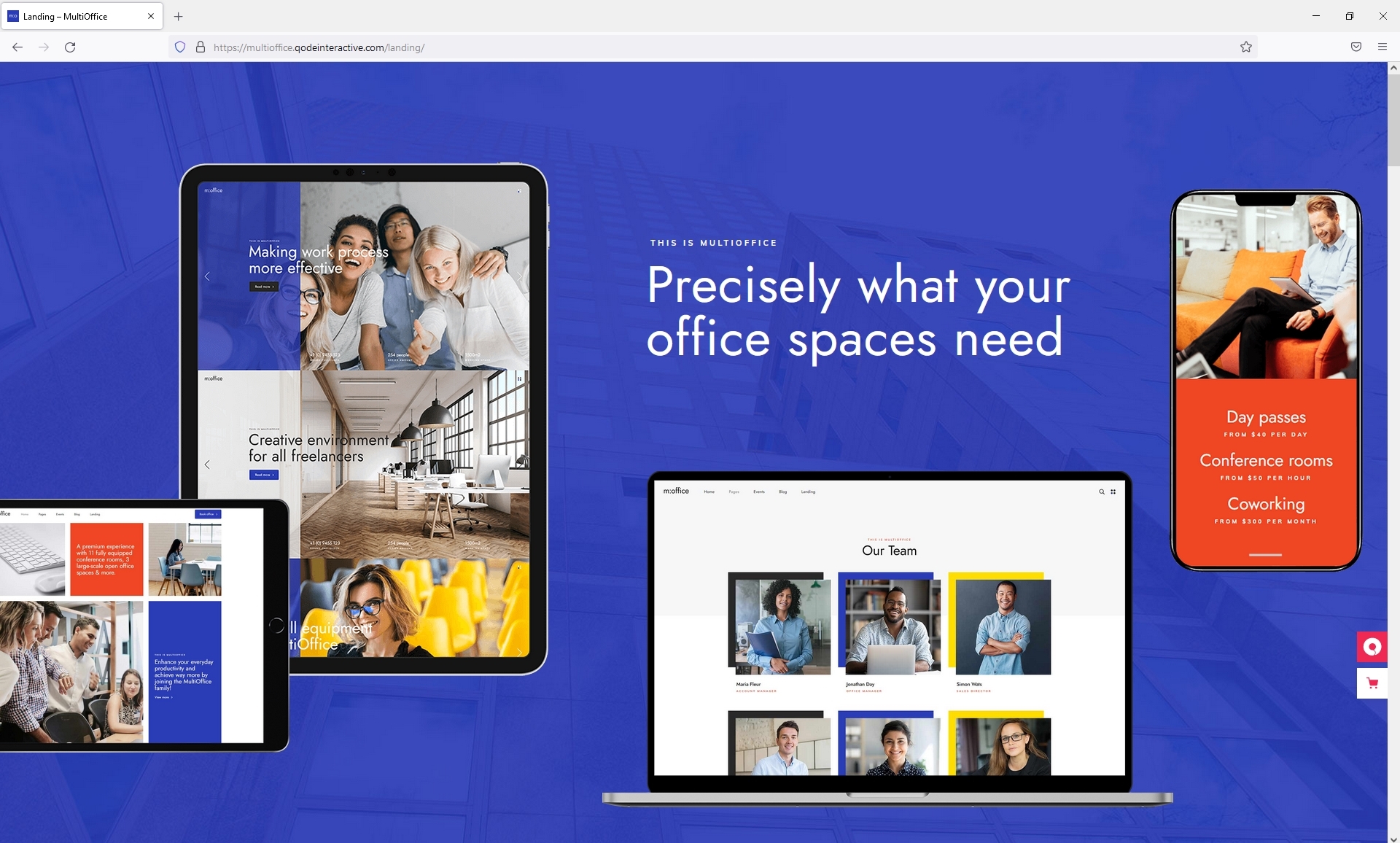
Friendly fyi: your demo isn’t working in firefox, but it does in chrome.
Hi there,
Thank you for reaching us!
We’ve checked and we couldn’t reproduce this behavior. Demo is being shown like in the screenshot. Please try accessing it directly from this link https://multioffice.qodeinteractive.com/landing/
Do let us know if we can assist you with anything else.
Support
Mikado Portfolio part of
Qode Interactive
Don’t forget to sign up for our newsletter and be the first to find out all the latest news.
Coworking Rev Slider did not import properly, it doesn’t look like the demo. I even tried manually importing from the \xml export\revslider folder.
I tired submitting a ticket on your support system but it said my purchase code was invalid.
Hi there,
Thank you for reaching us!
In case that the slider is being displayed differently on smaller devices it could be because of the global breakpoints which cannot be imported with the demo. Please navigate to Slider Revolution, open “Globals” settings and set the values like in the screenshot.
As we do not have enough information in order to help you, we would appreciate if you could please submit a ticket at our Help Center, include URL of your site, and one of our support agents will check this and assist you further. When submitting a ticket please check if you’ve selected correct profile (in this case Mikado).
Support
Mikado Portfolio part of
Qode Interactive
Don’t forget to sign up for our newsletter and be the first to find out all the latest news.
Can you change the height of the header? To suit my Logo
So I ended up using this code to increase my logo height size to 100px
qodef-page-header .qodef-header-logo-link img:not([class*=multioffice-core]) {
height: 100px; }
qodef-page-header .qodef-header-logo-link img:not([class*=multioffice-core]) { height: 100px; }
Hi there,
Thanks for writing in! This article here can help you.
If you have any additional questions we would kindly ask you to submit a request at our help center and our support team will be happy to help.
Thanks.
Support
Mikado Portfolio part of
Qode Interactive
Don’t forget to sign up for our newsletter and be the first to find out all the latest news.
I purchased this theme this morning from a clients account btw.
Hi again,
We are glad to hear this!
If you have any additional questions, please submit a request on our helpcenter and one of our agents will assist you. https://helpcenter.qodeinteractive.com/hc/en-us/articles/360010949598-How-To-Submit-A-Ticket
Support
Mikado Portfolio part of
Qode Interactive
Don’t forget to sign up for our newsletter and be the first to find out all the latest news.
Theme doesn’t allow me to save modifications. This is impeding my work. And I am having difficulty registering my email with Qode because the activate email mail does not ever arrive.
Hi there,
Please read this article: https://helpcenter.qodeinteractive.com/hc/en-us/articles/360002247358-What-To-Do-If-Your-Theme-Options-Are-Not-Being-SavedYou can provide your email here and we will try to verify your account manually.
Support
Mikado Portfolio part of
Qode Interactive
Don’t forget to sign up for our newsletter and be the first to find out all the latest news.
My email is medullatube@gmail.com. Thank you.
Hi again,
Your account has been verified, you can submit tickets now. Sorry for this inconvenience.
Support
Mikado Portfolio part of
Qode Interactive
Don’t forget to sign up for our newsletter and be the first to find out all the latest news.
I have a few questions before buying. Can we add widgets to the mega menu? Will there be an update or innovation? Are you considering a discount?
Hi there,
Thanks for taking an interest! 1. Could you please be a bit more specific on what widgets you refer to and what you wish to achieve, so we can provide you with an accurate answer. You can check our article on the possibilities with the menu and widgets here.
2. There will for sure, however, we do not have any ETA at the moment but the theme works perfectly fine.
3. We don’t have any active campaigns for the MultiOffice theme at the moment. Sorry about that. You can always subscribe to our newsletter to receive notifications about the latest news and discounts – https://qodeinteractive.com/newsletter
Do let us know if you have any additional questions.
Support
Mikado Portfolio part of
Qode Interactive
Don’t forget to sign up for our newsletter and be the first to find out all the latest news.
Hi,
Nice theme. I see it shows the WooCommerce logo in some section, but I couldn’t find any WC example page. Is this theme actually 100% compatible?
Hi there,
Thanks for writing in! You should know that all our themes are compatible with WooCommerce, however, in the MultiOffice theme, we have not included WooCommerce pages for this theme. So the theme is compatible with WooCommerce, however, it has not the stylization created for this purpose as Shop functionality was not planned for this theme. You can see that it is not presented in our demo.
Do let us know if you have any additional questions.
Support
Mikado Portfolio part of
Qode Interactive
Don’t forget to sign up for our newsletter and be the first to find out all the latest news.