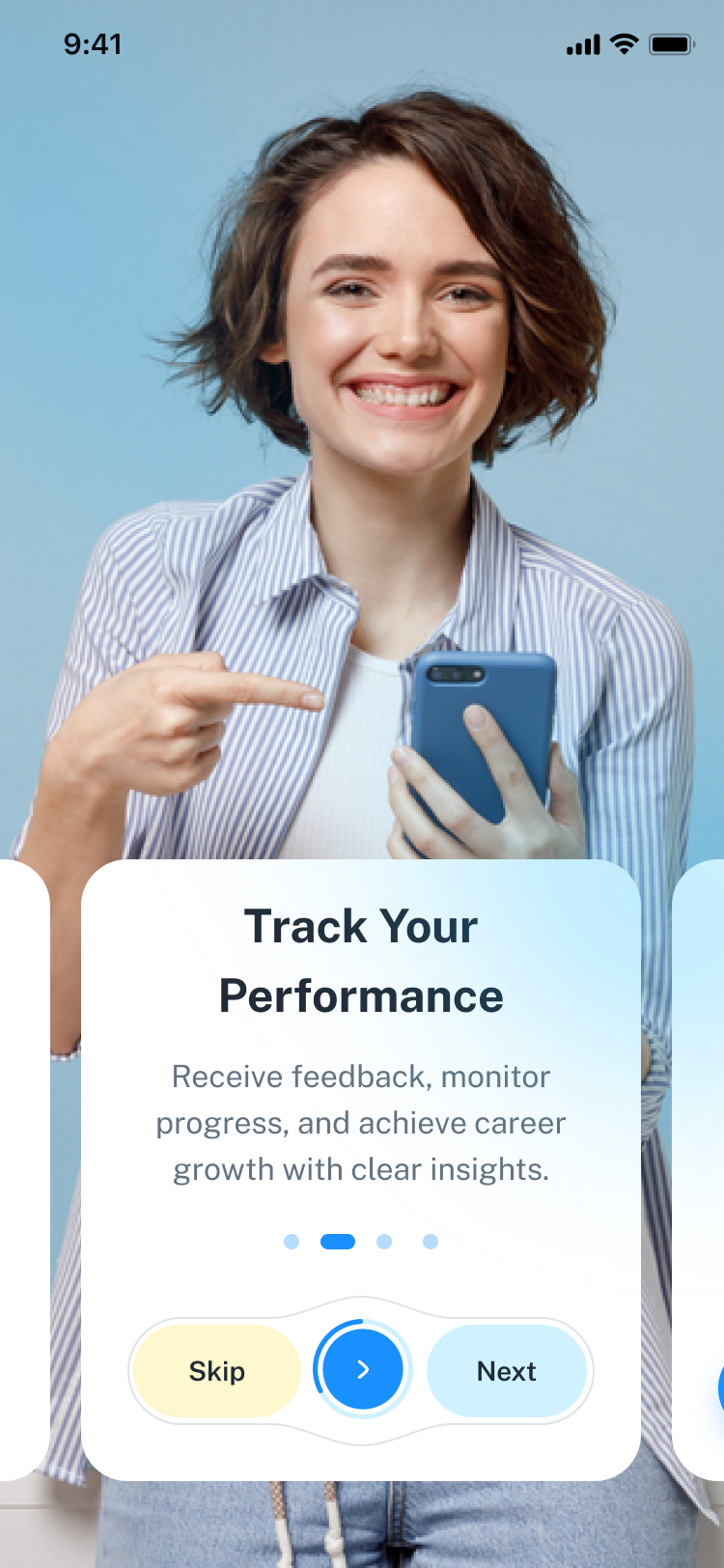
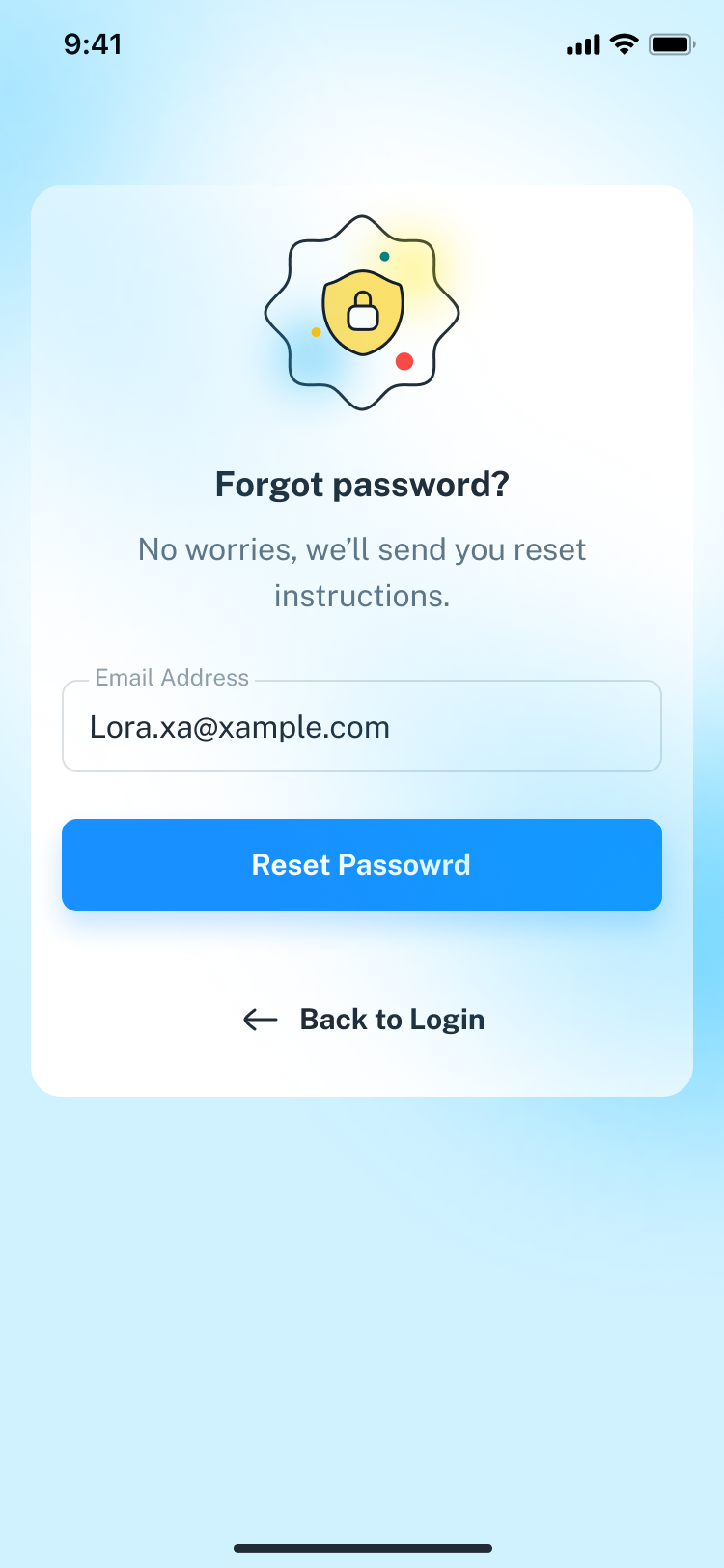
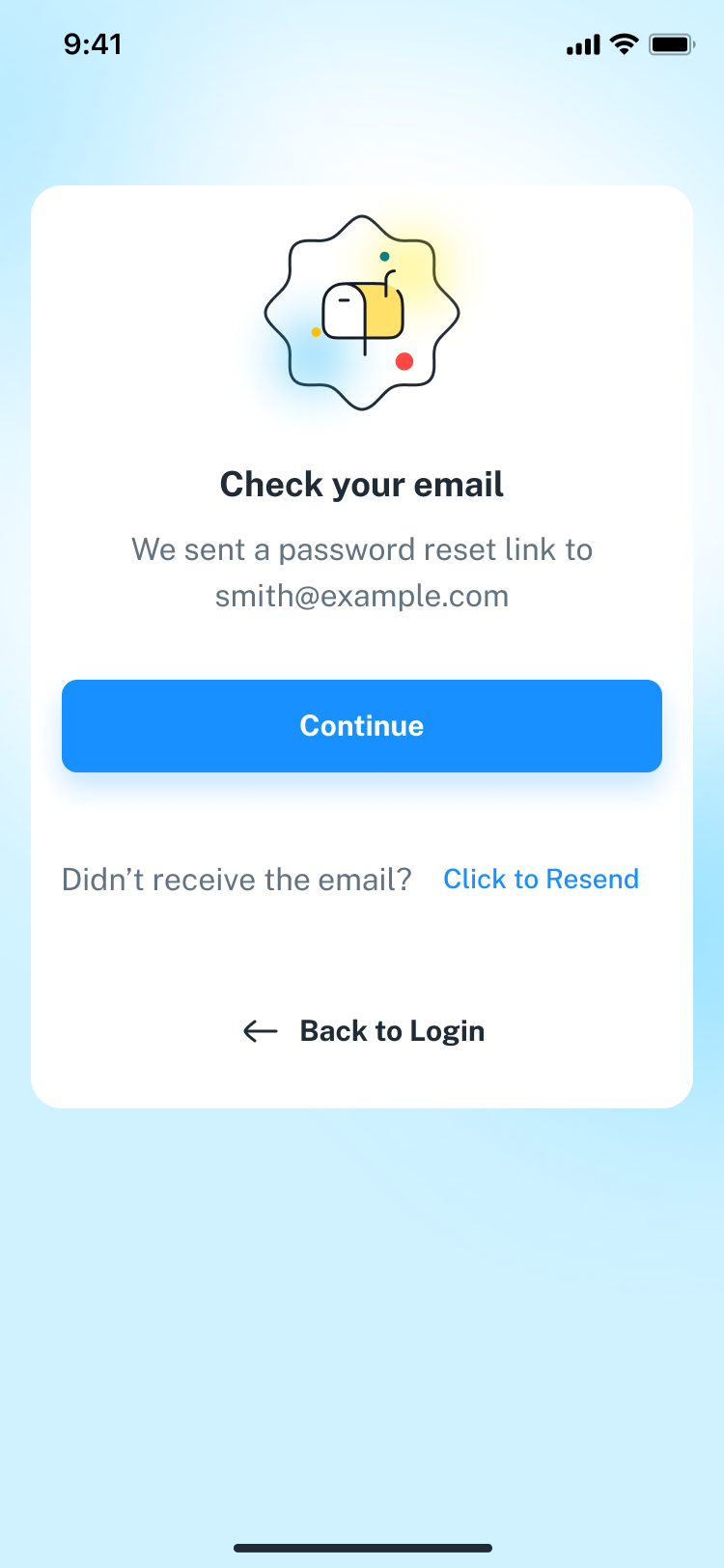
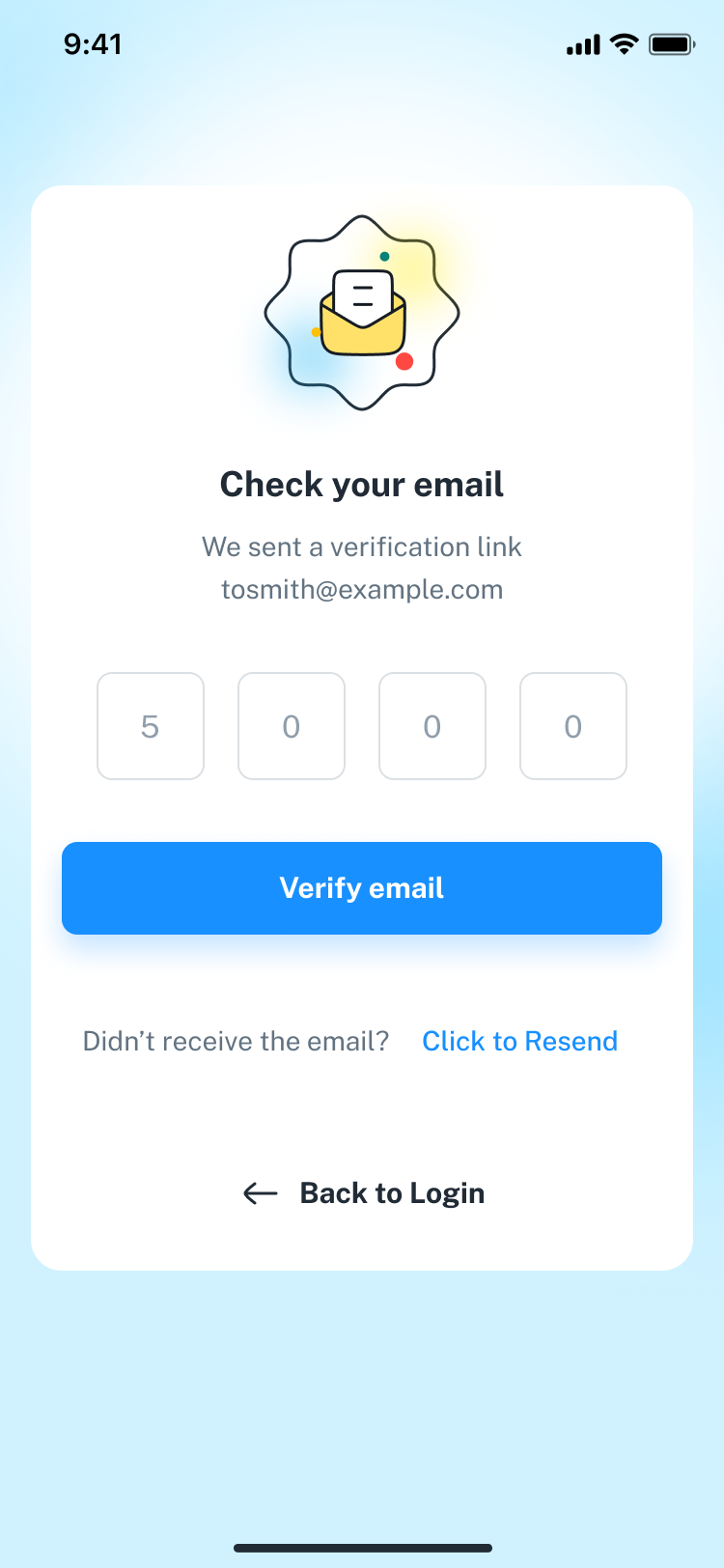
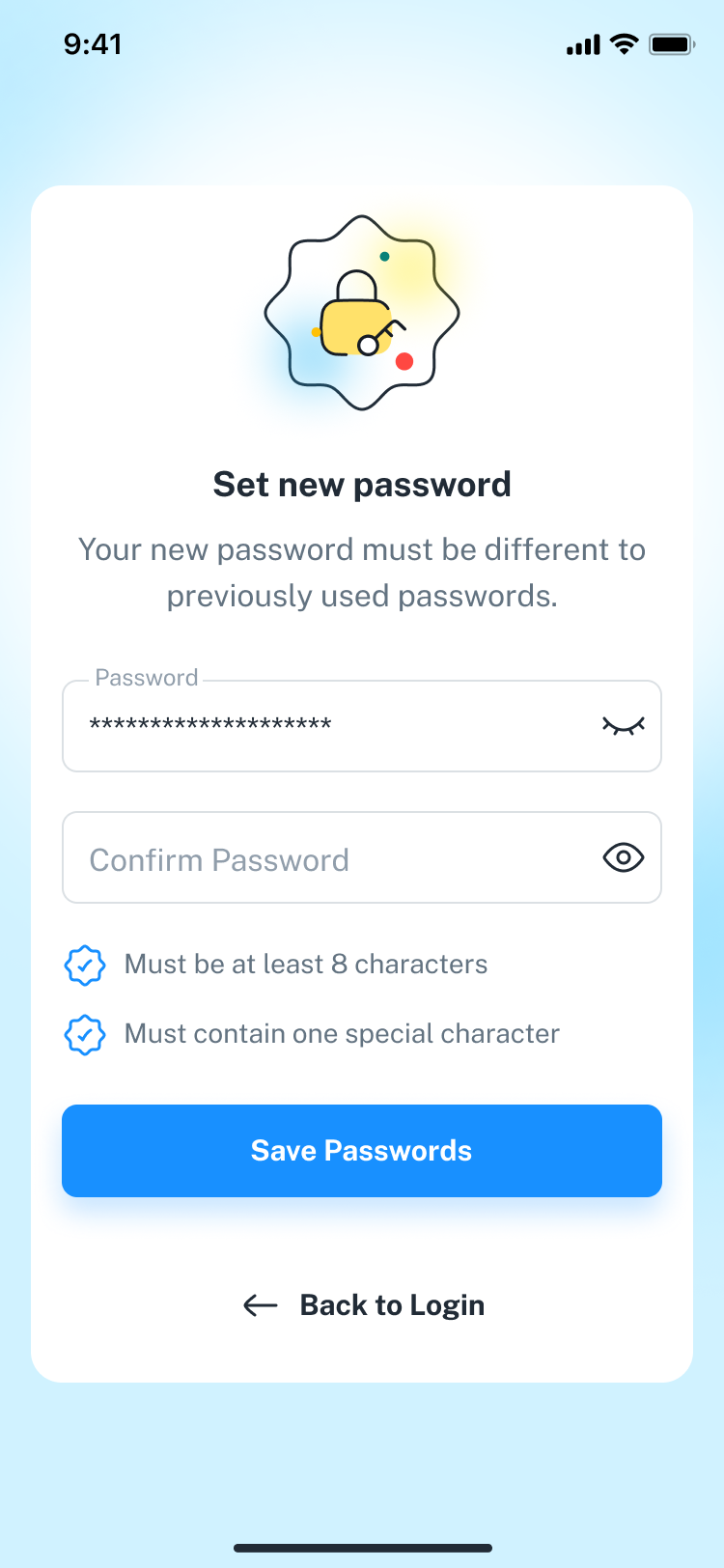
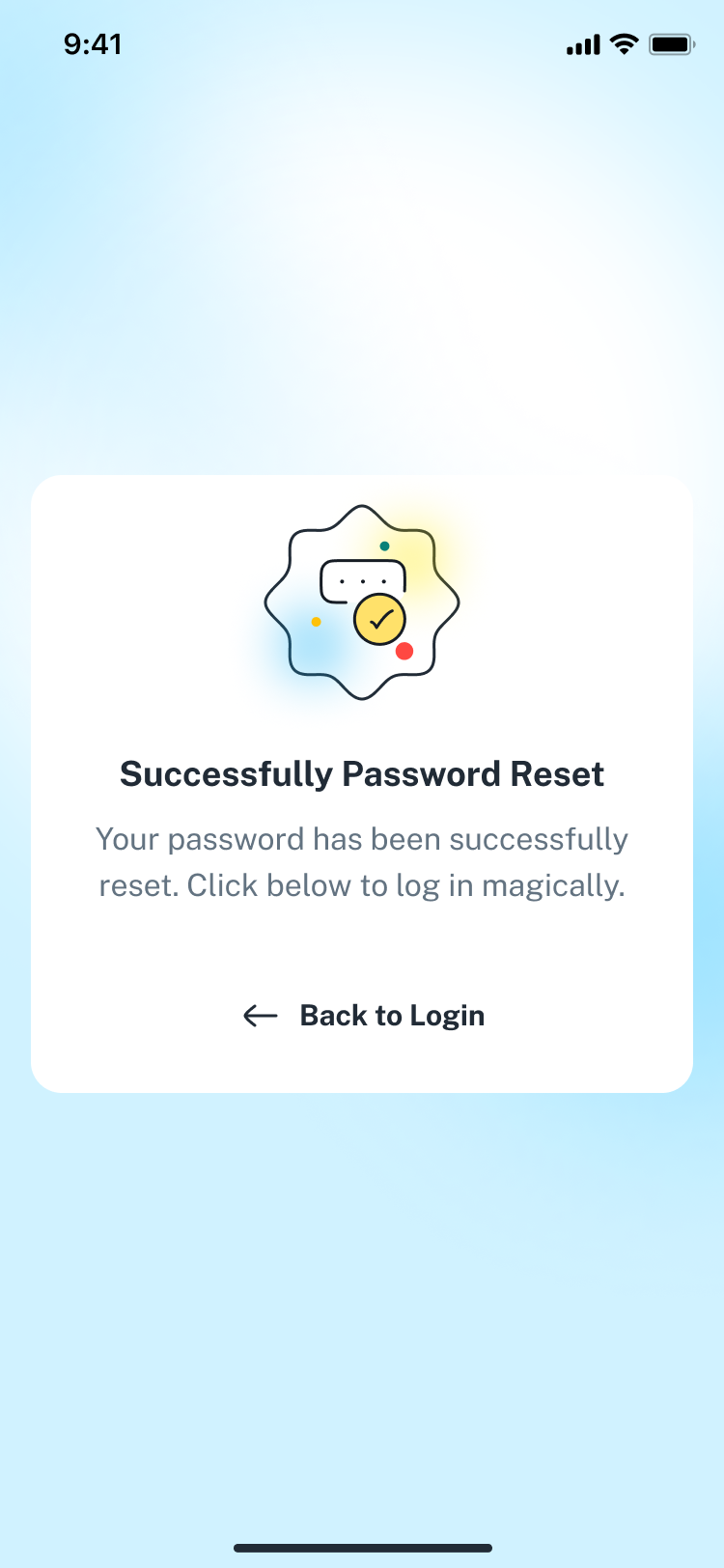
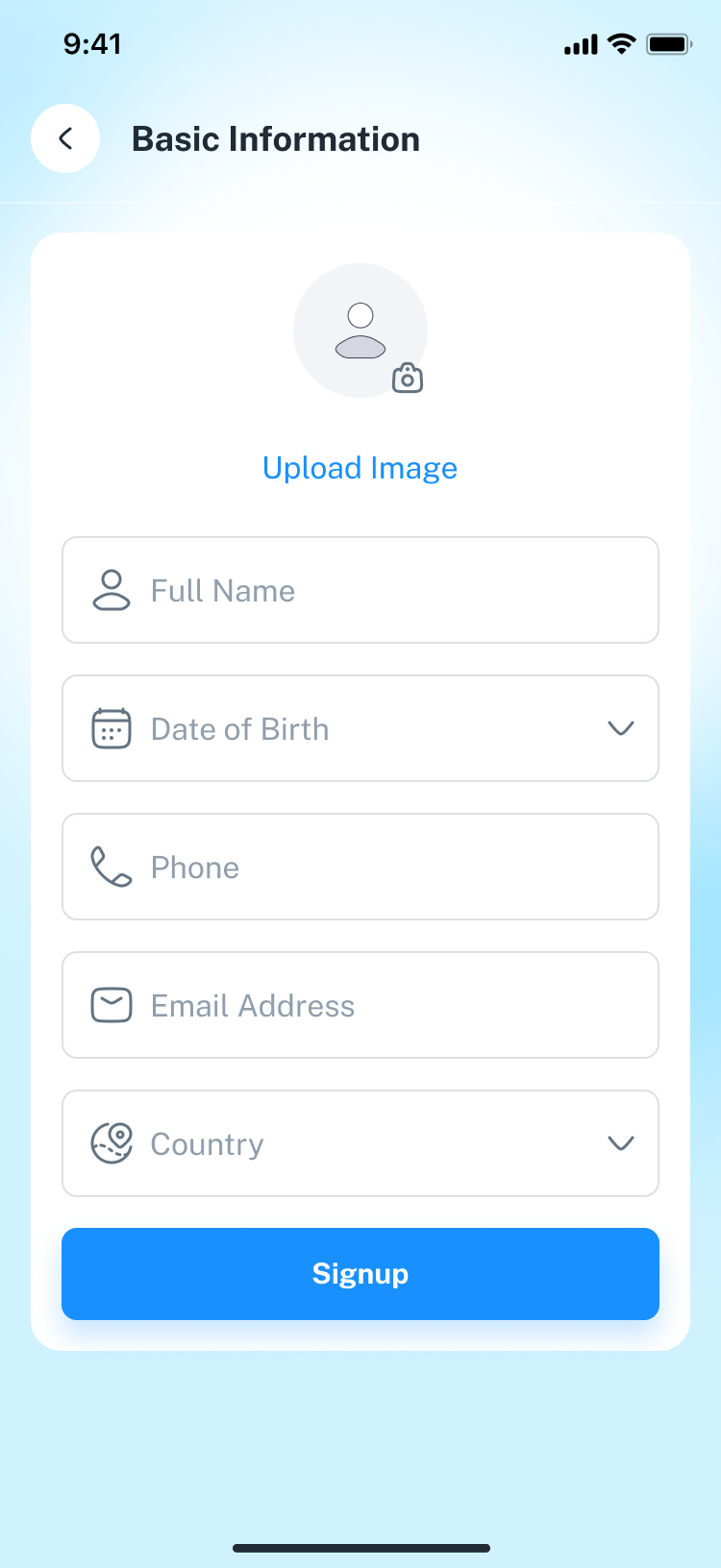
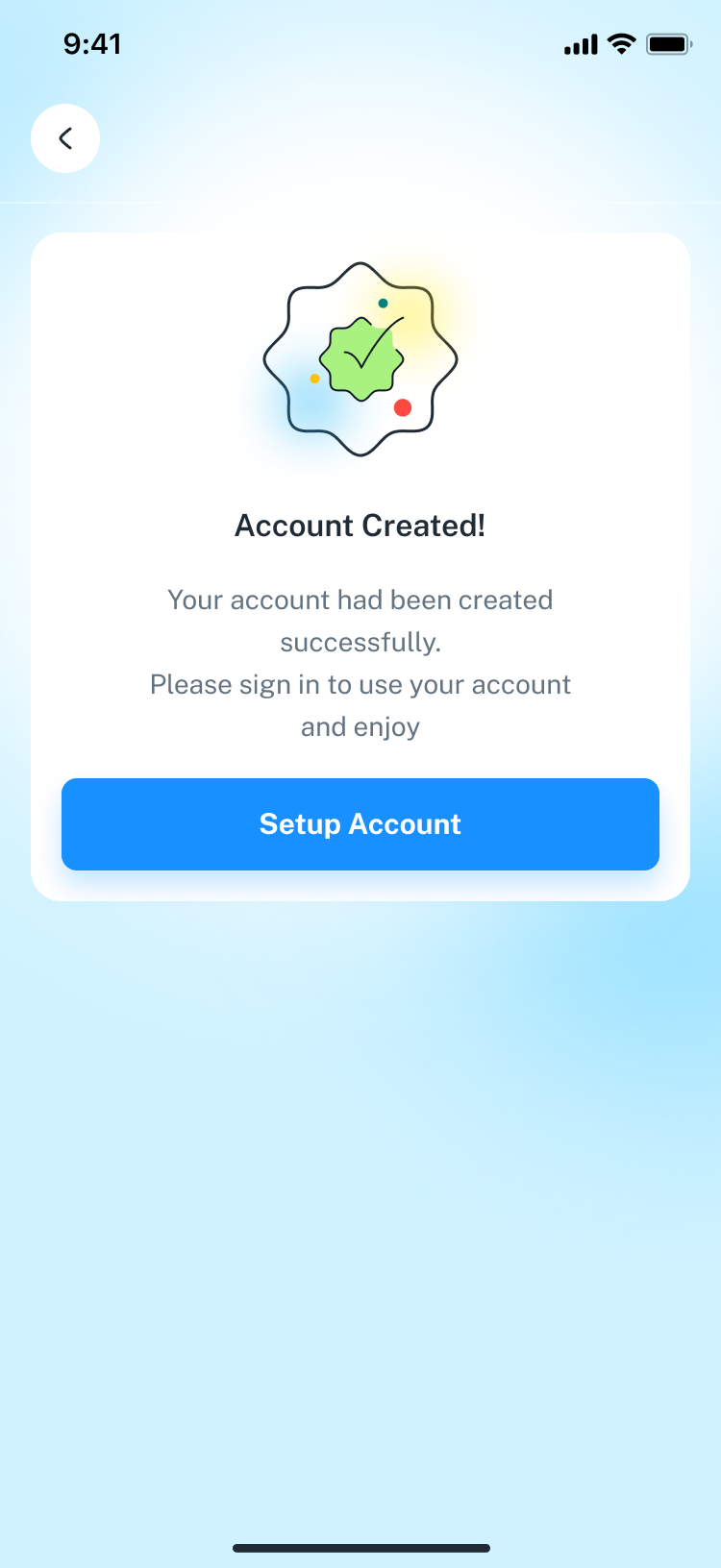
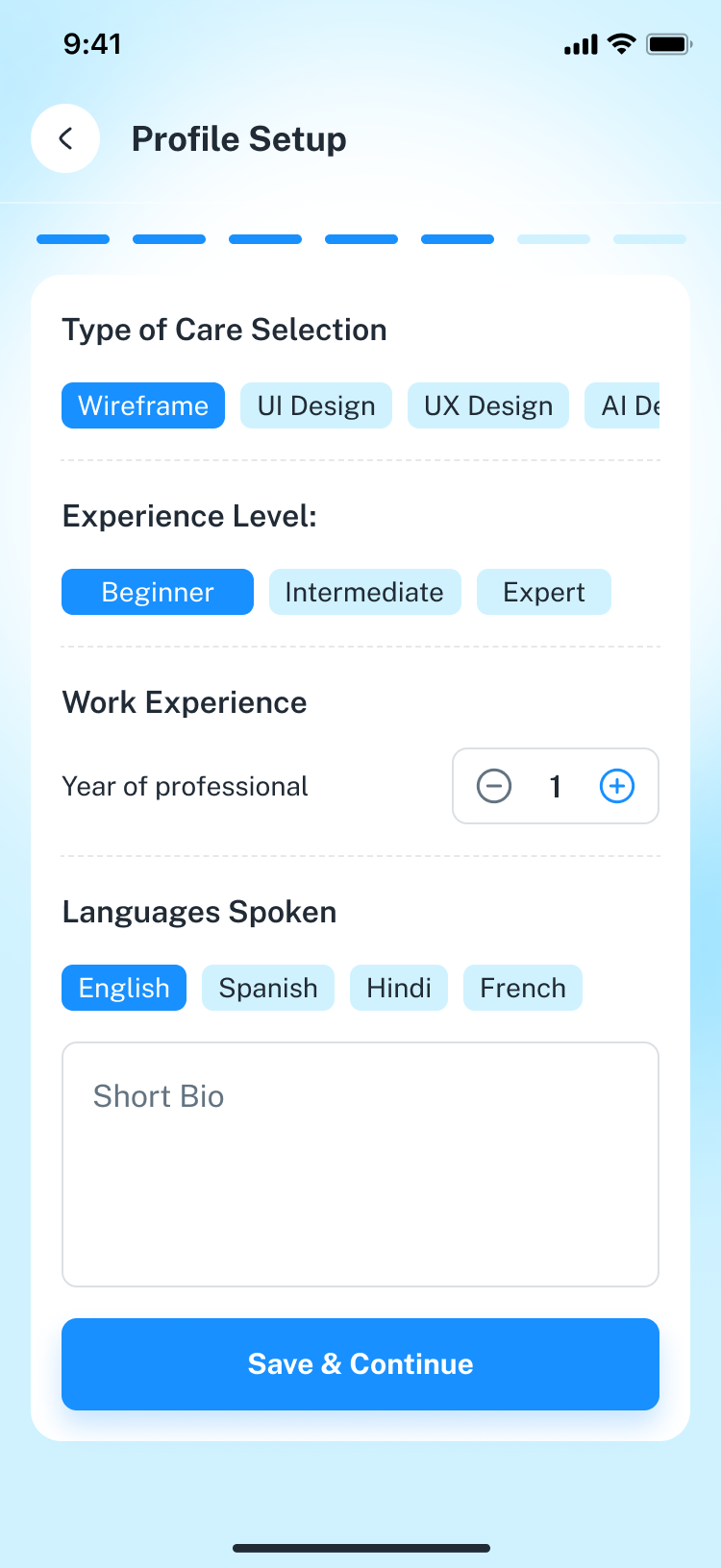
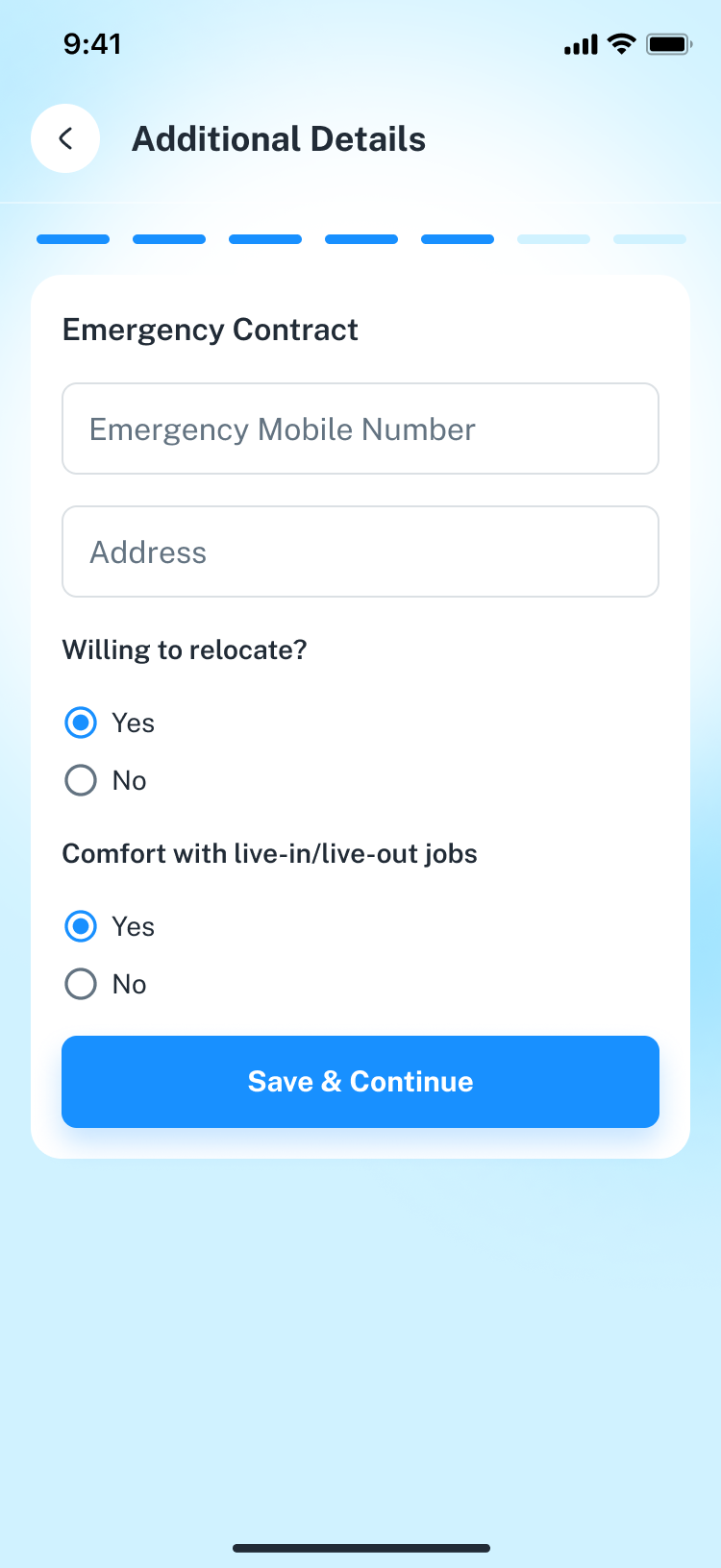
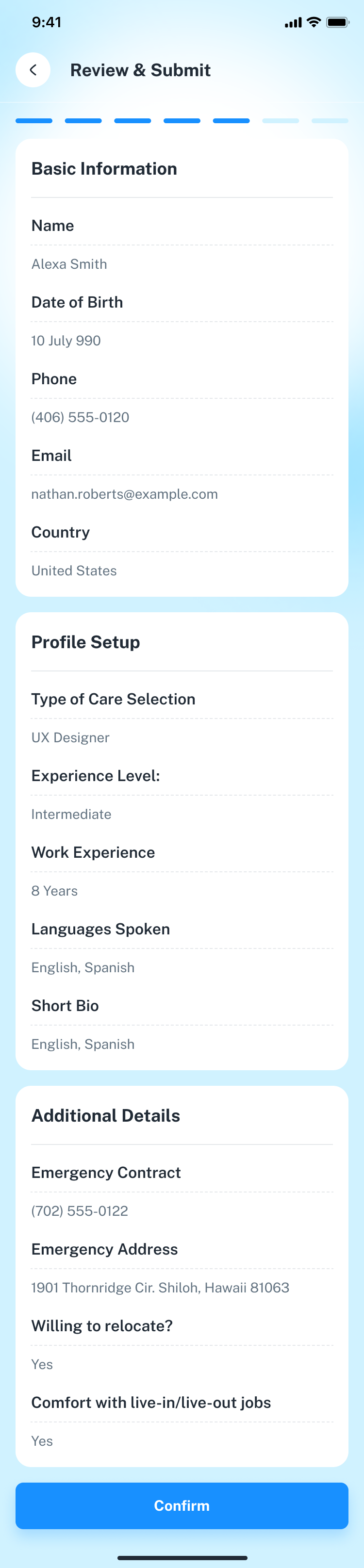
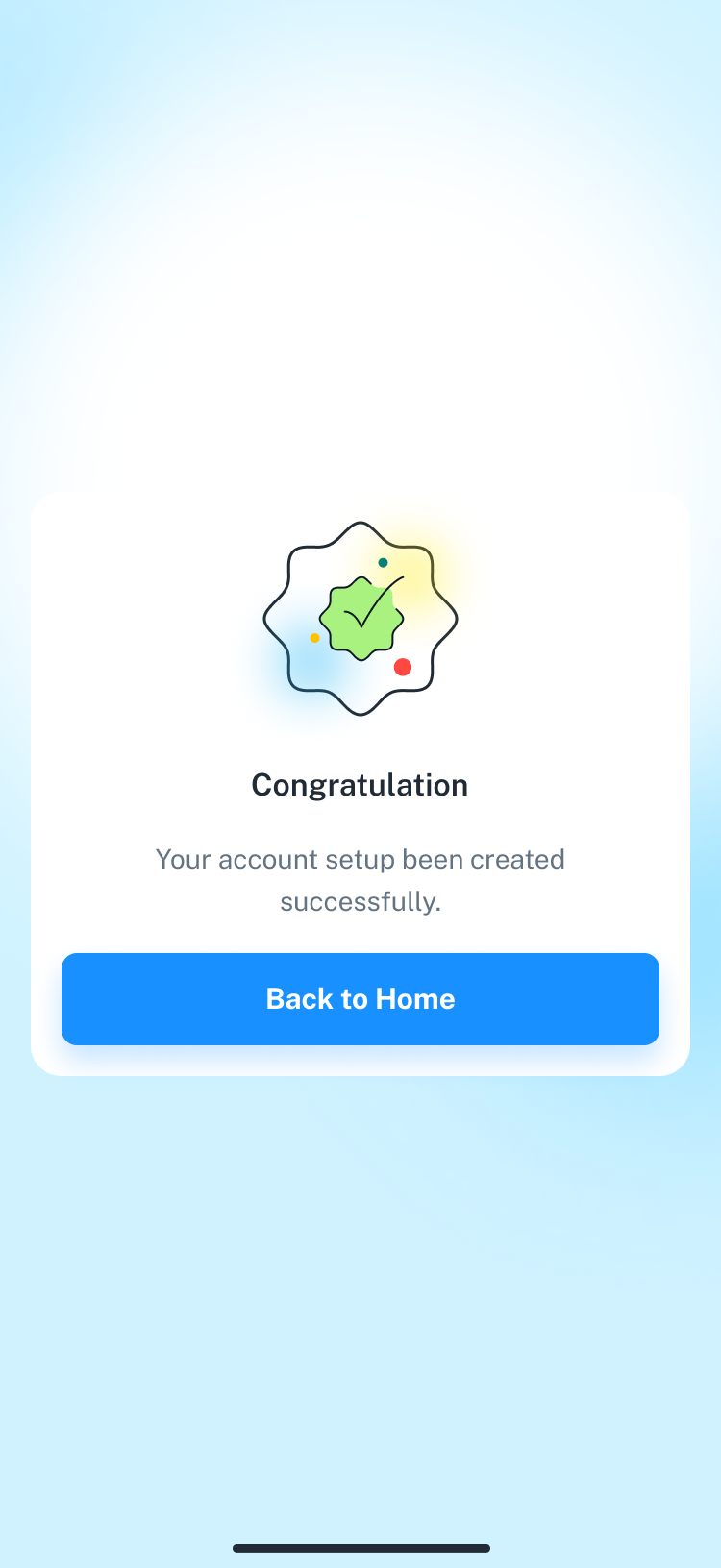
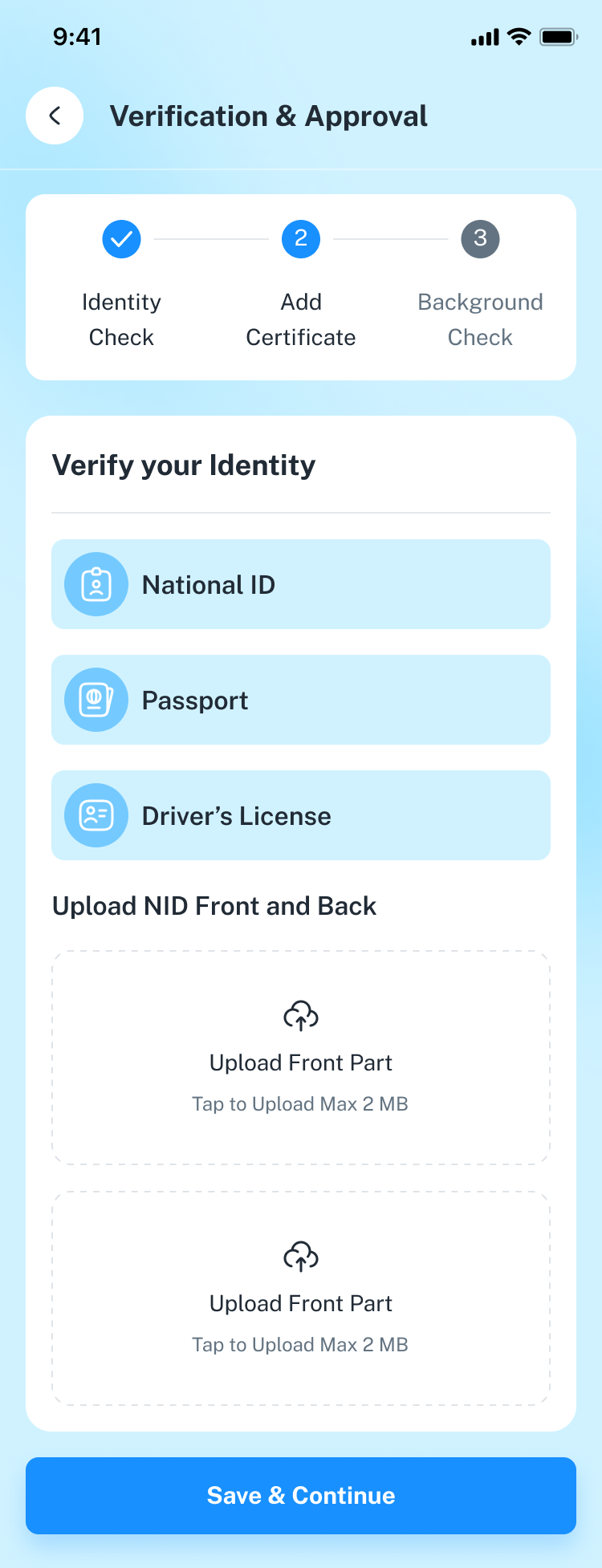
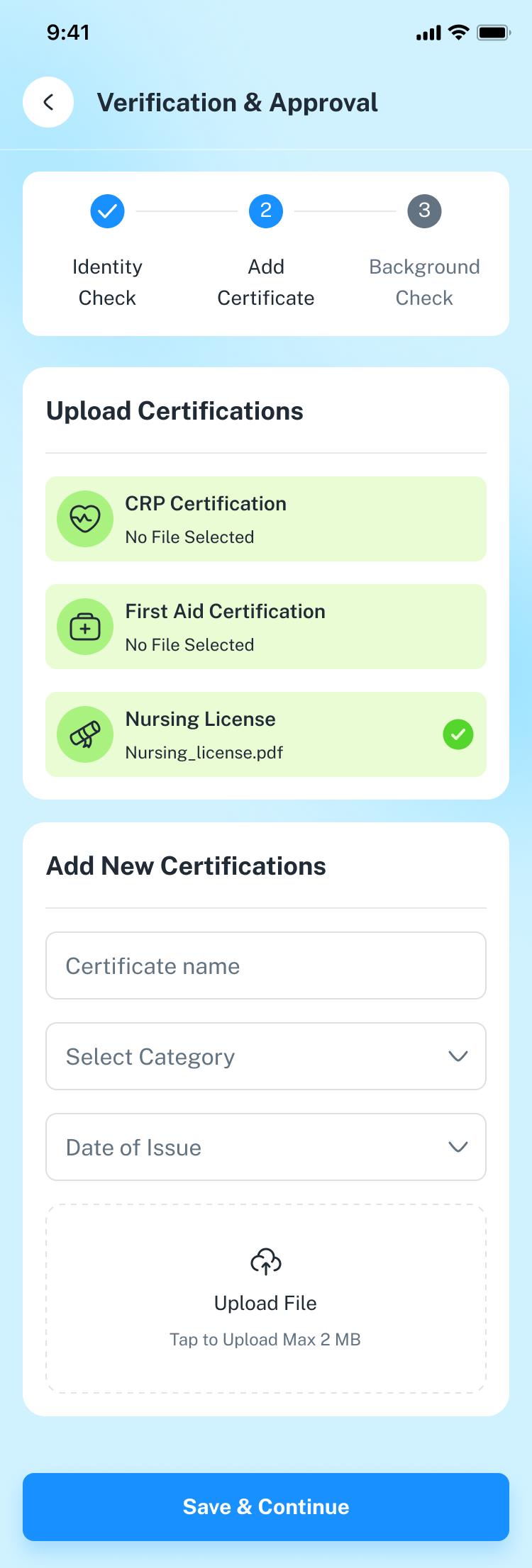
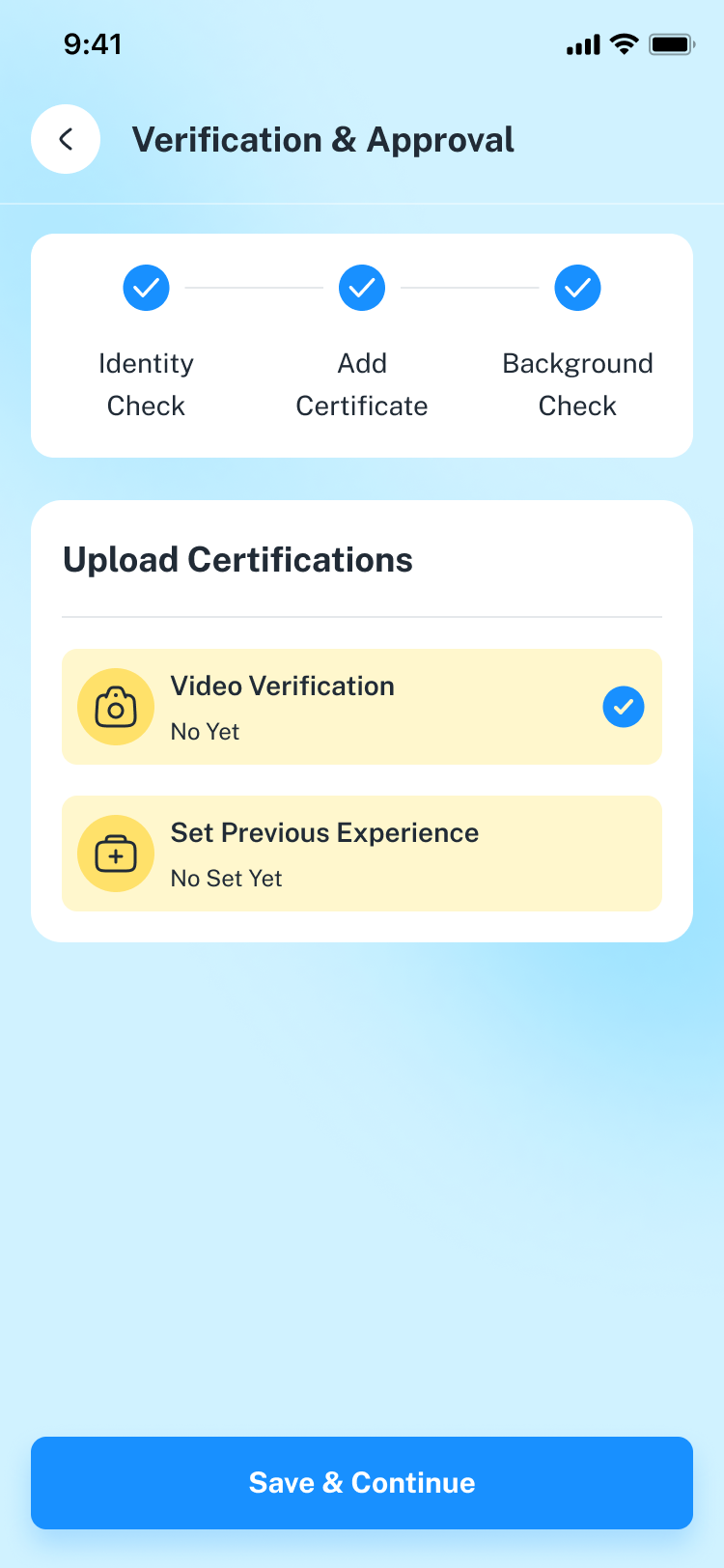
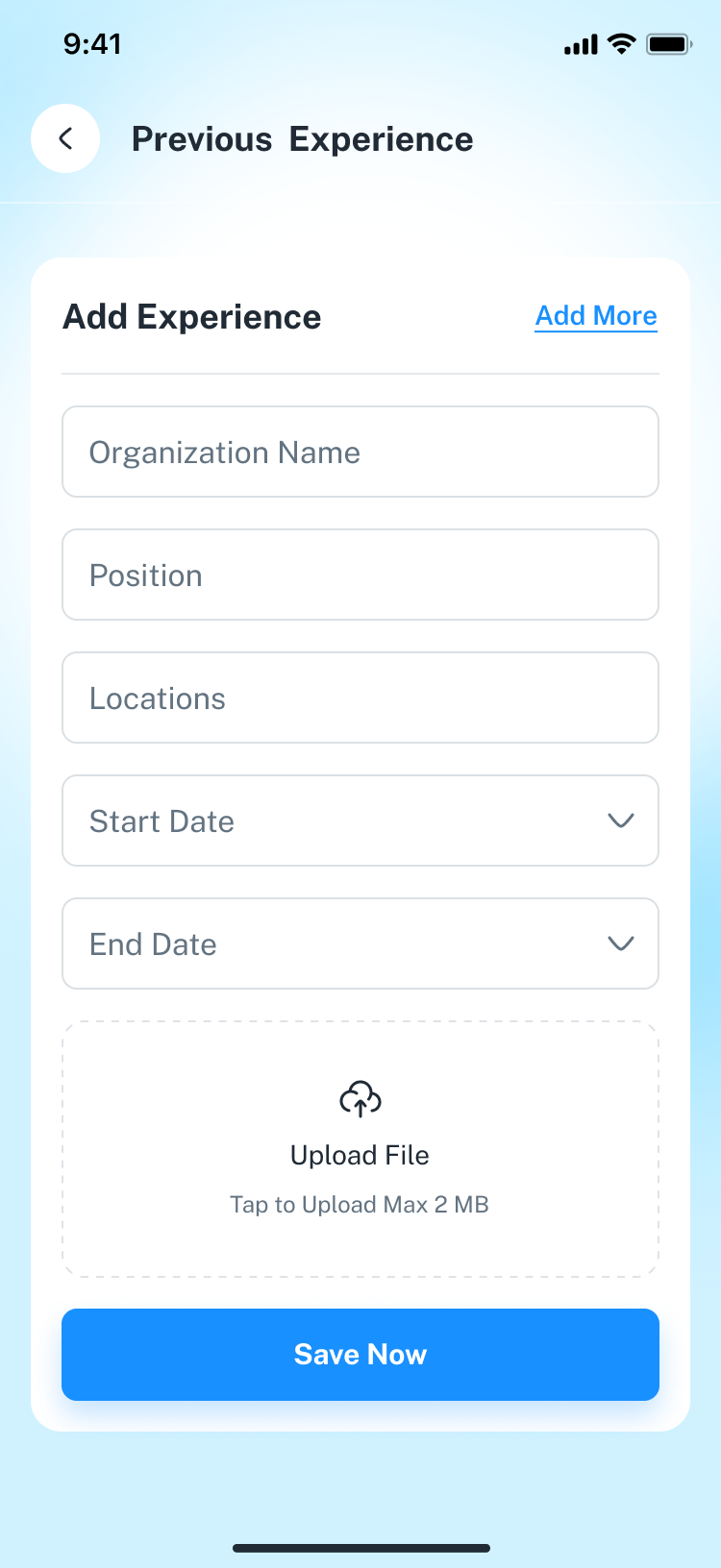
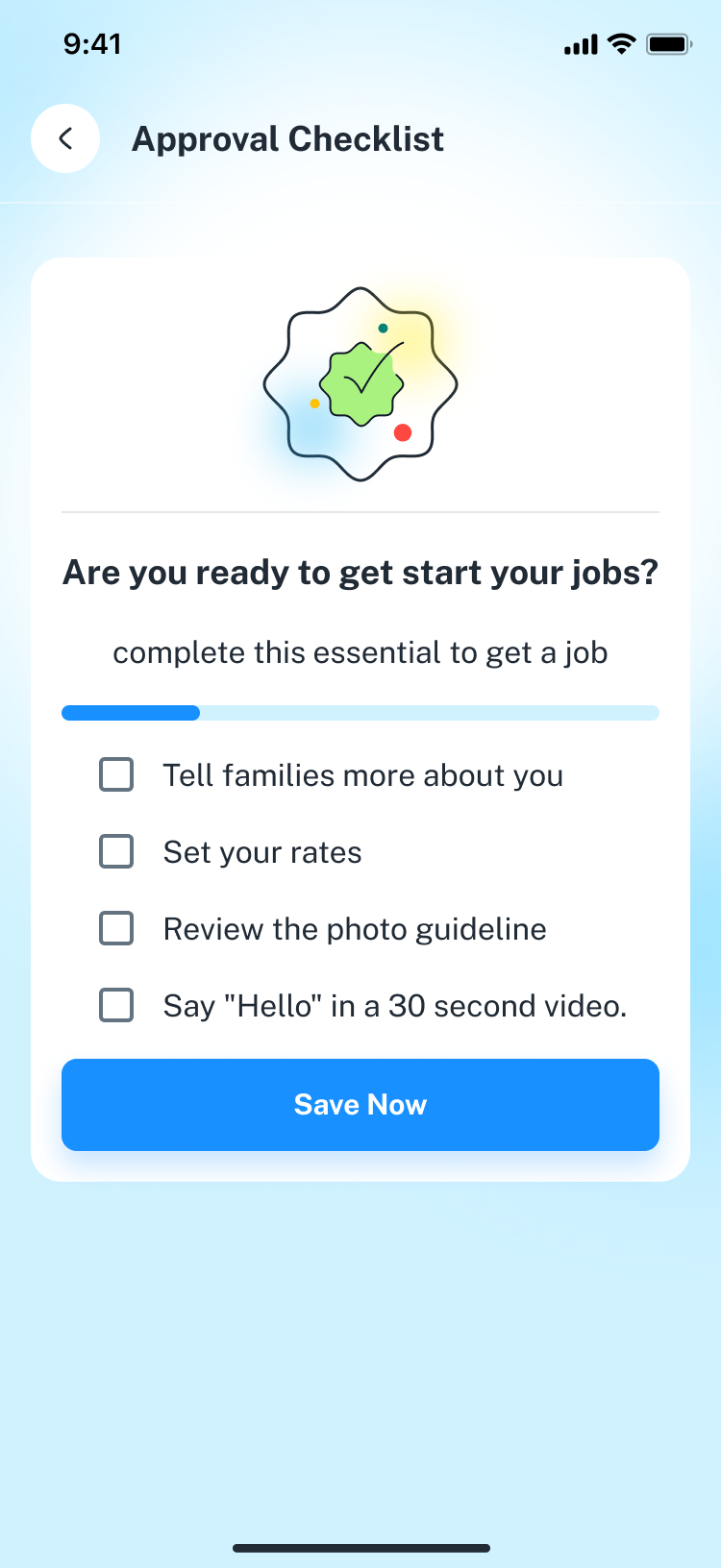
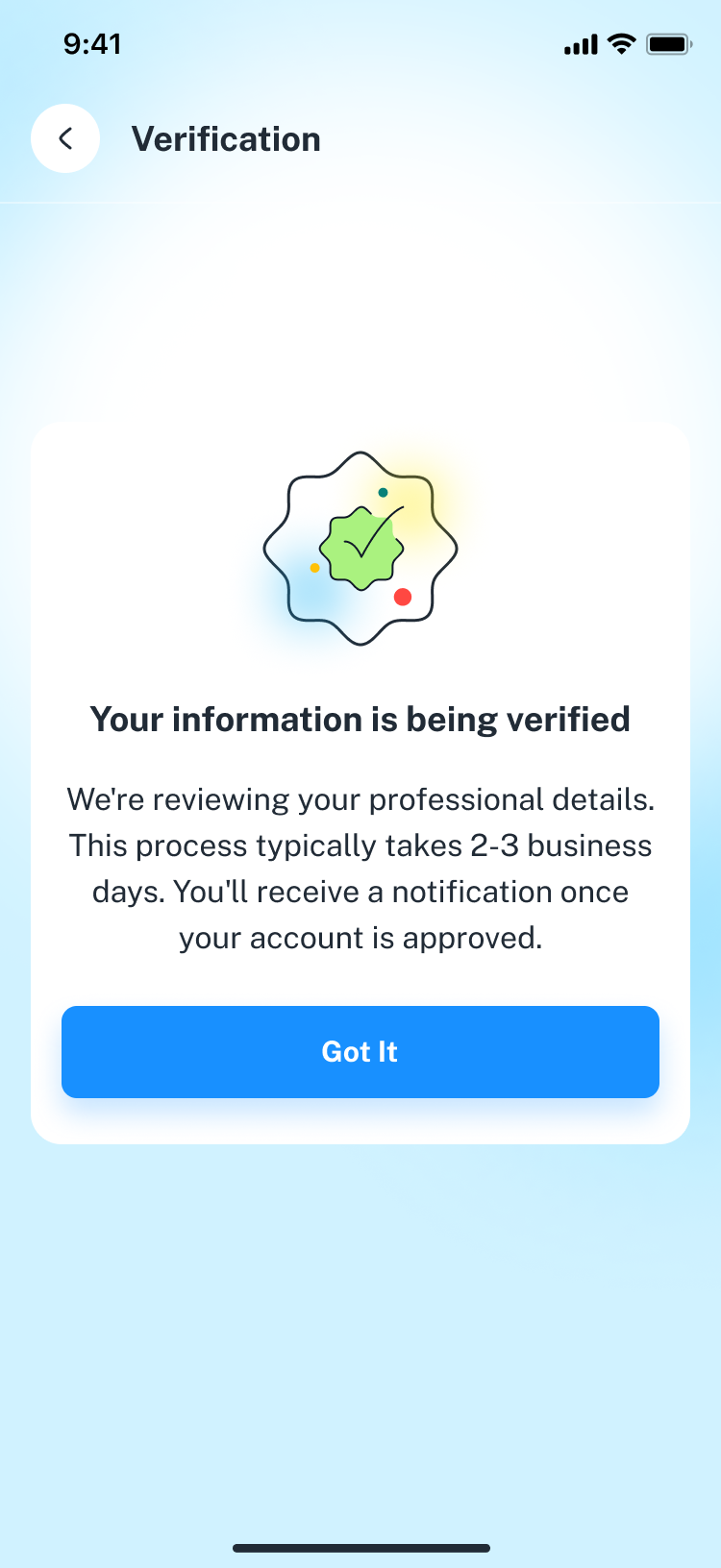
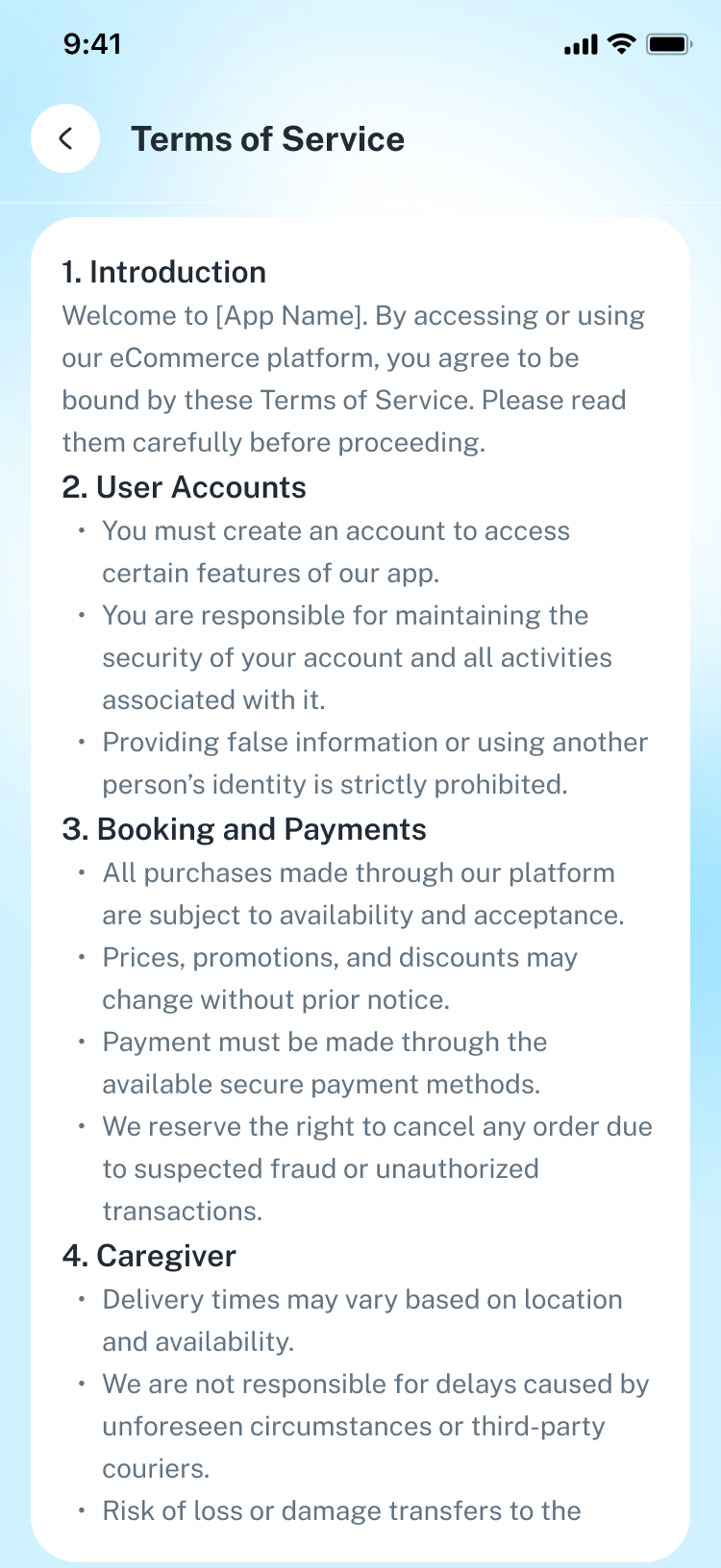
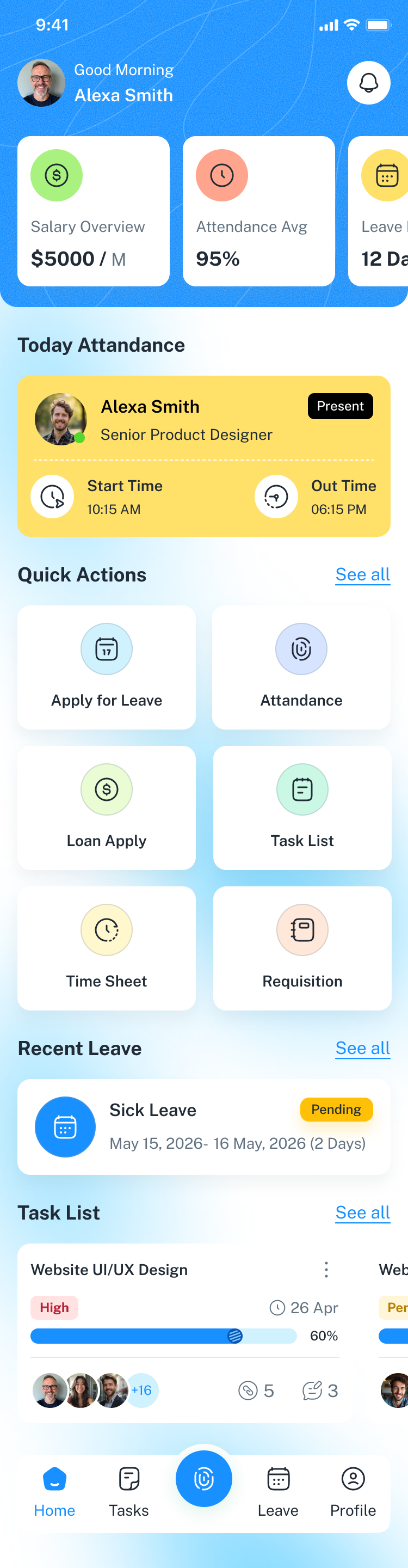
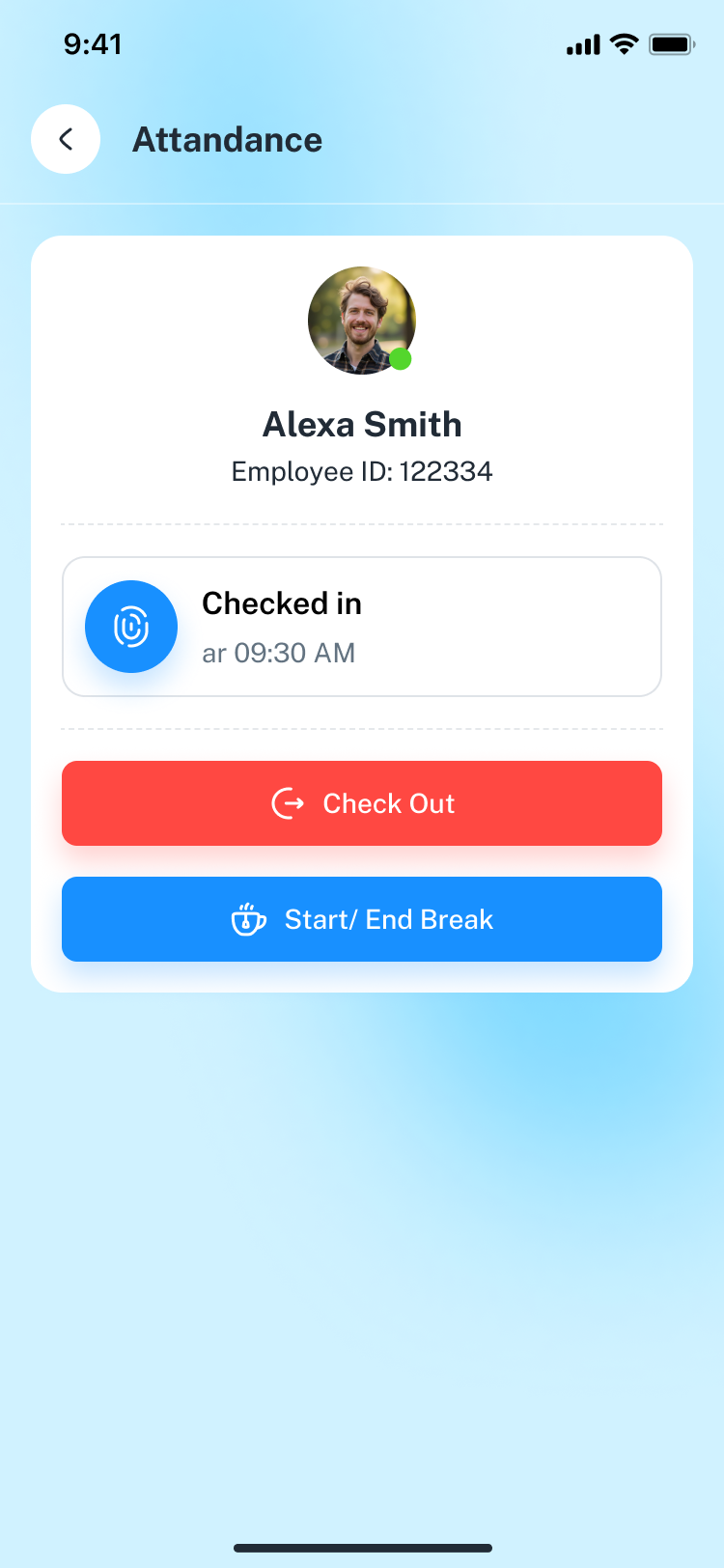
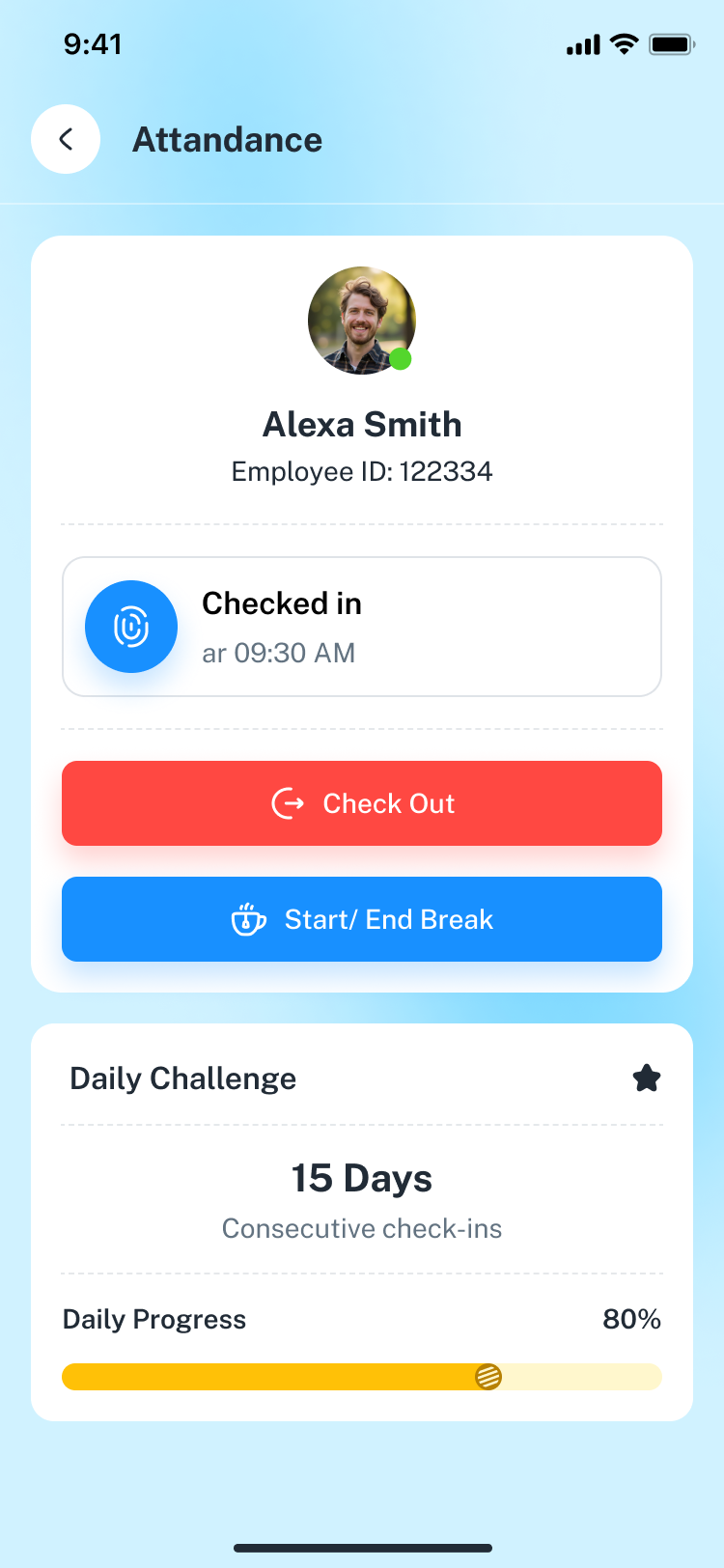
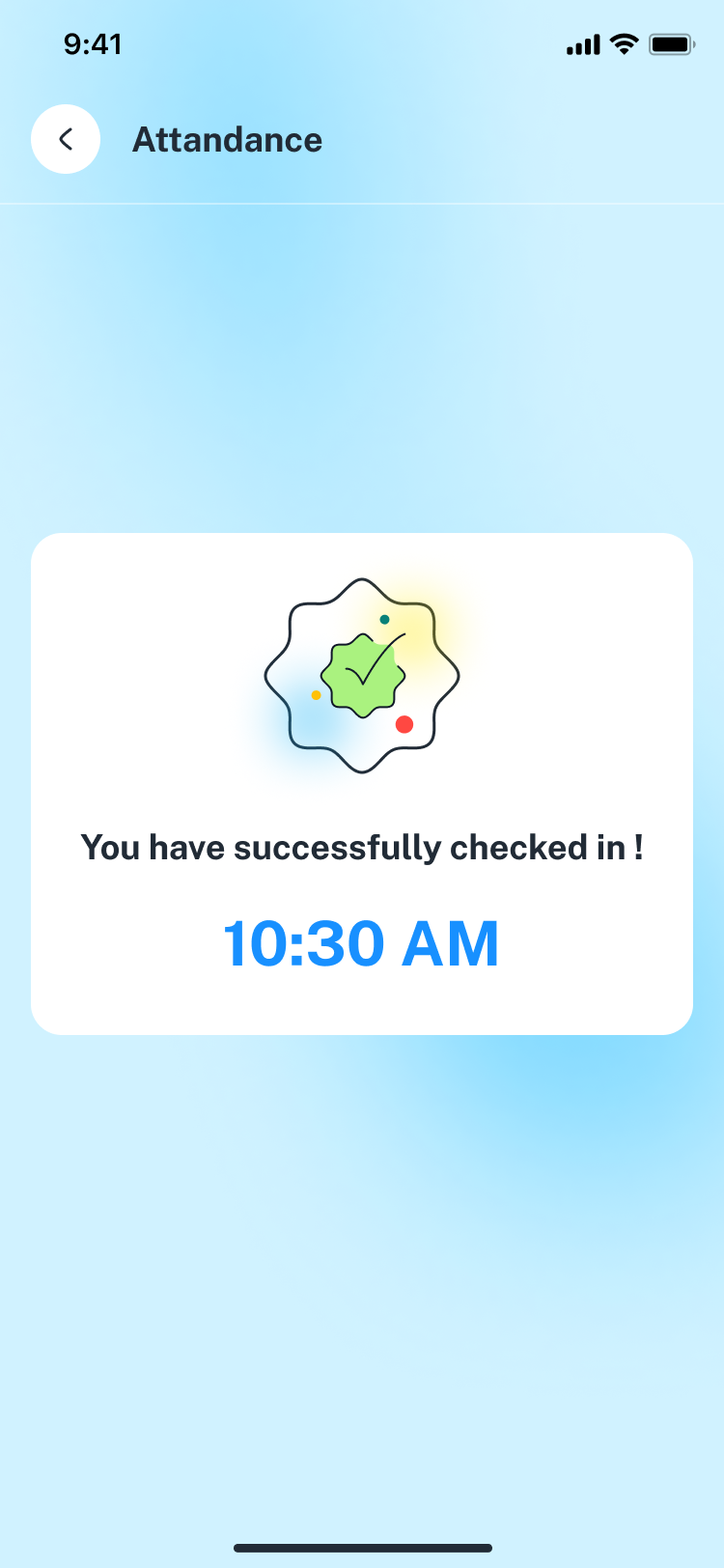
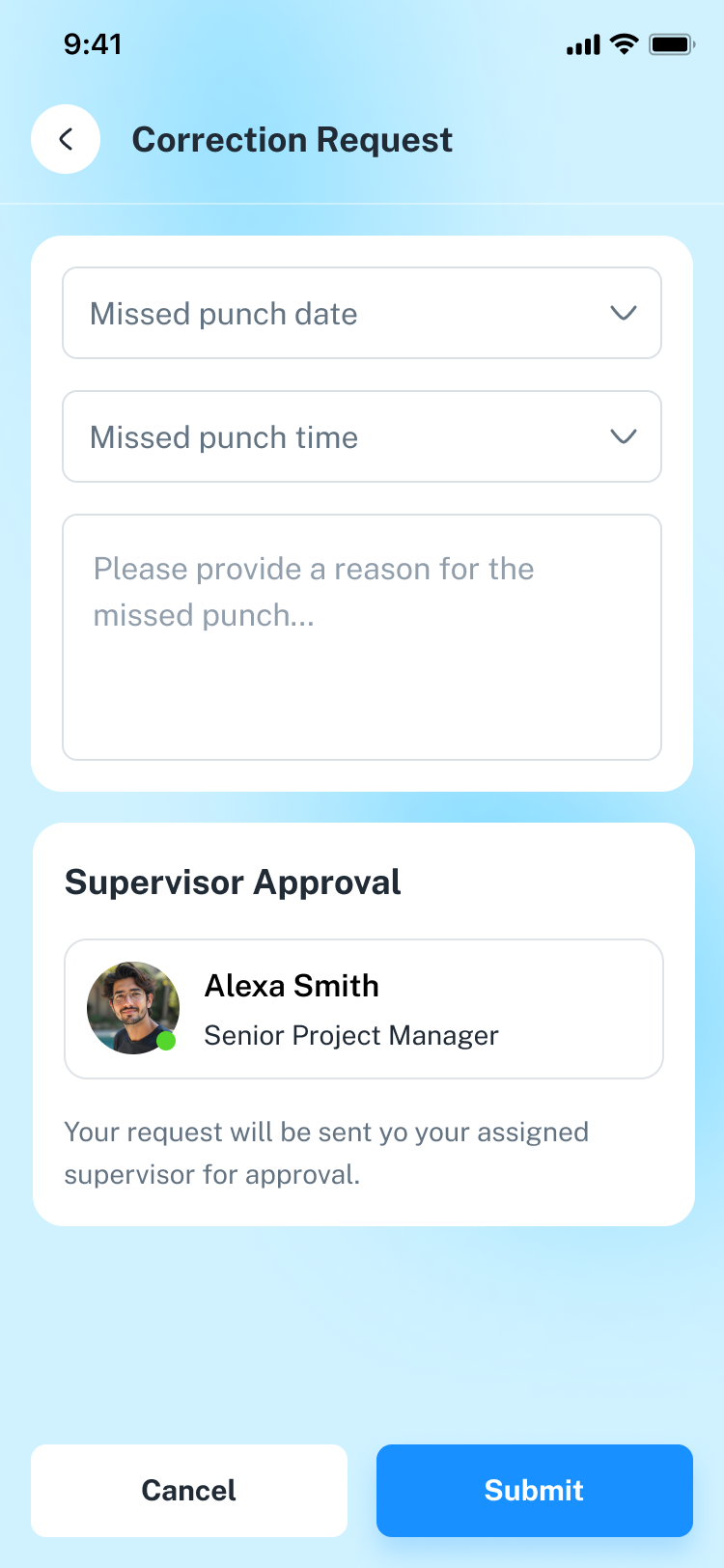
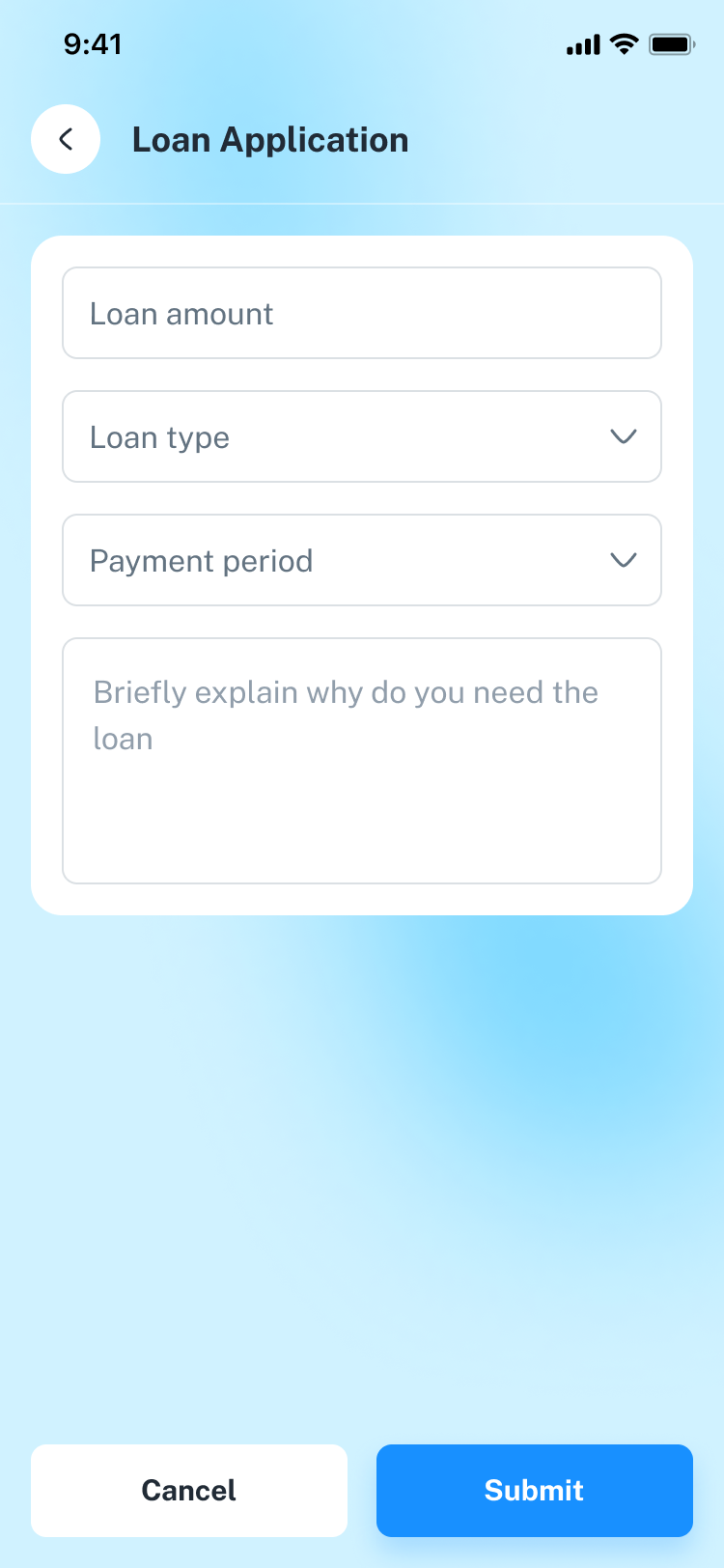
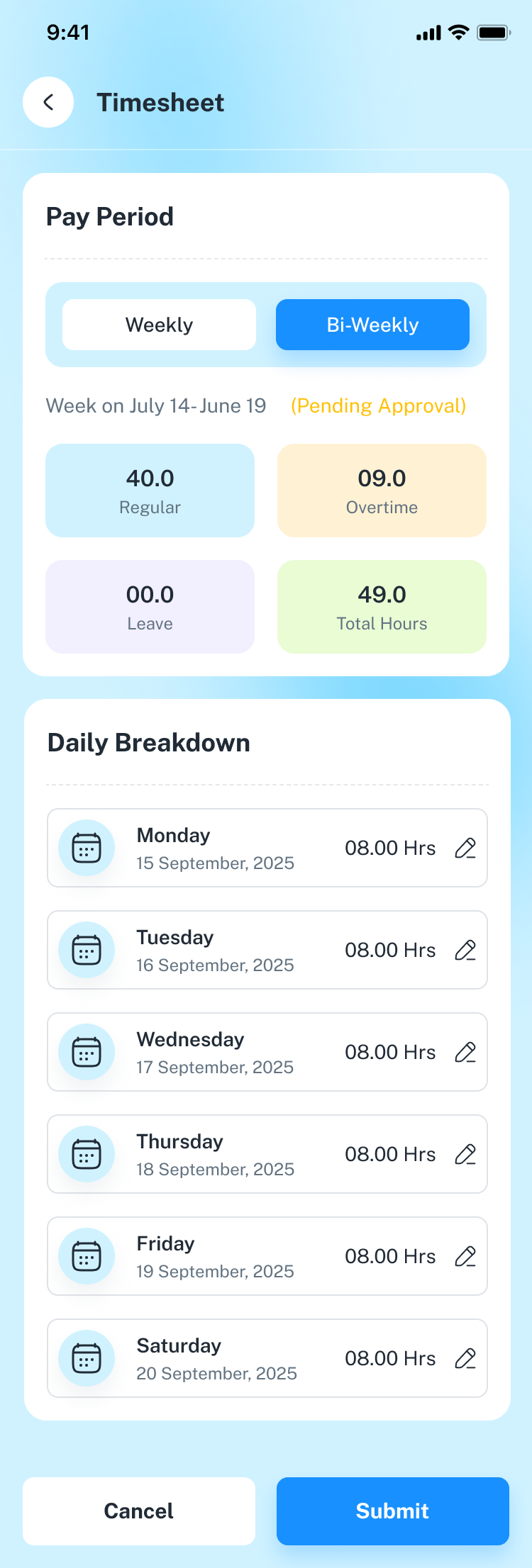
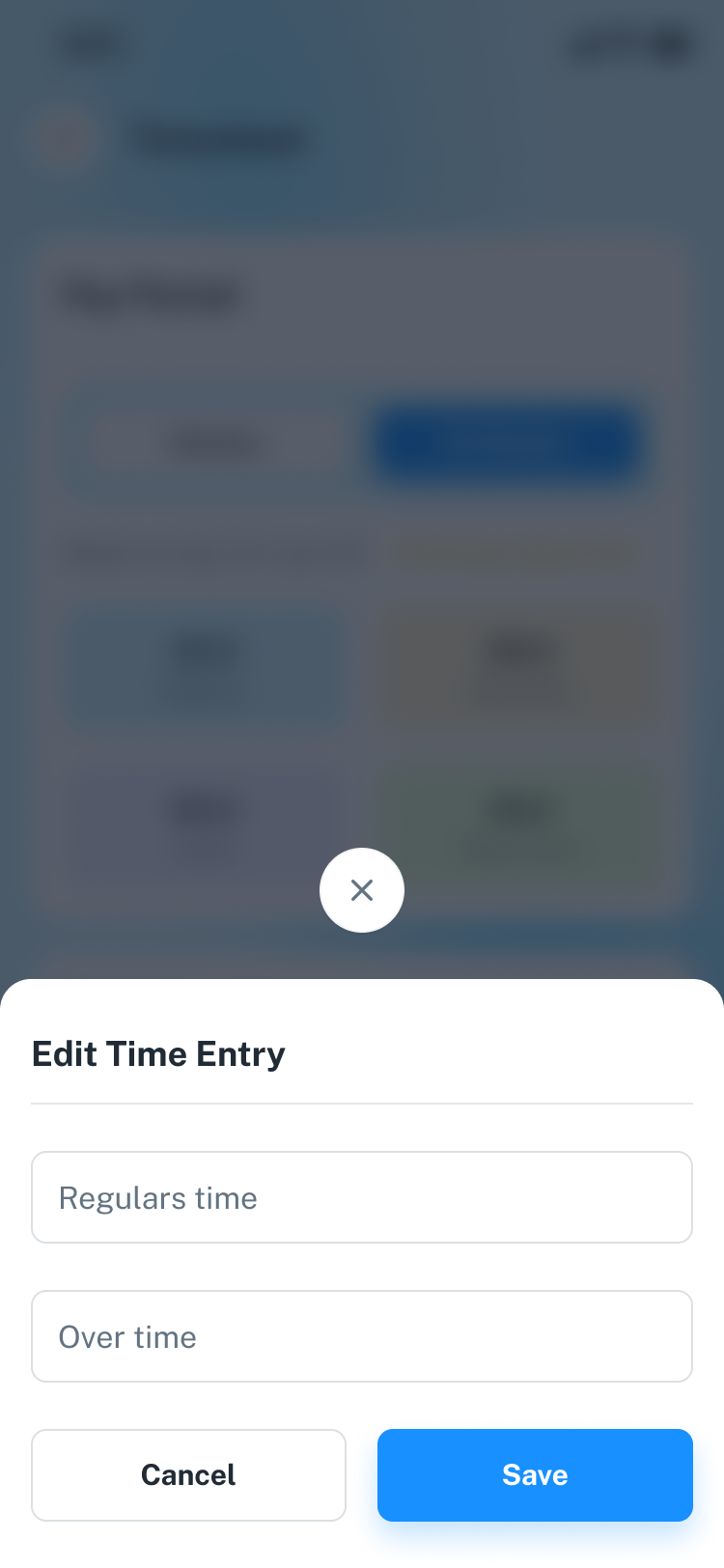
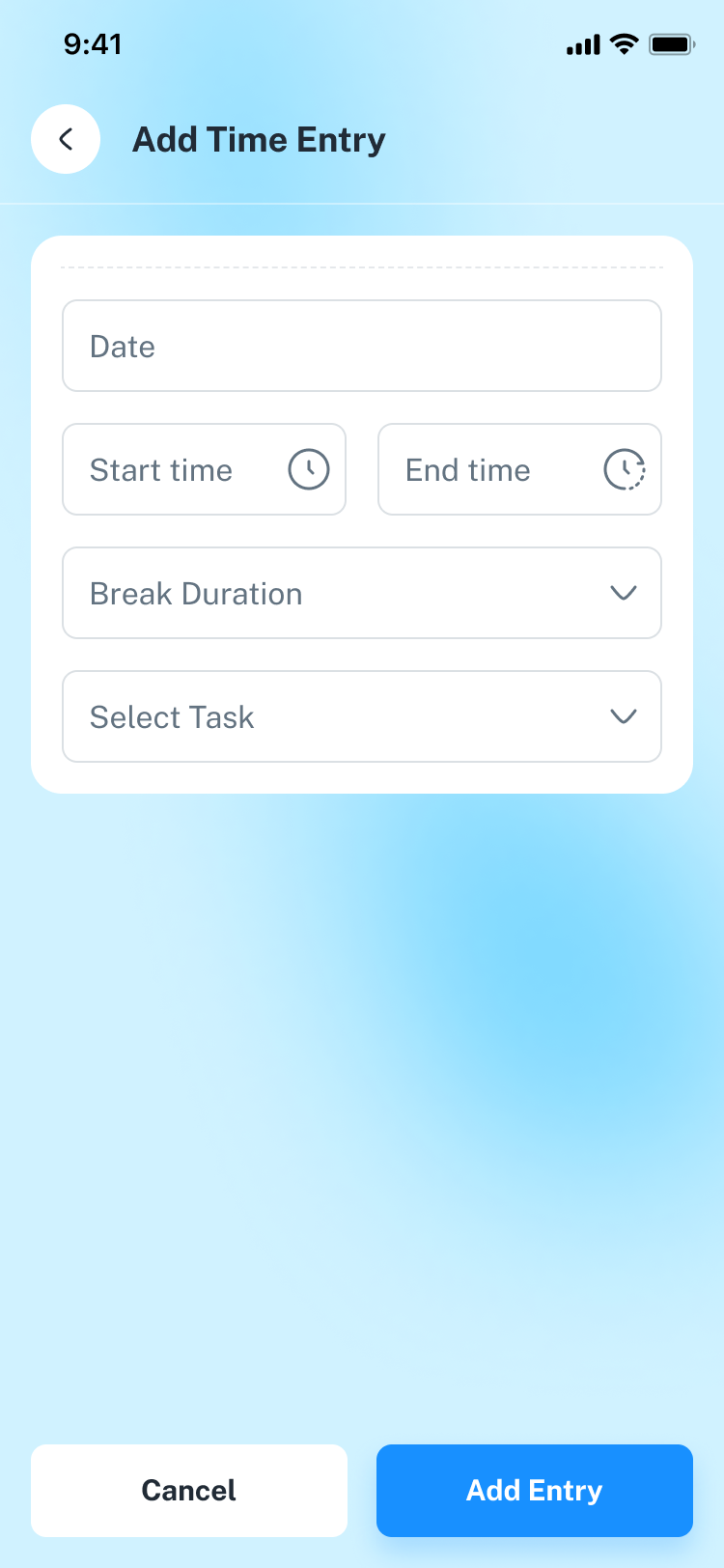
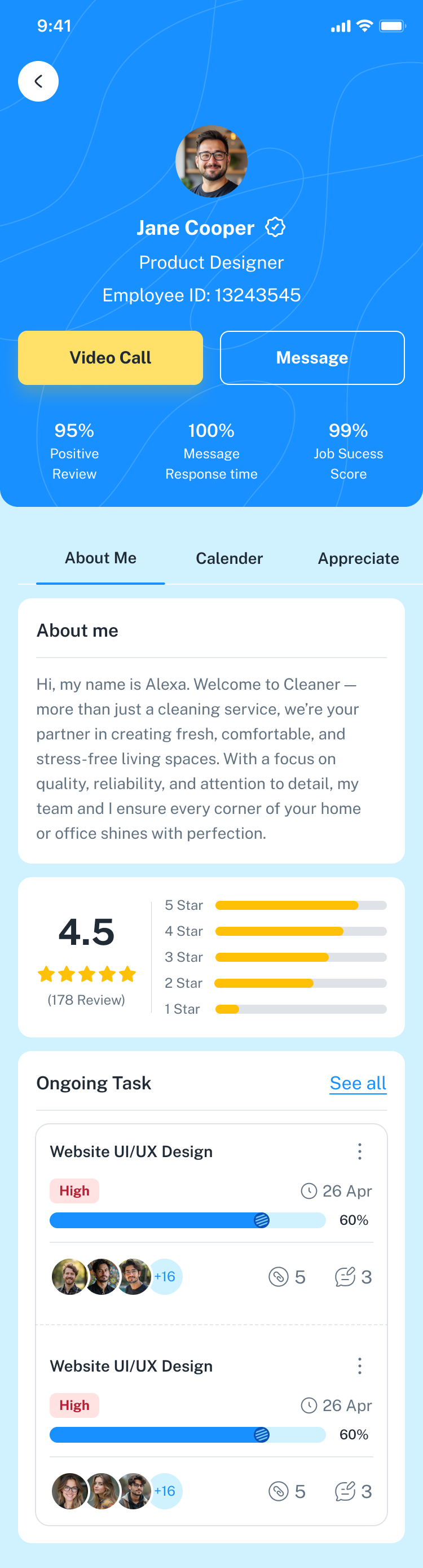
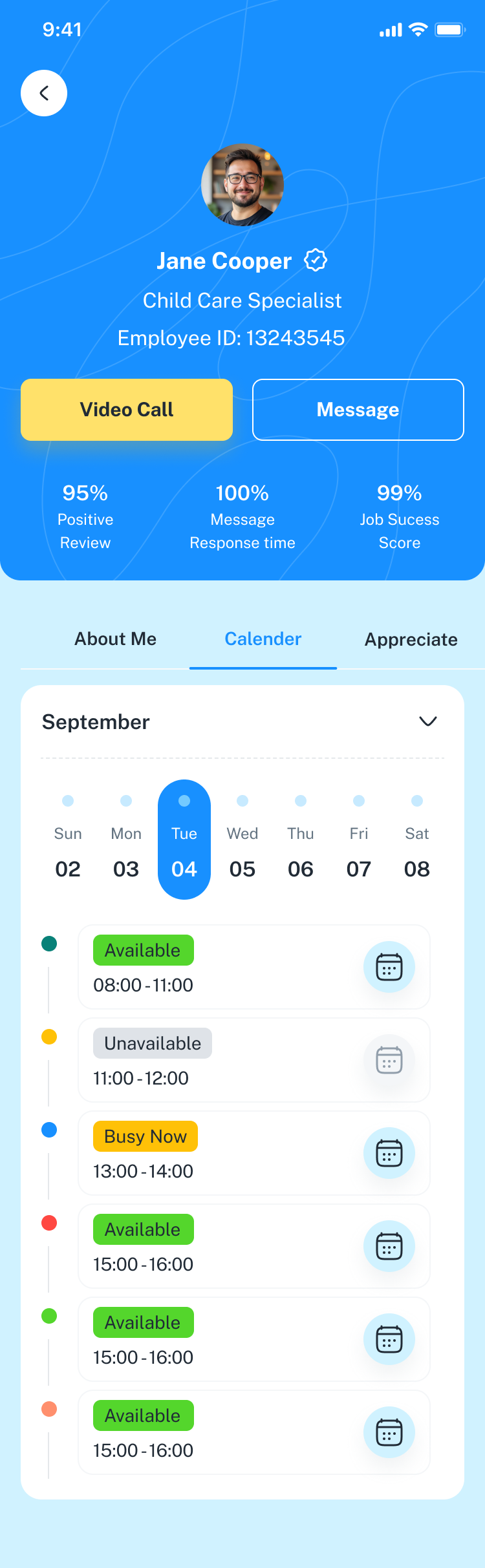
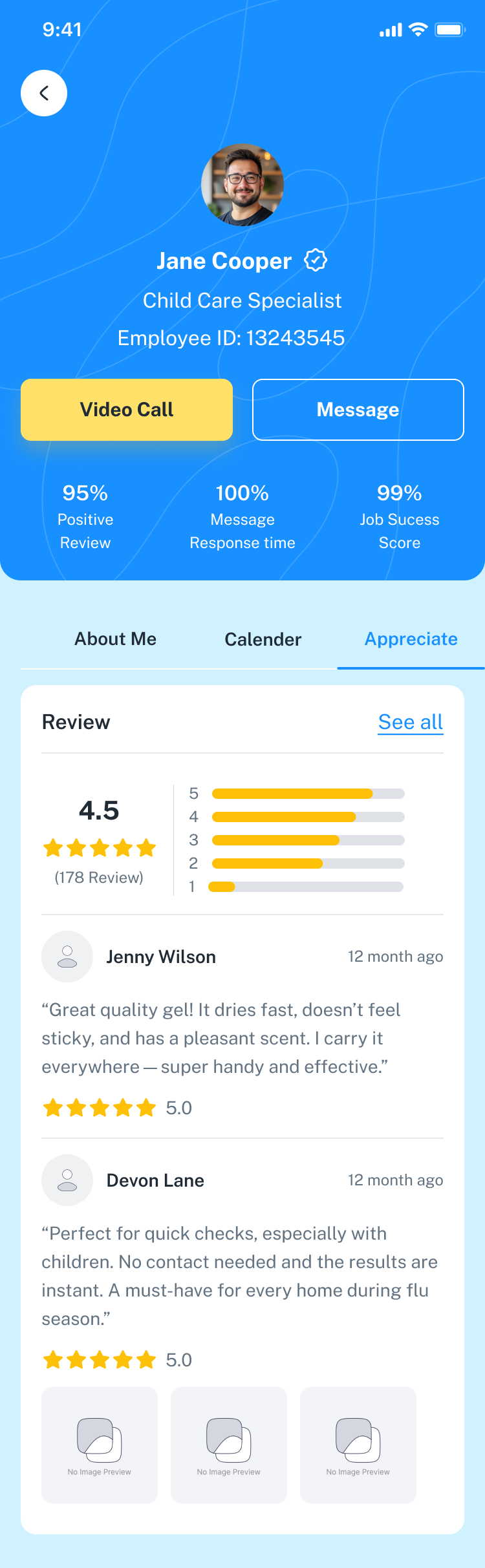
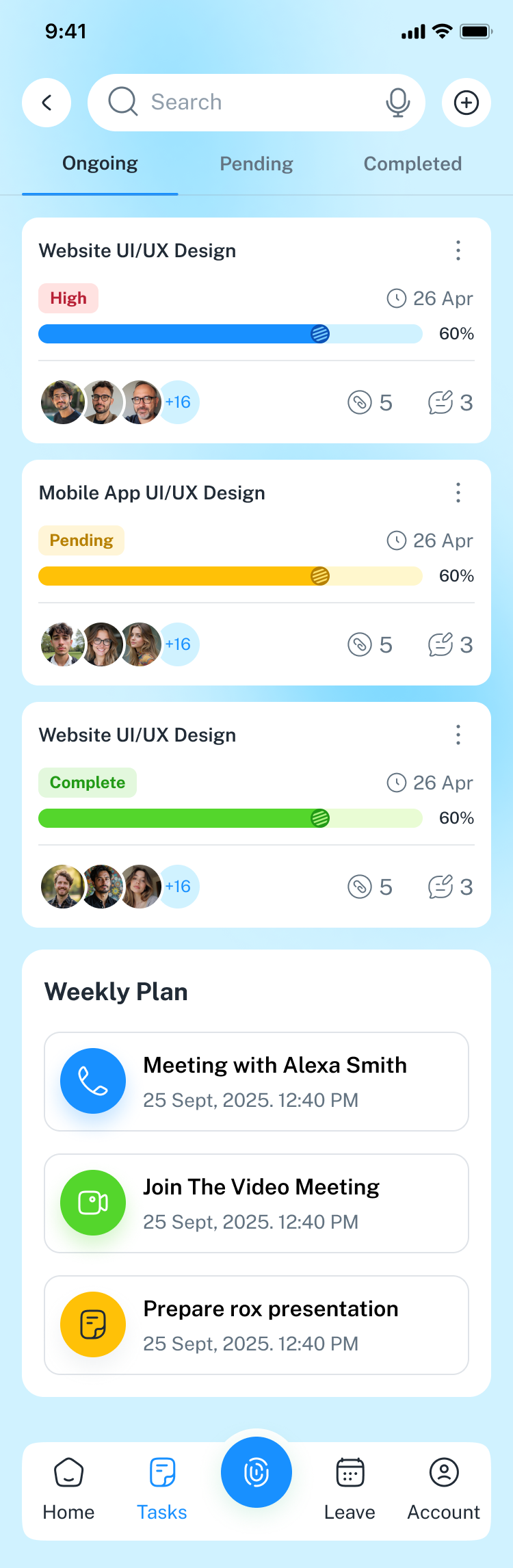
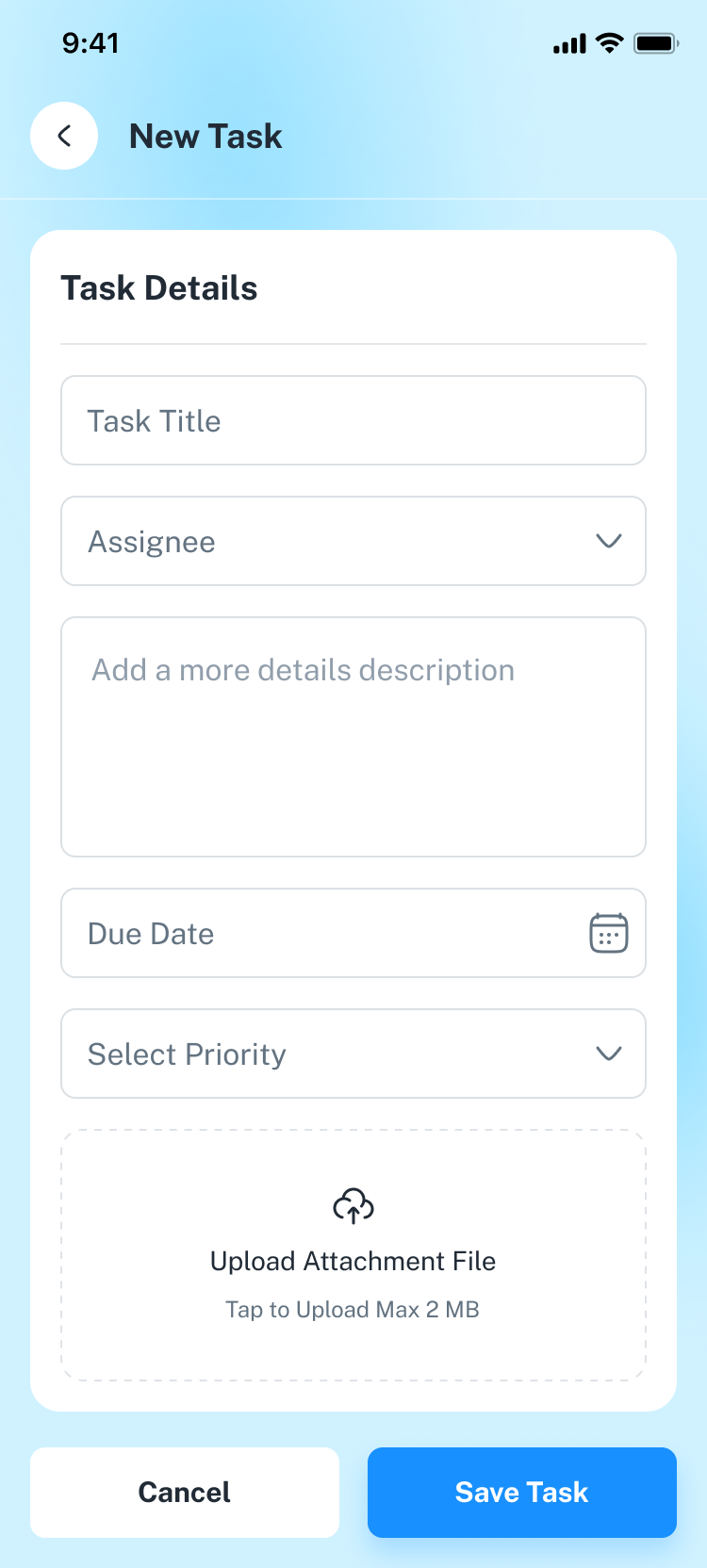
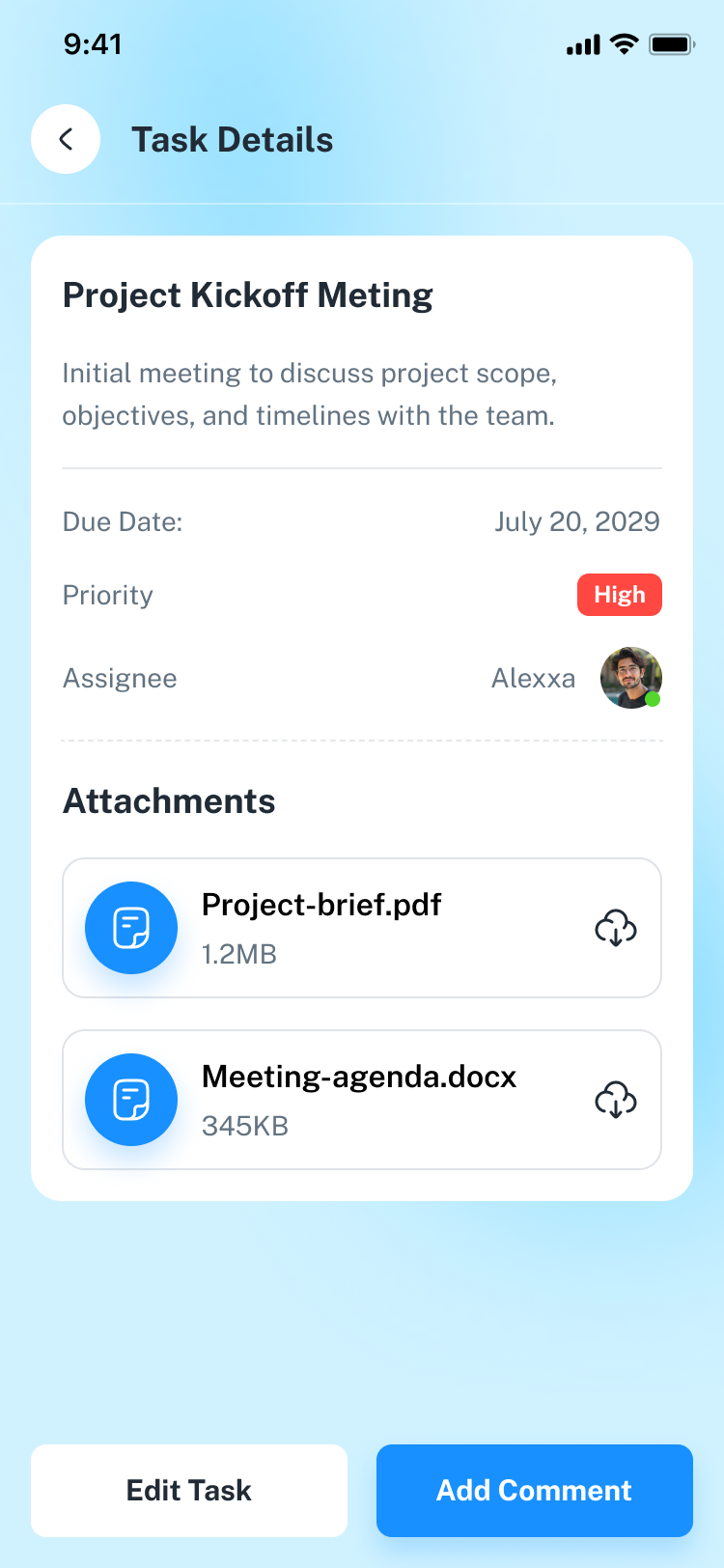
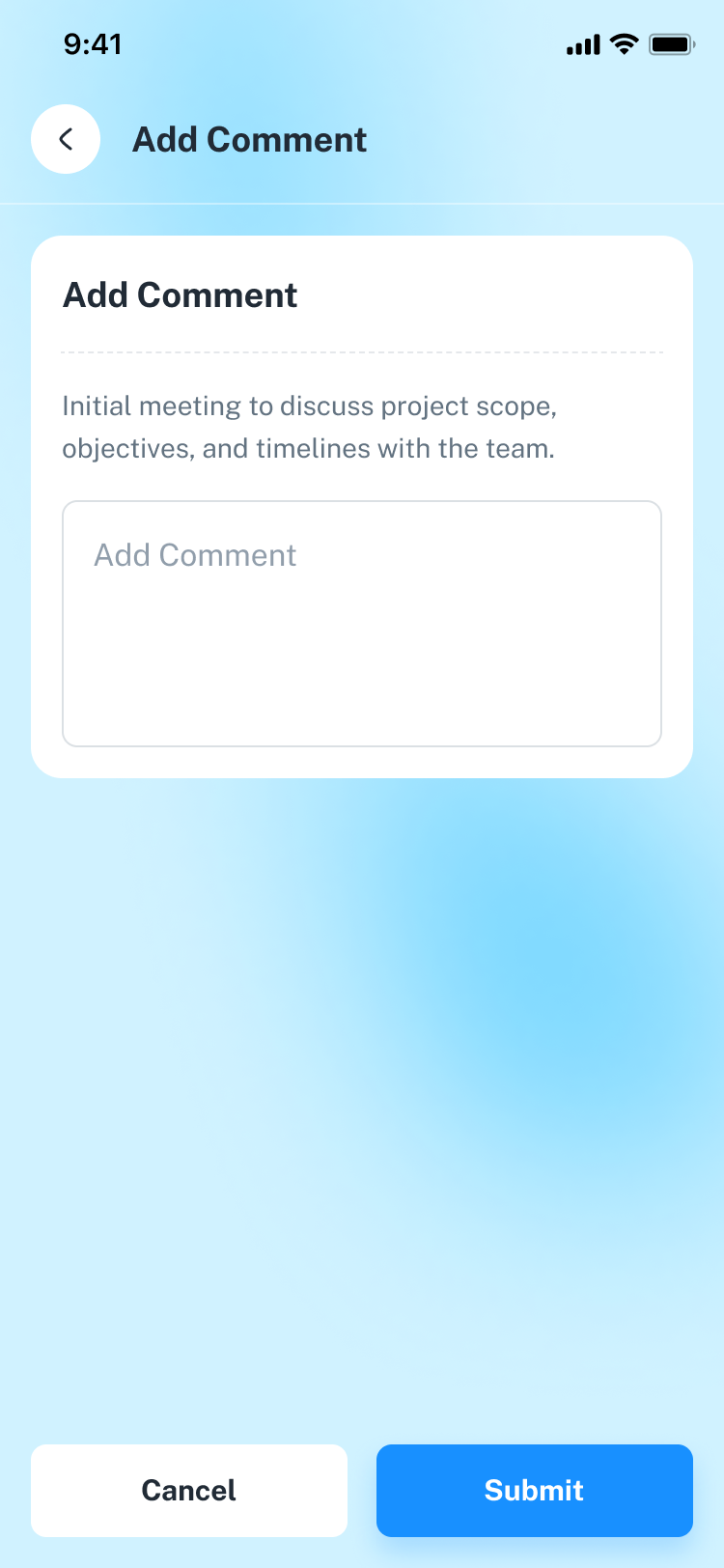
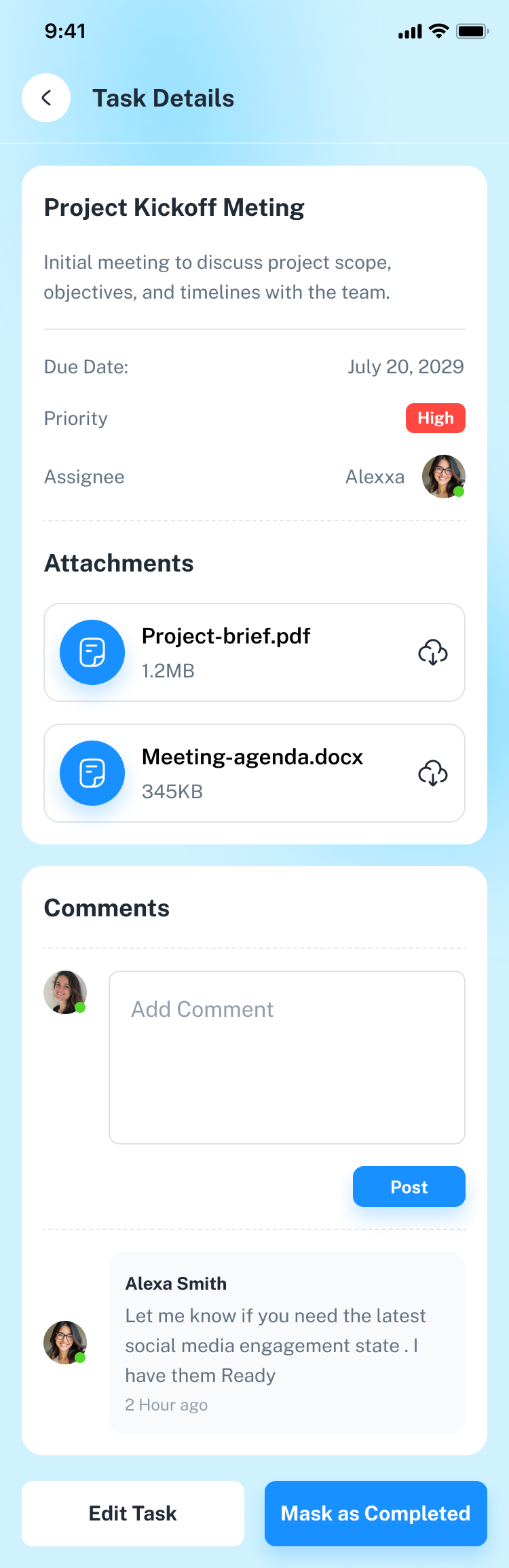
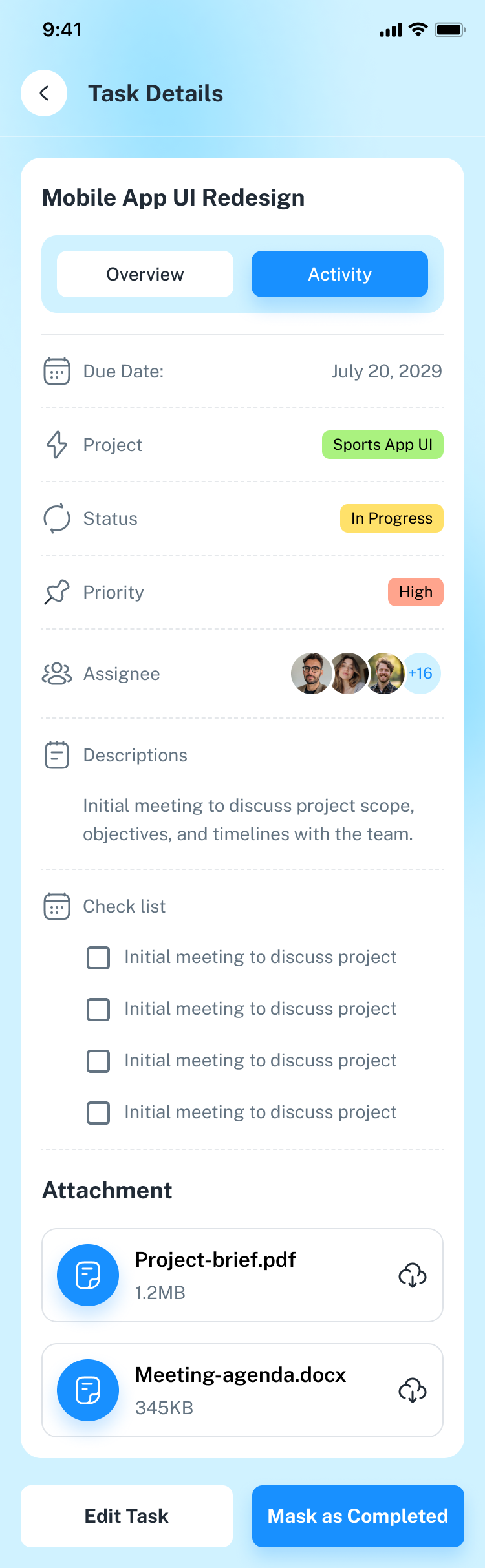
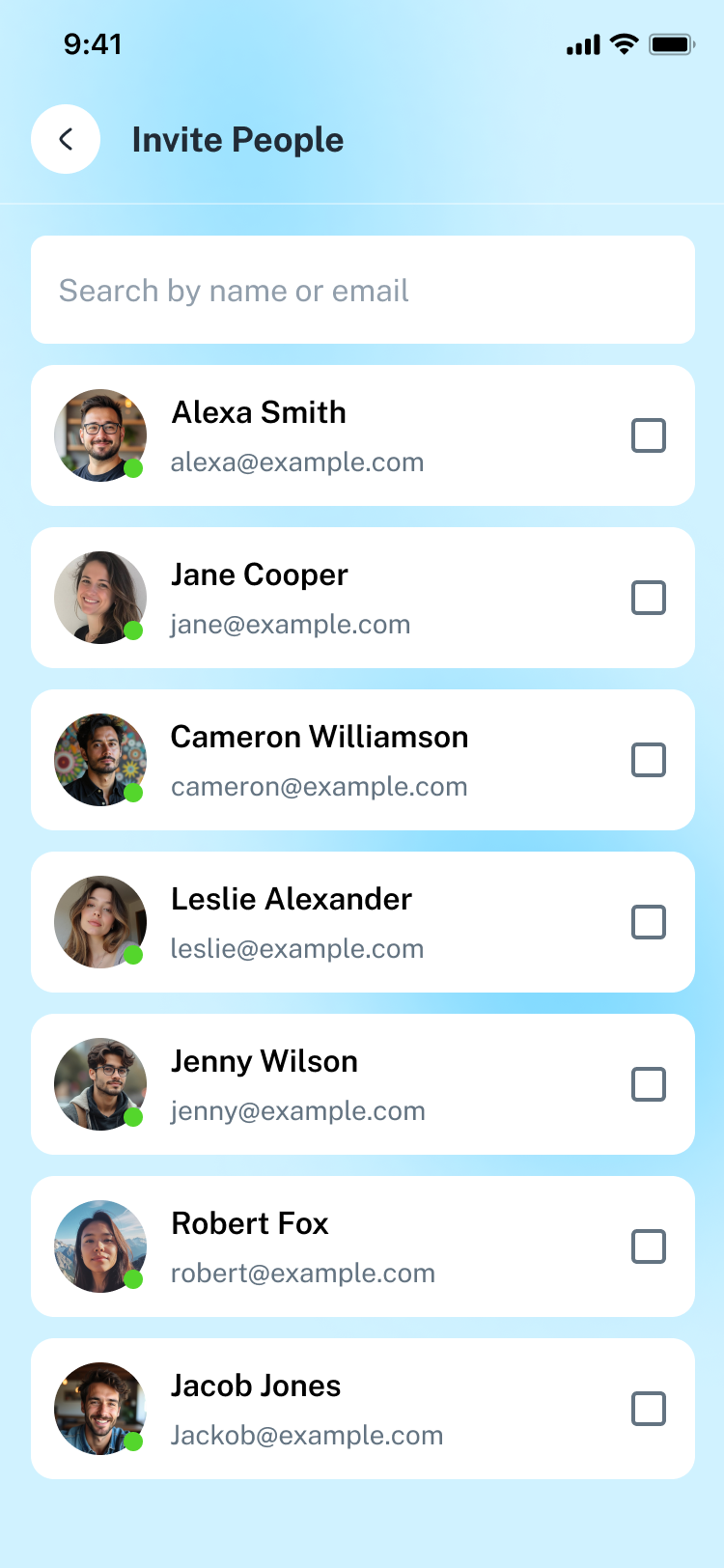
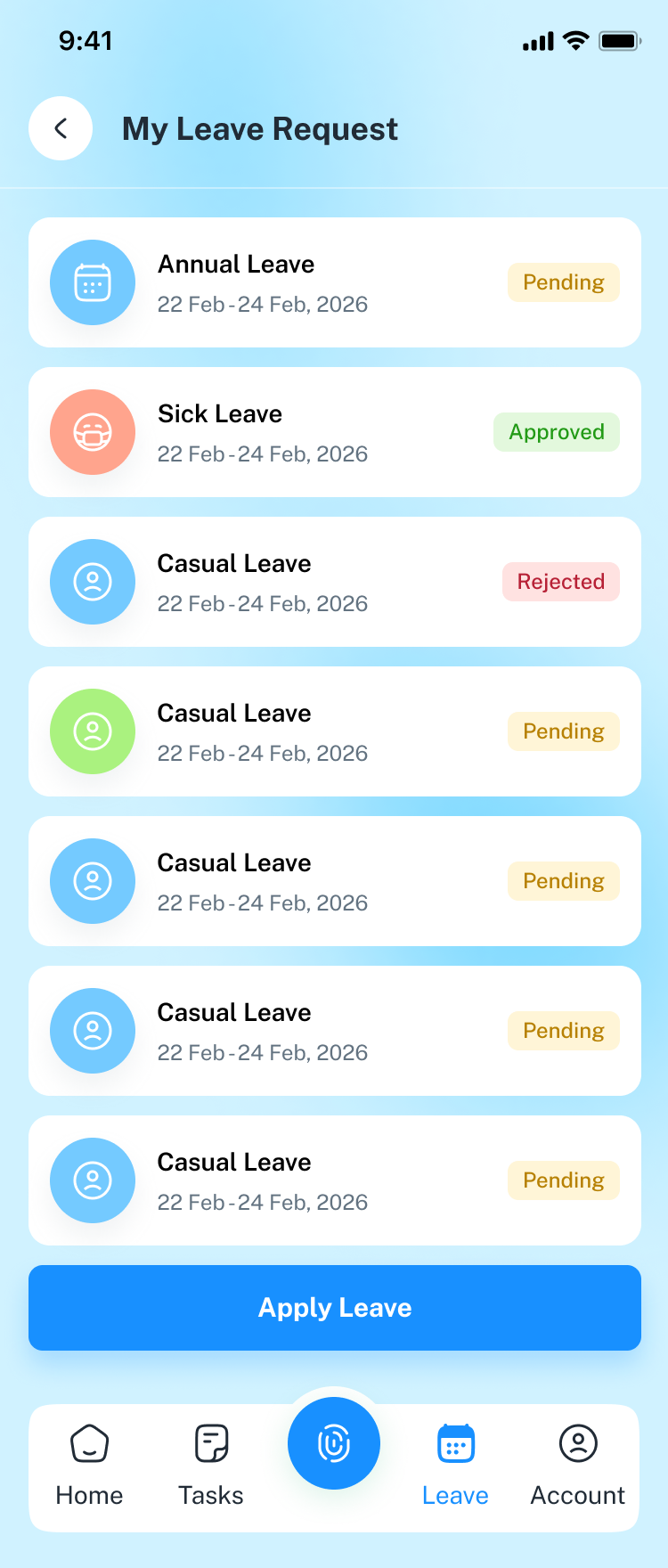
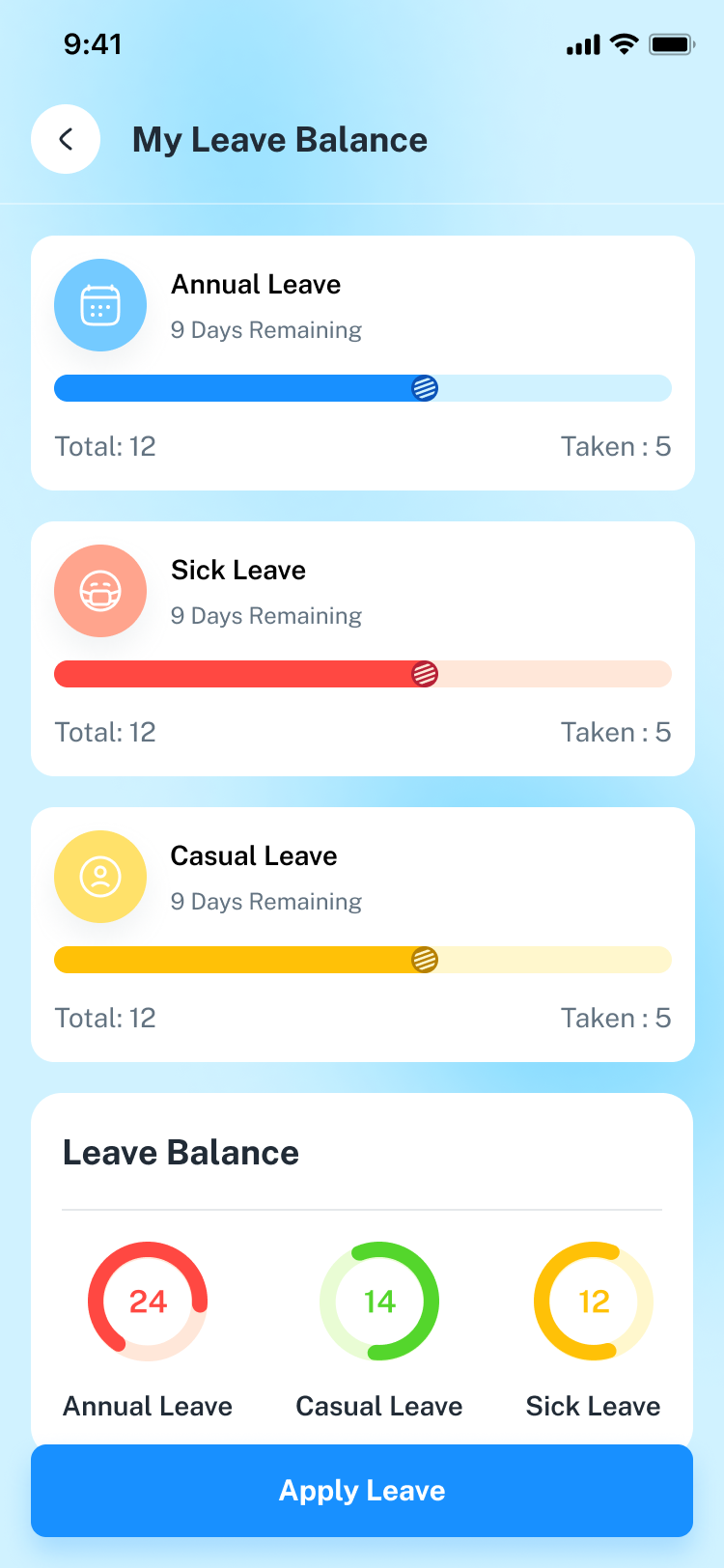
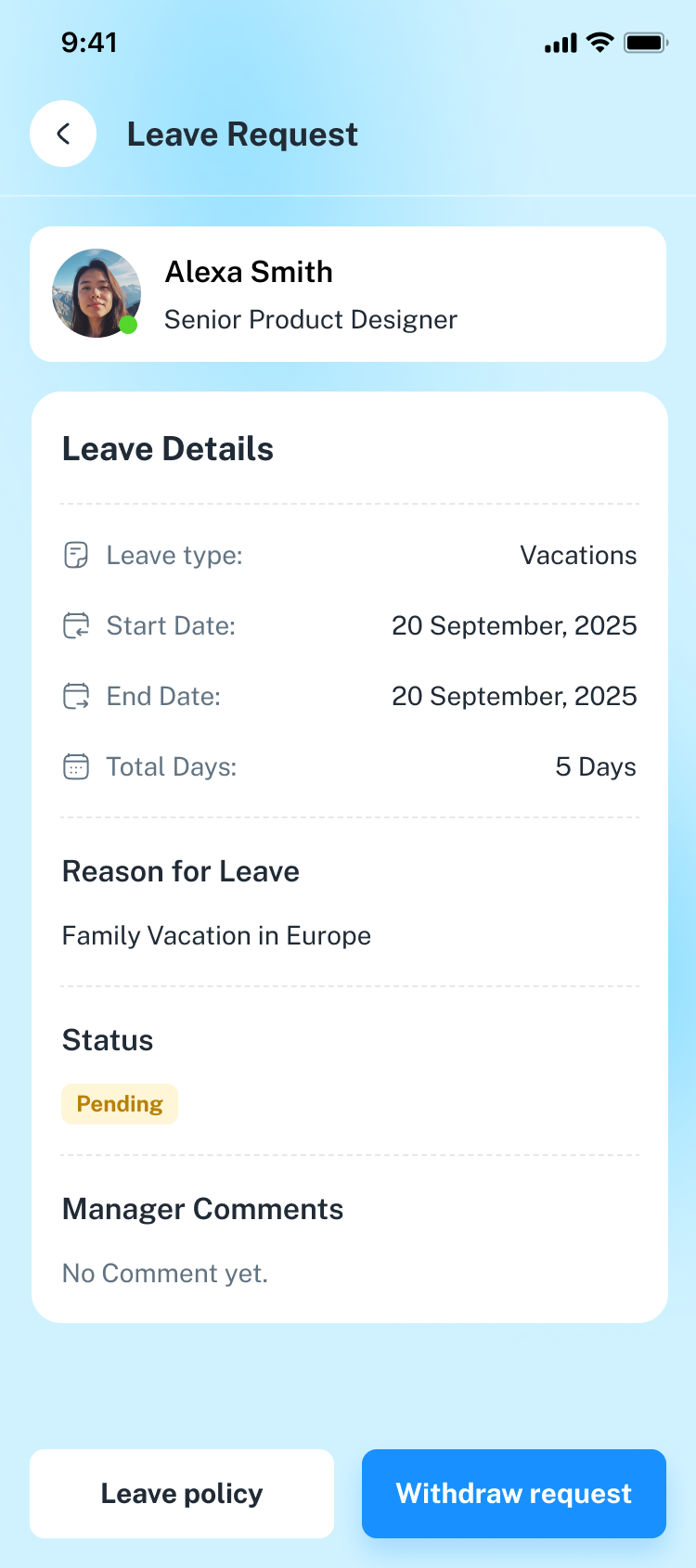
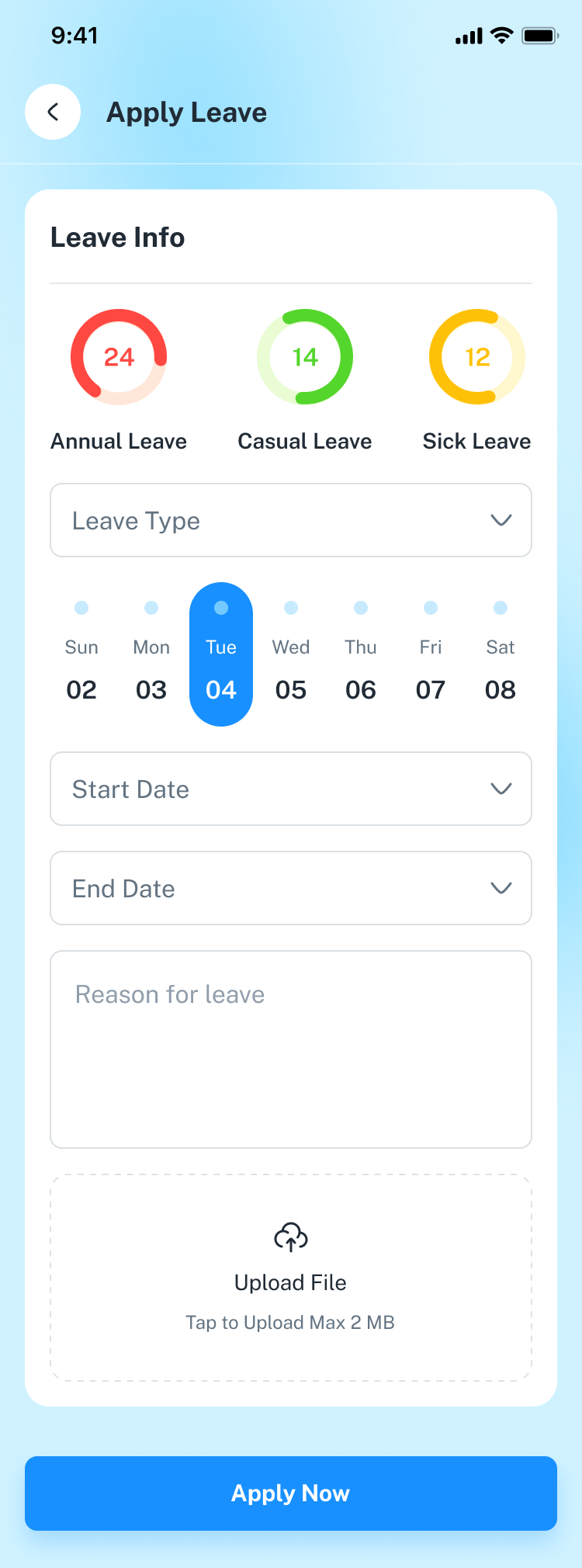
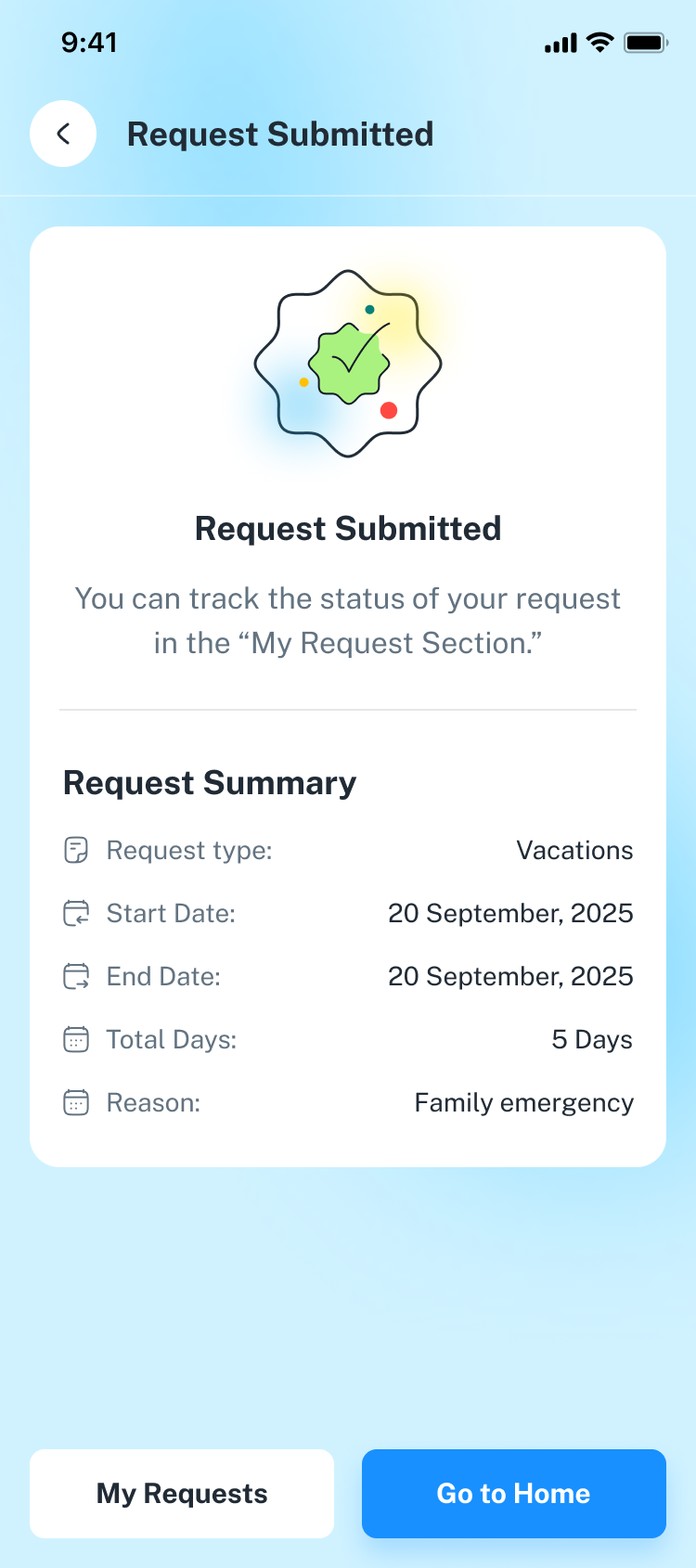
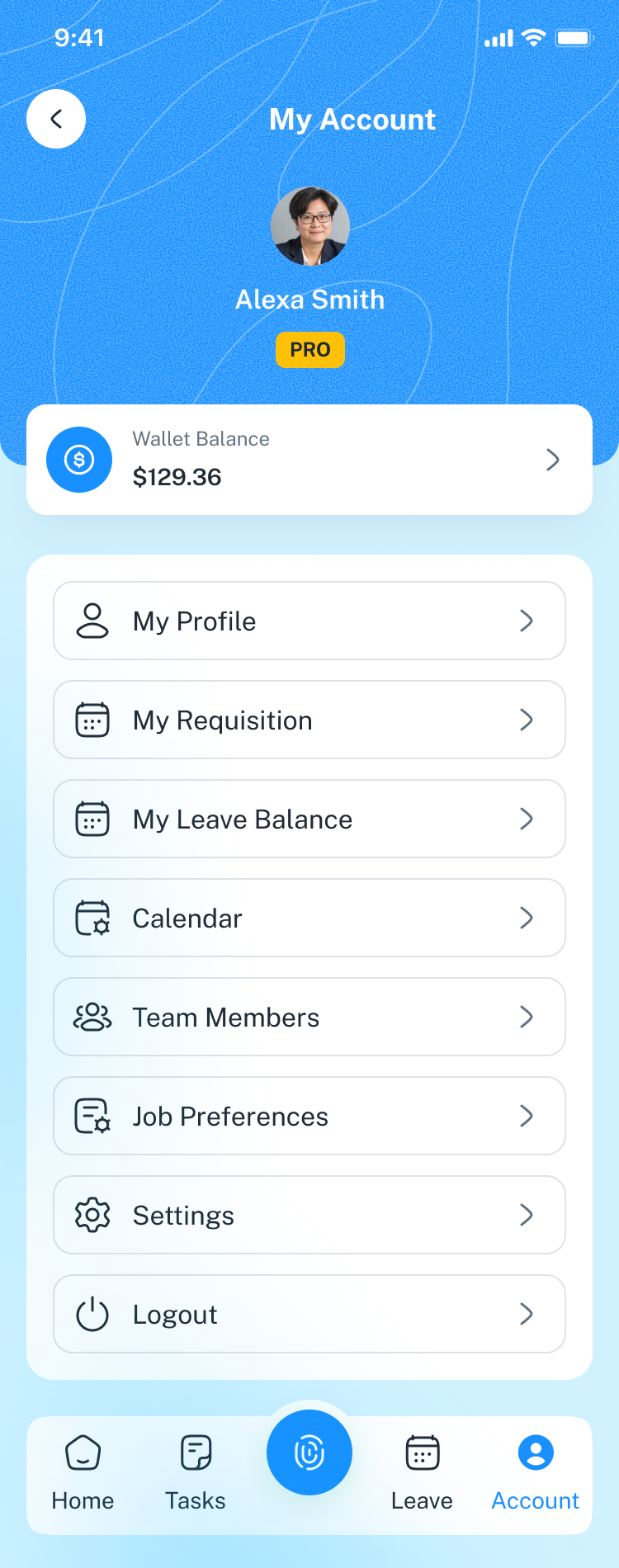
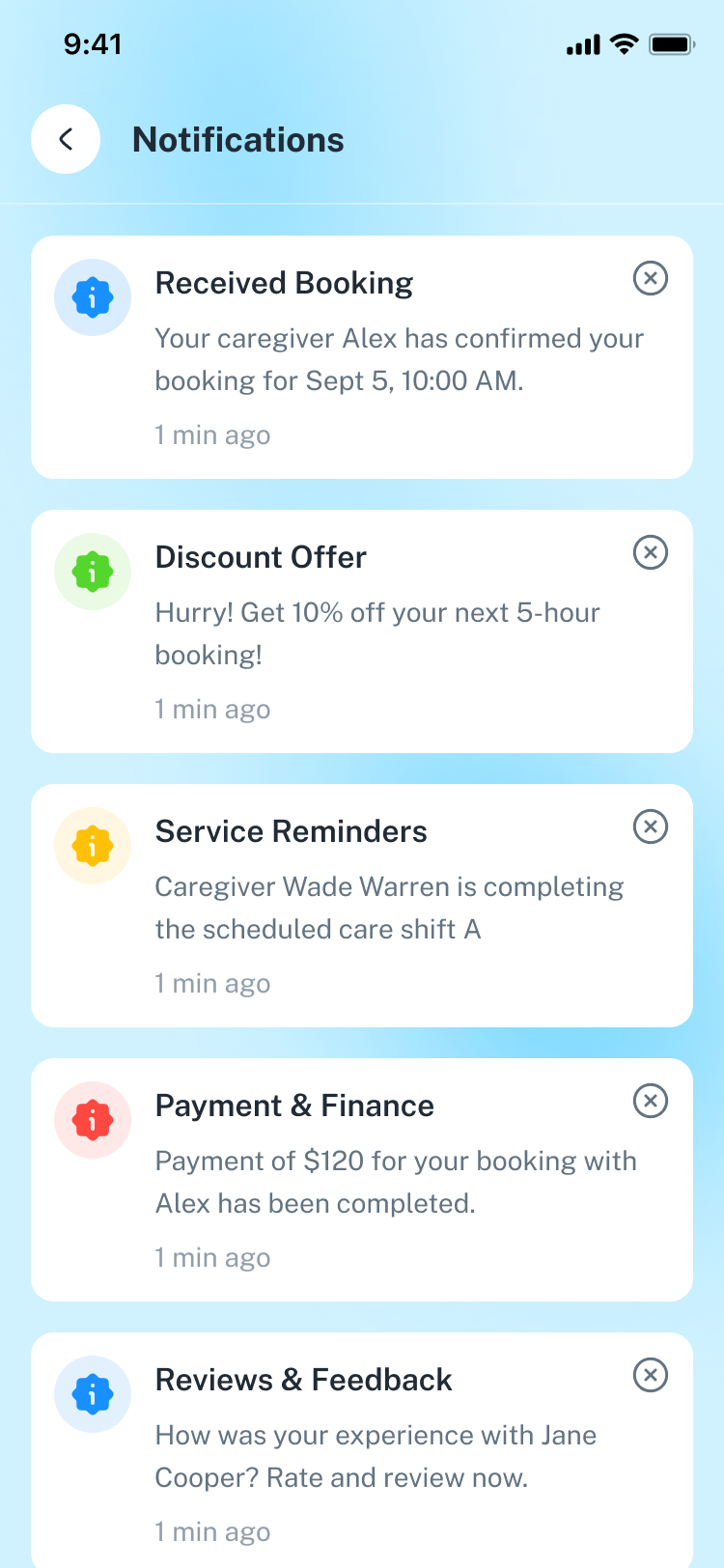
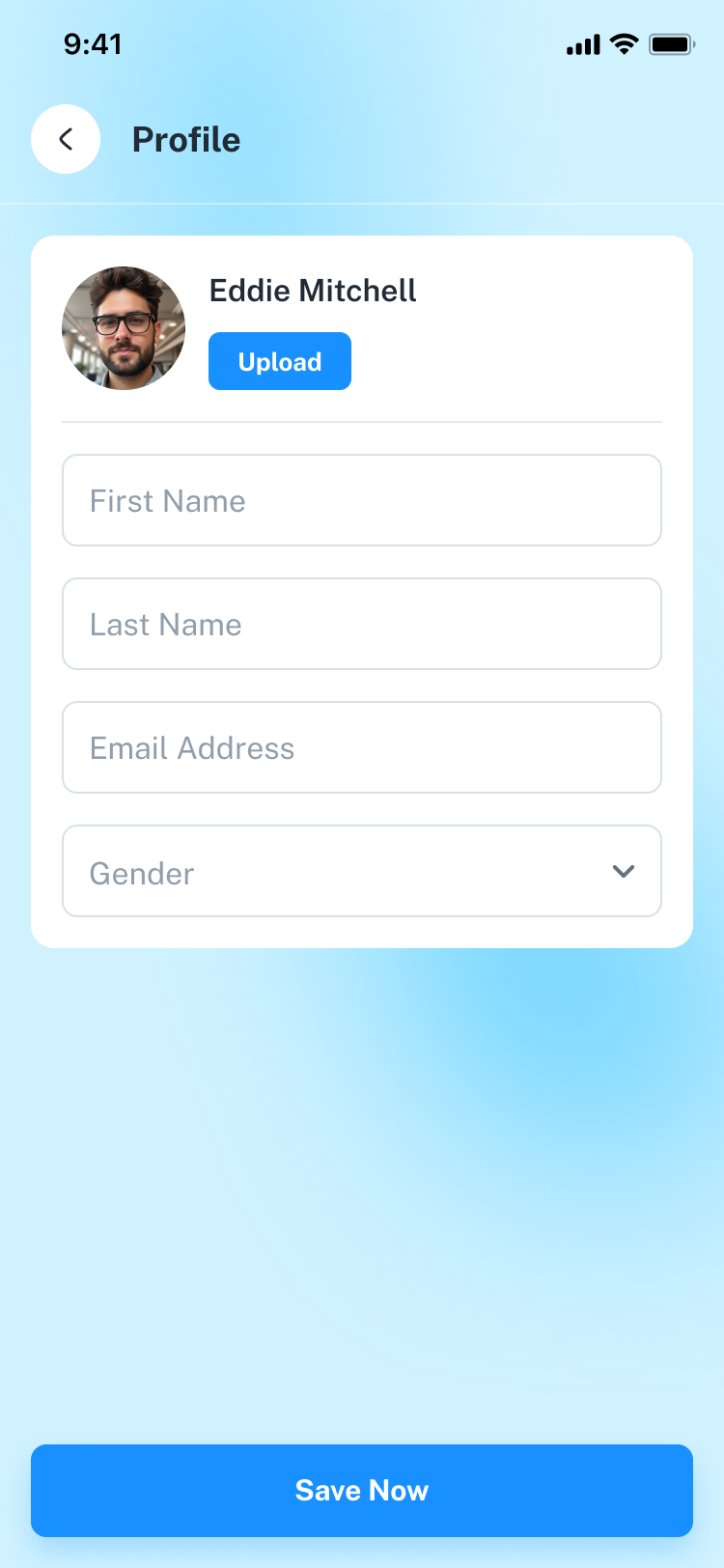
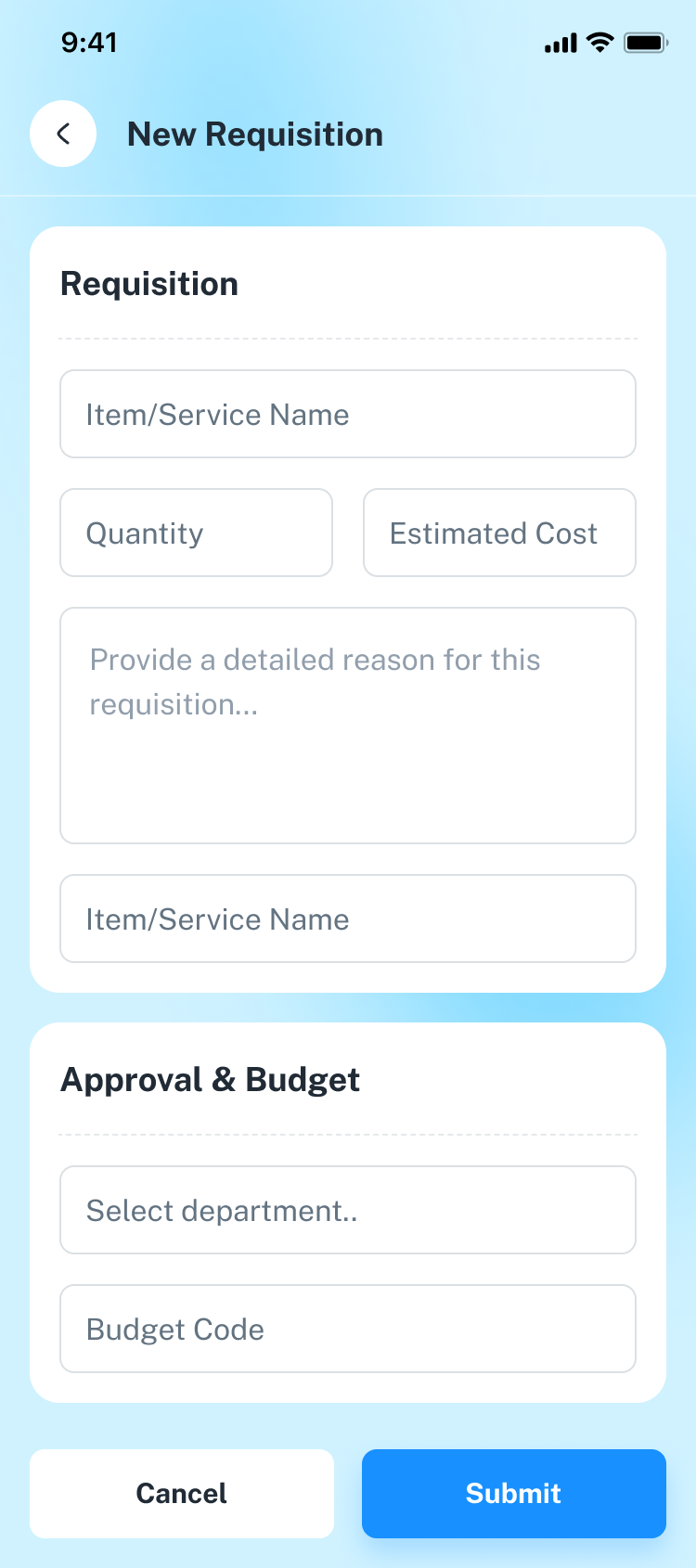
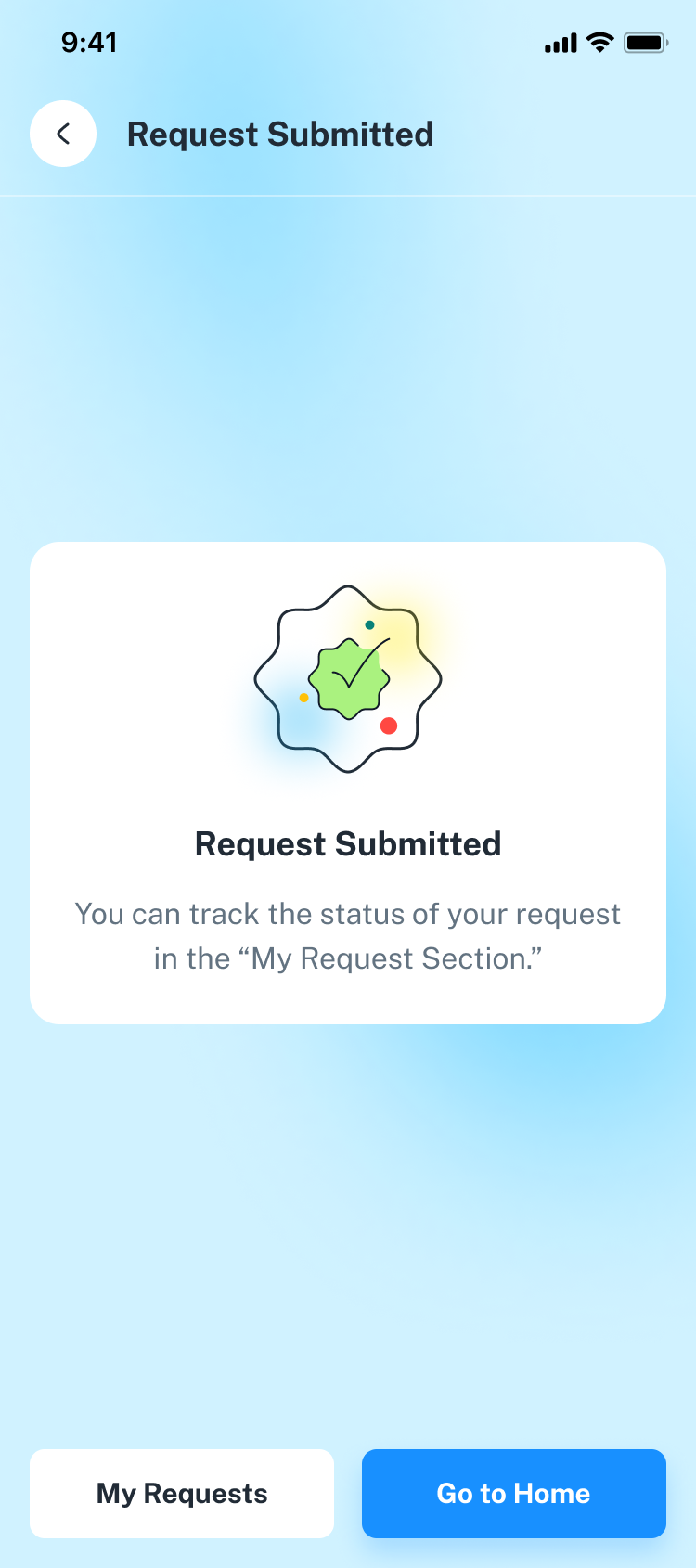
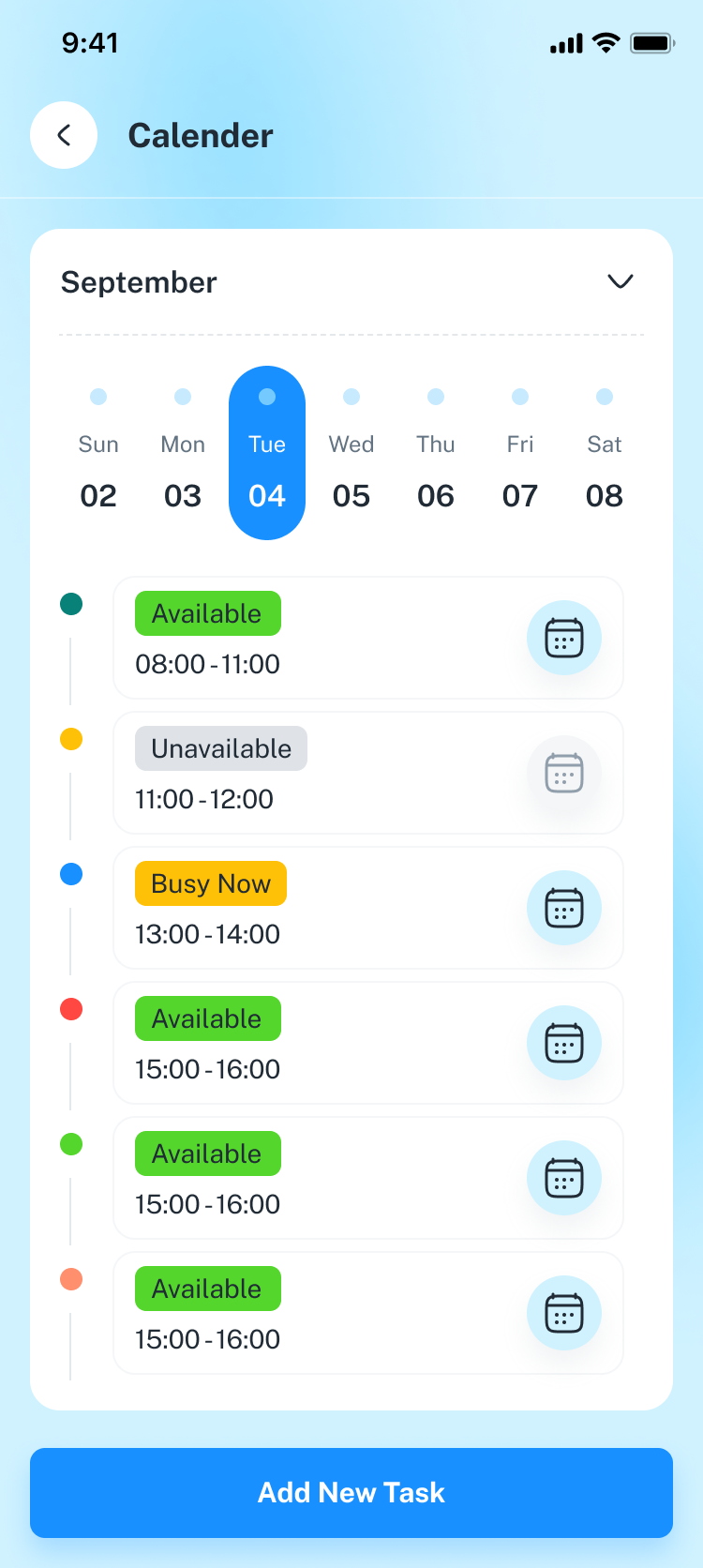
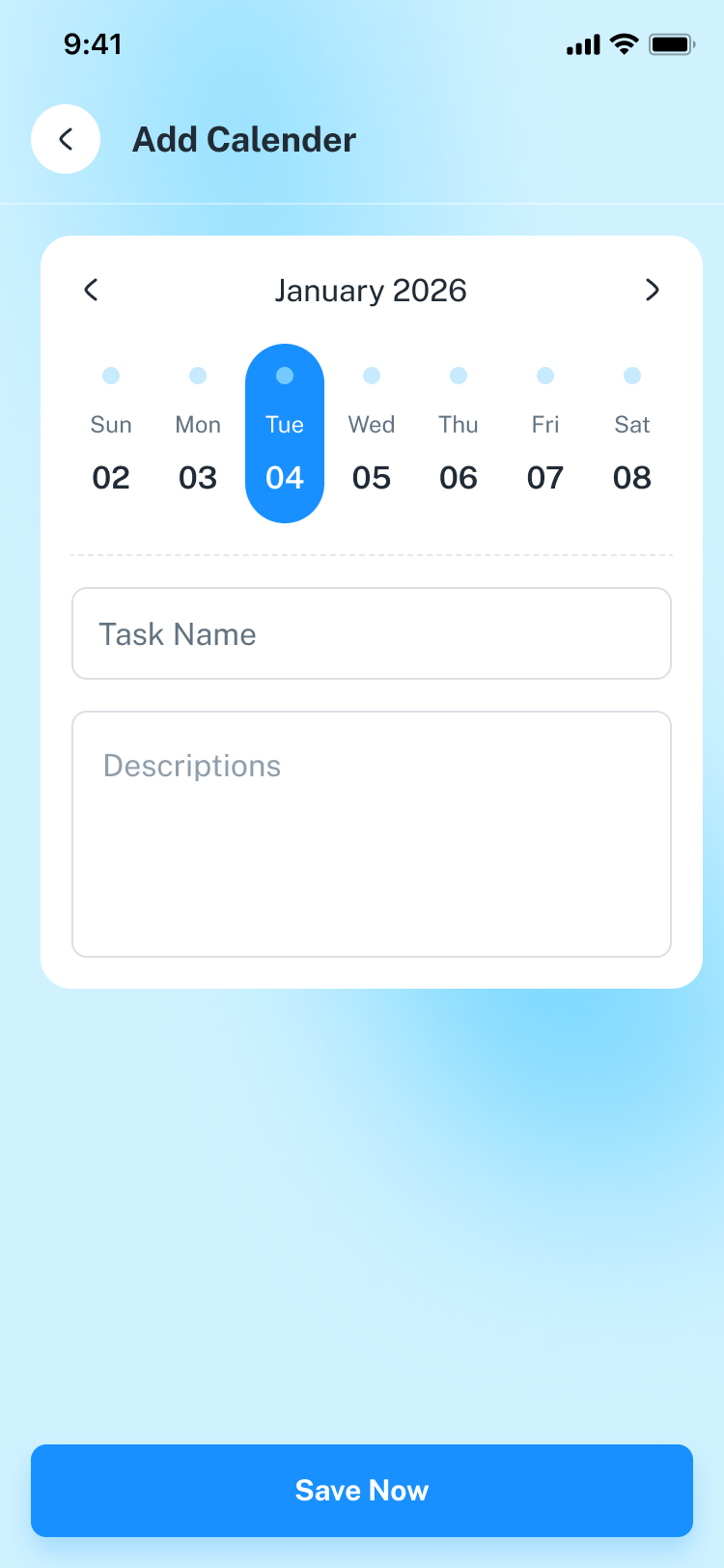
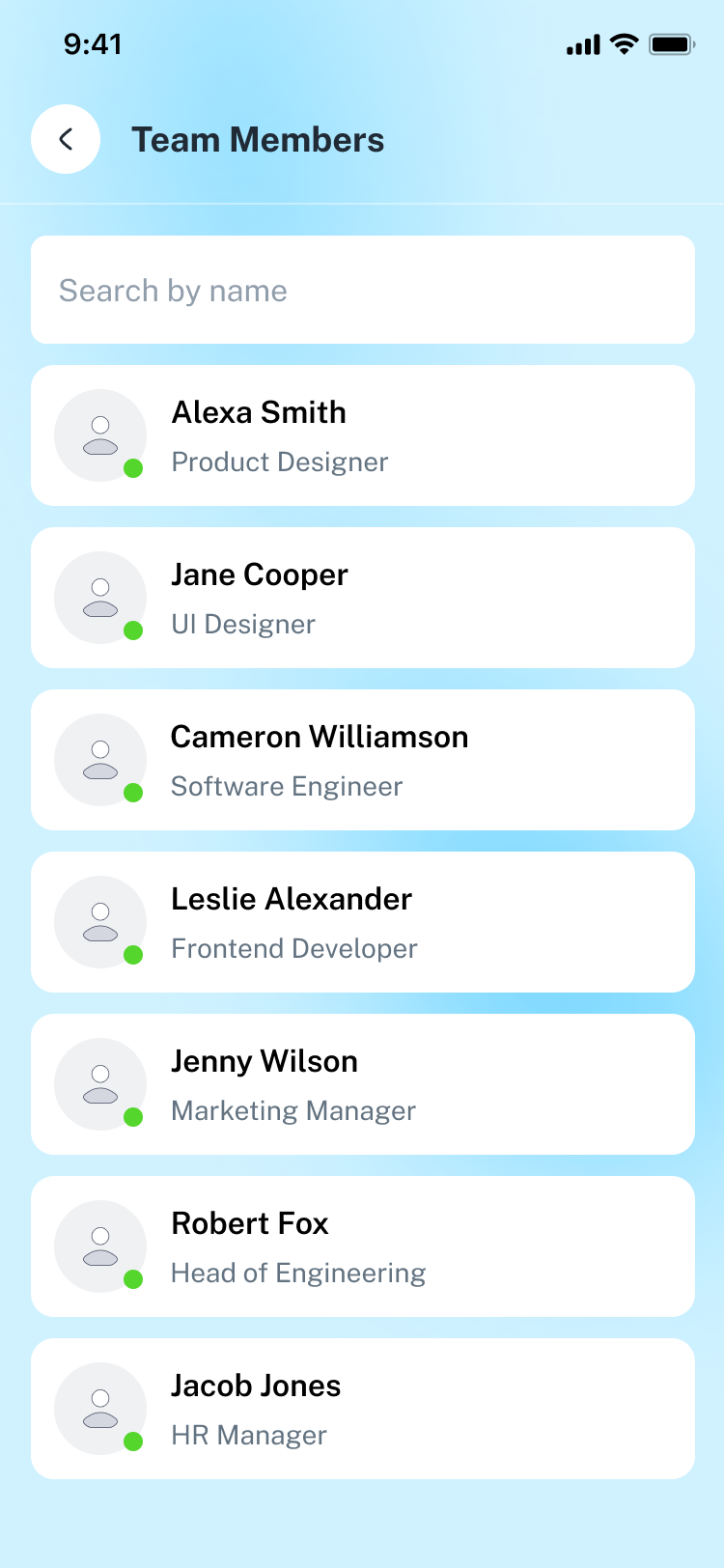
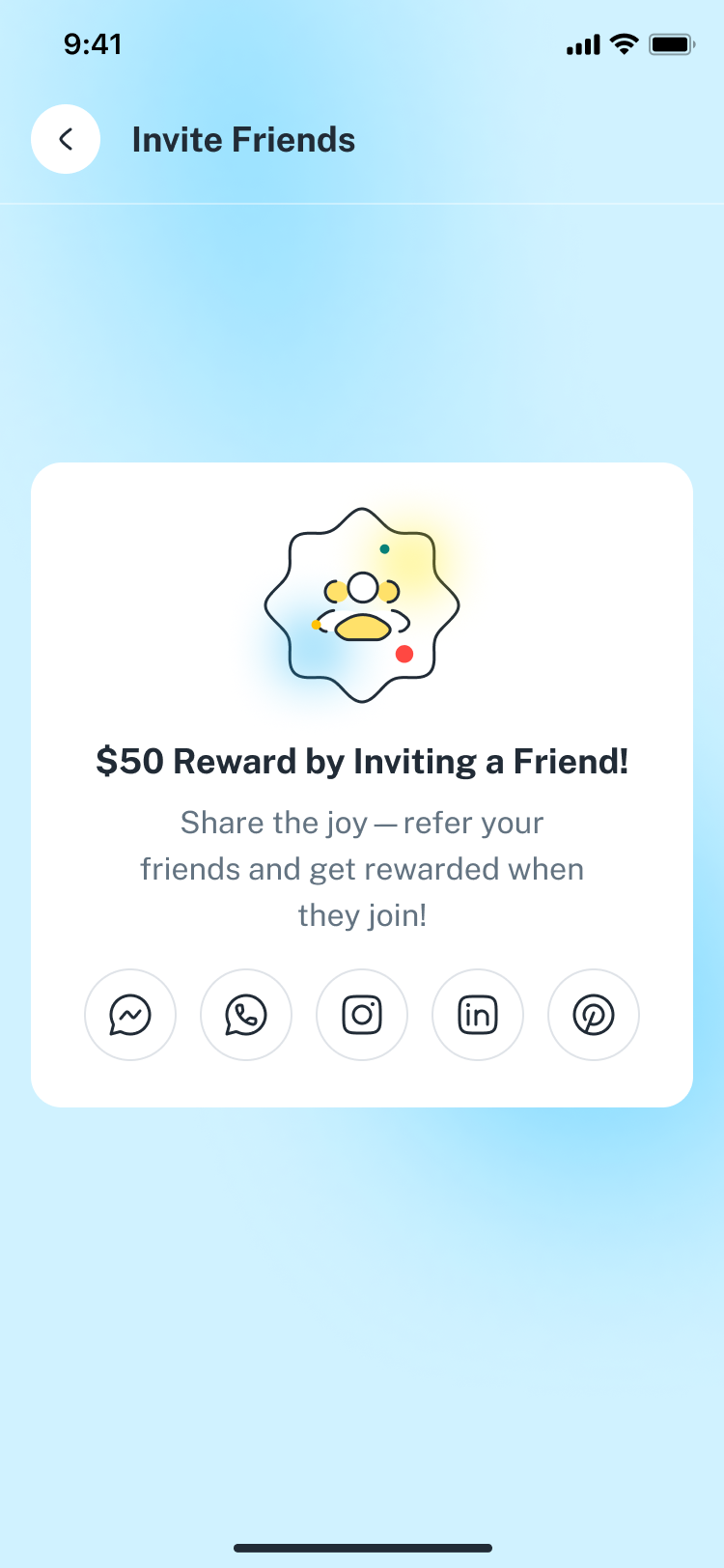
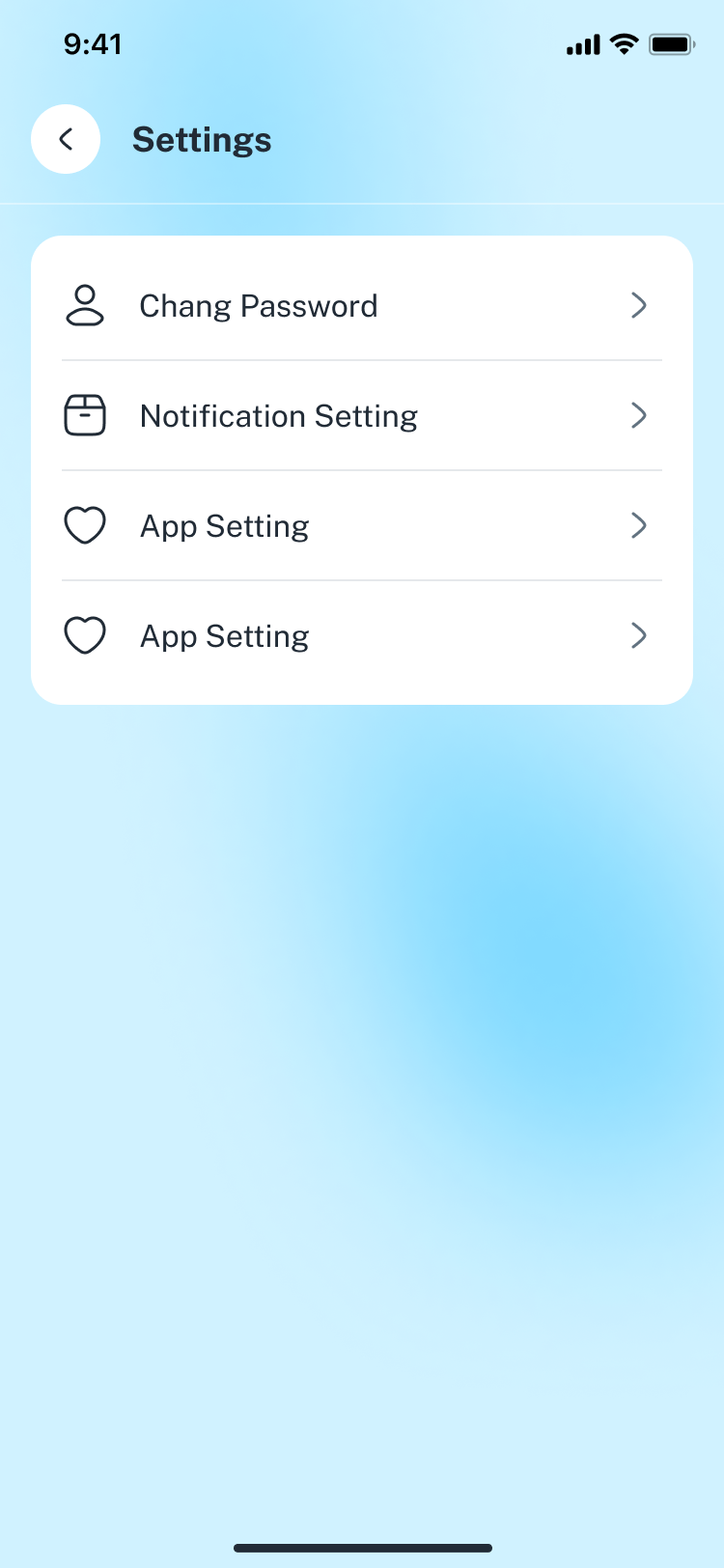
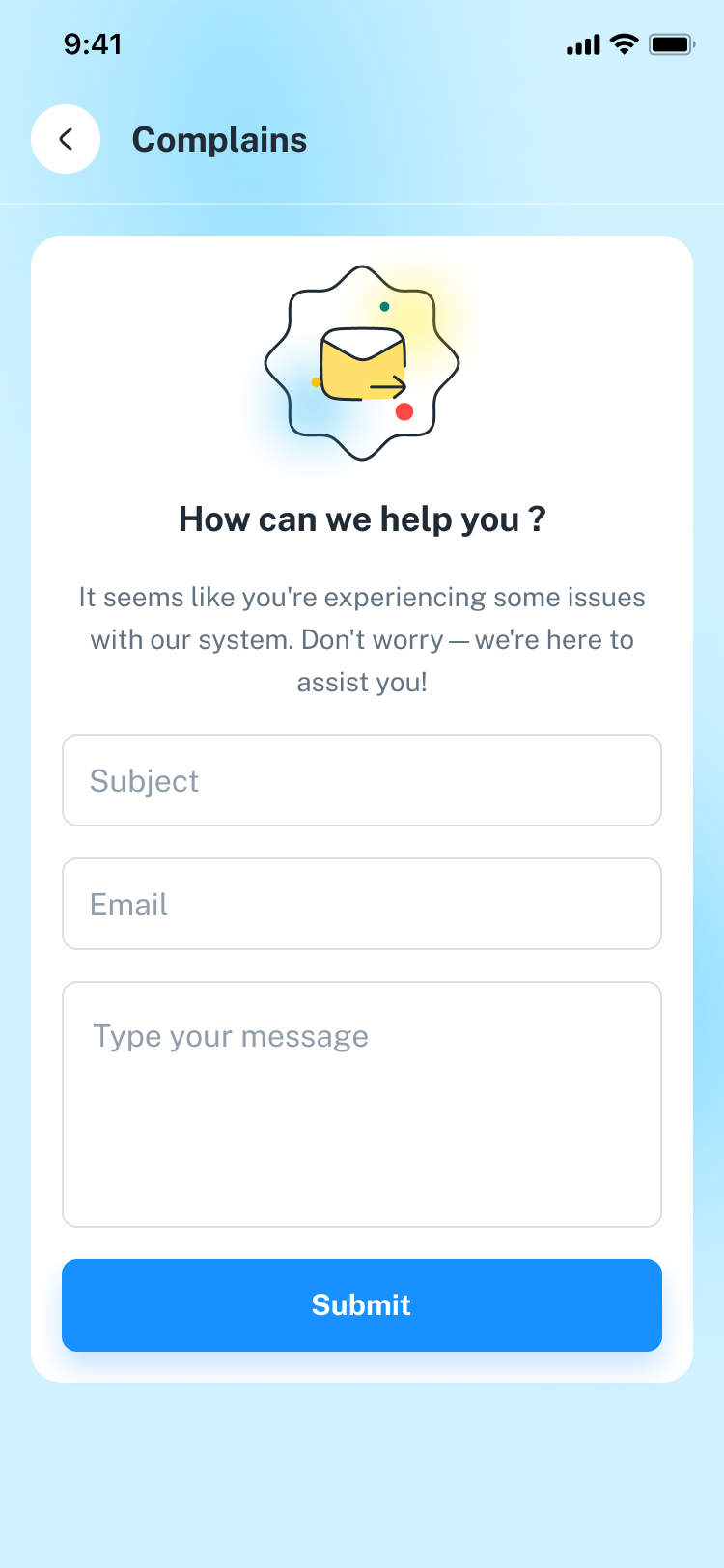
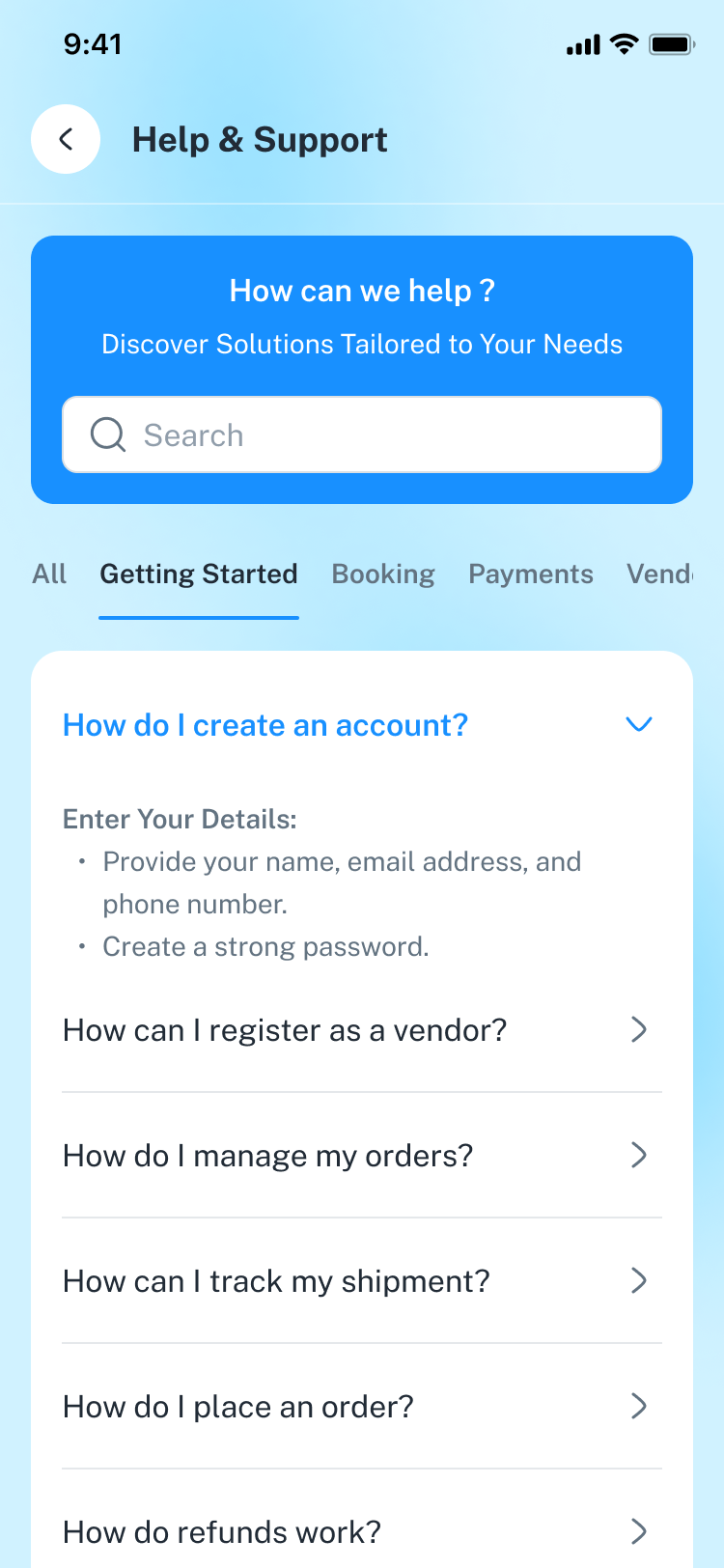
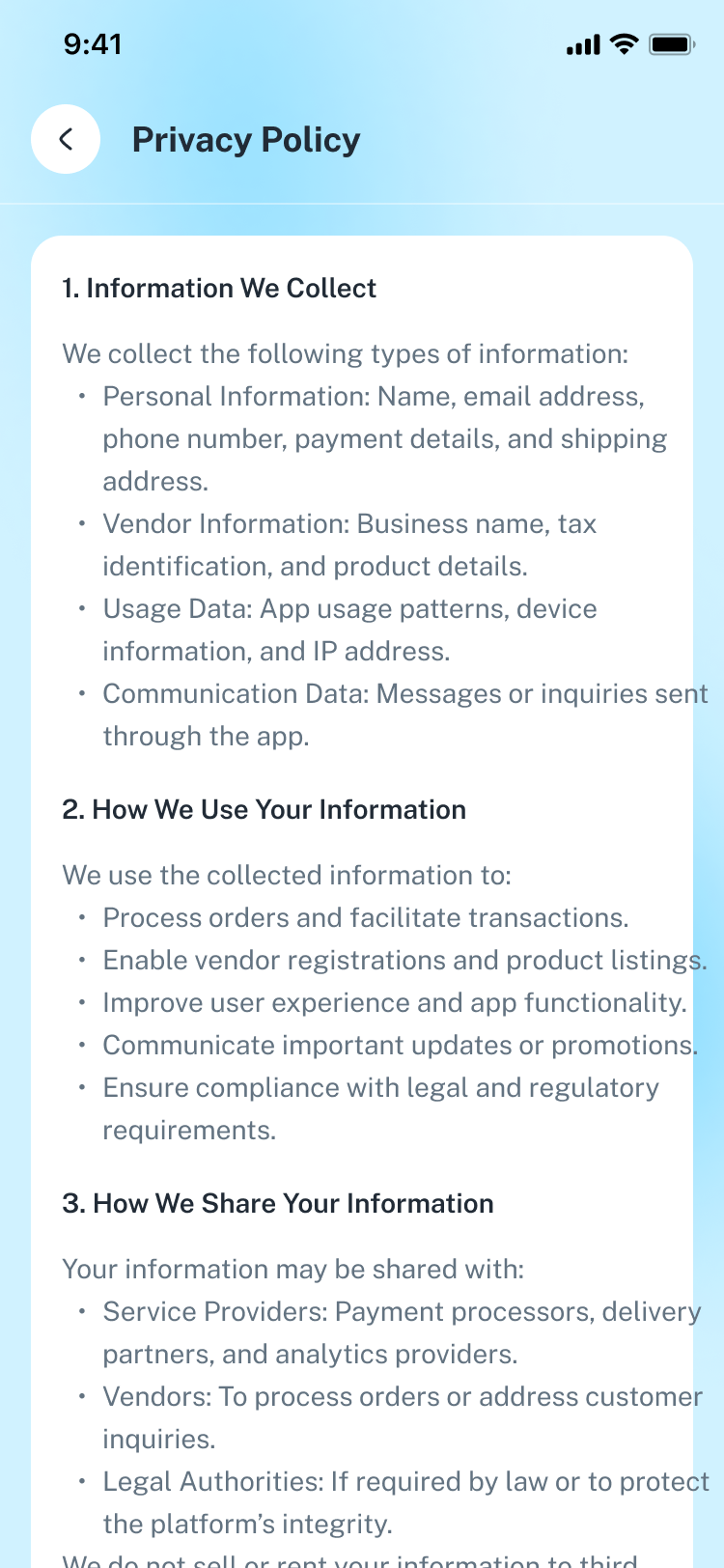
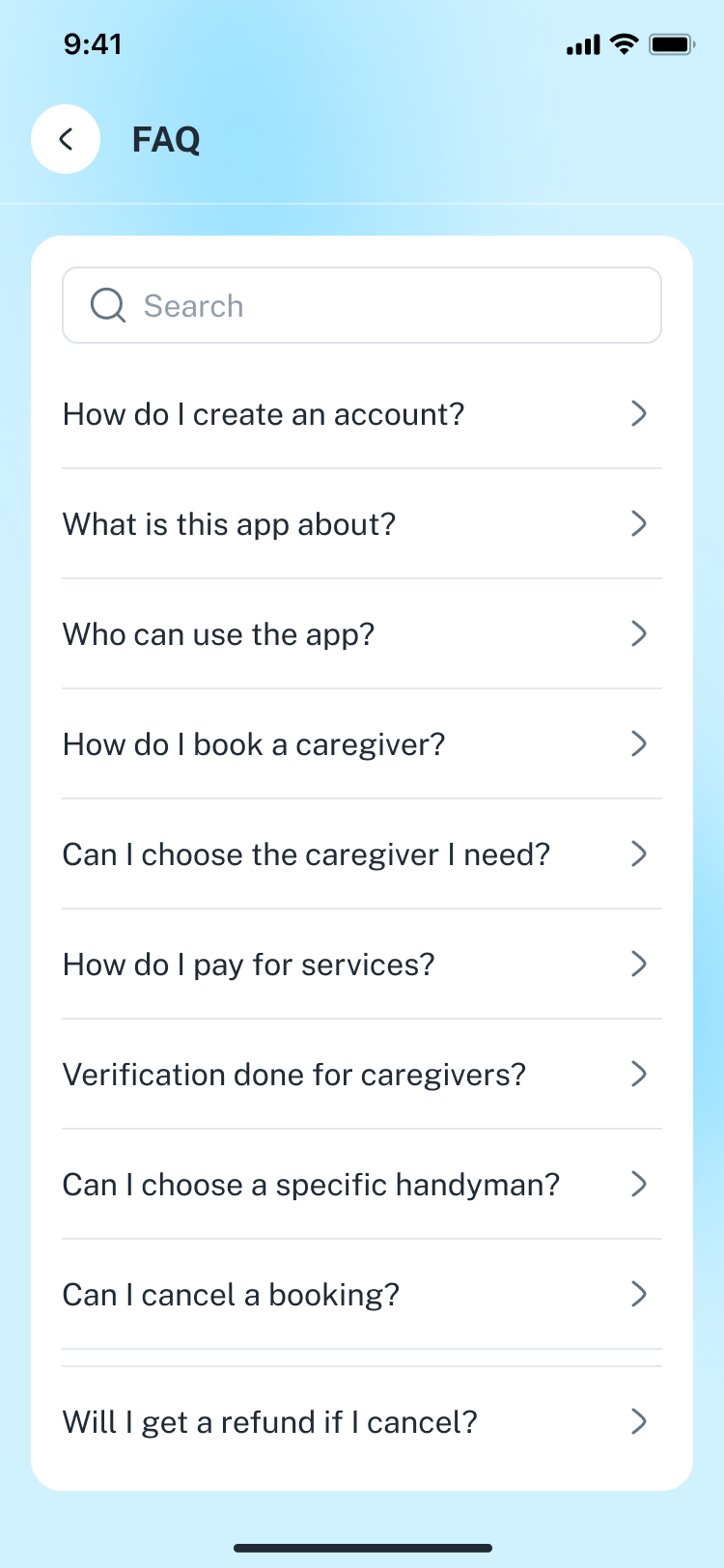
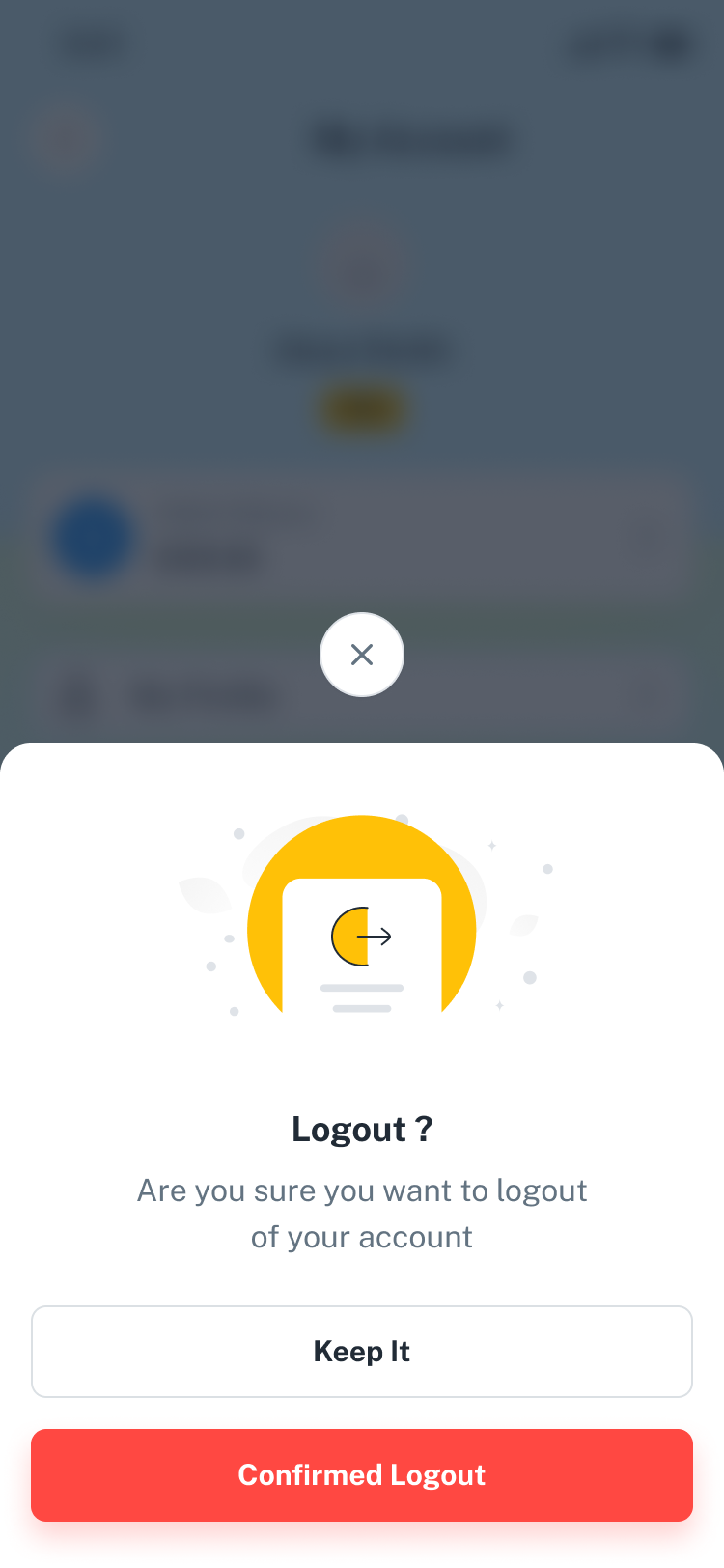
Crewly -With image FIle/01_Preview.png Crewly -With image FIle/02_Preview.png Crewly -With image FIle/03_Preview.png Crewly -With image FIle/04_Preview.png Crewly -With image FIle/05_Onboarding.png Crewly -With image FIle/06_Onboarding_Style_01.png Crewly -With image FIle/07_Onboarding_Style_01.png Crewly -With image FIle/08_Onboarding_Style_01.png Crewly -With image FIle/09_Onboarding_Style_02.png Crewly -With image FIle/10_Onboarding_Style_02.png Crewly -With image FIle/11_Onboarding_Style_02.png Crewly -With image FIle/12_Login.png Crewly -With image FIle/13_Forget_password.png Crewly -With image FIle/14_Forget_password_OTP_Sent.png Crewly -With image FIle/15_Forget_password_OTP_verify.png Crewly -With image FIle/16_Set_new_password.png Crewly -With image FIle/17_Successfully Password Reset.png Crewly -With image FIle/18_Signup.png Crewly -With image FIle/19_Account_Created.png Crewly -With image FIle/20_Profile_Setup.png Crewly -With image FIle/21_Additional Details.png Crewly -With image FIle/22_Review & Submit.png Crewly -With image FIle/23_Congratulation.png Crewly -With image FIle/24_Verification & Approval_Identity_Check.png Crewly -With image FIle/25_Verification & Approval_Add Certificate.png Crewly -With image FIle/26_Verification & Approval_Add Certificate.png Crewly -With image FIle/27_Add Experience.png Crewly -With image FIle/28_Approval Checklist.png Crewly -With image FIle/29_Verification.png Crewly -With image FIle/30_Terms of Service.png Crewly -With image FIle/31_Home_V1.png Crewly -With image FIle/32_Home_V2.png Crewly -With image FIle/33_Attandance_Style_01.png Crewly -With image FIle/34_Attandance_Style_02.png Crewly -With image FIle/35_Successfully.png Crewly -With image FIle/36_Manage Break.png Crewly -With image FIle/37_Attendance Summary_weeklly.png Crewly -With image FIle/38_Attendance Summary_Monthly.png Crewly -With image FIle/39_Attendance Details.png Crewly -With image FIle/40_Correction Request.png Crewly -With image FIle/41_Loan Application.png Crewly -With image FIle/42_Timesheet.png Crewly -With image FIle/43_Edit Time Entry.png Crewly -With image FIle/44_Add Time Entry.png Crewly -With image FIle/45_Profile_About_me.png Crewly -With image FIle/46_Profile_Calender.png Crewly -With image FIle/47_Profile_Appriciate.png Crewly -With image FIle/48_Video_Call.png Crewly -With image FIle/49_Video_Call_Off.png Crewly -With image FIle/50_Chat.png Crewly -With image FIle/51_Voice_message.png Crewly -With image FIle/52_Chat_Attachment.png Crewly -With image FIle/53_Tasks.png Crewly -With image FIle/54_New_Task.png Crewly -With image FIle/55_Task_Details.png Crewly -With image FIle/56_Add_Comment.png Crewly -With image FIle/57_Taks Details _V2.png Crewly -With image FIle/58_Taks_Details _V3.png Crewly -With image FIle/59_Invite People.png Crewly -With image FIle/60_leave.png Crewly -With image FIle/61_My Leave Balance.png Crewly -With image FIle/62_Leave Request.png Crewly -With image FIle/63_Apply Leave.png Crewly -With image FIle/64_Request Submitted.png Crewly -With image FIle/65_My_Accounts.png Crewly -With image FIle/66_Notifications.png Crewly -With image FIle/67_Profile.png Crewly -With image FIle/68_New Requisition.png Crewly -With image FIle/69_Select Request Type.png Crewly -With image FIle/70_Request Submitted.png Crewly -With image FIle/71_Calender.png Crewly -With image FIle/72_Add Calender.png Crewly -With image FIle/73_Team Members.png Crewly -With image FIle/74_Invite Friends.png Crewly -With image FIle/75_Settings.png Crewly -With image FIle/76_Notifications Settings.png Crewly -With image FIle/77_Complains.png Crewly -With image FIle/78_Help_Center.png Crewly -With image FIle/79_Privacy_Policy.png Crewly -With image FIle/80_FAQ.png Crewly -With image FIle/81_Logout.png
Production description:
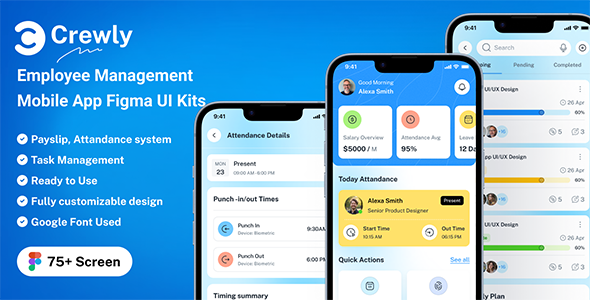
Crewly is a comprehensive employee management system built to simplify workforce operations for businesses of all sizes. From onboarding and attendance tracking to leave management, payroll processing, and performance reviews, Crewly centralizes all HR and team functions in one platform. Its user-friendly design ensures a seamless experience for both employees and managers, while features like task assignment, timesheets, and communication tools enhance collaboration. With Crewly, companies can save time, reduce administrative burdens, and focus on what truly matters—growing their business and supporting their people.Product Highlights:
- 75+ Screens (iOS/Android Support)
- 100% Editable & Customizable
- Compatibility: Figma
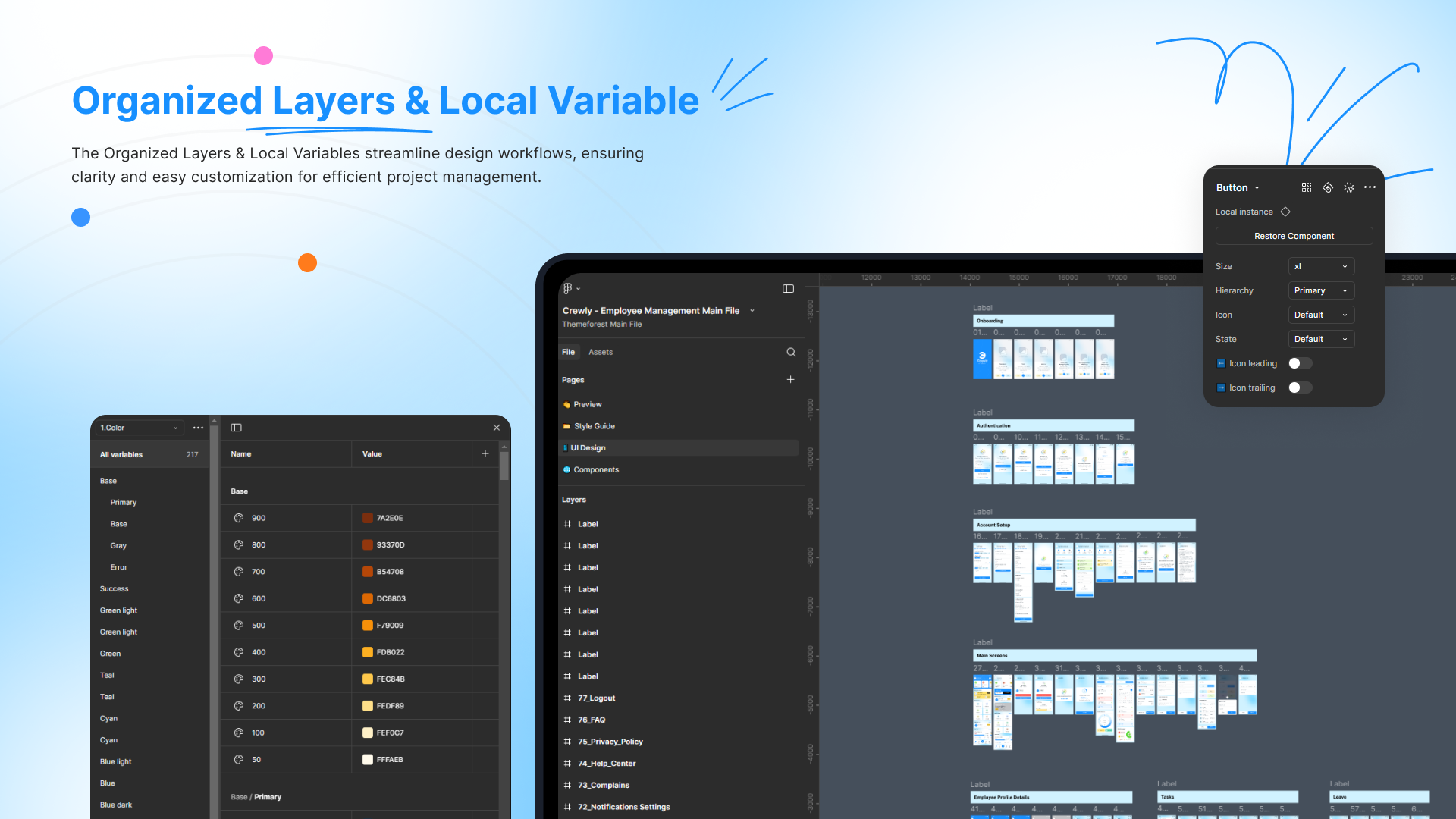
- Well Organized Layers System
- Unique, Stylish & Modern
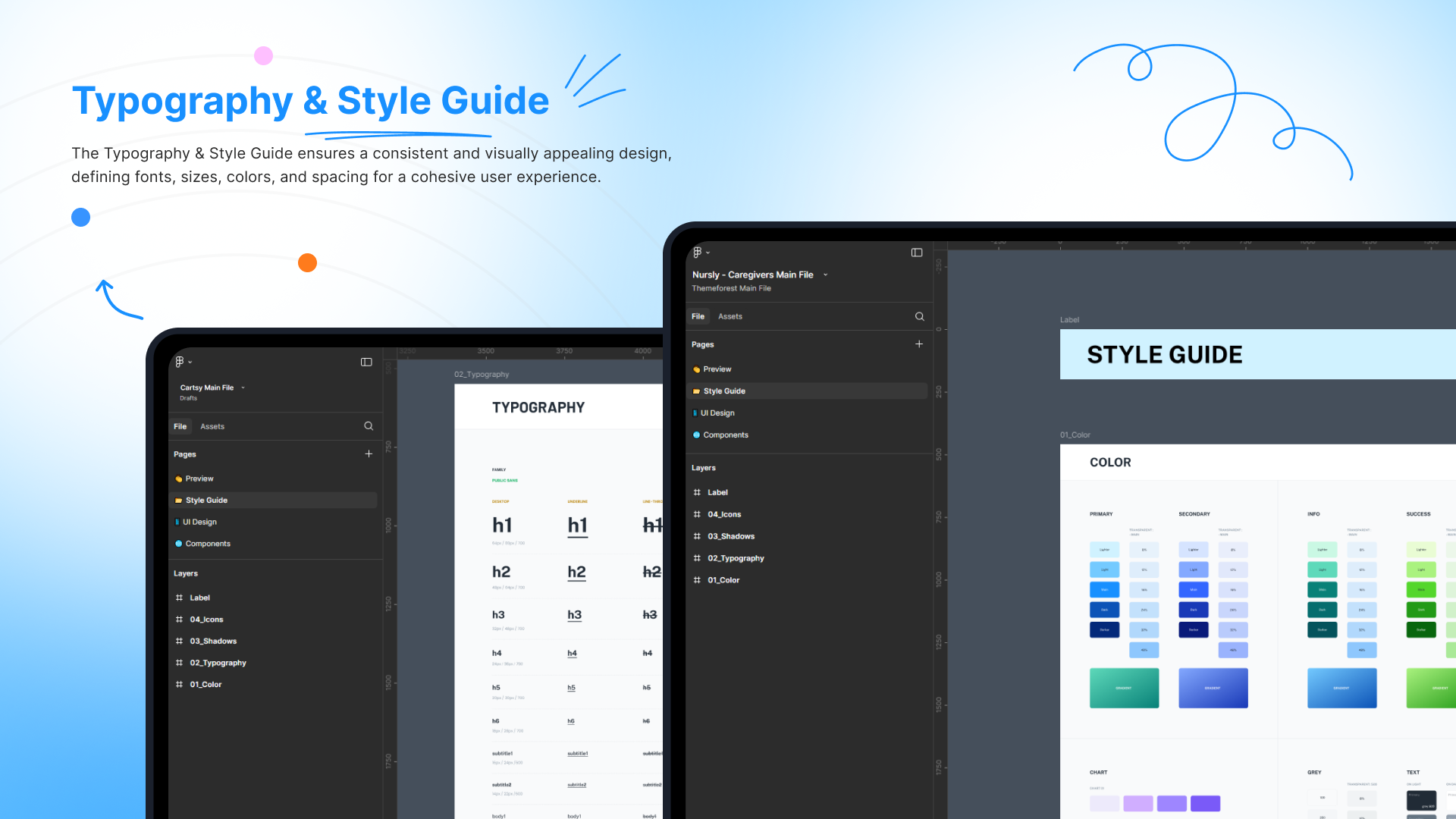
- Used Google Free Fonts
- Pixel Perfect Design
- Global Styleguide
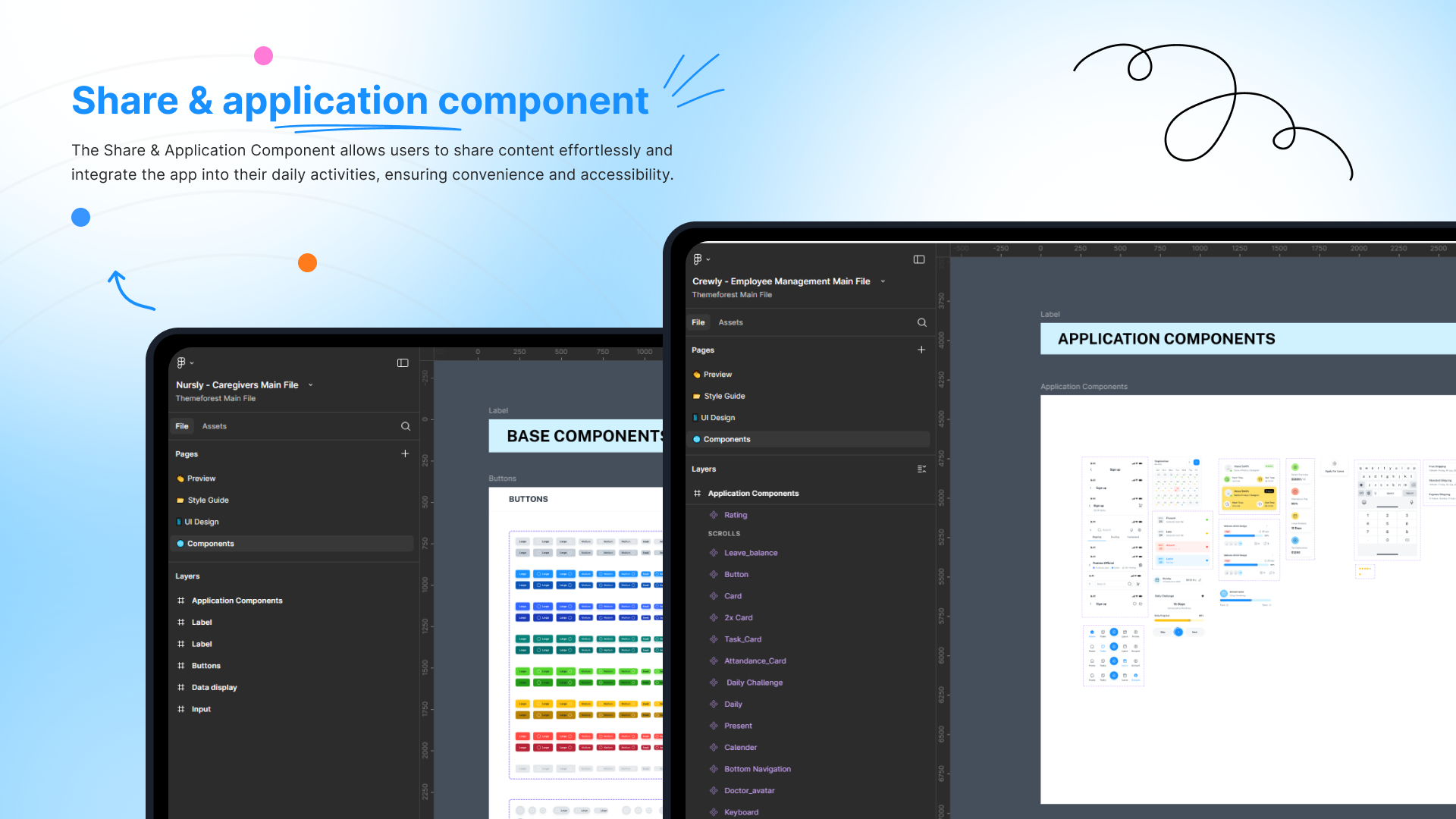
- Easily Drag & Drop Design
File Format
01_Onboarding02_Onboarding_Style_01
03_Onboarding_Style_01
04_Onboarding_Style_01
05_Onboarding_Style_02
06_Onboarding_Style_02
07_Onboarding_Style_02
08_Login
09_Forget_password
10_Forget_password_OTP_Sent
11_Forget_password_OTP_verify
12_Set_new_password
13_Successfully Password Reset
14_Signup
15_Account_Created
16_Profile_Setup
17_Additional Details
18_Review & Submit
19_Congratulation
20_Verification & Approval_Identity_Check
21_Verification & Approval_Add Certificate
22_Verification & Approval_Add Certificate
23_Add Experience
24_Approval Checklist
25_Verification
26_Terms of Service
27_Home_V1
28_Home_V2
29_Attandance_Style_01
30_Attandance_Style_02
31_Successfully
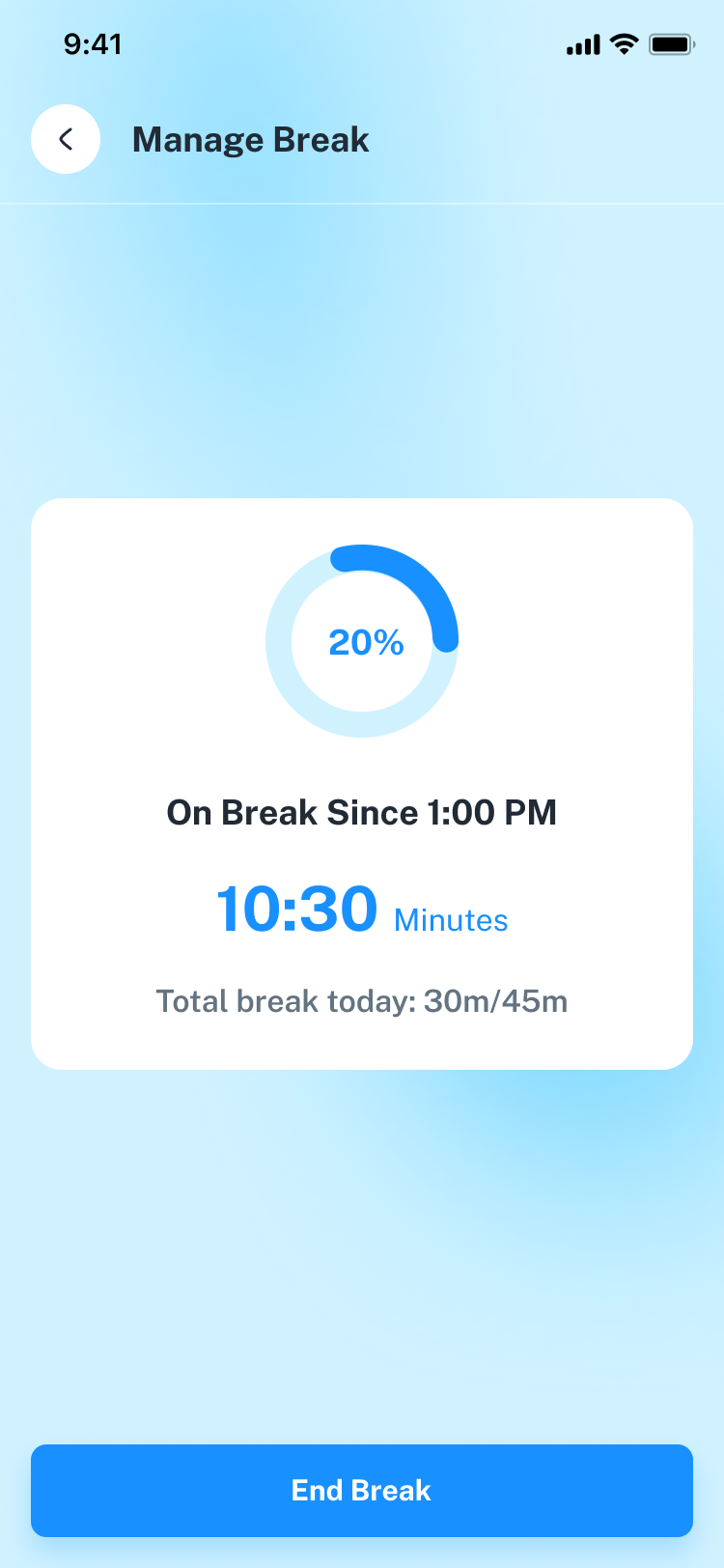
32_Manage Break
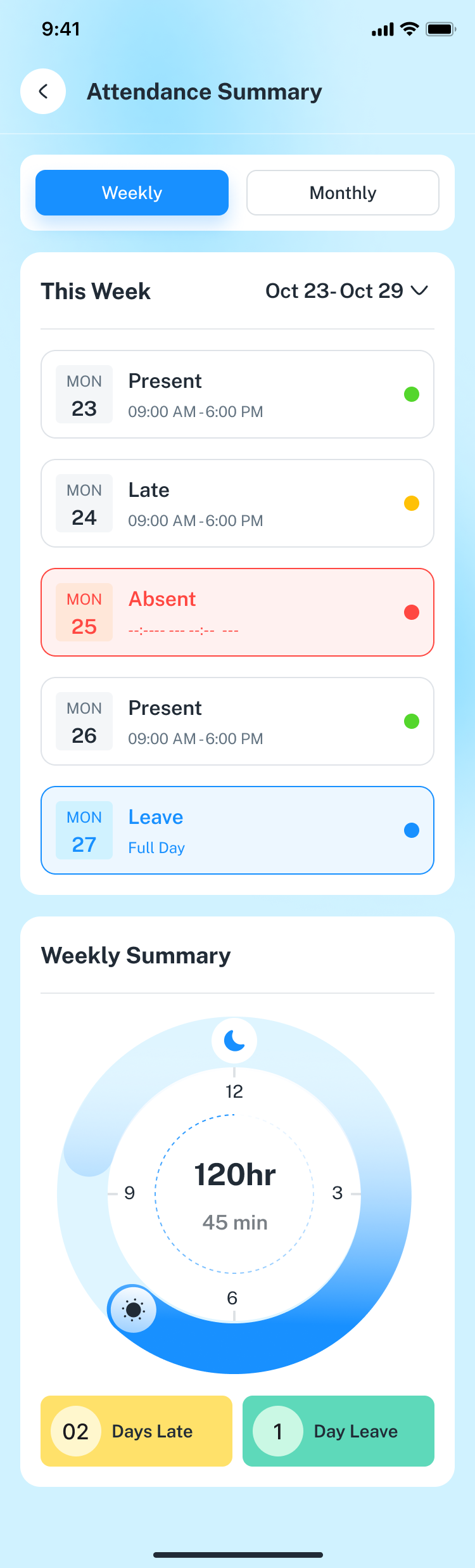
33_Attendance Summary_weekly
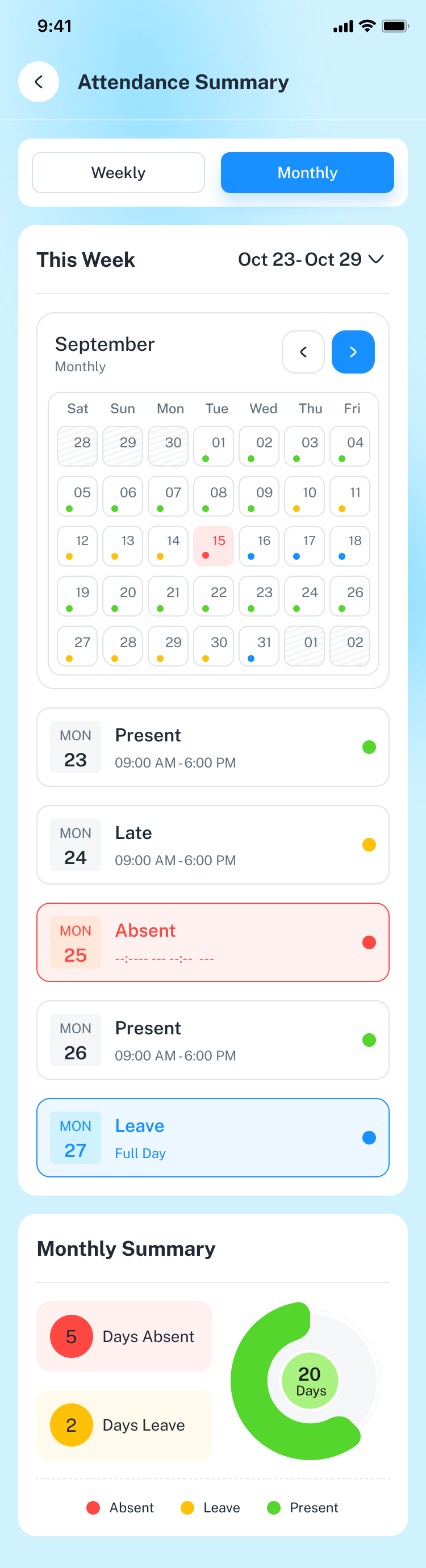
34_Attendance Summary_Monthly
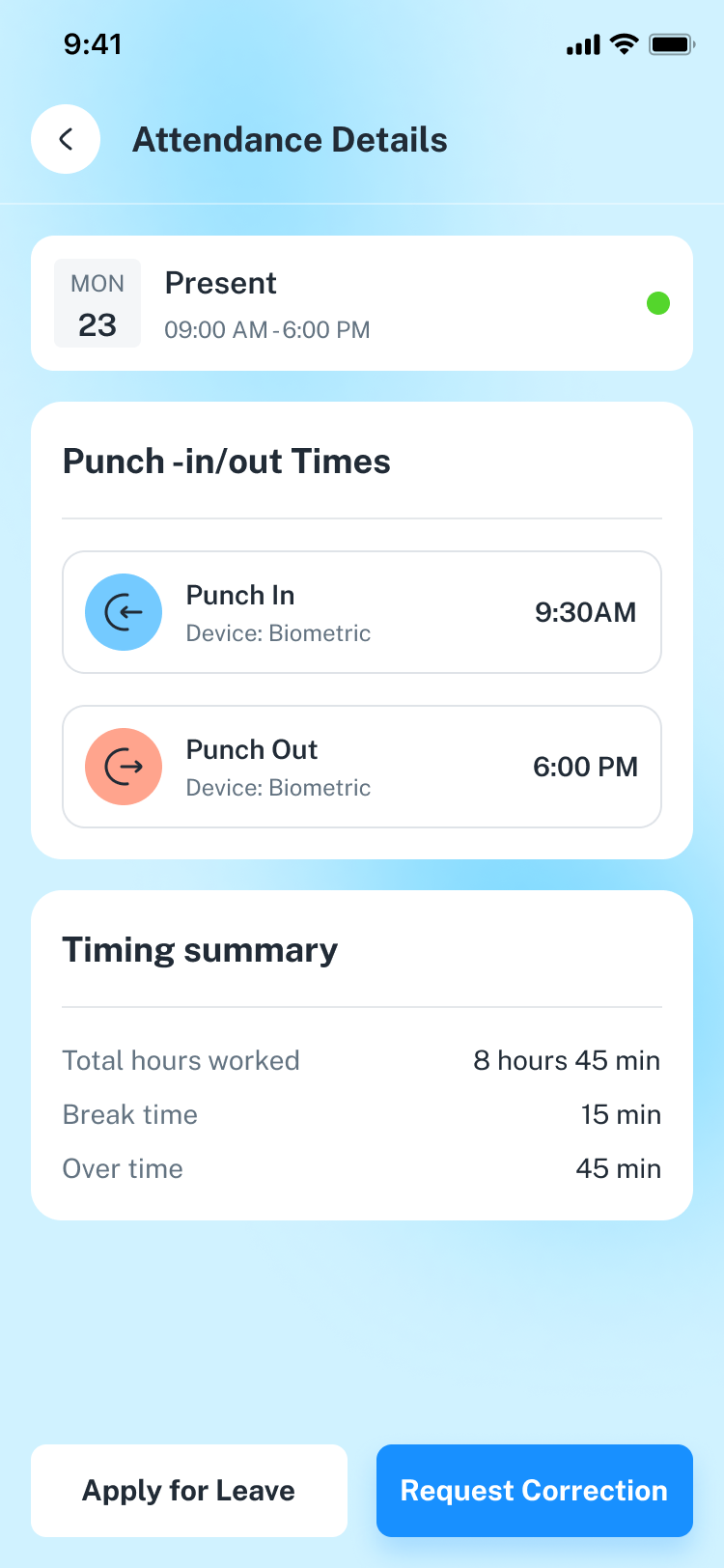
35_Attendance Details
36_Correction Request
37_Loan Application
38_Timesheet
39_Edit Time Entry
40_Add Time Entry
41_Profile_About_me
42_Profile_Calender
43_Profile_Appriciate
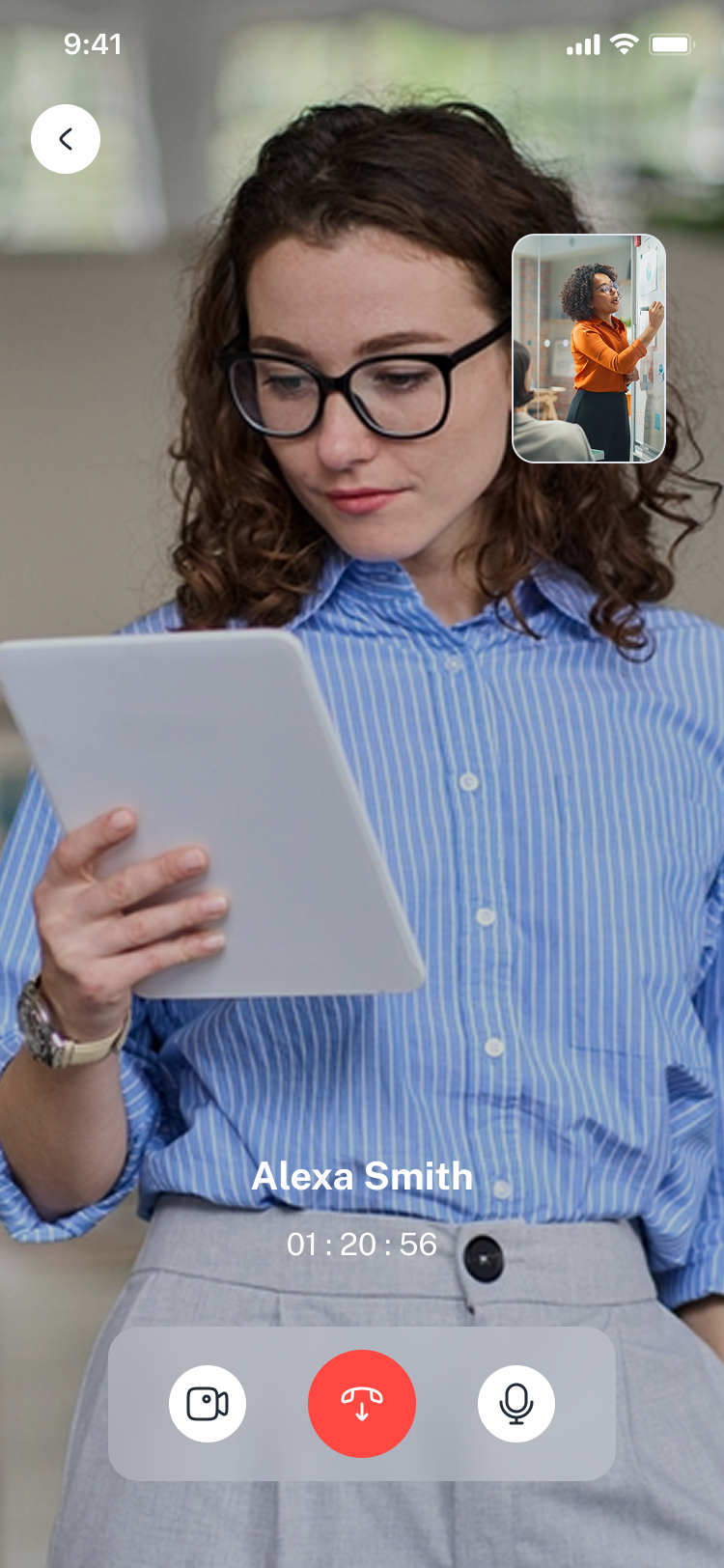
44_Video_Call
45_Video_Call_Off
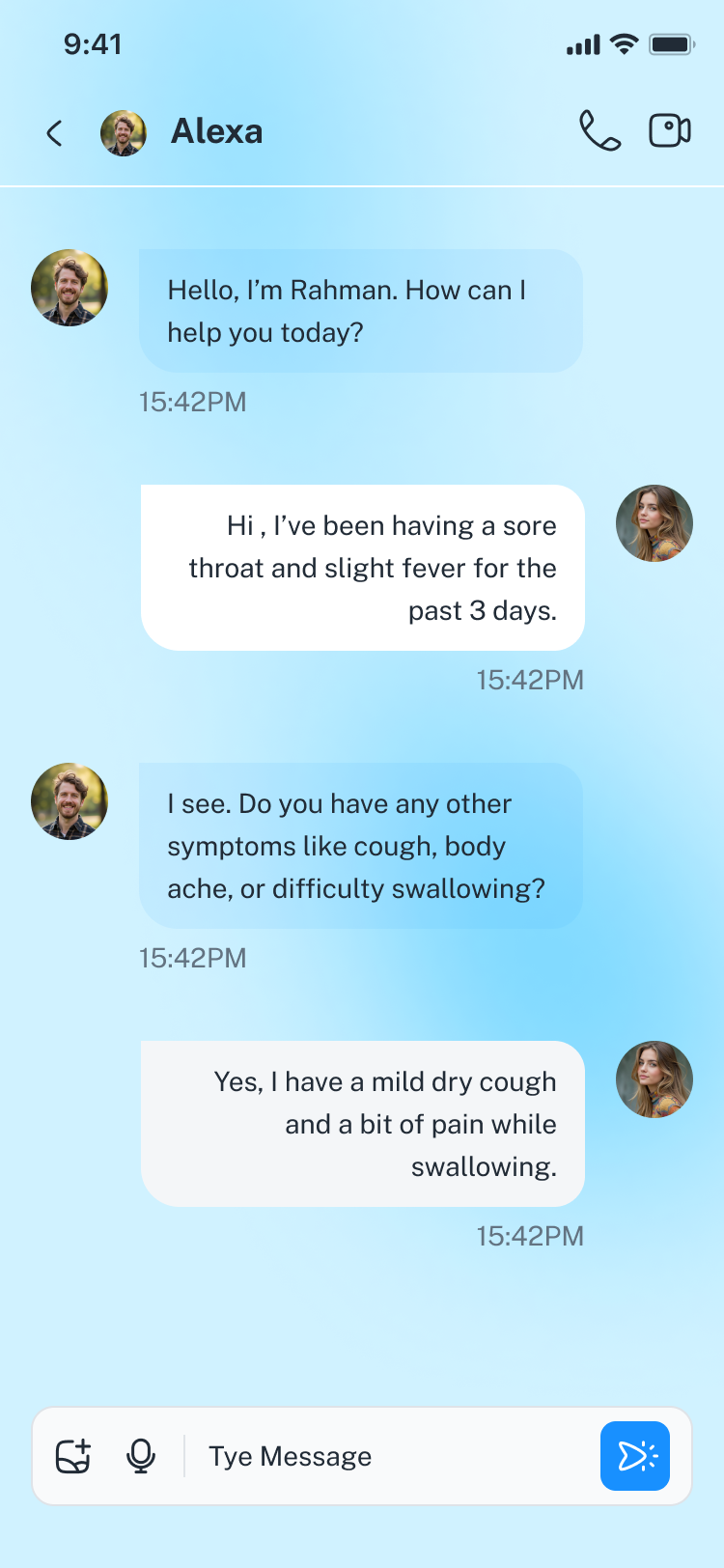
46_Chat
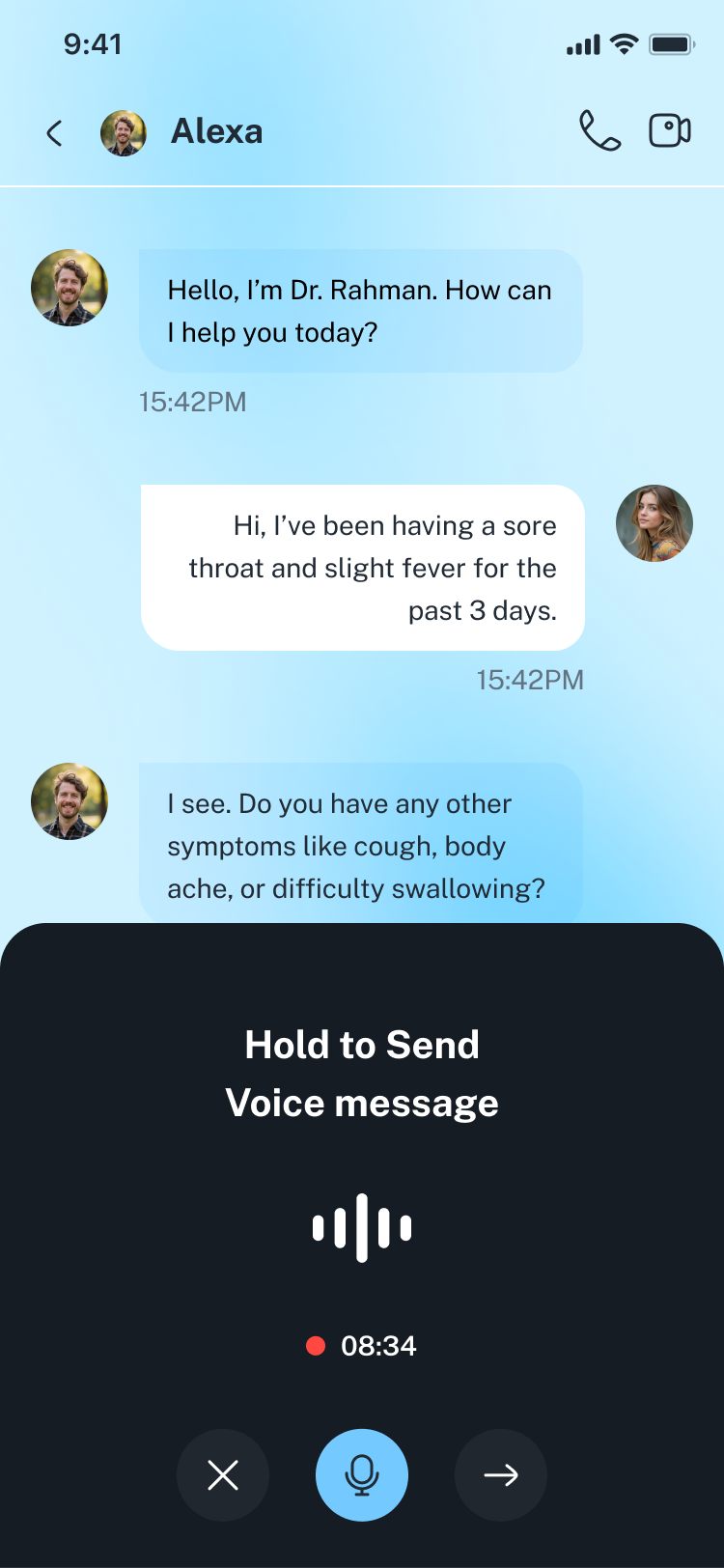
47_Voice_message
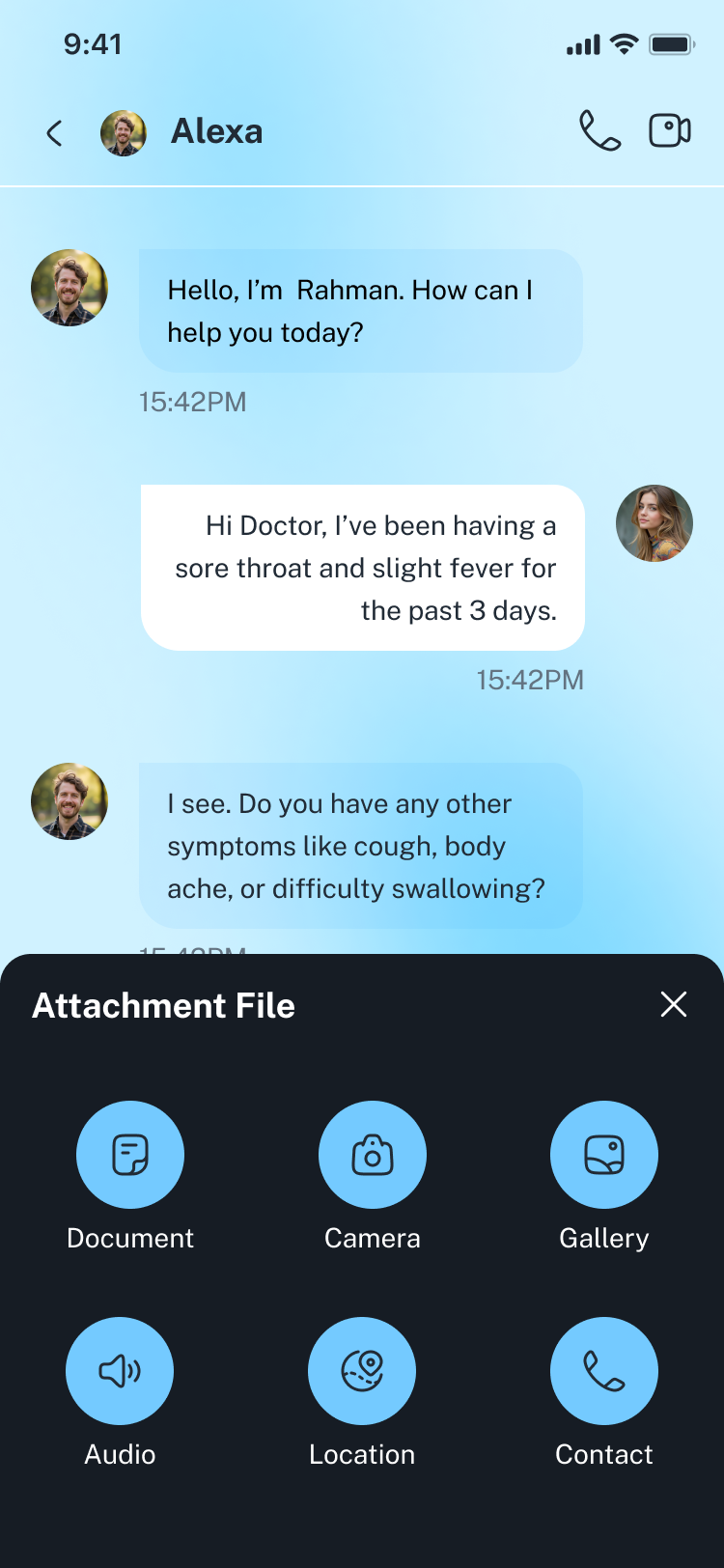
48_Chat_Attachment
49_Tasks
50_New_Task
51_Task_Details
52_Add_Comment
53_Taks Details _V2
54_Taks_Details _V3
55_Invite People
56_leave
57_My Leave Balance
58_Leave Request
59_Apply Leave
60_Request Submitted
61_My_Accounts
62_Notifications
63_Profile
64_New Requisition
65_Select Request Type
66_Request Submitted
67_Calender
68_Add Calender
69_Team Members
70_Invite Friends
71_Settings
72_Notifications Settings
73_Complains
74_Help_Center
75_Privacy_Policy
76_FAQ
77_Logout
Font:
- https://fonts.google.com/specimen/Public+SansIcon :
- https://fonts.google.com/icons- https://hugeicons.com/
Credits:
- https://www.freepik.com/- https://www.pexels.com/
- https://pixabay.com/
- https://unsplash.com/