Techor – IT Solution & Technology Elementor Template Kit
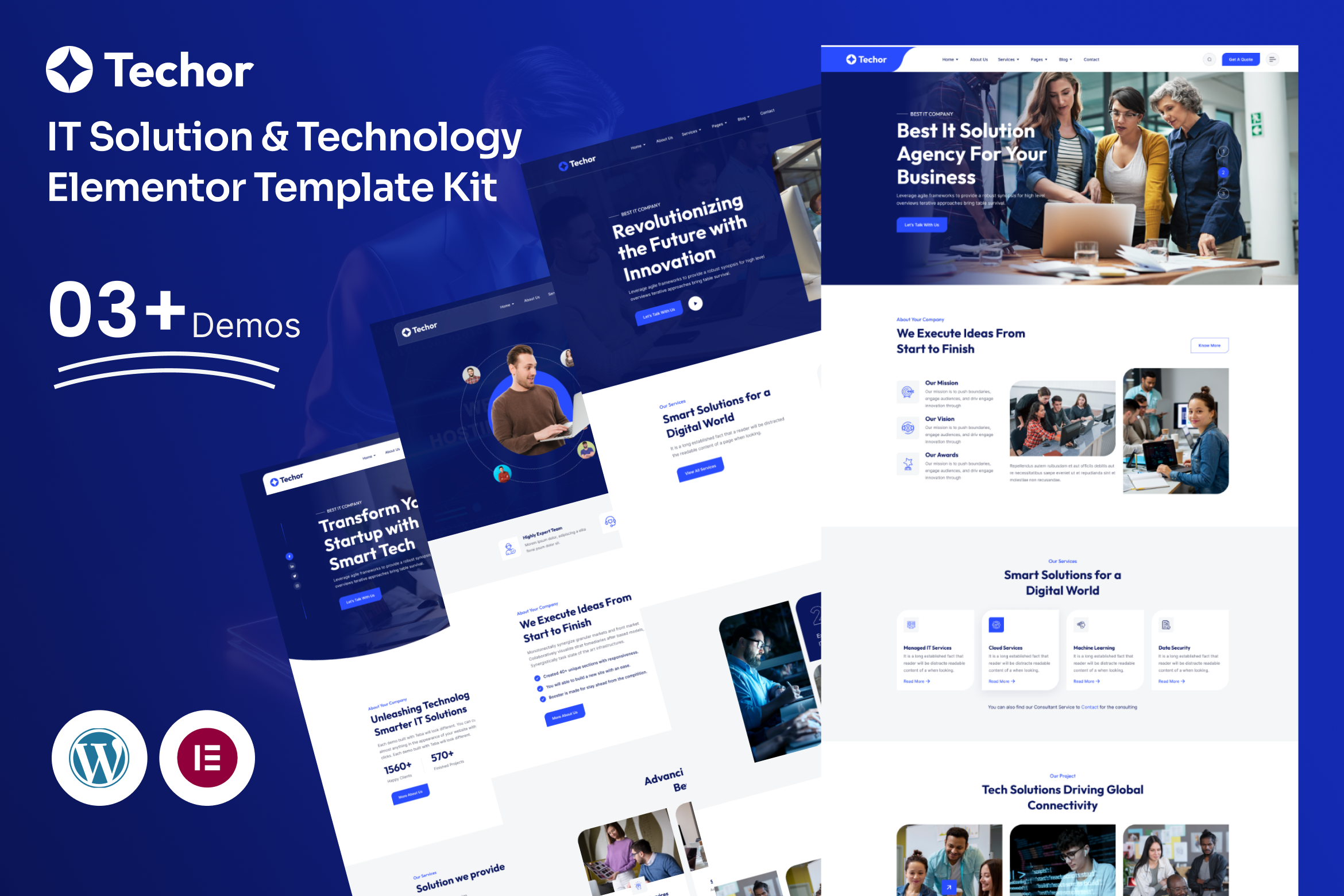
Techor is a modern and performance-focused template kit designed for IT companies, technology startups, software firms, and digital solution providers. This IT Solution & Technology Elementor Template Kit helps businesses present their services, projects, and expertise with clarity and professionalism.
Built with a strong tech-oriented layout structure, Techor highlights your core services, showcases completed projects, and introduces your expert team in a structured and engaging way. Each page is carefully designed to improve credibility and encourage client inquiries.
Techor is developed exclusively for Elementor and works seamlessly with the Hello Elementor theme, allowing full visual customization without touching a single line of code.
What Makes Techor Different:
- Technology-focused modern layout design
- Clear service and solution presentation
- Structured project showcase sections
- Professional typography and clean spacing
- Designed for IT firms and tech startups
Template Highlights:
- 17+ Professionally Designed Page Templates (3 Homepage Layouts + 14 Inner Pages)
- Fully Responsive Across All Devices
- Built with Free Plugins
- No Coding Needed
- Fast Loading & Performance Optimized
- SEO-Friendly Page Structure
- Global Styling for Colors & Fonts
- Well-Organized Layers for Easy Editing
- Cross-Browser Compatibility
- Retina Ready Design
Included Page Layouts:
- Home V1
- Home V2
- Home V3
- About Us
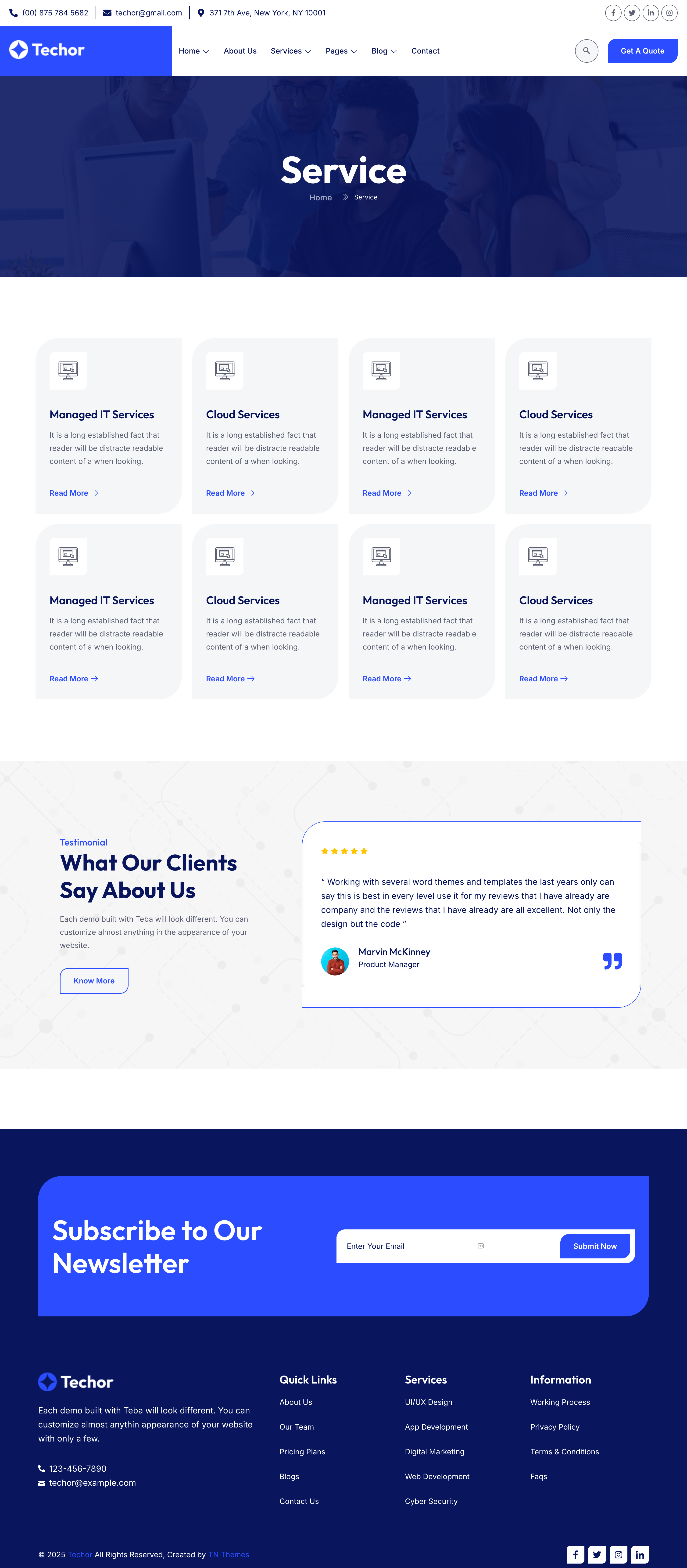
- Service
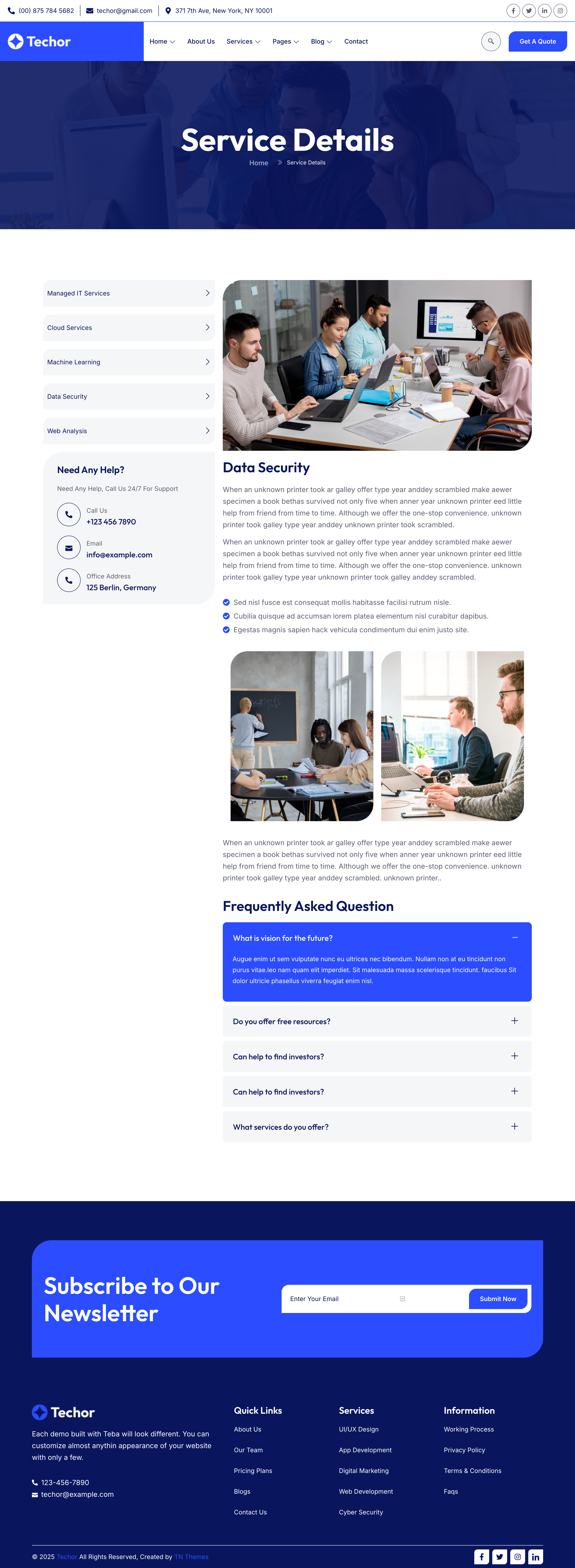
- Service Details
- Team
- Team Details
- Price
- Projects
- Project Details
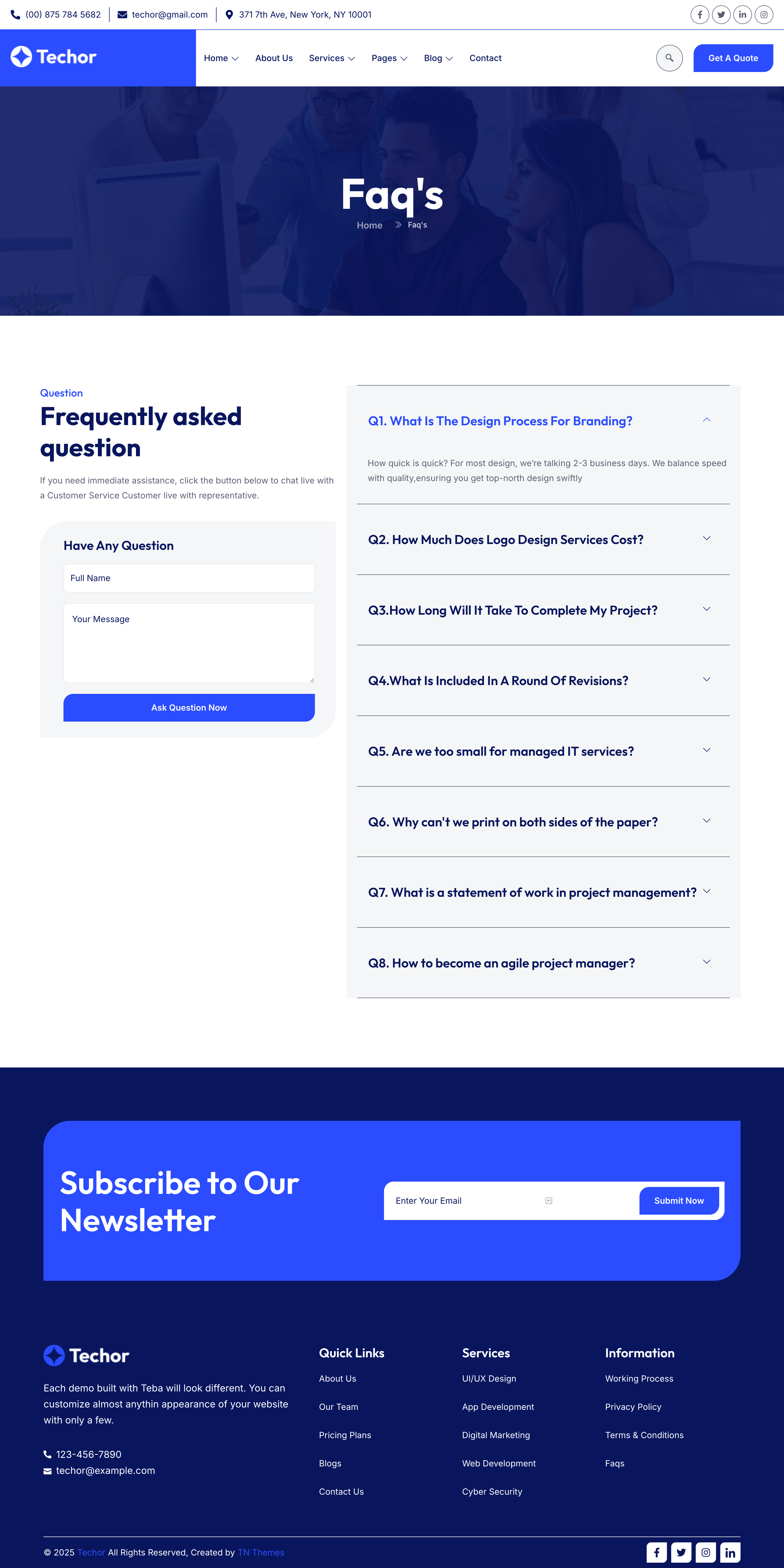
- FAQ
- 404
- Blog Grid
- Blog List
- Blog Details
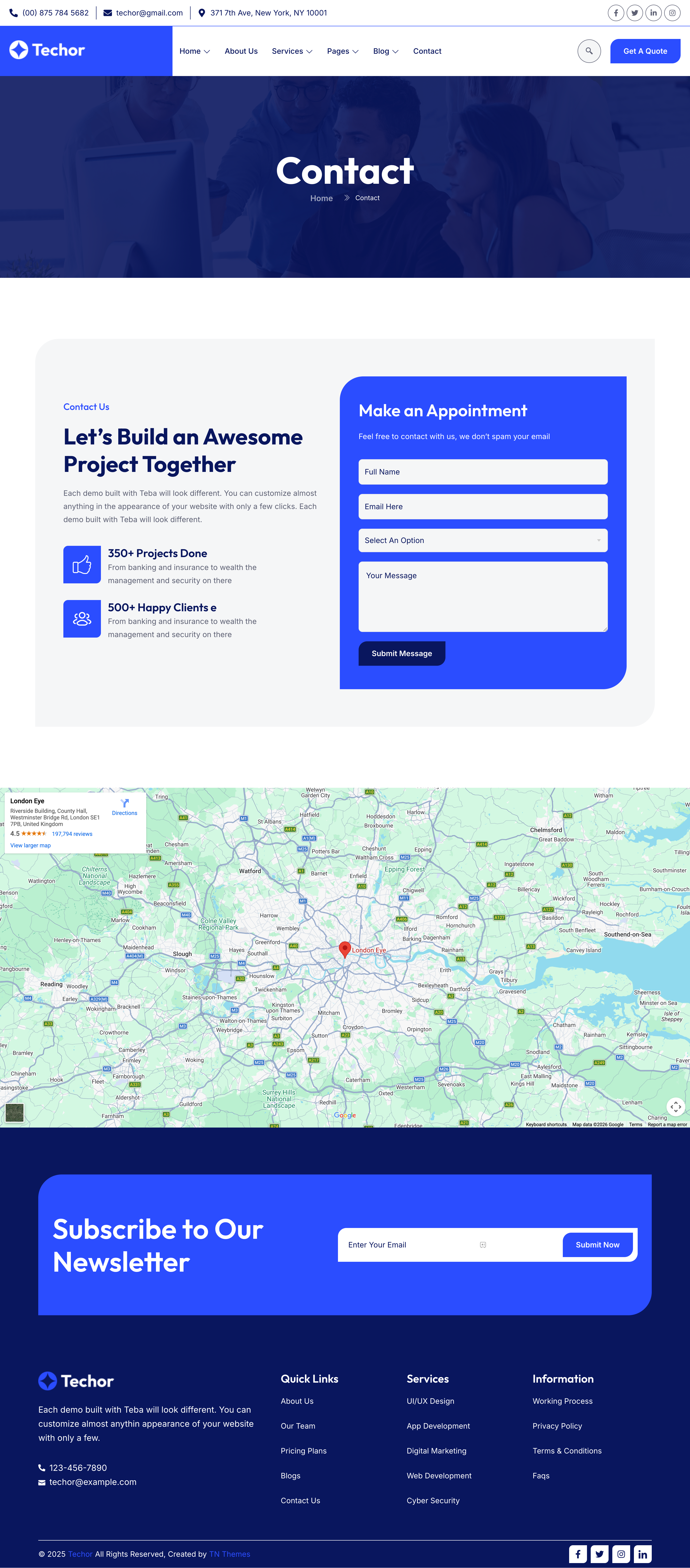
- Contact
Header & Footer Variations:
- Header V1
- Header V2
- Header V3
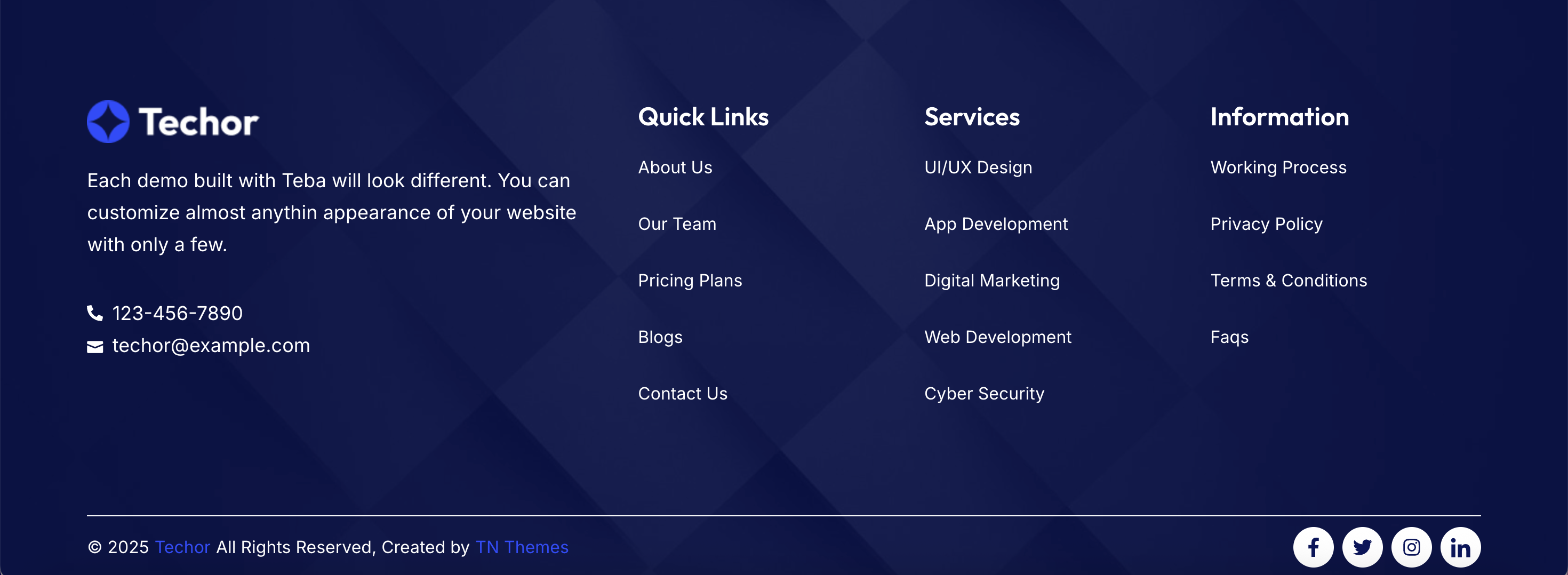
- Footer V1
- Footer V2
- Footer V3
Required Plugins:
- Elementor (Free Version)
- ElementsKit Lite
- Jeg Kit for Elementor
- Happy Elementor Addons
- Skyboot Custom Icons for Elementor
- Marquee Addons for Elementor – Essential Motion Widgets & Templates
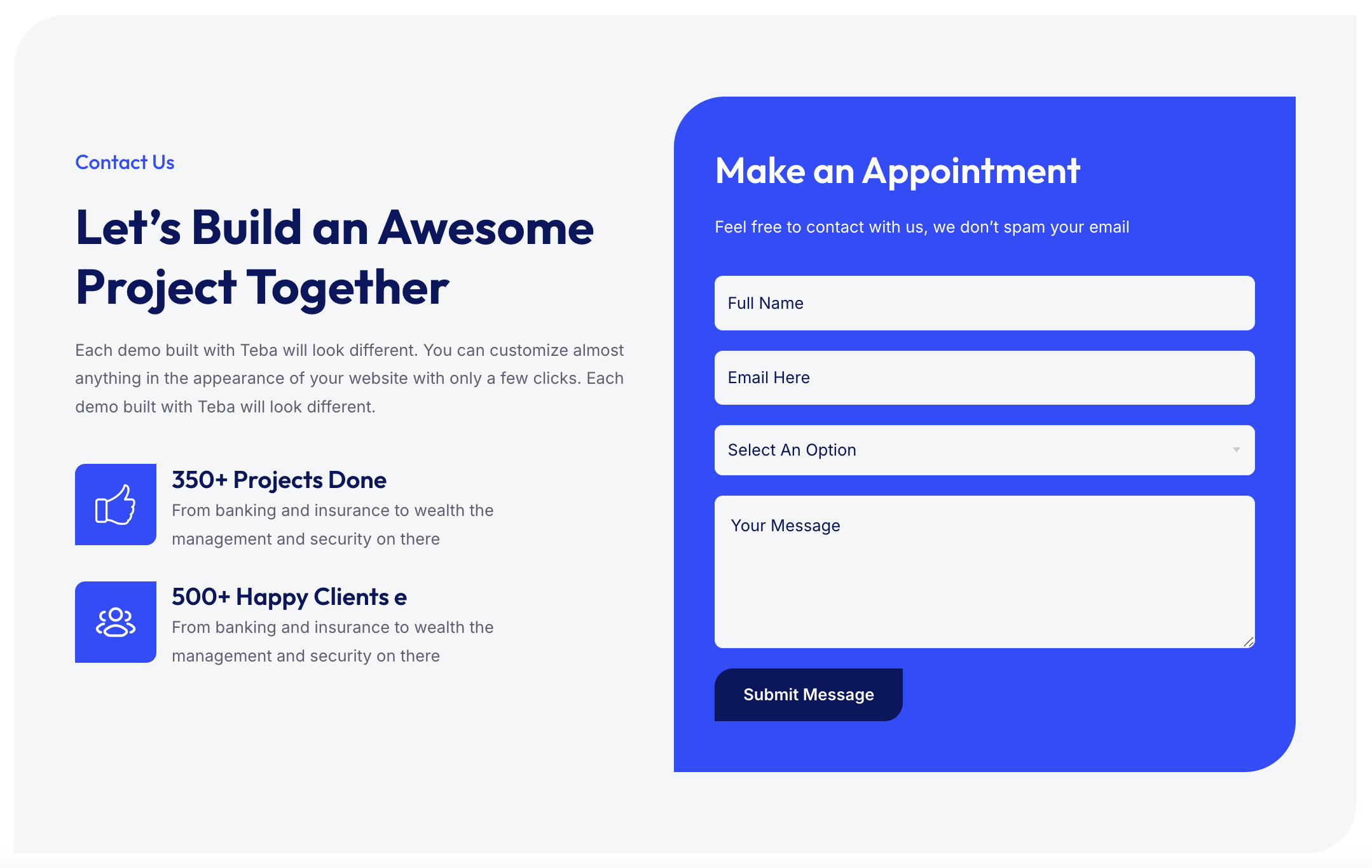
- MetForm – Contact Form, Survey, Quiz, & Custom Form Builder for Elementor
Using the Template Kit:
This product is not a WordPress theme. It includes Elementor design templates that can be installed using the Envato Elements plugin or imported directly through Elementor. After importing, you can customize every section using Elementor’s drag-and-drop editor — no coding required.
For a step-by-step guide, visit:
For additional help, check Elementor → Get Help from your WordPress dashboard.
How to Import MetForms:
- Begin by importing the MetForm templates included in the kit.
- Open the page where you want the form to appear.
- Click on the MetForm widget and select Edit Form.
- Choose New → Edit Form to start.
- Click the grey Add Template folder icon.
- Go to the My Templates tab and select your imported MetForm template.
- Insert the template, make any necessary adjustments, and click Update & Close.
- Update the page to make the form active on your site.
Setting Up Global Header & Footer (Jeg Elementor Kit):
- Navigate to Jeg Elementor Kit → Header Templates.
- Click Add New Header and set the display condition to Entire Site.
- Insert your chosen header template.
- Repeat the same process to set up the footer.
- After applying both, the global header and footer will appear on every page.
Images:
All demo images included in this template kit are free to use for personal projects. You may use them as they are or replace them with your own brand visuals.