350 comments found.
[EDIT: Nevermind, found the info]

How do I update the site to the new version you posted without overwriting custom coding?
Hello,
if you edit theme files directly, update always overrides these changes. I strongly recommend to use child themes to edit styling/functions.
Thank you
Two questions: 1. Is there a way to display the carousel only on the homepage, not on other pages? 2. And is there a way to exclude specific categories from showing up a) the homepage and b) the blog page?
Thanks! T.
Hello,
please submit a ticket to: https://dannci.freshdesk.com
Please include ‘Item Purchase Code’ and link to your site.
Thank you
Hello, does the script supports right-to-left languages ? such as Arabic? and is it a full support ?
Hello,
no sorry, theme is not RTL ready.
Thank you
Thanks 
Hi there! For some reason, my homepage now only shows three columns of posts, leaving a white space to the right of the screen. I have tried changing the number of posts in the homepage and their format (big, horizontal, normal, etc), but no matter how many posts I place to appear in the homepage, that white column on the right does not disappear… Any ideas? Thanks in advance!
Hello,
please submit a ticket to: https://dannci.freshdesk.com
Please include ‘Item Purchase Code’ and link to your site.
Thank you
Hi, i’m interested in purchasing your template, i’ve got a few question about it:
1 is there an ecommerce section embedded? 2 is there a newsletter form that can be used in the front page? 3 is it possible to “lock” one or more squares in the front page, so that all the articles published keep flowing, while the locked squares stay static in the layout? Thank you very much, i like your template and i’m on the verge of purchasing it.
Hello and thank you for your interest!
1. you can use e.g. woocommerce plugin with Block theme,
2. Block theme relies on plugins in this “field”,
3. you can “lock” posts only using ‘sticky posts’ functionality, ‘cos it is simple blogging theme
Thank you
Hi Dannci,
My galleries broken after update. How can I recover it because I’ve about 7k images and each posts has avg 10 items.. For exmp: http://www.aphrodisias.org/fotograflar/tiyatro
Hello there,
install / activate original theme (‘cos I can see that theme on your site is modified); if it doesn’t help submit a ticket to: https://dannci.freshdesk.com Please include your login credentials.
Thank you
Hi,
How can I remove the header at he very top of the page?
Hello,
please submit a ticket to: https://dannci.freshdesk.com
Please include ‘Item Purchase Code’ and link to your site.
Thank you
Hello Danci I set the BLOG page template as static home page, but the numbers on bottom of the page which should go to pages 2…3…. are not working and it is always shown the homepage. So actually people will see just first posts. What can be the problem with this? thank you! (the blog is www.italianbark.com ) E
Hello,
please submit a ticket to: https://dannci.freshdesk.com
Please include ‘Item Purchase Code’ and link to your site.
Thank you
Hi,
How can I change the homepage layout to look like in your featured image? (2 posts in a column and a sidebar)
Thanks
Hello,
please submit a ticket to: https://dannci.freshdesk.com
Please include ‘Item Purchase Code’ and link to your site.
Thank you
Hi, I have imported the Demo Content, how can I set the page to look like the Classic style in the Live Demo?
sorry, post to wrong theme, just ignore it
Thank you for update.
Hello Danci!
First thank you again for your great support
I’m wondering is it’s possible to have the image desaturation with hover effect with colours in the blog template as well. I’ve changed my website and now there’s a blog template page as homepage, instead than the grid one, and would like this effect here as well…is it possible?
Thank you!!
Hello,
please submit a ticket to: https://dannci.freshdesk.com
Please include ‘Item Purchase Code’ and link to your site.
Thank you
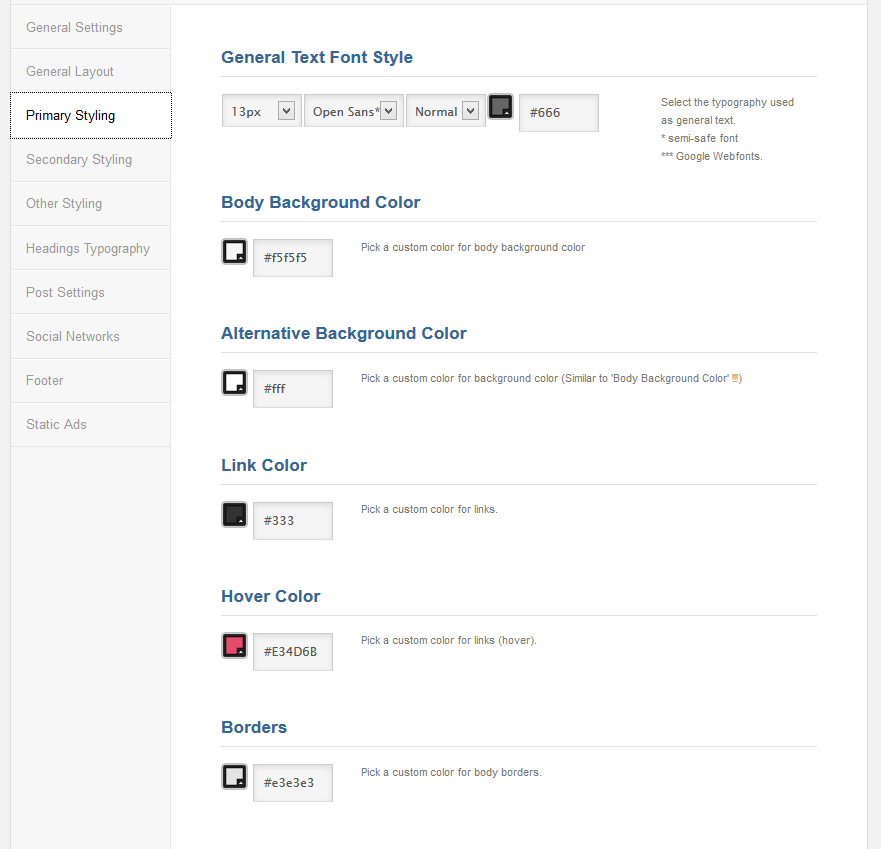
Hi, I have a doubt. I will buy this theme to develop my client’s site, but I will start the customization in my server and then I will transfer to my client’s server. In this case, is it possible transfer the entire site, including all configuration made in this panel: https://0.s3.envato.com/files/92148037/Screens/05-admin.png
And if is possible, there is a button in this panel to do the backup or I will need to install plugins to do this?
Hello,
if you need transfer whole site (inc. database, plugins, images etc.) you need to contact hosting provider. This action is not theme relevant.
Thank you
Hi – I’ve been reading the comments above, as I´d like to have category layout the same as blog template. I know I have to delete original category.php file and then rename category_alt.php file to category.php, but I´m not sure where do I have to do this – is it in the editor of the theme, or in the original downloaded file? if the latter, do I have to upload the file again? Thanks in advance.
Hello,
you need to change file names (on your server), using any FTP client (e.g. Filezilla) or ‘File manager’ (hosting/cPanel tool) .
Thank you
Thank you for your quick response! Best regards.
Thanks for an amazing theme, Dannci!
One problem, though. I can’t get the featured images to show on single posts.
Hello and thank you!
I assume that featured images are disabled in admin panel > Post settings
Thanks
No and that’s the weird thing. I’ve enabled it everywhere
Hi, as you can see you are using only ‘video’ and ‘audio’ post formats. In these formats/post types in not available featured image on single post.
How enable colored blocks in magazine style.my all images are showed black and white and when we hover the pointer over it becomes colored.
Hello,
please submit a ticket to: https://dannci.freshdesk.com
Please include ‘Item Purchase Code’ and link to your site.
Thank you
Hi Dannci,
I have purchased the theme and everything looks great. I have 2 issues in the theme:
1. The logo is perfect on the mobile, but on a desktop, it is getting stretched. 2. Everytime I put up the articles, there is some kind of distortion on the main page grid Can you suggest me the order in which I should put up the articles (big, small, vertical, horizontal) to ensure that the grid never goes out of shape?
Regards.
Hello, answered via ticket. Thank you
Which page builder is used in documentation.I am not able to find that.
Hello,
Block Magazine is simple blogging theme. In theme is not used page builder.
Thank you
Hello,
Thanx for the almost amazing theme!
Our only problem is that the front page blog items are Extremly slow!
Can you please let us know if we can fix this in any way. We already tried all the basic steps to make a website run faster.
Thanx in advance!
Hello, answered via ticket. Thanks
Hi there,
I have been asked to make the homepage load more articles when the page is first loaded. Currently it loads 10. Is there a way to change this?
Best wishes,
Indy
Hello,
you can adjust ‘Blog pages show at most’ in Settings > Reading.
Thanks
I feel a bit daft that it was that simple! Thank you!