3890 comments found.

Do you have any plan for React version? I really love your style.
Hi there
Not yet but we have plans 
How long i will have to wait? Can i use html version for our reactjs project? So sorry for stupid question but Im not pro at code or design,
Well at least 2 months, You can use HTML version but its jquery. So they recommend not to mix jquery with react
:)) Pls notice me ASAP when it is available.
Will do
1 more question. When your React version is ready, will it be a new item or include in this item? I want to use your theme on our project, and if i buy it now only to use HTML, can i get React version when it ready or have to buy a new item?
Hi there
It will be in the same Item. If you buy the item even now, React version will be a free update
Just purchased it. =)) hope i can use your react component asap.
Thank you! will keep you posted
Hello again, Can you add me to the GitHub repo also please? My username is ThibaultG1 Thanks!
Hi there
Invitation sent
Thanks
Hello, I’m currently using the html corporate version of this theme.
How can I insert a disabled link in the Sidebar menu? Is there a special class for this or should I create custom css?
It seems that using the bootstrap classes doesn’t work :Hi there
This is a good question. I will add this to the coming update. But will give you a quick fix
.page-sidebar .sidebar-menu .menu-items > li.disabled{
opacity:0.65
}
.page-sidebar .sidebar-menu .menu-items > li.disabled > a{
color: inherit !important;
}
.page-sidebar .sidebar-menu .menu-items > li.disabled > icon-thumbnail{
color: inherit !important;
}
Thanks for the feedback, I’ll try this!
I bought a license Can you invite me? (for Angluar6) user : changhwaoh.co@gmail.com
Invitation sent
thanks.
Hello, this template contains some bugs in the calendar. I recommend doing a review or even studying the possibility of using fullcalendar.io. One example I can give is when you change the time by dragging the event … it picks up broken and non-editable numbers like: 08:12
i have same problem. can i help me. this problem seen your demo pages. sunday calendar is problem. our site is aynasond.com/klinik
Hi there
Yes, we are aware of few bugs. I can add you up on github. We are rebuilding it for Angular
you can add it. I can get a github link.
samilasal26 can you add me.
Hi there
Invitation sent
invitation did not come .. can you send me more .. samilasal26
How to install?
Hi there
I did not understand, you want try out angular or html ?
Both
We have guides here
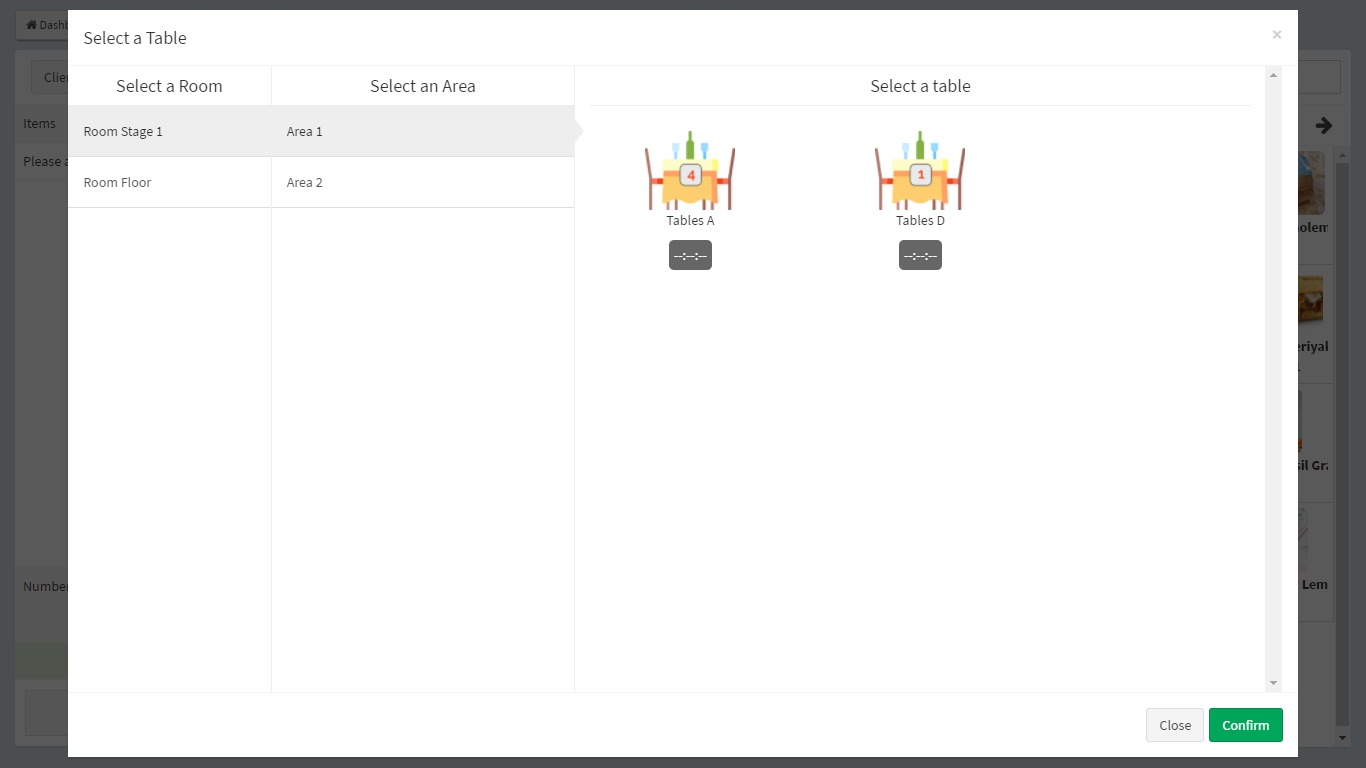
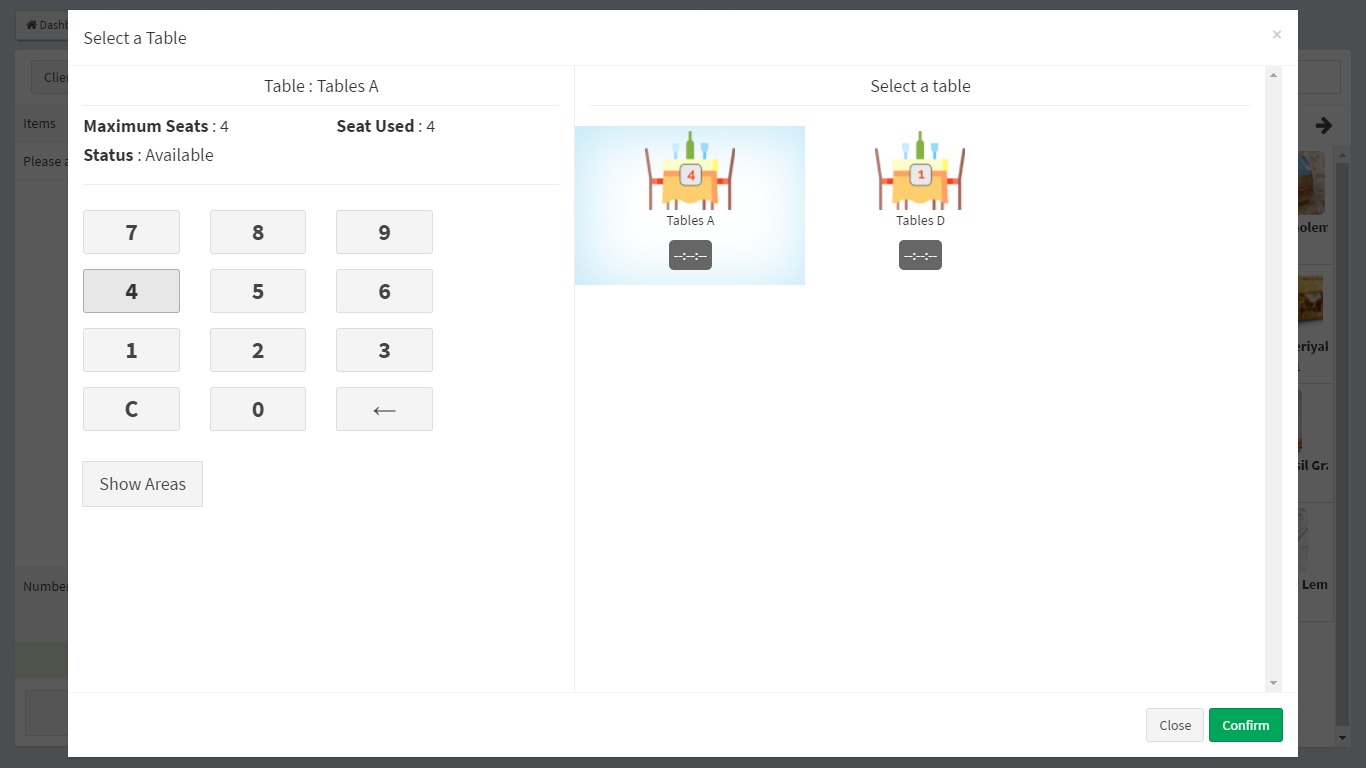
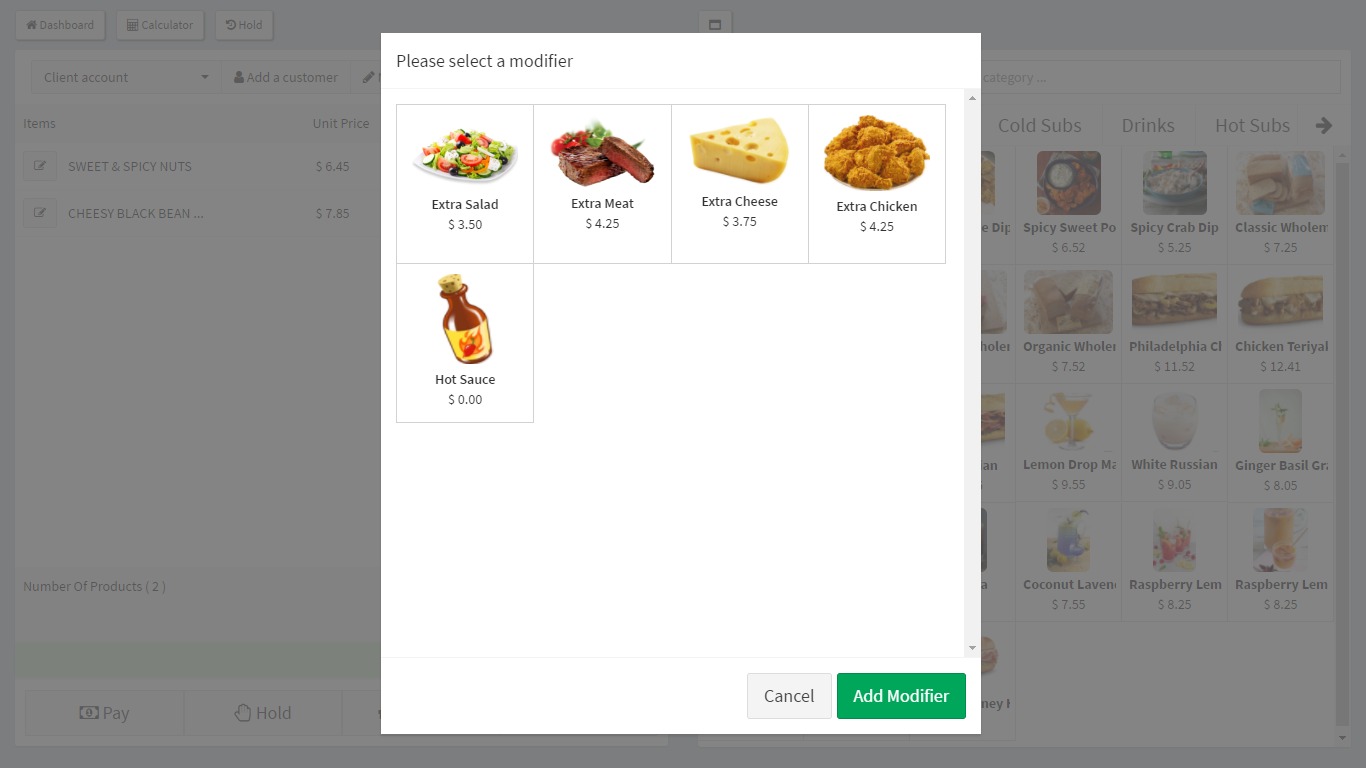
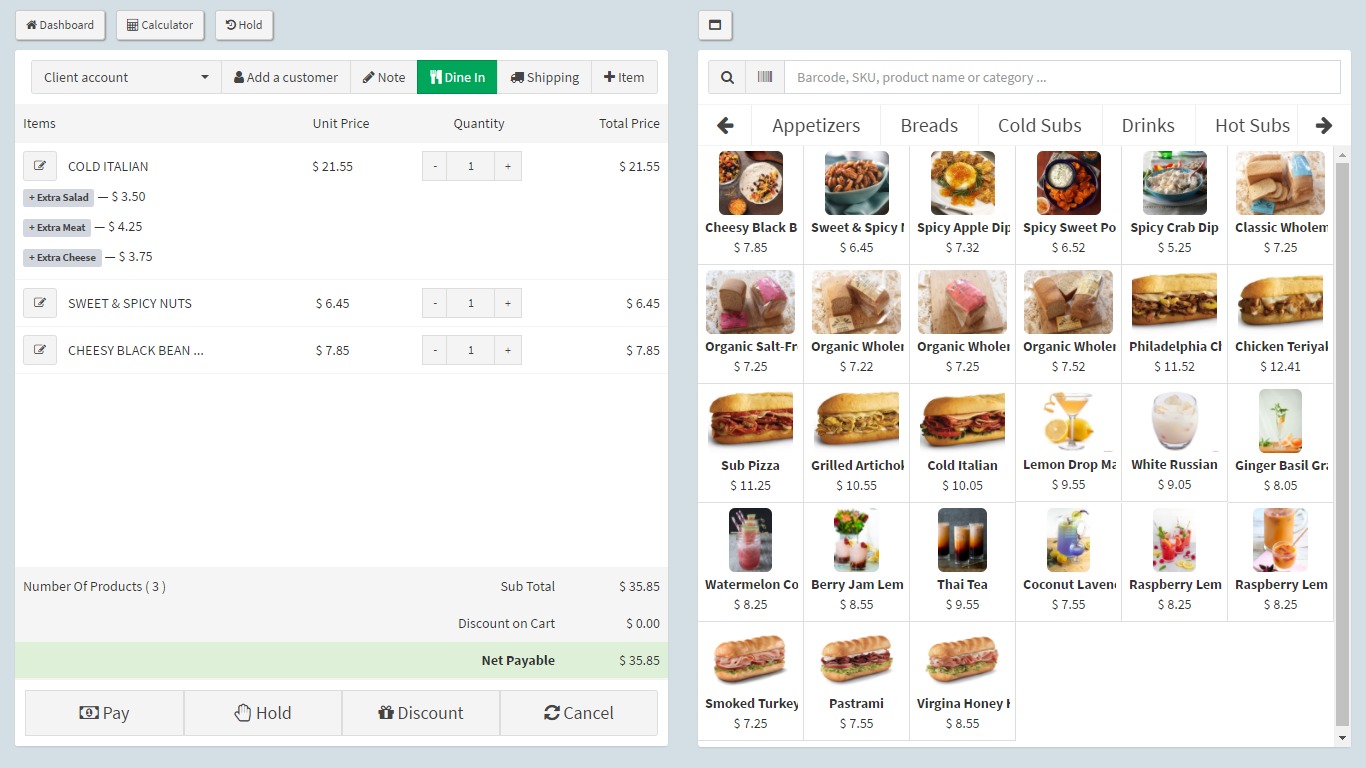
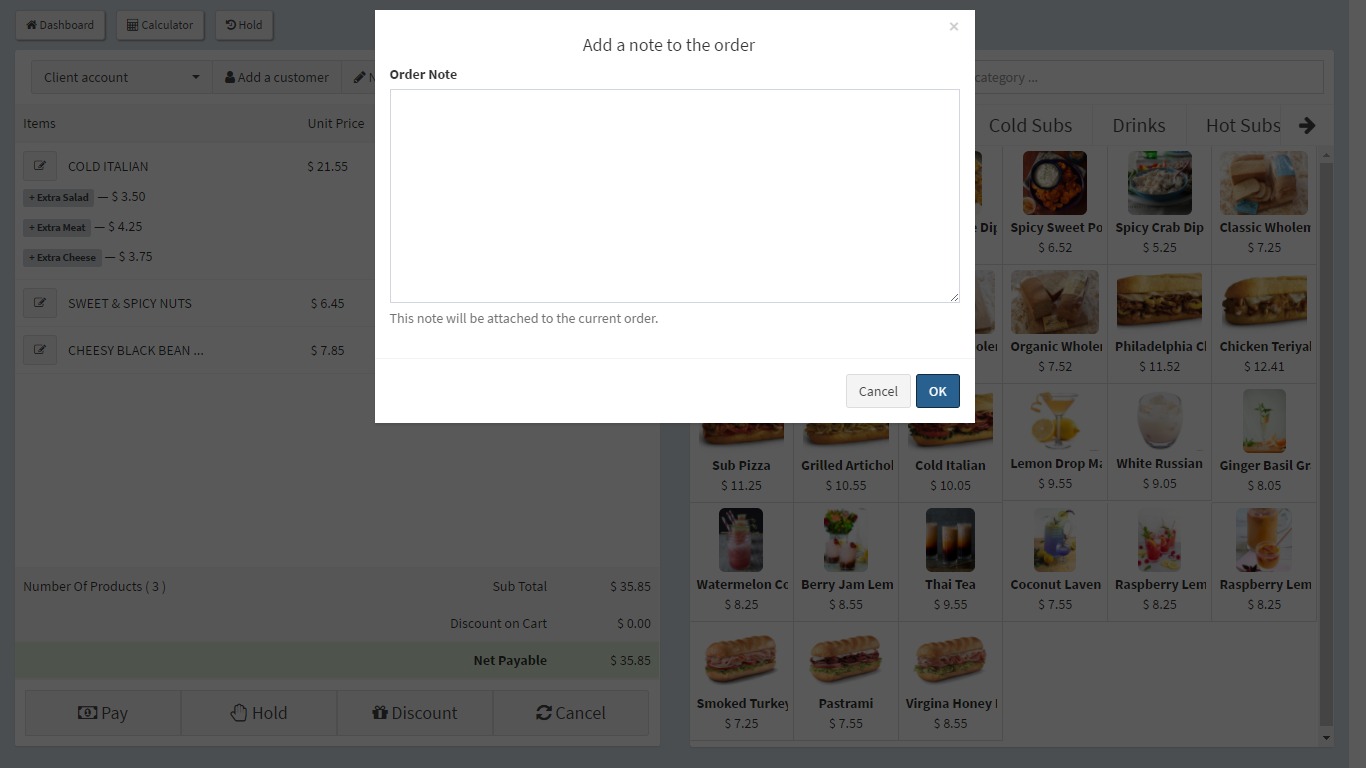
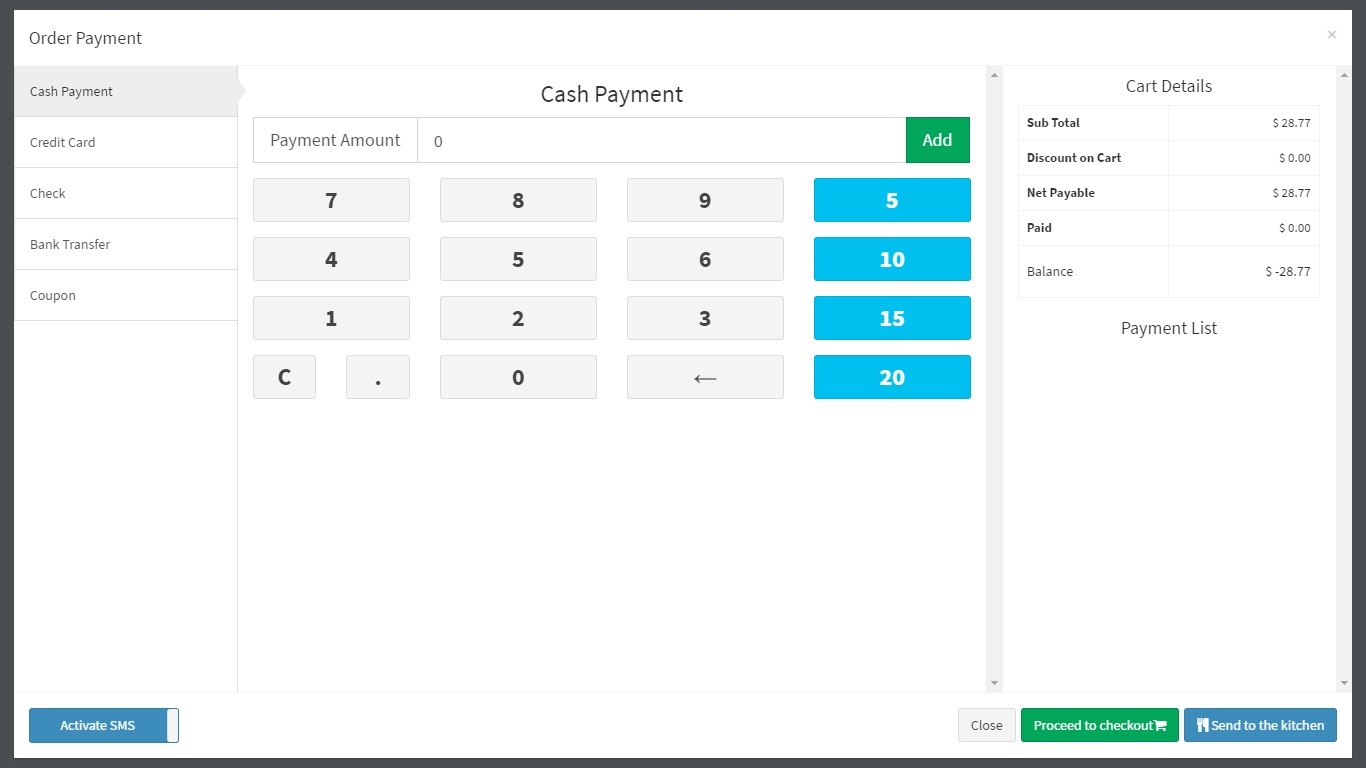
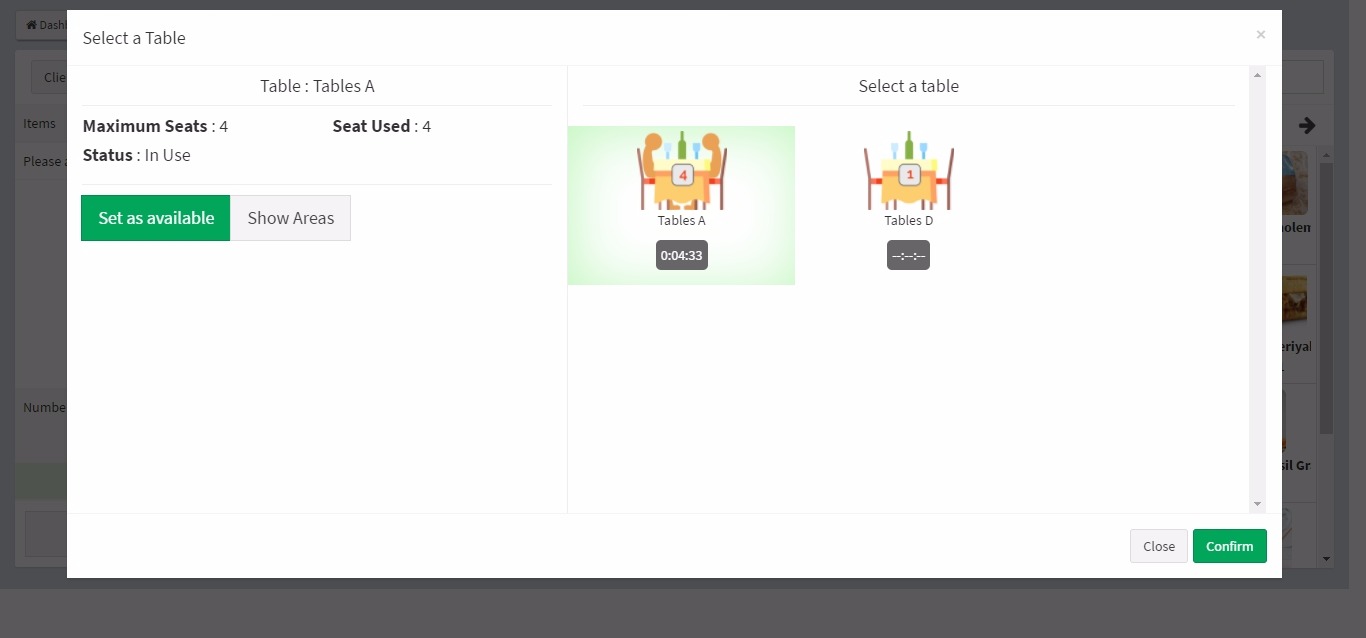
https://docs.pages.revox.io/The template would look even more spectacular if it had a POS dashboard for sales like this: 64.15.133.96/nexopos/dashboard/nexo/pos
Examples: https://s3.envato.com/files/229498974/screenshot-1.jpeg https://s3.envato.com/files/229498974/screenshot-2.jpeg https://s3.envato.com/files/229498974/screenshot-3.jpeg https://s3.envato.com/files/229498974/screenshot-4.jpeg https://s3.envato.com/files/229498974/screenshot-5.jpeg https://s3.envato.com/files/229498974/screenshot-6.jpeg https://s3.envato.com/files/229498974/screenshot-9.jpeg
Hi there
Noted and bookmarked
I’m still having an issue with the 4.0 code and select2 dropdowns in a modal. Specifically, you cannot click on the search box to type in it. It’s as if it’s behind the modal even though you can see it.
Hi there
This is reported, will send you a fix asap
Hi. send me an invitation to github repo for Angular 6. my username: louiskwon@gmail.com
404 – page cannot be displayed Error Message Appears When Attempting to Access URL. github username : louiskwon or louiskwon@gmail.com
Hi there
I sent you an invite to louiskwon@gmail.com
Is it possible to make the content section of a page the full width of the screen instead of this boxed type of look? I have to display data in a datatable that have a ton of columns and need more horizontal space
Hi there
Sure its possible. Do you use the horizontal layout or the layout with the left side bar ? All you have to do is not have the div container-fuild
You can see that each section is wrapped with that div. Remove it and it will scale all the way
I’m using the Executive style with the horizontal layout
Hi there
Sorry about the late reply. Yes removing div class container in each page will help. You will be able to see so many divs with containers remove the on inside content div
Also – Do you have a chat app type of page included? Thank u
Hi there
If you open the right side bar you can see the chat app. Its not connected any store like NGRX
I’m considering purchasing this theme, is there an Angular 6 version?
Hi there
Its ready what is your github username ?
Github id: jamiels .... thank you so much!
Invitation sent
I have not received the invite yet …
It says invitation already sent please check you relevant account
Hi,
There are two visual/UI bugs in the Simply White theme.
First bug:
When the browser width is between 999px and 992px, the header elements are broken.
Second bug:
When the browser width is between 991px and 980px, the header background is not white. However it becomes white when the width is less than 980px.
Could you please fix this and provide me/us with an update?
Thanks..
Hi there
Im having trouble replicating the issue. Are you using v4.0 ? Is there anyway you can share me the screenshot ? And also your browser version
Hi, i have this problem and i didnt get any answer about 2 days pass over, there is no support there? i need to write my issues only here?
https://github.com/revoxltd/pages/issues/551Hi there
Sorry liranti. We missed that. Will answer over at github
Just incase the answer gets confused
They do not allow us to add to the root element  if we use BsService but this is how core Bootstrap should work. One of the reasons we made our own tabs. They did not allow classes to be added to the root element.
Could you please give me access to your repo? Sent an email through your website and just sent another one to your support@revox.io
This theme is really awesome, just need more sample pages (My/User’s Profile, News List / detail, etc). And a online-builder would be great.
Thanks!
Hi there
Invitation sent
Thanks !
Do you think you would have more page samples or a builder for components soon? thanks again.
hi there
i need help, how can i implement layout (let say simply white layout) to my angular component, do i have to extend the layout component or just copy the layout css at @pages/layout folder ? can you give me example for that? sorry i am a newbee with angular, i saw your documentation but i don’t quite understand it
Hi there
No you do not need to extend. We have done that for you Use getting_started/angular project. There is no demo content in it. Open up app.routes.
Use it like the following
  {
    path: 'home',
    data: {
        breadcrumb: 'Home'
    },
    component: SimplyWhiteLayout
  },
Sets the layout you want
component: SimplyWhiteLayout
hi
i see so you need to set the layout you want as main component, no need to create new component as container, is that right?
thanks a lot men, great template btw
Hi there
If you want to create use pages to existing angular project. Copy the entire @pages folder . Then go to app.modules.ts any imports from @pages use that too. Then go to your app.routes.ts
 {
    path: 'home',
    data: {
        breadcrumb: 'Home'
    },
    component: SimplyWhiteLayout
  },
I suggest get know how routing works and components work. The component component: SimplyWhiteLayout is the layout that is imported
//Layouts
import {
  SimplyWhiteLayout,
} from './@pages/layouts'
Try
https://thinkster.io/tutorials/building-real-world-angular-2-apps/page-layout-and-routingA few tutorials first
okay thanks, sorry for the silly question hehe
I am trying to use the select2 simple dropdown with the search option inside a modal. While your latest 4.0 version does fix the z-index issue, it doesn’t fix the search box issue, as well as using the “default” style it doesn’t show the label. Using your own HTML examples between modals and select2, I created this:
          <div class="modal fade slide-right" id="modalSlideLeft" tabindex="-1" role="dialog" aria-hidden="true">
            <div class="modal-dialog modal-sm">
              <div class="modal-content-wrapper">
                <div class="modal-content">
                  <button type="button" class="close" data-dismiss="modal" aria-hidden="true"><i class="pg-close fs-14" />
                  </button>
                  <div class="container-xs-height full-height">
                    <div class="row-xs-height">
                      <div class="modal-body col-xs-height col-middle text-center   ">
                    <form class="m-t-10" role="form">
                      <div class="form-group form-group-default form-group-default-select2 required">
                        <label class="">Project</label>
                        <select class="full-width" data-placeholder="Select Country" data-init-plugin="select2">
                          <optgroup label="Alaskan/Hawaiian Time Zone">
                            <option value="AK">Alaska</option>
                            <option value="HI">Hawaii</option>
                          </optgroup>
                          <optgroup label="Pacific Time Zone">
                            <option value="CA">California</option>
                            <option value="NV">Nevada</option>
                            <option value="OR">Oregon</option>
                            <option value="WA">Washington</option>
                          </optgroup>
                        </select>
                      </div>
                    </form>
                      </div>
                    </div>
                  </div>
                </div>
              </div>
              <!-- /.modal-content -->
            </div>
            <!-- /.modal-dialog -->
          </div>
Hi there
Thank you for reporting this issue.
the quick fix for this would be
.modal-open .form-group-default.form-group-default-select2 > label{
z-index:10000
}
Ace that fixes the label issue, but doesn’t fix the issue of not being able to type into the box.
questions answered 
Hi there
Your using SASS version ?
We are currently implementing RTL for SASS. Would be done within a week. Meanwhile LESS is an alternative option
Just download the newest verison and run npm install -g, however it show up error on routing, egError: Cannot match any routes. URL Segment: ‘email/list’
Correct. Then use the navigation menu to go desired page
still failed, can launch the router outlet, but main page fail, blank as routing failed~~
Thats not possible. Remove node_modules folder. Make sure you have angular cli and angular installed globally. Next do
“npm install” no need global
This is the same code base running on our demo and distributed across current buyers
i find the problem, localhost:4200/condensed/ is blank , and condensed/dashboard is having the right thing, ok i solved this…....but if i dont need so much template, just one, how can i make it into localhost:4200/ for dashboard home
Hi there
Yes, use our getting_started/angular. It only has a few routes. or you can remove everything in app.routes.ts file
gd, thanks for it. btw, when the angular version have the calendar
Welcome, it will be available but no estimated date. Its alot of effort since we have to rewrite it in angular
have more question using the blank, if i just npm install, and npm start, it show up npm ERR! path C:\websites\test\package.json npm ERR! code ENOENT npm ERR! errno -4058 npm ERR! syscall open npm ERR! enoent ENOENT: no such file or directory, open ‘C:\websites\test\package.json’ npm ERR! enoent This is related to npm not being able to find a file. npm ERR! enoent
npm ERR! A complete log of this run can be found in: npm ERR! C:\Users\test\AppData\Roaming\npm-cache\_logs\2018-07-07T11_32_05_790Z-debug.log
But if i copy the package.json from demo angular version to it, C:\websites\test>npm start
> angular@0.0.0 start C:\websites\test > ng serve
Cannot read property ‘config’ of null TypeError: Cannot read property ‘config’ of null at Class.run (C:\websites\test\node_modules\@angular\cli\tasks\serve.js:51:63) at check_port_1.checkPort.then.port (C:\websites\test\node_modules\@angular\cli\commands\serve.js:123:26) at <anonymous> at process._tickCallback (internal/process/next_tick.js:118:7) npm ERR! code ELIFECYCLE npm ERR! errno 1 npm ERR! angular@0.0.0 start: `ng serve` npm ERR! Exit status 1 npm ERR! npm ERR! Failed at the angular@0.0.0 start script. npm ERR! This is probably not a problem with npm. There is likely additional logging output above.
npm ERR! A complete log of this run can be found in: npm ERR! C:\Users\test\AppData\Roaming\npm-cache\_logs\2018-07-07T11_34_17_038Z-debug.log
I solved this finally, but got another problem, let say the routing: { path: ‘email’, component: CondensedComponent, children: [{ path: ’’, loadChildren: ’./email/email.module#EmailModule’ }] },
when i get into email page, the menu of the other page got email prefix as following
Dashboard => http://localhost:4200/email/dashboard
Hi there
I think you got the wrong commands. Follow there official guide
https://cli.angular.io/Its not npm start its ng serve.
I need to see your app.router.ts file. Can you email via support@revox.io.
I need to upgrade the theme to Angular 6. I see that you have successfully upgraded it. Can you share the repository with me on Git (username: ascent-projects)
Hello,
Sorry I didn’t get the invitation to my account. Can you resend the same.
I can sent again. Check relevant account email or github login
Hello,
I couldn’t locate it on either of it. Can you share it with this login user – abcf98
Thanks in advance.
Try now
Thanks a lot. You rock!