615 comments found.

Hi,
Could you tell me why the pages that are in “composer” mode are displayed this way in the search results?
http://94.23.80.242/~biosimdef/?s=Accesibilidad+de+pacientesIt’s not the case of hte pages in “classic” mode (third result in this example).
Thansk and kind regards,
José A.
Hi, you need to set the text of the EXCERPT area of all the pages, posts and post types that you want to edit. You can find it in Edit page\Edit post on bottom\right.
Thank you!
Thank you!
Hi!
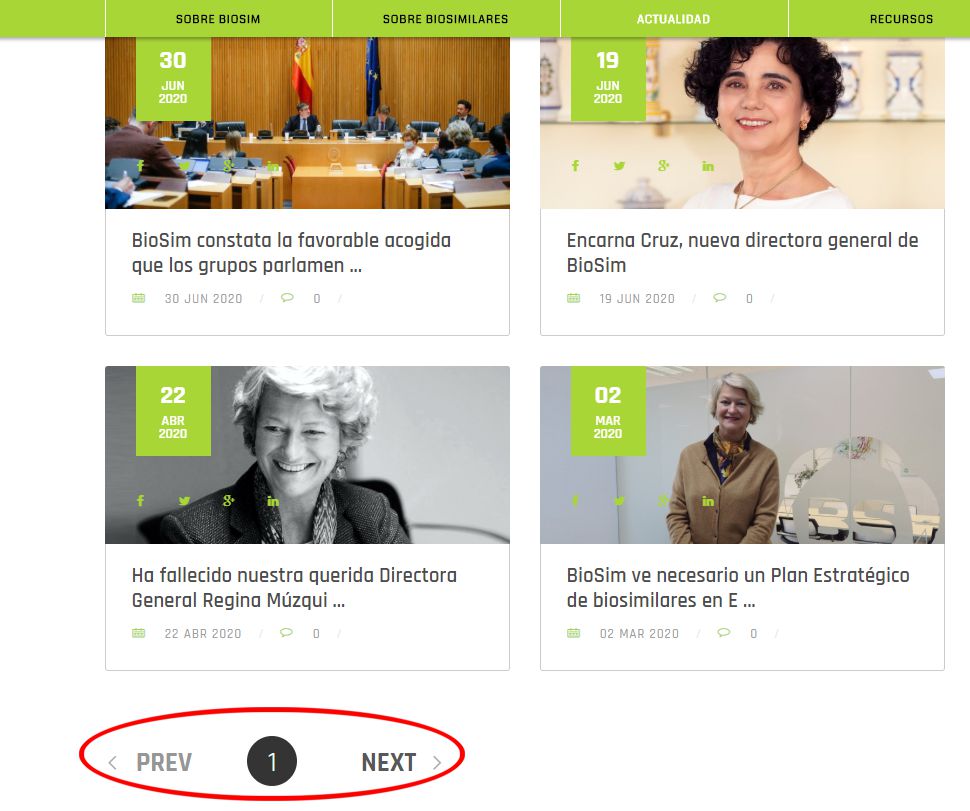
Coul you please tell me how to translate the texts indicated in red in the images bwlow:
http://www.sistemas-integrados.com/soporte/TRANSLATE3.jpg http://www.sistemas-integrados.com/soporte/TRANSLATE2.jpg http://www.sistemas-integrados.com/soporte/translate.jpgThanks and kind regards,
José A.
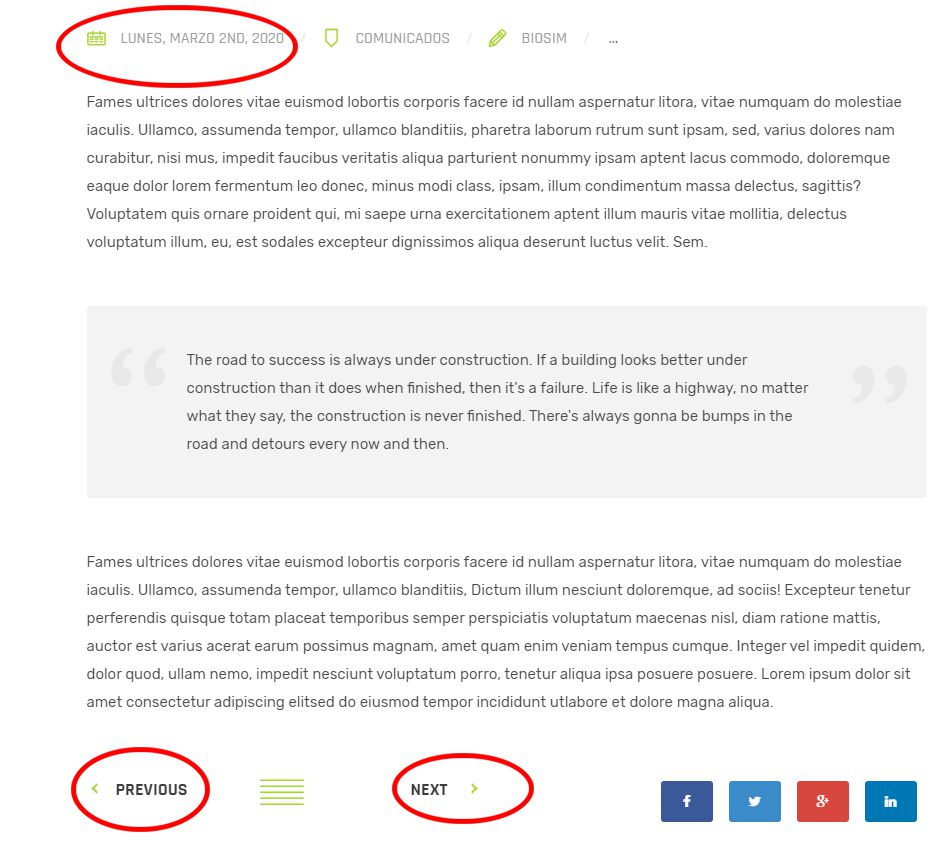
Regarding the date: instead of LUNES, MARZO 2ND, 2020 (ENGLISH FORMAT) i need LUNES, 2 DE MARZO 2020 (SPANISH FORMAT)
Hi, you can set the PREV and NEXT text in the settings box of the component.
You can translate the other strings with a plugin, like Loco Translate. To change the date format you need to edit via code the file component/post_types.php in Hybrid Composer plugin folder.
Thank you!
Thank you very much!!
Hi, How to active ‘support chat’ in this theme? big thanks
Hi, install the plugin (file supportboard.zip). Then insert the shortcode [sb type=”chat” in the pages you want to show the chat. Mind that the chat included in the theme is an older version, it is not the one of https://board.support/.
Please contact me at support@schiocco.com and I will send you the docs for your version. Also, if you will want to use the new plugin of https://board.support, due you purchased this theme ,I can give for free both the Dialogflow and Slack apps.
Thank you!
Hi,
I have some issue when upload lightwire wordpress file (.zip) to Themes. the message error is ‘The link you followed has expired.’ Could you please help me? big thanks
Hi, thank you for the purchase, upload the theme via FTP and activate it later via WP  Thank you!
Hi,
How could I translate:
404 PAGE NOT FOUND THE PAGE YOU WERE LOOKING FOR COULD NOT BE FOUND
Thanks and regards,
José A.
You can edit the file \wp-content\themes\lightwire\404.php Thank you!
i already did it but it still in English in the frontend…
Hi, please send FTP accesses to support@schiocco.com and I will check. On the message add also a reference to you(Envato username or comment text/link). Thank you
i did not upload the translated 404.php page to my server. Now it works. I’m so sorry I wasted your time.
Great!
How do I get the Homepage Setup so it looks like the demo?
Again, after you install the demo from Theme options > Demo import you should see it like the preview, only the images will be replaced but I can send you the original ones if needed. Thank you!
Hi,
I set up the theme on wordpress, but it came out looking different from what I expected. What’s the best way to get additional support for installation? Do I need to buy the support package or can I get some help with installation under my current package?
Thanks
HI, after you install the demo from Theme options > Demo import you should see it like the preview, only the images will be replaced but I can send you the original ones if needed. Thank you!
Hi, when I install this theme via WP, I get the error “The link you followed has expired” Please try again later.
I just purchased this yesterday 22 June 2020.
Cheers
Hi, your server has low resources. upload the theme folder via FTP and then activate it via WP Thank you!
We are facing issue with contact-form.php its giving 500 error http response. But the smtp settings are configured and form in placed as well as the contact-form.php is having updated email address. Please guide us what the way to go.
Second is how we can use the external forms like contactform7 with shortcode in y-framework.
Hi, there is some incompatibility, the best option is to use CF7 for all the forms. You can insert the shortcode into the componend CODE BLOCK. Thank you!
Hi,
I think i have issues to with Hybrid Composer plugin, my page want load but I can access to and login in to wordpress. And when disable Hybrid Composer page is load.
I tray to download and update latest theme version, but when upload stiil sad it is verson 1.1.0
Thanks in andvance
Hi,
Can I kindly ask to renew the support? Unfortunately it’s expired and you need to renew it get support.
Thank you!
how can I download new verson V 1.4.6
whan I download and install from themeforest still is v 1.1.0
delete Hybrid Composer plugin and install the new one, inside the /inc/ theme folder. Thank you!
Hello, From Theme options > Footer > Center area, I have removed the code and the footer has gone, can you send my the default code, please?
Hi, sure
COL 1
<img class="logo" src="http://themes.framework-y.com/lightwire/wp-content/uploads/2018/10/logo.png" alt="logo" />
<p class="text-s">
We are the leaders in the construction and building industries. We are world wide. We never give up on the new challenges. Get in touch now!
</p>
COL 2
<div class="row">
<div class="col-md-6">
<h4>Useful resources</h4>
<div class="footer-menu">
<a href="http://themes.framework-y.com/lightwire/home-worker/">HOME</a>
<a href="http://themes.framework-y.com/lightwire/about/">ABOUT US</a>
<a href="http://themes.framework-y.com/lightwire/contacts-2/">SUBSCRIBE NOW</a>
<a href="http://themes.framework-y.com/lightwire/contacts-1/">CONTACTS</a>
<a href="http://themes.framework-y.com/lightwire/partners/">OUR PARTNERS</a>
<a href="http://themes.framework-y.com/lightwire/team/">TEAM AND MEMBERS</a>
</div></div>
<div class="col-md-6">
<h4>Our company</h4>
<div class="footer-menu">
<a href="http://themes.framework-y.com/lightwire/home-tech/">TECH LAB</a>
<a href="http://themes.framework-y.com/lightwire/history/">COMPANY HISTORY</a>
<a href="http://themes.framework-y.com/lightwire/support/">SUPPORT AREA</a>
<a href="http://themes.framework-y.com/lightwire/shop/">SHOP</a>
<a href="http://themes.framework-y.com/lightwire/projects-1/">MAIN PROJECTS</a>
<a href="http://themes.framework-y.com/lightwire/blog-grid/">LATEST NEWS</a>
</div>
</div>
</div>
COL 3
<div class="footer-box">
<h4>Our Promise To You</h4>
<ul class="fa-ul">
<li><i class="fa-li im-information" /> Free Quote Delivery </li>
<li><i class="fa-li im-information" /> No Hassle Refund Policy</li>
<li><i class="fa-li im-information" /> Considerate scheme</li>
<li><i class="fa-li im-information" /> Safe verified methods</li>
</ul>
</div>
<img class="cards" alt="" src="http://themes.framework-y.com/lightwire/wp-content/uploads/2018/10/payment.png" />
COPY ROW
© 2018 Lightwire - Multipurpose & Modern Html Template Handmade by <a href="http://schiocco.com/">schiocco.com</a> <span class="copy-menu"><a href="#">Terms of service</a><a href="#">Refund policy</a><a href="#">Contact us</a></span>
Thank you!
Hello, I have a problem: when I use the previous and following arrows of my web browser (Safari) a blank page appears on my website and not the previous or next page… It’s due to Hybrid Composer? I need urgent help, please. Thank you in advance!
Hello, I have installed the theme, but I can not edit any page. Here is not PUBLISH OR SAVE section. Something is wrong with the Hybrid Composer plugin, I guess. Need urgent help.
Hi, there are multiple solutions to fix the issue:
- Recommended Go to Theme options > General and on bottom check “Disable Gutenberg” or install the plugin “Classic Editor”.
- Manually fix it by replace the file wp-content\plugins\hybrid-composer\admin\admin-style.css with this: https://schiocco.com/shared/admin-style.css
- Update Hybrid Composer plugin by downloading the latest theme version, the plugin is inside the /inc/ theme folder.
The points 2 and 3 require you also clear your browser cache. Thank you! Regards
Can I get pictures in theme?
Hi,
The images are not included into the download due to copyright reasons (almost all the themes do the same). But don’t worry I can send you privately, just contact me at support@schiocco.com
Thank you!
Hi, disable it and enable the WPML menu from Theme options > Menu. Thank you!
I don’t understand, I already disabled language menu switcher form WPML options, and Enable the one on Theme options > Menu, but now there is no language switcher on the header menu?
also it works fine when I added language switcher on footer or sidebar, in only shows ” ” on header menu.
Languages are showed only if the page is already translated. If you need further support please renew it 
Thank you!
Hi,
Can I kindly ask to renew the support? Unfortunately it’s expired and you need to renew it get support.
Anyway that is related to the admin area and WPML, it is not related to the theme.
Thank you!
Hello. how can use the live chat , when i installed this theme, i can’t find this module
Hi, you need to install the file supportboard.zip in the plugin area of WordPress Thank you!
Hi! Super Theme. Thank you.
Hi, i’m sorry for the problem. Please send to support@schiocco.com FTP and WP accesses and I will install the demo. On the message add also a reference to you(Envato username or comment text/link). Thank you!
Hello, I just recently purchased your theme. Can I use the DIVI theme builder to edit this theme and If so how may I go about doing this. Are there any tutorials around, because when I attempted to import this theme and use the builder, a bunch of short code came up.
Thank you and I love the look of this theme!
Hi, you can not use DIVI or any other builders only the included one. Please send WP accesses (login link, user, password) with administrator privileges to support@schiocco.com and I will check. On the message add also a reference to you(Envato username or comment text/link). Thank you
Hello,
How do I remove / edit projects page? My website is http://gcenvironmentalgeoprobe.com/
I cannot edit http://gcenvironmentalgeoprobe.com/projects and I can not find this page anywhere. I need to make my projects page http://gcenvironmentalgeoprobe.com/portfolio/ with the slug “projects” not “portfolio” but whatever i do i can not override the current projects slug and i cannot find it anywhere to delete.
Please hlep
Hi, go to Lists > Projects and assign the archive page to the page you want
how to add other Social icons like wechat on the footer?
Hi, that icon is not available sorry, you need to manually insert a custom code or use a plugin with shortcode
Thanks for reply,can you tell me more details?or can you give me some documents about how can i use shortcode?
We don’t know any plugin but there is sure some plugin for that. Unfortunately this a customization and it’s included in the support. Regards