159 comments found.

It doesn’t do anything. Download Warez and install it. Even support doesn’t work.
Send mail to our support with your site url and access. We will check it soon. Thanks
I message. I am waiting.
We are checking
Please check your mail. Please
Ok. Problem solved. Thank you.
So that is server issue not theme issue. Kindly please change your review and comments. Thanks
HI, i really like your theme. My question is mainly about how often do you update the theme in order to meet the updates by Wp or plugins and do you plan to keep than for a long time. It happened that we bought a theme, then just 4 days later it was removed:). Do you have German version or should we translate the theme! Thank you.
Thanks for your question. We are doing regular updates of our if any new update came. We don’t have plan to delete because we are getting sales and have more clients using our themes.
So no way to worry about update and delete issue.
Thanks
Thank you for reply. What about translation? We need the german lge, so do you have the de_DE or we need to translate? Thank you.
Our all language .pot file update so you can translate the any language easily. German language not available. You have to do it. Thanks
Done. We hope that working with you will be fruitful. All the best.
Great thanks 
Hi i can’t import demo data to my wordpress
Please follow documentation. Here has requirements for theme install and import demo data. Thanks
for the The following required plugin : Slider Revolution after install can’t Activate
ok i can Activate Slider Revolution now but still can’t Importing Demo Content even following you documentation , the problem is show Importing, please wait! (many hour still same) Pls kindly advise
Please send mail to our support with site all details we will look it.
ok i already send to support
After checking it we will send you reply. Thanks
Hi Team
May i know how can i delete view statistics in the results i don’t want show this menu and one more thing how to change to date language i mean now the date showing is english so i want change to the another language
and look like you mail support already changed
Hello i just bought the them and i have a pb with Wordpress.com Looks like it is not fully compatible ? who can help me in the community ?
Hi, this is wordpress.org based theme. Its directly not working with wordpress.com
OK can you please re-imburse then since i will not be using it ! thanks RS.
When I open website (for example: https://rstheme.com/products/wordpress/khelo/home-2), it looks like this:
http://s5.picofile.com/file/8397126192/1.png
and everthing is OK.
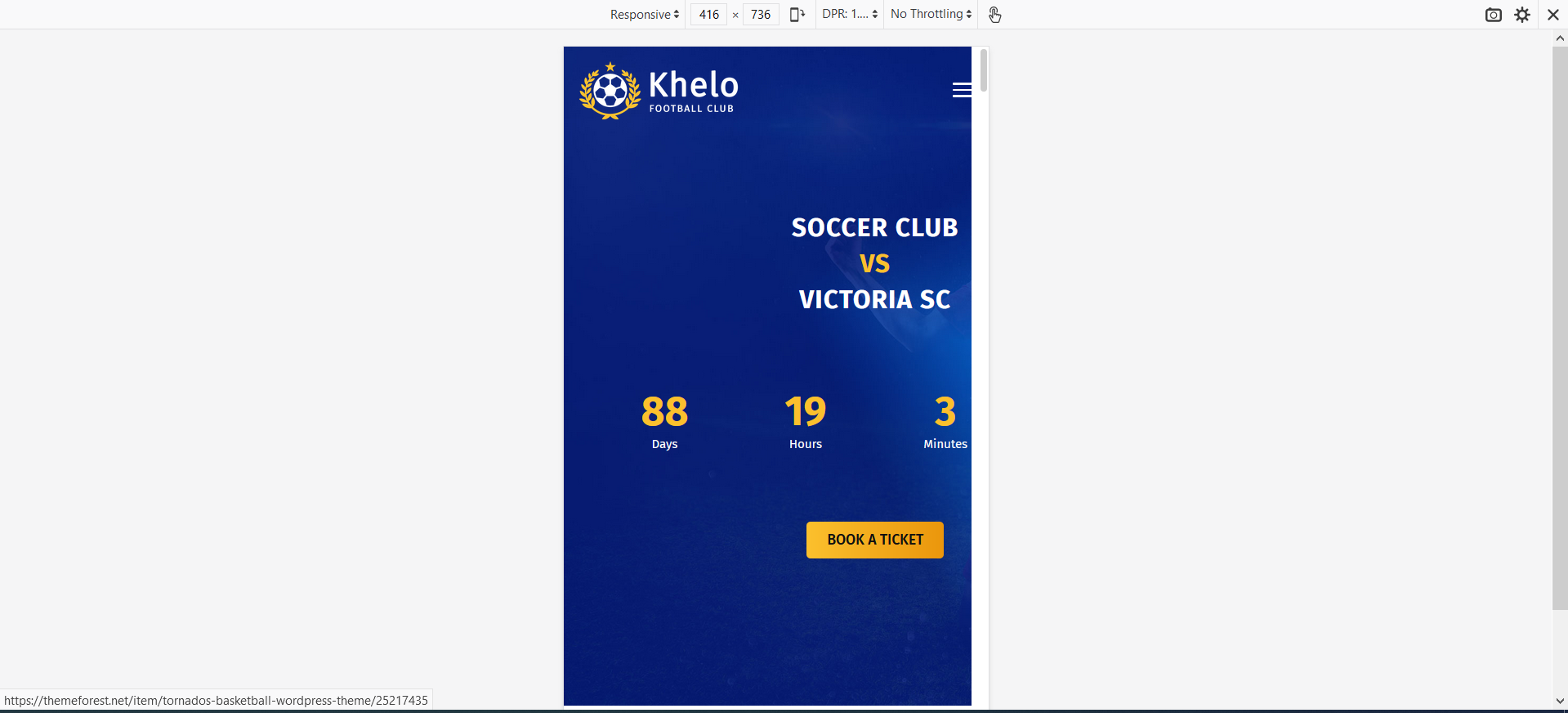
But when I press F12 and enable Responsive Design Mode:
http://s4.picofile.com/file/8397126484/2.PNG
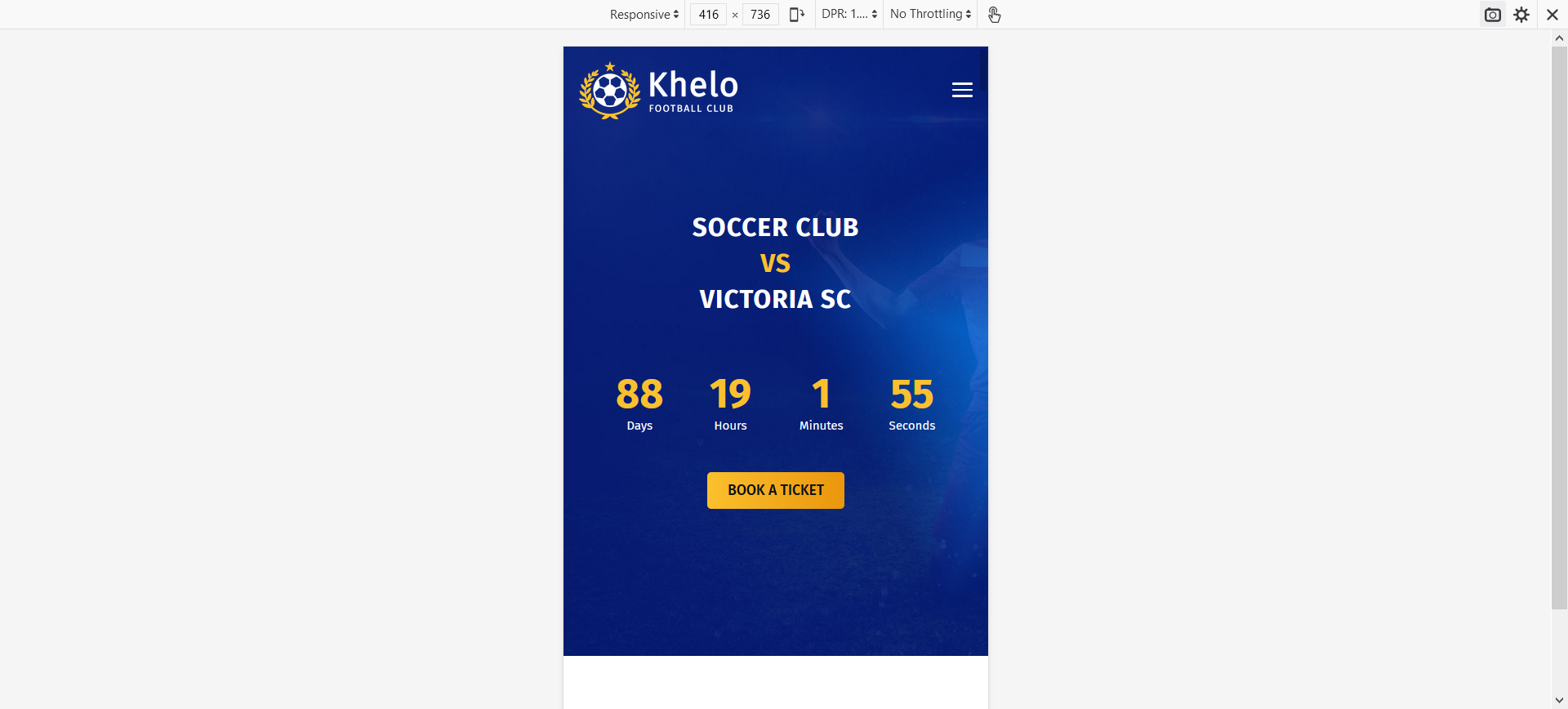
When I press F5 in Responsive Design Mode and refresh the page everything is OK:
http://s5.picofile.com/file/8397126576/3.PNG
But when I close Responsive Design Mode:
http://s4.picofile.com/file/8397126650/4.png
This problem also exists in RTL mode and you can see it here:
http://z-design.ir/khelo/home-2
My real Envato username: ghaemenvato
My Envato email: ghaem.envato@gmail.com
I can send you my purchase code with my email for ensure.
Hi, there has jQuery script include at header banner so when you show it actual mobile or device it will be good without issue. Thanks
Yes, that’s right. Thanks
Welcome
Congratulations! Nice Work. -ZAP
Thanks
The problem in not count of posts per page.
In rs_team.php you have a query in $player_position variable.
In this query you count players and save their positions in $player_dropdown[$player_cat] but in my WP just 10 players are counted and in “Select Player Position”, I just see positions of 10 players.
I hope I have been able to express my meaning.
If code has -1 so it should show all players not sure why show 10 only your end. May be something issue blog per page form setting -> Readings. Share your site URL with access and Issue at our support mail. Thanks
It (-1) has been added by myself and there is no problem, now.
I just wanted to suggest you to add 'posts_per_page' => -1 to the code.
Thanks
Okay we will add code and update it. Thanks
Hi my friend
I bought your theme but this is not my real account because I’m Iranian and we can’t be in Envato.
Please add 'posts_per_page' => -1, to WP_Query inrs_addons/inc/vc_addon/rs_team.php
and other files like this for counting all posts.
You can set per page limit form admin you don’t need t change code.
Hi!
I wonder how to deactivate breadcrumbs on everything on the website?
Thanks!!
I have a problem, in the blog section I choose to hide breadcrumbs, but it does not want to hide them.
Just deactivate the breadcrumbs plugin from the plugins.
i have installed all the theme plugins but 1 fails “POLL” , it says cant connect to api, also the demo can’t import too. i Need assistance please
Check your mail please.
i’ve replied to the mail
Okay checking
Bought the theme and imported the demo couldn’t find the demo sites as shown on the theme preview.!! Author what’s not right here ? ♂️
I am checking your issue.
Hi when i istall the plugin UpdraftPlus WordPress Backup the page goes on error 500 any sugestion? thanks
It’s may have UpdraftPlus’s server requirement or any error of the plugin. You can check from admin. Thanks
i have more webs on this server and works finewith all the webs
Send to your site URL with admin access to our support mail. Thanks
Send your site URL with access to our support mail.
Hi sorry to bother you again but loco translate doesnt change letters of the Point Table info (Team, P, W, D, L, GS, GA, GD, PTS) where can i change that please the customer want this change for spanish (Equipo J, G, E, P, GA, GC,DG,PTS) THANKS
Check your mail please
Hi There Can you change the preloader image or disable it completely
Yes, have option into Theme Options (Khelo Options) for showing / hiding preloader.
http://prntscr.com/r7s3u1In theme shop page, product thumbnails are not linked to the product page, so what can I do to achieve this? Thanks
Send mail to our support mail with site URL and access. Also send your purchase key with mail. Thanks
Hi I download the update, but what can i do just copy the files o what ?
You can update the theme/plugin using ftp by replace theme files. Or you can do it using Envato Market Plugin.
https://wpbuilders.co/how-to-update-themeforest-themes-with-envato-market-plugin/Thanks
Hi, another question how can i change the Text in english of the point tables( team, P, W, L etc ) change for spanish thanks
You can use loco translate plugin for translate this
Hey, Great theme! Congrats on result!
Why don’t you add JoomSport plugin support (https://joomsport.com) into your great theme package? JoomSport is integrated with Statorium soccer API (https://statorium.com) and offers live support for public soccer leagues.
Best, Dmitry.
Is this theme compatible with Elementor?
We have used WP Bakery Page Builder for this not Elementor
hello, i installed the theme and import the demo data, but there’s error message :
[ERROR] Failed to import ” team_18 ” (Media) post_4 ” (Media)
The demo import has finished, but there were some import errors. More details about the errors can be found in this log file
what should i do?
Please check your site now. May be any issue this two image can’t upload. But your site running good. Please check & let me know
could you tell me how to change the homepage slider image and text? and where to find the slider revoution purchase code?, i enter the purchase code from khelo license but there’s notification of invalid code, isn’t it bundled with the theme already?
Did you install revolution slider and imported the slider? slider revoution is a bundle plugin into theme no way to provide purchase code. You can update text and image from slider easily. If you will open the slider you will got it. Thanks
i didn’t instal revoulution slider separately, i just import data from your demo and there’s slider revolution menu, but there’s text box to insert the purchase code. should I just ignore it?
i got problem with this theme, the web is loading so slow until more than 60 seconds of waiting time to full display the content, how to make it faster?
And there’s one more problem that i found i think the ball image from the loading page is missing, is there any way to change the loading page animation?, in which menu should i go to?
Yes you don’t need insert code. For loading image change go to Khelo Option then you will fine preloader menu where you can change image. For loading time issue you can use any cache plugin.
hello, how to edit the blue gradient color in latest news ? in which menu should i go? and how to put my post over there?
If you change your primary & secondary color form theme option it will change blue gradient. Also if you want your post show then just go to home page blog edit section. Click blog addon then you can assign your category that show here.
can i connect club menu with point table ?, so i don’t need to input the club again in point table menu? and can i add more column in the table box?
Can you please send details mail to our support.