947 comments found.

Hello! I am having problems with the properties page. It does not show anything. Can check for me. properties / elegant-apartment / This page is off the map We can’t seem to find the page you’re looking for.
Hi,
Please send us a private message ( using the contact form on our profile page: [https://themeforest.net/user/pixel_prime](https://themeforest.net/user/pixel_prime) ) regarding this issue and also mention your website URL and admin credentials.
Best regards!
096655558????????????????
2 ngày trước Cờ Xin chào haiderrana27, leanne03, Molaw,
Chủ đề này có rất nhiều hạn chế, không ai có thể giúp bạn với chủ đề này, ngay cả nhà phát triển chủ đề!
????????????????
Hello! I really liked the appearance of your theme. However, I need help. 1 – I did a new installation, I imported demo 4, however, the view property page is blank. 2 – Do you have the demo pages to be imported into Elementor? 3 – I tried to use the contact form, but it appeared: Your message failed to be sent. Please check the fields and try again.
Hi,
1. The demo pages were not built using Elementor, they were built using the WordPress Classic Editor.
2. Regarding the contact form, please send us a private message ( using the contact form on our profile page: https://themeforest.net/user/pixel_prime ) regarding this issue and also mention your website URL and admin credentials.
Best regards!
Hi,
I have a problem with the direct personalization section. Ive been trying to change de logo and the favicon and it always says there’s an issue and i have to wait some minutes in order to do it.
Thanks
Hi,
You can try this: activate one of the default WordPress themes and see if the issue persist. Please let us know.
Best regards!
Hi,
I activated a default WordPress theme but the issue still persists.
Thanks!
Hi,
Ok, that means the issue has nothing to do with the theme, so it must be something that you are or not doing right. Which type of file are you trying to upload?
Best regards!
Hi,
I´m just trying to change the logo (png) and the favicon, but any of the changes that i do in the direct personalization section is not working.
Thanks!
Hi,
Please send us a private message ( using the contact form on our profile page: https://themeforest.net/user/pixel_prime ) regarding this issue and also mention your website URL and admin credentials.
Best regards!
Hello again, I tried to send a message from the contact form in the footer, even though I included my email in the widget. The email isn’t sent to that email. How can this be set up accurately?
Hi,
Just tested your website sending messages using both footer widget contact form and contact us page form with success. Please also check your spam folder in your email client.
Best regards!
Ok, I have purchased your theme. Looks good. But some needed features are not intuitive, as the integrations: -Where can I add my G analytics tracking code? -How can I enable Catpcha on the contact, login and register forms? Or other issues: -How can I update the theme? -Where can I edit the login/register section? -How can I add my how logo and site icon? Which formats are supported?
-How can I add a link on the footer copyright legend? HTML dont work -Also, I cannot find how to edit the contact form and locations dropdown at contact page.
Hi,
1. Gogole Analytics: https://www.hostinger.com/tutorials/wordpress/how-to-add-google-analytics-to-wordpress
2. Right now Google Catpcha is not supported by the theme’s forms, but we are working on adding this feature.
3. UPDATE THEME1. Download the theme again from the ThemeForest account, where you initially purchased it. The download will be under your buyer account – Downloads. 2. Unzip the theme pack 3. Go to wp-admin/Appearance-Themes and activate a different theme 4. Find resideo theme and click delete. 5. Install again the theme from Appearance > Themes > Add New and select resideo.zip from the latest theme pack 6. Activate the theme IMPORTANT: all your theme settings will NOT change during this process. But the language files you had in the /resideo/languages folder will be deleted if you choose this method and if your language files are not in child theme.
4. Add logo and site icon: Appearance > Customize > Site Identity
5. “Footer Copyright Text” field doesn’t allow HTML, but you can use the Text widget and add text/links to the first footer column.
6. The contact form fields cannot be customized, but the locations can be modified using the Contact “Page Settings” found at the bottom of the page editor area.
Best regards!
Hello again, I tried to send a message from the contact form in the footer, even though I included my email in the widget. The email isn’t sent to that email. How can this be set up accurately?
Hi,
Just tested your website sending messages using both footer widget contact form and contact us page form with success. Please also check your spam folder in your email client.
Best regards!
Hello, can someone reply me!!!!
Hi,
Please see the previous response.
Best regards!
Hi, I’m not sure what to do next. I thought I bought the real estate theme but it isn’t showing me where to start. It does show me to download theme for $50. I’m not sure how themeforest works as this is my first time actually using it. Do I need to buy the theme for $50 and then I can start building my website? Thanks Leanne
Hi Leanne,
Please read the documentation: http://pixelprime.co/themes/resideo-wp/documentation/
Best regards!
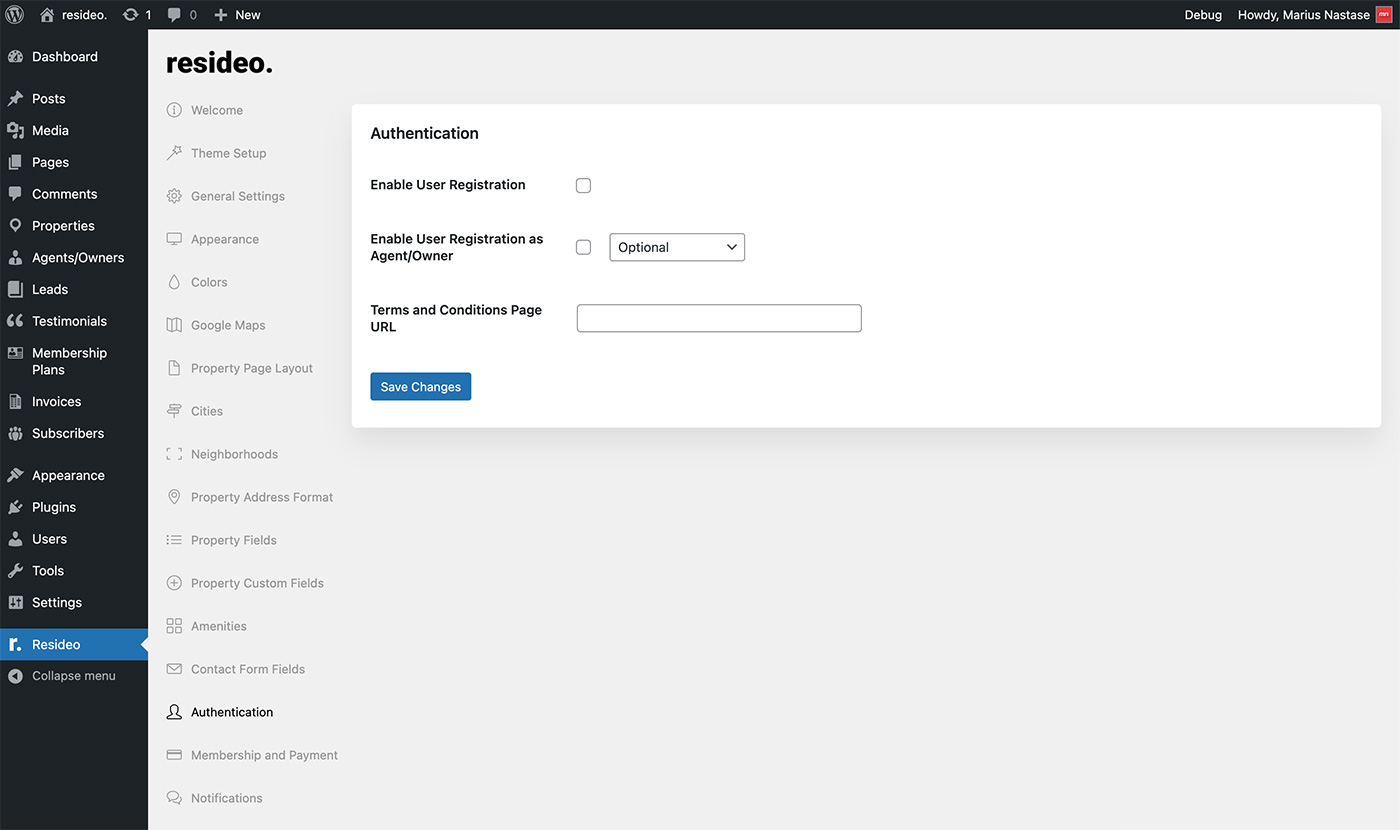
hi i dont understand how users will sign up as agent and how they will make a listing from there front end
Hi,
Please check out these settings: http://pixelprime.co/themes/resideo-wp/documentation/assets/images/22.jpg
Best regards!
Hi. Presale question. Its possible to the user to search/ filter properties for number of rooms, bathrooms, etc?
Hi, yes it’s possible. Best regards!
Hello again, so sorry to bother you. How can I change the copyright text in Footer, I can’t remember and I’d like to include some links. Please help.
Also, is it possible to change colours scheme of the page?
Lastly, I’d like to put space between each widget on the footer, its clustered together. Kindly advice.
Thanks
Hi,
1. Regarding the colors and footer text, please see the previous response.
2. Regarding the widgets spacing, please be more specific, you only have 1 widget on your website’s footer.
Best regards!
Hi,
How can i translate the contact form and all buttons into spanish?
Hi,
Regarding the translation, the theme and theme’s plugin have language files, which can be translated using a plugin, or a stand-alone software(PoEdit) without having to touch the code. I suggest using this plugin: https://wordpress.org/plugins/loco-translate/
Best regards!
I have installed the theme but it is not loading properly.
check my website: http://hilitehomesbh.com/Kindly guide me to update background images
Hi,
Please send us a private message (using the contact form on our profile page: https://themeforest.net/user/mariusnastase ) regarding this issue and also mention your website URL and admin credentials.
Best regards!
I need to change the prize how can i do this, i use the site in COP and the less expensive property on rent is $2.000.000 and on sale $500.000.000 so the prize range have absolutely no sense for me
Hi,
The price range is not related to the property status. Sorry.
Best regards!
im trying to send a messege on the contact form and its not working any ideas why? the error that appears is Your message failed to be sent. Please check the fields and try again. ( all fields are fielded )
Hi,
Please send us a private message (using the contact form on our profile page: https://themeforest.net/user/mariusnastase ) regarding this issue and also mention your website URL and admin credentials.
Best regards!
It is posible to put a description of the property on the front end or necessarily I have to put it on the back end?
Hi,
Please rephrase your question, because it doesn’t make sense.
Best regards!
Hi, how i can modify the logo? thanks a lot
Hi,
Go to Appearance > Customize > Site Identity
Best regards!
I tried everithing and Loco Translate is not working any ideas why?
Please re-send the admin access in a private message. We’ll take a look.
Hi, I am trying to change the amenities but when i change the names of the ones that come with the templete the changes dont work, the new ones that i put work just find, but when i change the preset ones i put save and then they dont appear
Please see the previous response. Thanks!