389 comments found.

Hi,
Is it easy to change the following in this theme. I like the layouts/colours but want to change the following:
- Logo in top left corner (including size, so header size too if needed)
- Background image
- Add/Remove ‘My Account’ info (i.e. Downloads)
- Add/Remove ‘Information’ (i.e. Affiliates, Brands, About Us etc)
- Can you add the ‘cookie’ plug-ins which are available to comply with EU legislation?
Sorry for all the questions, just want to make sure it will do what I want it to 
Thanks,
Rob
Hi,
As I know an Opencart doesn’t store any cookies.
Background image and logo is easy to change.
“Add/Remove ‘My Account’ info (i.e. Downloads) Add/Remove ‘Information’ (i.e. Affiliates, Brands, About Us etc)”
It depends where you want to Add/Remove it
www.makassarglobal.com the sub menu layer on the top is behind content , how to fix
thank u
For me it isn’t behind content.
hi thank u , nice design, very good support, you are the best.
i have wordering to put icon cart on the shopping cart , could you tell me to put icon on it thank u
ire
It’s not possible.
sorry www.makassarglobal.com
Hi.
thank u freind, see my web www.dewiflorist.com, thank u for advices
iren
Hi, freind this my link www.makassarglobal.com, I like to change Brand we offer, with contact information like Sales name, address, phone, handphone, chat ym.
thank you, me nice guy iren
It’s inside: catalog\view\theme\phantomshop\template\common\home.tpl
<div class="home-box-right-title">Brands We Offer</div>
<img src="http://www.diaboliquedesign.com/demo/psoc/brands.png" alt="Brands" style="float:left; padding:9px 0 0 0;" />
thank u The best support next week i send the link It is beutifull, I sell cosmetic product. i have bad local conection so please dont delete the file .
iren
Don’t worry, my file will be on-line until the end of time 
Hi, Diabolique
Please send me Purchase psd image, I want to change to bahasa Indonesia ” Beli ” thank u my email iren.citrac@gmail.com
Hi,
I forgot to include this file. Please download purchased file after 24h.
Hi, Diabolique
thank u, I want to put weight = gram or ml on product page , could you help me, thank u
iren
Hi!
You can use product options: http://forum.opencart.com/viewtopic.php?f=29&t=2664Hi, Irene,makassar,south sulawesi ,Indonesia please help me, how to show languase Indonesia , like currency select,
thank u
Hi,
You should install this language pack: http://www.opencart.com/index.php?route=extension/extension/info&extension_id=2675&path=2&filter_search=indonesian
How to add new currency:
http://forum.opencart.com/viewtopic.php?f=29&t=2617
Hi, i have bought this theme and find quite nice but noticed it is showing horizontal scroll bar and due to that can not see the last top menu. The page should be 100%.
Hi,
You can open stylesheet.css and replace each min-width:1100px for min-width:960px
Awesome thanks, will buy today
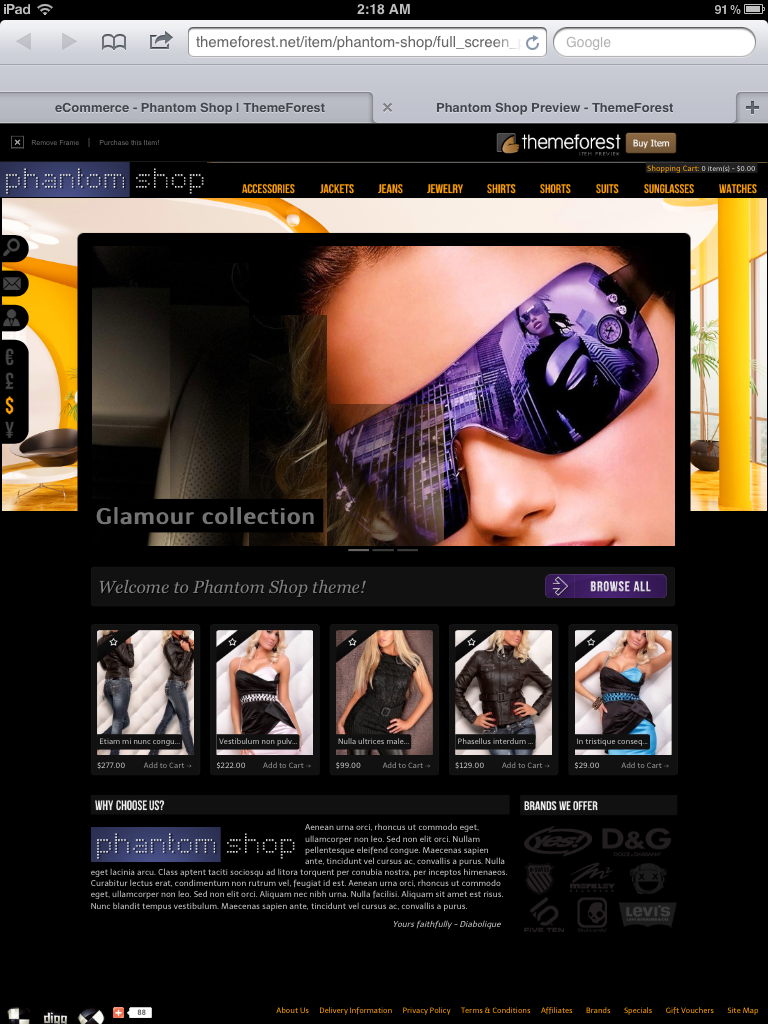
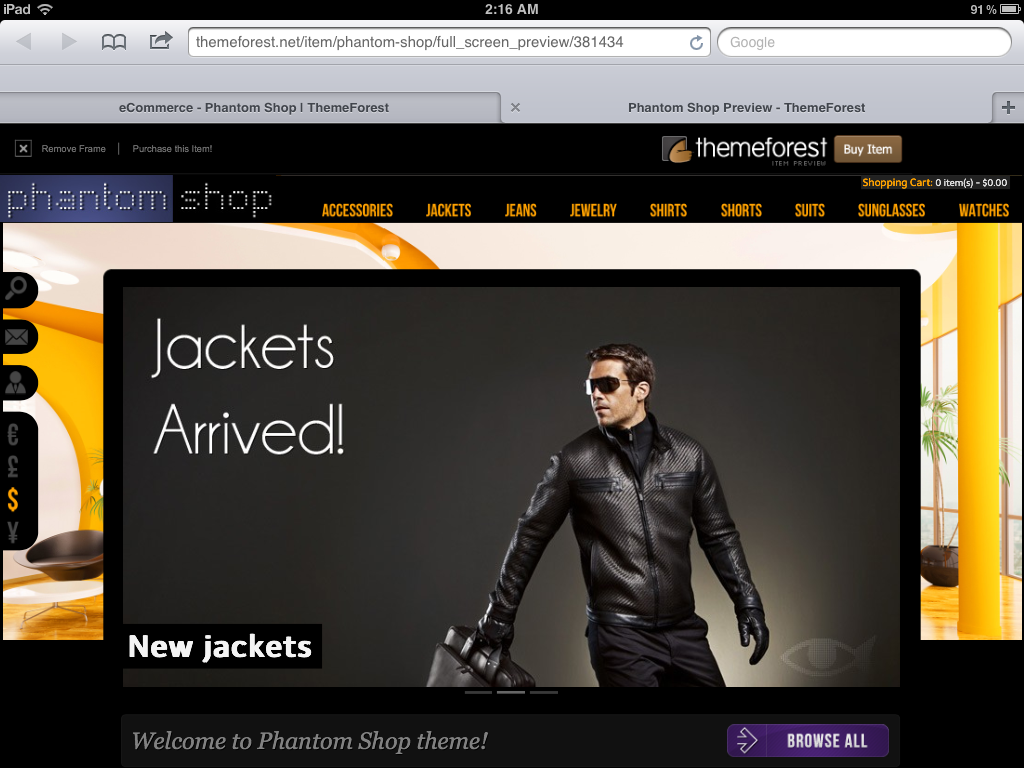
Any update on iPad & iPhone resolution mate?
You see black color under image because image has only 1000px height – http://www.diaboliquedesign.com/demo/psoc/background.jpg
When you upload bigger image like 5000px per 5000px then it will work fine. I have enabled image repeating on the live demo so you can see that there is no black color anymore.
Nope
Does it work now?
you will get only iPad very soon. But seriously, this issue need addressing as was also mentioned by others on comments. Any fix for this, I really need to get this theme asap.
There was a problem with low resolution screens and it was fixed. Can you post any screenshot?
Thanks for your prompt reply, but if you view the site on real ipad the background image is not displayed in full. Pls check this is the last thing stopping me to buy this theme.
OK, but first I have to sell my car and buy this all ipads, iphones, galaxy, kindle, htc etc 
Very keen to buy but can you please confirm when I install the theme it will be layed out exactly like demo, with background images. So I can easily replace your products to mine.
& also demo site on iPad not showing full background image. Any fix for this?
Background image will be the same like on the live demo. Categories, products, slideshow will be the same like on this website http://demo.opencart.com/
I checked live demo here http://ipadpeek.com and looks fine.
Update: I grabbed one of the images off of the demo site and used that size (597×900) and its still giving me a repeat image… I don’t get what I’m doing wrong?
Did you setup proper size under opencart dashboard?
Yes, Thank you that fixed it. I’m currently switching from Wordpress E-commerce to OpenCart and am still learning the basics. Thanks for the help
Hello, I am having the same problem that is listed on FAQ about my product picture repeating. The answer of making pictures 1×1.29 aspect ratio is not working for me I have tried different sizes of the1×1.29 ratio like 500px by 645px and 247×300 and its still giving me a repeated image. I have not edited the the css to get a custom size or anything. This is happening on both the products page and the home pages featured thumbs. any ideas on how to fix this? thank you -Steve