420 comments found.

Hello, I like your theme very much. But I have a few questions. My 1st question: Is adding multi-currency available on the site? if available where? I downloaded the developer demo and looked but couldn’t find it. My 2nd question: can I connect with woocommerce, is there an integration in the site? My 3rd question: Is it possible to send an order e-mail to more than one admin in the site?
Hi! Thanks for contacting us.
1. The theme doesn’t support it.
2. The BA booking plugin is not compatible with WooCommerce, so you can’t connect the theme with WooCommerce.
3. Yes, it’s possible but it requires custom code.
Thanks,
Hi,
I’m getting lot of errors / critical errors when editing with elementow, previewing, etc. When I click refresh, or try to edit again, the errors are gone.
Are any recommended environment settings (memory, file size, etc)?
Also, how do I change the fonts without editing the theme, css, etc?
Thank you
Hi there,
Thanks for choosing our theme. For your issue, please contact our support team at https://pavothemes.com/forums/forum/themes-support/triply-tour-booking-wordpress-theme/ and attach your site info also, they will check and support you.
Thanks,
Hi,
I increased the memory size and some of the errors went off.
Other errors
Undefined offset: 0 in ….../wp-content/plugins/ba-book-everything/includes/class-babe-html.php on line 273
Undefined offset: 0 in ….../wp-content/themes/triply/inc/booking/ba-template-functions.php on line 199
Undefined index: column_tablet in ….../wp-content/themes/triply/inc/booking/widgets/item_related.php on line 422
The first two are related to the map marker (it wasn’t setup after demo import).
But the most serious is that the mobile toggle button plus the off canvas toggle button are not functioning at all when you are in an internal page, for example in your demo
https://demo2.pavothemes.com/triply/to_book/cano-cristales-river-trip/(I used android smartphone)
It happens in tours only, destinations and pages are OK.
It is strange that no one else noticed it after of more that a year’s life of triply theme.
If you can provide a solution, that would be great. No time for looking a solution in your support forum. I have already started searching for another theme.
Thank you
I just noticed that the right toggle button for the off canvas contact info is not functioning even in desktop mode. This happens in tours only pages.
By the way, how we define the tour Layout of each tour? As I can see in your demo, there are three styles, but I cannot find a setting.
Thank you
Hi! You can check it here: https://wpdocs.gitbook.io/triply/ba-booking/page-setup/5.-tour-detail
Hi,
Thank you for your reply, but I haven’t yet understand how can I make the tour “Best Of Argentina” (for example) to be Tour Style 3. There is no such a setting in “Best Of Argentina”. The only thing I found is the “Object code (unique)”. Is it related to the Tour Style?
Also, I found that when I refresh the home page, sometimes the Popular Tours changes the order of the tours shown, although the only “Order By” is “Price From” and “Rating”.
One more thing, Image description is not shown in tour gallery.
Can “ba-booking” in the url path be changed?
Any chance to look the mobile menu button and the off canvas button functionality?
Regards
Please contact our support team at https://pavothemes.com/forums/forum/themes-support/triply-tour-booking-wordpress-theme/ and attach your site info also, they will guide you.
Thanks,
Hi,
Thank you for your reply.
I will contact your support team, but please fix the square menu button (as I described above). It occurs in your demo pages.
Regards
Hi! Thanks for informing us. We have fixed the issue with the button. Thanks,
Thank you for your reply, but how can I get the update? The Last Update shown is 4 April 2022.
Regards
You can follow this guide: https://byduoc.gitbook.io/update-template/
Thanks,
hello, I would like to buy your theme, but I have a question before, in triply “Home 03” are there PRO functions of BA Booking? if so, which ones? so as to get an idea of how much I’m going to spend … thank you
Hello,
Thanks for contacting us. The theme doesn’t include BA Booking Pro add-ons. If you want to use them, you need to purchase them separately here: https://ba-booking.com/shop/.
Thanks,
Hello, I have an issue with the BA Location page. In your demo, there is a different design from my website. I don’t know where to customize it. I mean this page : https://demo2.pavothemes.com/triply/ba_locations/americas/ In my website, there is know layout and with a sidebar, as an article blog page. Thank you for the support.
Hi there,
Thanks for choosing our theme. For your issue, please contact our support team at https://pavothemes.com/forums/forum/themes-support/triply-tour-booking-wordpress-theme/ and attach your site info also, they will check and support you.
Thanks,
Hi,
I consider to buy Triply theme. If so, I will install the theme on a development domain and once it will be finished, I will modify the domain name (through cPanel modify account) plus the necessary changes for the new domain.
Will it be OK with you theme? Will your theme allow me do so? I don’t know if it requires registration / deregistration / re-registration.
Thank you
Hi! Yes, you can do so as long as there is one main domain. Thanks,
Thank you
Hello, how can I use different header image on different page?
Nevermind. I found out how to do it.
Hola, tengo un problema con Elementor Pro. He instalado el tema, pero me solicita actualizar el plugin de Elemento Pro y falla.
Hi there,
Thanks for choosing our theme. For your issue, please contact our support team at https://pavothemes.com/forums/forum/themes-support/triply-tour-booking-wordpress-theme/ and attach your site info also, they will check and support you.
Thanks,
hey. in tour posts tour name in mobile version get big and out lined.. how can i fix it?
Hi there,
Thanks for choosing our theme. For your issue, please contact our support team at https://pavothemes.com/forums/forum/themes-support/triply-tour-booking-wordpress-theme/ and attach your site info also, they will check and support you.
Thanks,
Does the theme have adding service fee function? thanks
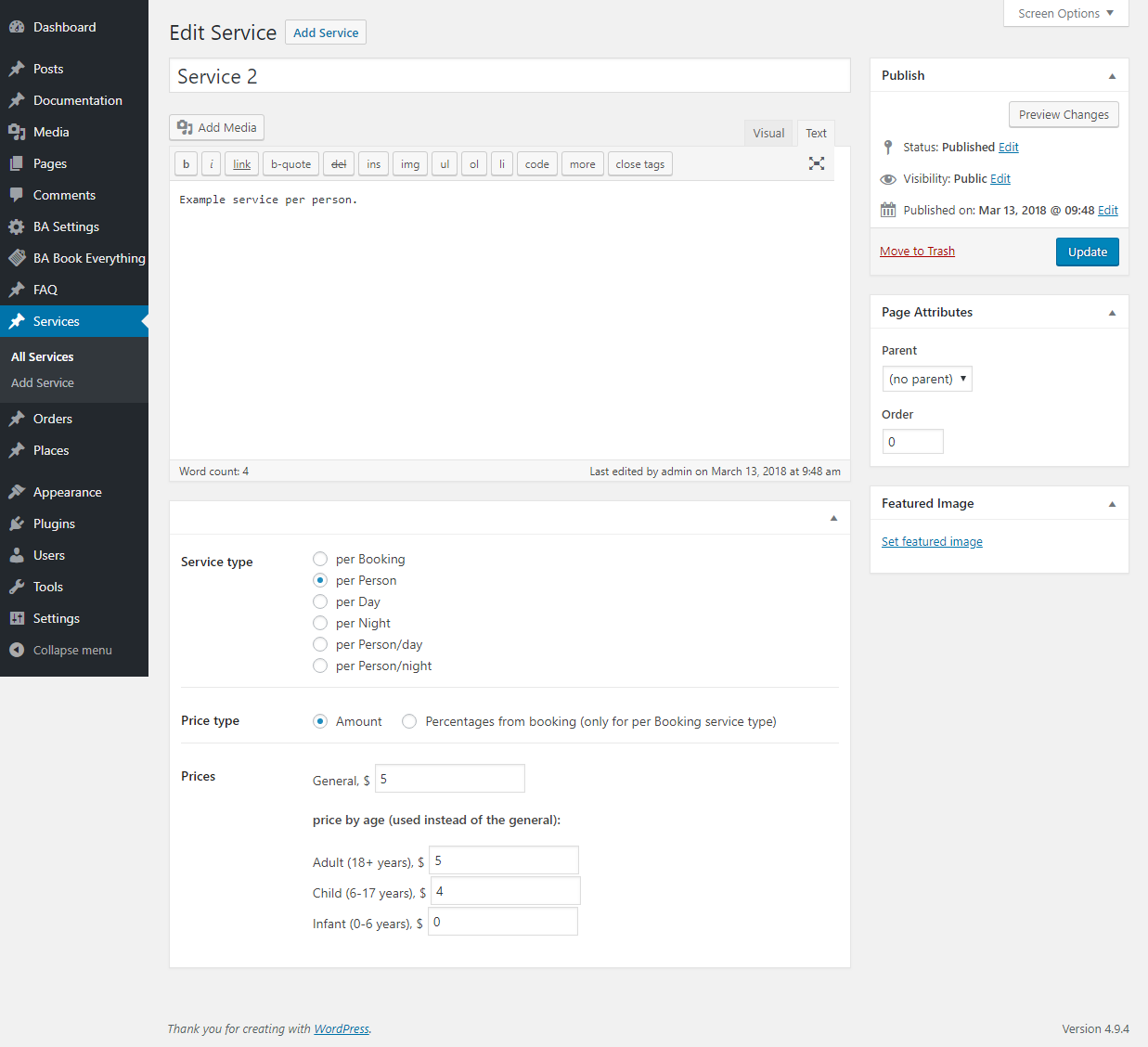
Hi! Thanks for contacting us. Yes, you can add service fee with Triply. Please see it here: https://ba-booking.com/ba-book-everything/wp-content/uploads/sites/3/2018/03/scrn_030-Edit-Service-Booking-Algorithms-WordPress.png
Thanks,
HI,
1) This theme compatible elementor Plugins? 2) Payment gateway – razorpay – and easy to plugin – is a compatible this theme?
3) Customer booking price example India Rs 5000, now customer booking time pay Rs 2500 and rest of payment when traveling, then this time paid is it available configure?
4) Header and footer builder available
5) I am not install demo content i m configure customized can you help?
6) I m from India all using rupees icon no $ icon
7) all customer query save to admin panel, customer download invoice tour details also.
kindly reply
Hi there,
Thanks for being interested in our theme. For your queries:
1. Yes, it’s built in Elementor plugin.
2. Yes, it’s compatible with Razorpay
3. The rest will be paid offline
4. You can see here: https://wpdocs.gitbook.io/triply/content-management-1/set-up-header
5. We use One Click Demo Import to install the demo. It’s easy to use. Also, we can support you with it.
6. Yes, all booking is saved in the dashboard. And customers will receive a confirmation email with details of their booking.
Thanks,
How many payment gateway i can use with your theme??
Hi there,
Thanks for contacting us. You can check payment gateways the theme supports here: https://ba-booking.com/shop/
Thanks,
Hi,
I tried to seek support to install demo content on my domain. Im not able to raise a ticket because i forgot my password. I tried resetting the password but it says processing to infinity. Doesnt move beyond that. I have not received any password reset link. While i tried seeking email support i have not any response yet from last 24 hours. Disappointed.
Regards Shahid
Hi there,
Please contact our email pavothemes@gmail, we will help you with your login on our forum.
Thanks,
Hi, I have already emailed you guys. I havent received any response yet. Thanks and Regards Shahid
Sorry we can’t find any email from you. Can you send it again to pavothemes@gmail.com?
Thanks,
Sure
Kindly check your mail. If its not there kindly check spam or junk folder.
Hi there,
Can you provide your email address? We still can’t find any email from you.
Thanks,
shahidkhan1746@gmail
Email sent. Please check your inbox. Thanks,
Hope you received my reply.
Must have flight and hotels information
Hi there,
Thanks for contacting us. We need more details of your request, please contact our support team at https://pavothemes.com/forums/forum/themes-support/triply-tour-booking-wordpress-theme/, they will support you.
Thanks,
Can I have the option on some tours not to book online but to send an inquiry instead?
Hi! Thanks for contacting us. Yes, you can. Thanks,
Can you show me a demo of this functionality? How would this work?
We don’t have a demo with that function now. You can create an inquiry form using Elementor. For details, once you buy the theme, you can contact our support team on our forum https://pavothemes.com/forums/, they will guide you. Thanks,
Most of my tours wont have online booking. So I have to create one form with elementor and how do I choose to display it instead of the book online form?
Yes, our support team will guide you in details for this work once you buy the theme. Don’t worry.
I bought the theme because you told me that it supports the functionality I was looking for. And now your support team asks for money to make it work!
Hi! Please check the ticket again. Our dev have done the inquiry form for you as requested and guided you how to display it. Thanks,
Your dev has done an inquiry form to display in ALL tours! If I wanted a theme to work only with inquiry form in all tours I would had choose an other one! My very first and only question was: “Can I have the option on SOME tours not to book online but to send an inquiry instead?”
Here is the solution for your request:
1. You need to set tour price = 0 and check that condition to display contact message 2. Create contact form and check price condition =0 to display this contact form.
Thanks,
Your support team already replied with that solution but I asked them more details on how to do this. How to check price condition =0 to display this contact form? This answer doesn’t sound like yours: “Yes, our support team will guide you in details for this work once you buy the theme. Don’t worry.”
I need further details, please.
Hi there,
Will this theme provide WooCommerce Payment Support?Hi! Thanks for contacting us. Our theme Triply doesn’t support WooCommerce payment. You can check payment gateways the theme support here: https://ba-booking.com/shop/
Thanks,
Hi there, can you set different prices on different dates? and how does the theme process payment? thanks
Hi there, You can set the different prices on different dates. Here is the guide detail: https://ba-booking.com/ba-book-everything/documentation/rates-and-prices/ Payment: https://ba-booking.com/ba-book-everything/documentation/online-payments/ To experience the payment process, you can check on our demo: https://demo2.pavothemes.com/triply/ Thanks
Thanks for the reply. It looks like the prices can be set between a period, not individual days. Can you let me know if individual dates can have own prices? thanks
Yes, you can do so. You can see here, you can choose the day to apply the rate: https://prnt.sc/g1WyLUZuas_8
Thanks,
Thanks again. It looks like the prices are set for weekdays. I need to set price on individual days. In other words, every single day has different price. Can the theme do it?
Greetings, I am interested in buying your template, but in the comments I see that there are some people who are having problems with the installation of the demo, is everything correct? and my other question is, can I change the fields in book this tour? add name, mail and other data?. Thanks for the reply.
Hi there, Thanks for your interest in our theme. Please don’t worry about this. Our dev has supported them and their websites can work perfectly now. For your purchase, you can ask our dev to support to ensure our theme work as our demo. If any not correct as our content and demo, you can get a full refund, we will refund for you asap.
We used BA Booking Tour plugin to develop tour function. You can change the fields in the booktour with custom code.
Thanks
Perfect, Thank you.
i dont get the mobile menu updted as on the computer, i ve deleted many sites wich dont show any longer on pc but that still showing on mobile. can you tell me what to do? thanks
Hi there,
Thanks for choosing our theme. For your issue, please contact our support team at https://pavothemes.com/forums/forum/themes-support/triply-tour-booking-wordpress-theme/ and attach your site info also, they will check and support you.
Thanks,
after i install your theme and it i snot the same as demo, i keep asking you the same question everyday but i answer how can i do?? please answer me please.
Hi there,
Thanks for choosing our theme. Please follow this guide to import demo: https://wpdocs.gitbook.io/triply/download-and-installation-1/one-click-to-import-demo
We haven’t found any ticket from you on our support forum, please contact our support team at https://pavothemes.com/forums/forum/themes-support/triply-tour-booking-wordpress-theme/ and attach your site info also, they will check and support you.
Thanks,
Possible to have multiple-vendors, like separate business booking?
Hi there,
Thanks for contacting us. But our theme is for tour booking only.
Thanks,
Hi pavo. I guess what I was we are an independent tour operator, which means we have locals who will reach out to us and want to do tours. Can this mean there is a role for our guides to sign up and create their own tours?
Hi,
Sorry the theme doesn’t support it. You just can create an account for him to submit & publish a tour.
Thanks,