423 comments found.

Hi We want to display a mobile sidebar above the content. How can we do that?
https://prnt.sc/kzbhRwBXDHQeRegards
Hi,
please share your URL.
Lubos
www
Try this custom CSS:
@media ( max-width: 480px ) {
.core__columns-bg > .lsvr-grid {display: grid; }
.core__columns-main { order: 2; }
.core__columns-sidebar { order: 1; }
}
thank you
Hi, I am trying to translate the theme and plugins to another language. I tranlsated with Poedit and uploaded PO and MO files to /wp-content/languages/themes and to /wp-content/languages/plugins but the translation is not displayed. the file names are correct. why is that? please advised. it’s urgent. thanks.
I send it to you again from a different account (apperantly the other one was created automatically, this is my account and I see the support period was expired but It’s actually a bug so I will appreicate if you can help me with that. thanks)
Hi,
are you using the latest version of the theme (2.6.6)? Please make sure to follow the documentation http://docs.lsvr.sk/lore.wp/#translation as translations will surely work if done correctly.
Lubos
Hi, as you can see in the screenshots everything is done correctly, however the translation is not displayed on the website – see here the path to files is correct – https://drive.google.com/file/d/1ZkgAcCMFijgf2C9q1sZgC8RSuuVhr9lM/view?usp=sharing – and for exampe a string that is transalted – https://drive.google.com/file/d/1kxhp3cikpj9-IryYZm2WcHb0PMTteV9i/view?usp=sharing – but is still displayed in English – https://drive.google.com/file/d/1QDMJkmXRBUQYyQbQwa-XxxM9sK87X8Je/view?usp=sharing, please advise. thanks.
Have you created your .po file from the provided .pot file? Can you please share your URL? You are currently the only customer reporting this, so it surely must be something on your end, but I can’t tell what is wrong just from the screenshots.
Hi, unfortunately I can’t share the website here. May I contact you via email?
You can use PM.
sent. thank you.
Hi, I am trying to translate the theme and plugins to another language. I tranlsated with Poedit and uploaded PO and MO files to /wp-content/languages/themes and to /wp-content/languages/plugins but the translation is not displayed. the file names are correct. why is that? please advised. it’s urgent. thanks.
Hi,
I am sorry, but you will have to contact me using an account with which you’ve purchased the theme to get support.
Lubos
Hello! I’ve bought the Lore-Knowledgebase Template. I got it installed and setup really quick. But i’ve got one question. Is there a way to make a subcategory private, so the user has to be logged in to see the category and the posts?
I’m happy if u can help me out with that! Thank you! Greetings.
Hi,
there is no such functionality built-in, but there may be a 3rd party plugin for that. Can’t recommend anything specific though, please take a look into plugins repository: https://wordpress.org/plugins/search/password/
Lubos
Is it possible to change the Knowledge Base title (in meta tags)? I can change the title of the knowledge base in the Customization panel. But the <title> in the page header is still shown as “Knowledge base”. Any solution?
Hi,
are you sing some sort of a SEO plugin, because if you do, you should be able to change it in ints settings. Otherwise, the title set under Customization should work.
Lubos
HI, we would like to add a plugin in order to give the possibility of downloading articles from the knowledge base in pdf format. Do you have a recommodation for us? Thanks Bärbel
Hi,
I am sorry, I can’t recommend anything specific. Please take a look into plugins repository: https://wordpress.org/plugins/
Lubos
Hi there, We are working on a knowledge base website idea, I saw your theme and I really liked it. I have some confusion on the licensing part. Regular vs premium. Initially, we want to build the website and add our content, only at a later stage, we would like to add some subscription model to it. Should we go for a regular license in that case? If required can we upgrade from a regular license to a premium license anytime? Does it cause any issues to the website? (is it a transparent change)
Please keep me posted.
Cheers!
Hi,
subscription feature would most likely require an extended license, however you can buy the regular one first, just to built your site and then buy extended one when you will be ready to launch it, it won’t require any additional changes on your site. You can read more about licenses here: https://themeforest.net/licenses/standard?_ga=2.228219422.2039434405.1657964341-162060489.1652763683
Lubos
Hi, thanks again for your assistance. I have installed the theme, also installed the demos for making sure that i can make use of the default template. I figured out most of the things, but i am kind of stuck at a point where i need your kind help again. There’s a “About Lore” grey CTA widget which is in the “Articles category”, i would like to clone it multiple times and leverage it. How can i achieve that? Kindly assist. Cheers!
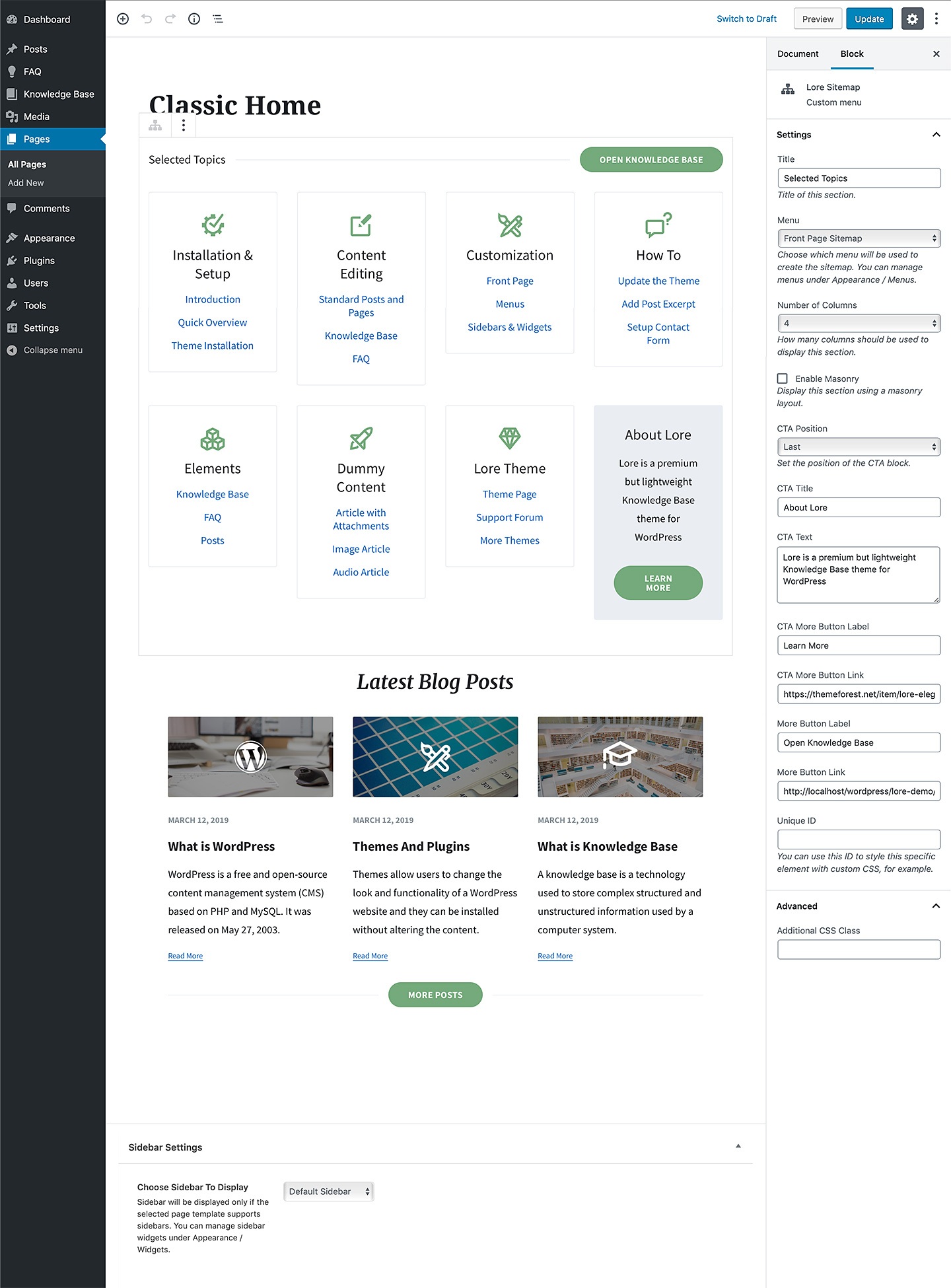
You can use Lore CTA widget for that. That grid can be recreated via three different methods, see point 4.) here http://docs.lsvr.sk/lore.wp/#front-page So you may need to use a different method then your current one to have multiple CTAs.
“Table Of Content” inside post available?
Hi,
yes, there is a block for that.
Lubos
Where can i see it in your demo? Thanks
I don’t have an example on the demo unfortunately.
Hello,
I am enjoying your theme and have began converting my articles to your plugin, it seems to be working well.
I was wondering if it is possible to add a functionality to the sidebar on articles that shows each section in one document, then once clicked can bring you to that section on the same page. (A onepage document)
Thank you.
Hi,
unfortunately, there is no such feature built-in, but take a look into plugins repository https://wordpress.org/plugins/
Lubos
2 other questions:
1. Is there a way to add the page title or text to the header image?
2. Can I change the background color of the kb article section after the box & text? Currently, the article area is a white box in the middle where the article text is, then to the sides are a light pink color. I would like to change the light pink color if possible.
Thank you so much for your help.
Ad plugin: You need something which comes with a widget you can put into sidebar, but the plugin is free so no harm trying it out.
1.) That would require some custom coding
2.) You can create your custom color scheme under Appearance / Customize / Colors
Hello,
This is a pre-sales question.
I have been working on a documentation site with another theme and I have been running into so many issues with the theme and their creators that I am thinking about starting over with a new theme and came across yours. It looks simple, fast, and lovely and I want to try it out. However, I have already created quite a bit of documentation with the current theme I am using. It first used weDocs as a documentation plugin then they updated to their own plugin called EazyDocs. Is there any way to migrate the documentation over when I purchase your theme, or will I need to copy and paste my documentation with this theme? Hopefully that makes sense. Thank you!
Hi,
you can use a 3rd party plugin to switch post type, however it will convert only basic stuff like post title, content and maybe category and tag taxonomies. Custom fields, like for example attachments or likes, won’t be converted and have to be set from scratch. You can test it now by converting a doc article to standard post or page, so you can get an idea how it works before deciding if it is worth it to migrate to a new theme: https://wordpress.org/plugins/post-type-switcher/
Lubos
Thank you very much. I just purchased your theme.
Thank you, I hope you will like it!
Hello,
possible thumbnail bug in “Lore Posts” module. To reproduce: 1) blog posts were posted on clean wordpress; 2) I installed & configured Lore theme + all plugins 3) I regenerated the pictures with the “Regenerate thumbnails” plugin. I tried to regenerate thumbnails with crop tool.
On the first page, the “Lore Posts” module displays thumbnails 135×70 instead of 300×300.
Hi,
have correctly set your image dimensions under Settings / Media? Please note that your support is expired. You you can renew it under your account / Downloads if you need any further assistance. Thank you.
Lubos
I cannot see the Import Demo option
Hi,
have you installed the One Click Demo Import plugin as mentioned in the documentation? http://docs.lsvr.sk/lore.wp/#demo-import-quick
Lubos
Knowledge Base Categories filtering seems to be broken. When I go into Knowledge Base in the dashboard, and try to filter on a specific Knowledge Base category, I get no results even though all of my Knowledge Base posts are assigned a specific Knowledge Base category.
Hi,
I am sorry, but you will have to contact me via an account with which you’ve purchased the theme to get support.
Lubos
Hello there,
1fd63eb0-9baa-4b79-9ddf-dc827e0514bd is my purchase code.
I am trying to recreate the category archive page. I must be missing something simple because I want the article to be displayed along with the KB sidebar on the left. Right now when I navigate the category archive and click on an article I am taken to a different page with just the article itself. I want the article to be displayed next to the sidebar just like in the demo site. Thanks for your support!
After more digging I finally figured out how to get the layout I needed.
Hi,
glad you’ve sorted it out!.
Lubos
Hello. Is it possible to expand the Blog’s header to make it as big as the Knowledge base header? I would like to show more of the image i added on the header just like it is on the main page of your demo.
Hi,
you can enable the large header with the search for all pages under Appearance / Customize / Header with Large Header Search option.
If you just want a bigger header without search on blog page, try this CSS:
.blog .header__inner { padding-bottom: 150px; }
Please note that your support is expired. You will have to renew it under your account / Downloads if you need any additional assistance. Thank you.
Lubos
I use the “Lore – Elegant Knowledge Base” WordPress Theme on my site here: https://faq.faisalkhan.com/. I need to upgrade the site to PHP8 but I get an error from the LSVR Framework plugin that came prepackaged with the theme.
“Plugin could not be activated because it triggered a fatal error. Fatal error: Array and string offset access syntax with curly braces is no longer supported in /nas/content/live/faqfaisalkhstg/wp-content/plugins/lsvr-framework/inc/classes/post-metafields/lsvr-post-metafield-opening-hours.php on line 76”
Hi,
please make sure you are using the latest version of the theme and all LSVR plugins. The theme works fine on PHP8 on my end.
Lubos
Do I have to update the child theme too?
No, just the parent theme and all LSVR plugins.
Hi, I just bought your theme, and I’m trying to show the Article Categories without any Article associated to show up, inside Knowledge Base. I try to change in the child theme, but not work. Any tip? Thanks in advance.
Hi,
blank article categories are not displayed, you will have to customize the code to change that. Check out this comment thread of another customer, maybe it will be helpful: https://themeforest.net/comments/27484447
Lubos
Hi,
I am using the Knowledge Base Sidebar widget to show all categories and the respective posts. I was wondering if it’s possible to also show empty categories with no assigned articles there. Editing the code is no problem, I just can’t find the place where empty categories are filtered out, or if this is a default WordPress behaviour, where I can configure it the way I need to.
Best regards
Hi,
wp-content/plugins/lsvr-knowledge-base/inc/widgets/lsvr-widget-kba-tree.php line 70 should be the category query args which then gets passsed to wp_list_categories function. You need to add an argument to display empty categories (check the docs for said function). However, I’ve never tested this so I can’t guarantee if this won’t cause any issues. Also please note that you will lose any changes made to this file upon the future plugin update. You should rather override whole Lsvr_Widget_KBA_Tree class via your child theme to preserve any changes.
Lubos
Thank’s for the quick reply!
In case anyone else wants to do it: I added ” ‘hide_empty’ => 0, ” to the query_args and copied the whole class to my child themes functions.php.
This is a pre sales question: Could you please, post a few screen shots of the admin environment?
Hi,
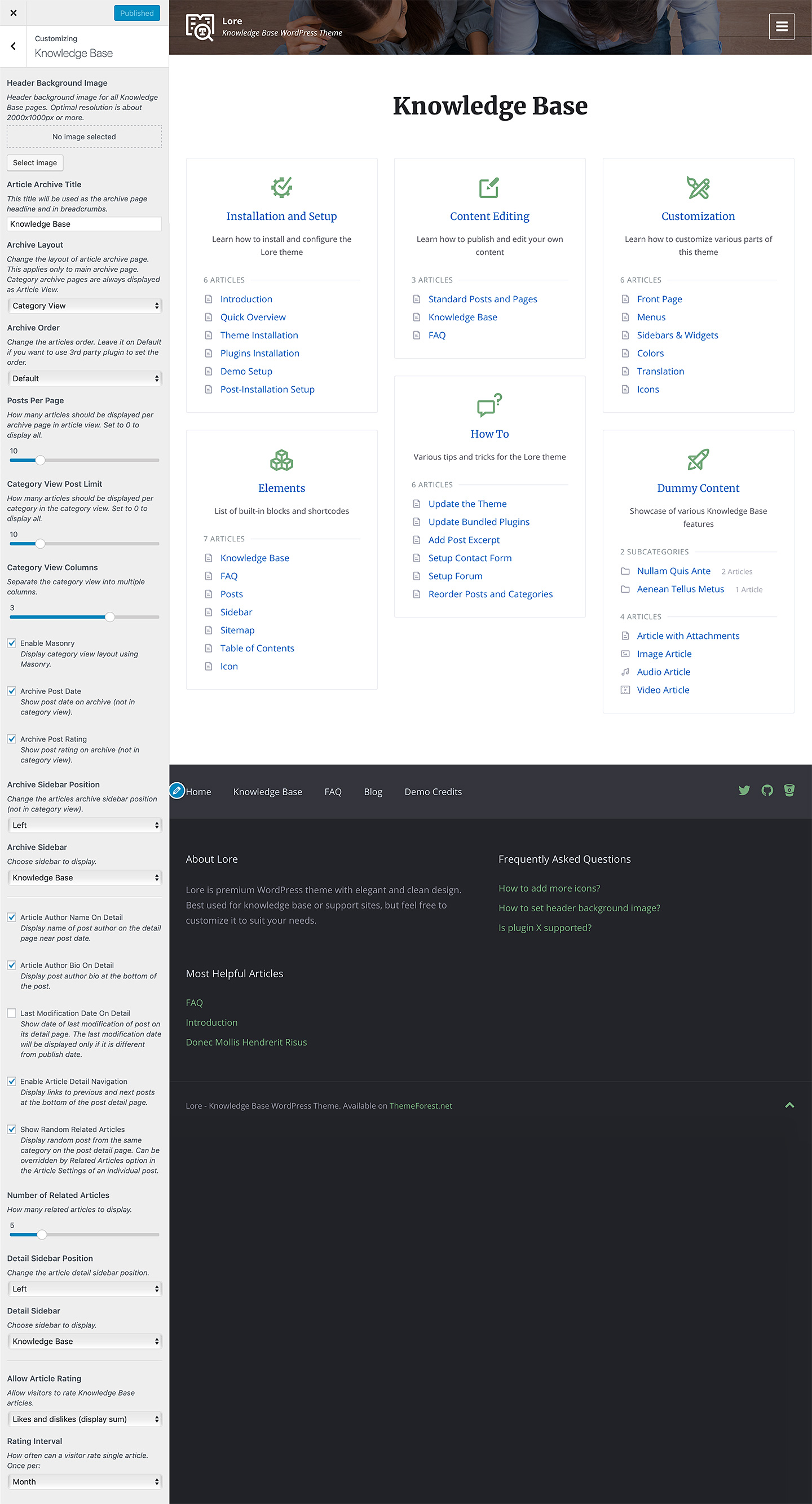
I’ve already replied to your PM. BTW you can find links to admin screenshots in the item description, here they are:
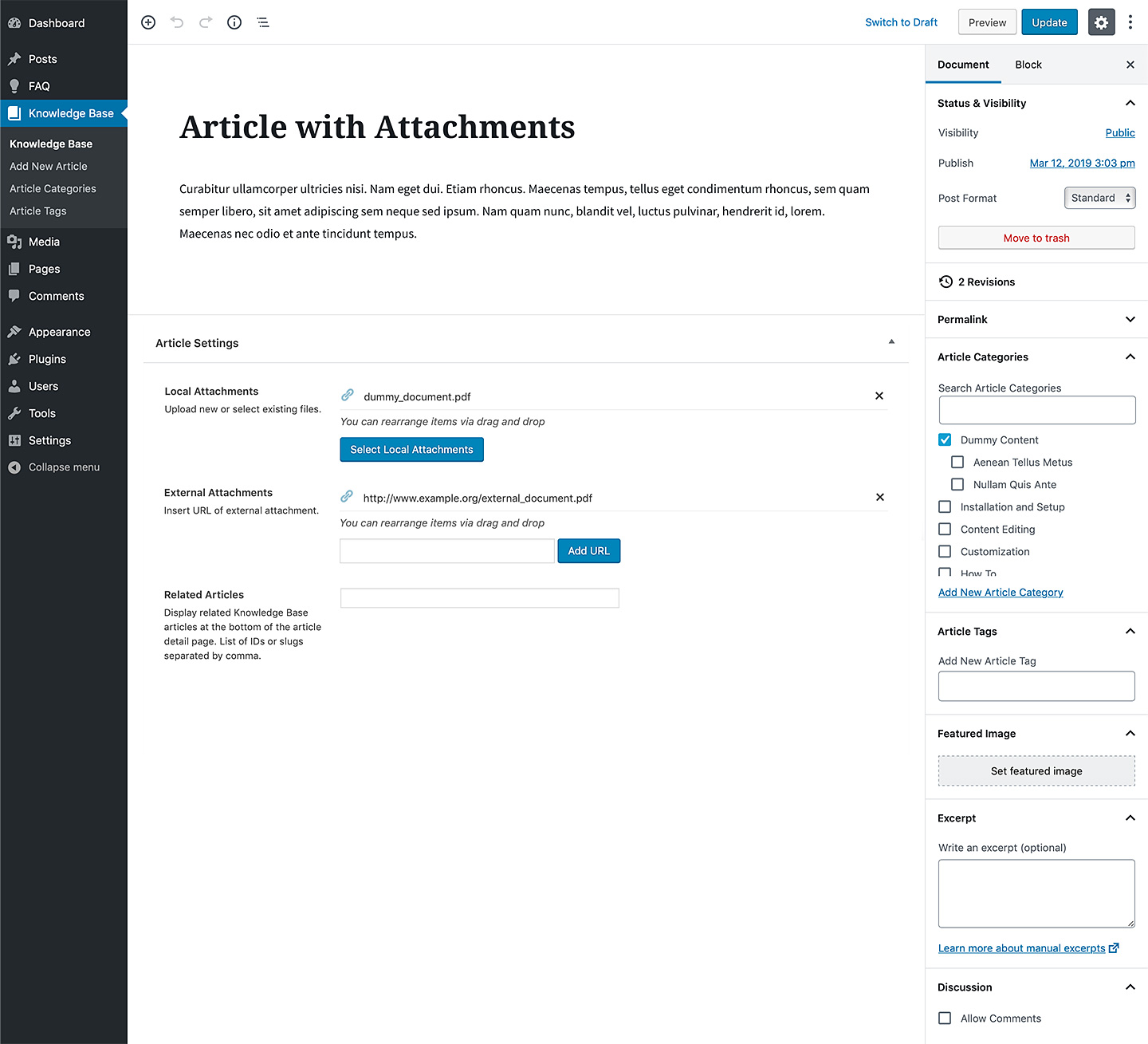
http://assets.lsvr.sk/lore.wp/2.6.3/lore_admin_01.jpg
http://assets.lsvr.sk/lore.wp/2.6.3/lore_admin_02.jpg
http://assets.lsvr.sk/lore.wp/2.6.3/lore_admin_03.jpg
Lubos
Hello
just bought your Lore elegant knowledge base for Wordpress theme after I install it , it looks nothing like the one I saw form your demon and it doesn’t see there is an option for that either as all the other theme I bought before, how to make it looks like the demo that is my question
thank you in advance
Hi,
please follow the documentation on how to import the demo content: http://docs.lsvr.sk/lore.wp/#demo-import
Lubos