1800 comments found.

No encuentro dónde configurar el botón de mobile. Cuando lo veo en la versión mobile, desaparece el icono del menú. Dónde encuentro ese icono? Gracias
Hi,
could you duplicate you message in english please?
Regards
I can’t find where to configure the mobile button. When I see it in the mobile version, the icon disappears from the menu. Where do I find this icon? Thanks
Hi,
this issue was already solved many versions ago. So you just need to update your theme.
Regards
Sorry to trouble you. I am having a problem with the demo content. Much as I believe I followed the instructions, I seem to be having a problem with the demo content. I could import the artery-demo-date.xml, but it does not appear that the Sliders&Popup folders content were imported? My menu links to such options as Creative Slider do not link to a page (probably not imported). If I go to the Import Demo Content page there is not a way to import anything further. I see that the Sliders&Popup folders contain .zip files for various views – is there a way to install these or is there a way to remove all demo content and perform a report? Any help would be great
Hi,
when you import demo data it imports just pages, posts for you. Sliders and popups should be imported manually.
Regards
Greetings, we have been trying to contact you for a few days regarding glitches and document errors in your template as we would like to resolve them before publishing the website. With every update more problems occur and the website is very slow and keeps reloading twice before getting to the items on the category. I am not sure what to as the website is almost done and i would hate to change the theme at this point. Also the link to the Instagram page does not give the design you provide. I need to hear back from you soonest as this is affecting my business. Username dev351 who is working with me on the matter hasn’t heard back and it shows its been 3 days. An email was sent out to support@wossthemes.com as per your request and no answer until now. This is unprofessional and frustrating as it is related to business and not a personal matter. Your prompt response will be appreciated.
Hi,
as I see at the moment we don’t have any unanswered messages. Checked also spam folder. Could you resend please your emails once again, we’ll answer you as soon as we can.
Regards
Hi Team,
Our client using ARTDAY WordPress theme for shopping website.
Kindly provide solution for below 2 points:
1. https://prnt.sc/z-jjXGHHHojW 2. https://prnt.sc/9EWdign9QNHy
Thank you.
Hi,
will be much better if you’ll send an email to us. Just drop a line to support@wossthemes.com
Regards
Waiting for the reply. https://prnt.sc/-6Aw8gucT4ep
Hi,
just replied your email. Let’s continue our discuss in PM. To have just one thread.
Regards
Hello, I have a site sitting on 1.4.1 and feel it is long overdue to update to the latest. Can I ask: Does this have to be done via FTP, as the theme doesn’t ofter update as a feature? (I’m happy to do this, just trying not to wreck my site by following the wrong path). I haven’t noticed any specific documentation on updating. Thanks Mark
Hi,
you can update it or through FTP or by deleting old version and uploading new one.
By don’t forget to make a backup before. In case if something goes wrong you’ll be able to restore everything as it was.
Regards
Thanks for the above answer. This is a dumb question, I’m sure, but do you have to activate another theme while deleting and uploading?
Hi,
yes you need to activate another theme. Otherwise Wordpress won’t allow you to delete the theme.
Regards
One final question, if I may. Will the pages, menus etc render the same as the website appeared on the older version of Artday when the updated version is activated? I ask because I’m dealing with and 8Gb art and craft shop and wonder if I need to screenshot pages to be able replicate them, or it they will appear the same (colours, layout and structure).
It should be absolutely the same. But as I wrote don’t forget to make a backup before. In case if something goes wrong you’ll be able to restore everything as it was.
Regards
Hi,
send please an email with link to your website and login details to support@wossthemes.com we’ll be glad to help you.
Regards
Hi,
When will you please update this theme: Artday – Creative Artist WordPress Shop
For the latest WordPress & WooCommerce compatibility?
Please and thank you.
Hi,
at the moment I can’t say exactly. But if you have some issues with current version please send an email to support@wossthemes.com we’ll be glad to assist you.
Regards
How can my photos have those frames like in the blog or shop in the theme?
Hi,
if you want you can send an email to support@wossthemes.com and I’ll send the link with frames we used in the theme.
Regards
I have used customise to attempt to change some things. However, it is giving me no results at all.
What is the problem?
I have added Footer text, but nothing is showing apart from the payment cards option that copomes with your theme.
I have tried adding widgets to the footer, but they remain invisible on the front end.
I have also attempte to add a block to the footer, no luck at all.
On top of that your theme iis only giving me the option to add one menu. Yes, I have created other menus but they are not showing up.
You have included page builder with the theme, but it gives me no options to use any templates without buying it myself
You have given an option to change fonts with the theme in customiser, but nothing is changing.
Why is my logo so tiny on the page?
Why is there no option to change it.
I will not import your demo, because the last 2 occasions I did that with other themes I lost all my products and previous customer information.
There must be other ways around this?
Your documentation does not answer any of my questions, ff68ef67-f9ce-4a86-a249-3a179f932496 – 2 Sep 2022
Hi,
send please an email to us with link to your website and login details, we’ll look closer on issues you have.
Regards
Sorry, what is the private email address?
Never mind found it
Is this still being supported and updated?
Hi,
yes sure!
Regards
The product gallery when clicked and zoomed is not displayed in the same way as the demo.
https://wossthemes.com/artday/product/black-white/and the rest of the secondary images in the product gallery are blurred or fuzzy, I want them to look sharp.
https://periderus.com/product/galopeHow can I make it look like the demo?
Hi,
send please an email to us with all the issues you have it will be much easier to help you. So we’ll help with all the questions. It will be much easier and faster.
Regards
Hello, I buyed the artday theme and I would like to know how it´s possible to get the same theme that the example:
http://preview.themeforest.net/item/artday-creative-artist-wordpress-shop/full_screen_preview/14396982?_ga=2.82384274.543837625.1659807276-1856942871.1659807276&_gac=1.242877110.1659807276.EAIaIQobChMIsv-B89-y-QIVVJBoCR3xmQVREAAYAyAAEgLfm_D_BwEI´d like to do a web page very similar to you and only change the pictures for my artworks, it could be possible?
Many thanks.
Hi,
yes sure it’s possible you just need to import demo data, and you get the same structure as in our preview. How to to that you can see in our theme documentation.
Regards
I’m from the safari browser and I see that the headlines of the sections do not appear centered, I do not know if it is an error of the template because in the imported demo also comes out the same, I’m trying to see how to center the text in that browser and I can not find it.
https://wossthemes.com/artday/contact/Hi,
send please an email to us it will be much easier to help you.
Regards
Hi, I want to use the hero slider as my home page, exactly as the template looks in your demo but I can’t find it in Slider revolution. I have tried to follow your instructions on how to import it but theres no Import slider to click on.
I also wonder how I turn off the magnifying glass on the single product page and get a Lightbox as you have on the demo.
Thanks Henrik
Hi,
all sliders should be imported manually, they are not imported with all demo data.
If I remember in new versions of Woocommerce there are some changes at this point.
If you want you can send an email to support@wossthemes.com and I’ll dig deeper into this question.
Regards
Hi,
If I understand you correctly then I think in this case you need to make some theme customizations. There is no such functionality out of the box.
Regards
Hello,
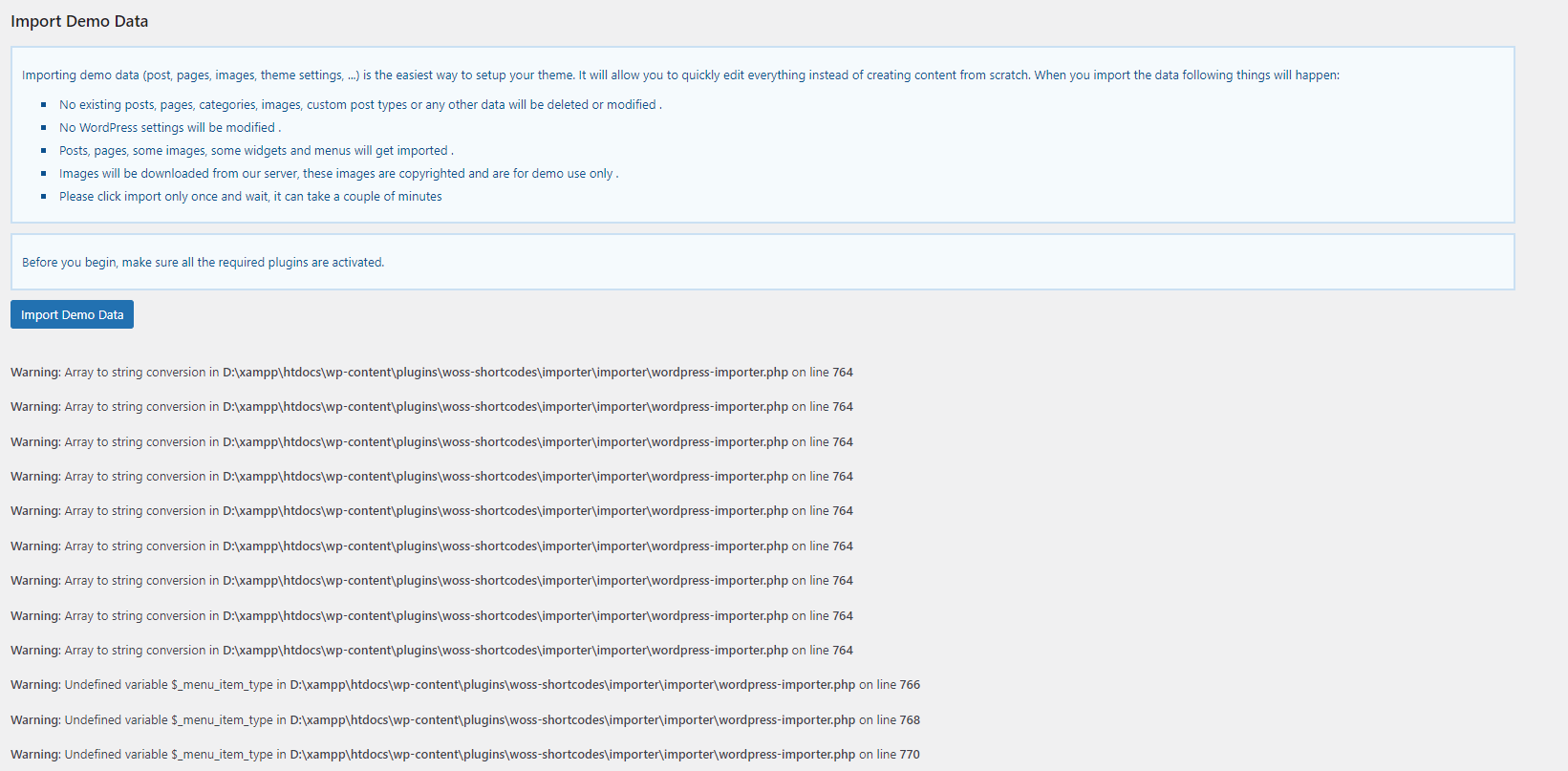
I have this error running demo install in empty wordpress. https://i.gyazo.com/51796bc618d1d871de31270d0a7c3fdb.pngHi,
try to use default wordpress importer, it should solve the issue.
Regards
I would like to use this menu style, but keep the menu when scrolling down the page as in style 4 can this be done somehow? Can you help me?
https://periderus.comHi,
unfortunately this feature doesn’t come out of the box.
Regards
When I imported the demo a header appeared in the store and now it does not appear, how can I do to put it back?
Can you give me any alternative? solution? it gives me the impression that the person who responds to the help must be an intern or someone who does not know, as it does not give any real solution to the problems I have of the template, not only of the typography but also in the header of the page of the store ….
Could you send please an email to support@wossthemes.com we’ll look closer on it.
Regards
I have installed the template and everything OK, when importing the theme, I did not import the images of the DEMO, and other of the main causes of why I’m writing is because on some pages I load the Montserrat 700 font for the menu and in others it looks thinner and I do not know what is the reason why it looks like that.
https://periderus.com/aboutIn this one it looks good and in the previous one it has a finer typography.
https://periderus.com/Hi,
it happen because your Revolution Slider plugin loads it’s own font which one is different from our theme font.
Regards
Thanks
How can I make the Slider Revolution typography not affect the menu and the rest of the typography behavior of the page? I want to put the Montserrat 700 which is the one you have, I put a thinner one, can you give me the instructions to display the same as in the rest of the pages. Thanks
Does it look good here? https://periderus.com and it doesn’t look good here? https://periderus.com/creative-sliderWhen you edit your slide, in right side where are all the options, there you’ll find all the settings for fonts.
Regards
Here there is no slide and no slide revolution header, so I don’t know how to change the typography of the menu and the headlines.
https://periderus.com/product/galopeHello,
Firstly, Do you have ticket system? or I can provide my information on the any private platform?
I wanna move shop category description after the main content. I could add description with artday-child functions.php but I couldn’t remove default category description.
what i tried;
I created folder and file on the artday-child. (woocommerce/config.php) but it doesn’t work. I still have to edit default theme files.
I wrote remove_filter (remove_action also) function on the artday-child/functions.php. it doesn’t work also.
function remove_desc_shop() { remove_filter( ‘woocommerce_archive_description’, ‘woocommerce_taxonomy_archive_description’, 10 ); }
add_filter(‘init’, ‘remove_desc_shop’);
Some problem when active the theme Revelution slider not import demo slider and not get demo image
Hi,
you get some errors or something else goes wrong?
Regards