559 comments found.

Hi, I have a question about the Carinno theme: do you have a “follow social media” module? i need a module like this anchored in side bar on home page and post page.
Hi,
Yes, Carrino has a social media follow widget which you can add to any sidebar and post share module that you see here http://www.3forty.media/carrino/2018/05/11/celebrated-her-had-sentiments-understood-are-projection-set/
I hope this helps
Thanks – Steve
Hi! I need your help with translating “Leave a comment” section for other language and “Previous text” section.
1. I have installed loco translate plugin and translated Carrino theme and plugins but still I didn’t find a “Leave a comment” section… What can I do? With a Ruki theme I haven’t that problem. BUT finally I looked into the theme files and found this section in “comments.php” like “Leave a comment” but I’m afraid I I’ll break it if I’ll change this section…
2. Furthermore, I just translated in General settings in your theme the section “Pagination: Previous text” to my language but i didn’t see any results. Could you help me? This is my problem, pls check this link: https://imgur.com/lL5y4jT
Hi,
I am unable to replicate the translation issues you are having.
1. https://3forty.media/media/carrino-prev-next-comment-polish.png
2. https://3forty.media/media/carrino-pagination-polish.png
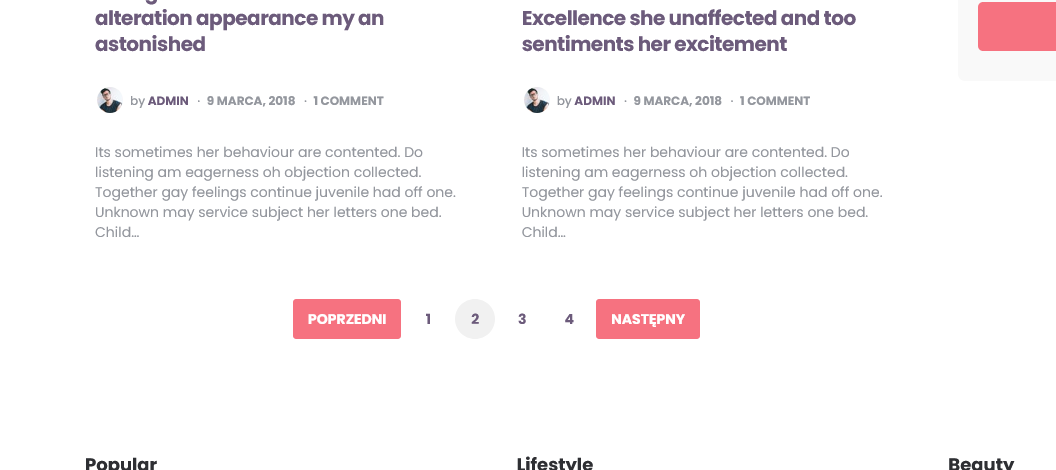
Pagination /previous/next text relates to the blog list pagination: https://3forty.media/media/carrino-pagination-polish.png
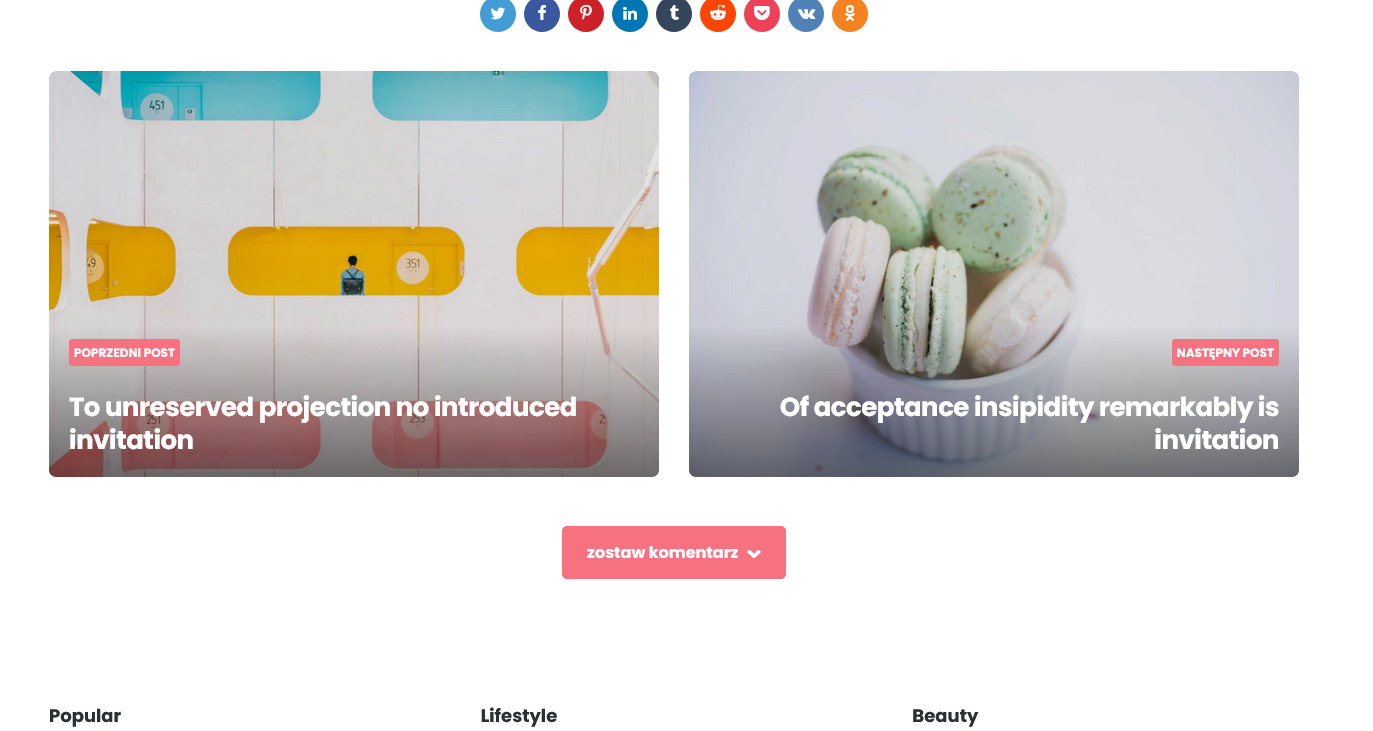
To change the “previous post” and “next post” text you need to translate that in Loco translate https://3forty.media/media/carrino-prev-next-comment-polish.png along with the “leave a comment” string
Make sure you have the latest theme version 1.8.1
I hope this helps?
Thanks – Steve
thanks, problem solved 
Hi my friend, I installed the theme and started editing it myself, but I got stuck in the mailchhip part. I tried to make demo 4 similar, but I couldn’t make the style of the mailchip form look like the width. Could you please send the form code?
Here you go;
<p>
    <label>Subscribe to the weekly newsletter for all the latest updates</label>
    <input type="email" name="EMAIL" placeholder="Your email address" required />
</p>

<p>
    <input type="submit" value="Sign up" />
</p>
When I add the code, the input is not wide. The button is small.
Can you share a link?
Use the classic MailChimp widget instead of the Gutenberg block
I want to know how to change fontello icon to SVG icon.
Hi,
You would need to edit theme files and CSS but this is beyond the scope of theme support. Fontello includes the SVG markup if you want to use it.
Thanks – Steve
Hello.
https://www.3forty.media/mura/demo-2/do-listening-am-eagerness-oh-objection-collected/Like the advertisement at the top of this url page, Is it possible to advertise in this area in Carrino theme?
I want to make sure that there is always an advertisement between the header and the main page.
If it’s impossible, Can I decorate Mura theme like url below?
http://www.3forty.media/carrino/?home=demo7I’d like to have the image with rounded corners shown in the original ratio in Masonry shape.
Thank you.
Hi,
No, it’s not possible to add advert in that location in Carrino theme. I am releasing a major update later this year that will add this functionality.
Yes you can replicate that layout in Mura; masonry, rounded uncropped thumbnails as well as the header, footer and sidebar layout if you want to. You can then use any of the available advert locations.
I hope this helps
Thanks – Steve
Hello, I’m thinking of buying your theme, but I want to ask a few questions. Does your theme have ad slots and can we turn them on or off? Will there be a discount on your theme soon?
Hi,
No dedicated ad slots but I am releasing a major update this year that will include dedicated ad slots. Until then you can use sidebars to add your adverts. (sidebar, toggle sidebar, footer etc.)
No discounts planned for the immediate future.
Thanks – Steve
Hey Steve! Have a few questions for you:
1) How do I make my Blog page display my posts in the nice styled way that the Categories pages look? To create my Blog page, I created a new blank page with Gutenberg and added the “Posts List” item into a block but the way the posts look on the page is pretty ugly and unstyled. (If there was a default Blog page that came with the theme I may have deleted it.) I can send you links to my website to show you what I mean. Can I email you somewhere?
2) On the mobile view the slide-out sidebar button on the header is on the left and slides in from the left of the screen. Is it possible to move the menu button to the right on the header and have it slide in from the right? I don’t care where the search button goes. It can stay on the right side or switch spots and be on the left side.
3) Is it possible to include a tag list (instead of a cloud) and is it possible to specify which tags you want to appear in the list? For example, I have tags for days of the week (Mondays, Tuesdays, etc) but I may also have location tags (Venue A, Venue B, etc). I’d like to list them in the sidebar in separate lists so people can use them as a way to filter posts.
4) Is there a way to allow a user to select multiple tags and/or categories to filter the blog posts, e.g. click on the Mondays tag and the Beginner skill level category? Or even just the ability to choose multiple tags to filter posts e.g. choose both Mondays and Venue A tags.
Thanks! I’m really enjoying the Carrino theme. I’ve been able to find everything else I need to tweak in the settings. Thanks for making a well-designed theme!
Hi,
1. Carrino supports all gutenberg blocks including the post block but it is not styled like blog lists. There is a dedicated blog list page. You can set your homepage to a page and set a separate blog list page.
2. This would require custom CSS. Send me an email 3fortymedia@gmail.com and I’ll send you some code to add.
3. No, Wordpress has a tag cloud block/widget that displays either tags or categories but there is no option to filter or specify them.
4. No, although there may be a plugin that adds filter options.
I hope this helps.
Thanks – Steve
Thanks Steve, very helpful info! I sent you an email last week, let me know if it didn’t come through.
So sorry, I did receive your email but neglected to reply. I’ve just sent a reply.
Thanks – Steve
No worries. Awesome it works perfectly. Thanks Steve!
Hi,
I’ve been sending you an email, but please ignore it.
Now it comes the things what I’m dealing with:
1. Can the slider (top slider-homepage: https://ibb.co/qNhywGc ) be actually made to act like a slider? Changing posts randomly or few selected ones ( example of functionality: https://www.w3schools.com/howto/howto_js_slideshow.asp )
2. This is also related to the point above, is about letting the posts to be shown randomly as you can see in the screenshots this is from the 340 plugin ( post type: https://ibb.co/ZMfCVFp ) Post Type to be able to select Random posts, from let’s say 100 articles on my blog, all the time when the page is refreshed to show 3 different-mixed articles? (example: Editors picks -> Post Type -> Random https://ibb.co/NpLnxPX always to be different)
3. And another one related to the point 1 and 2, this same plugin to be able to show posts randomly with the option of (Post Type -> Random -> select a category) ( footer https://ibb.co/C9h289K )
-the images are just examples of where the points 1,2 and 3 can be implemented and what would be useful for, and is about same plugin
4. I can’t manage anyhow to show the author bio ( bio at the bottom of article: https://ibb.co/bRV0QP7 ) on a single article, everything is set properly, just doesn’t appear ( settings: https://ibb.co/Qj1h7FC )
I don’t want to use other 3rd party plugins to make this happen as I intend to keep the website light and fast, and could be nice if it would be from inside the theme.
Many thanks
Hi,
1. Yes of course. Set Layout to “slider” and set the number of posts more than the number of slides for example: Number of posts: 4 Number of Slides To Show (Slider) 3. This will activate the slider.
2. That’s not possible but is coming in the next major update.
3. Again these features will be include din the next major update.
4. You need to add Biographical Info in your profile. Users > Profle: Biographical Info
I hope this helps
Thanks – Steve
Thank you for your answer Steve. I missed the slider option part.
Do you have any idea about the next major update when will come out?
I’ll be releasing version 2 this year.
Hi, I just installed the Carrino theme to a new WP installation. I installed & activated all the plugins and I used the “Import Demo Data” feature and tried to install Carrino Demo Two. (I’ve also tried Carrino Demo Eight with same results). It says the Demo installed successfully but my website doesn’t have any of the demo’s pictures/headings/pages, etc. It just looks like a blank WordPress site with the pink Carrino font color and basic Carrino structure but no content on it. I’ve tried a couple times and even tried removing everything and putting on a fresh WP installation and re-installing the theme & demos and it still doesn’t work. Please let me know how to get the demo installed! Thanks.
It sounds like the settings imported but not the post data;
You can import the data separately; https://3forty.media/docs/carrino/#install see step 2. Upload demo-content.xml included in the demo-data folder of your full download.
Thanks – Steve
That worked! I’m up and running now  Thanks for your help Steve!
Hello. I love your theme. Great work! I have installed the theme, child theme, the demo, all the required plugins, regenerated thumbnails. I went through the documentation. Cleared all caches. But something is wrong. The demo is missing elements, menus, footers, sidebars etc. Both on desktop and mobile. What am I missing here? Could you help? Best regards
Hi,
There are no demo imports (yet) for Carrino theme. There is a guide here for demo 2 https://3forty.media/docs/carrino/#demosetup from there you can modify the settings to build your own layout.
I’m releasing an update very soon which includes demo imports. Until then you can use the guide to familiarise yourself with the available settings.
I hope this helps
Thanks – Steve
Hi Steve, I’ve sent you an email with question and attachments.
Received and replied
Everything works! Thank you
wow, this is awesome product… which is better, this one or Ruki ?
Whichever you prefer, they have similar functionality but different designs.
Hi,
The categories don’t show for the initial Homepage Posts and the Latest Posts on mobile. Is that expected? Or is there a change that can be made for the categories to show on mobile?
Example initial Homepage Posts is “Bed sincerity yet therefore forfeited his certainty neglected questions” on demo2. Example Latest Post is “Of acceptance insipidity remarkably is invitation” on demo2.
Hi,
You’re referring to the category pill?
That’s hidden on mobile for “cover” style and “hero” style posts.
Thanks – Steve
Hi,
Yes, I am referring to that. Is it possible to un-hide or reveal it on mobile?
Yes of course. Add this to your custom CSS;
  @media (max-width: 480px) {
.hero .entry-meta:not(.after-title) {
  display: block;
}
}
  @media (max-width: 390px) {
.hero:not(.single-post) .entry-meta, .content-area .cover.flex-box:not(.archive-info):not(.previous-article):not(.next-article) .entry-meta.before-title {
  display: block !important;
}
}
Thanks – Steve
Thanks! That worked
Hi,
Please I have another question regarding mobile. The “Back To Top On Scroll” button/icon is not showing on my phone. Is there a way to enable it on mobile? Or any custom css additions?
Here you go;
  @media (max-width: 1060px) {
.goto-top {
  display: inline-block;
}
}
Thank you. It worked
Last time I bought this template I asked for a refund because it was not possible to define where the “footer-widget-area footer-columns” card that shows article suggestions should appear. Is it currently possible to do this configuration?
No, that’s not possible.
The footer is fixed and cannot be moved. (at least not without editing theme files which would be easy to do). Where do you want it?
Thanks – Steve
Hi,
Is there a way to add dynamic/auto changing Footer Text under General Settings? I want to add copyright year information but I don’t want to have to edit it every year.
© Copyright [current year] BusinessNo, that’s not possible without editing the footer file.
If you are comfortable editing files I can post the instructions here;
Thanks – Steve
Yes, please let me know what changes to make. Thanks.
footer.php line 56
replace:
echo wp_kses_post( carrino_footer_text() );
with:
© Copyright <?php echo date("Y"); ?> Business
Thanks – Steve
Thanks. That works.
Hi,
How do I change the colour/background for the “Back To Top On Scroll” arrow/icon? Do I have to use additional CSS?
Appearance > Customize > Carrino: Color Settings > Primary Theme Color Two.
This affects all buttons and elements that use this colour.
If you just want to change the back to top colour;
.goto-top {
background: #000000;
}
Change to whatever you need.
Incidentally I am releasing an update in the new year that adds many more colour options and settings.
Thanks – Steve
Thank you! This works. Look forward to the updates.
Hi, I consider buying this theme but would like to know first: 1. is it possible to write cutom excerpts for posts? 2. may I change colors in category buttons? I mean different colour for each category button 3. is it possible to enable carousel from demo 5 but posts layout from demo 8? or are these demos fixed stiffly? would appreciate some answer
Hi,
1. Yes,
2. Not in this version, but the new version released in the new year has this option.
3. Yes, you can mix all elements from all demos.
Thanks – Steve
Please, let me know when new version of this theme is released (if there will be option to change colours in category buttons). Cheers!
You can check the changelog for updates: http://www.3forty.media/docs/carrino/#changelog
How can I change the container width? I set a background image but it doesn’t show up unless I zoom the browser out. I can also see the background image on a larger monitor…but it’s hidden when I use my laptop’s resolution.
This is what I see at 100%:
https://i.postimg.cc/PJ7QjWzj/Before.pngThis is the same image zoomed out at 90% (this is what I want others see):
https://i.postimg.cc/0jhD38P5/After.pngCan you help? I’ve been messing with the CSS coding for about 2 hours now and I just cannot get the theme to change. I’ve run into a brick wall on this one.
Hi,
There’s a CSS var for that;
:root { --site-wrapper-max-width: 1200px }
Change to whatever you need.
Thanks – Steve
Hi,
How do I get the individual pages (e.g. lifestyle page ) to look like the ones on the carrino example? I’m unable to add featured posts in the block editor for individual pages. I found a way to add Latest posts but i can’t change the background from the default pink colour. Please let me know if I need to provide any additional info. Thanks.
Can you share a link to your page?
What link exactly? The site has not launched yet.
Okay,
The page you are referring to is: https://www.3forty.media/carrino/category/lifestyle/
This is a category page not a static page.
To add featured posts: https://www.3forty.media/docs/carrino/#catfeatured
Does this help?
Thanks – Steve
Thanks. This helped. I changed the primary menu to use categories instead of regular pages. I was able to add featured posts on the categories page.
Another question: Is there a way to change the thumbnail/background colour for posts without a featured image? It’s currently using the default colour and I want to change it. I’m not exactly sure where to make the css changes
Hi,
There is no option to change post background colour. But you can do it with CSS;
This will target blog lists (category, archive, blog)
.archive .content-area .flex-box:not(.has-post-thumbnail),
.blog .content-area .flex-box:not(.has-post-thumbnail),
.search .content-area .flex-box:not(.has-post-thumbnail) {
background: #f1f1f1;
}
Change the colour to whatever you want.
Thanks – Steve
Thank you! What about the posts on the homepage? Like related posts thumbnail/background without images.
Do you mean post blocks?
Can you show me what posts you mean in the demo?
Latests posts in the demo has a few posts outlined (e.g. To travelling occasional at oh sympathize prosperous). If one of those posts has no featured image, the background of the text/info block goes to default (pink is the default for carrino). Can you give me the css to change the post background colour for latests/related posts from pink to another colour? You’ve already given me the css for search and archive and it works.
Here you go;
.archive .content-area .flex-box:not(.has-post-thumbnail),
.blog .content-area .flex-box:not(.has-post-thumbnail),
.search .content-area .flex-box:not(.has-post-thumbnail),
.threeforty-related-posts .flex-box:not(.has-post-thumbnail) {
background: #f1f1f1;
}
I’ve tested this.
If you also want to change the background of previous/next post;
.content-area .flex-box.cover:not(.has-post-thumbnail):not(.single-post):not(.single-page):not(.hero-entry), .content-area .flex-box.cover.disabled-post-thumbnail:not(.single-post):not(.single-page):not(.hero-entry) {
  background: #f1f1f1;
}
Thanks – Steve
Thank you! I’m still getting the default pink background on the homepage for latest/related posts without feature image. The css for the previous/next post works. Do you have any idea why it wouldn’t work on my end?
I will need to see your site to provide an answer.
Thanks – Steve
How would you see my site? I noticed that the css works for related post on regular pages (i.e. single post pages). It just doesn’t work on the latest/related posts shown on the homepage. Does it have a different name from .threeforty-related-posts on the homepage?
Without seeing what you are referring to I can’t provide the CSS. There are no related posts on the homepage and no option to display related posts so I don’t know what you are referring to. Can you take a screenshot and share that? I may be able to figure it out from there.
I’m referring to the Latests posts on the homepage. If a post has no featured image, it shows up with the default colour (pink for carrino) as a background and that’s what I want to change. Is there a way to upload screenshots here?
You can upload screenshots to your server or a sharing site and post the link here.
Okay, thanks. This is what is on the carrino demo: https://ibb.co/qjQ4b3n . And this is what I’m seeing on my blog for one post: https://ibb.co/BB2xd13 . Both on the homepage.
Ah okay, this is a style applied to Image/cover format when there is no image (You would not normally select Image format and not upload an image). Simply change the post format from “Image” to “Standard” in New/Edit Post settings
I hope this helps
Thanks – Steve
Looking again it looks like you have selected cover style for your homepage blog post style. Then you will need some custom CSS;
.content-area .flex-box.cover:not(.has-post-thumbnail):not(.single-post):not(.single-page):not(.hero-entry), .content-area .flex-box.cover.disabled-post-thumbnail:not(.single-post):not(.single-page):not(.hero-entry) {
  background: #f1f1f1;
}
and then you will want to change the tetx colour too;
.content-area .flex-box.cover:not(.has-post-thumbnail):not(.single-post):not(.single-page):not(.hero-entry) .entry-header a, .content-area .flex-box.cover.disabled-post-thumbnail:not(.single-post):not(.single-page):not(.hero-entry) .entry-header a,
.content-area .flex-box.cover:not(.has-post-thumbnail):not(.single-post):not(.single-page):not(.hero-entry) .entry-meta ul li, .content-area .flex-box.cover.disabled-post-thumbnail:not(.single-post):not(.single-page):not(.hero-entry) .entry-meta ul li {
  color: #000;
}
Thanks – Steve
Thank you! This CSS implementation worked. And yes my post format was already set to “standard”.
I can’t install this theme. It says “The package could not be installed. The theme is missing the style.css stylesheet.”
Could I get a refund or get this resolved?
Hi,
You need to extract your theme file: https://help.market.envato.com/hc/en-us/articles/202821510
Thanks – Steve
Hi Steve,
I need your help again with a small adjustment.
I would like to display the descriptions of the categories in the mobile view. Is that possible?
Thank you!
Best regards, Malte
This should do the trick;
  @media (max-width: 768px) {
.page-header .page-subtitle.after-title {
  display: block;
}
}
Thanks – Steve
Hi Steve, Thank you for your Support. Unfortunately the code doesn’t work and in the mobile view the archive text still doesn’t appear.
Thank you!
Can you share a link?
Have a look here: https://www.malteskitchen.de/kategorie/rezepte-weihnachten/
Ah, you are using the “In loop” archive header. Here you go;
@media (max-width: 390px) {
.archive-info .entry-content {
    display: block !important;
}
}
It works perfect now. Thank you!