638 comments found.

Ok I must be some kind of idiot or just blind, but I cant figure out how to get the register page????
Not sure where to go and see nothing in the documentation.
Create Register page and assign it here – http://www.demo1.diaboliquedesign.com/4/Help/assets/bp-pages.png
I figured it out shortly after! Sorry for that…
Another questions… How can I assign keymasters which are the mods? When I bump their user level in the WP to admin it still stays the same on the site? Id like to allow certain people to have the same powers over posts on the site that I have.
Go to specific group -> admin ->members and you can:
Kick & Ban
Promote to Mod
Promote to Admin
Remove from group
Awesome! Thank you!
One more question. Is there anyway to add a custom background on the 1st slide behind the text? Kind of like how you ad a custom one on the 3rd slide?
Or is that too difficult?
after [div id=”banner”]
Can I use this on only wordpress as theme?
Yes, you can. You have to remove some parts of code – http://support.diaboliquedesign.com/forums/topic/no-more-buddypress/
Good morning, i have 2 pre-sales questions: 1) The theme will be automatically updated when new versions coming up? 2) I see that there isn’t a login screen on the front page, it’s possible to add them? 3) It’s possible to change the “Our groups” section in the front page with last blog posts for example? 4) It’s possible to do that after the login the homepage will be the Profile page? or another page? 5) It’s possibile to have a custom menu for loggedin users and guest users? I wait your answer, i’m really interested in this theme. Best Regards
1. No, You have to reupload folder with theme.
2. You can add a link to login page on the top menu (with icons)
3. Not possible
4. Yes, use this plugin – http://wordpress.org/plugins/buddypress-login-redirect/
5. Yes
Honestly… I am not sure why this theme is rated so high. You really skimped on the settings.
When I purchased the theme I didn’t expect to be spending so much time with my css editor.
When you refer in the documentation to “You should find your new color using Hue/Saturation tool:” you should mention that there is no such thing built into the theme and you mean to use a 3rd party tool.
Overall the theme needs some serious work on the backend and in the documentation.
At the end of the day I think I am going to scrap this approach and go in another direction. You have some good ideas but they are implemented poorly.
Constructive criticism: Simplify your color options and build color selection into the admin panel. Look up Adobe Kuler for some guidance. From a design standpoint all we really need is: Background colors Main color highlight color light highlight dark highlight menu colors (main, selected, hover, active) link colors
I am not sure why this theme is rated so high.
Because the problem is with 5% clients like in every business.
When I purchased the theme I didn’t expect to be spending so much time with my css editor.
You don’t need a css editor. Just install it and use.
When you refer in the documentation to “You should find your new color using Hue/Saturation tool:” you should mention that there is no such thing built into the theme and you mean to use a 3rd party tool.
There is already 10 predefined styles (blue, white, pink, red, grey …).
Overall the theme needs some serious work on the backend and in the documentation.
I’m selling themes here, not theme builder with 5000 options.
Simplify your color options and build color selection into the admin panel. Look up Adobe Kuler for some guidance.
It’s impossible because theme contains graphic elements. It’s not a flat design.
nevermind… went with another theme.
I presume the orange color can easily be changed to any color in the admin panel—correct?
Yes it’s very easy, you just have to paste short block of style into the myStyle.css file
How do I remove registration Disabled?
Sorry, I forgot to remove Disabled Registration button. I’m just uploading fixed file. Reupload registration/register.php file
How can people sign up? Also can i see the link who it looks when they sign up of where the button is please?
The button to this page – http://www.demo1.diaboliquedesign.com/5/register
is on the frontpage, you can add this link to the top menu with icons
thanks also if i buy it will i atuomatically get sample data file?
File is here – http://www.demo1.diaboliquedesign.com/5/export.xml
is there a change log?
what have you changed on new updated?
Please check it – http://www.demo1.diaboliquedesign.com/5/changelogs.txt
Hi, Does this theme have social login?
Hi,
Yes, use this plugin – http://wordpress.org/plugins/wordpress-social-login/
Hi do you know of any seo plugin that will work with both buddypress and bbpress >?
Hi,
No, I don’t know.
You are the best thank you so much. Just choosing between this one and your other OneCommunity file (personnally love this one tho!) – too many cool ones. thanks again
Sorry for newbie question – the blog posts (not forum) ... are these ONLY written by admins or can any member write them? We would like to use the blog like a “directory” so would be better if we had complete unbiased control! Thanks it is a STUNNING file!
Any member can write blog.
There are following roles available:
Super Admin – somebody with access to the site network administration features and all other features. See the Create a Network article.Administrator – somebody who has access to all the administration features within a single site.Editor – somebody who can publish and manage posts including the posts of other users.Author – somebody who can publish and manage their own posts.Contributor – somebody who can write and manage their own posts but cannot publish them.Subscriber – somebody who can only manage their profile.Wow thank you for the super fast reply. So could we restrict the type of user a member becomes when they sign up?
So for example John Doe signs up then can we ensure that they only become a Subscriber e.g. manage their own profile, join groups and write on forums BUT not post blogs? Unless of course we choose to upgrade them to a higher level?
So sorry for all the questions – new to this type of site.
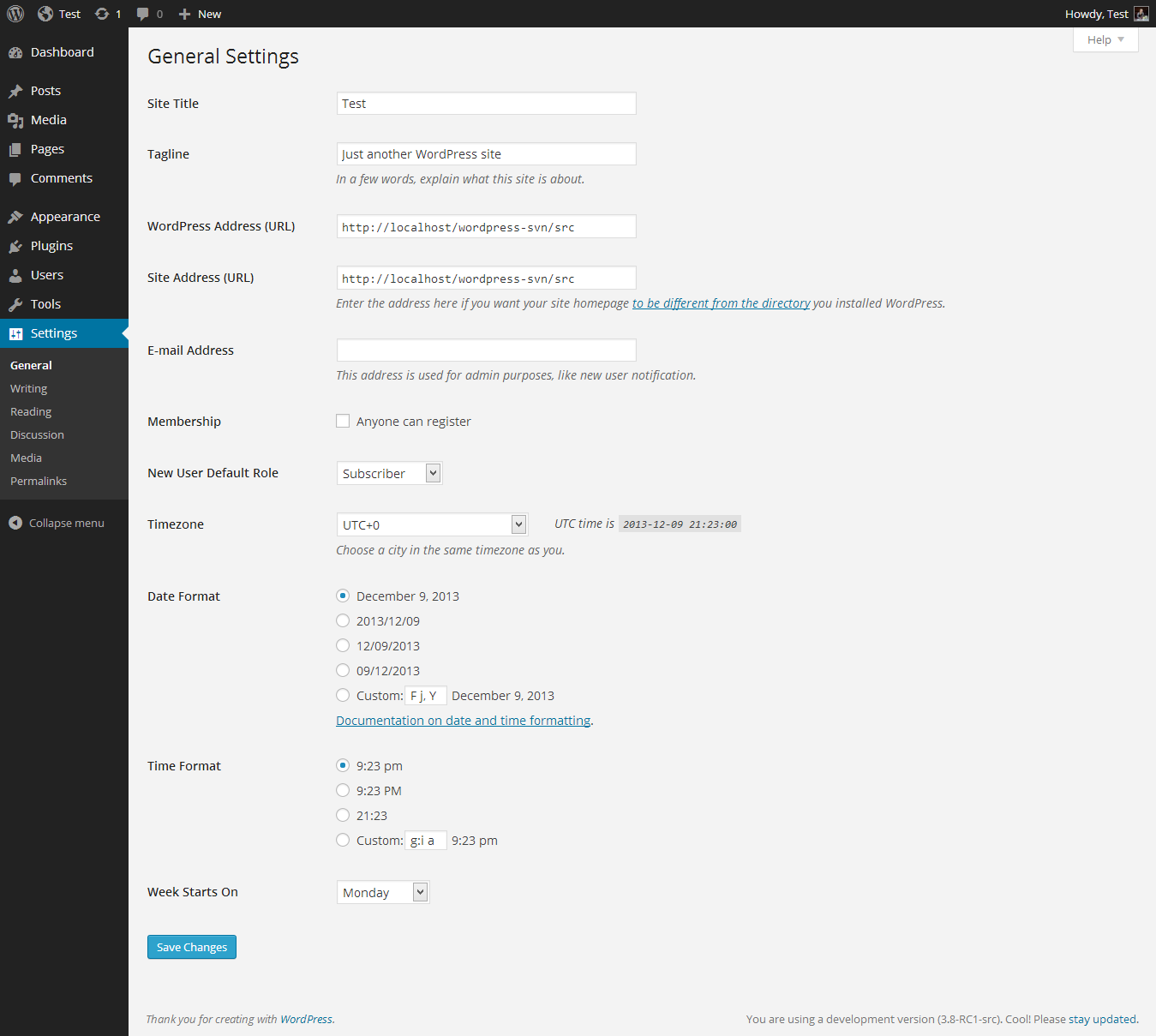
Yes, you can setup New user default role – http://codex.wordpress.org/images/6/61/options-general.png
and change role for specific users
Hi, what are the shortcodes for the theme? on your site u just show the style of them
Hi,
Check it – http://www.demo1.diaboliquedesign.com/5/shortcode/
Hi, want to know is it compatible with wordpress mulitsite ? We are going to create a blog network. So it should show create a blog now. Thanks.
Hi,
Yes, it’s compatible.
so do you provide theme modifications ? as we want to run blog network. We want to do some changes. As on frontpage it should show create your free blog. if you are going to provide theme modifications we will buy it now. Thanks.
I don’t offer any services. There is many freelancers – http://premium.wpmudev.org/wpmu-jobs/
I’d like to purchase this theme is it possible for users to have their own profile urls such as { yoursite.com/user } ? Also is it possible to add a verified badge to profiles?
Yes, it’s http://www.demo1.diaboliquedesign.com/5/members/nicole/ etc
Also is it possible to add a verified badge to profiles?
Yes, you can create meny different profile fields which are visible here – http://www.demo1.diaboliquedesign.com/5/members/nicole/profile/
but you can show badges on other places – more work.
Thanks for the response I will purchase tonight.
Quick question about the live demo – Do you have the Multisite plugin enabled as well?
No, I don’t. I tested WPMU on the other test site.
If you need any help, please visit my Support Forum
Registration process is automatic so you don’t have to wait for an account activation.
i am no longer going to use buddypress but i still want to use your theme, is that possible? i want to use for the blogs…
Select Blog page as your frontpage (settings -> reading), you should remove some parts of code too, for more informations please visit http://support.diaboliquedesign.com/
Hi like your theme very much just a question before i purchase: How broad is the Email Notification settings page/ By that i mean can members have it so that they can receive notifications for certain things like events?
Hi,
Following settings are possible – http://themeforest.net/theme_previews/4959387-cinematix-buddypress-theme?index=12
Hi, I notice that this theme also compatible with event manager, but when I click on the Event page in Groups, there’s no demonstration that I can see, is there any that can provide? Thanks!
Hi,
That’s how it looks – http://www.demo1.diaboliquedesign.com/5/groups/music/events/
There must be pasted following code into the myStyle.css:
.tablenav, .events-table, .tablenav a, .events-table a { color:#ffffff; text-shadow: 1px 1px 0px #b93c26; }
I’ll update it by the way.