190 comments found.

Hola puedes ayudarme a actualizar el tema, he descargado la actualización pero al subirlo a WordPress en apariencias , no selecciona ningún archivo que sirva para actualizar el tema
Hi, Thanks for choosing our product! First of all your support time has expired: https://prnt.sc/MO6olGQAsuPY and you need to renew it to continue to get support: https://harutheme.com/forums/topic/how-to-renew-your-support-on-envato/ . To update theme please follow this topic: https://harutheme.com/forums/topic/how-to-update-wordpress-theme-via-admin-dashboard/ . Hope this helps! Regards!
Hello, where is the license for the Rev Slider? Do I have to upgrade to premium for a license?
Hi, If you want to get full features & automatic update you need to purchase a license. However if you need to works like our demo and update, you can update via our theme update without purchase a license. Here is the topic to help you update: https://harutheme.com/forums/topic/how-to-update-wordpress-theme-via-admin-dashboard/ or https://harutheme.com/forums/topic/how-to-update-wordpress-theme/ . You need to wait some days for we update this plugin in our theme package. Regards!
I have loaded the latest release of the theme 2.8.4 but I see there is an update to WPBakery 8.0.1, how do I update it?
Hi, Thanks for contacting us and choosing our product! WPBakery has just updated new version a few days ago. We’ll update this plugin in our theme package next week. Then you can update theme & plugins to the latest version by following this topic: https://harutheme.com/forums/topic/how-to-update-wordpress-theme-via-admin-dashboard/ or https://harutheme.com/forums/topic/how-to-update-wordpress-theme/ . So please be patient. Regards!
You appear to have bugs in your update routine. I just updated to 2.8.6 (running a child theme) and it didn’t tell me there were plugin updates till I disabled the child theme. Secondly after updating the plugins my settings were all messed up, homepage had been reset to posts rather than a static page. Thirdly, the SCSS colour options no longer work. Fourthly, the bakery colours have all been reset and there doesn’t appear to be an export/import option. All in all, very frustrating.
Hi, It seems you haven’t read the tutorial carefully before update. 1. You need backup Theme Options (please read step 1). 2. About the notice of plugins update, we already have a notice at step 4 if you don’t see it: please go to Appearance -> Install Plugins . Homepage changed because when you switch theme it will use Blog page as Homepage by default. 3. CSS Color & options we already said in the step 5. So please make sure you followed the tutorial. Regards!
- PHP Deprecated: Function getVcShared is deprecated since version 5.8! Use vc_get_shared instead
- PHP Notice: Function _load_textdomain_just_in_time was called incorrectly. Translation loading for the haru-circle domain was triggered too early
Hi, Thanks for contacting us and choosing our product! Please update theme & plugins to the latest version by following this: https://harutheme.com/forums/topic/how-to-update-wordpress-theme-via-admin-dashboard/ or https://harutheme.com/forums/topic/how-to-update-wordpress-theme/ and make sure you follow this topic: https://harutheme.com/forums/topic/how-to-change-color-scheme-and-typography-in-harutheme/ . If it still doesn’t work, please create a topic support on our forum or send us an email to harutheme@gmail.com . Regards!
Thanks for your reply. We are on the latest versions. We will email you.
Hi, We have just replied to you via email. Please send us a WordPress admin account. We’ll login and check the issue for you. Regards!
Hello, I have two of your licenses for this template. I want to transfer one of my websites to another domain while keeping the template with the license, how can I do it, can you do it? thank you so much
Hi, Thanks for contacting us about our product! You can transfer your website to another domain, the license will auto active and you don’t need to do anything. Regards!
Hola llevo bastante tiempo intentado editar todos los Footer pero al entrar en la pagina de configuración solo aparecen nombres y códigos no aparecen opciones de edición, tengo fotos del error pero por qui no se puede
Hi, Thanks for choosing our product! Please follow this topic to manage Footer: https://harutheme.com/forums/topic/how-to-manage-footer-in-harutheme/ . Here is the document: https://document.harutheme.com/circle/ . Hope this helps! Regards!
Hola, he instalado el tema que ¨Circulo¨ que os he comprado por segunda vez, he adquirirlo otra licencia para usarla con otra pagina web, pero al instalarlo no aparecen los varios estilos de Home que hay? , me aparece todo vacío y sin información, solo aparece una pagina de blog y nada mas
Hi, Thanks for choosing our product! As we replied in email. After installing the theme & all required plugins you need to go to Theme Options -> Demo Importer to import demo data. Regards!
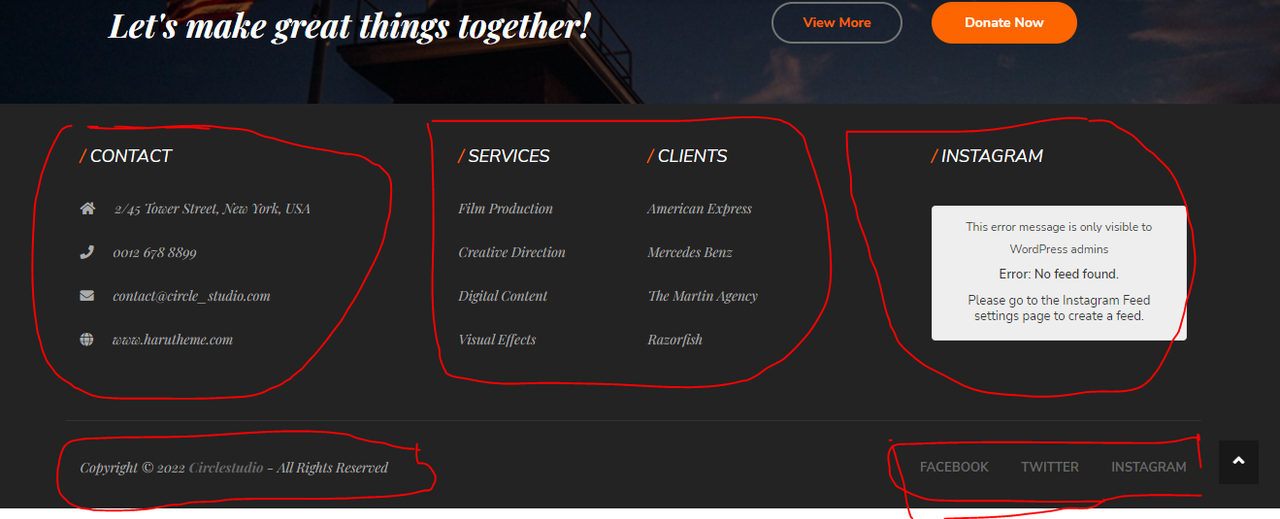
How can i change footer information ? Screenshot below :
https://i.postimg.cc/CxD9zK8f/02.pngHi, Thanks for choosing our product! Here is the topic to help you manage Footer: https://harutheme.com/forums/topic/how-to-manage-footer-in-harutheme/ . You need to change Role Manager of WPBakery. Here is the document: https://document.harutheme.com/circle/ . Support forum: https://harutheme.com/forums/forum/themes-support/circle/ . If you have any issues you can search on the forum for a quick solution. Regards!
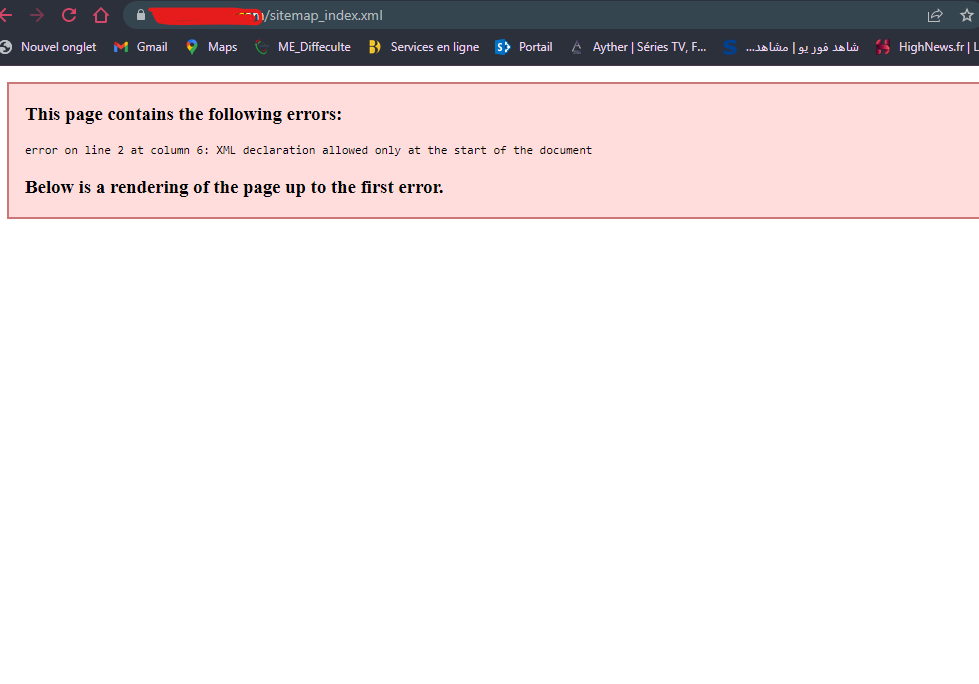
I have a problem with your theme plugin named: Redux Framework When he is activated I have this error on my sitemap. SCREENSHOT BELOW!
link: https://i.postimg.cc/fTqd9rLZ/Capture-d-cran-2023-04-15-171329.png
Hi, In this case please send us your site URL & an admin account via email harutheme@gmail.com . We’ll check it for you. Regards!
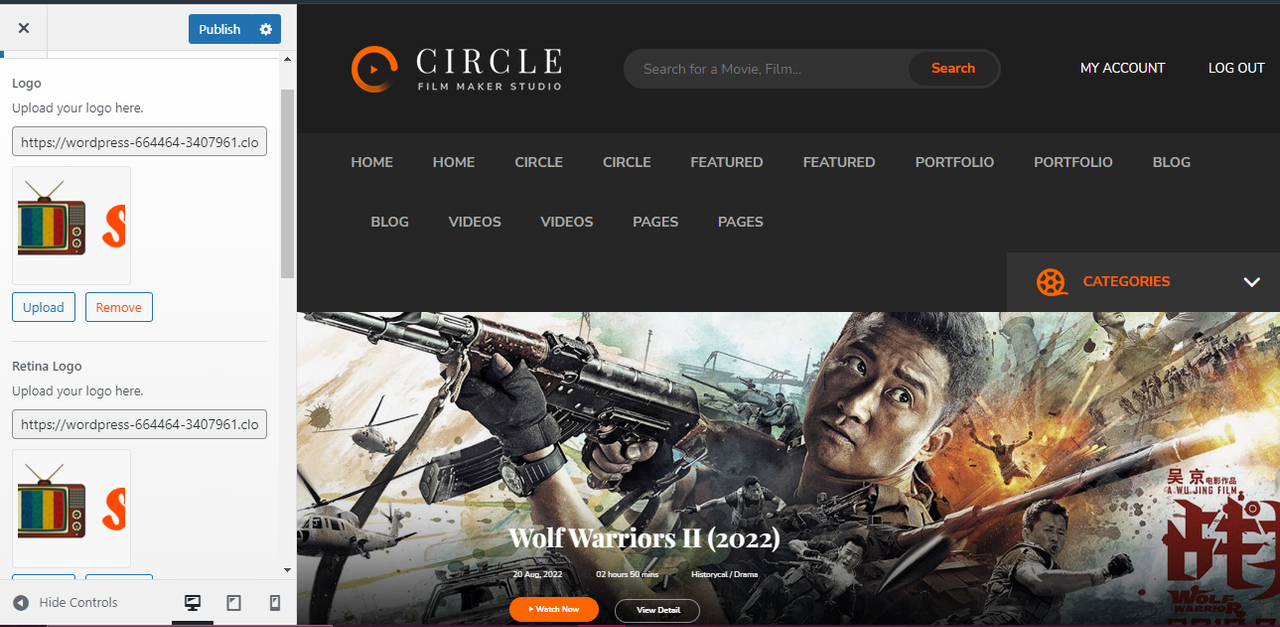
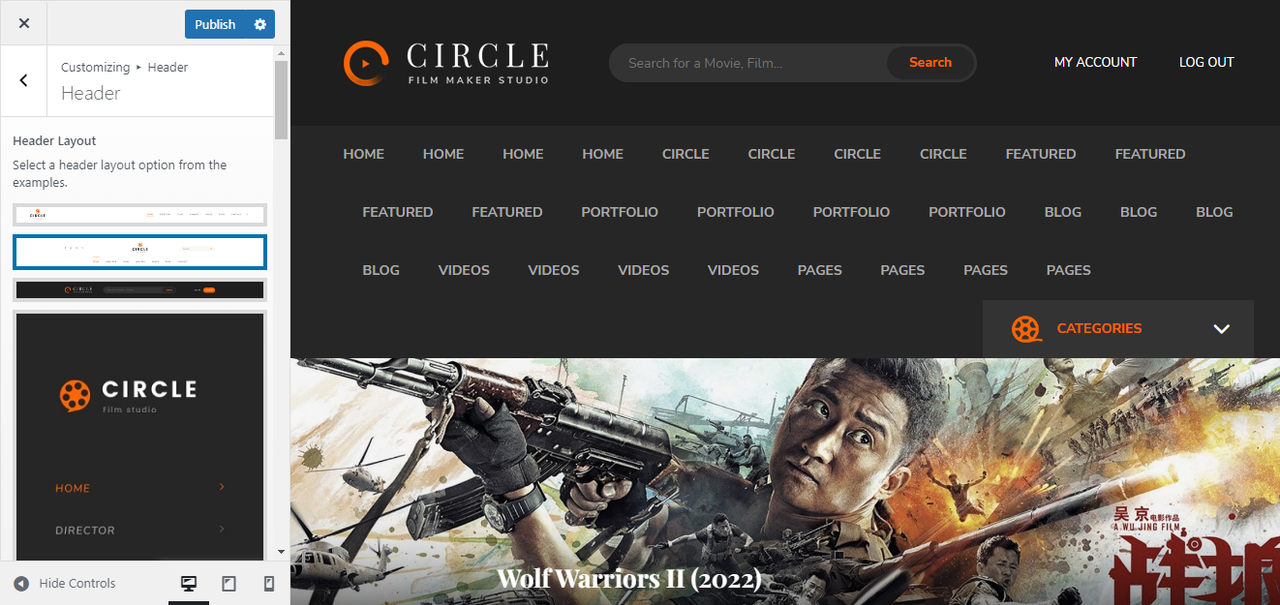
Hello, i have purchased the theme but nothing work ?? i can’t change the logo, i can’t change the header layaout , can’t cahnge the header image when i make settings nothing happens ?? i need help! screanshot below:
https://i.postimg.cc/bv0MhTfH/02.png https://i.postimg.cc/8P1LKmZg/03.png https://i.postimg.cc/1thqpG8T/04.pngHi, Thanks for contacting us and choosing our product! First of all as the screenshots, we see you imported demo data multiple times. If you doesn’t have any data to keep you should reset database by this: https://wordpress.org/plugins/wp-reset/ then import again. If you have any data to keep you can backup your site by use this: https://wordpress.org/plugins/duplicator/ . You need to change site settings in the Theme Options. In our theme there is a notice that Page Options will override Theme Options. You can understand more about it follow this topic: https://harutheme.com/forums/topic/why-theme-options-doesnt-apply-changes/
That means you need to Edit Homepage (or page have header, footer, layout,.. different settings in Theme Options) then go to Page Options > Header Elements (or Header Customize) at bottom of page to compare settings with Theme Options > Header -> Header Elements. Here is the document: https://document.harutheme.com/circle/ . If you still have issues please send us an email to harutheme@gmail.com . Regards!
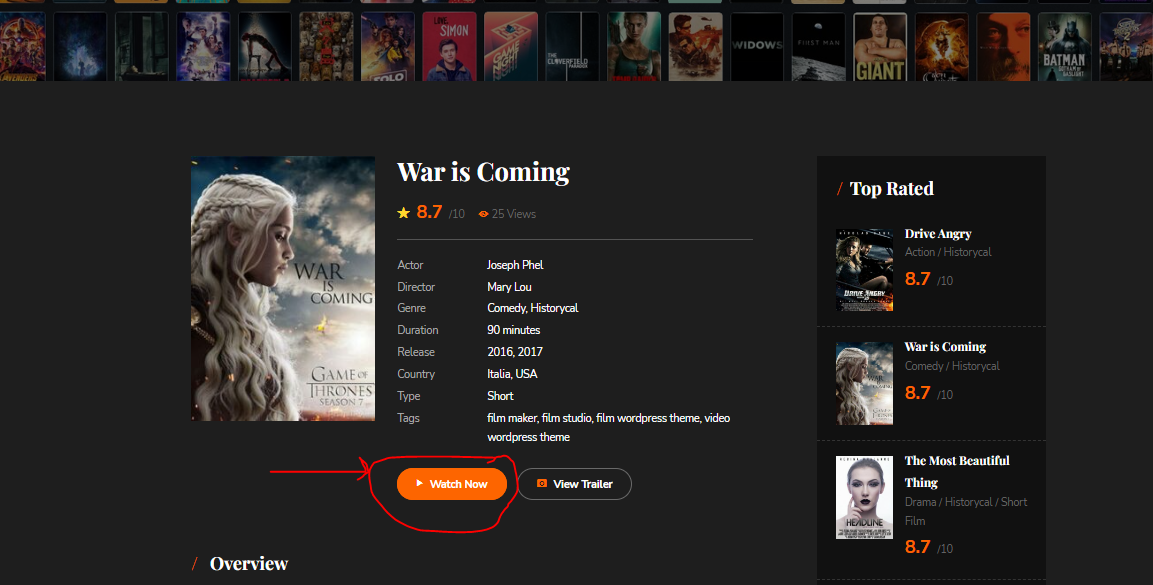
thanks, I have fixed the problem but I have another, please tell me how I can delete or hide the button as you can see in the screenshots below:
https://i.postimg.cc/L50yvP1t/05.pngHi, You can go to Appearance -> Customize -> Additional CSS & add this code: .view-film-button { display: none!important } . You also can create a topic support here for easily to follow: https://harutheme.com/forums/forum/themes-support/circle/ . Regards!
Presale question: Is it possible to make a video embedded vertical slider full width in autoplay? thank you
Hi, Thanks for contacting us about our product! Can you clear more about your question with URL example or a screenshot? Do you want to say about the top slider or anything? Regards!
i want to do something like this with your template. www.rumbofilms.com Is it possible?
Hi, If you want similar this site you can use our another theme is Frames. Here is the demo: https://frames.harutheme.com/home-8/ (You can see more homepage in the menu). https://themeforest.net/item/frames-movie-studio-filmmaker-wordpress-theme/33158147 . Hope this helps! Regards!
Hello! Can you have two languages with this theme?
Hi, Thanks for contacting us about our product! You can do it by follow this topic: https://harutheme.com/forums/topic/how-to-use-multi-language-in-wordpress-with-polylang-plugin/ . Here is the document of theme: https://document.harutheme.com/circle/ . Hope this helps! Regards!
Hello, can you guide me to change these texts? I have tried to enter the theme folder and look for change HTML but I cannot find the location to be able to modify these texts
thanks for the support
Hi, Thanks for contacting us and choosing our product! These texts are widgets titles, so you need to change it in Appearance -> Widgets and you can change the title of Widgets. You also can install this plugin to easily edit it: https://wordpress.org/plugins/classic-widgets/ Hope this helps!
Regards, HaruThemeHello,
The is a bug in the mobile version of single posts when posting a video link from youtube.
When i add a video link in a blog post, half of the video is hidden on the mobile version. I just added the link (no dimensions).
Check image -> https://share.getcloudapp.com/ApuJ9PNb
Can you fix this?
Thank you
Hi, Thanks for choosing our product! Can you go to Appearance -> Customize -> Additional CSS and add this CSS code: .post-content iframe { max-width: 100% } and check again. Hope this helps! Regards!
Thank you!
If you have other issue please create a topic on forum: https://harutheme.com/forums/forum/themes-support/circle/ or email us via harutheme@gmail.com. Regards!
Bought the circle theme and unable to install as it says some files missing – Unpacking the package…
Installing the theme…
The package could not be installed. The theme is missing the style.css stylesheet.
Theme installation failed. I would like a refund! This is waste
Hi, Thanks for contacting us and choosing our product! That’s seems you don’t extract the package before install. https://help.market.envato.com/hc/en-us/articles/202821510-Theme-is-missing-the-style-css-stylesheet-error If you can’t import demo data you can follow this topic: https://harutheme.com/forums/topic/how-to-import-demo-data-automatic-in-harutheme/ or https://harutheme.com/forums/topic/import-demo-manual-wordpress-theme/ Here is the document: https://document.harutheme.com/circle/ Video tutorial: https://www.youtube.com/channel/UCnOxXtfrkgq92wgqJCBi55g/videos?view_as=subscriber Support forum: https://harutheme.com/forums/forum/themes-support/circle/ In our theme have a notice that Page Options will override Theme Options. You can understand more about it follow this topic: https://harutheme.com/forums/topic/why-theme-options-doesnt-apply-changes/ That means you need to Edit Homepage (or page have header, footer, layout,.. different settings in Theme Options) then go to Page Options -> Header Elements (or Header Customize) at bottom of page to compare settings with Theme Options -> Header -> Header Elements. You also can add any field to your video follow this topic tutorial: https://harutheme.com/forums/topic/add-new-metabox-circle-single-video-film-actor-director/ Here is the topic to help you manage Footer: https://harutheme.com/forums/topic/how-to-manage-footer-in-harutheme/ If you have other issues please search on our forum first for the quick solutions. Hope this helps! Regards!
Not sure what’s going on but my Rev Slider is not showing at all. I deleted and reinstalled, updated everything. Still nothing
Hi Darragh1980, Thanks for choosing our product! In this case please send us your current site URL and admin account via email harutheme@gmail.com. We’ll login and check the issue for you. Or you can create a topic here: https://harutheme.com/forums/forum/general-forum/. Regards!
Hello, when I enter my page from the mobile the ¨Menu¨ buttons do not work, when pressing it does nothing, it does not take you to the corresponding page,
Thanks in advance
Hi, Thanks for contacting us and choosing our product! About this issue please send us your current site URL and maybe with an admin account via email harutheme@gmail.com. We’ll check it for you. Regards!
hello when I enter Footer blocks I see a series of strange codes and it does not allow me to edit anything, the WpBakery page builder does not appear, to be able to edit, the same thing happens to me when I enter any of the Pages to edit the content, I just Codes appear and it does not allow me to configure any page, I have screenshots
Hi, Thanks for contacting us and choosing our product! Here is the topic to help you manage Footer: https://harutheme.com/forums/topic/how-to-manage-footer-in-harutheme/ . Here is the document: https://document.harutheme.com/circle/ . Video tutorial: https://www.youtube.com/channel/UCnOxXtfrkgq92wgqJCBi55g/videos?view_as=subscriber . Support forum: https://harutheme.com/forums/forum/themes-support/circle/ . In our theme have a notice that Page Options will override Theme Options. You can understand more about it follow this topic: https://harutheme.com/forums/topic/why-theme-options-doesnt-apply-changes/ . That means you need to Edit Homepage (or page have header, footer, layout,.. different settings in Theme Options) then go to Page Options at bottom of page to compare settings with Theme Options. You also can add any field to your video follow this topic tutorial: https://harutheme.com/forums/topic/add-new-metabox-circle-single-video-film-actor-director/ . Hope this helps! Regards!
ok , thank you
Thanks for your feedback!
Hello, when I import the home 5 zip manually, it tells me that the file is incorrect, I have access and all the permissions but it says that the file you have given me is not valid
Hi, We already replied to you via email. Regards!
Hello,
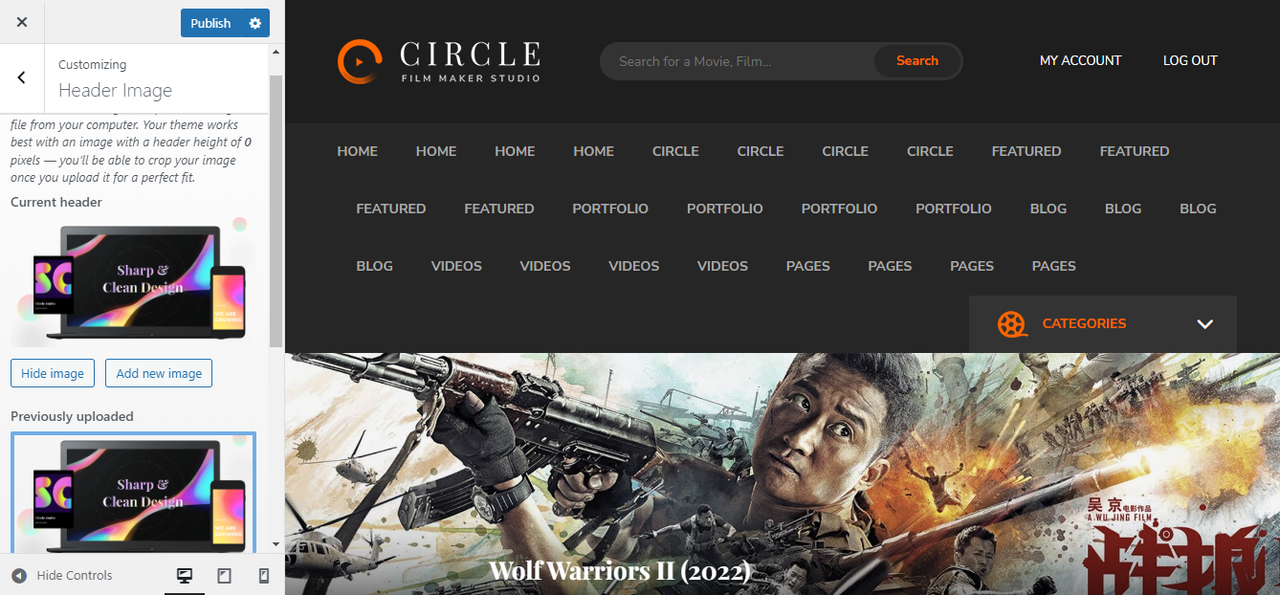
There is no option to hide the header image for pages, how can i do this?
Thank you
Hi, Thanks for contacting us and choosing our product! Can you send us your current site URL and the page you want to hide. We’ll check it for you. Regards!
I HAVE BEEN TRYING TO COMMUNICATE WITH YOU ALL DAY AND YOU DO NOT ANSWER ME, I CREATE MY ACCOUNT ON THE SUPPORT PAGE WITH MY PURCHASE CODE AND YOUR PAGE IS BROKEN AND DOES NOT WORK. I HAVE BOUGHT THIS THEME AND THE SLIDER REVOLUTION DOES NOT WORK, I SEE THIS: Revolution Slider Error: Slider with alias home-5 not found
Hi, Thanks for contacting us and choosing our product! We see the first email was 2 hours ago: https://prnt.sc/1xq8xfz and we have just answered it. We’ll check the issue with register for you. Regards!
Hello can i make those demos dark theme? Thanks im verymuch interested in buying this theme if i can make dark theme.
Hi, Thanks for contacting us about our product! Current this theme doesn’t have dark version. We have just made a new theme with Elementor and Dark version here: https://demo.harutheme.com/frames/ (You can see the switch button at bottom left). We’ll try to upload it on Envato next week. Regards!