Production description:
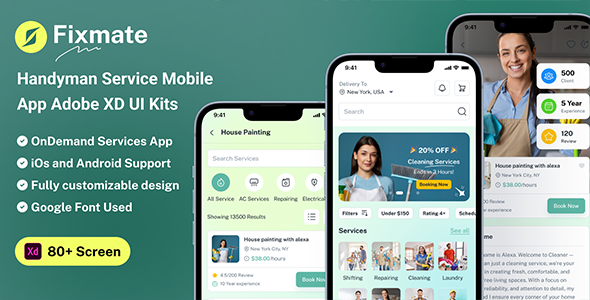
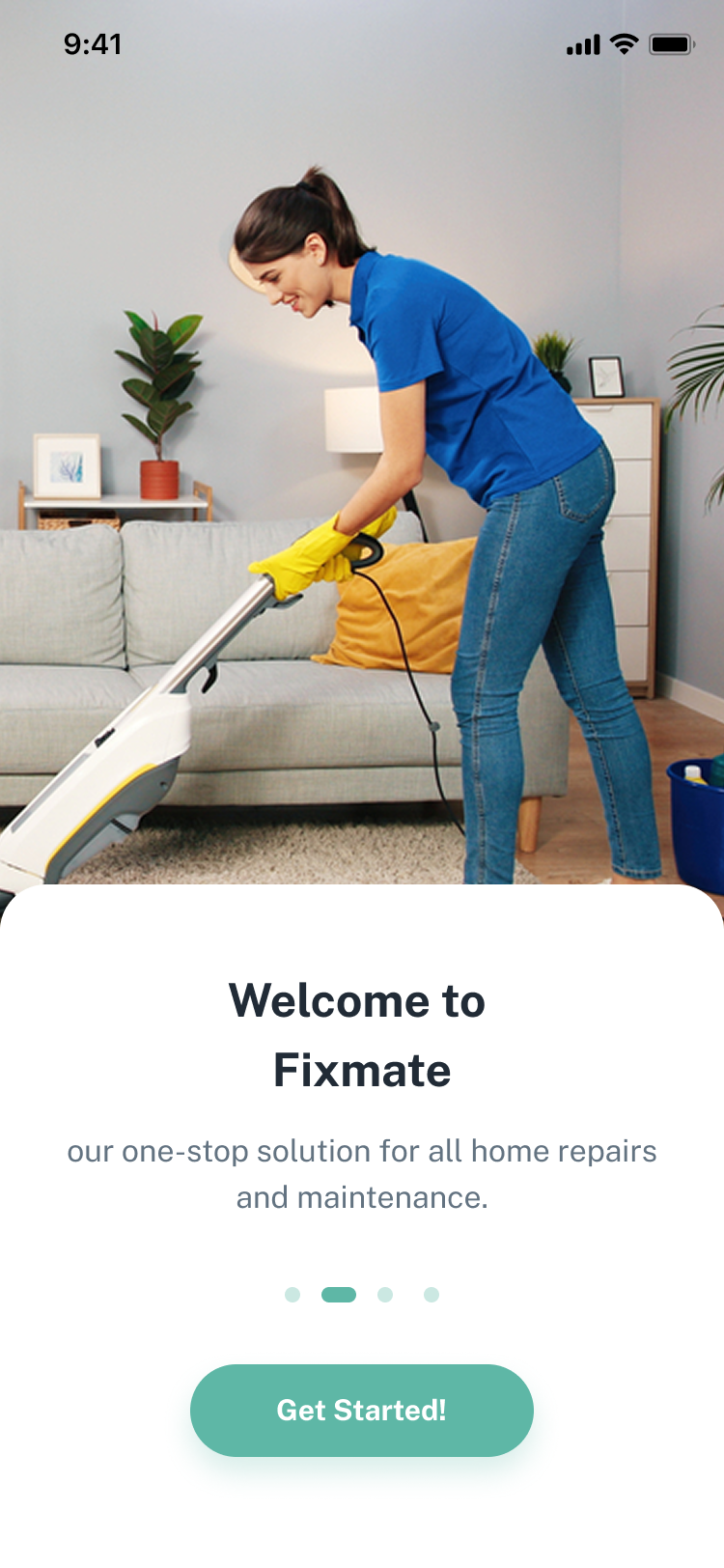
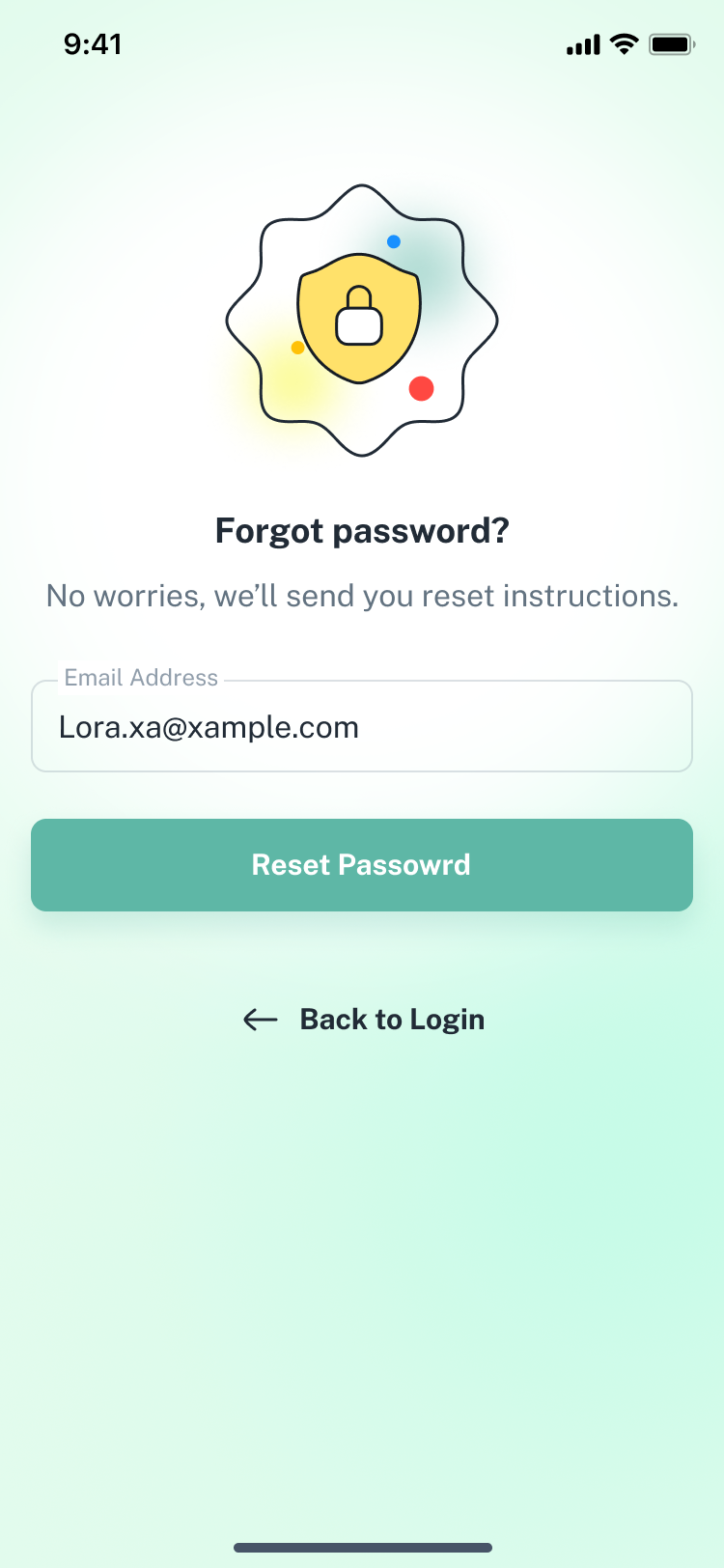
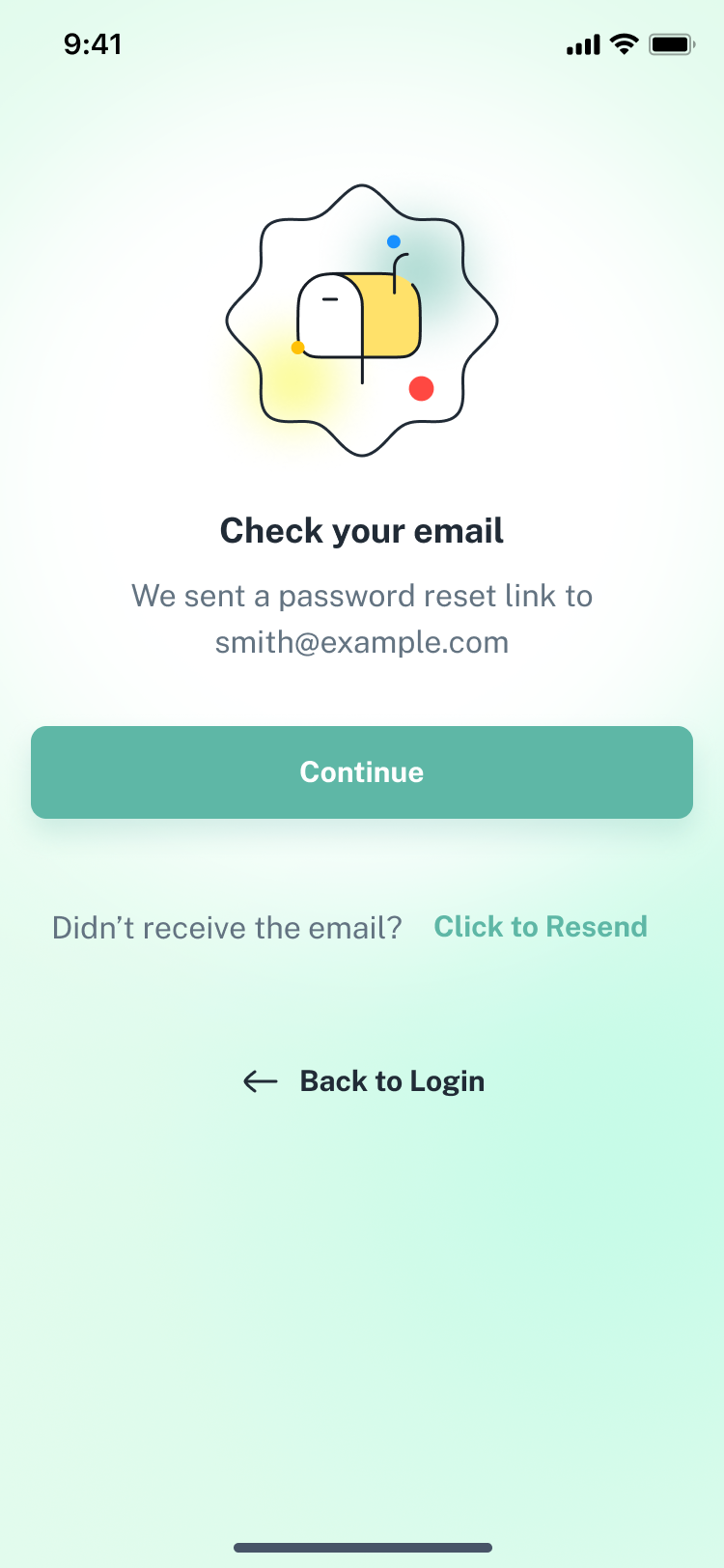
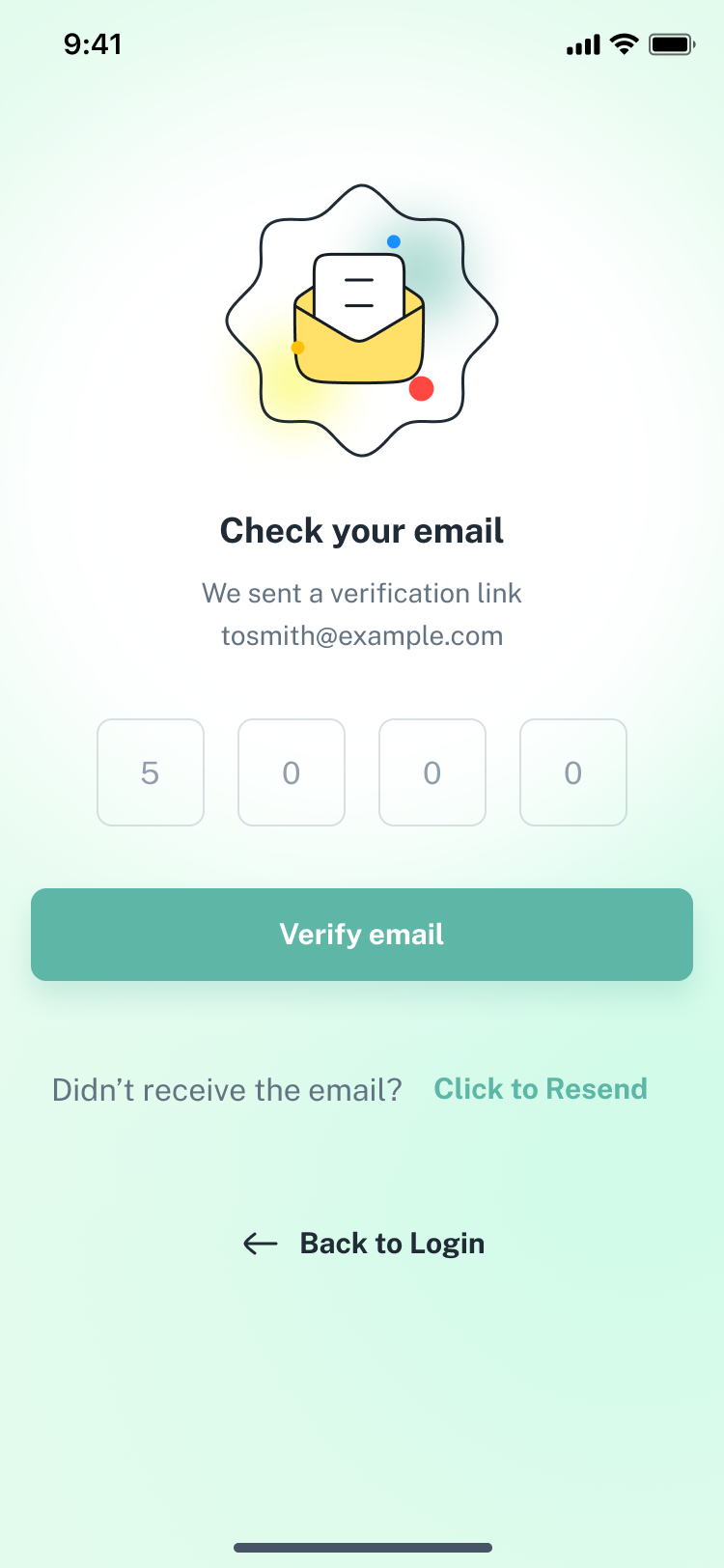
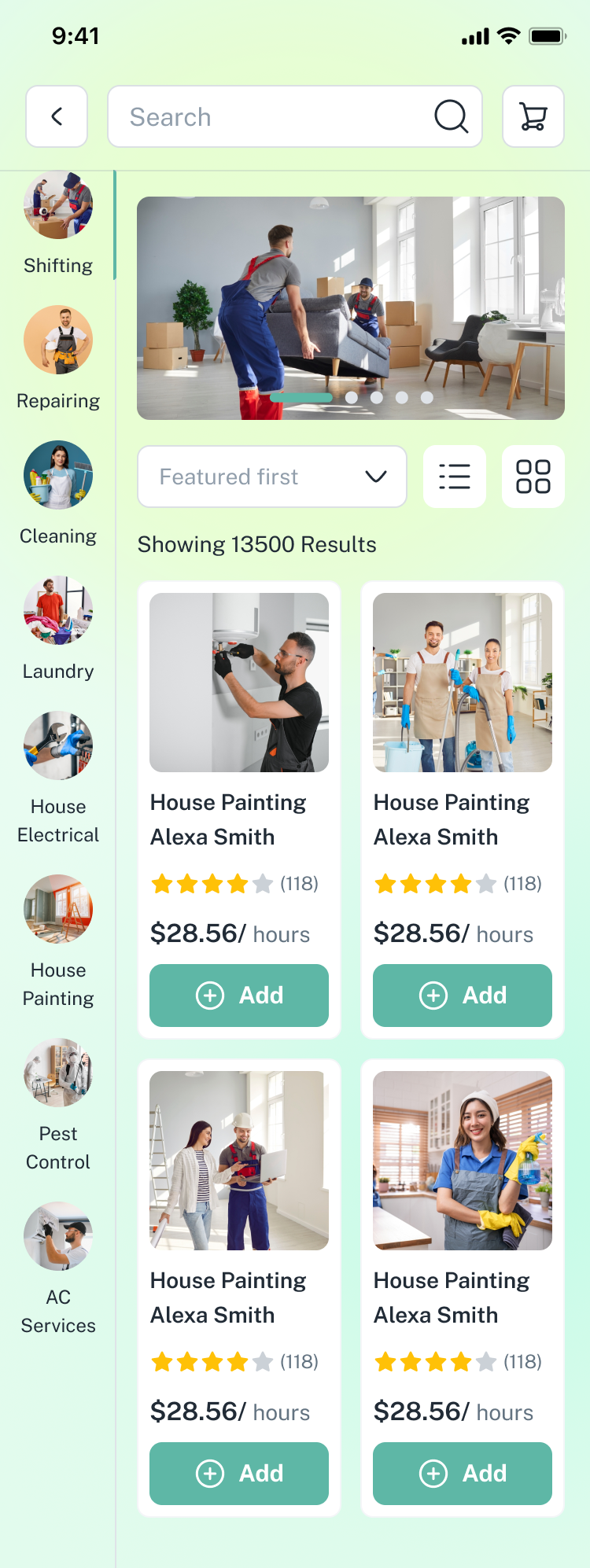
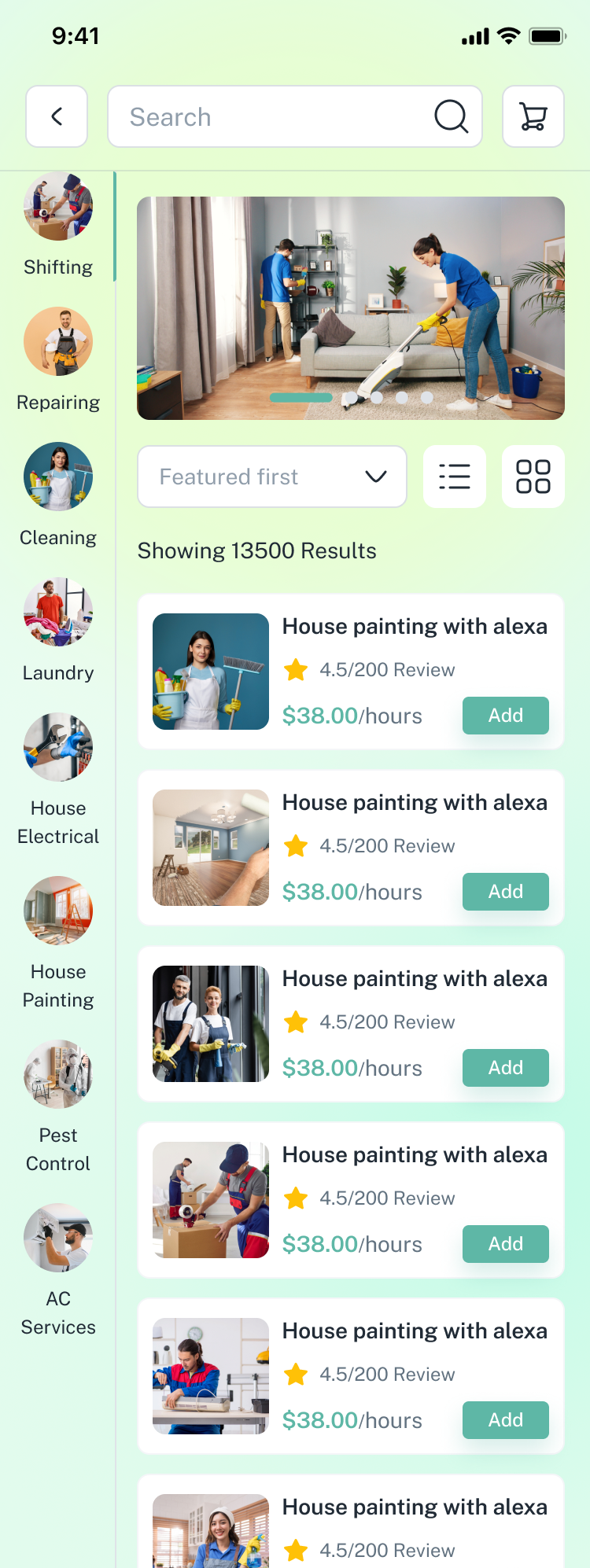
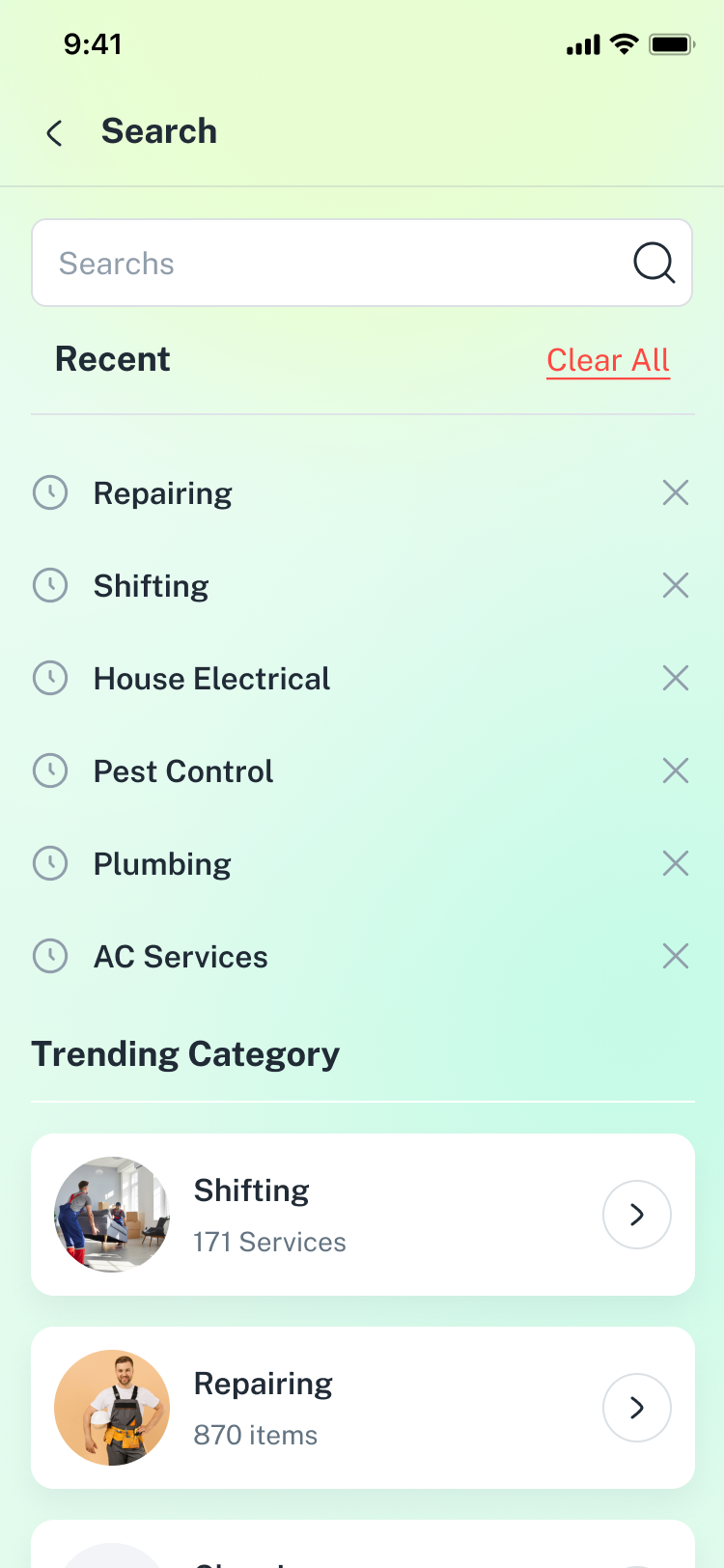
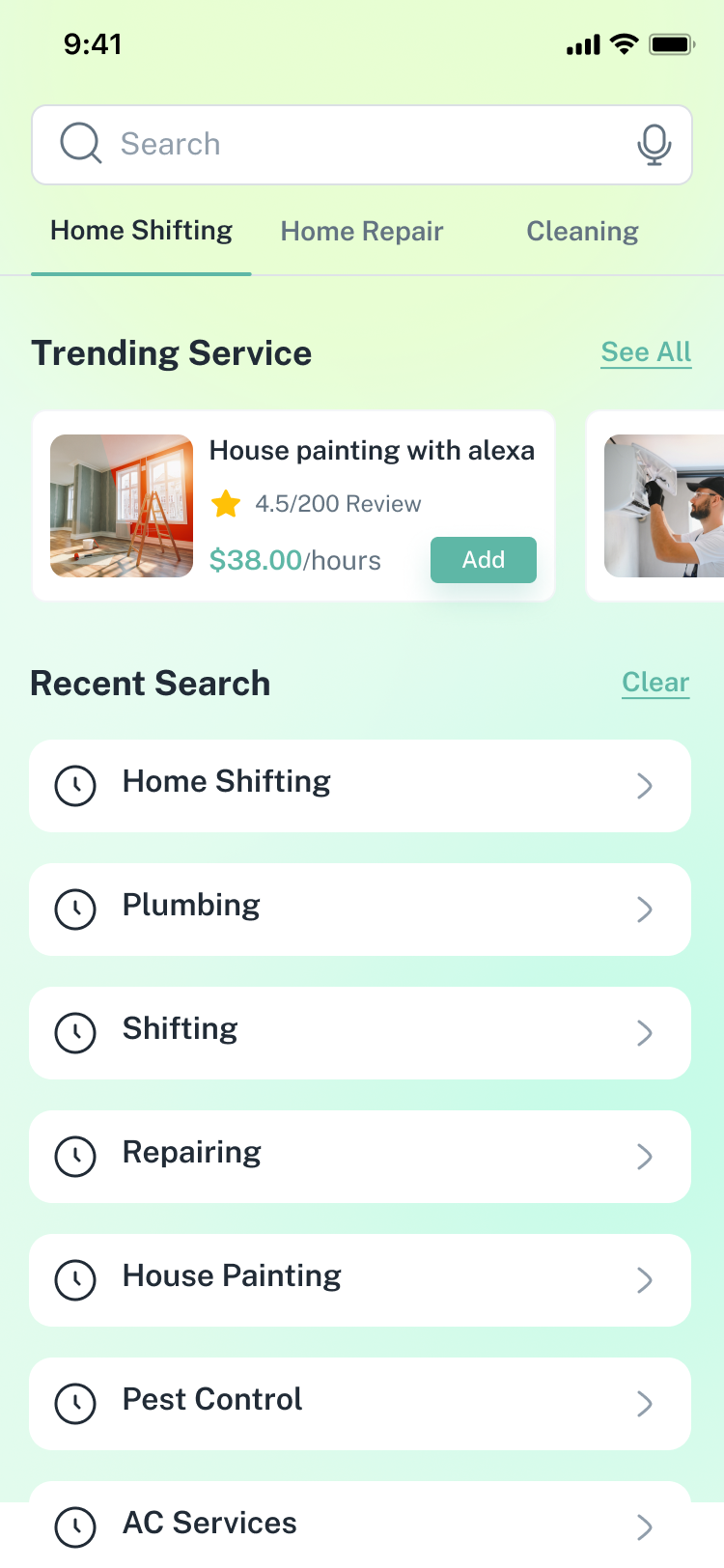
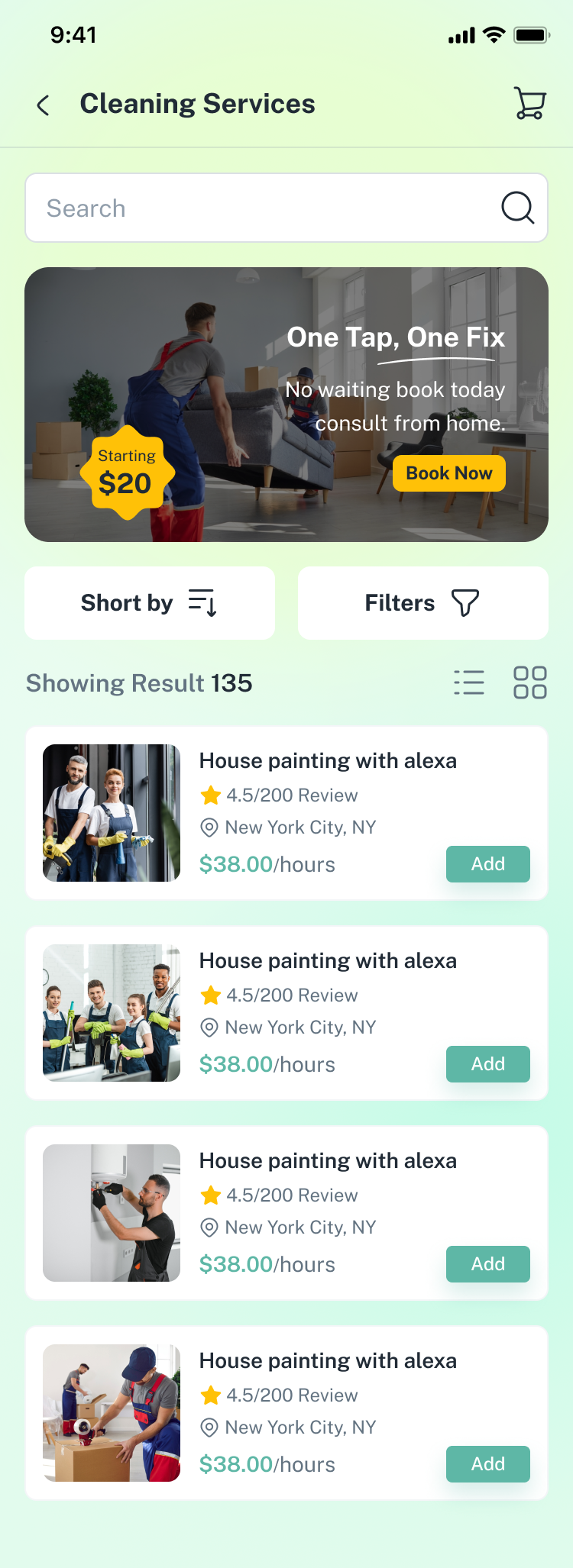
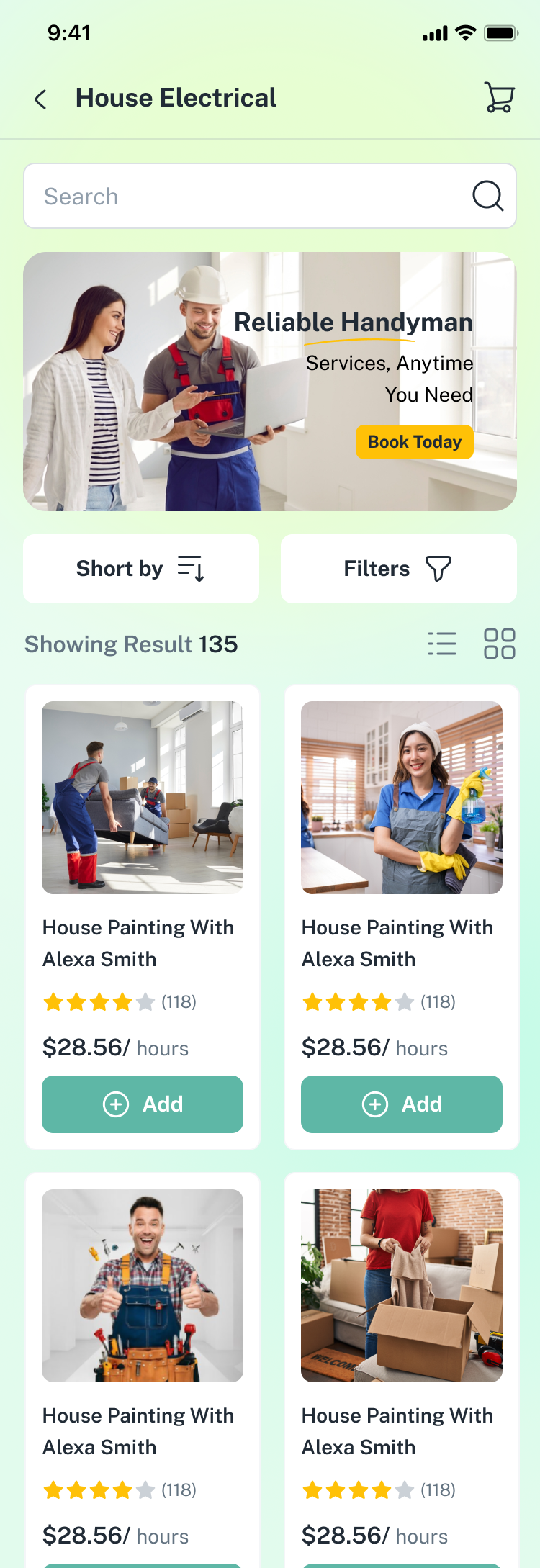
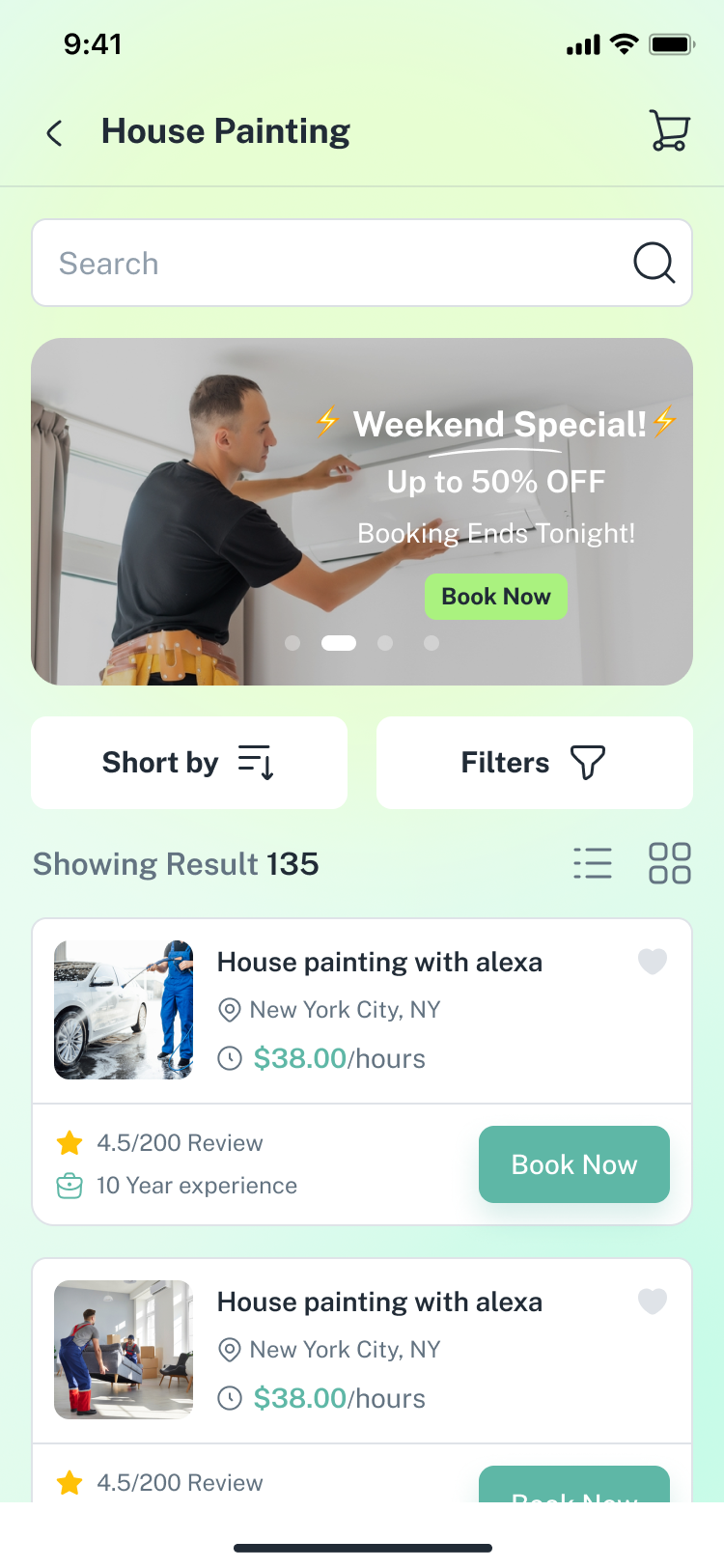
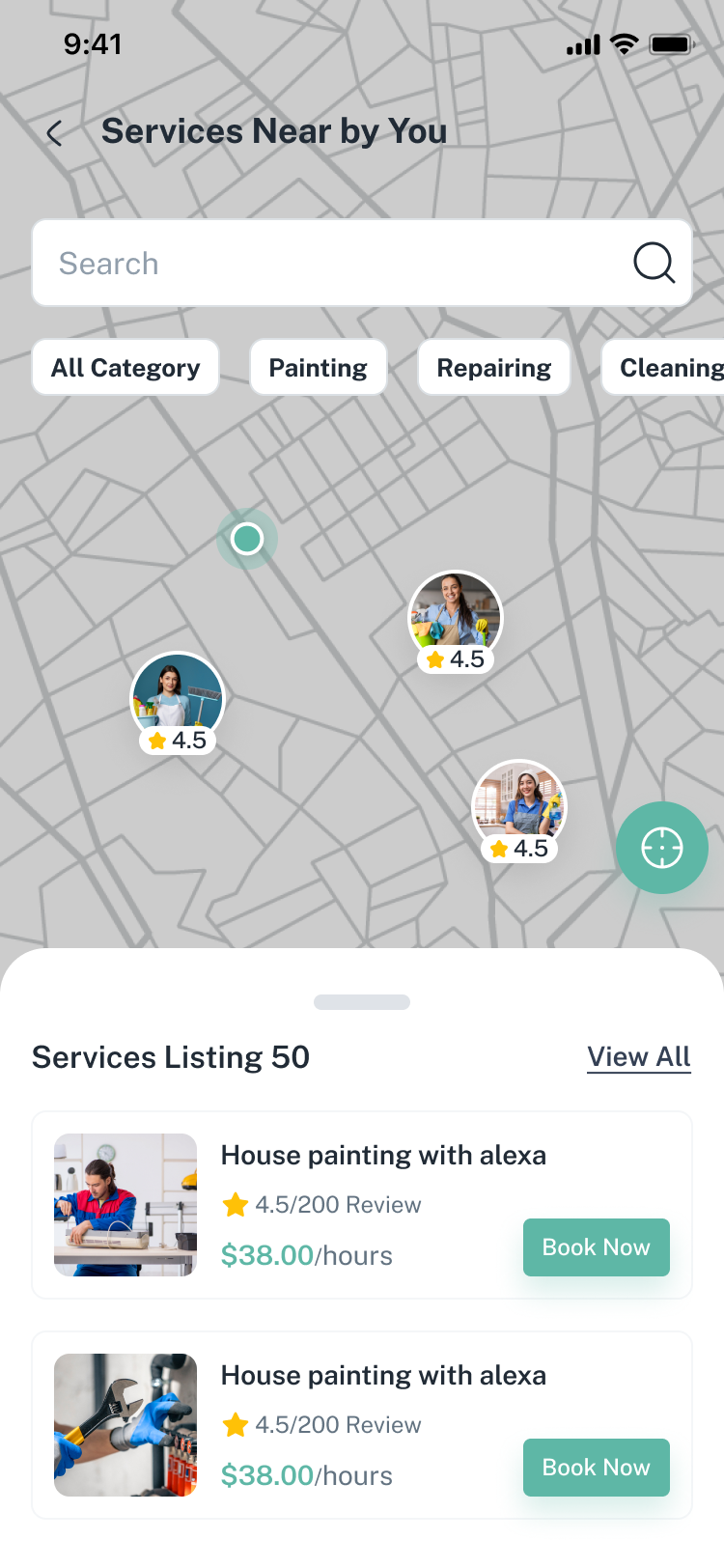
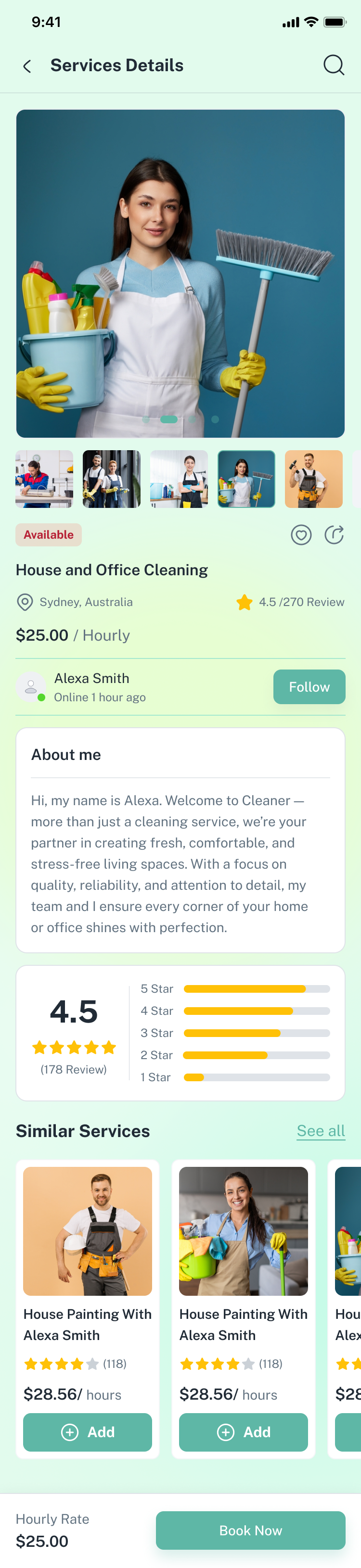
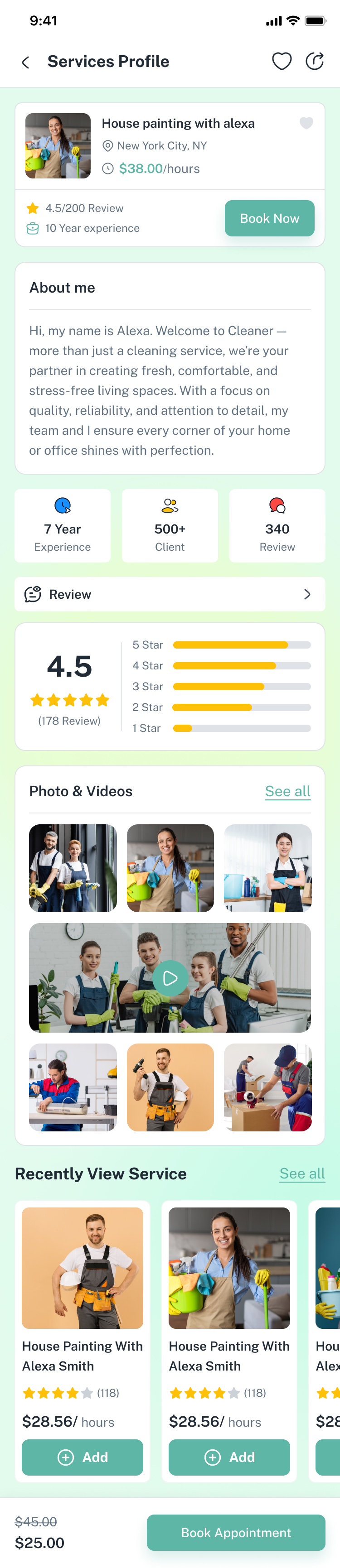
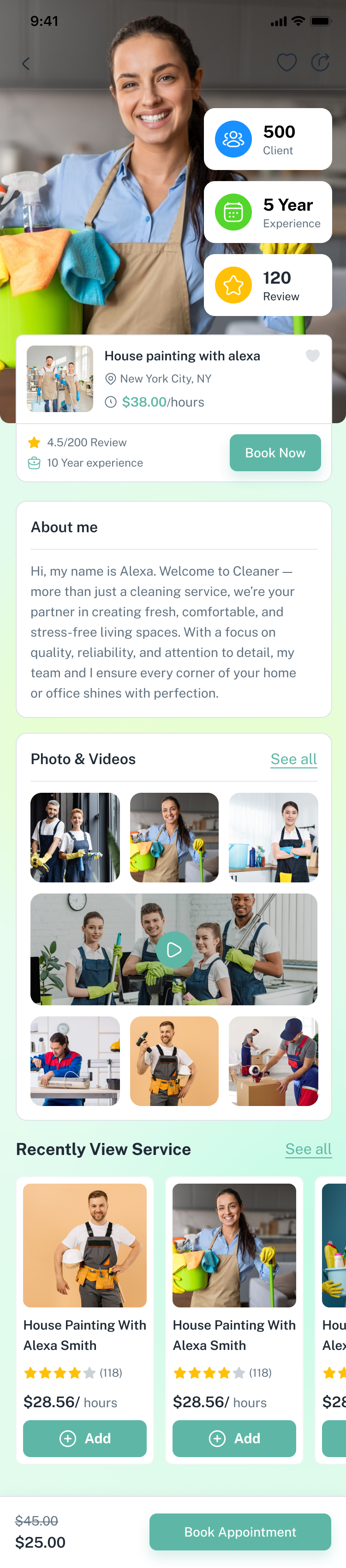
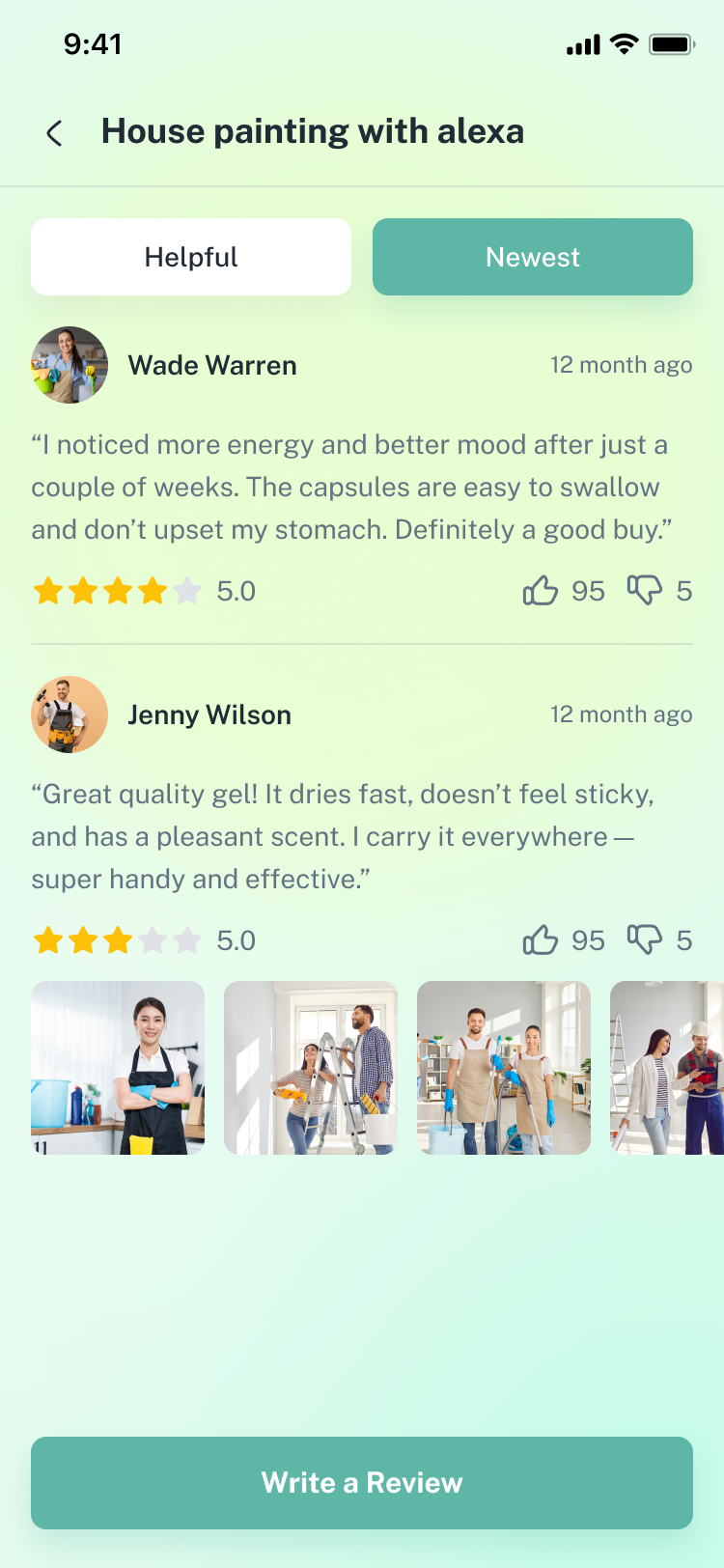
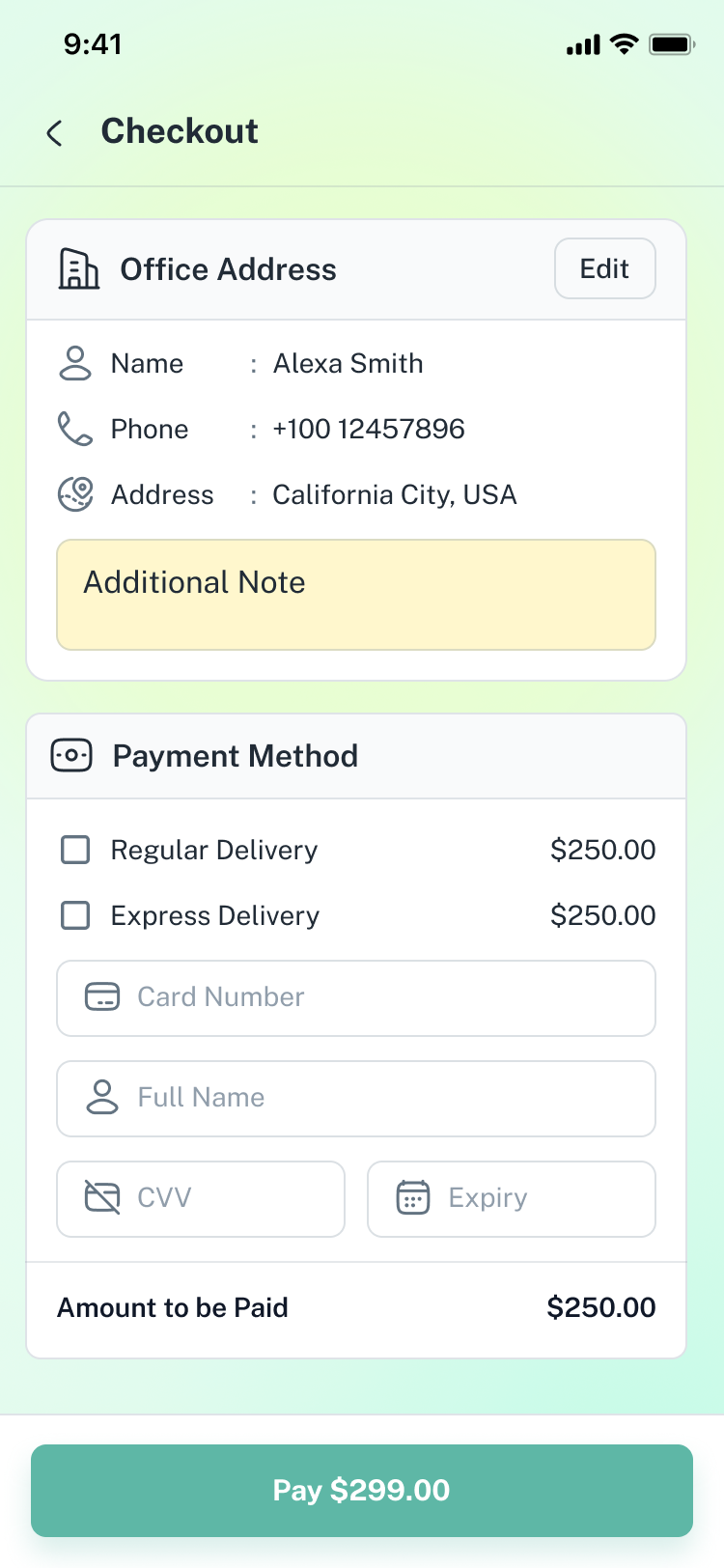
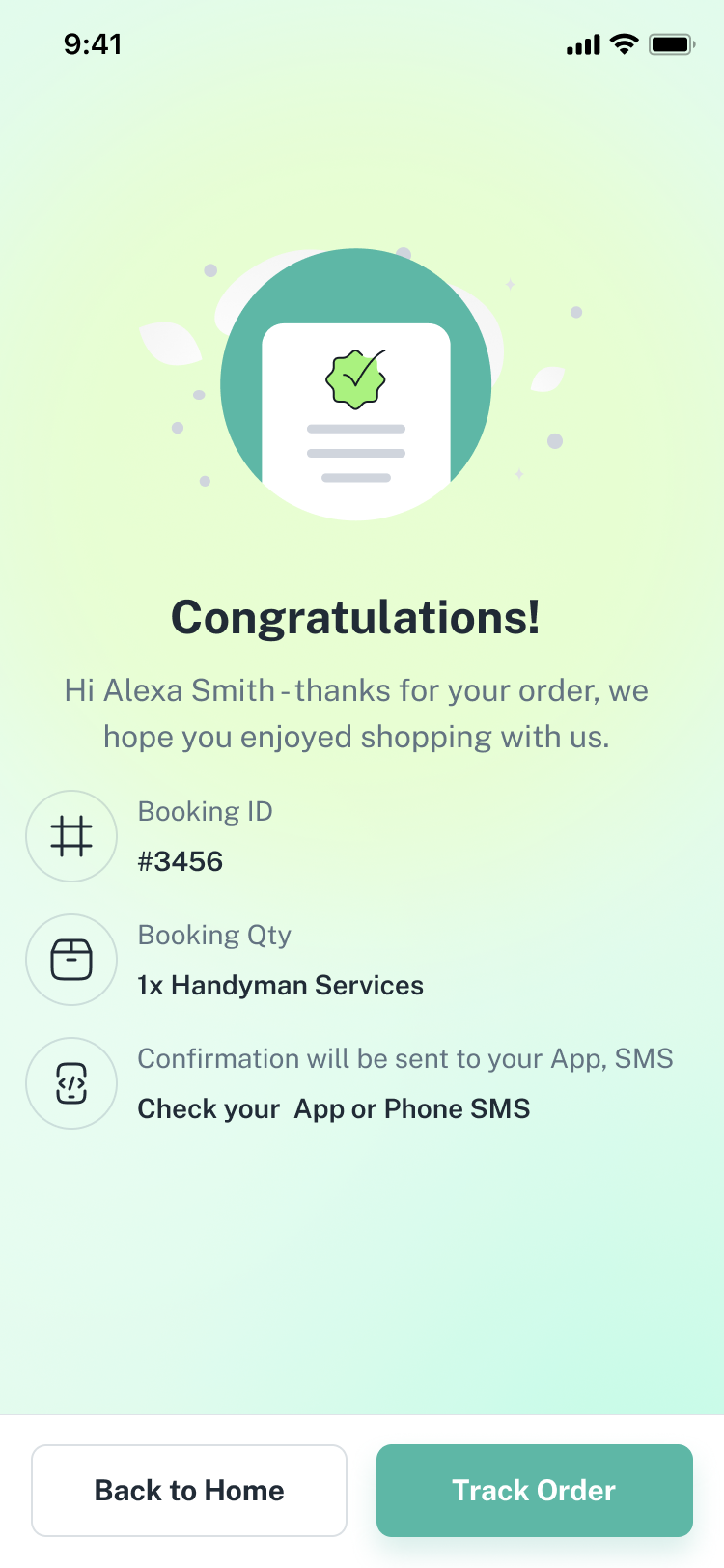
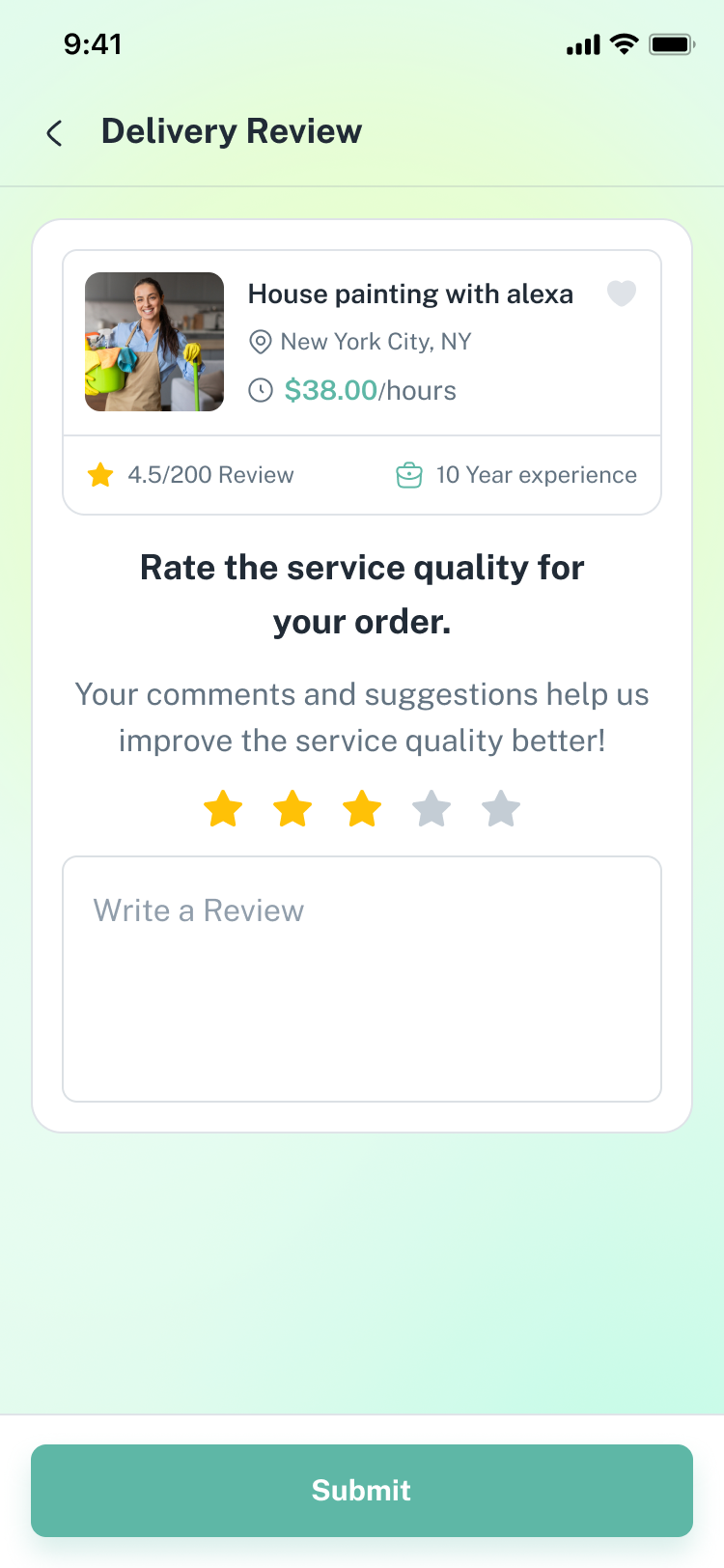
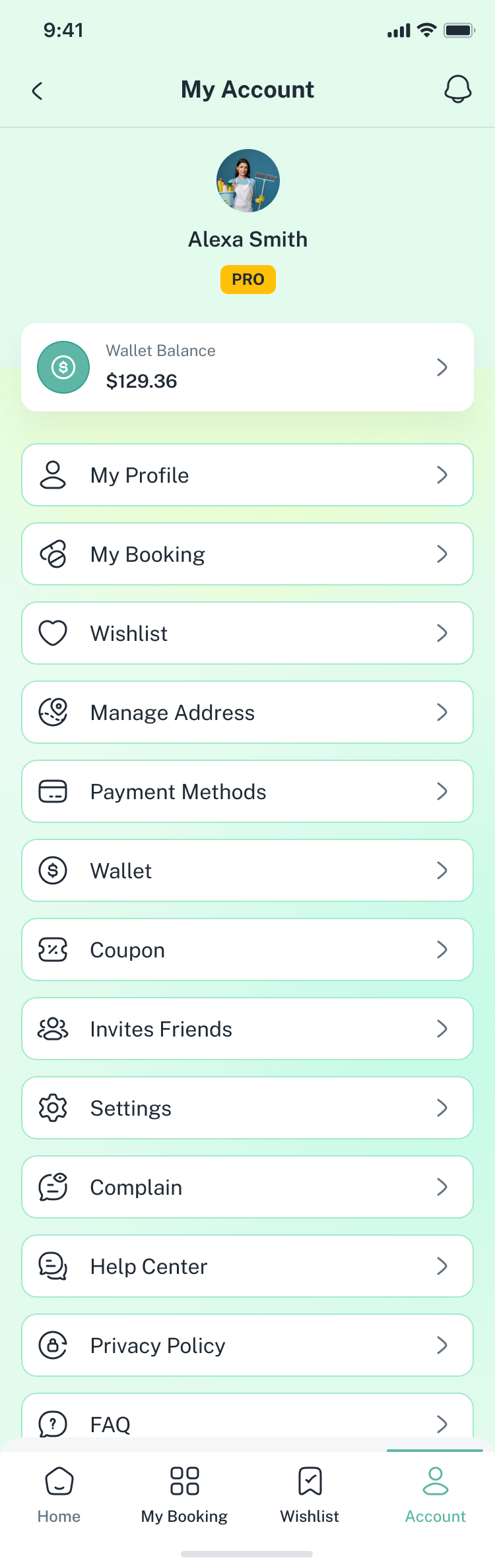
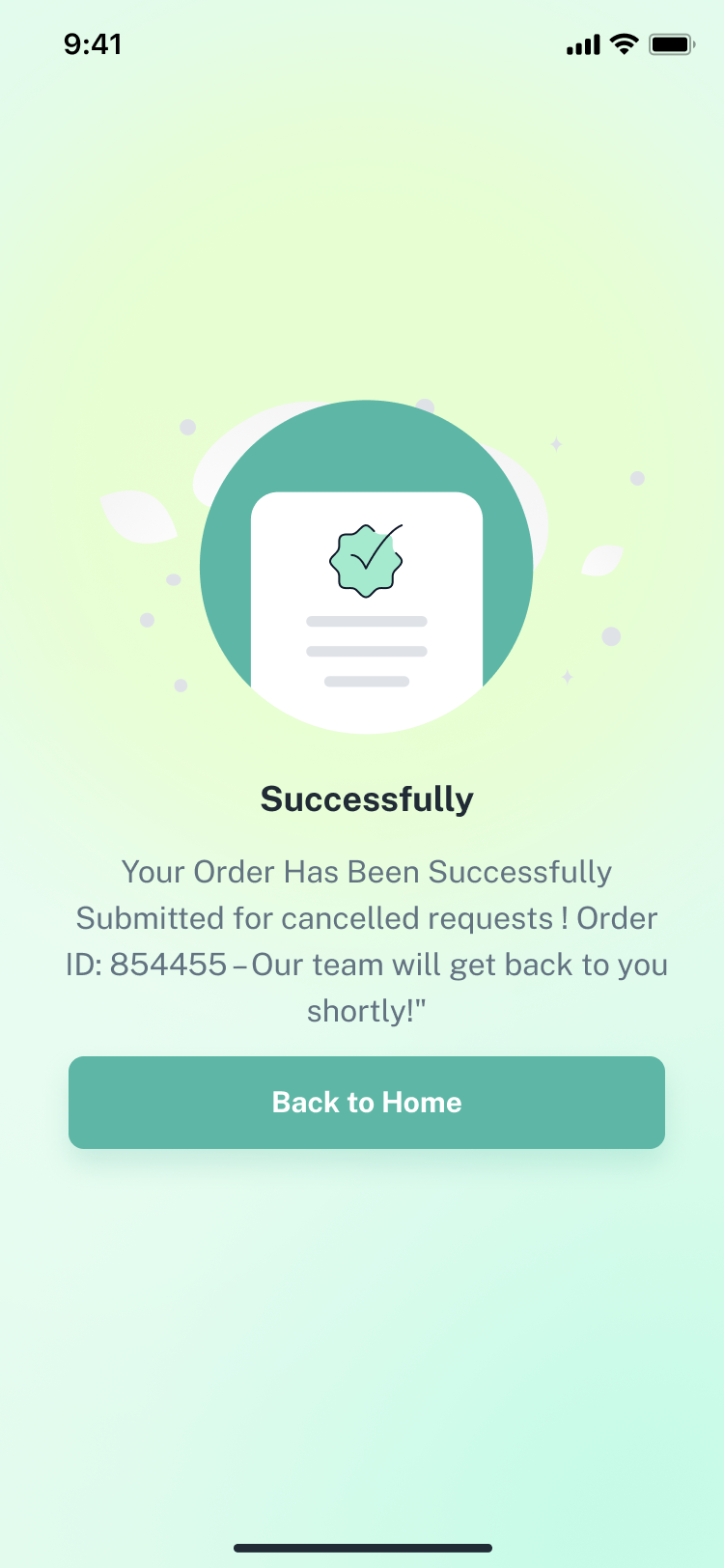
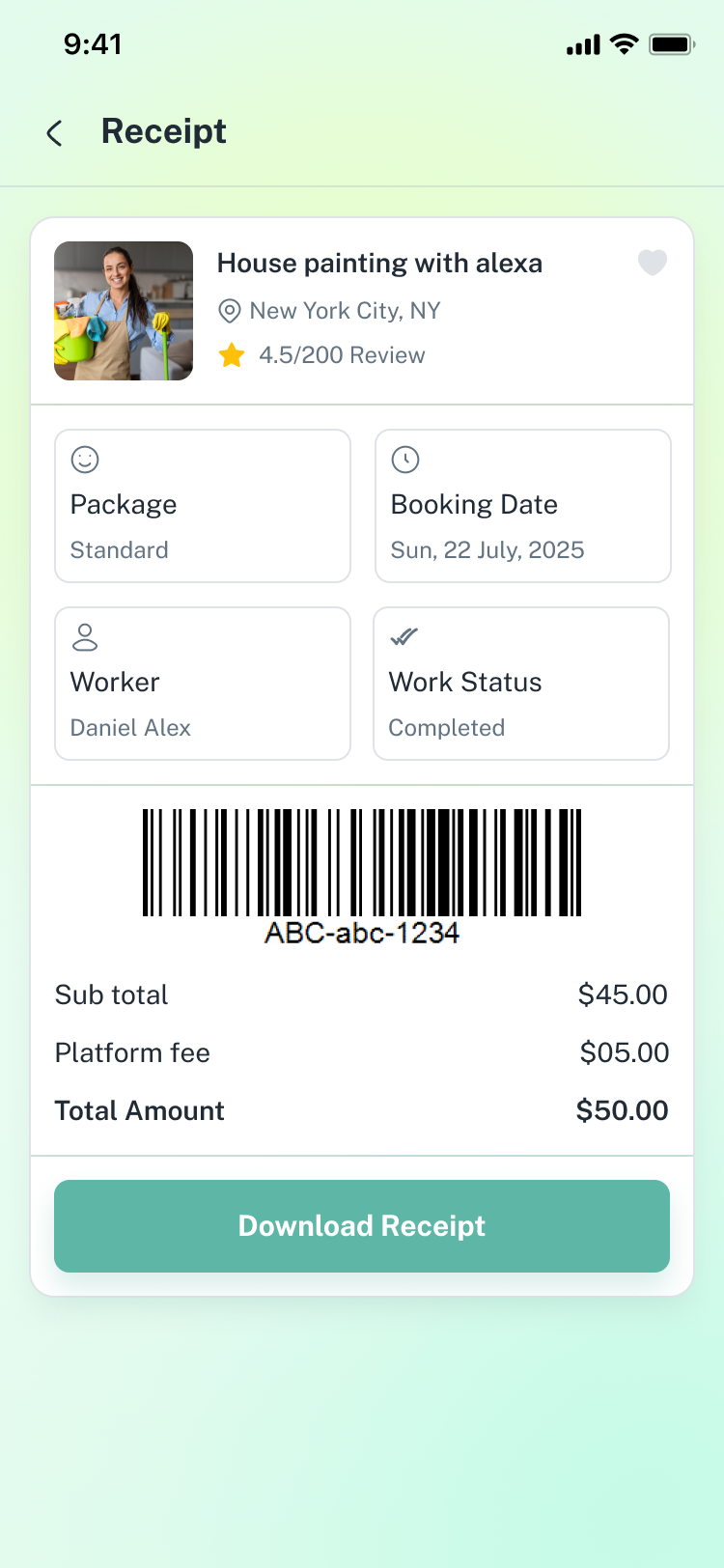
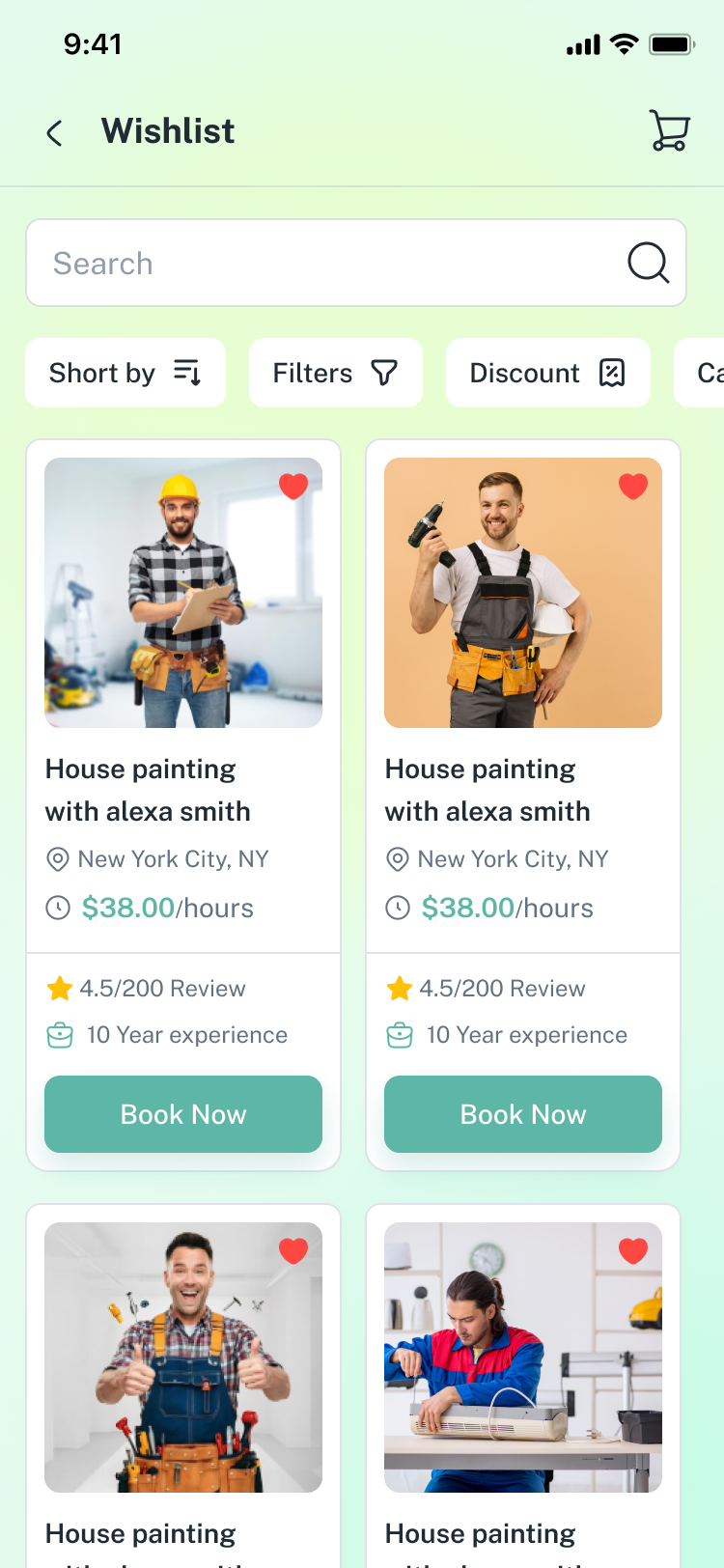
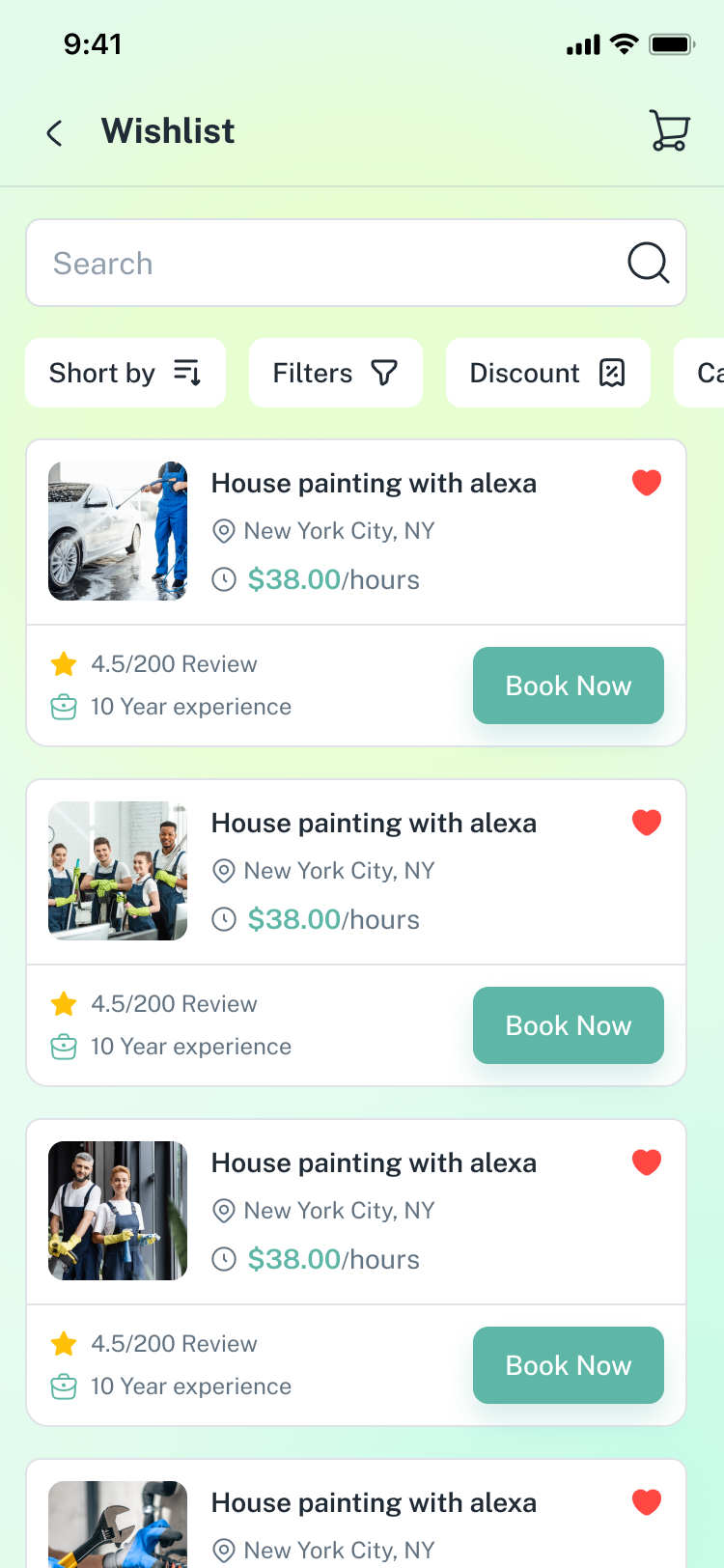
Fixmate – Handyman Services Mobile App Adobe XD UI Kits is a modern and user-friendly design solution tailored for on-demand home service platforms. Featuring clean layouts, reusable components, and well-structured layers, Fixmate makes it easy to create apps for booking electricians, plumbers, cleaners, carpenters, and other home repair professionals.With 100% customizable Adobe XD screens, this UI kit streamlines the design workflow and ensures a smooth user experience—from service browsing and provider profiles to appointment booking and secure payments. Perfect for startups, agencies, and product designers looking to launch a professional handyman services app quickly and efficiently.
What’s Inside:
- 80+ Ready-made Screens
- Light Version
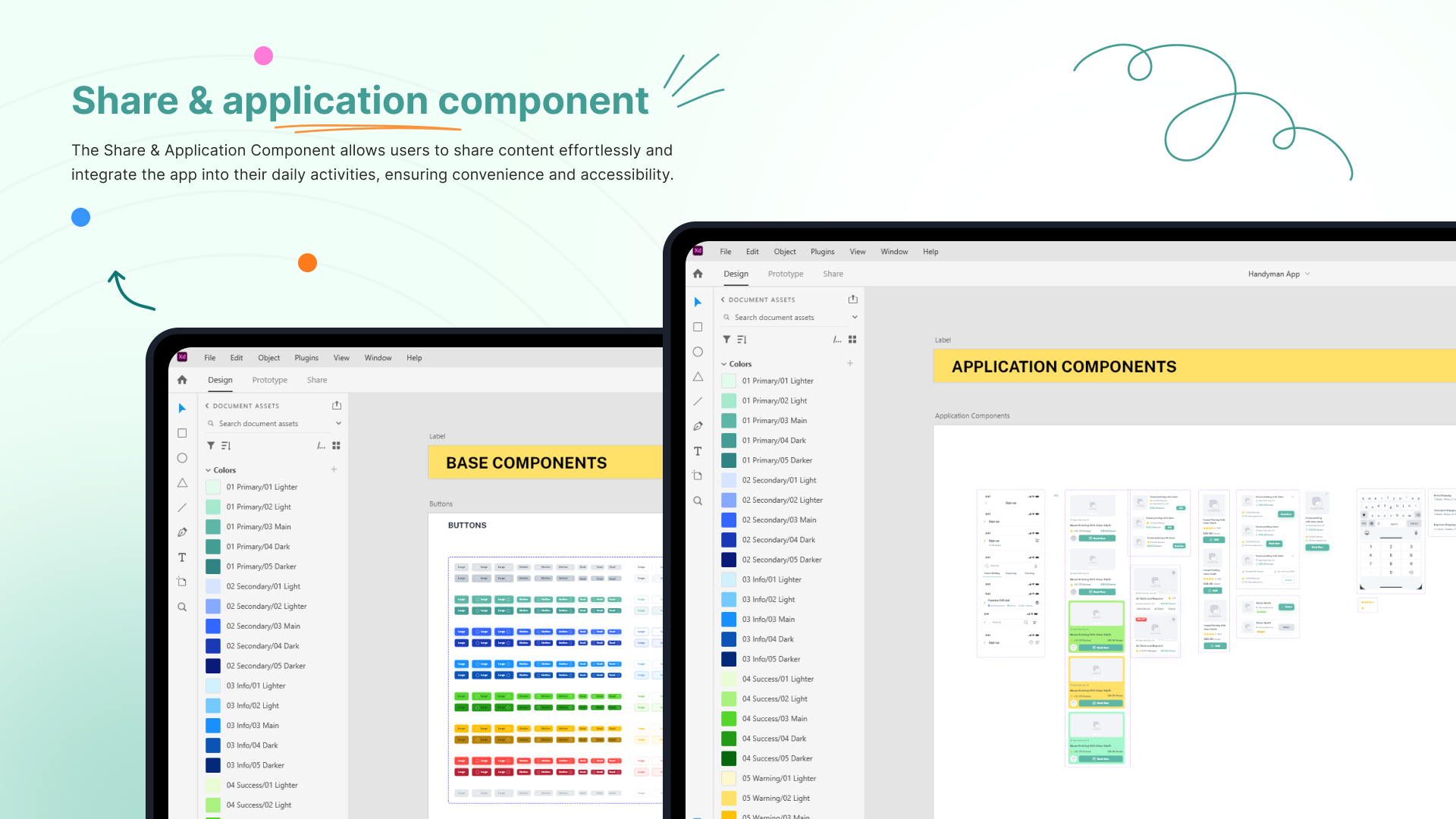
- 500+ Components & Variants
- Free Font
- And much more
Product Highlights:
- 80+ Screens (iOS/Android Support)
- 100% Editable & Customizable
- Compatibility: Adobe XD
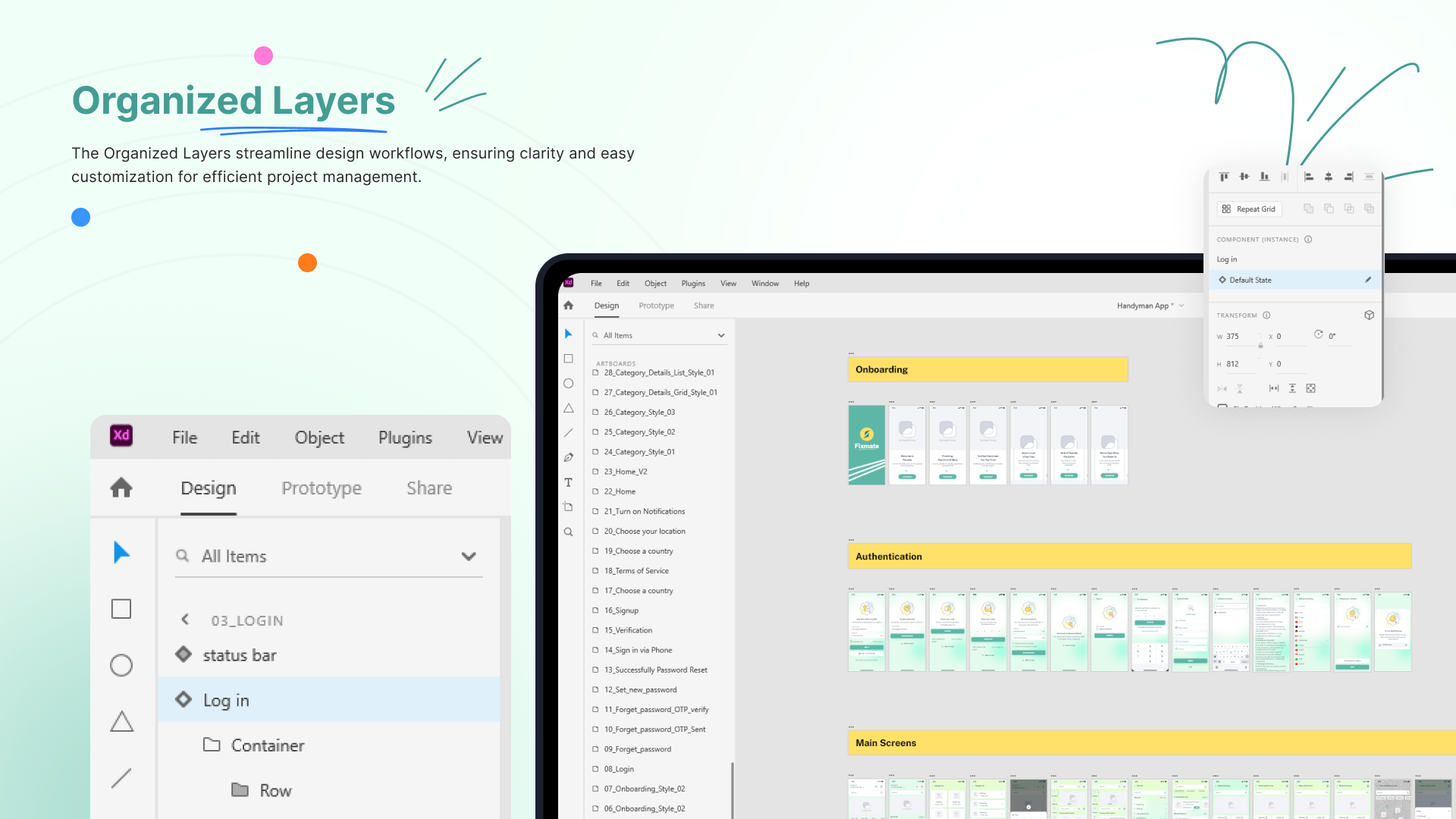
- Well Organized Layers System
- Unique, Stylish & Modern
- Used Google Free Fonts
- Pixel Perfect Design
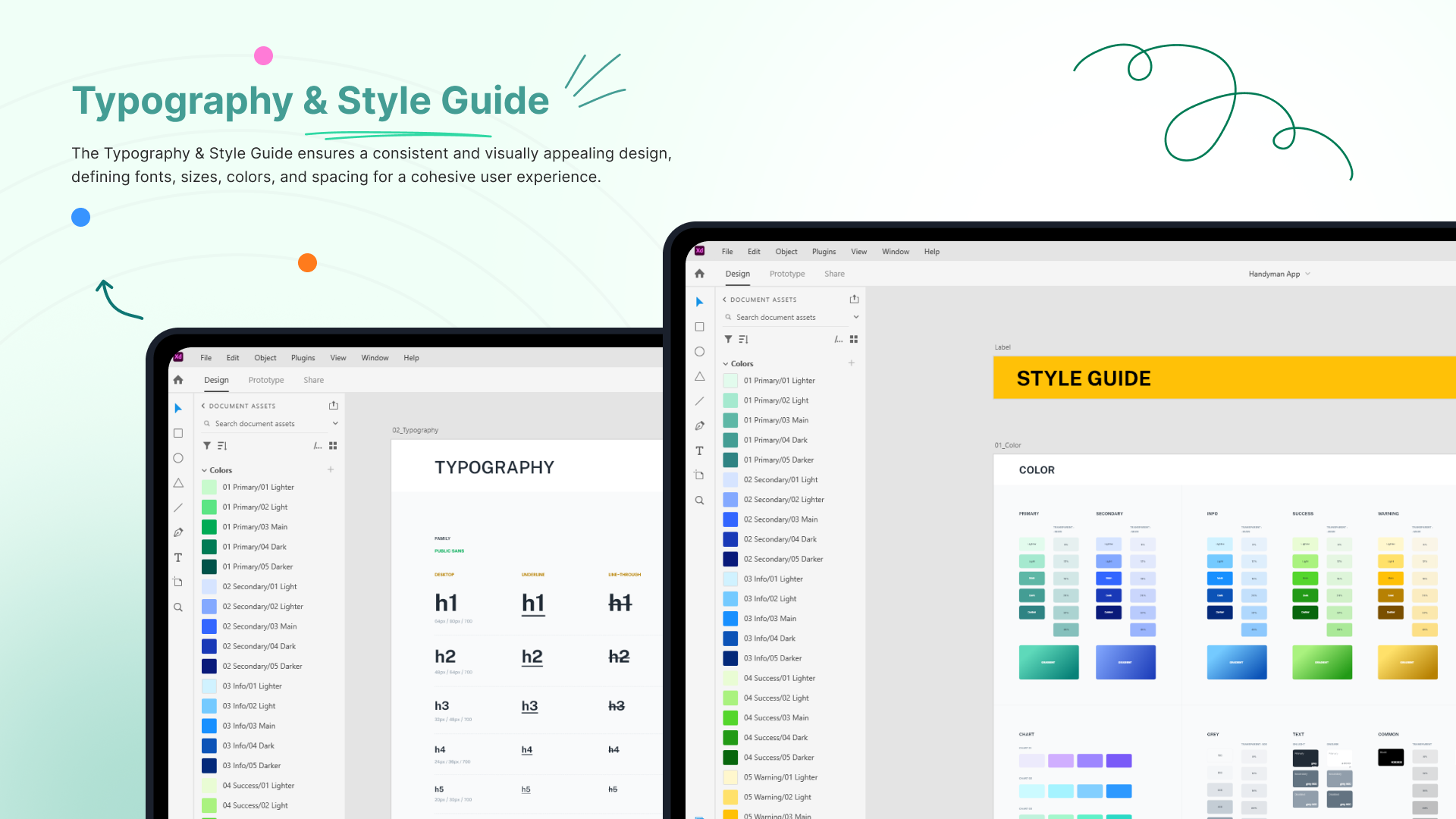
- Global Styleguide
- Easily Drag & Drop Design
File Format
01_Onboarding02_Onboarding_Style_01
03_Onboarding_Style_01
04_Onboarding_Style_01
05_Onboarding_Style_02
06_Onboarding_Style_02
07_Onboarding_Style_02
08_Login
09_Forget_password
10_Forget_password_OTP_Sent
11_Forget_password_OTP_verify
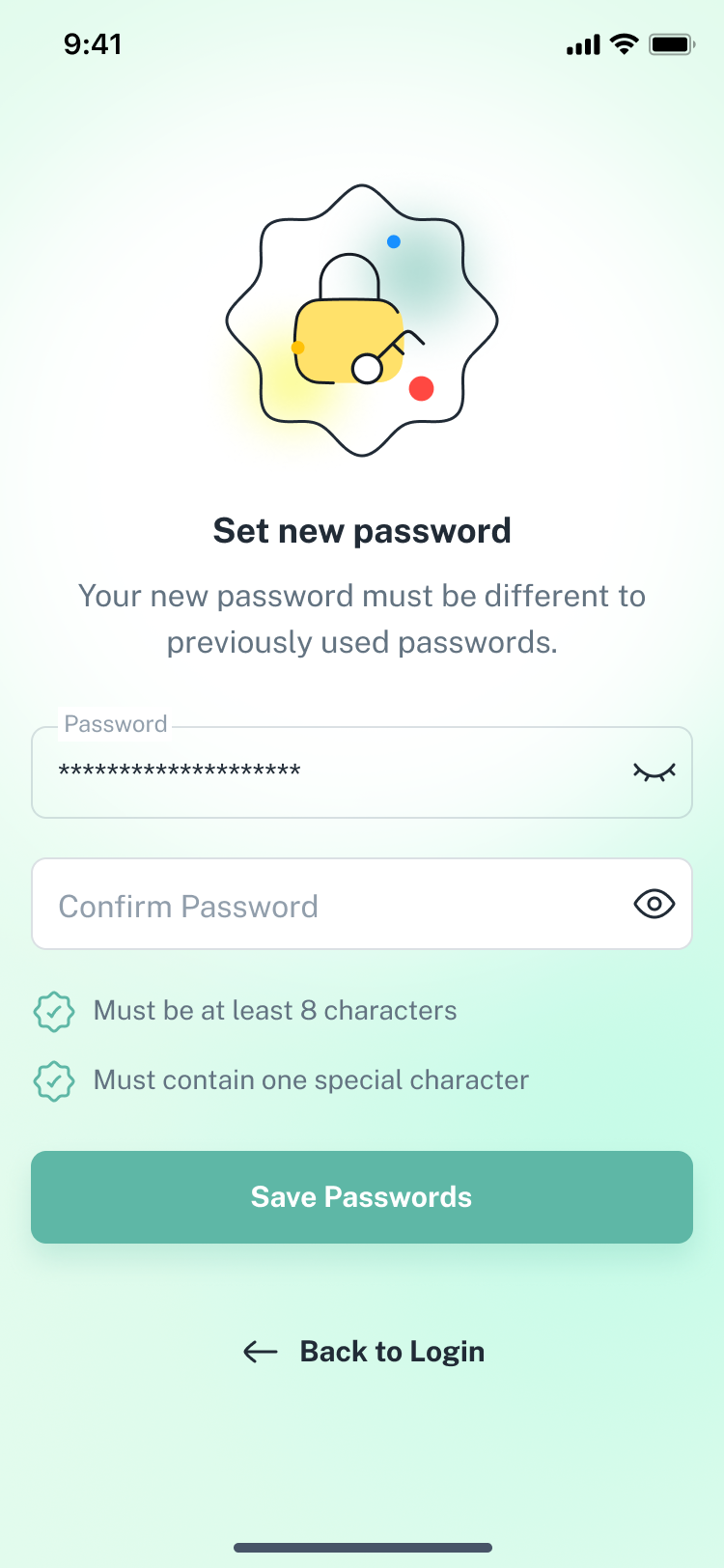
12_Set_new_password
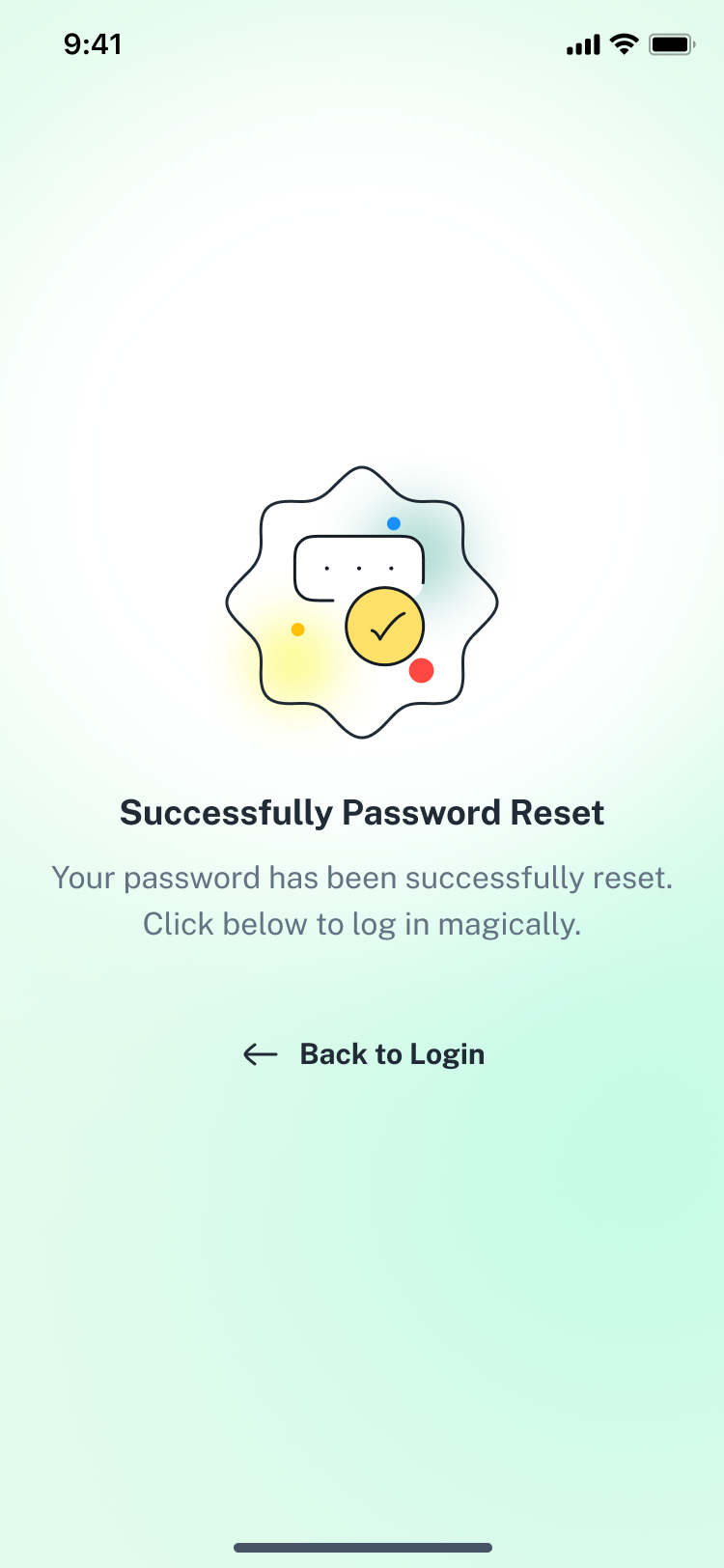
13_Successfully Password Reset
14_Sign in via Phone
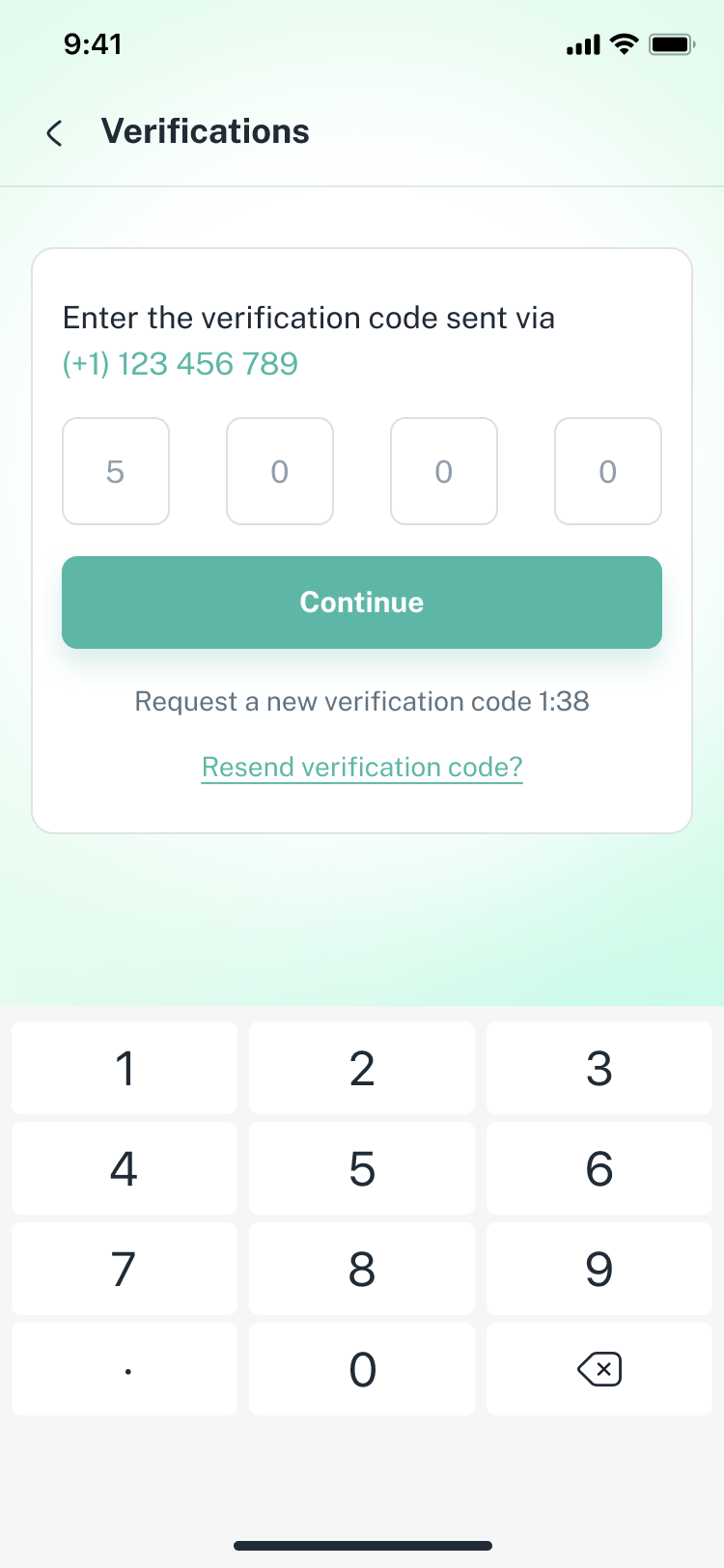
15_Verification
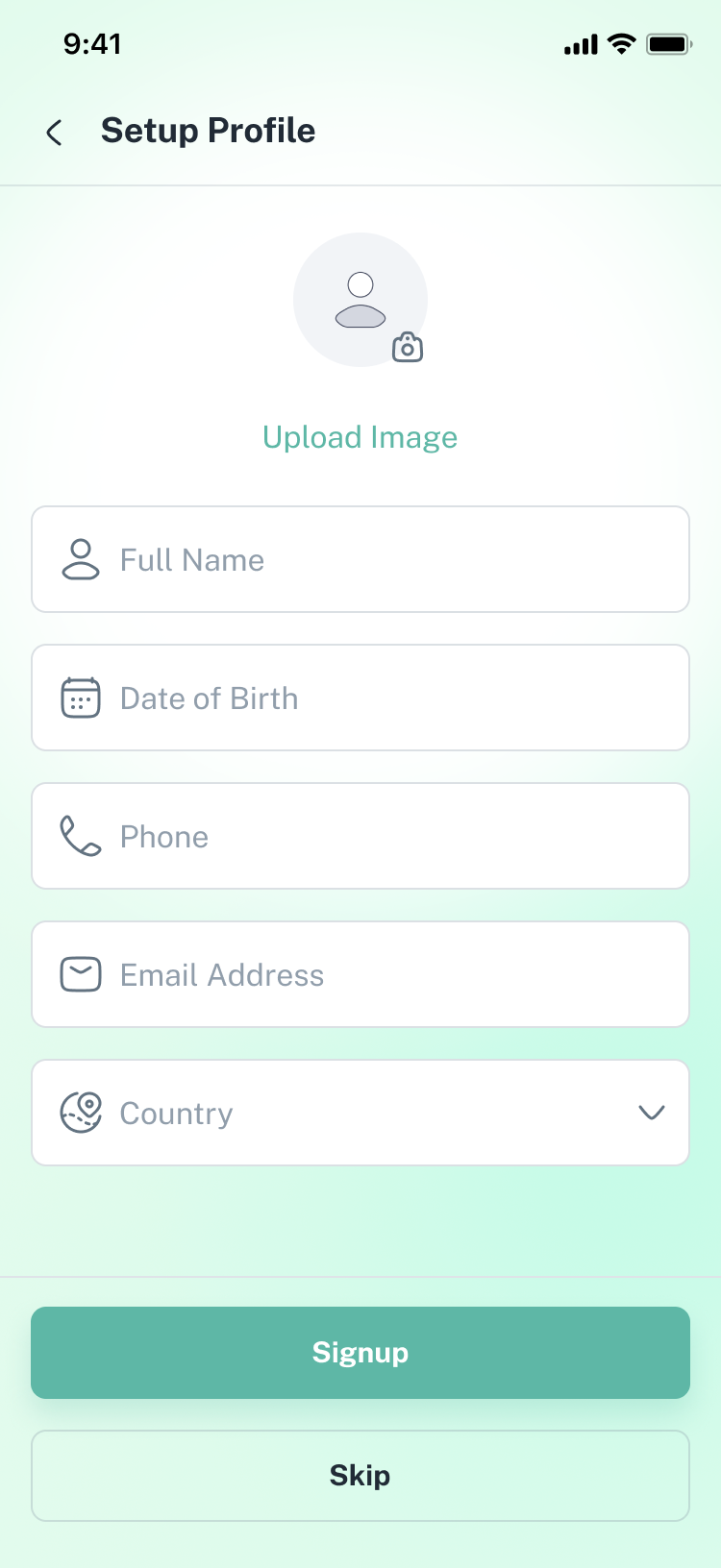
16_Signup
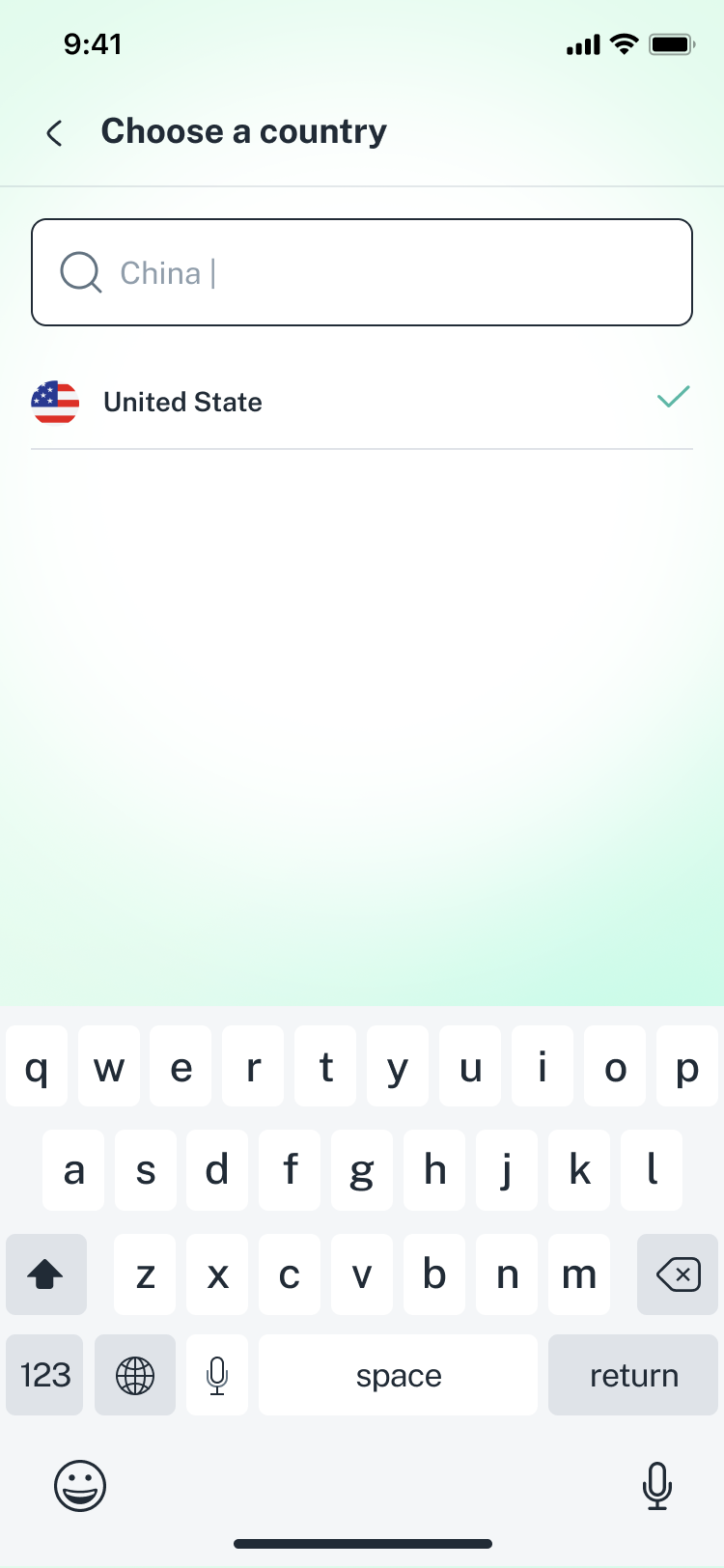
17_Choose a country
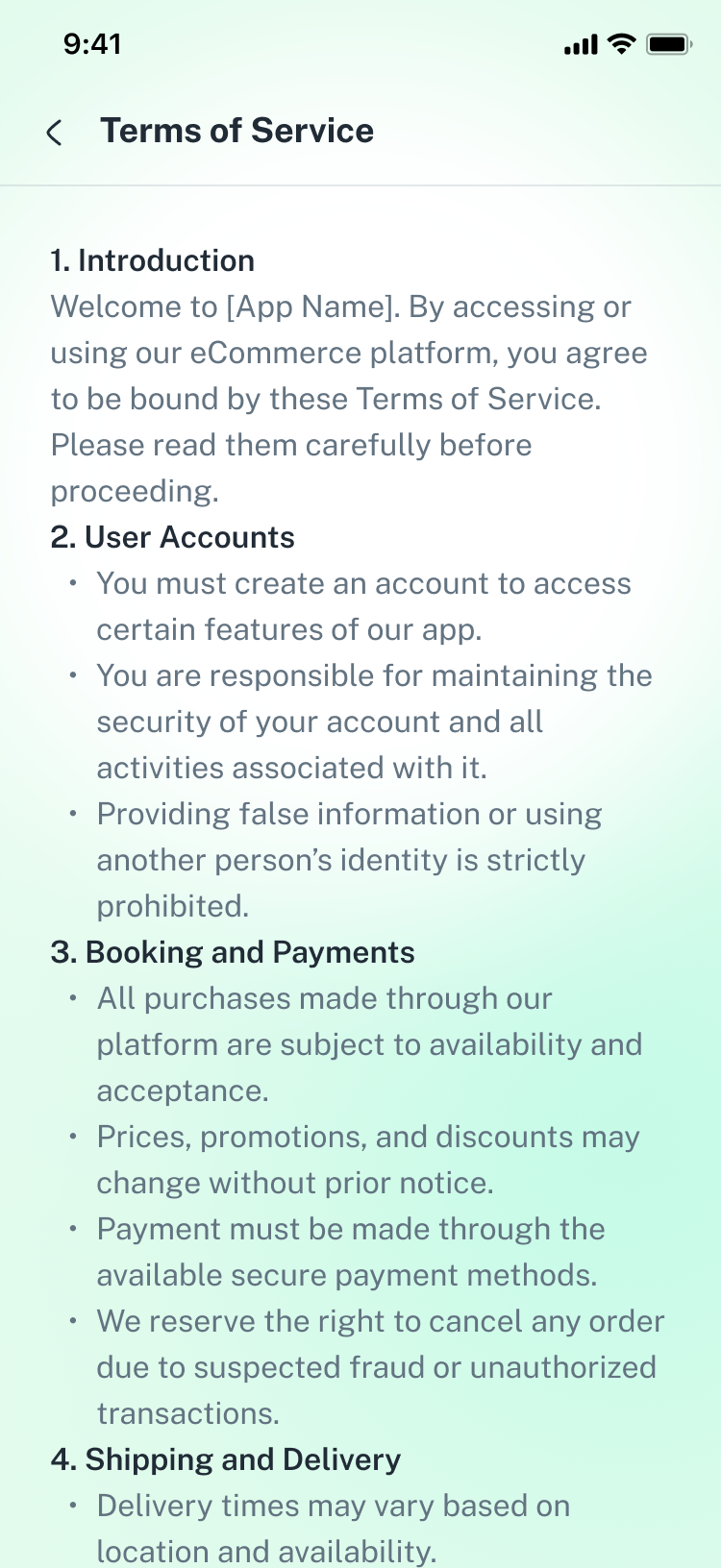
18_Terms of Service
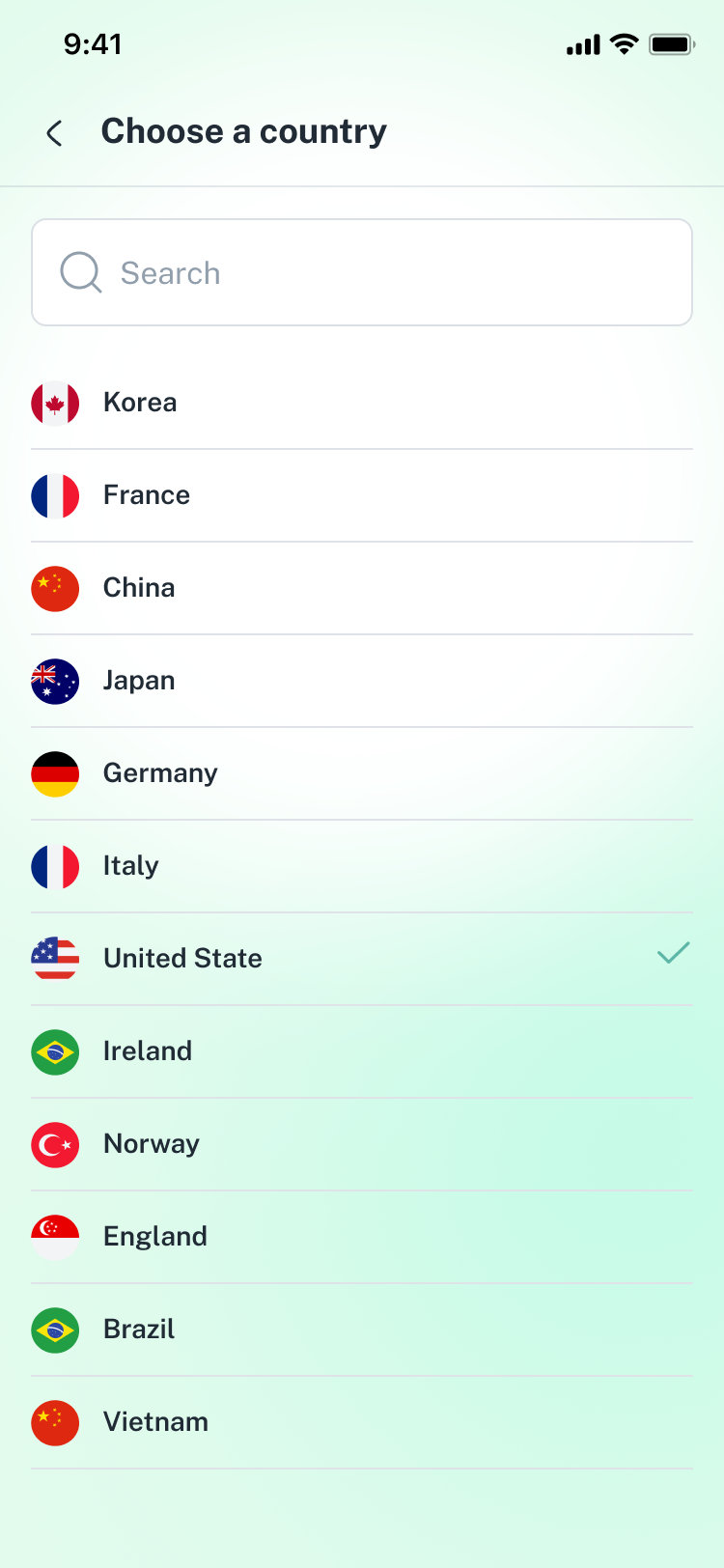
19_Choose a country
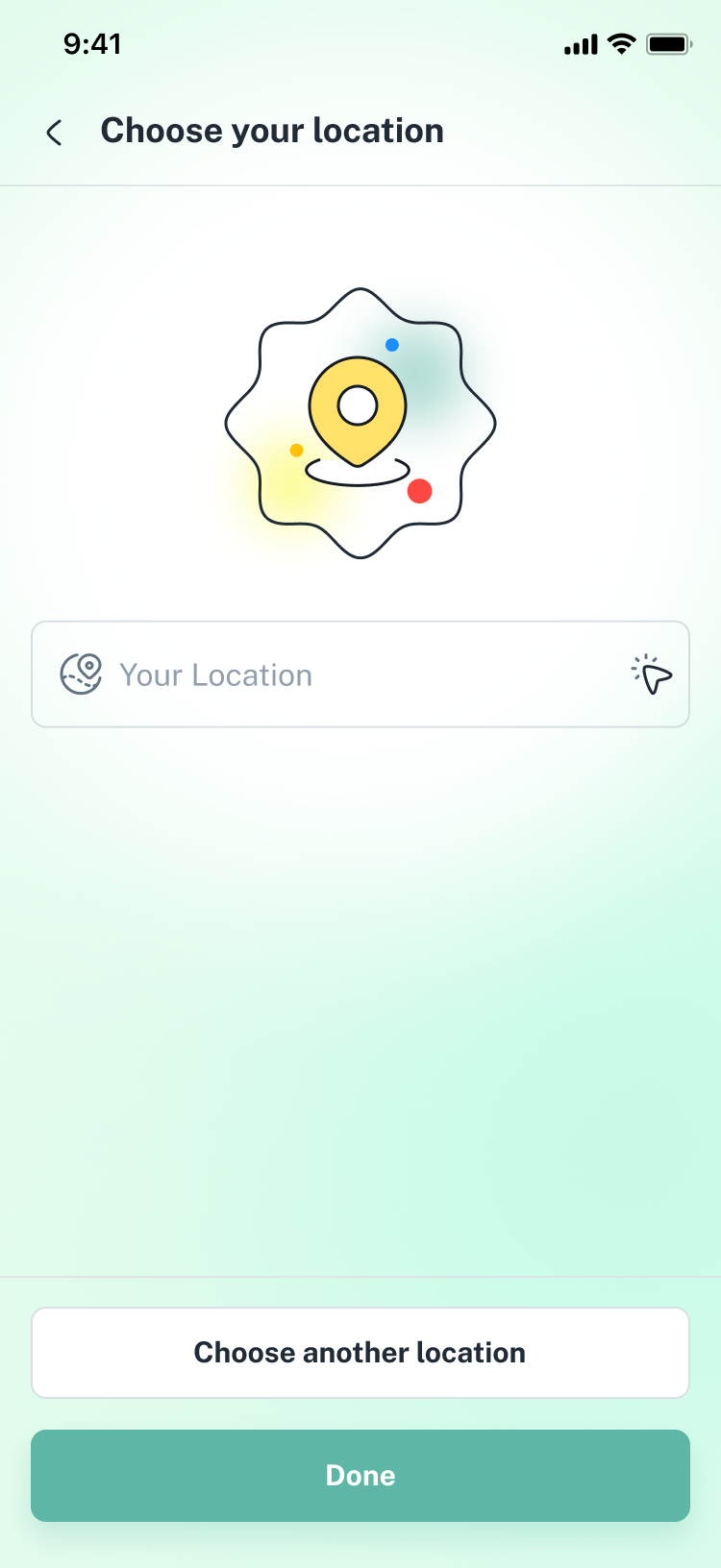
20_Choose your location
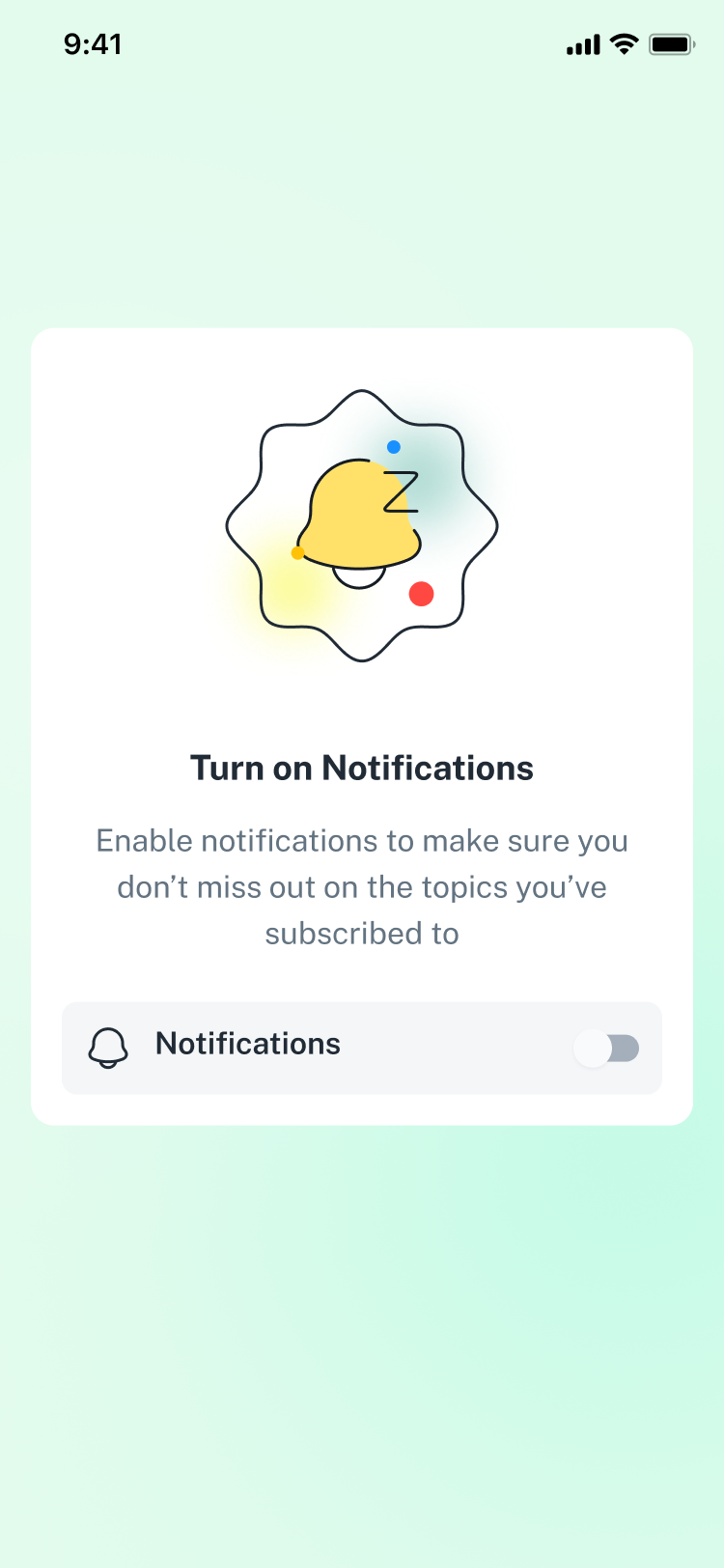
21_Turn on Notifications
22_Home
23_Home_V2
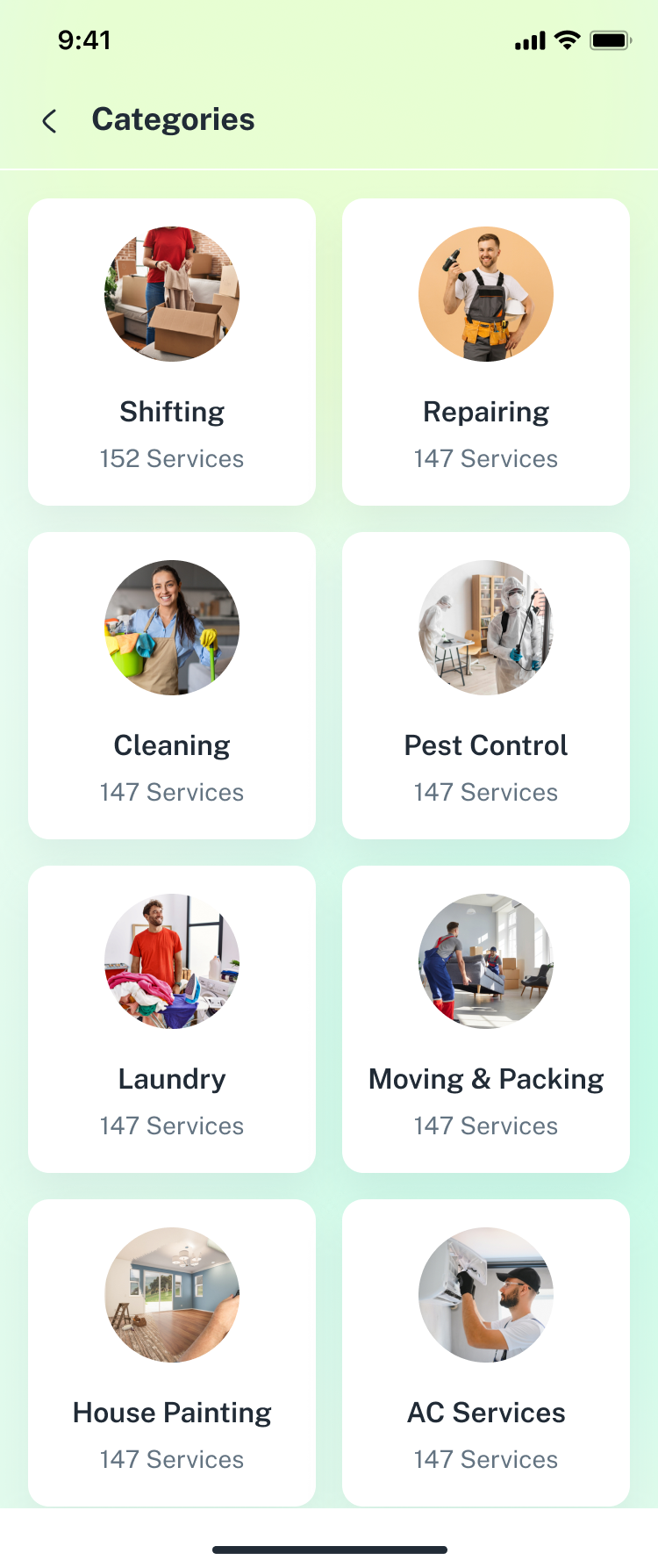
24_Category_Style_01
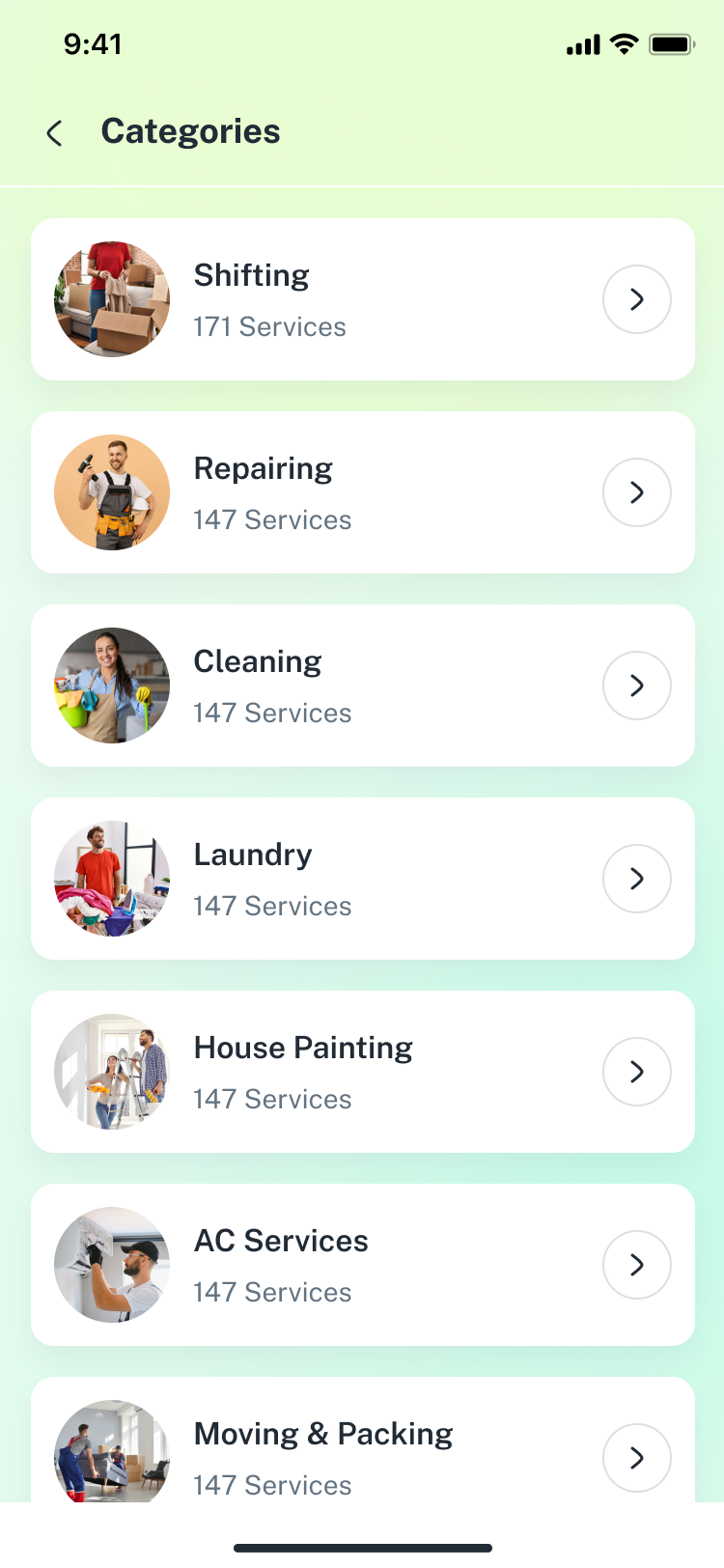
25_Category_Style_02
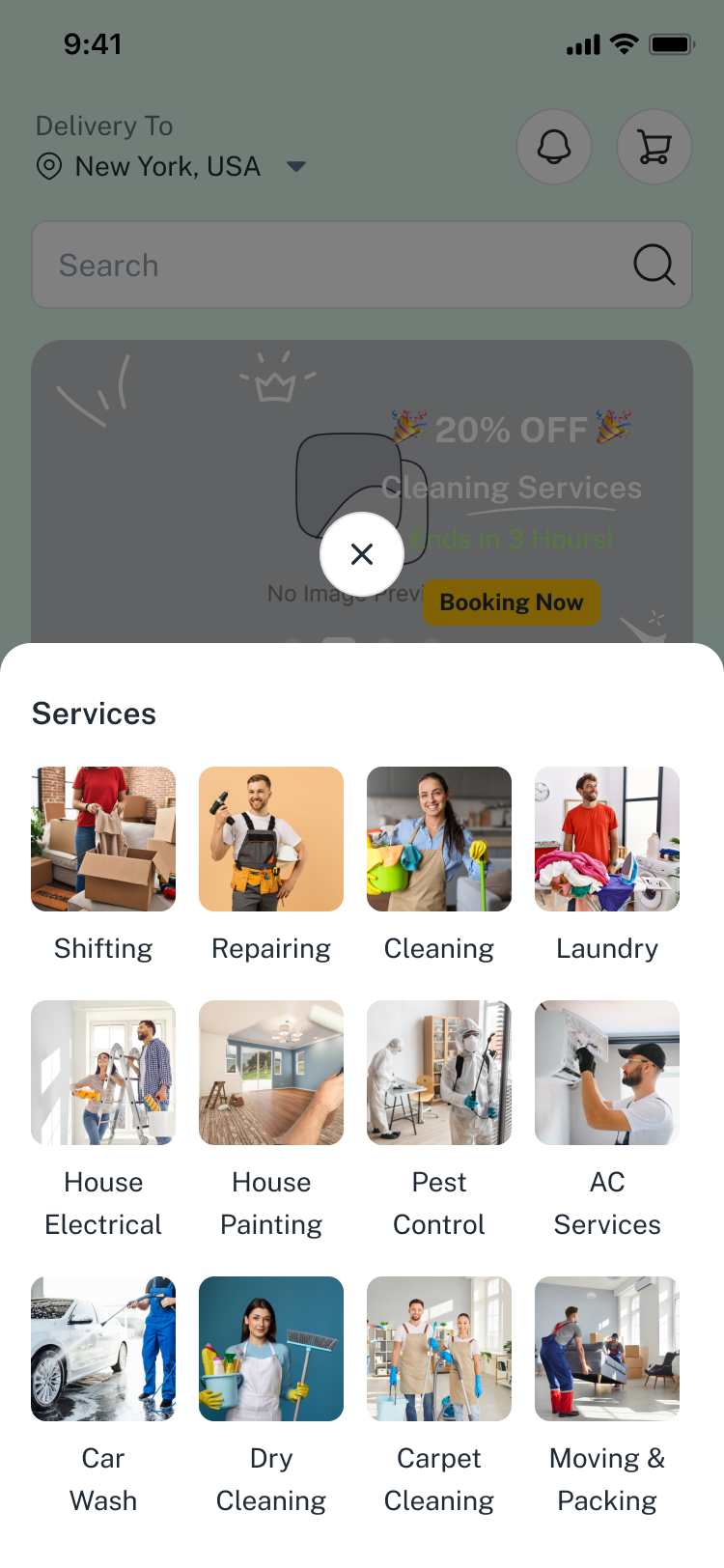
26_Category_Style_03
27_Category_Details_Grid_Style_01
28_Category_Details_List_Style_01
29_Search_Style_01
30_Search_Style_02
31_Home Shifting_Grid
32_Cleaning Services_list
33_House Electrical_Grid
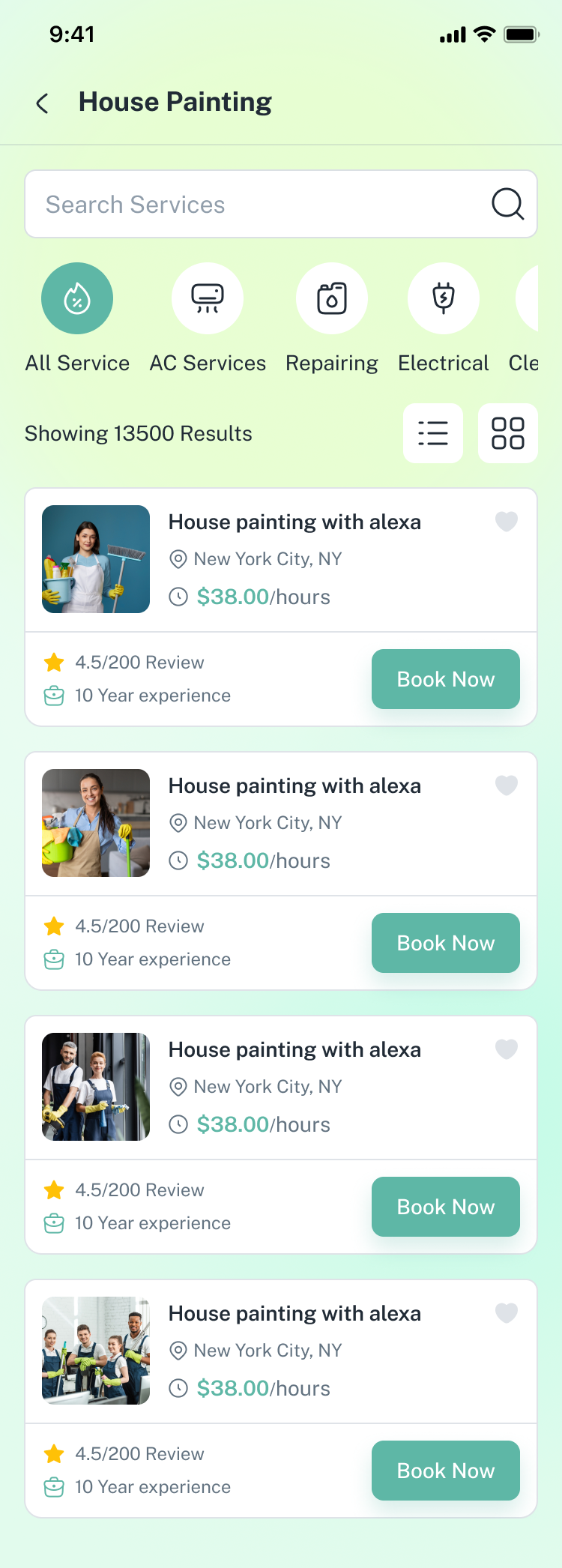
34_House Painting_list
35_Services Near by You
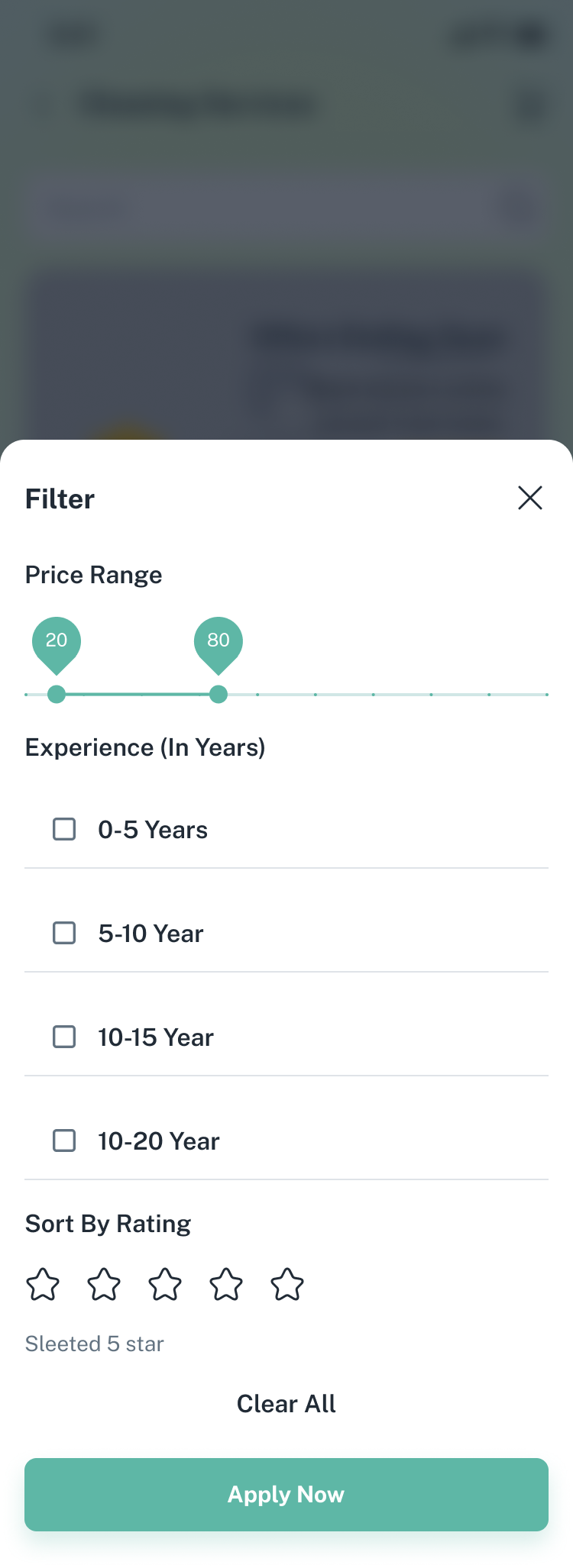
36_Filter
37_House Painting_with_category_list
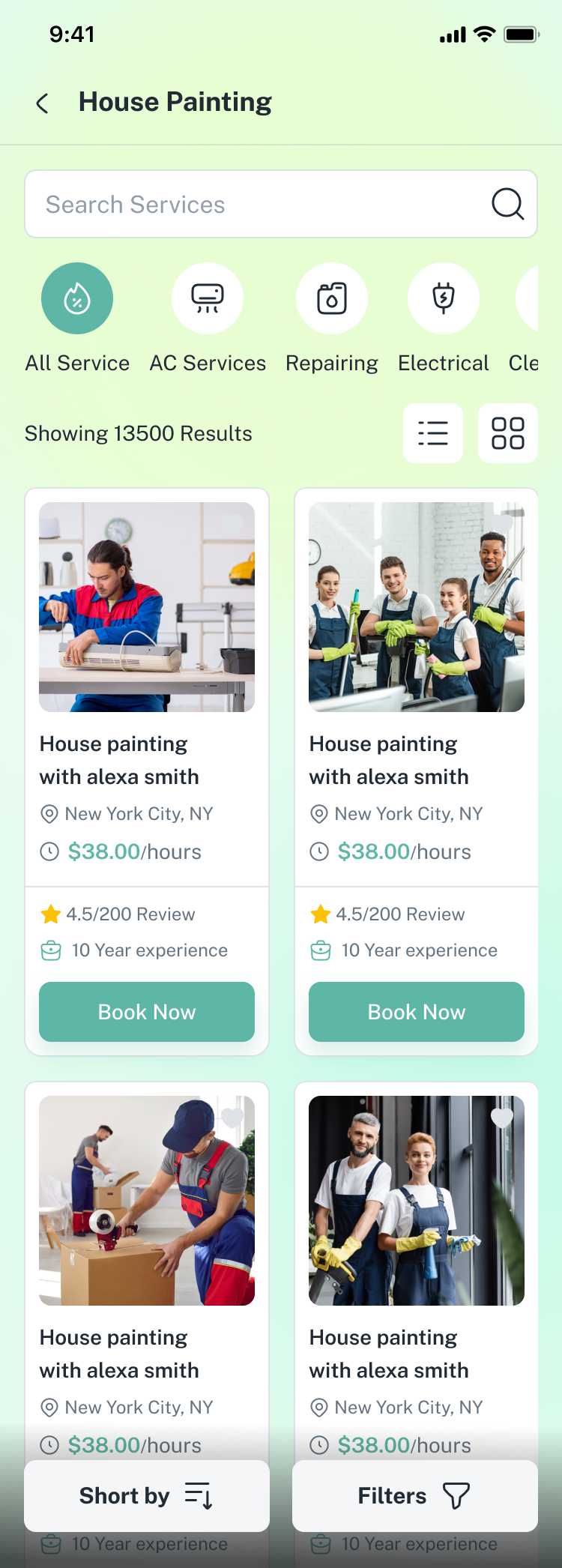
38_House Painting_with_category_grid
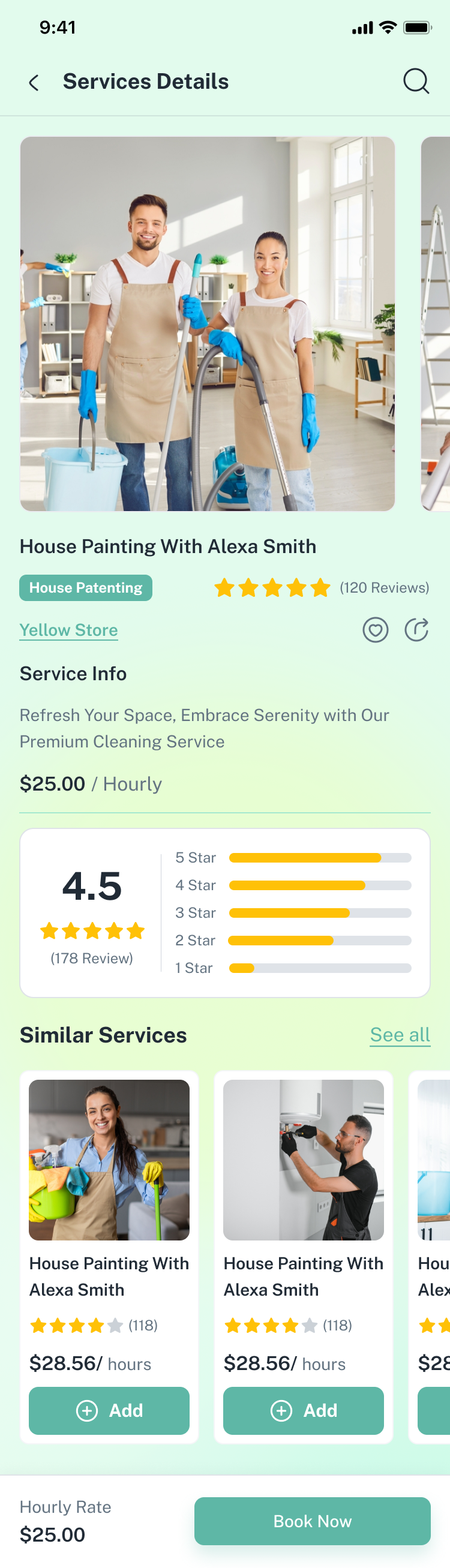
39_Services_Details_Style_01
40_Services_Details_Style_02
41_Services_Details_Style_03
42_Services_Profile_Style_04
43_Services_Profile_Style_05
44_Review
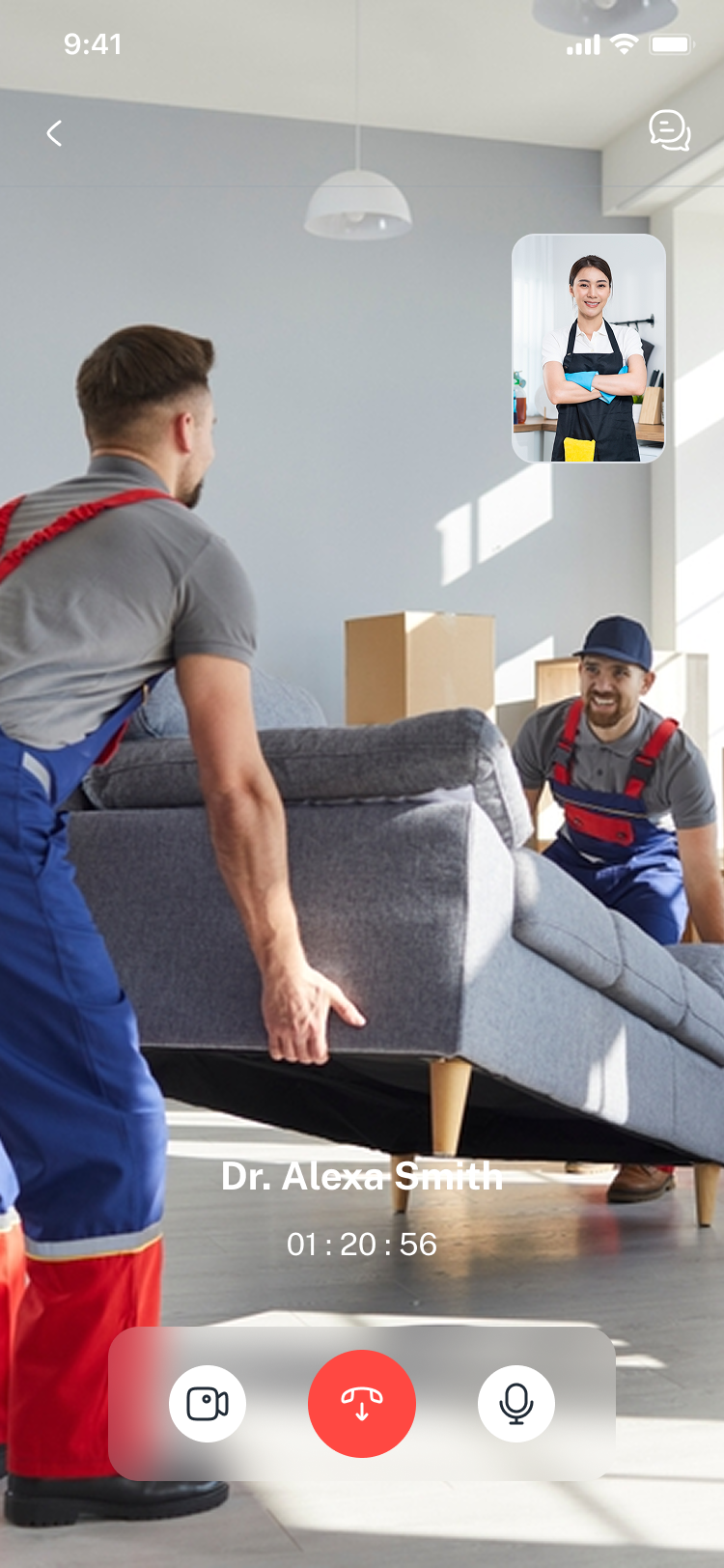
45_Video_Call
46_Video_Call_Off
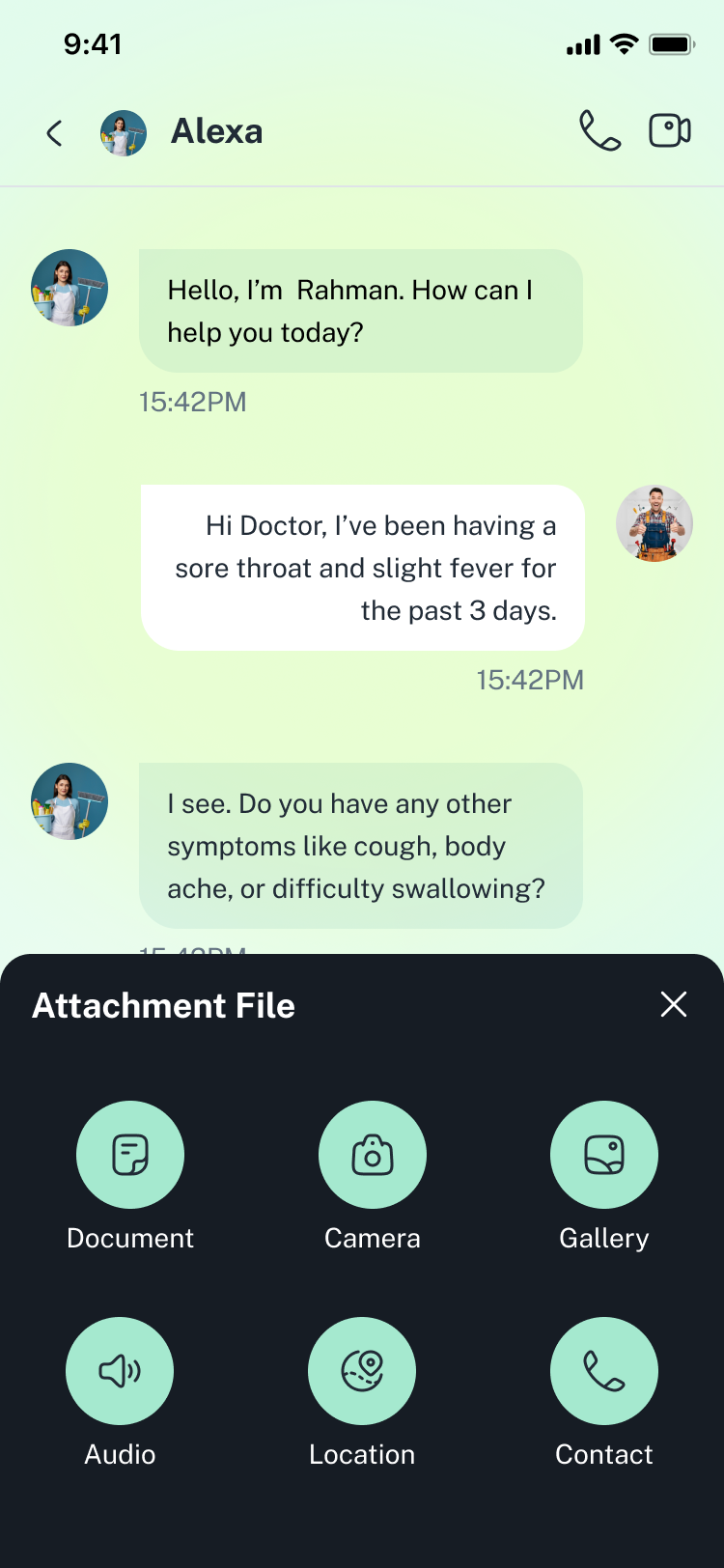
47_Chat
48_Voice_message
49_Chat_Attachment
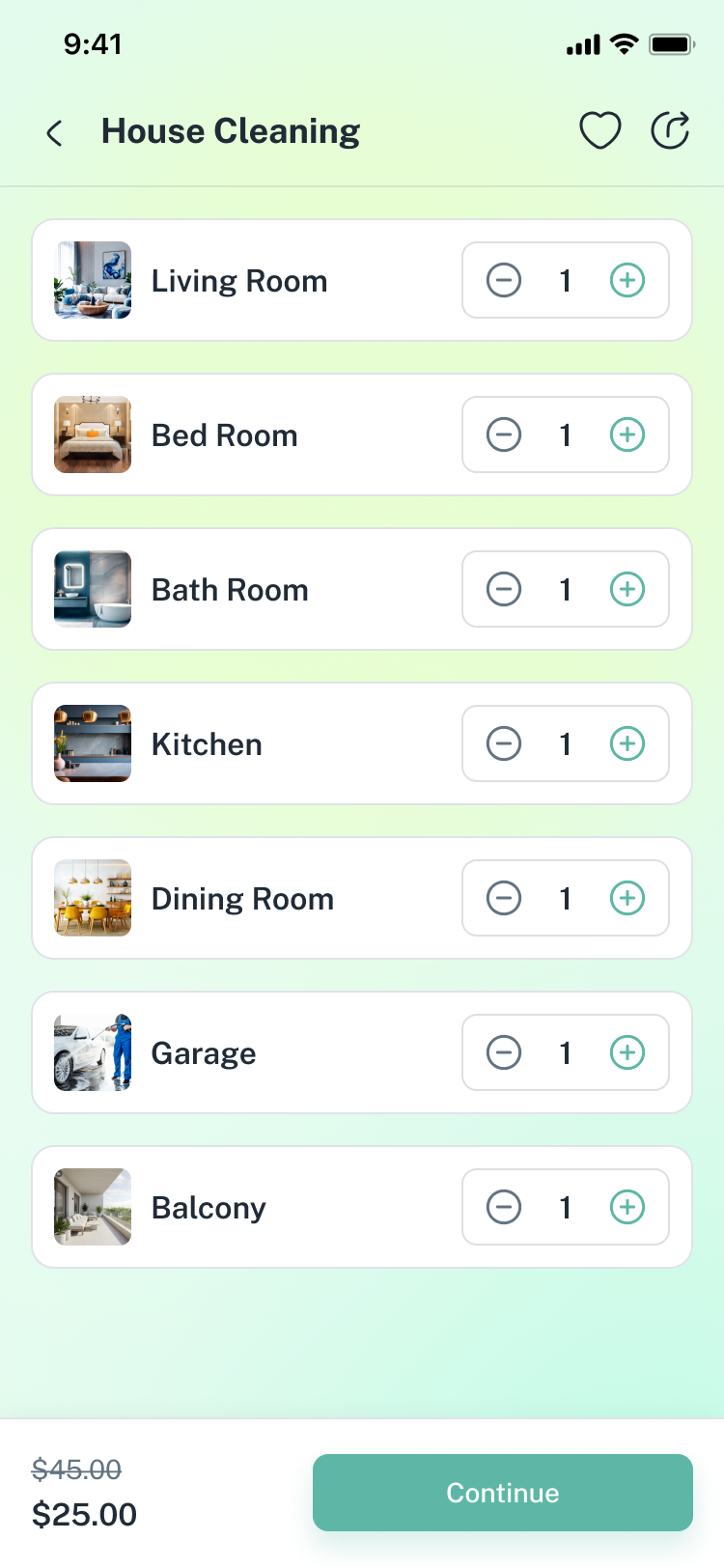
50_House Cleaning_Selected
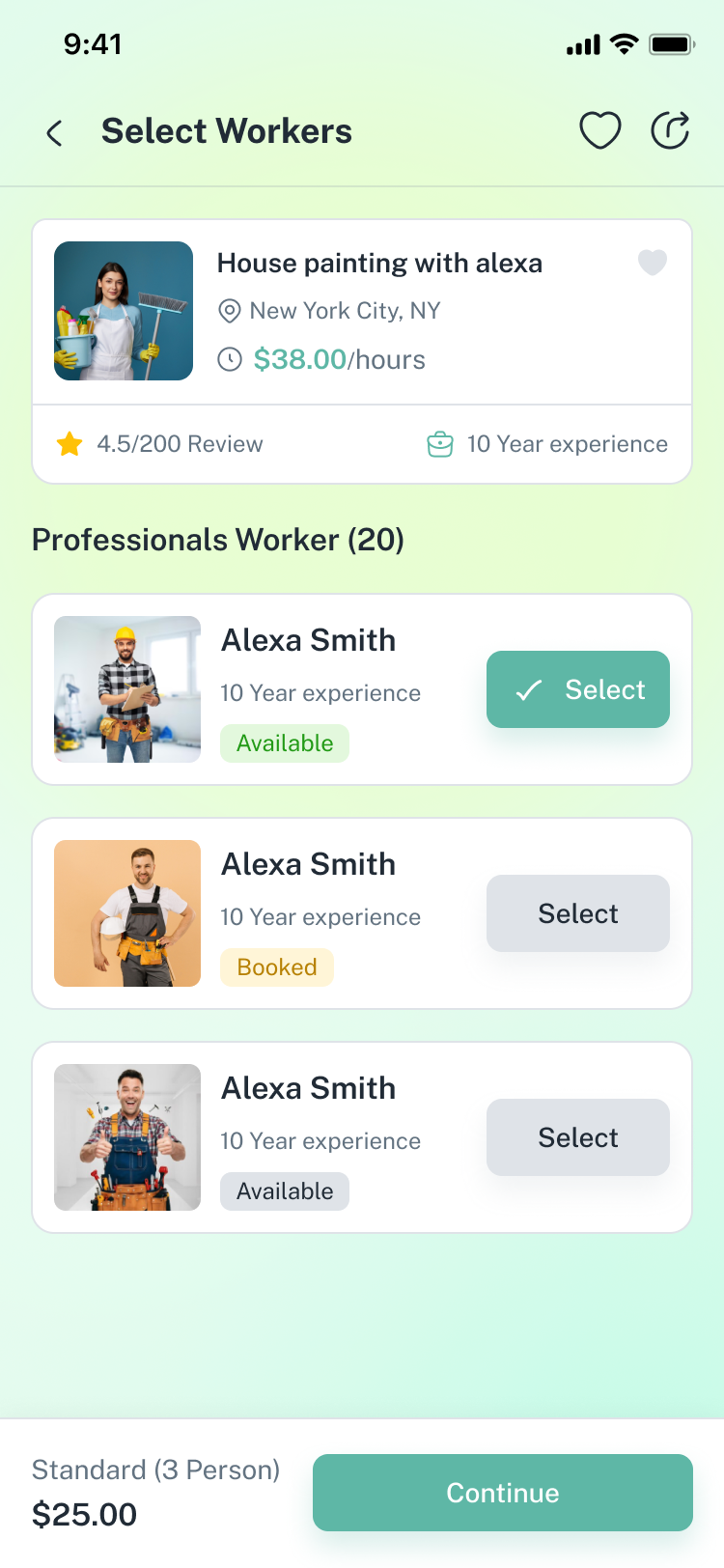
51_Select Workers
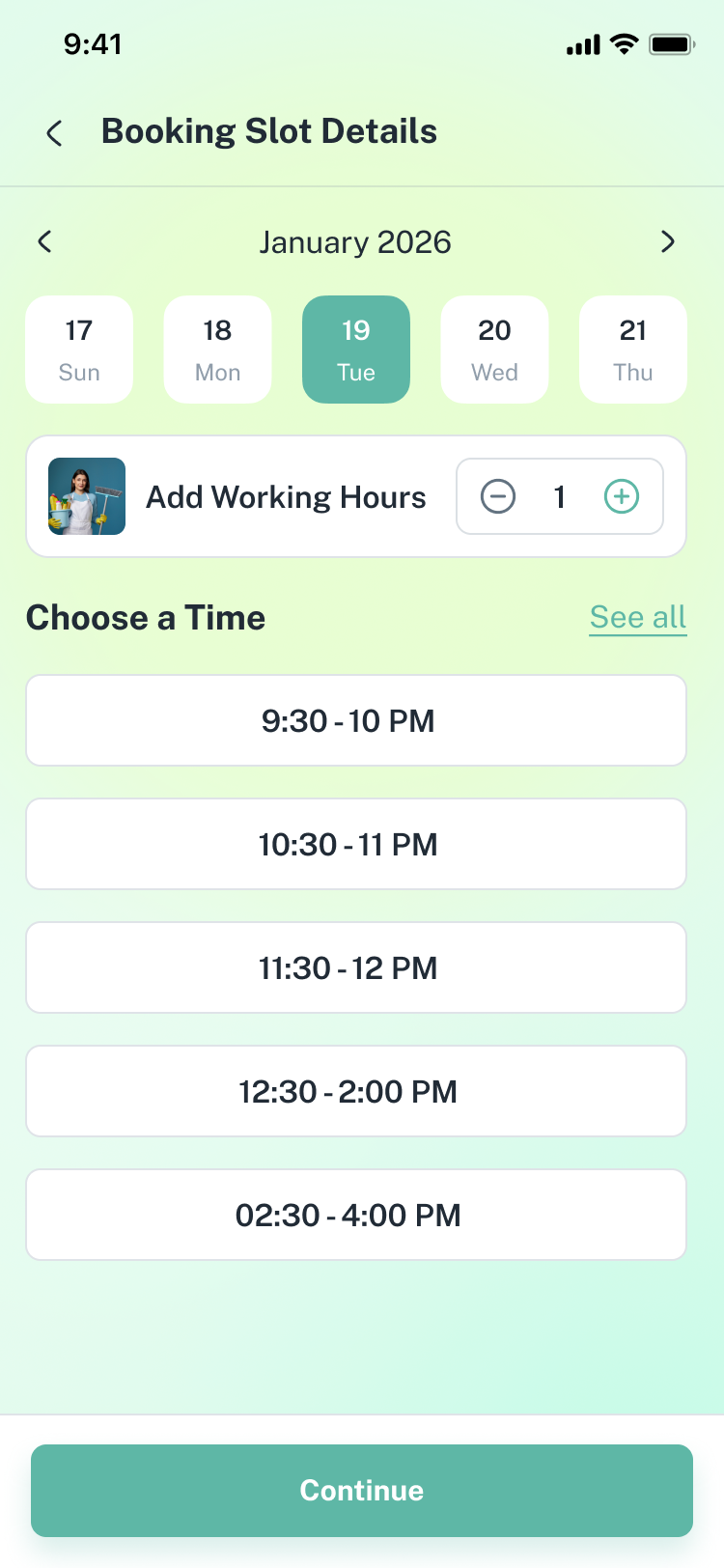
52_Booking Slot Details
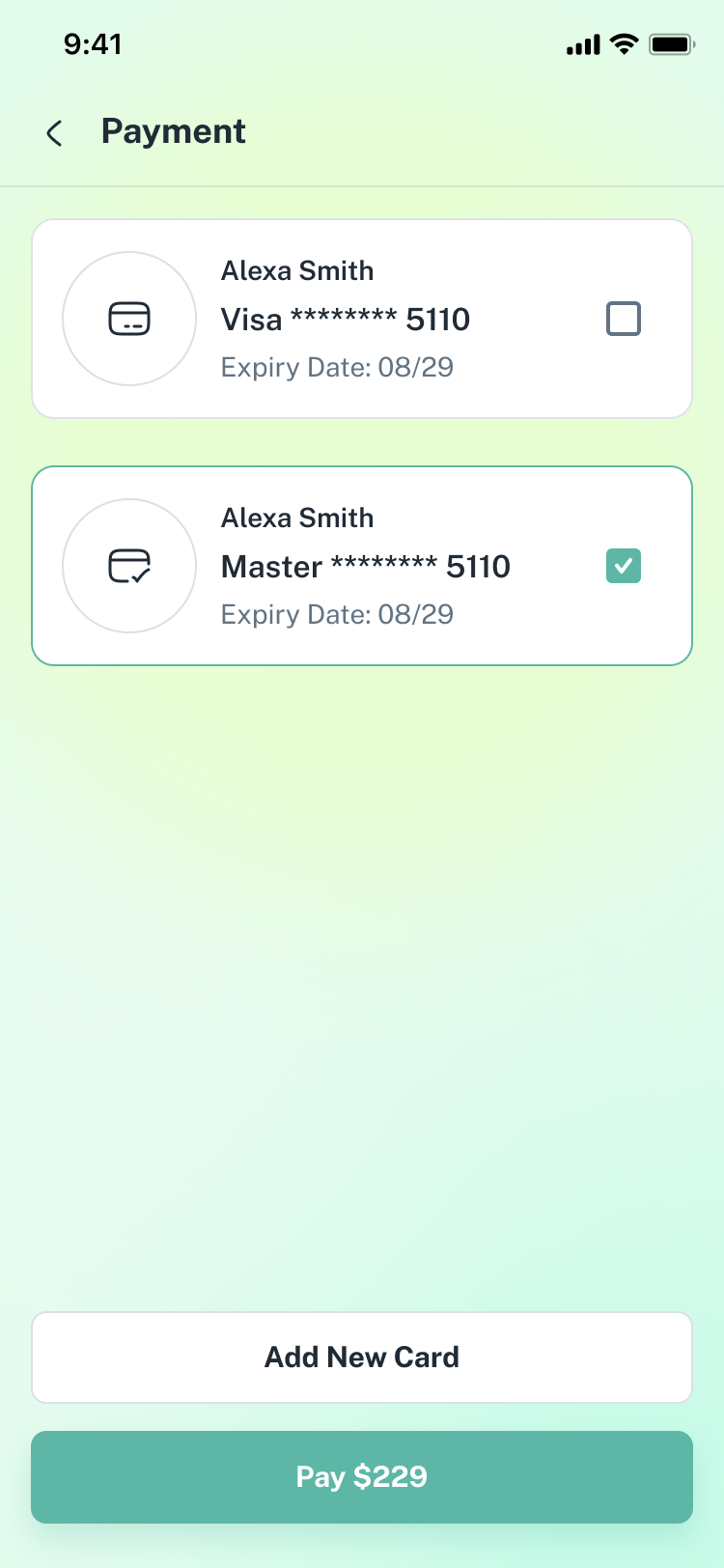
53_Payment_method_01
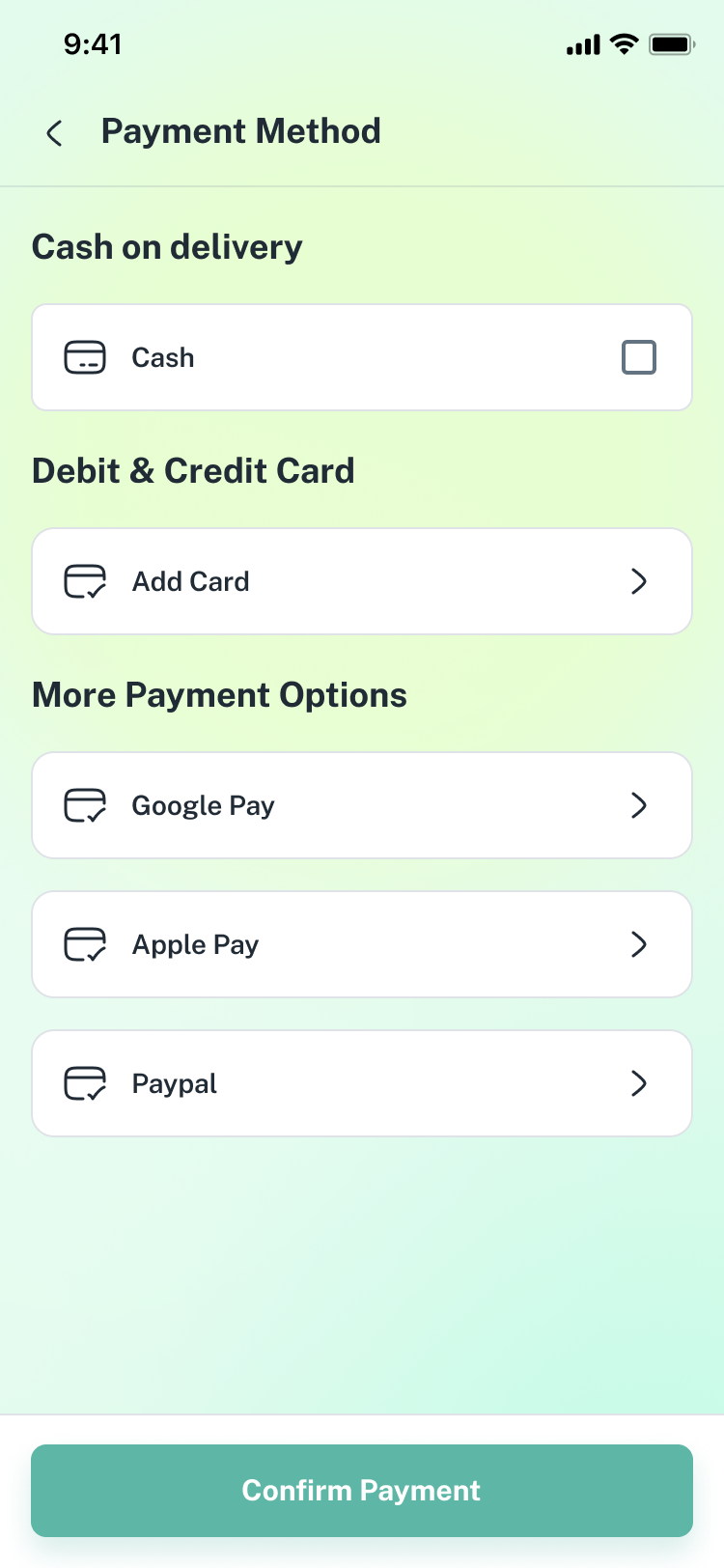
54_Payment_method_02
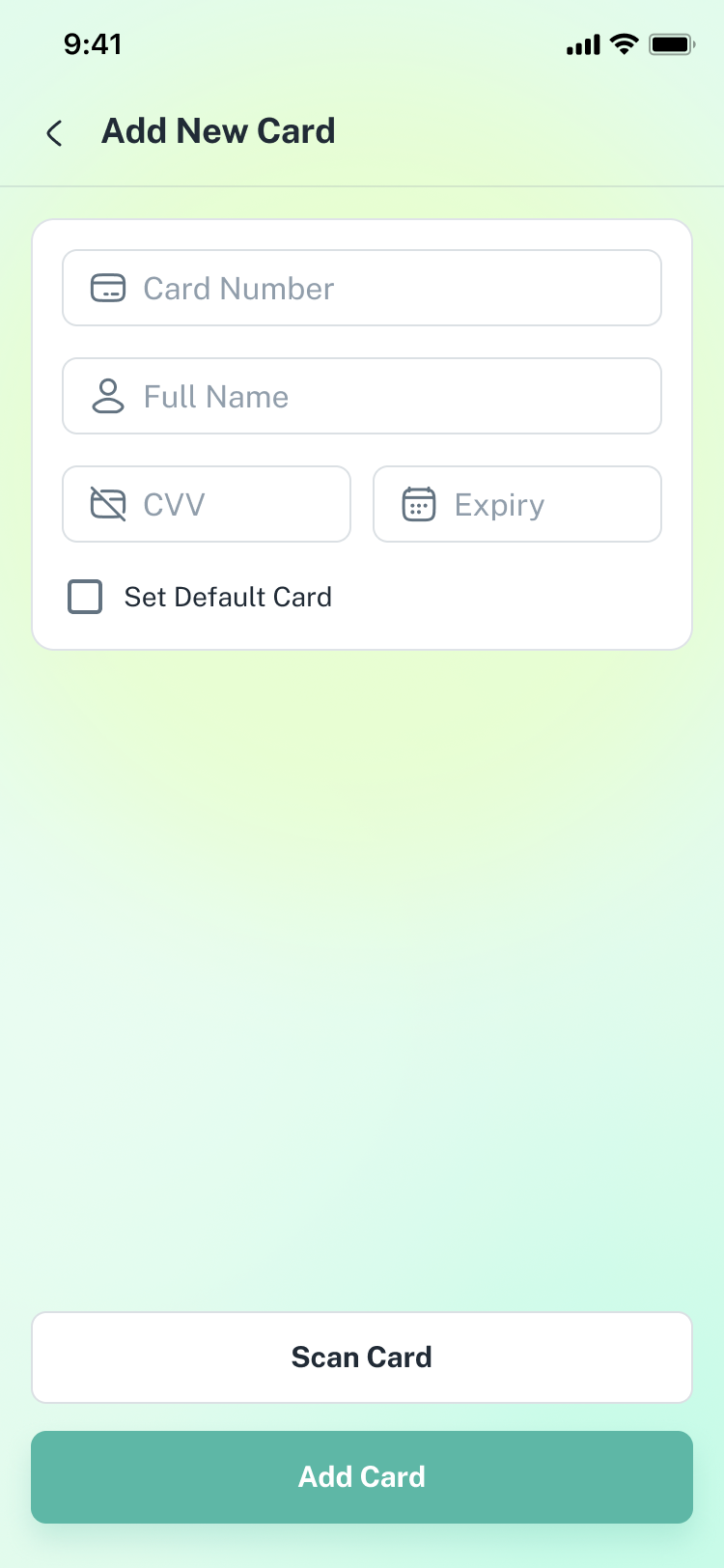
55_Add New Card
56_Checkout
57_Order Placed
58_Delivery_Review
59_My_Accounts
60_Notifications
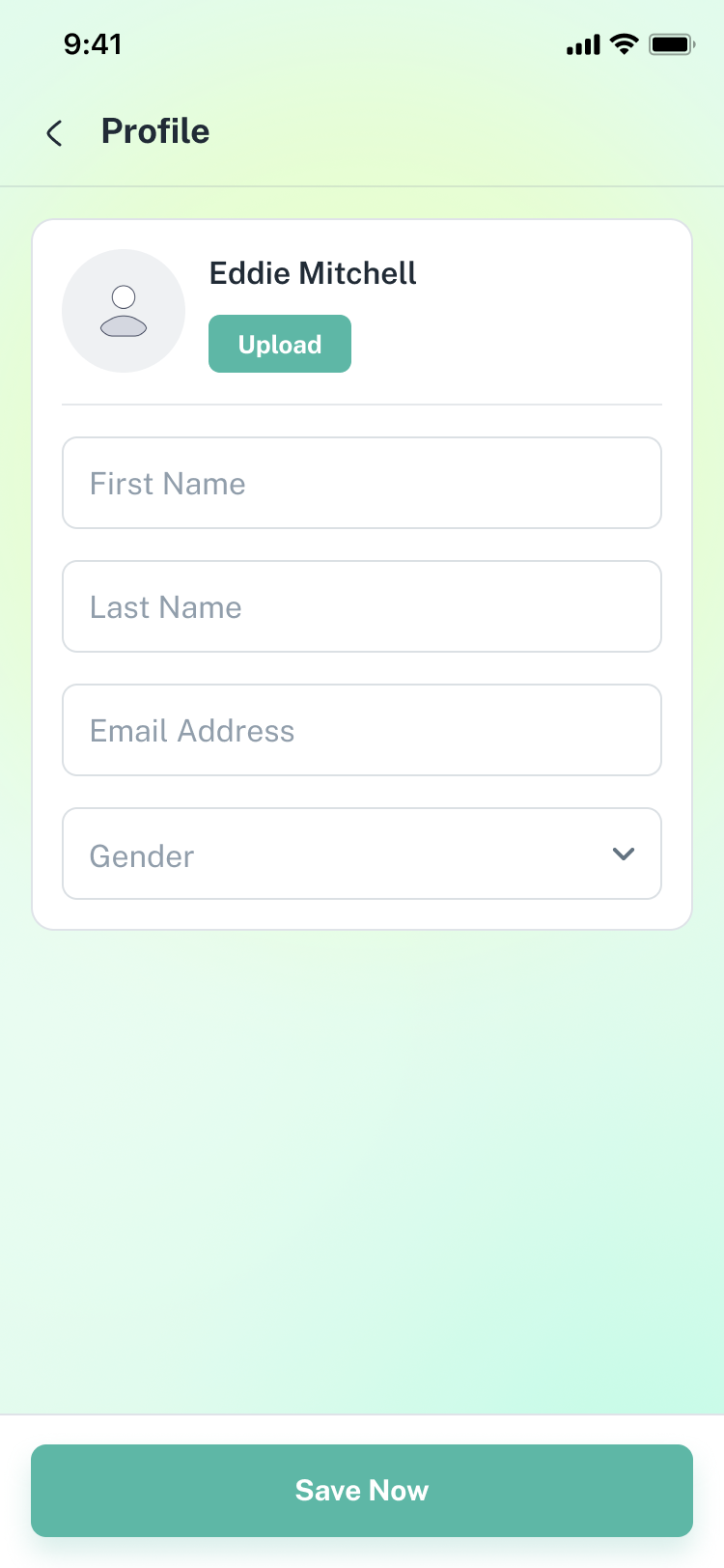
61_Profile
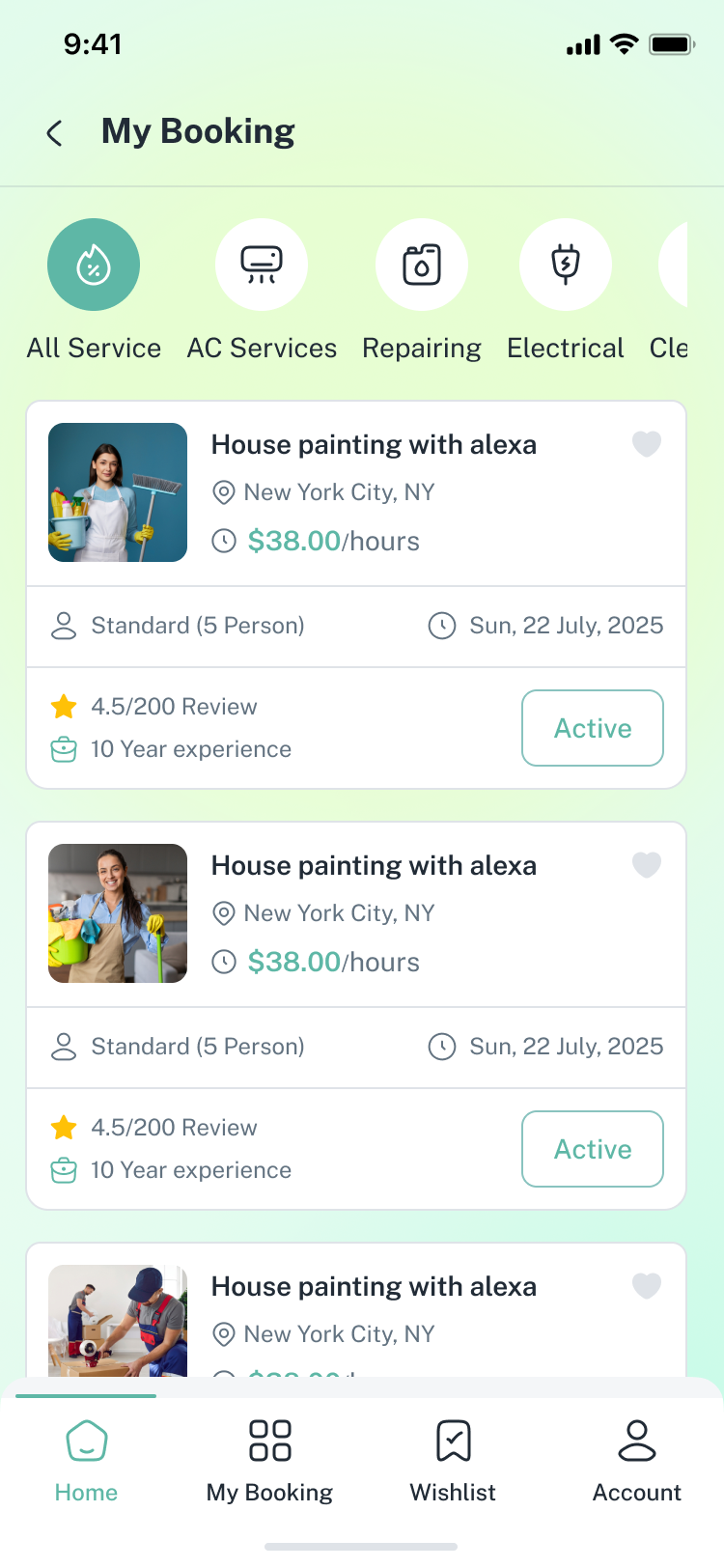
62_My Booking
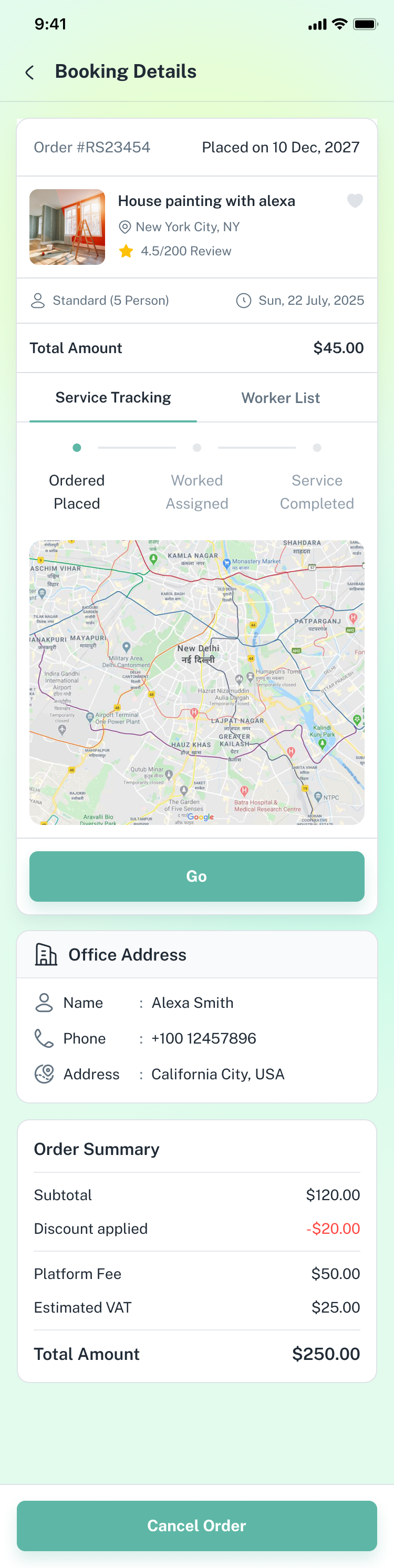
63_Booking Details
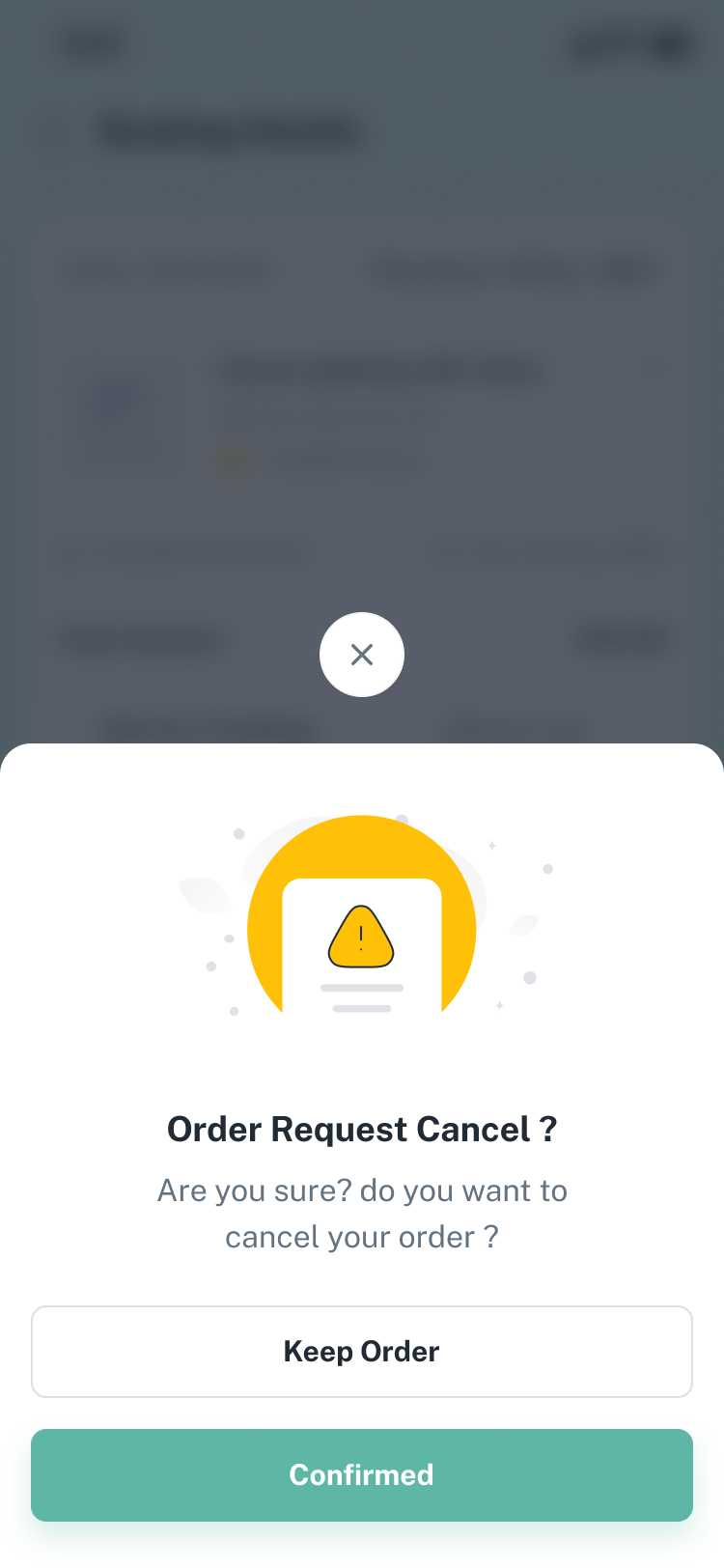
64_Booking_Cancel_Modal
65_Booking Cancelled_Sucessful
66_Receipt
67_Wishlist_Grid
68_Wishlist_List
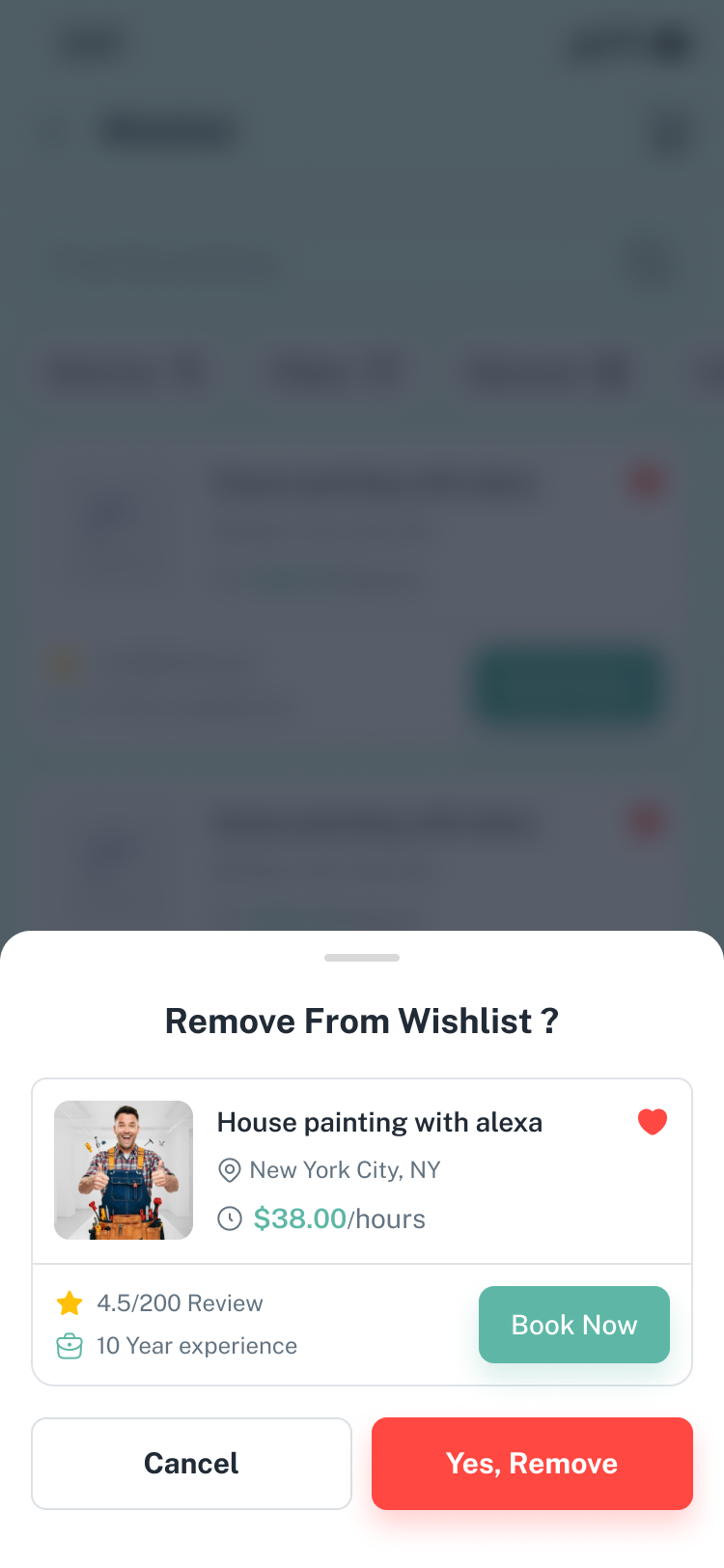
69_Remove_wishlist_modal
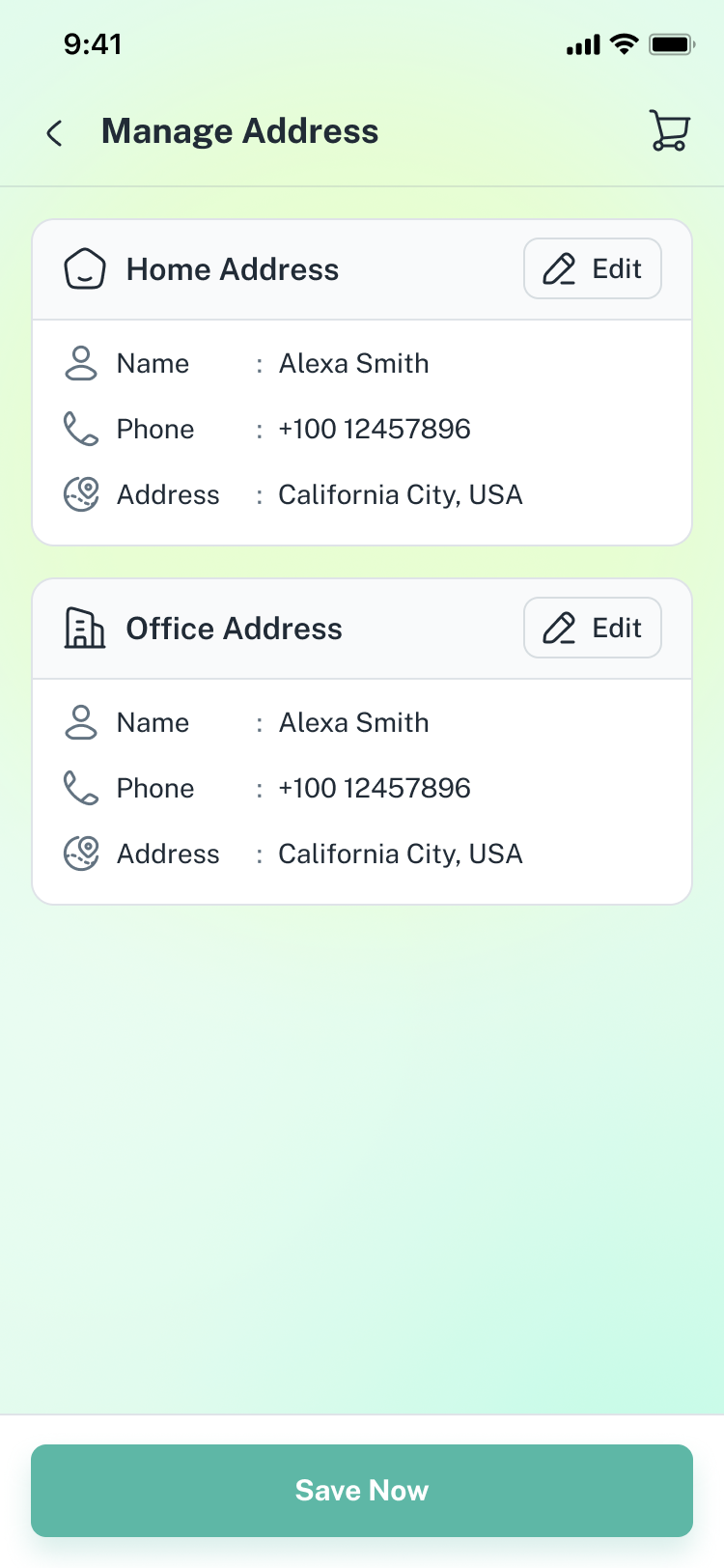
70_Manage Address
71_Add Address
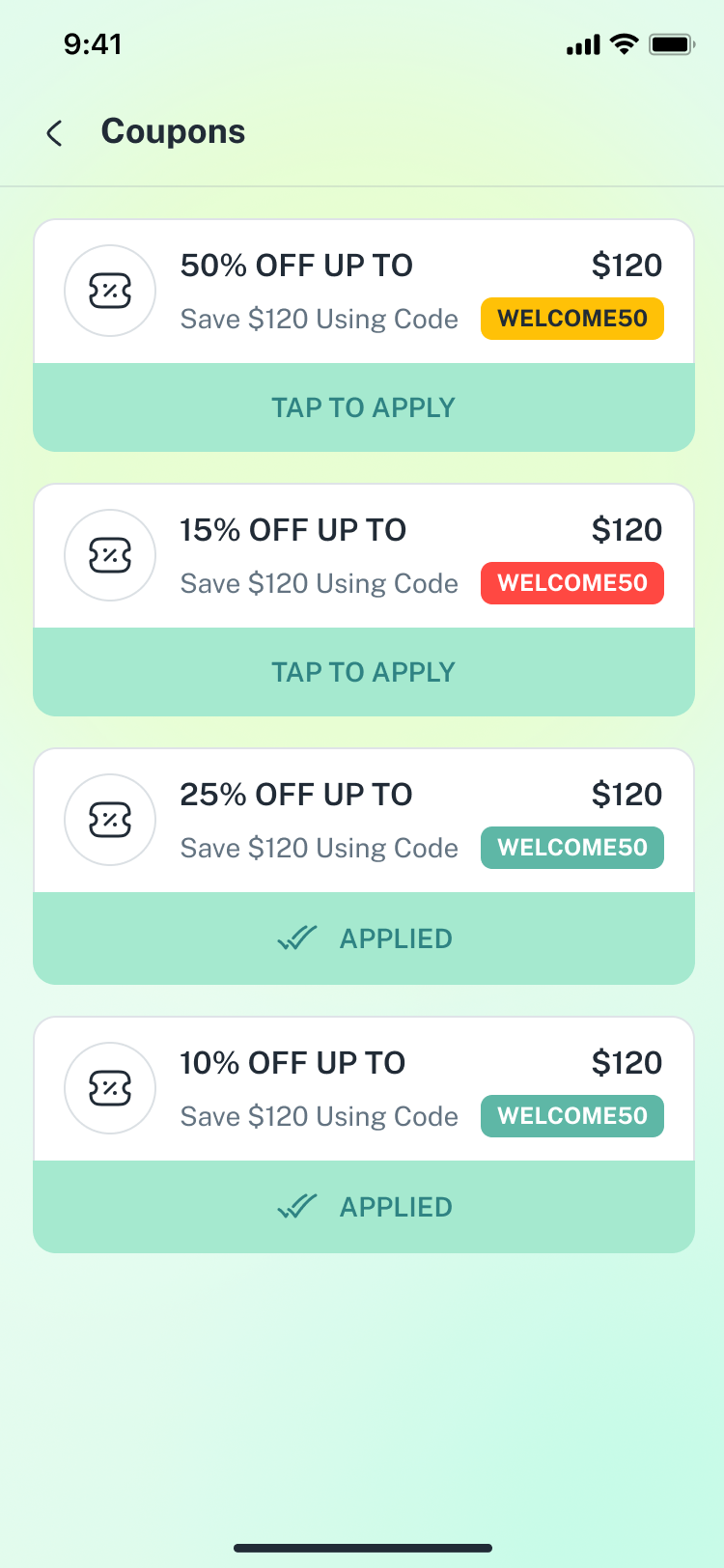
72_Coupons
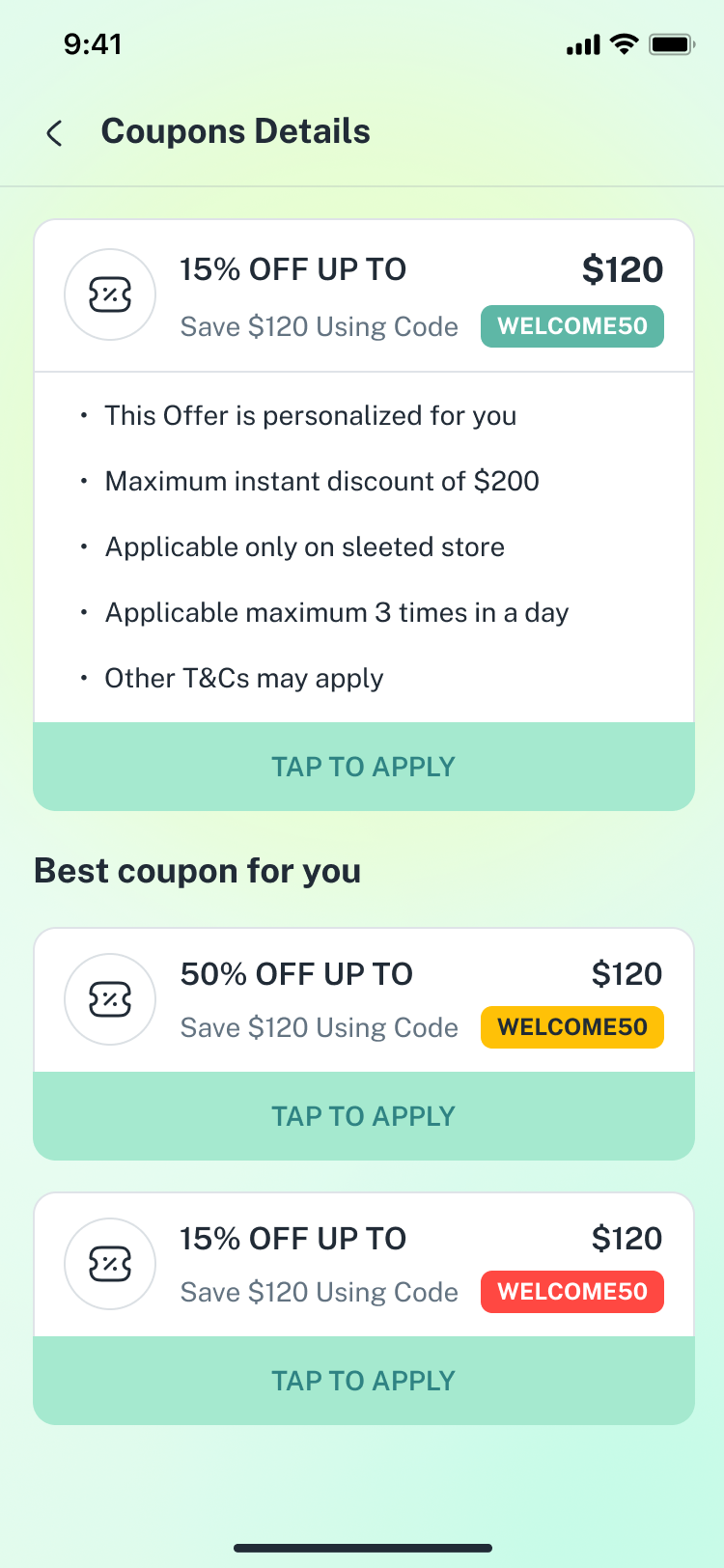
73_Coupons Details
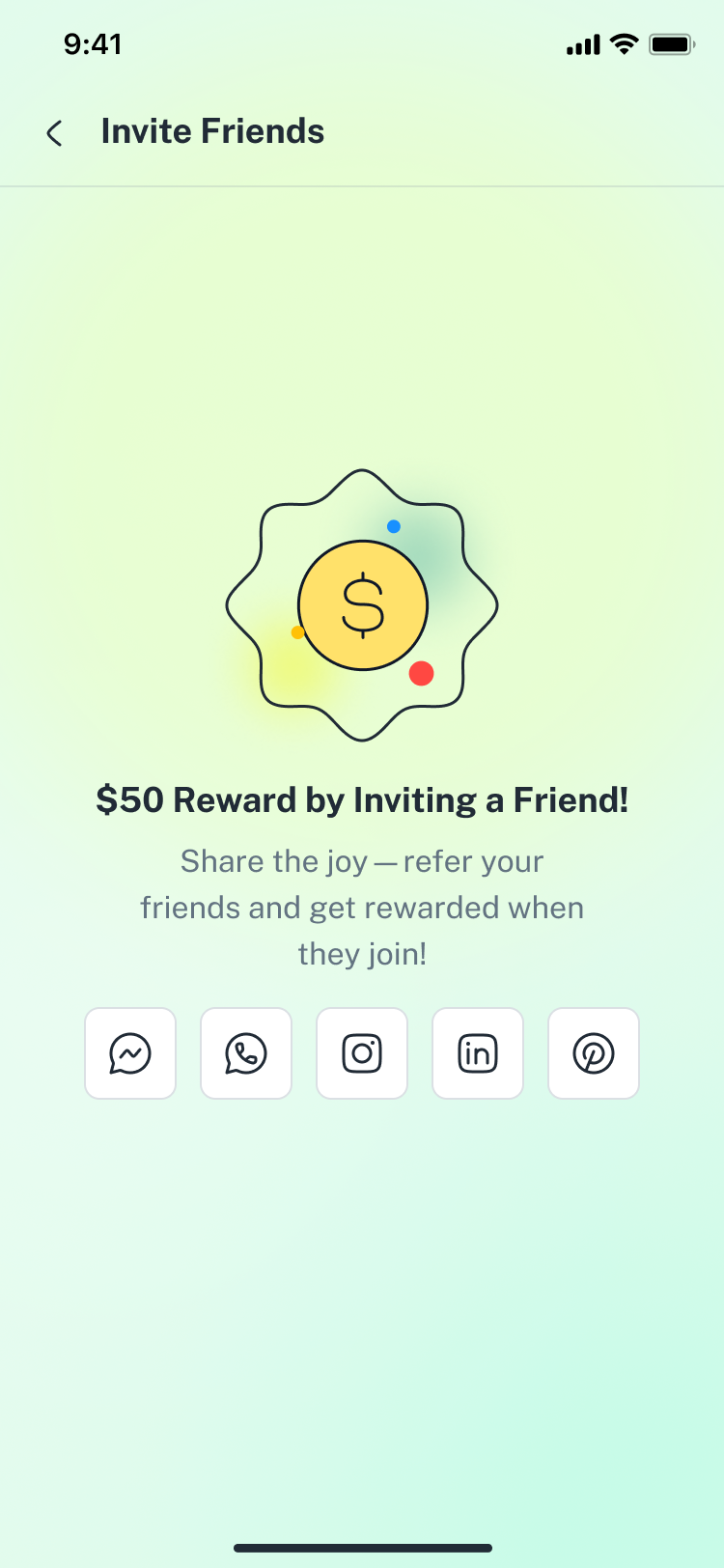
74_Invite Friends
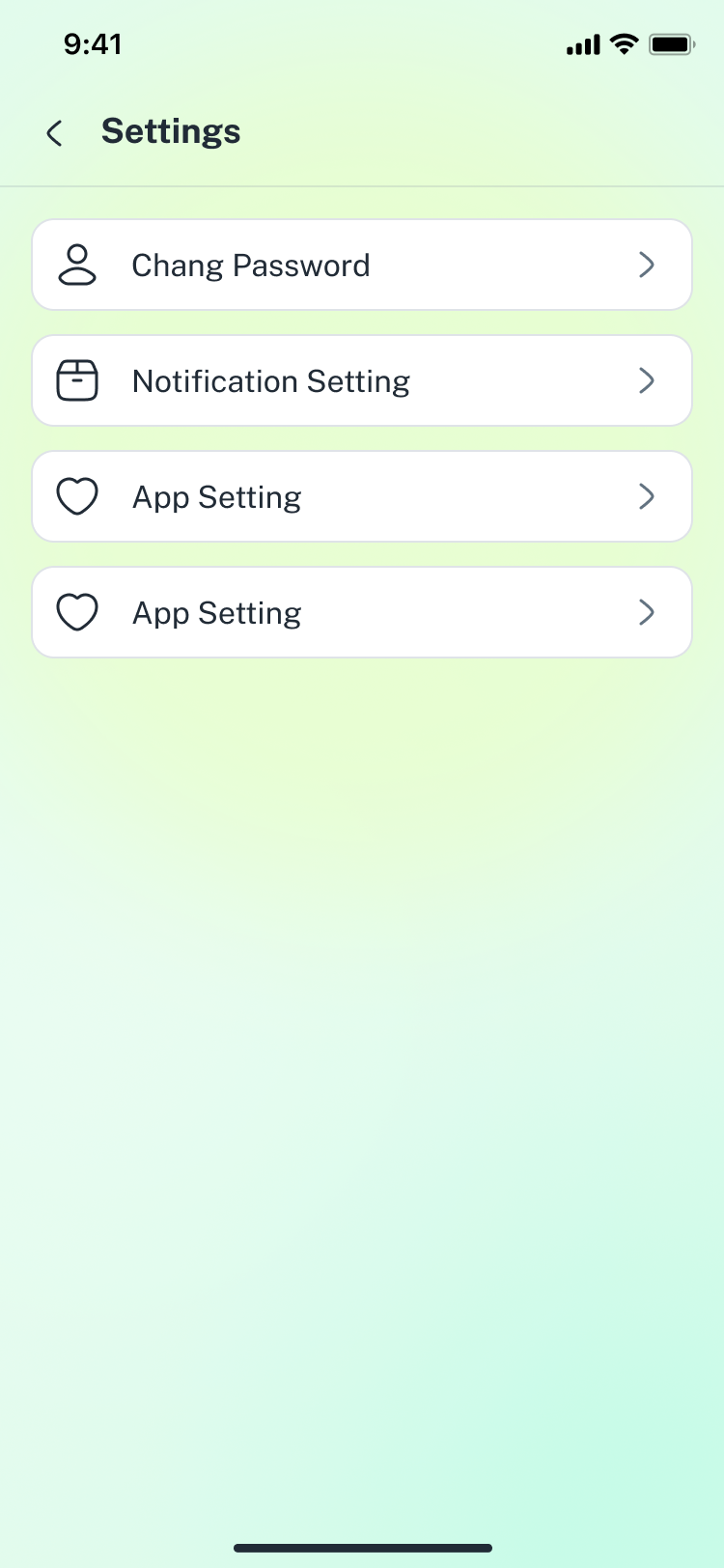
75_Settings
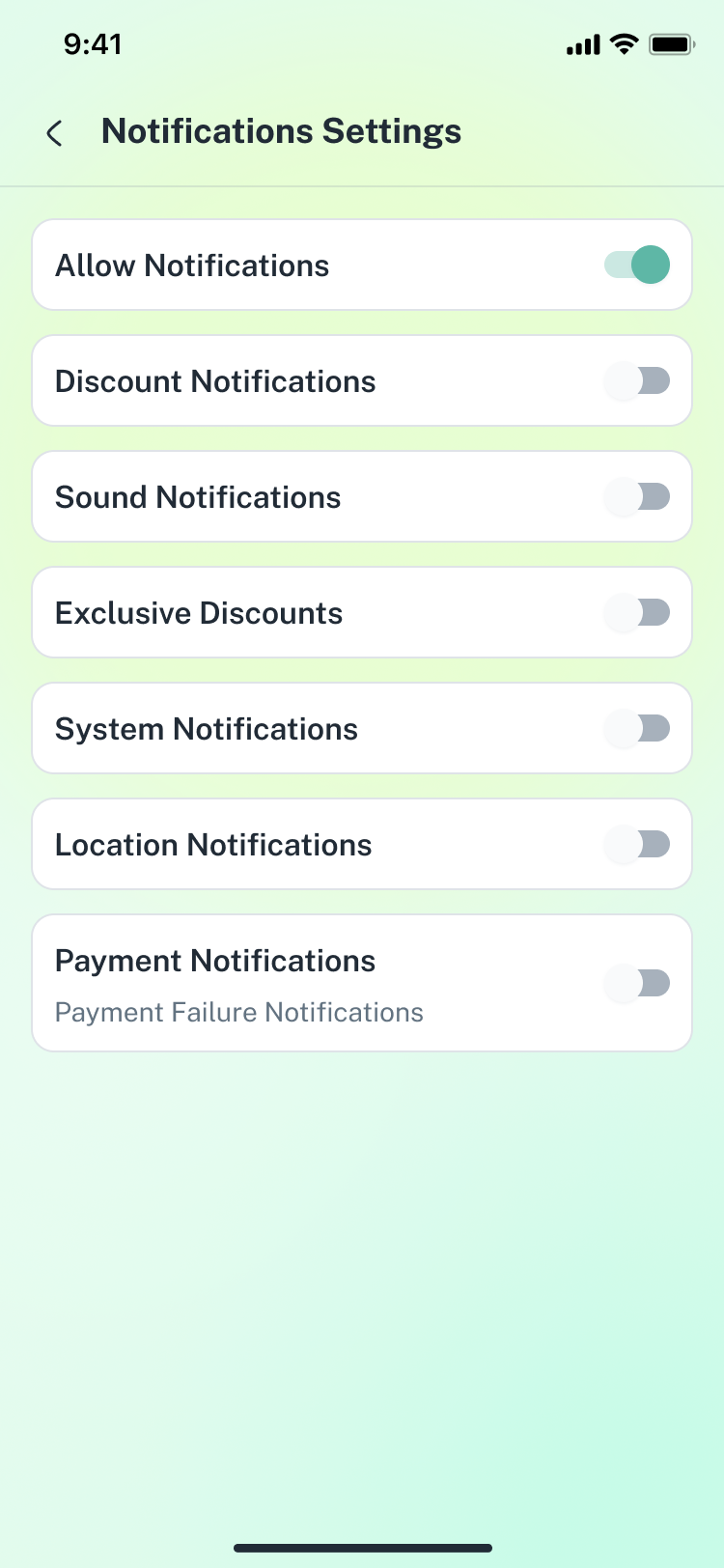
76_Notifications Settings
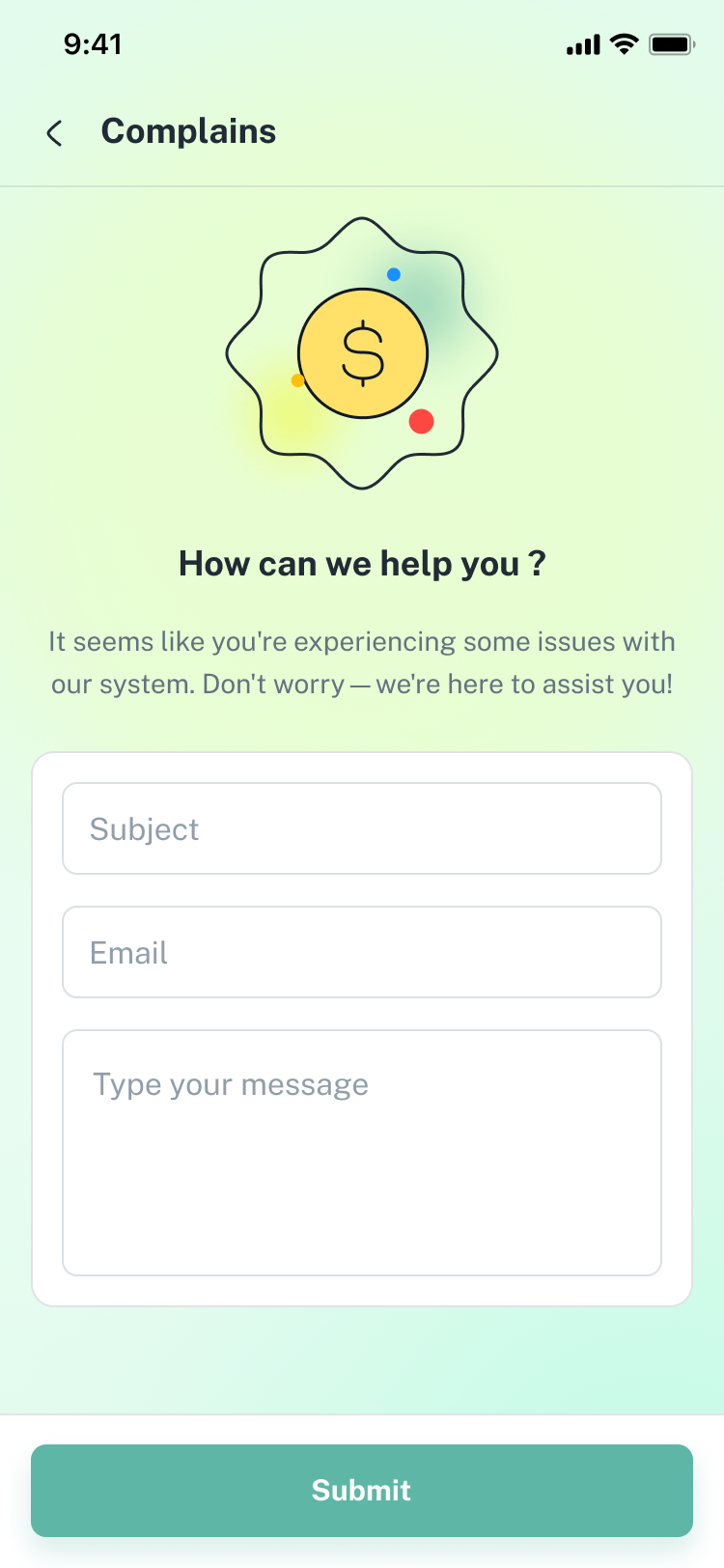
77_Complains
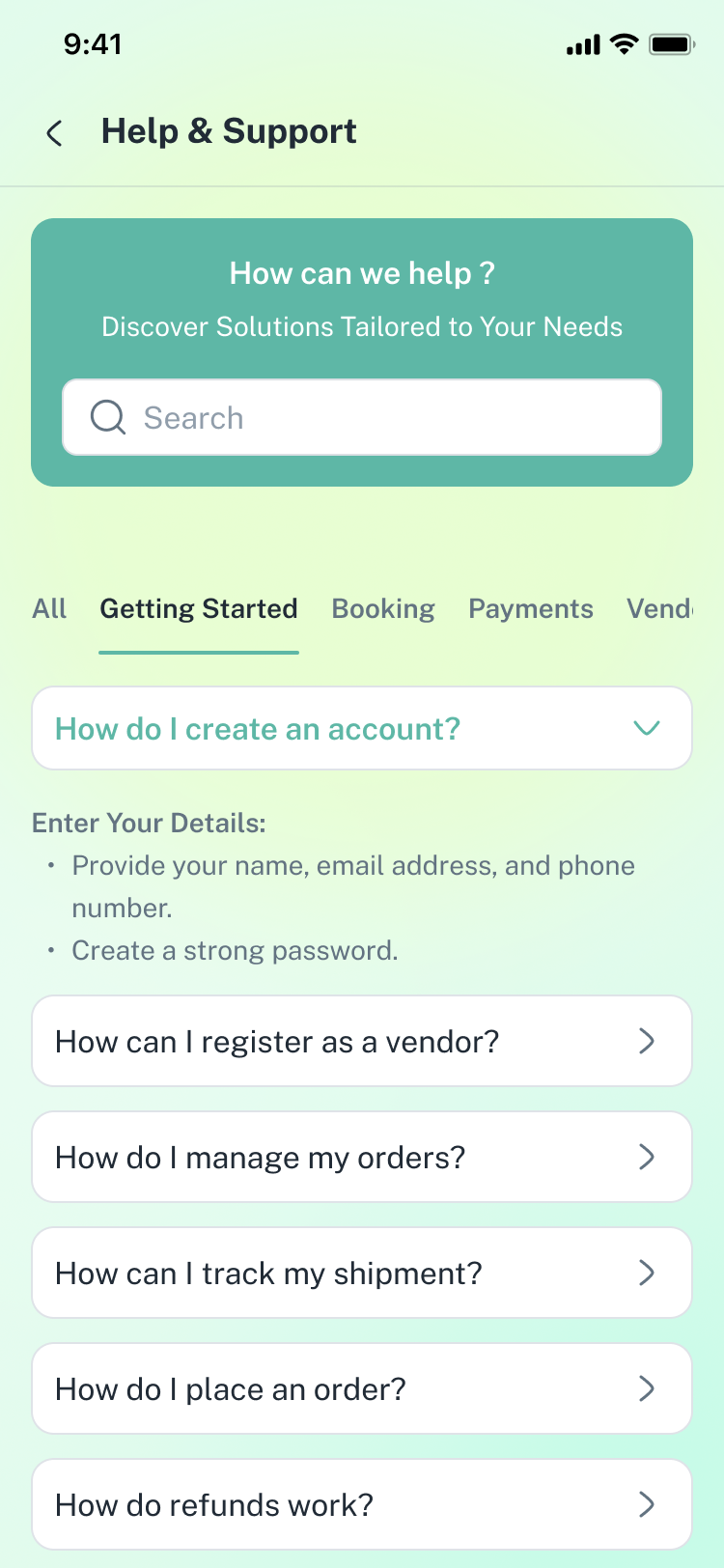
78_Help_Center
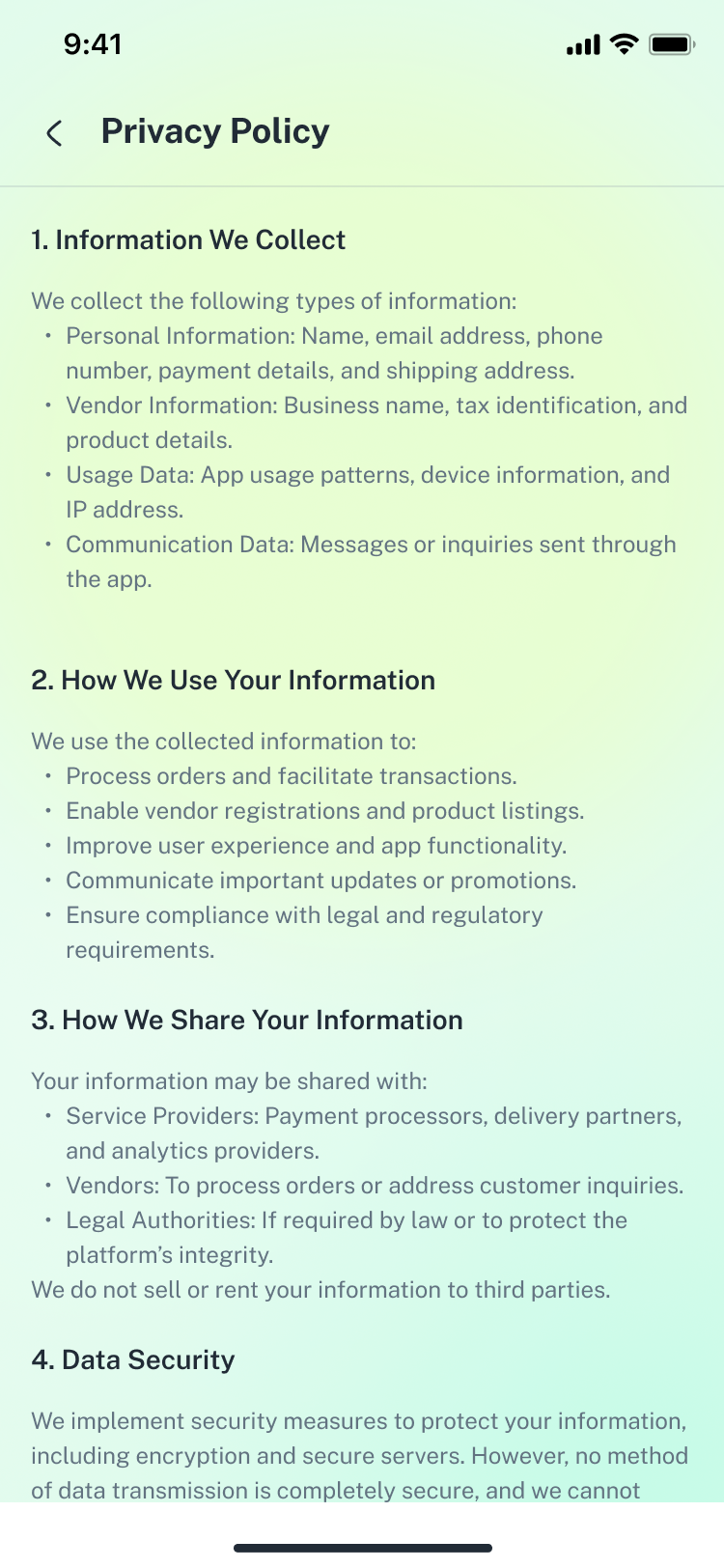
79_Privacy_Policy
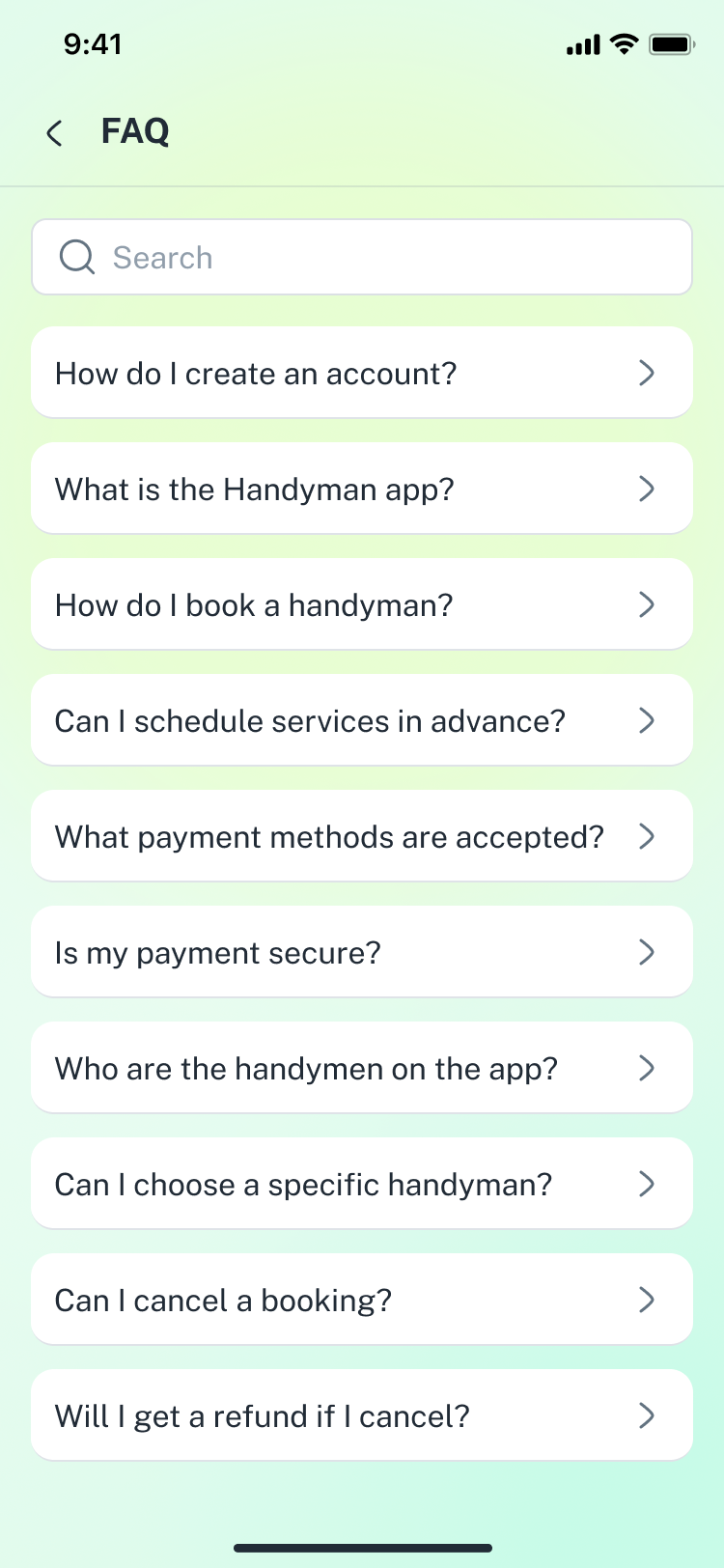
80_FAQ
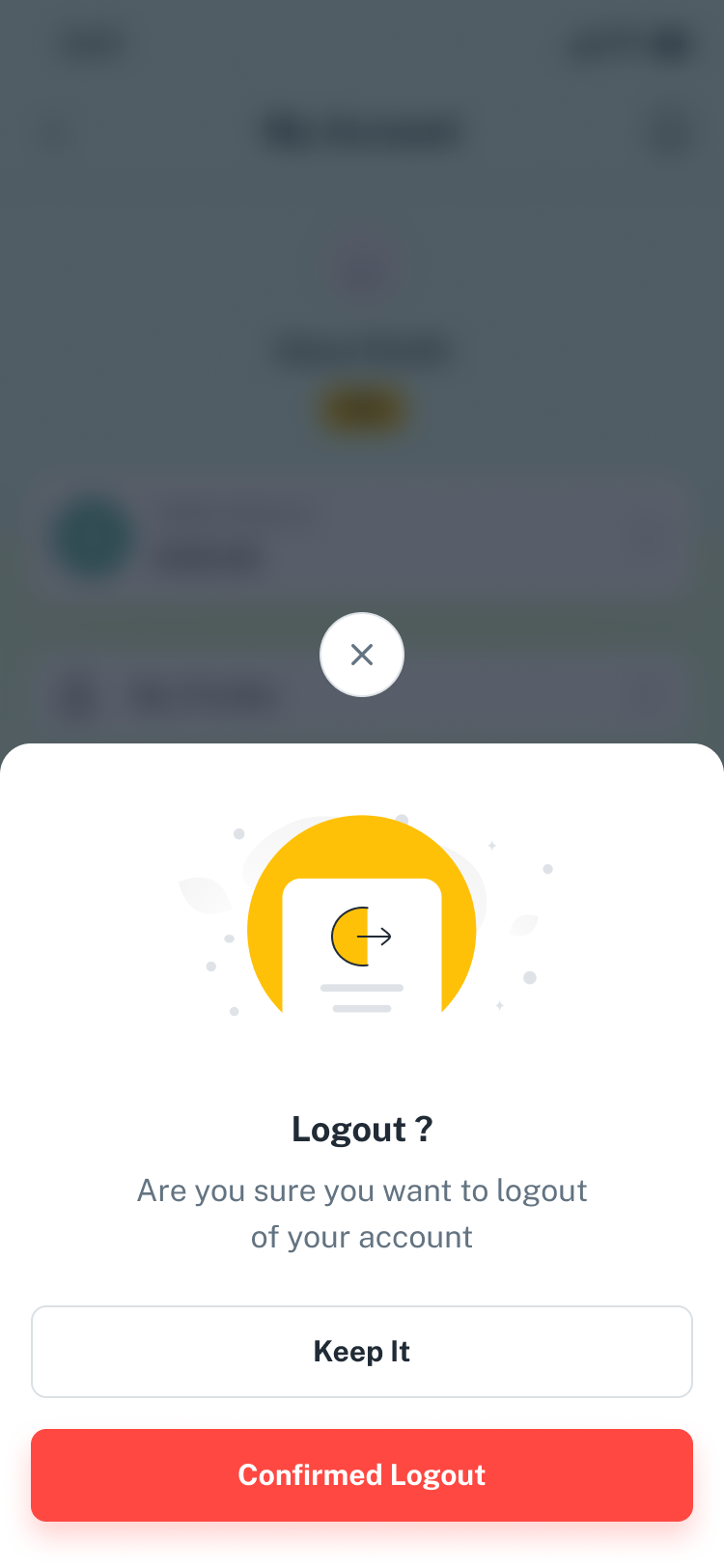
81_Logout
Font:
- https://fonts.google.com/specimen/Public+SansIcon :
- https://fonts.google.com/icons- https://hugeicons.com/
Credits:
- https://www.freepik.com/- https://www.pexels.com/
- https://pixabay.com/
- https://unsplash.com/
Software Version :
- Adobe XD CCHow to Install Adobe XD
1. If you don’t have any software, you can Free download or buy a License of Adobe XD here: https://www.adobe.com/products/xd.htmlDownload and Open Creative Cloud Desktop App. Log in to Adobe Creative Cloud with Adobe account or Facebook or Google Account. Click to Install XD CC Wait until XD finish install.
How to Use Adobe XD Files
Renaming Artboards: Double-click the name to select it. Then type the name and press Enter or Return. Import Assets: Paste assets into your design, import them using the Import command, or drag them into your XD document from a folder.