657 comments found.
Do you have an update plan? When is it?
Hi,
We’re currently working on major update for all our themes. We can’t tell when exactly it is going to be released. We hope soon.
Mikado

Hello,
How do I change the blog title instead of using the website name? We’ve used this demo: http://burst.mikado-themes.com/burst6/
Thanks.
Hi,
Can you please refer with the screenshot as well so we can clearly know what you’re talking about?
Mikado
Hello Mikado,
Screenshot isn’t needed.. It’s basic. We’ve got a website with demo import burst6 imported. That demo doesn’t have a blog, but the title name is’t the pagename but the sitename you set in settings in WordPress. And it can’t be changed.
Greets,
-W
Hi,
There is no actual page title, because this is slider, and each slide has its own title. What title you refer to?
If you want to customize title tag of your HTML, we suggest using Yoast plugin for SEO.
Mikado
Hello,
My mother client purchased this theme, so I don’t have their purchase code, but I do have the email address she used to purchase this theme thru Envato. Please feel free to contact me privately, and I can share that info, if you need verification…
Anyhow – we have a weird issue with the “Clients” shortcode…
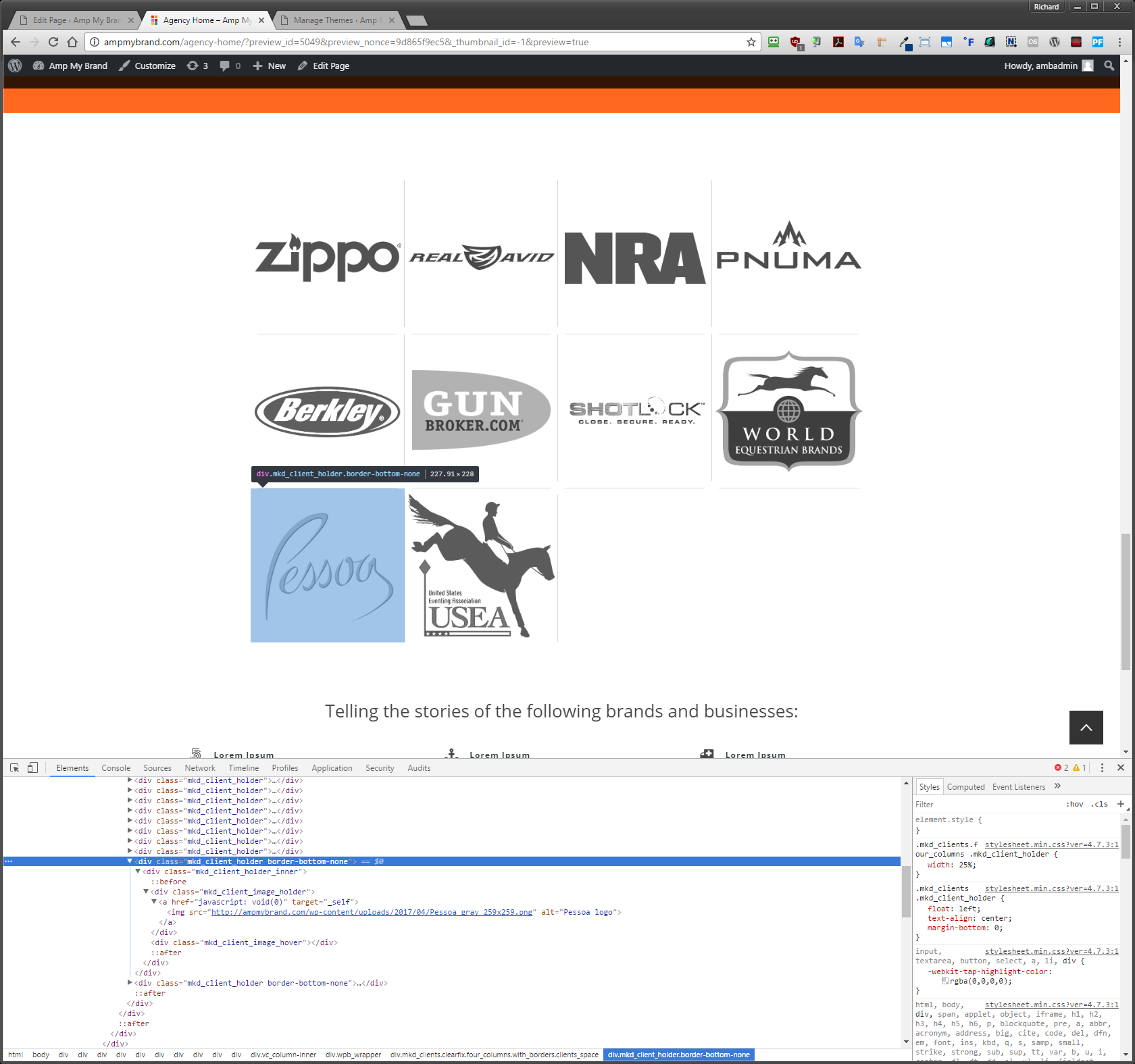
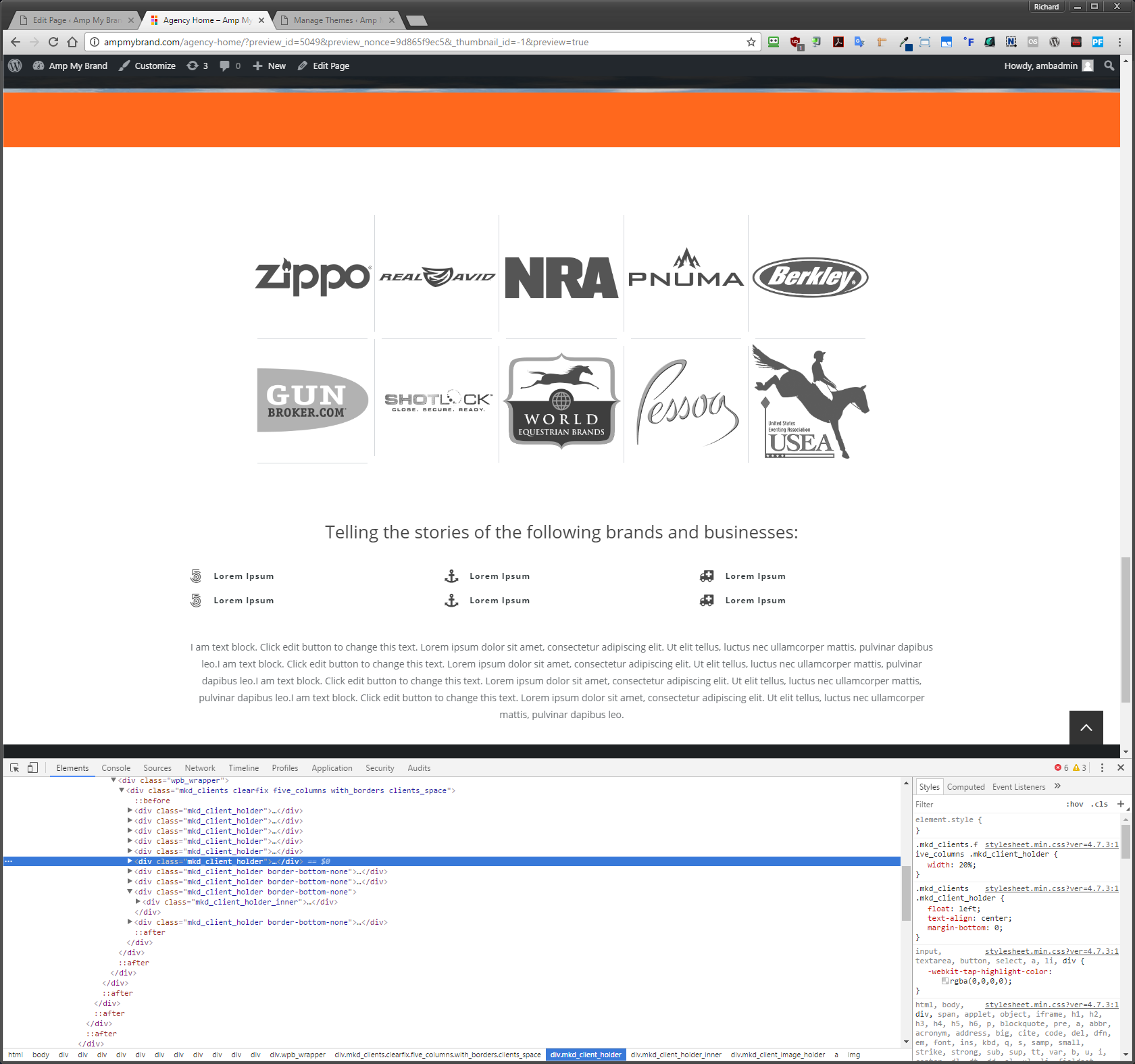
When we put in client logos, with borders, and spaces – then set it to “Four” columns… the separating lines, on the last line of logos, disappears. That works fine, as it should. See here: http://i.imgur.com/hSLX7rP.png
The problem is, when you switch it to “Five” columns, the first logo on the last line, still has a separator line under it. See here: http://i.imgur.com/iPxOb8A.png
When it’s set to 5 columns, I noticed that the first logo on the last line is not getting the “border-bottom-none” CSS attribute tagged onto it.
Do you know why this is happening, when using the “Five” column setting for the client logos? ...and, how would we fix this?
Thanks for any/all help!
Hi,
Your screenshots were broken so we couldn’t see anything.
Anyway, this problem requires assistance of our support team. Please open support ticket at https://mikado.ticksy.com and our support agents will assist you on that problem.
You can log in with Envato credentials your theme has been purchased from.
Thanks!
Thank you for your response – I’ll tell her to contact you.
Not sure why those imgur images wouldn’t load – so, I have moved these files to our server, for your review.
Image 1: http://ampmybrand.com/wp-content/uploads/2017/04/hSLX7rP.png
Image 2: http://ampmybrand.com/wp-content/uploads/2017/04/iPxOb8A.png
Again, I’ll let the theme owner know to contact you privately.
Thanks again!
Hi,
You’re welcome! We’re waiting for your ticket.
Mikado
I have the purchase code now, and I am trying to file a ticket right now – but ticksy.com is being very slow, and giving me ngix errors… I’ll do my best to deal with it and try to get a ticket submitted.
Hi,
Ticky works fine now, please retry to submit your ticket.
Mikado
I see that – it came up right after you guys left for the day yesterday. There should be a ticket I have submitted already. 
Can you send your ticket number, since there is no nick like yours in the system?
Sure – PRIVATE TICKET #1133006
Your ticket was answered by our support team. .
Hi there,
And thanks for the interest in our theme.
Landing page isn’t included, but if you decide to use our theme, our support can provide you with the code from our demo page, so you will just need to set your own images.
Mikado
Hi—I’m having issues with the theme. The changes in Mikado Settings are not reflecting on the site. Can you help check it out if I send the login info?
Tried submitting a ticket but it says the site is down
Hi,
Of course, you can provide credentials on private ticket, but Ticksy administrators are performing maintenance. Please try again a bit later. Sorry for inconvenience!
Mikado
Hi, I purchased another copy of this theme yesterday and have uploaded to my development site, but it is asking for me to activate Visual Composer. When I go through the process it says I have no license copies lefty – should this not be included with the theme?
Hi,
When it comes to error messages, we bought extended license for these plugins (Visual Composer and Layer Slider), and we can’t give you license code because of policy and terms of Theme Forest, because of that we included these plugins in our theme (you can find plugins in theme folder/plugins/ there are installation files of these plugins), also we will update these plugins to the latest version with theme update so you just need to wait for next theme update and there will be the latest version of plugins if it exists. Then when you update theme you just need to go to your back-end Plugins and to deactivate/delete these plugin then you will get some notification to install necessary plugins to our theme, then just click to install/activate again these plugins and that will be all. If you don’t get this notification to install necessary plugins, then just go to Plugins -> Add New -> Upload -> Find these plugins in our theme folder/plugins select one by one and click import/install.
Basically, you can ignore activation messages and use your plugins freely.
Mikado
HI there
Pre purchase question.
Main Demo: http://burst.mikado-themes.com/landing/
it has lots of cool stuff that appears on scroll.
Is this also included?
Hi,
Thanks for interesting in our theme!
Everything you see on demo site can be imported with demo content so you can edit it and use it.
Mikado
Love the Template. It has taken a bit of learning but after being a joomla user since it was mambo you have completely converted me to Wordpress.
Thank you.
One quick question? For the life of me I can’t seem to figure out how to get the images on my portfolio page, using Masonry, to have random dimensions like the demo.
http://phooka.com/phooka-impact-portfolio/Any guidance would be very much appreciated. Thanks again.
Rick
Hi,
In your masonry gallery you can set 4 different dimensions for each element. https://www.screencast.com/t/U5mTEHP9nGi
Image will appear in certain way depending on what you choose.
Mikado
I have problems to load the demo content. I tried it already 3 times, but it always stucks. I waited every time more than an hour but it never completed. After one or two repetitions it finally finsihed, but it seems to have all content two or three times (Navigation for example). Can you help me to import the demo content, please. Otherwise i need to use another theme. Very diasppointed.
Hi,
Please open support ticket at https://mikado.ticksy.com/ and our support agents will assist you on that problem.
Mikado
I created a ticket 2 days ago for support and I have not received a response yet.
Hi,
Your ticket’s been assigned to our support agent and will be answered asap.
Mikado
Hi
CSS media query help
Using your demo shop as an example, currently on mobile phones (portrait) the shop displays two products in a row. I would like the shop to display one product in a row on mobile phones (portrait). I would be very grateful for any help on this.
Many thanks
Tony
Hi there Tony,
Just add this part of code in Mikado Options > General > Custom Code > Custom Css
@media only screen and (max-width: 480px){
    .woocommerce.columns-4 .woocommerce_with_sidebar   ul.products li.product {
        width: 100%!important;
        margin: 0;
    }
}
Best, Mikado
Thank you ever so much, I truly appreciate support.
You are welcome Glad to hear you are satisfied.
Hello! I am having trouble activating the WPML plugin, everytime I do it crashes the site. Looks like it is a PHP problem. Do you know about it? Is anybody else having trouble with WPML? Thanks a lot for your time.
Hi,
We can’t tell much without inspecting issue, but if you think it is PHP related, you can see what are requirements here https://wpml.org/home/minimum-requirements/
If you’re using PHP 7.0 or higher, we suggest you to downgrade, because it is more compatible in that case. However, WPML is commercial plugin and you can always ask their support team to help you.
Mikado
Hi, great theme.
Is there any way to speed up page load? It seems to take a few seconds on any page before background images are loaded.
Thanks.
Hi,
This question requires assistance of our support team.
Please open support ticket at https://mikado.ticksy.com/ and our support agents will assist you on that problem.
Mikado
How do I change the hover color of the drop down menu items background?
Hi there,
I hope all is well.
For some reason, in Mikado Settings>Elements, when I change the following colours and click save, the colours do not change, in fact even if i refresh the settings it shows that they have not saved.
These are the settings I’m trying to save…
Widget title – text style – text colour
Widget Mikado Blog – text hover color
Testimonials Navigation – active color
Please help.
Many thanks,
Adam
Hi,
if your options do not save, it is most likely related to server resources. We suggest you to update them.
You should ask your hosting provider to modify you PHP settings according to this:
max_execution_time = 300
memory_limit = 128M
upload_max_filesize = 128M
post_max_size = 256M
max_input_vars = 3000
Note that these values should be the same on both Master Value and Local Value sides.
max_input_vars is especially important.
Mikado
Hi there,
I have wrote to my hosting with the above request and they said the following…
“The only limit we won’t be able to raise is the “max execution time” but that one really shouldn’t be hit anyway.
The site is on shared hosting so these limits are all very high and would usually indicate a poorly coded script or very intensive application being run rather than normal Wordpress?”
Do you know what else could be causing this?
Many thanks,
Adam
Hi,
Our theme works on many servers worldwide without problem, but it requires good resources. Shared hosting packages are not always a greatest solution. Sometimes they can’t handle heavy jobs like demo import or heavy plugins.
Mikado
Hi there,
It imported demo content fine, the site is basically finished, its just those last few settings mentioned above wont save? I can’t even change these elements using css, with !important tags to override.
Here is a link to the site… http://hollacreative.co.uk/
Your help is much appreciated.
Many thanks,
Adam
Hi,
Please send us screenshots of what you want to change, and we’ll try to create some CSS for you. If you already have some valid CSS but it doesn’t apply when you save it, it means you have some third party caching plugin or server caching activated so it postpones saving.
Thanks!
Hi there,
Here are two screenshots of the settings that will not save.
http://hollacreative.co.uk/mikado-blog-widget.jpg http://hollacreative.co.uk/widget-title.jpgThank you very much.
Adam
Hi,
We can do that with CSS. Can you please send us screenshots of elements you want to change and colors you want to place, and we’ll send you code back?
Mikado
Hi,
No worries, here is a screenshot with numbers highlighting the below.
1. change font colour to #ffffff 2. change box background to #ec008c 3. change hover colour to #ec008c and font to ‘waiting for the sunrise’ 4. change font to ‘waiting for the sunrise’
Thank you for your help.
Many thanks,
Adam
Hi,
1. and 2. We’ll need screenshots of elements. Because font might relate to a lot of things, we need to target precisely. Especially box backround, what is that?
2 and 3. What are the links of pages holding those titles? We do not see that here http://hollacreative.co.uk/
Mikado
Hi there,
Here is a link to one of the post pages… http://hollacreative.co.uk/inspiring-thoughts/
When I inspect element, these are the css selectors for 1… aside.sidebar .widget > h4, .woocommerce aside.sidebar .widget h4
2 is the grey box that sits behind 1.
Many thanks,
Adam
Hi,
You can put this code into MIkado Options > General > Custom CSS
aside.sidebar .widget > h4{
     background-color: #fff;
     color: #cf18bc;
 }
first color is for background, second for font.
Mikado
Excellent stuff, I had a bit of rogue css in my child theme which was causing the new css not to work.
All sorted now, thanks for your help!
Adam
You’re welcome!
Anyone know how to fix this text in the demo? It use to scroll correctly with the background pushing up the fullscreen image but now the text just slides over the top of the image and you can’t read the text.
http://imgur.com/a/qFKlOI tried changing the settings in that row with the text but I cant find any solution. Would probably be a good idea to fix it in the demo.
Hi,
Please add this code into Mikado Options > General > Custom CSS
.content > .content_inner > .full_width {
    position: relative !important;
    z-index: 5000;
}
Mikado
Hi Mikado! This is a bug I noticed recently, it is in your default demo page (http://burst.mikado-themes.com/burst/) . Please see the label “create your website..” that is appearing over the top banner.. is there any fix? screenshot: https://www.screencast.com/t/RGBYf3I6q
Hi,
Yes there is, you can put this code into Mikado Options > General > Custom CSS
.content > .content_inner > .full_width {
    position: relative !important;
    z-index: 5000;
}
Mikado
Hello guys!
I would ask 2 questions i will be dumb but im stucked and need help.
Sorry for the stupid questions. Thank you
Hi,
When it comes to parallax, you will have to edit the row, make ti parallax and add some background https://www.screencast.com/t/Pybz2j2lCEr
When it comest to the rest of the elements, here is how it was built https://www.screencast.com/t/5eZF3TXb Basically an elements holder with couple of items.
There is custom CSS for the row you should add https://www.screencast.com/t/WeWLrkVxXZ
overflow-adj {
overflow: visible !important; }
.img-pull-down {
    position: relative !important;
    top: 20px !important;
}
Lap top image calls that extra class from CSS https://www.screencast.com/t/soUgwvwn
Also, this row has an animation https://www.screencast.com/t/lxHb5A9zOVoG
Anyway, the best solution is always to import demo in Mikado Options > Import, and you get all the settings. You can do that locally and then replicate to your live server for example.
MIkado
Thank you!
I am very impressed by your work, sorry i didn’t realise i can import the demos, if i would i wouldnt ask.
You do your work on a professional level. Thanks for the help.
You’re welcome!
Hi!! I bought the BURST theme a few months ago but until now I work on it, so I lost the support. Now I realize that the template is extremely slow in some sections lasts up to 30 seconds loading a page. I ask your cooperation to see what the problem is. Thank you very much for your time!
Hi,
There are various things that can impact site speed. We’ll need site link for the beginning. Thanks!
Mikado
Hello! The page is: www.publisos.com Thanks again!
Hi,
We’ve inspected your website with GTmetrix and there are couple of stuff you will have to fix.
https://www.screencast.com/t/KZKchm9dbUKbYou should compress your images with some tool like www.jpegmini.com/
What you or your hosting provider should do in .htaccess file is described here:
http://gtmetrix.com/leverage-browser-caching.htmlAlso, your server response is really slow, you should talk to your hosting provider on that https://www.screencast.com/t/UD0HQOIvJw
Basically, minor modifications of this file would help you to get better grade related to speed of page loading
For further help in site optimizing, please open support ticket at https://mikado.ticksy.com/ and our support agents will assist you on that problem.
Mikado
Thanks, I’ll check it out.
You’re welcome!
I created a ticket 4 days ago for support and I have not received a response yet. The Ninja Form is causing page load errors. When I add the form to my contact page, the page will not load. When I remove it, the page loads fine. Are there any known errors with this plug-in? I am using the most up to date version of Ninja Forms (Version 3.0.20).
Hi,
Unfortunately, we can’t find your ticket in our system. Please post the link or ticket number here.
Also, we have to inform you that Ninja Forms is third party plugin didn’t come with our theme. It means we can’t support it because we didn’t test it with our theme. You will have to contact products manufacturer for that.
Mikado