38443 comments found.

Hello, my college have buy the new 8.5 version. We have the new Wordpress Update 4.8.3. We have the problem, we dont can uploud the Complet demo.
Hey Aliyay007, can you please open a ticket in regards with your admin credentials? https://themenectar.ticksy.com
Cheers
hi,
Is “trending now” based on number of views? if not, so how does it work then?
Hey cheezes, you can set the popular posts widgets to show them based on the number of views or comment number
Cheers
Hi,
With the transparent header turned on, my salient doesn’t seem to pick up if the starting block is a light or dark theme. The starting header defaults to white regardless of if the block is light or dark theme.
So for instance on this page the background is white and text set to dark http://esquared-systems.azurewebsites.net/isoma-overview/ however the header defaults to white.
If in the salient options I tick “Header Permanent Transparent” this error is fixes and it correctly displays the header info in black.
Is there a fix for this? I’m assuming it’s meant to pick up the background starting colour even with “Header Permanent Transparent” disabled?
Many thanks
Hey, please see my response to your previous comment posted in regards 
Cheers
Hi,
With the transparent header turned on, my salient doesn’t seem to pick up if the starting block is a light or dark theme. The starting header defaults to white regardless of if the block is light or dark theme.
So for instance on this page the background is white and text set to dark http://esquared-systems.azurewebsites.net/isoma-overview/ however the header defaults to white.
If in the salient options I tick “Header Permanent Transparent” this error is fixes and it correctly displays the header info in black.
Is there a fix for this? I’m assuming it’s meant to pick up the background starting colour even with “Header Permanent Transparent” disabled?
Many thanks
Hey Millionsknives,
As of now without using the permanent transparent header, the transparent logo shows as the starting version you supply rather than the specific dark one. There’s currently no logic in place other than using the permanent transparent header to check the row colors to dynamically change the header logo. However if you don’t deactivate the transparent header, there’s an option in the Salient options panel > header navigation tab to remove the header border which would give the same desired look in your setup as seen in example here http://themenectar.com/demo/salient-minimal-portfolio/
Cheers
Hey danielng188, I can’t currently access the URL provided, can you verify it’s still live/correct?
Cheers
Yes it’s still live. I have submitted a new ticket with the company’s account Stereoscape. Please check and help fix the problem a.s.a.p!!! Thank you!
Thanks!
Hi TN,
On the home page of my new site: https://www.erfrechtgids.nl. I show an image of a question mark. On a mobile device however I have to scroll a long way down to skip the question mark. Is there a way to not show the image on a mobile device? Can you tell me how to do that?
Thanks in advance for your feedback!
Cheers, Marc
Hey Marc,
You should be able to hide that (or any column) by checking the box on the corresponding tab to “hide on device” in the responsive options tab when editing the column
Cheers
THNX !
You’re welcome
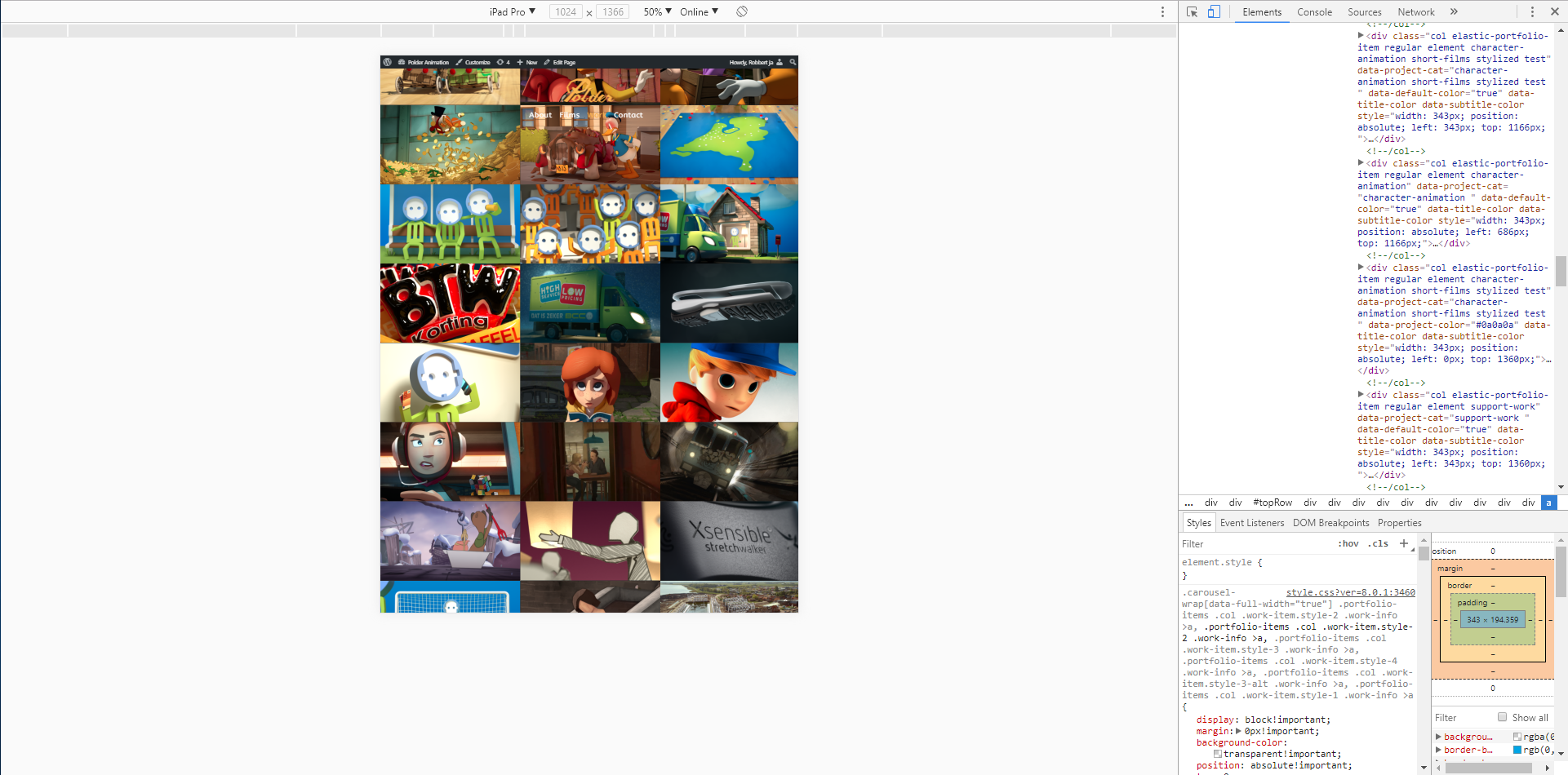
Is it possible to keep it fixed on an iPad?
Example of it going wrong: https://i.gyazo.com/6e6aabaf72a0e1f40cd4f691a6d352a1.pngYou can emulate an iPad by inspecting it and selecting iPad option.
Any help would be appreciated!
Hey robbertjanvanommeren!
Have you tested on an actual iPad in portrait view? The pixel density on a real device is different than browser simulations and will activate different CSS. If you have, please specify whether this is referring to the portrait or landscape view
Cheers
Yes we tested it on a iPad pro 7.9 in landscape view
The problem applies to the iPad too
What would fix all problems for us if is the header just stayed on top on the iPad as well.
Hi there,
I’m working on this site: http://kerkaanzee.nl/ Is it possible to lower the menu bar? To me it seems there is so much white space below. Thanks in advance!
Hey Foresthans!
You can control the header padding in the Salient options panel > Header navigation tab – any value entered in less than 28 will decrease it from the default
Cheers
hello again, i tried to get in touch, send email, left message here 9 days ago, can someone please respond
Hey, sorry for the delay! I Just located your email and will respond shortly
YES PLEASE
Hey diallog, I reached out in regards 7 days ago in response to your email – did you not recieve it?
Hi TN,
I’d like to change the color of the text used in the footer widget areas from gray to white when a mouse moves over the text.
How can I do that?
The example can be found here: https://www.erfrechtgids.nl
Cheers, Marc
The links work now, but I mean all the text should change color on hovering.
Hey,
add this into the custom css box in your Salient options panel:
#footer-outer .row:hover .widget *{
   color: #fff!important;
}
Cheers
Hello,
I am using Loco Translate. I found the .pot file and I can see translate from there. However, I use a child theme. So, the changes I made to .pot file does not reflect to the site. What should I do?
I also use Say What plugin. I was able to translate some of the texts with text-domain, but some do not work with this plugin.
Thanks.
Hey, could you kindly open a ticket in regards so we can assist you further with this? https://themenectar.ticksy.com
Cheers
Hi again,
I created the ticket. My ticket number is 1355351.
Thanks
Hi,
When you disable the Author for the blog in the Salient Settings, how come it does not work for material design blog? Like here http://themenectar.com/demo/salient-blog-ultimate/ there is no way to remove this for the slider and the masonry posts.
I dont want to hide it with CSS, I would like to completely disable this. how would i do this please?
thanks
Hey toolbox101,
The option you’re referring to is only related to the single post author bio section. If you want to remove the author meta name everywhere else, that would require a line of css
Cheers
Thanks for getting back with me, let me tell you the reasons I wanna remove it without hiding with CSS.
When you are displaying a lot of recent posts like here. http://themenectar.com/demo/salient-blog-ultimate/ see that Author image icon is making too many requests to the server, which slows down the page. If it was only one image I would not worry too much, but since we are showing a lot of recent posts and they each have their own Author Icon, that makes too many requests. This is why it is a good idea to remove it.
Plus, if you someone is just one author, does not need to show that.
So, is there a way of doing that without hiding with css?
Hey,
You would need to remove it from the entry.php file located in the includes/post-templates directory https://pastebin.com/W3DjxEAg
Cheers
After updating to the newest Version of Salient and the Composer, my blog modules looks different from the demo. Parts like the meta parts like the categories are different and my excerpt text has a padding left. Can you help me? I checked every plugin before: https://technik-smag.de/ Best Regards…
Hey Check95,
For your “Masonry Layout Style” in the blog element you need to select the style you desire. If you’re trying to emulate the Ultimate Blog demo, that section is using Material masonry style on top and the Left featured image on below in the sidebar area. You can import these layouts directly in the Salient studio via the blog tab
Cheers
Hi ThemeNectar,
I’m referencing your Minimal Portfolio demo, and on the home page right below the opening block text there is a short line “Wanna get in touch? Let’s talk” followed by an animated arrow button. How do I get that button in my layout? I’ve tried all sorts of button and Icon combinations and I can’t figure it out.
Thank you for your help.
Hey squareinch, the element is called “Simple CTA” http://themenectar.com/demo/salient-promo/simple-cta/
Cheers
Thank you for the reply! I’m looking through the visual composer elements, and also through the nectar short codes But I’m not seeing a Simple CTA option. My visual composer is up-to-date. Perhaps I’m looking in the wrong area?
Hey, Are you using a current release of Salient? That was added in about half a year ago in 8.0
Cheers
Yes. I’m running 8.5.0. The lastest release.
My Visual Composer version is 5.2.2. Here is a link to my site if that helps. http://www.sinch.us/
If you don’t see an element labeled “Call To Action” in the list, can you screenshot your VC elements modal so I can make sure nothing else is conflicting/removing elements?
I figured it out! I was playing with that CTA element before, but I was looking for a Simple CTA toggle or checkbox. I didn’t realize it was as easy and just setting the URL. Thanks for you help!!
Hey, glad you’ve sorted it out
I am using the woo commerce shop style where price is displayed on hover so that I can show the average review score in stars. Is there a way to move the price information underneath the image so it shows up all the time rather than just when hovering over the image. Ideally it would sit below the name of the product and above ‘Select options’. I know this is the layout when using the other store layout, but then the star ratings don’t show up.
Hey happylinencompany ,
A change like that would require a decent amount of custom css – have you purchased the theme on another user account? I don’t currently see a license attached to this user.
Cheers
Hello, can I install a slider as on page http://themenectar.com/demo/salient-promo/ in the “Easy & Robust Blogging” block? I did not find it in templates
Hey maxhoras1,
Have you purchased the theme on another user account? I don’t currently see a license attached to this user
Cheers
One more problem — WooCommerce attributes of products doesn’t work on Silent theme after today’s update of Wordpress and WooCommerce.
Hey tyesov, are you talking about when using attributes for product variations? Or are something else? Please kindly list the specifics of what you’re facing so I can assist
Cheers
Yes, I mean variations, looks like this is a problem of WooCommerce new update itself, but not the silent.
If you could kindly shed any more light on what you’ve discovered or share a URL in regards it would be helpful to confirm this
Cheers!
Hi, I faced with some problems while using Loco Translate. Can’t make a translation for default.po. Error is:This bundle isn’t fully configured, so we don’t know what the following files are for. Click the setup tab to complete the bundle configuration. How I can solve it and make a complete translation?
Hey tyesov,
The current version of Salient includes a .pot file, have you tried using that instead of the po?
Cheers
I made a translation of every .po file. The .pot file contains 5 lines only, what should I translate here? Looks like the silent overwrites .po files with correct translation. Could you take a look at my site: chinati (dot) ru I have some untranslated pieces in woocommerce and at blog posts. Hope to get some idea how to fix that.
Hey, the nectar_salient-strings.pot file contains 2k+ strings, you can verify this by opening it up. Could you please open a ticket in regards with your admin credentials so we can take a further look into this? https://themenectar.ticksy.com
Cheers
Hi,
We rely heavily on using VC grid builder to display customised grid products / contents, what’s the reason your theme disabled this useful function? When can your theme support VC grid builder?
Thanks
Hey webhenry,
This has been disabled because when it was added to VC, Salient already had a similar feature within the portfolio post type in regards to custom grid items – it’s still a possibility that it’ll get added in the future, but there’s no ETA. For now you would have to use the raw VC instead
Cheers
Hey ThemeNectar
But your similar feature is for portfolio ONLY, can extend it to products and other post type?
As we don’t use portfolio at all, is it possible to enable VC Grid Builder?
Thanks
Hey,
1. It’s located within the portfolio, but turning a project into a custom grid item allows it to have arbitrary content within the block, which don’t necessarily link to portfolio items
2. Unfortunately it still won’t work by default, more integration would be required to have it function within the Salient VC
Hi! Might not be something you can help with, but I wasn’t able to put shortcodes into widgets natively with the theme, so I installed the Shortcode Widgets plugin. Anyhow, my widgets appear fine on the homepage, but on any other page, they look all jumbled. Any Suggestions?
http://prntscr.com/h47n7mHey! Add this into the custom css box in the Salient options panel:
body .uavc-list-icon {
    display: inline-block;
}