28333 comments found.

Dear,
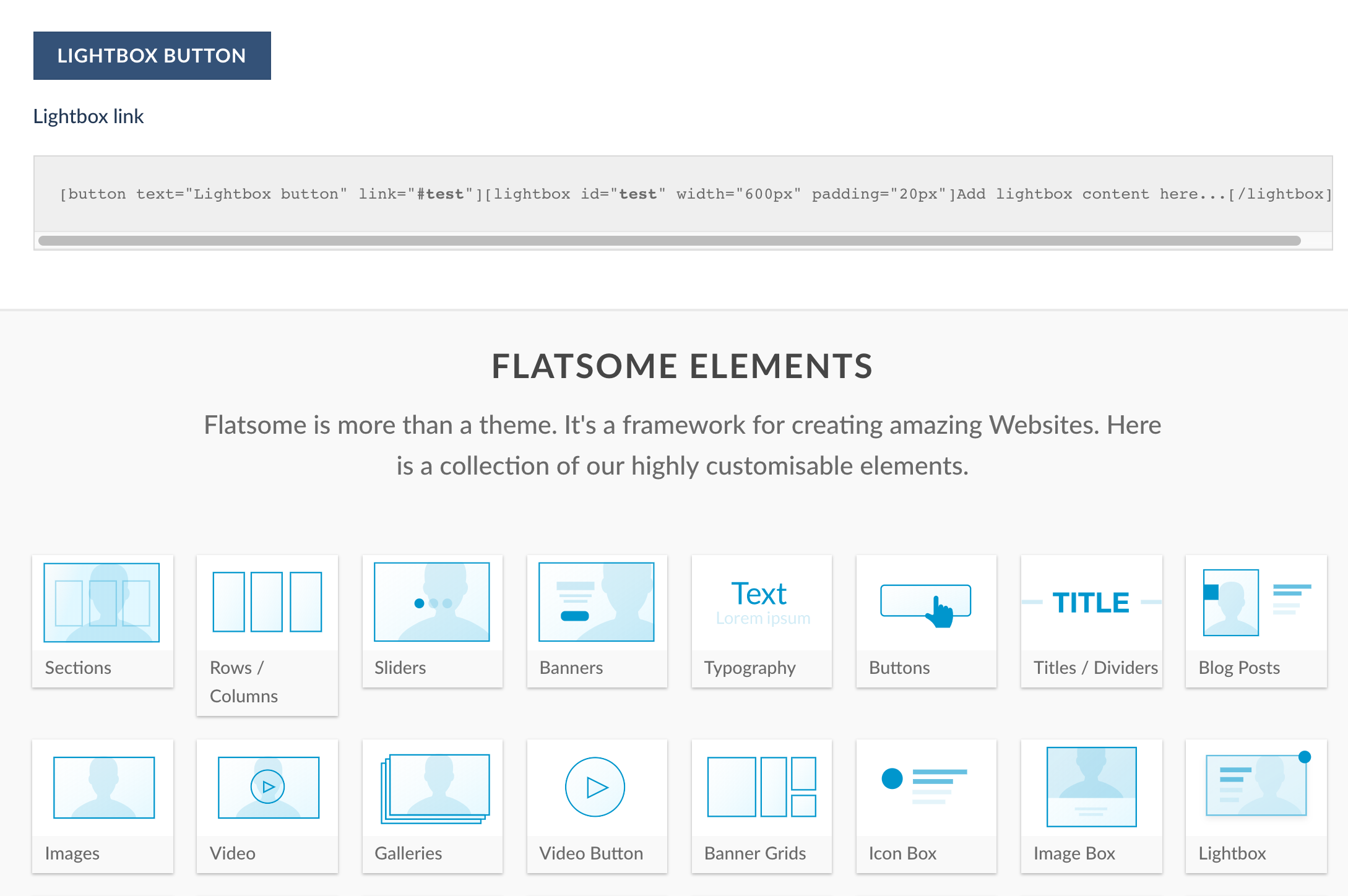
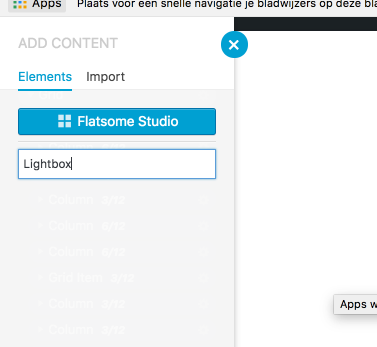
I’ve been trying to use a lightbox to show a lightbox with a contact form 7 once you click an image; Now I went to your documentation and found this: http://flatsome3.uxthemes.com/elements/lightbox/ This is how it should be done: https://i.gyazo.com/1e10819ba62422963a31c79aace947d5.png And this is what I see when I search for lightbox: https://i.gyazo.com/1733ea63941c2a38bd6fd56b5beee491.pngWhy is the lightbox feature not showing up in the elements list?
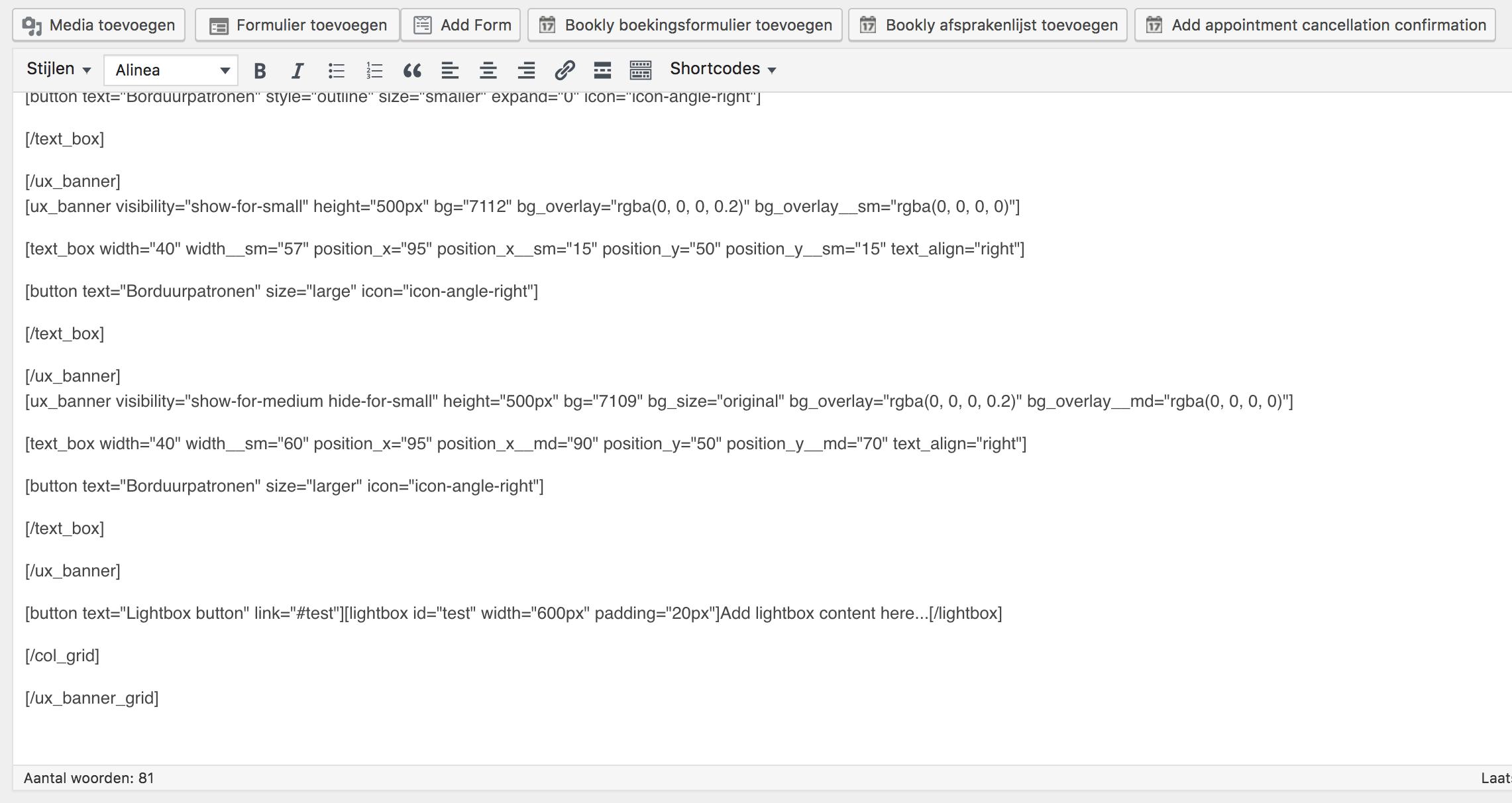
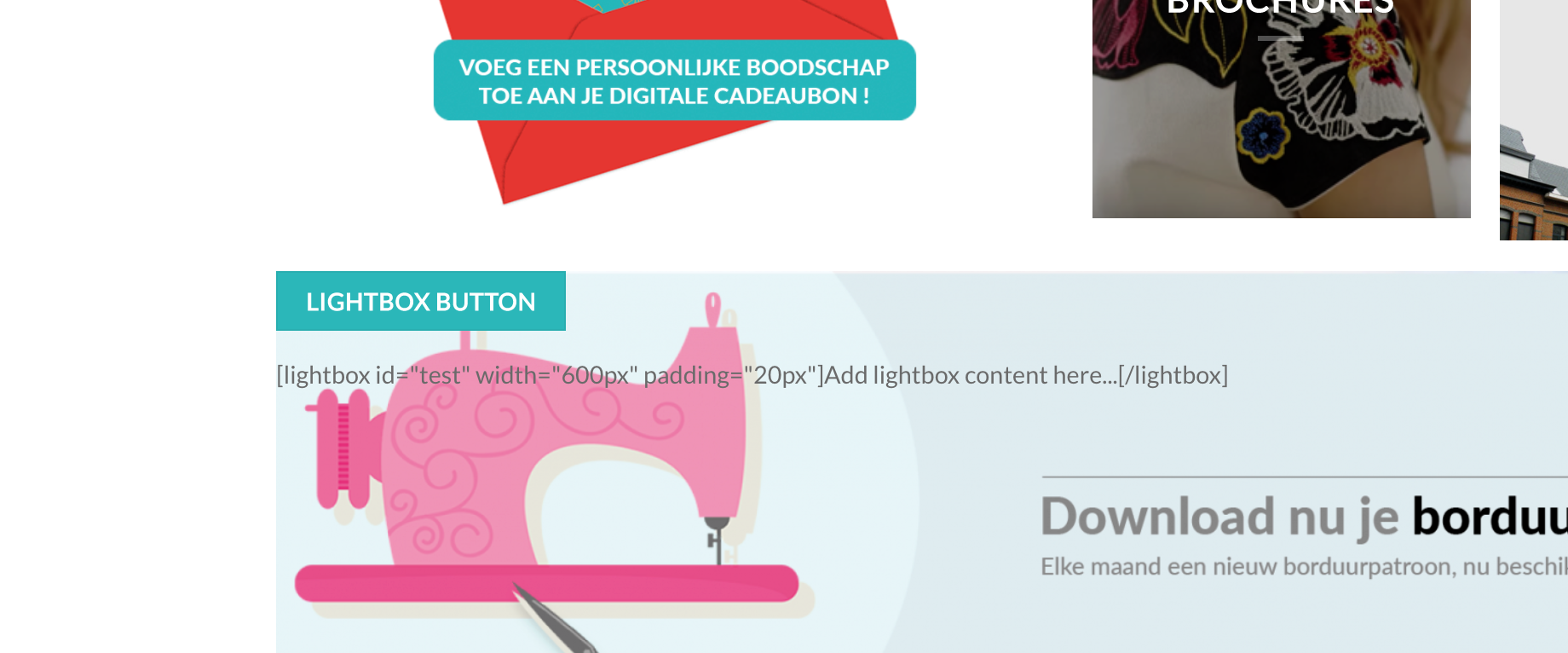
I also tried adding the code direct into the page like this: https://i.gyazo.com/f0246fdac208ff0d45d09544207d05eb.png But this resulted into this: https://i.gyazo.com/9b9ccc6b1c0e61d334f2d14b3acba0b8.pngSo I think for some reason lightbox is no longer part of the theme, am I correct?
Hi Bruno,
The lightbox element is working well. Please shoot an email via support and we’ll check things out.
hello. I sent an email a few weeks ago. Can you please respond? Thanks.
Hi there,
I have checked our helpdesk and it seems you have no unattended to ticket. Do you have a ticket ID we can use to follow up.
The text on my website seems to have gone bold throughout! Where will I find the setting for this! When I edit the text there is no indication of this. www.raisingrobots.com
Hi there,
This CSS should do the trick. Place it in Theme Options > Style > Custom CSS
b, strong{ font-weight: normal; }
i’m waiting 3 weeks for you to help with RTL problem. why don’t you answer my emails??
I think I’ve found an issue with the accordion shortcode and its auto focus. In our woocommerce shop we use it inside the product description. Each accordion_item has text and images inside. If I open the accordions each from top to bottom, the auto focus jumps much too deep. Interesting: If I open the accordion_items each from bottom to top, the auto focus works perfectly. I’ve tried to disable the auto focus by changing the accordion.php and accordion_item.php in inc/builder/shortcodes via child theme. But this seems to have no effect.
How can you disable the sticky header on mobile/tablet devices? I am on the latest version of Flatsome theme.
Hi there,
I’m afraid we do not have a setting for this. You will need a bit of customization for this.
Hi there ,I use the ‘Portfolio’ element (in UX Builder) and setting to
//Style = Badge //Text BG color = rgba(255, 255, 255, 0.67)
but it’s not working (ฺBadge didn’t transparent) like ‘Product Catagories’ element in same page and same setting
have I done something wrong?please advice
ps. Just try with another style of ‘Portfolio’ that’s not transparent either
Hi there,
I have tested the issue on my test bed and it seems to be working properly. Please ensure that you are running the latest Flatsome update 3.5.1
I’m sunning Flatsome 3.5.1 if you want to look after my demo site at thaiprivileges.com (just a demo one) you will see the badge on the ‘Product’ row is not transparent (use portfolio element) like the badge on the ‘Service’ row (product categories element)
Hi admin my map site got problem every time I click on it, it display This page didn’t load Google Maps correctly. See the JavaScript console for technical details. please can provide the solution
Hi there,
Please send in a link to your site via support and we’ll look into it.
ok the site link is www.neymall.com
Hi guys, a quick hack/fix to get a full width header on my blog archive pages?
Hi there,
We have a setting for this here Theme Options > Header > Header Main > Layout > Header Width.
Yea, sorry, my bad. I meant I want a full width archive header image like this: https://draxe.com/section/natural-remedies/
The “place_order” function is broken.
I have emailed WooCommerce support and they sent me this “I see that you are using a Flatsome Child Theme. All templates that refer to email payments seem to be outdated. Could you make sure to update the templates so that they are in line with the latest Flatsome Parent theme? There have been a couple of recent changes that might have impacted those templates.”
Would please help me out ..
Hi there,
Please send a link to your site via support and we’ll look into it..
i am trying to get the language going, but i only see 1 language in the drop down top menu regardless of what i try? i installed polylang and eveyrthing is up. but even thought i have 3 languages in polylang, on the site i only see 1?
Hi there,
Please shoot an email via support and we’ll look into it.
I just updated the Woocommerce templates as instructed and now my category archives page isn’t showing up normal anymore. All the feature photos are huge. I thought maybe I needed to regenerate thumbnails but that didn’t help either. Can you please advise on what might be going on?
Hi there,
Please note that Flatsome modifies some WooCommerce template files and hence it is recommended you wait for the next update to fix the outdated templates.
At the moment, you will need to reinstall the latest theme update 3.5.1 and wait for the next update. The site should still work without any hitches.
The default column size is set to large-9 and large-3 on the portfolio single page. Is it possible to change this easily to large-7 and large-5? Update: I figured that this is probably only possible by changing the core file after copying to child theme folder.
Hi there,
You will need to edit the single-portfolio.php in flatsome/template-parts/portfolio to achieve this.
Please update. In my site, it is showing public/wp-content/themes/flatsome/inc/woocommerce/structure-wc-global.php on line 92
Hi there,
I’m not sure what you mean. Please elaborate in an email via support and we’ll look into it.
Please check http://kaktus.id/. Your theme bugs is on the header of my website. It is start showing when i updated to new theme files.
Hi there,
Please check your plugins.
Hi there I’m sorry I know my support to expire, but I would like to ask you only one question, is it possible to disable quickview completely?
I tried to disable it via theme option but nothing happens, and with the css customize with:.quick-view {display: none! important}
please help me !

Hi there,
We have a setting for this in Theme Options > Shop > category Page > Product Box and click on Disable Quick View.
Thank you for your answer, but I have already done this, but it does not work
Hi there,
Please send a link to your site via support and we’ll look into it.
Hello, I sent you a link via the support
I can not unfortunately answer via the support ticket ;( Unfortunately, the system found your license support entitlement to be expired. Kindly extend your support time limit and create a new ticket.
here is my link
please help me 
please help me
You have an external quick view plugin installed. You need to disable that. And please purchase extended support if you need anymore help 
thank you very much, I would take the support thank you
Hi, I just update to version 3.5.1. But the “customization” appear blank when “woocommerce 3.3.1” is activated.
Hi there,
Please see https://docs.uxthemes.com/article/202-missing-customizer-or-ux-builder
Hi,
My memory limit is 256MB with PHP 7.0.27. I have tried deactivating all plugins and found that “woocommerce” is the one causes the issue.
Hi there,
Please shoot an email via support and we’ll look into it.
Hello, I bought Flatsome in 2014 and been using it since then. Do I need to renew my license to receive the latest version of wordpress theme? If so, how?
Hi there,
The Flatsome license is one off and hence you do not need to pay another fee. Please see how to update the theme https://docs.uxthemes.com/article/77-how-do-i-update-the-theme
Hello, is it possible to change the blog side menu? I would like to edit to my own, add or delete something options . thanks
Hi there,
You can change the blog sidebar content in Appearance >> Widgets and change the content in the Blog widget area.
How to show all product and paging? In the homepage, I drag `Product` element and config at total post (change to null, it only show 8 product). How to show all product. I can’t find the function paging in `Product`. About 4/10 my customer requires this feature. They think many products in homepage is most feature important. Can you help additional paging feature?
Hi there,
i’m afraid the products element does not have this feature. You can place a feature request for this here https://uxthemes.canny.io/flatsome
I have a question, I have this theme but I have a problem with the images, when I post a banner never matter the quality i upload it, its always on bad quality
Hi there,
Please set the image size in the banner options to Large https://pasteboard.co/H8b2fDj.png

This item was featured on ThemeForest

Power Elite Author
Contact the Envato Market Help Team