551 comments found.

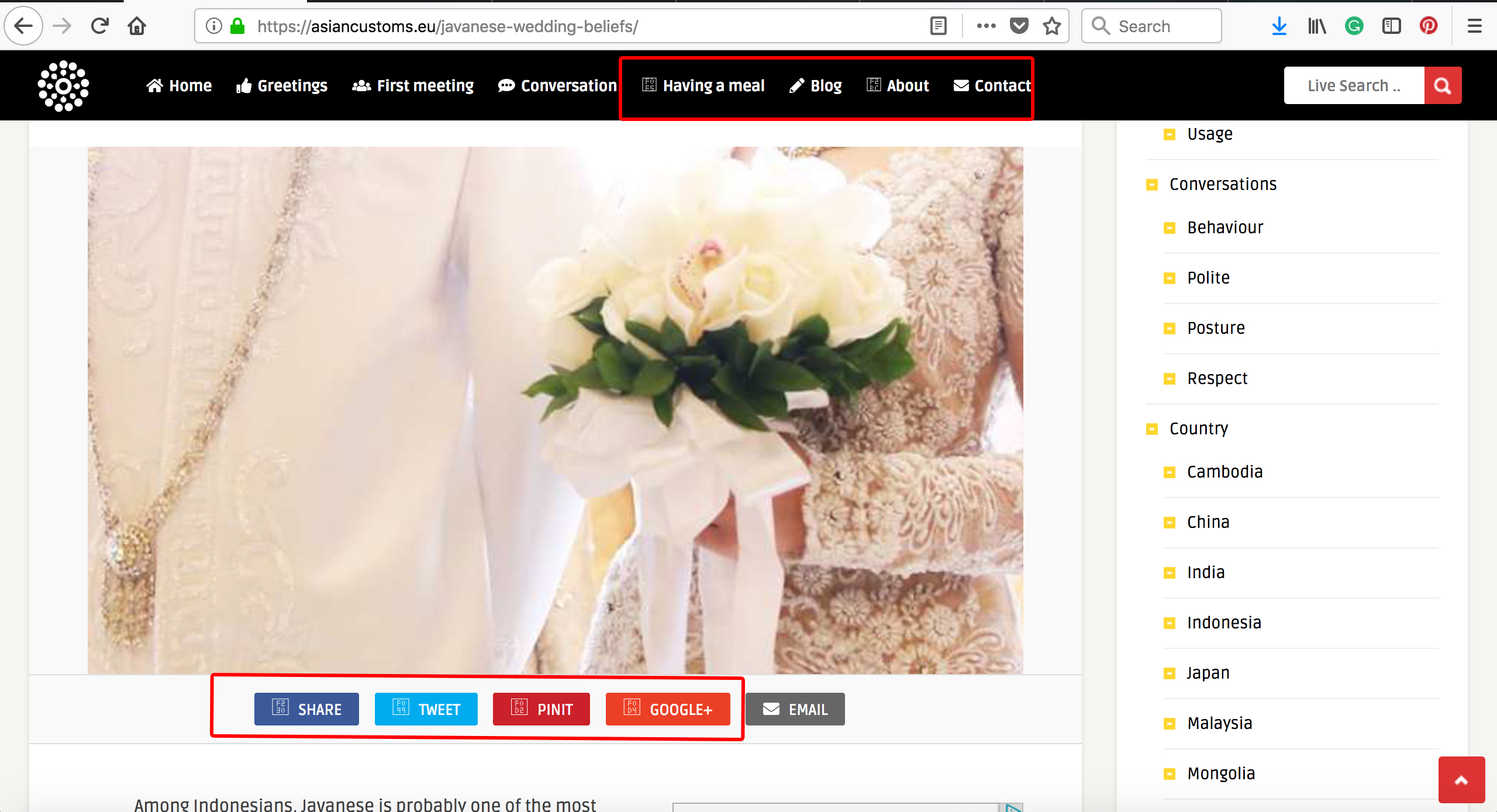
Hi there, I would like to ask why suddenly the theme is missing images for the menu and sharing buttons. Please see this screenshot: https://asiancustoms.eu/wp-content/uploads/2018/03/Screenshot-2018-03-01-10.04.43.jpg
See below reply, thank you.
Kind regards,
Iulian, An-Themes.
Hi, can this theme be used like brainyquote only showing the images and sharing button with the title, description and author. Or I can say, just like the advertisement but with share buttons.
Hi There,
Thanks for your interest!
The theme already has what you are asking, please take a look at the demo. If you have further questions after that, please let me know, thank you.
To display only the featured image and the share icons via home page, can be done with a little css style, I can help you with that. After purchasing the theme, please submit a support ticket and I’ll be glad to help you, thank you.
Kind regards,
Iulian, An-Themes.
Thank you for your reply. I meant to say “showing the images and sharing button WITHOUT the title, description and author”. When someone shares it, can we make it so it loads the images (with quotes) and the quotes in text just like brainyquotes?
One last thing, can we display the categories and tags on the main page? see this image -> https://i.snag.gy/eikHoS.jpg
and when click either the category (i.e inspiration) or tag (i.e happy), it will lead them to same permalink structure for category -> http://anthemes.com/themes/pin/full/category/inspiration for tags -> http://anthemes.com/themes/pin/full/category/happy
1. “featured image and the share icons via home page” can be done with a little css style. I don’t know if the text will be displayed when you share it if you disable it in the first place. I can only help you to hide it, anything else will be up to you to add the changes that better fits your needs.
2. Pin will display the ribbon category as per demo, so will require custom work.
3. Category link: http://anthemes.com/themes/pin/full/category/stock-photo/ tag link: http://anthemes.com/themes/pin/full/tag/featured/
Understand that I’m here to help you with what you see in the demo, what you want is a modification of my theme to have the same style and functionality as brainyquotes, unfortunately cannot be accomplished without some custom work, thank you.
Kind regards,
Iulian, An-Themes.
I would like to remove the “live search” function from the header. Can you advise?
and secondly, how do i remove fields from the registration form? The one that comes with the theme has fields I do not need.
Hi There,
1. You can disable the plugin “Live Search”, please read the Documentation.
2. Submit a support ticket and mention the ones that you want to disable.
Please note that this comments section are for pre-sales questions only. Support is offered only through the = Pin Support, so please submit a ticket if you have any concerns with the theme, thank you!
Kind regards,
Iulian, An-Themes.
Hello friends!
I really appreciate the support, so thank you! If you like my work, don’t hesitate to follow me: http://themeforest.net/user/An-Themes/follow for more Blog / Magazine Themes!
Please note that this comments section are for pre-sales questions only. Support is offered only through the = Pin Support, so please submit a ticket if you have any concerns with the theme, thank you!
Another important thing, if you purchased my theme, go to your Download Page click the “Download” button and select “All Files & Documentation”, and please read the Documentation for a properly configuration of the theme, demo content, plugins, etc.
Kind regards,
Iulian, An-Themes.
I just LOVE your front-end submission themes. I have 3 questions before purchasing one: 1-After purchasing the theme and installing it, is it ready to work and users can directly write and send articles? or do I need to buy another plugin? 2- Which one is the most feature-heavy theme of your Mag, Pin, or Foot? I’ve noticed that they share the same aim, but I need the one which provides the most features. 3-about the ad spaces, can I only use Google adwords, or I can also put images and link them to whatever I want?
Hi There,
Thanks for your interest!
1. Everything you see in the demo, comes with the theme.
2. Every theme is quite different, please take a look at the item description / demo of every item to understand the functionality. To choose one, will be Pin, but is up to you to choose the theme that better fits your needs.
3. As you can see from the demo, I’m using image and link, so the answer to your question, is Yes, you can use image and link or Google Adsense or any AD Network, up to you.
Kind regards,
Iulian, An-Themes.
thanks. I’ve just purchased it 
Hi There,
Thanks for purchasing my theme!
Please make sure you have read through the documentation (located in the /documentation folder of the original zip file you downloaded from Themeforest), which will guide you through the setup process and explain the features of the theme.
If you have any specific questions after reading through the documentation, please submit a ticket via Support form and I’ll get back to you monday morning, thank you.
Have a great weekend,
Iulian, An-Themes.
Good Afternoon, Please I need a guide on how to insert an ad in my copy of this template.
Hi There,
Plenty ads areas are placed in hot spots and blend perfectly with the content. The Pin Theme comes with plenty of advertising placements and responsive AdSense. From Theme Options > Advertisement, you’ll be able to choose the placement of the 5 Ad Spots that are displayed in the Home Page.
Please note that this comments section are for pre-sales questions only. Support is offered only through the = Pin Support, so please submit a ticket if you have any concerns with the theme, thank you!
Kind regards,
Iulian, An-Themes.
Update to latest version resume builder plugin breaks images on homepage
Hi There,
Yes, it seems that the new update is causing a lot of issues: https://wordpress.org/support/plugin/resume-builder with any theme, not specific to Pin theme.
For now, please disable the plugin, until a new updated is added or download the previous version here, thank you.
Please note that this comments section are for pre-sales questions only. Support is offered only through the = Pin Support, so please submit a ticket if you have any concerns with the theme, thank you!
Kind regards,
Iulian, An-Themes.
You can import news from RSS other sites?
Hi There,
Monday morning here and thanks for your interest!
You’ll need to use a plugin for that purpose, by default WordPress doesn’t have that option.
Kind regards,
Iulian, An-Themes.
I hope different pages have different catalogs navigation, rather than the same catalogs navigation. How to achieve? Thank you.
Hi There,
I haven’t heard of an option like that, that’s not an default WordPress function at all, so you’ll need to find a plugin that can give you that option.
Please note that this comments section are for pre-sales questions only. Support is offered only through the = Pin Support, so please submit a ticket if you have any concerns with the theme, thank you!
Kind regards,
Iulian, An-Themes.
pls have a look at this site with your script http://community.vebu.co.uk/
you will see at the very bottom, on ramdon articles, that its shows the category names such as video director, motion graphics, etc…
but the main posts do not show these labels for videos, they work for photographers, etc and posts with stills. what page and what code do i have to edit for the labels “video director, motion graphics, etc…” to appear like the ramdon articles?
Hi There,
Please take a look at the demo to understand how the theme works. Doesn’t make sense to add a ribbon above a video at all, when you click the video, you want to see the video, not a ribbon at the top. As can be seen from the demo, the ribbon does not display if a post has an embed. In the random post section are displayed only featured images as per demo.
Please, as can be seen from the above and as you already know from your oldest support tickets, support is offered only via Pin Support, so please submit a ticket if you have any concerns with the theme. Please note that this comments section are for pre-sales questions only. Thank you!
Kind regards,
Iulian, An-Themes.
Hello friends!
I really appreciate the support, so thank you! If you like my work, don’t hesitate to follow me: http://themeforest.net/user/An-Themes/follow for more Blog / Magazine Themes!
Please note that this comments section are for pre-sales questions only. Support is offered only through the = Pin Support, so please submit a ticket if you have any concerns with the theme, thank you!
Another important thing, if you purchased my theme, go to your Download Page click the “Download” button and select “All Files & Documentation”, and please read the Documentation for a properly configuration of the theme, demo content, plugins, etc.
Kind regards,
Iulian, An-Themes.
is your home page masonary style, auto adjust the posts based on size etc and the posts are sorted automatically by newness for the user submited from front end?
Hi There,
Thanks for your interest!
1. As can be seen from the demo, the width is fixed, only the height will adjust based on the size of your featured image, please take a look at the demo for a better understand.
2. Yes, the theme will display your latest posts by default, this is a default WordPress function. But if you want to change it, you can change it to display “Post by views” or “Random Posts”.
If you have further questions, please let me know.
Kind Regards,
Iulian, An-Themes.
not only mine, for all the user submited posts via front end? possible ?
Yes, of course, that’s how WordPress works by default.
Kind Regards,
Iulian, An-Themes.
Hi, this theme really is amazing, I purchased it 7-8 months ago but only few days ago I started building a website, so basically my support time has already expired, even though I never used it. The only issue i’m having is the Responsive Menu button, would you please be so kind and tell me how to move it elsewhere, because it’s floating on top of Upload Button.
Well, not responsive. I mean this thing, http://prntscr.com/hh74vs I can’t get rid of it, or change the location.
oh and one more thing, I did setup the login/register pages, however, when I login, the text and links in the menu do not change to post submission and management, it stays login/register even when logged in
okay, Issue N1. was my fault and it’s fixed now. but I still can’t figure out how to fix the second issue: in your demo, login and register buttons in the menu disappear when user is logged in.and instead you can see post submission and management, in my menu login and register buttons stay even after logging in… :(( I did delete the menu and created one myself, maybe I did something wrong ? 
okay… figured it out.. lol that was really dumb of me. however, now when I click Post Submission, it takes me to submission page but I can’t upload any content, it says “No form with the specified ID was found”
OK. Disregard everything I said above lol; Everything is functional and working well. Really is an amazing theme. I’ll think first before coming back here for stupid questions next time…
Hi There,
Glad to know everything works as it should.
The theme is very easy, you just need to test and see how it works and of course following the steps from the Documentation is always a plus
Please make sure you have read through the documentation (located in the /documentation folder of the original zip file you downloaded from Themeforest), which will guide you through the setup process and explain the features of the theme. If you have any specific questions after reading through the documentation, please submit a ticket at the Support Center and I’ll be happy to help.
Please note that this comments section are for pre-sales questions only. Support is offered only through the = Pin Support, so please submit a ticket if you have any concerns with the theme, thank you!
Kind regards,
Iulian, An-Themes.
Hi Great job
Hi There,
Thank you for your nice words!
If you are interested on my theme and you have some pre-sales questions, please let me know and I’ll be glad to answer them, thank you.
Kind regards,
Iulian, An-Themes.
I like this theme. It is great. However, I have some issues I’m still grappling with:
1) The share button for Facebook keeps returning the error message: “Error 404 – Page Not Found”. So, I cannot share the stories on my blog with my audience on my facebook page.
2) I can’t seem to figure out how to configure the ‘Featured Posts’ located at the top of the page. I have over 380 posts on the blog, yet none of them comes up as a Featured Post. How can I select the posts that can qualify as Featured Posts?
you can visit: www.wazobia.net to see.
Hi There,
Thanks for purchasing my theme!
1. I don’t see this issue in my demo and I haven’t heard of a facebook issue from my customers at all. But your website indeed it returns a “404 Not Found”, strange to be honest. Consider installing some open graph protocol plugin for better sharing experience here or use this plugin: https://wordpress.org/plugins/wp-facebook-open-graph-protocol/screenshots/ is recommended by a lot of authors on TF. Also, you can use a plugin such as Yoast to have more control over the content you share on social media too.
2. All the information can be found via Documentation. The post in that section are displayed based on one tag “featured”. Please, go to your download page: https://themeforest.net/downloads and click the Download button and select “All files & documentation”, unzip the original zip and there you’ll find the /documentation folder, please read it for a properly configuration of the theme and plugins.
Please note that this comments section are for pre-sales questions only. Support is offered only through the = Pin Support, so please submit a ticket if you have any concerns with the theme, thank you!
Kind regards,
Iulian, An-Themes.
How can I color the homepage entries according to their category, in Pin theme?
Hi There,
Thanks again for your interest!
As I mentioned early, the theme doesn’t have an option to change the color for every category as can be seen from the demo, is not a theme option. Generally speaking, if it’s not in the demo then it’s not in the theme, please take a look at the demo.
You can use a plugin like this one: https://wordpress.org/plugins/colorful-categories/ please note that we haven’t tested the plugin with the theme.
Kind regards,
Iulian, An-Themes.
I did the following link, adding the script in functions.php, but I do not know how or where to place it to work on the homepage. https://wordpress.stackexchange.com/questions/272761/how-to-use-meta-data-for-each-tag-cloud-a
I don’t see the buyer badge, so I guess you’ve purchased the theme with a different account. If you need help, please submit the support ticket with the account used to purchase the theme, thank you.
Kind regards,
Iulian, An-Themes.
ok, check again
I see that you’ve purchased the theme a few minutes ago with this account, thank you.
A short answer for you; you’ll need to edit 2 files, template-home.php file and index.php file. To be honest, I don’t know if will work or not, we haven’t tested it at all and adding custom code can be tricky sometimes and will require custom work, pasting a simple code isn’t enough, divs and classes need to be created to be displayed properly.
I did tested the plugin mentioned above with my others themes and the widget works, so will work with Pin theme too.
Please note that I’m out of my business hours at the moment, time 11pm (23:45), so please submit a support ticket if you have further concerns with the theme, thank you.
Kind regards,
Iulian, An-Themes.
Ok… thank you very much … I’ll open a ticket support
sorry to say but your theme i just bought, does not work. i sent u multiple URGENT support requests to sort out the problem of why videos uploaded do not display correctly. PLEASE REPLY. THIS IS URGENT.
Hi There,
From your demo, everything works perfectly http://community.vebu.co.uk/home/ except the embed video, that will be fixed if is an issue when I get to the office, thank you.
I’m out of my business hours, but I’ll be back to the office in maxim 1h for your urgent matter and I’ll take a look at the problem you have, thank you.
Kind regards,
Iulian, An-Themes.
thank you,. i sent you word press log in details as a support ticket if you need it. awaiting your reply.
Done, I’ve replied to all your support tickets, please check your email. If you have future concerns, please reply to the support ticket or submit a new one, thank you.
Have a great day,
Iulian, An-Themes.
bought and installed. the video did not resize and i have a client waiting see http://community.vebu.co.uk/home/ look at post “test simon” gstar video
From your demo, everything works perfectly, except the embed video, that will be fixed if is an issue when I get to the office, thank you.
Kind regards,
Iulian, An-Themes.
Hello friends!
I really appreciate the support, so thank you! If you like my work, don’t hesitate to follow me: http://themeforest.net/user/An-Themes/follow for more Blog / Magazine Themes!
Please note that this comments section are for pre-sales questions only. Support is offered only through the = Pin Support, so please submit a ticket if you have any concerns with the theme, thank you!
Another important thing, if you purchased my theme, go to your Download Page click the “Download” button and select “All Files & Documentation”, and please read the Documentation for a properly configuration of the theme, demo content, plugins, etc.
Kind regards,
Iulian, An-Themes.
how do i edit the fields on the register page. i want to remove one. – the bio field. – what is the css code to make that field non visible? thanks
Hi There,
Thanks for purchasing my theme!
I’m using a plugin for login / register, so the bio field will need to be hidden with CSS, so please submit a support ticket and I’ll be glad to help you.
Please note that this comments section are for pre-sales questions only. Support is offered only through the = Pin Support, so please submit a ticket if you have any concerns with the theme, thank you!
Kind Regards,
Iulian, An-Themes.