23248 comments found.

Hi, I am unable to update the theme version after 5.5.1 because all version after that make the blog page unusable. The blog cannot be opened (blank page).
Hello, @vsln,
This is not true, check our Demos site, the Blog is working fine and on my test site with the very latest version as well and the blog is working fine for me as well.
Please again try to update the Theme by following the below-given article and the plugins as well.
https://smartwave.freshdesk.com/support/solutions/articles/12000052422--13-update-porto-theme-manually-without-loosing-any-data-
And also could you please purchase a support extension to get further support? Your 6 months of support period is expired from 29/05/2020. According to Envato’s support policy, renewing support is required for further support.
Thanks for your understand.
Não estou localizando aonde edita está opção da páginas de produtos o elemento SIZE GUIDE. https://livrariajesusocaminho.com.br/wp-content/uploads/2021/02/size-guide.png
Hello, @livrariaJesus,
Please read and follow the instructions written in the below given article:
https://smartwave.freshdesk.com/support/solutions/articles/12000057083--22-how-to-remove-size-guide-tab-how-to-create-different-size-guide-chart-for-different-products-
Regards, P-THEMES.
Hello. I found an error. If I want to register at the “top menu login / register” at the top of the page, I can only log in. Can you help me?
https://ibb.co/svkJYrr https://ibb.co/RhxbKHcHello, @bakszi,
In the Theme version Version 6.0.4, we have updated the design of the Popup Login, we have only set it as a single Form with which the user can log in and Register as well: https://postimg.cc/RNfvVVvP
So the previous design like 2seperate Forms in the same popup is no more and requires Customziation if you want to use it. &
If you want to simply turn OFF that popup and wants those options to redirect on my-account page, then you have to go to Theme Options >> WooCommerce and set like: https://postimg.cc/SY9bsDbX
Regards, P-THEMES.
I have a problem with translations at two points:
1. I would like you to tell me where I can translate the content of “Add to Cart Notification Type3” item as it does not exist in main theme .po file.
2. Also the breadcrumb of checkout process “Shopping Cart – Checkout – Order Complete”
Thanks in advance.
I’m sorry, I had an older .po file …
I replaced it with the new one and everything is fine!
Sound’s Good!!!
You are the best 
Hi, We are not able to change the logo width. We use elementor. Please help.
Hello, @antom123,
Please copy and paste the below given CSS code to Porto >> Theme Options >> Skin >> Custom CSS and check back your site after removing the browser cache.
header#header .porto-block .elementor-element.elementor-element-115cdd9.elementor-widget.elementor-widget-image img {
    width: 300px !important;
}
Regards, P-THEMES.
Hello, @motor4ikk2,
First of all, thanks for showing your interest in Porto WordPress
First of all, we would like to tell you that Google very often scores with 20-40 points mobile performance for 99% of websites built with WordPress. To get more points you need to have a really light page. For example remove all sliders, carousels and leave a few banners and products only. Then you will get a high result. But usually, our theme works very fast on mobile devices and don’t have any problems with performance. We suggest you test it on a few mobile devices and you will see that there are no real performance problems. Google PageSpeed gives you recommendations on how to improve the performance of your web site, but it does not actually measure the speed (aka loading time) of your website. If your site loads fast, you can safely ignore PageSpeed’s recommendations.
The traffic depends on a lot of different factors and not our theme only. The only argument from you was your website’s low score on Google Pagespeed. But it can’t be because of that if your real website speed is quite fast. We suggest you read an article from the WP Rocket team – one of the most experienced companies in terms of WordPress optimization.
https://docs.wp-rocket.me/article/85-google-page-speed-grade-does-not-improve
Porto has optimized HTML, combined JS scripts, minified CSS, has style.css generator, conforms all the coding standards from WordPress (and it is checked and confirmed by Envato reviewers while uploading our theme to the market). We are always working on improving our theme’s speed and listen to all our customers’ reports. We release updates every 3-5 weeks so if any performance problems are reported they will be fixed asap.
Porto Comes with default Speed Optimization Wizard Option, you will find under Porto >> Speed Optimization Wizard, So you have to use it and Minify the JS and CSS from there as well and use any third-party plugin for Compressing and Optimizing your site Images and also use server cache as well.
Regards, P-THEMES.
I tested the speed on your demo site. I haven’t bought a theme on my site yet, and I can’t check all your recommendations. I have studied your documentation on improving the speed of work, but I would like to see at least some of them on a real project. I noticed that most of all Google Page Speed https://prnt.sc/zc081a recommends optimizing fonts, as I understand these are icons, do you have the ability to disable icon libraries that I do not need in the theme? Another question, if the language pack is Ukrainian?
Hello, @motor4ikk2,
Yes we have the ability to minify the FontAwesome Icons as well: https://postimg.cc/Xr9QjSM9
The Theme is fully trasnlatable Theme and you can translate the Theme in any language as per your requirements, using Loco Translate plugin.
Regards, P-THEMES.
Hi All, if anyone is looking to find BLOCKS menu and can’t find it like me and Theme documentation is out of date. You will find it hidden under Porto > Template Builder All the BLOCKS are there. Thanks.
@shaf69uk, Thanks for sharing the useful information here, we really appreciate it
https://www.portotheme.com/wordpress/porto/documentation/faq/6-0-migration-guide/
Hello, I have a question about thumbnail on sidebar. product’s thumbnails are take from resized image like originalIMG-85×85.jpg and it is blur. is there any code to get the higher resolution images for thumbnail on Woo category sidebar?
Hello, @cnetcurity,
Sorry to say that this is not possible with the help of Theme Options as there is no option in the theme for that so this is only possible with the help of customization and we only provide our dedicated support for the Theme Options related issues, not for customization this is beyond our limitations, Hope you can understand our limitations.
This requires customization. Item support does not include services to modify or extend the item beyond the original features, style, and functionality described on the item page. For customization services that will help you tailor the item to your specific requirements, we recommend to contact our customization team or hire a developer.
Regards, P-THEMES.
Hello there,
my site: viells.com
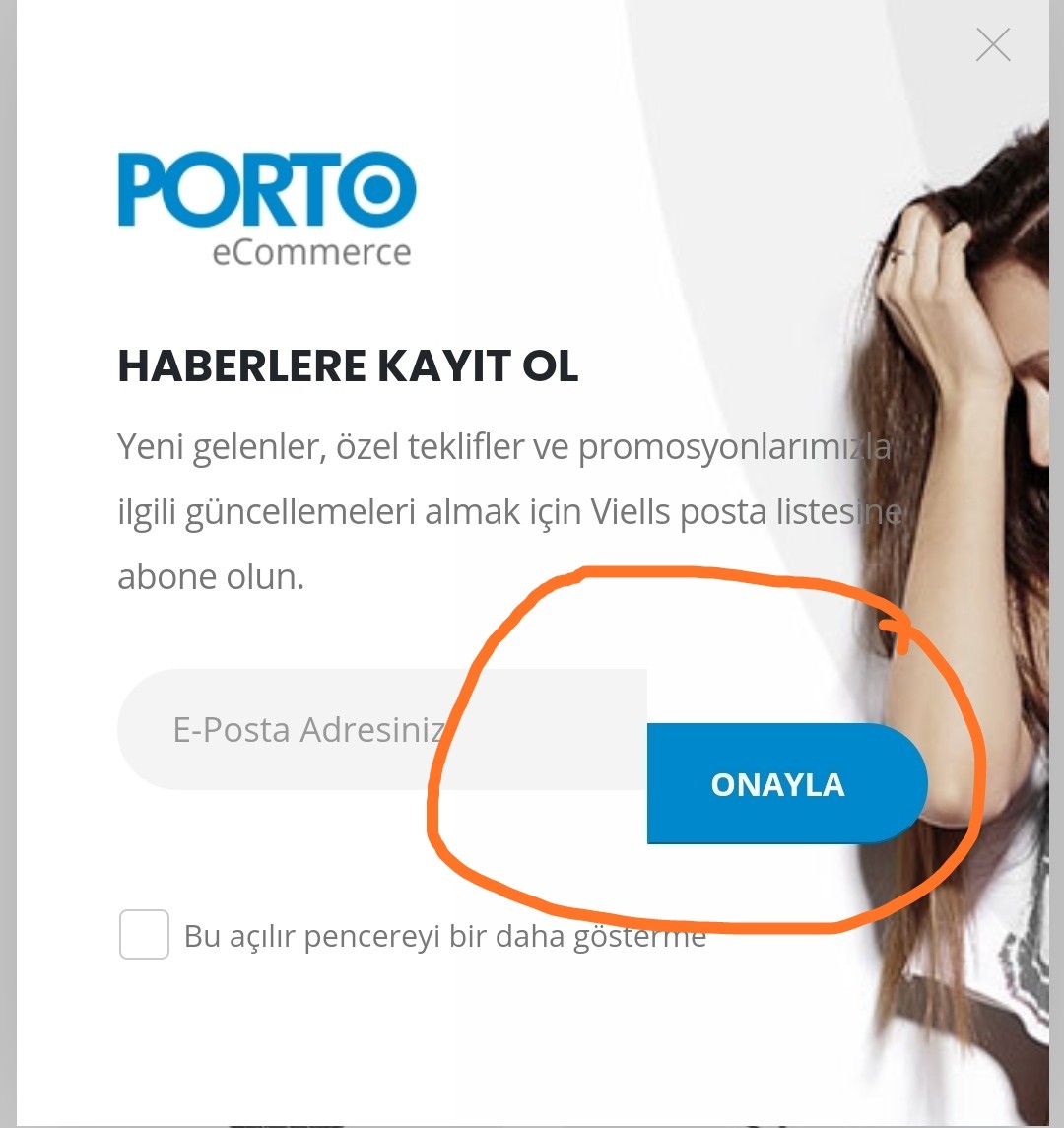
As can be seen in the attached images, my check box has moved down. Can you do it again?
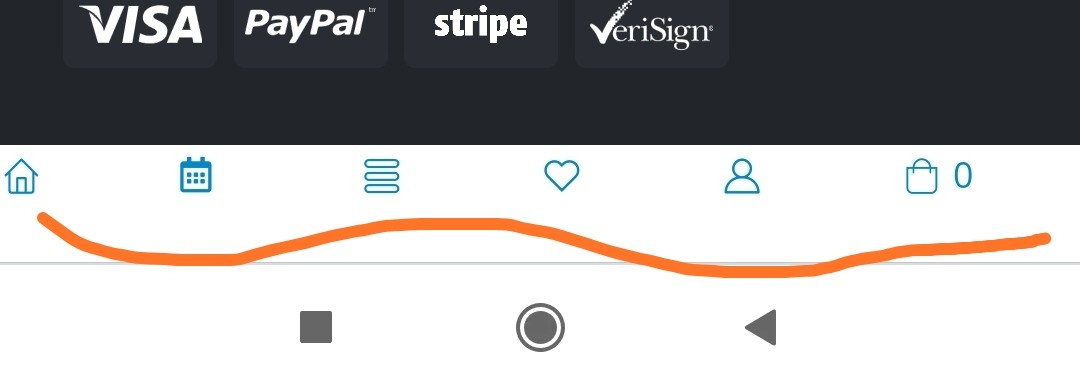
https://i.hizliresim.com/lKxv7m.jpgI also tried to set a sticker menu for mobile, but it did not work. It looks like this.
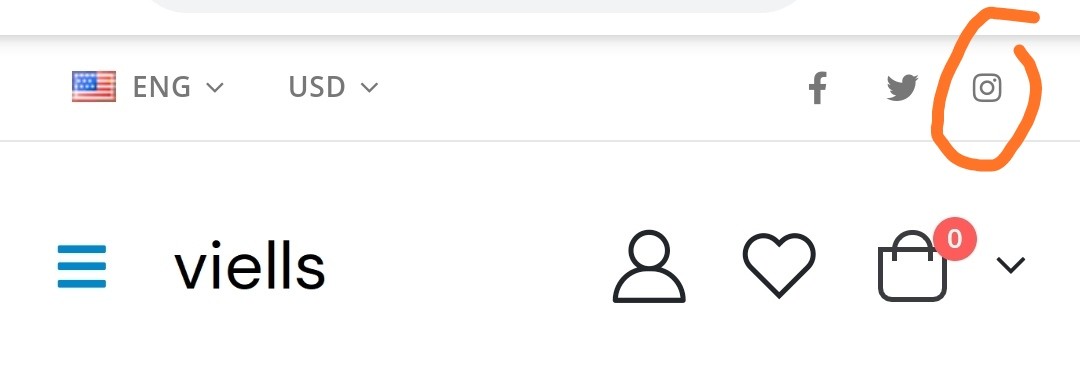
https://i.hizliresim.com/nWQsgZ.jpgAnd it did not happen on my Instagram account. Instagram does not open directly. Also, I could not change the information in Call us now, but it remained the same.
Hello, @viells,
1. Please copy and paste the below-given CSS code to Porto >> Theme Options >> Skin >> Custom CSS and check back your site after removing the browser cache.
.newsletter-wrap .wysija-submit {
    margin-top: 0 !important;
}
2. I have just checked your site now on my personal mobile phone and it is working perfectly fine at my end, it must be the cache issue at your end, try to switch the mobile or browser and check back after removing the cache: https://postimg.cc/mPPDTjFs
3. Where you set your Instagram and what is the error you are facing, can you please share the screenshots for my better understanding.
4. Call us Now: Please read and follow the instructions written in the below-given article:
https://smartwave.freshdesk.com/support/solutions/articles/12000068799--43-how-to-change-my-account-page-link-in-header-builder
Regards, P-THEMES.
Hello, @viells
Can you please contact us via our support system with your site WP-Admin Login details so that we will check it for you on your site.
Regards, P-THEMES.
What is the support link?
I did what you said, meanwhile my icon shrank.
I sent a ticket. Thank you
Hello, @viells
I have just confirmed from the support department and they said that they already replied to your support ticket #115636, so please check your support ticket reply and reply to your support ticket accordingly, and please do not panic here for the support tickets, our support system works on a queue system, so once the tickets are in the queue above your ticket solved then your support ticket turns will come and once your support ticket will be resolved, you will always get the reply of your support ticket, so always please be patience.
Thanks for your understanding.
Regards, P-THEMES.
I loaded Shop 26 demo content on my site. Where in the world do I go to edit the two headers and their demo content?
Hello, @heavyquipinc,
On that Demo the header has been made using Header Builder, so you have to go to Porto >> Theme Options >> Header >> Header Type >> Header Builder.
And for the Menu Items, you can change/modify it from Appearance >> Menu as per your requirements.
Regards, P-THEMES.
Hi there, i have a problem updating the theme.
I get the message: Your ip address is blocked as spam!!!
Can someone help?
Hello, @andre_luiz_13,
I have whitelisted your IP, Please try again now, I am sure you will not finds this issue anymore.
Regards, P-THEMES.
Hi. I chose shop 8 on the demo seems like that : http://prntscr.com/z8q5in
My company website header seems like that : http://prntscr.com/z8pvzg
I do everything on the documents page.
Regards
Hello, @gamerbaba,
Have you purchased the Porto WordPress theme? If yes, then please contact us through your theme purchase account to get the free support for the Porto WordPress theme.
Regards, P-THEMES.
Boa tarde. Eu preciso de ajuda com a licença. Eu não estou usando a licença nesse domínio. “Este código já foi usado no ameix.com.br”. Mas como conta que está registrado nele, eu não consigo usar minha licença em meu domínio atual.
Hello, @rammerfelix,
I have reset your purchase code, now you can use the same purchase code for the registration of your theme.
Regards, P-THEMES.
How to change slider autoparts theme. Also get some error when import demo. Can you please check the screenshots & please tell me how to solve this
Hello, @solarpowercorporation,
1. You simply have to edit your home page and you will find the elements there, you have to edit the elements and change/modify as per your requirements.
2. That triangle is set using Custom HTML SVG icon code, you can change the code icon by editing the element as well as showing below as per your requirements.
And also could you please purchase a support extension to get further support? Your 6 months of support period is expired from 03/03/2019. According to Envato’s support policy, renewing support is required for further support.
Thanks for your understand.
already purchased another license. I am using elementor
Hello, @solarpowercorporation,
Please edit your Home Page with Elementor Page Builder and you will find the elements there, you simply have to edit the elements and change/modify anything from there as per your requirements.
Again the Icon is SVG code and you have to change it using Custom HTML code.
Regards, P-THEMES.
Hello presale question: for another licence! pagebuilder is easy and works great. But how to work on the “single product page” / on the “single product level” i want to add more features and explain the products more. I can use the wpbakery but then just lines of code appear … thank you! but great theme!
Hello, @master443,
No, this is not true that just lines of codes appear, THis is because you have not checked (YES) the porto_builder from WP Bakery >> Role Manager.
Regards, P-THEMES.
I would like to test out the plugin before buying, is that possible? I am asking this because I got a lot of question regarding the customization abilities regarding to Elementor and demo 31. I am also wondering how blog post look on that demo. I just want to buy it and check it out. But after downloading I will not be able to get a refund. So what will be the best way to test this out?
Correction: I mean theme not plugin!
Hello, @juhweetwelwiE,
Sorry to say that but this is not possible to use the Theme before buying it, There is no such policy, you can only use the Theme after purchasing it.
Regards, P-THEMES.
add to cart button not displaying. i bought this theme a year ago, but have only implemented it within the last few weeks. the add to cart button does not display in logged in users. please help!
Hello, @onritecreative,
This mostly occurs because of the cache or because of any third party plugin confliction issue.
Please follow the below listed debugging processes one by one, I am sure it will help you in solving your issue.
|.   Make sure you have everything up to date (Theme, Plugins, Translations files)
||.  Remember to reset ALL cache etc after a plugin or theme update.
|||. Disable all plugins except WooCommerce and recheck if the issue persists
|V.  Check the browser dev console on errors (F12, on most if not all browsers)
V.   Double-check your own Custom CSS, or Custom Snippets in function.php is causing it
V|.  Can you please check once by activating the WP default Theme Twenty Twenty, If the issue will still presist with default WP Theme then it will make clear that the issue is not from Porto WordPress Theme and then you have to contact the WP and WooCommerce support for fixing it with the default WP Theme and once it will fix with the default WP Theme, It will automatically work with Porto WordPress Theme as well.
And also could you please purchase support extension to get further support? Your 6 months of support period is expired from 12/08/2020. According to Envato support policy, renewing support is required for further support.
Thanks for your understand.
Boa tarde, estou fazendo a tradução e configuração do tema Porto, não localizei o local para alterar as informações do tema nas páginas do produto, segue imagem https://livrariajesusocaminho.com.br/wp-content/uploads/2021/02/Porto.jpg
Hello, @livrariaJesus,
This is the sidebar content and you can configure it from Appearance >> Widgets >> Woo Product Sidebar. Please read and follow the instructions written in the below-given article:
https://smartwave.freshdesk.com/support/solutions/articles/12000063628--38-how-to-configure-single-product-page-sidebar-and-configure-the-widgets-inside-it-
Regards, P-THEMES.
No meu menu wordpress não aparece a opção Blocks, como faço para adicionar ?
Hello, @livrariaJesus,
Please read the below given article:
https://www.portotheme.com/wordpress/porto/documentation/faq/6-0-migration-guide/
Regards, P-THEMES.
.quickview { display: none !important; }
I want to hide quickview from specific product on category page, is this possible?
Hello, @melirlbr,
You have to inspect the product and in console, you will find the ID of the particular product like showing in this screenshot: https://postimg.cc/V5zvGcWL
And then you have to set that id with the classes of that product and set it as display: none !important; as showing below, finally paste the code to Theme Options >> Skin >> Custom CSS and it will work for you.
Regards, P-THEMES.
Thank you!
You’re Most Welcome!!
How do i remove my Wishlist from top header?
Hello, @DigiInnovative,
Please go to Porto >> Theme Options >> Header >> Header Type >> Header Builder and remove the Wishlist element from header builder and publish it, finally check back your site after removing the browser cache.
Regards, P-THEMES.