7267 comments found.

Hi,
I would like to know how to add an offset to the scrolling to an anchor. Currently the navigation bar is hiding what the anchor it is scrolling to.
Thanks Callum
Hello, is there already a compatibility between latest wordpress 5.7, The Gem 4.7 and the WP Bakery Page Builder 6.6, or will there be another update soon? Thank you!
Hi, everything is up to date and compatible.
Elementor plugin is not working after an update, now i have to deactive elements plugin to use elementor. do anyone else have same problem i am facing?
Hi, no, it should be working. Please provide your URL and admin access via our contact form at https://themeforest.net/user/codexthemes, we will check
Pre Sale question ! Your theme is really fast i am really interested in your theme i want to know few things! 1: can your team help me to setup theme like this https://www.simform.com/ ? 2: in url https://www.simform.com/ , we have many carousels. i have Wpbakery plugin (https://codecanyon.net/item/massive-addons-for-visual-composer/14429839) , which have element named CAROUSEL ANYTHING. 3: i want to make carousel which will be hover dependent, (as you can see 1st carousel in https://www.simform.com/ ) can your theme is able to make it possible, with help of any code or plugin ?
Hi, thank you for your request. Would you be so kind to contact us via our contact form at https://themeforest.net/user/codexthemes to discuss this in details? Thanx
Hello, I am planning to buy your theme and have several questions: 1. Is this theme is completely compatible with Elementor, all demos are working and there is no errors and code problems (including speed of the website)? 2. Are you planning to continue to add new demos and blocks with new design, as I saw some of your old demos are a little bit out of date but new demos are perfect? 3.On how many websites (domains) can I use license? As I have major project and testing platforms. And I can I change domains if I need? 4. Is your theme fully compatible with multisite (being used only on major site not subsidiaries)? 5.The license is lifetime and I will get all updates including operating blocks always, right?
Hi, thank you for your request. 1. Yes, 100% compatibility, all demos are working, no errors or issues 2. Yes, sure, we extend our demos collections all the time. 3. One regular license allows you to use TheGem on one localhost, one development and one final live website. Yes, you can change domains by deregistering the license from one domain and registering it on another. 4. Yes, 100% compatibility with multisite 5. Yes, you the license and all updates are lifetime
Recieved this error after last update. “VM2774:1 Uncaught ReferenceError: jQuery is not defined” Layerslider is not loading.
Hi, would you be so kind to share your URL and wp-admin access details via our contact form at https://themeforest.net/user/codexthemes , we will check
i tried to add new font with self hosted font, i added that but nothing happened in my site my font which i need it Droid Arabic Kufi
Hi, please be so kind to share your URL and admin access via codexthemes.ticksy.com, we will check what is happenning
Hi,
I’m using “The Gem” theme in my website and reviewing the code, I have seen that the urls of the images in some cases are mounted with a description of thegem, the name of the template and with the format that has been chosen to display: thegem-blog-timeline-large.
Example:
https://www.mydomain.com/wp-content/uploads/2020/11/image-name-thegem-blog-timeline-large.jpg
How can I avoid adding this to the image path?
Thanks
Regards
Hi, please contact us via our contact form at https://themeforest.net/user/codexthemes and provide your URL and admin access, we will check
Hi there. Although I have two valid licenses the update to the latest version is not possible. Info: Purchase code verification failed. Seems to be a problem with the theme update to version 4.7????
Ok sorry, I did not know that you have to deregister each and every development website where I made some tests!! Cleaned all the old installations!! Working fine.
Hi, thank you for letting us know
Hi, Can custom icons be used with TheGem for Elementor? When using WPBakery, you need to use the TheGem_child_user_icons child theme for that, but for the Elementor version, there is no such child theme.
Hi, no need to do it in Elementor, you can just use any SVG icons you wish
Hi There,
I recently installed your Gem Theme to my WordPress to build out a site redesign for my business. I’ve already run into multiple issues:
- There are no page layout options for the header and main navigation. It currently only shows a hamburger menu and for a while didn’t even include my logo even though it was uploaded. I’d like to be able to see a full main nav in the header. - When I try to edit the hero section it the section tab disappears before I click on it, and the section I added above it doesn’t even show a section tab. I was told Elementor was included, but it’s the free version and many layout options and functions are “Pro” only. - Two plugins that also supposedly came with the theme aren’t working and can’t be updated/installed unless I pay for them “Layer Slider WP” and “Slider Revolution” - Footer creation is also incredibly confusing.
I thought I’d just be able to start building blocks out for my site like I did for my current older site – I used Site Origin for that.
I’d appreciate any help you can offer.
Best,
Sandi
Hi Sandi, thank you for your request.
1. Header & main navigation, check here: https://prnt.sc/10jerkt 2. Logo: https://prnt.sc/10jes3l 3. not quite sure about the section tabs, can you please share some video screencast or some screenshots via our support center at codexthemes.ticksy.com? 4. which layout options are missing for you? please share more details via codexthemes.ticksy.com. Also, you may check this https://proelements.org/ 5. no, you don’t need to pay for the bundled plugins to update it. All updates go through our own repository. Please check here https://prnt.sc/10jevq6 – all updates can be found in dashboard 6. Footer: please check documentation https://codex-themes.com/thegem/documentation/elementor/#custom-footers and/or https://codex-themes.com/thegem/documentation/#footer-widgetised-footer-area 7. TheGem Blocks: please check documentation here https://codex-themes.com/thegem/documentation/blocks/#thegem_blocks_for_elementor
In case of any further questions please do not hesitate to contact us via codexthemes.ticksy.com, we will be glad to assist asap.
your theme is spooky with Elementor: it just changes on its own from full width to boxed, without any interference from us, just after editing a page … the same with the footer: when you edit it it “suddenly” is boxed …
Hi, this sounds really very very strange. May I ask you to provide your URL and access details via our support center at codexthemes.ticksy.com so we can check what is happening? Also it would be great if you could add some video cast showing the issue. Thanx
Hi,
Love the theme! Just a quick question to ask am I ok to use the images on my website or are they copyrighted?
I am using the Medical Theme
Thanks
Hi, you can use this demo data if you wish.
Hello, could I please have the real address of the support? I have a big scrolling problem on iPhone.. I contacted you by e-mail.. Can I please have an answer
Thank you in advance
Hi, sorry for this delay, replied per mail
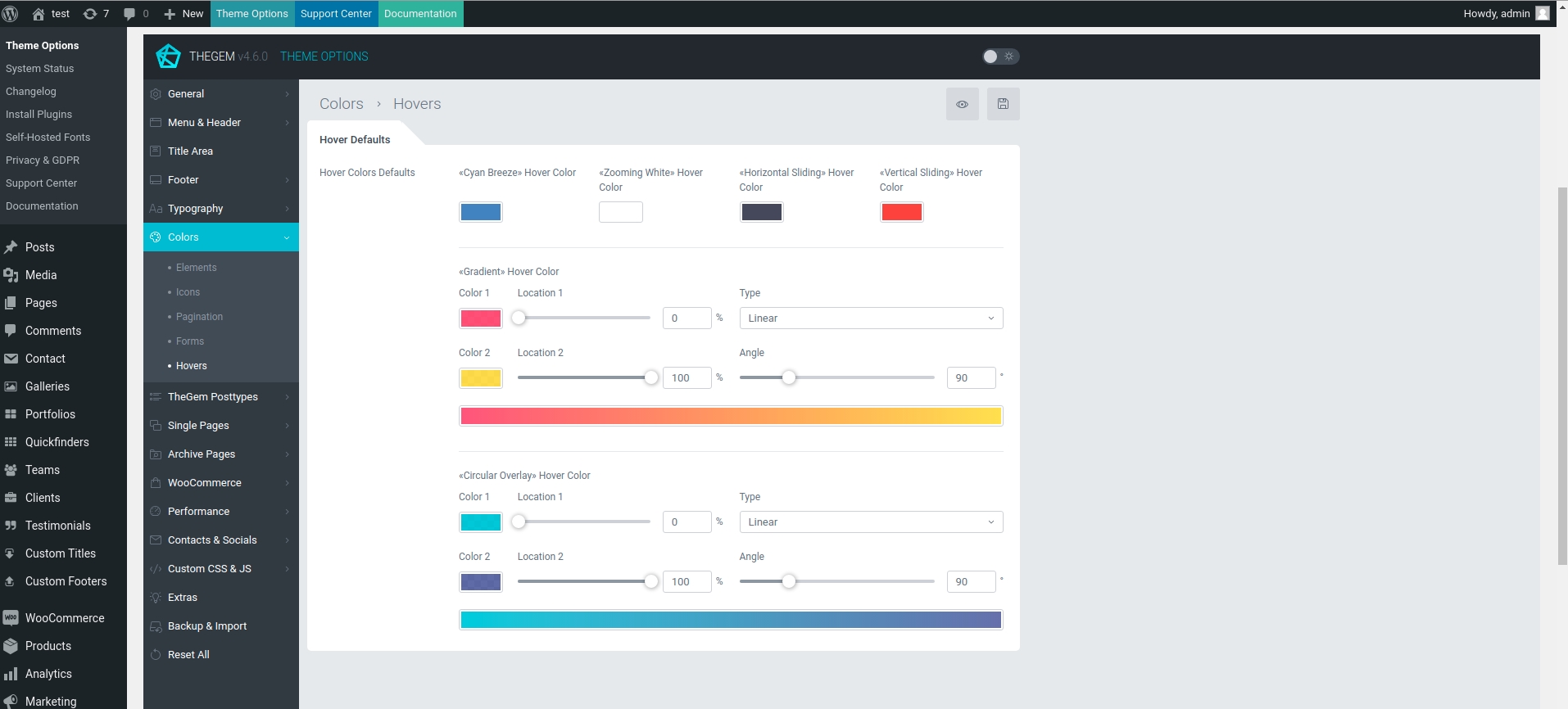
Hello how we can change the hover color and the share icons for the portfolio image? The only way is with css code inside the theme option?
Hi, please provide a link to the page with the portfolio, we need to see the style you’re using.
why you guys didn’t reply my comment above even though you replied everyone else after my comment ?
Hi, as we can see at the moment you have 3 active installations of TheGem. Please contact us via our contact form at https://themeforest.net/user/codexthemes and provide us your purchase code and the URL you try to activate
can you guys check, I already sent you my email last week , haven’t received any reply yet
Hi, we have replied, please check
Hi there. I am struggling to add the same title bar as my old pages after the last update. Do I have to change the website titlebars completely with the new titlebar builder? Is it possible to use the old version?
I am adding a new page to the website and just want to use the previous settings…
Hi, yes, sure – everything should work exactly in the same way. Please share your purchase code and your URL via our contact form at https://themeforest.net/user/codexthemes, we will check
Thanks for the immediate response. Will do
You are welcome
Hello, how can I add a background color to my sidebar?
Hi, please contact our support at codexthemes.ticksy.com
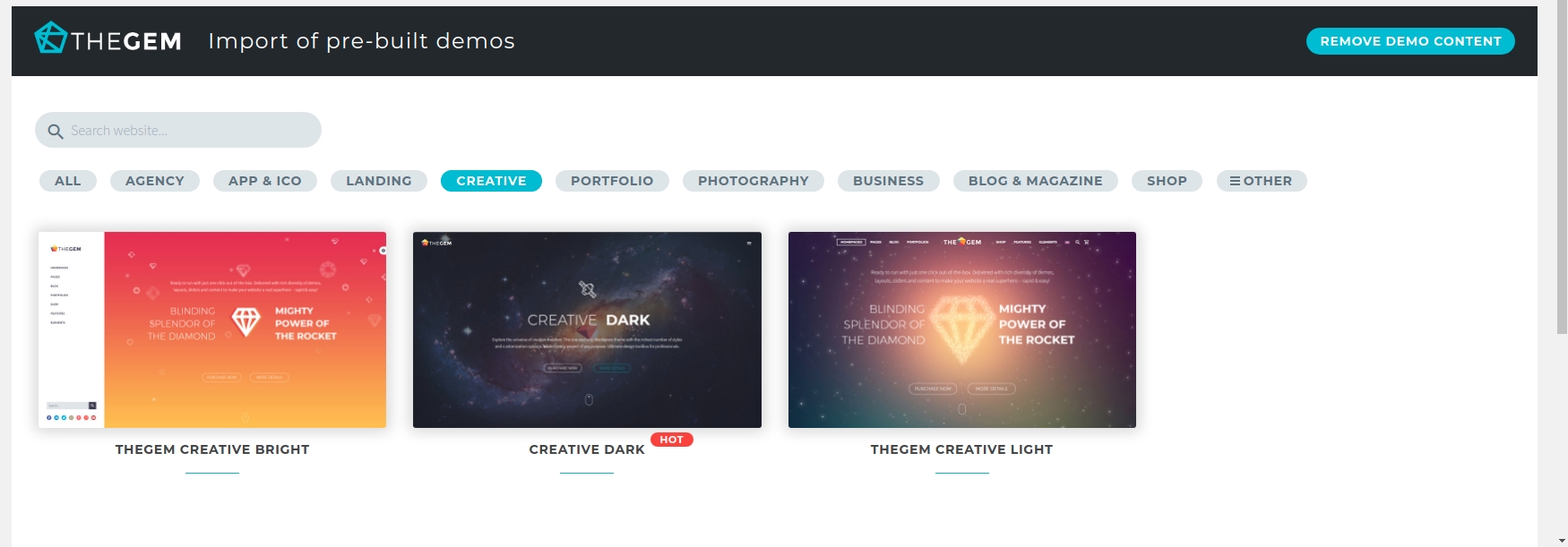
there are plenty of themes not available in the demo version with ELEMENTOR. As :
https://codex-themes.com/thegem/starting_page/themes.php?page=blocks-landing
https://codex-themes.com/thegem/starting_page/themes.php?page=splash-creative-light-02
is this normal?
Thank you
Hi, it should be available. All demos are available. Please provide your URL and purchase code via our contact form at https://themeforest.net/user/codexthemes , we will check your installation
I sent the message. Thank you No, I assure you, they are not available on ELEMENTOR. I loaded the theme for WPBakery, they are available
Did you look at the email sent? I put my site identifiers for the demos that are not present with ELEMENTOR. I am blocked, and I want to work on my site. Please help me URGENT Thanks
Hi, we have got your mail and will reply asap
Please Understand that I am buying a theme, it is to be able to use it from the moment of purchase, and not to be held hostage, waiting for you to solve a problem. It penalizes me, and I am taken hostage, because the ELEMENTOR theme, it lacks a lot of demo version, which are present For WPBakery.
Hi, we have replied per mail: all demos are available in Elementor and WPBakery theme versions. you can find the creative light demo here: http://codex-themes.com/screenshots/Selection_500.jpg Concerning Blocks: it is a sales / promo landing page of TheGem Blocks plugin and isn’t mentioned to be as separate demo.
And that what is it ???!!!
it appears in the demo and on WPBakery
https://www.awesomescreenshot.com/image/6575754?key=a4505eed91c4f60ba5fe9ac8648ecced
Hi, I can’t update the theme and the plugins . I got a message to activate the theme, but is already activated !
Hi, please provide your URL and purchase code via our contact form at https://themeforest.net/user/codexthemes
has been sent .. thank you

This item was featured on ThemeForest

Power Elite Author
Contact the Envato Market Help Team