6358 comments found.

Hello Team,
How can i get Scheduled posts in Post Grid Element.?
Hello,
Post Grid will automatically show the scheduled post once it will be published due to its date and time settings. If you need further assistance, please create a ticket on the Support Portal and our team will gladly assist and guide you.
Yes i know it is showing Published posts, But, i need to get only posts which are in scheduled status. How can i set this in Grid Element.
Hello!
Usually WordPress doesn’t show scheduled posts in its listings, and also there are no settings in our elements that allow showing scheduled posts either. However, we have added special filter for our grid: “us_grid_listing_query_args”. it is being called before passing arguments to WP Query in our grids, you an locate it in plugins/us-core/templates/us_grid/listing.php file on line #158. You can alter WP Query args and show posts of wanted status with its help. If you need further assistance on this customization, please create a ticket on our Support Portal and our team will guide you.
Thanks!
any chance to get figma design for this great template? or photoshop psd?
Unfortunately no, we do not share source materials and mockups used to create demo sites
Hi! You have an error in the basket element for creating your own basket design. The Shopping Cart item the list of products incorrectly displays the “subtotal” price. It does not match the price of the product if it is discounted and is always shown without a discount! Tell the developers to fix it. https://prnt.sc/nqCMtD0JhCoM Thanks.
Hello,
This case needs more data to investigate its reason, please create a ticket on the Support Portal and provide your WP admin credentials via private reply so our support team could investigate. Thanks in advance!
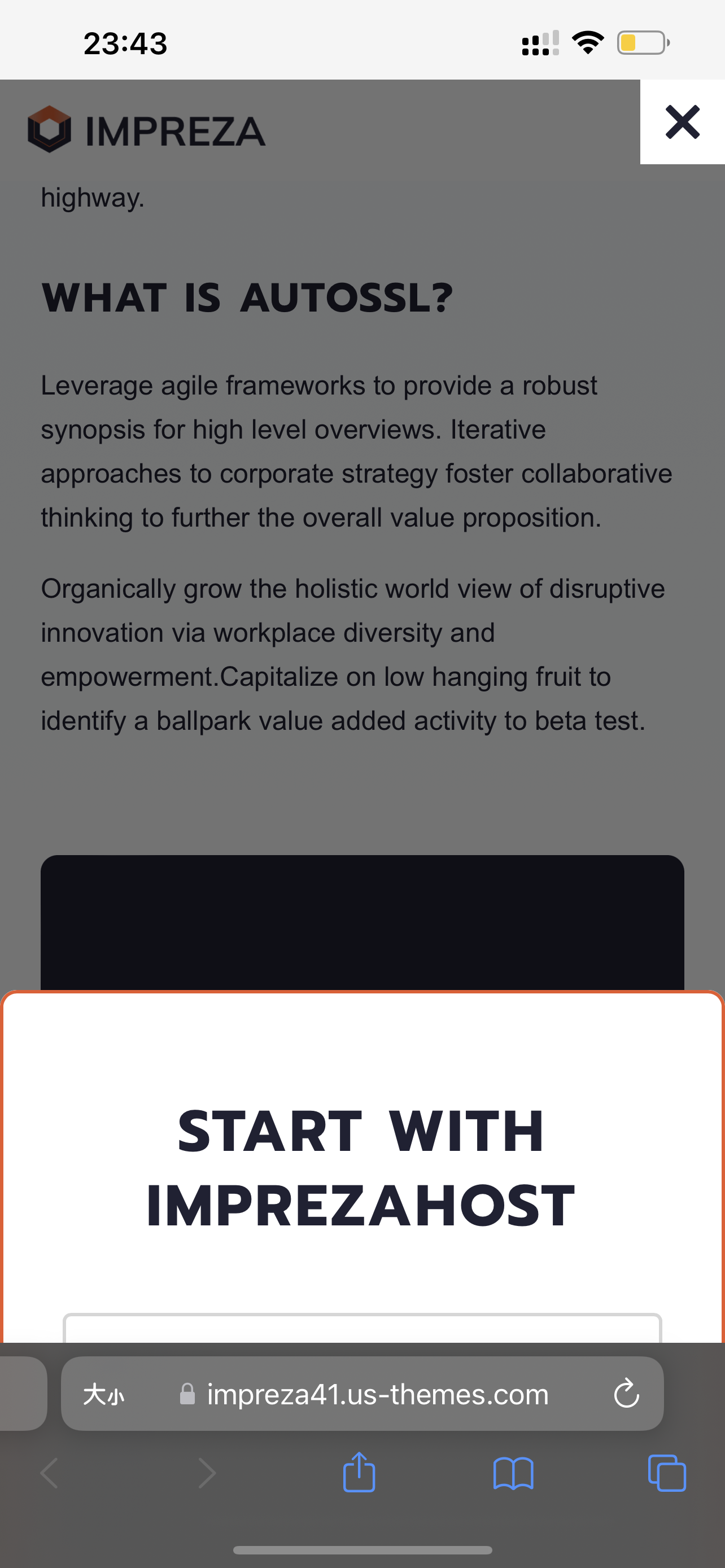
there is bugs on your new demo https://impreza41.us-themes.com/ using iphone safari, when click any button (popup contact form) , it will go up to the uppermost and the popup will still on the bottom, so user cann’t see the popup contact form. see the screenshot https://upload.cc/i1/2022/07/15/gow9xz.png , pls fix the bug thanks
Hello,
Thanks for pointing out the issue, it’s fixed now. You can re-import this demo site to get the updated version of the content and relevant settings.
Hey there, my support is not active anymore but hopefully you can help me anyway. I have updated an old impreza installation (2017ish) and followed your instructions. Everything worked so far but when I want to update a page, a form or anything I run into issues (white page etc).
If I disable the core I can edit/save forms. And if I edit a page, I receive a white screen but the changes apply.
Through the error log of wordpress I receive following:
Ein Fehler vom Typ E_ERROR wurde in der Zeile 355 der Datei /var/www/vhosts/my-domain-here.com/httpdocs/wp-content/plugins/us-core/functions/post.php verursacht. Fehlermeldung: Uncaught ArgumentCountError: Too few arguments to function us_vc_base_save_post_custom_css(), 1 passed in /var/www/vhosts/my-domain-here.com/httpdocs/wp-includes/class-wp-hook.php on line 307 and exactly 2 expected in /var/www/vhosts/my-domain-here.com/httpdocs/wp-content/plugins/us-core/functions/post.php:355

Stack trace:
#0 /var/www/vhosts/my-domain-here.com/httpdocs/wp-includes/class-wp-hook.php(307): us_vc_base_save_post_custom_css()
#1 /var/www/vhosts/my-domain-here.com/httpdocs/wp-includes/plugin.php(191): WP_Hook->apply_filters()
#2 /var/www/vhosts/my-domain-here.com/httpdocs/wp-content/plugins/js_composer/include/classes/core/class-vc-post-admin.php(51): apply_filters()
#3 /var/www/vhosts/my-domain-here.com/httpdocs/wp-includes/class-wp-hook.php(309): Vc_Post_Admin->save()
#4 /var/www/vhosts/my-domain-here.com/httpdocs/wp-includes/class-wp-hook.php(331): WP_Hook->apply_filters()
#5 /var/www/vhosts/my-domain-here.com/httpdocs/wp-includes/plugin.php(476): WP_Hook->do_action()
#6 /var/www/vhosts/my-domain-here.com
Maybe you can read anything from that and have an idea what the issue might be.
WP Version: 6.0.1 Imprezza: 8.8.2
Thanks in advance.
Hello,
This is a complicated question. You should now be able to create a ticket on the Support Portal, please do so and provide your WP admin credentials via private reply so our support team could investigate. Thanks in advance!
Cool, thanks Arty. I have created a ticket.
Hi, I have designed a webpage in pages section. 1. How do I make it into a template so I can re-use it in different sections? 2. The social medias icons are not showing only the colour box. How do I fix this?
Please help
Hello,
This case needs more data to investigate its reason, please create a ticket on the Support Portal and provide your WP admin credentials via private reply so our support team could investigate. Thanks in advance!
any chance to recreate this design to netlify? to use it as headless cms?
Hello!
Thanks for a good question! It looks like Netlify supports integration with WordPress, you can see more info on their site: https://www.netlify.com/with/wordpress/. However, I guess details like if they support limited amount of themes/plugins or all that works on standard WordPress would work as good with them, should be asked from a Netlify support.
Thanks!
Hi Guys,
The main image is not changing when i select one of the options with image on Woocommerce product variation. This happends when i am using content template custom for productpage. If i use WooCommerce Default than it works. Can you look at this?
Hello,
This case needs more data to investigate its reason, please create a ticket on the Support Portal and provide your WP admin credentials via private reply so our support team could investigate. Thanks in advance!
Привет. Спасибо за отличный шаблон. Перед покупкой хочу прояснить – есть ли анимация (например, появление снизу) на мобильных устройствах. На демо нигде не видно. Спасибо.
Hello,
When you edit the Theme Options > Site Layout, there’s an option called “Animation disable width”. Adjusting its value allows you to show/hide animations on the needed device(s).
You can Test Drive Impreza for free to see how it works.
Спасибо. Разобрался.
How do I apply “og:image” to a page?
Hello,
This is a complicated question, please create a ticket on the Support Portal with details so our support team could help you.
Thanks in advance!
Hi guys, is it possibile create a color switch for woocommerce product in grid layout?
Hello,
This is a complicated question, please create a ticket on the Support Portal and provide detailed description of the desired behavior so our support team could guide you.
Thanks in advance!
Hi there! Suddenly my single blog posts are no longer using the blog template even though I haven’t changed any settings. Hoping you can help.
Hello,
This is a complicated question, please create a ticket on the Support Portal and provide your WP admin credentials via private reply so our support team could investigate. Thanks in advance!
OK, I already did yesterday.
Hi, Your theme is one of the best! I’m waiting for summer discounts, I want to buy several licenses 
Hi, I need to set up a Multilingual Header using WPML, but I can’t set it up. Do you have any current instructions on how to set up WPML with your topic so that I can use the Multilingual Header?
Hello,
With the WPML activated and configured, you can create translations for the Headers the same way you create those for regular posts. After this, the relevant header version will be shown once you switch the language.
If you need further assistance, please create a ticket on the Support Portal and our team will gladly assist and guide you.
Unfortunately, all 21 licenses I bought already have expired support, so I will not create a ticket :o(
Hello,
You should now be able to create a ticket.
hello I purchase the IMPREZA theme but not able to find xml file for demo import
Hello,
Take a look at this Guide on demo import.
If you need further assistance, please create a ticket on the Support Portal and our team will gladly assist and guide you.
Hello. Why when I download latest version (8.8.7) it downloaded as 8.7?
8.8.1 i mean.
Hello,
The updated version of archive will be uploaded to the ThemeForest within several days. For now, you can update the Theme via WordPress dashboard.
Hi! how many times can i use the theme?
Hello,
Each license purchased allows you to activate the Theme on one production site and one staging/development site. To use the Theme on multiple production sites, you’ll need multiple licenses.
I like this template and would like to buy it, can I get a discount?
Hello,
We only offer a discount during the sales which happen once per season. You can subscribe here if you want to get a notification once the next sale starts.
Hello, how can I get the latest version of wp bakery? I updated the theme to its newest version but wp bakery is still at version 6.3
Hello,
If your Theme is activated you should be able to update bundled plugins, including WP Bakery, at the WordPress “Plugins” page.
If you need further assistance, please create a ticket on the Support Portal and our team will gladly assist and guide you.
Hi there. I’m trying to import the Multi-Purpose demo, but it’s been “spinning” for hours. It has imported some of the demo but not all of it. I even went to my hosting and increased all the size limits. Any thoughts?
Hello,
Usually, this issue appears due to a lack of memory, deactivate all 3d party plugins and try importing again. If it won’t help, we recommend increasing memory_limit to 256M, max_upload_size to 50M, and max_execution_time to 300, ask your hoster to increase these values for PHP.
If you need further assistance, please create a ticket on the Support Portal and our team will gladly assist and guide you.