

59213 comments found.

Maybe you need to regenerate thumbnails
Hi! Sorry, need to take it up again. I did regenerate thumbnails, but this block is still using full pics for the small thumbnails. Would appreciate any help.
I see on your page that it’s used resized image https://monosnap.com/file/UzCMDfbD6G7RWccIyBHhq8jBJtBqbN
Yes, other blocks serve resized images. It’s only News/Directory list. Like this one: https://prnt.sc/Lm4SRrLscL66
what do you have in theme options – global enable – disable resizer?
Do you mean this: https://prnt.sc/Uu4NJOm0MLoG
For me, it looks like your hosting doesn’t have image resizing library
You can try to use other listing block (you can select type of design in listing options)
Hi. How to add the same description for all products? https://ibb.co/3WbJv6M
I did not find an answer to my question
Do you want to show the same text on all pages? Use custom code areas as described in article above
I can’t figure out what code I’m supposed to enter
You need to add text which you want to have on all pages
Part of it worked out. https://ibb.co/jDq0PWf In the screenshot I drew how I would like to do,is it possible?
You asked me “How to add the same description for all products” – I replied, use custom code areas. There are 4 global areas in product, each product layout has different places where it’s rendered. Go to theme options – shop settings – custom code areas and place your text or HTML code, shortcodes in After Button Area, Before Content, Additional zone
I would be very grateful if you could tell me which shortcode should be inserted in the “After Button Area” so that a short description of the product would be displayed after the button. https://ibb.co/c2BJLvr
Currently I don’t understand what you need. Why do you add short description to products? You can’t replace it. Instead of this, add your text to code areas and leave short description empty
A short description of the product is displayed here , and I can change it. https://ibb.co/5rTPbTw https://ibb.co/pyybbRm I need the short product description to be displayed in the area after the here https://ibb.co/DK876ny Is it possible to do this in theme options – shop settings—“After Button Area”?https://ibb.co/VHCfY8v
You need to use custom code areas. Otherwise, you need to build own product layout because you cannot change place of description
Ok. Thanks. How can I change the color of the text? https://ibb.co/mbFybLK
Sorry, I can’t change my message. Is it possible to delete this part with the price? https://ibb.co/94Md6s1
.btn_for_grid{display:none}
you can place this in theme options – general options – custom css
super. Thanks
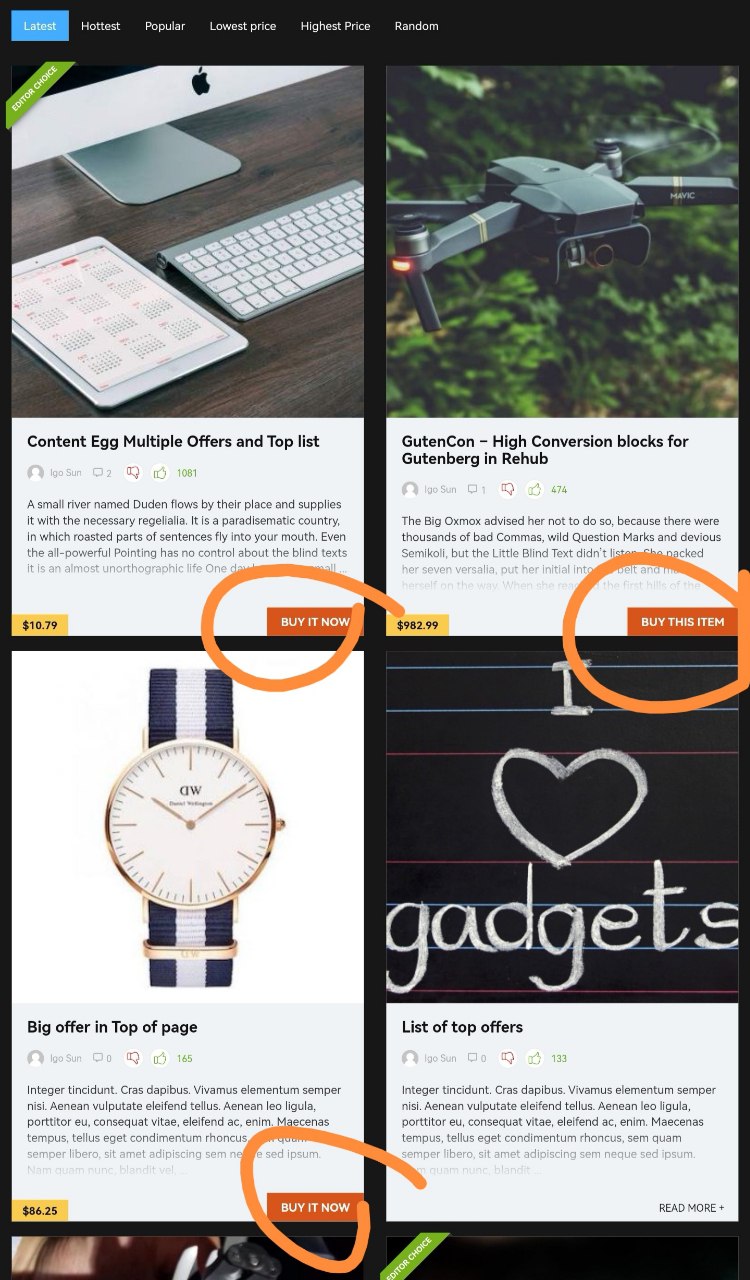
How can I translate the button “buy now” using WPML?
It´s shown to each store on Content Egg section – see image → https://snipboard.io/5BfUIr.jpg
It’s the same as translation any other theme string. Please check documentation of WPML about theme translations
The only “buy now” string found is translated, as you can see here https://snipboard.io/TuP6bJ.jpg but as a result the page keep showing the English version, seen here https://snipboard.io/pK89wQ.jpg
As you see from your screenshot, you translated woocommerce string but not theme
Try to search in rehub-theme domain
I thought WPML was suggesting ALL strings, but it´s necessary to scan them first, both theme and plugin, then I found 5 “buy now”, translated and now it´s working fine. Tks a lot! ( https://snipboard.io/JeRODv.jpg )
Hi How do I change these images from the Repick Gift Template
https://c.top4top.io/p_2380qlw1g1.jpgHi there,
Every time I try to register my theme with the license it resets to unregistered on the next page load. When I fill out my username and license key it says that the theme has been registered but once I go to any other page the registration page is reset and I have to submit my license key again.
This is very annoying as I’m not able to download the extension plugins due to my theme not being registered.
Please let me know how to resolve this issue.
Kind regards, Tim
first of all, use actual theme version 17.9.8
I am using 17.9.8
Then, configure properly your cache plugin on site and cache system on hosting
All cache has been flushed, also on server side.
Please disable cache totally and test
Hello!
I am using ReDEAL template, I would like to start using Content EGG to import coupons from affiliate networks. Is woocommerce plugin required to use ContentEGG?
Thank you in advance for your help!
No, but recommended if you need price comparison site
Hello, how can i adjust mobile resolution for SHOPPING CART manu. Becuase when customer add product morethan 3, the Shopping cart and Checkout is very low position, customer can not click it. Please kindly support.
Currently it’s not clear what you mean. However, woocommerce has no option to change cart. User must see all added products to his cart before he goes further
i mean in actual mobile phone customer can’t click to Check out becuase positon of check out bottum is too low, how to fix it or reduce size of picture in mobile phone
can you try on your mobile phone, www.kidsociety.co.th
we don’t have such buttons in theme https://monosnap.com/file/zRNfgkmQJhrPWzY5IdRsQQyMi6O5HX
I guess, you use some kind of plugin which overwrites cart area, deactivate all plugins one by one and you will find it
theme option Mobile & amp logo will not be deleted nor changed
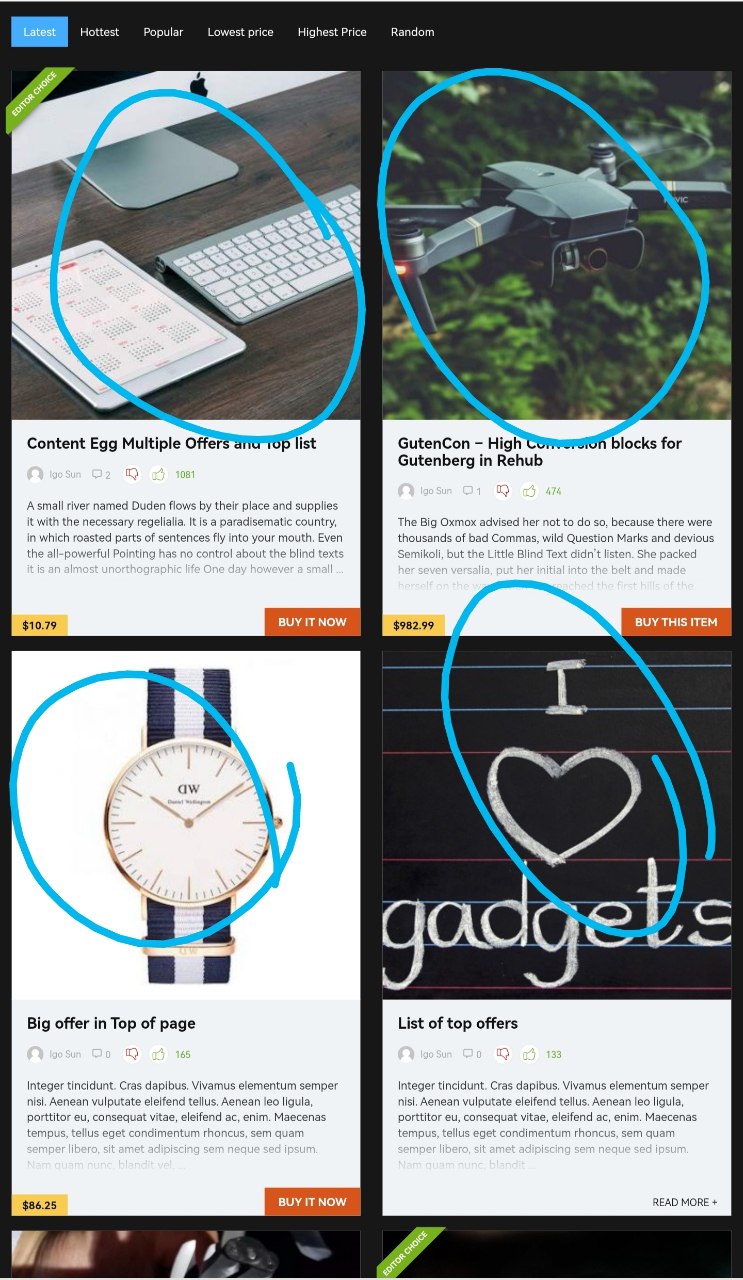
news/directory list vote up. fake activity Is it possible?
1# in the demo link : https://redirect.wpsoul.net/product/product-with-map/
in the tabs of WooCommerce, Description, Additional Information, Reviews, More offers… How to edit this? and how to enable and customize the More Offer tab ?
And 2# How to also edit / customize the comment posting area ?
Open product, and add description, attributes, etc
https://woocommerce.com/document/managing-products/More offers tab is available in multi vendor plugins https://wpsoul.com/how-to-create-multi-vendor-shop-on-wordpress/
2. Currently it’s not clear what you want to edit
hello – for some reason all my links on my site is underlined, how can i get rid of this? https://www.waterfilterhero.com
Hi. I don’t see any underline link on page which you sent.
How do I add a rel=nofollow to the title and the small image at the top right of a Review Heading block?
It’s possible only via core customization which is not part of support. I can only share you file name which you can change by yourself or hire someone. I recommend to use separate image instead
LISTING builder The link will open in a new window. Can’t you just open it in the current window?
Which link?
Funny thing, if I choose a category to search, like Cell Phones, on the bottom left corner status bar of the browser, it says “waiting for PayPal” but if I choose a Category like Audio and Television, it doesn’t. Nothing is broken, but is that normal? Again…I think I need to get some sleep. I’m working on 3 websites by myself and trying to learn how to use everything and WP from scratch.
Waiting for PayPal means that you enabled PayPal as payment method in woocommerce
Suddenly, the links from the Categories drop-down list in the Search Bar don’t work. Did I accidentally turn something off? https://yeous.com What I mean was that I could just click on a category and it would just go to that category. The way it seems to work now, is that I have to select the category and then hit the search button. How do I go back to the way it was?
Lol…was it always like this or am I going crazy? I just checked the other sites I use ReHub on and yea…it’s doing the same thing. I must be going crazy. Sorry my guy. I think I must not be getting enough sleep or something.
Hi dear Rehub Theme Support, I have purchased and installed Rehub theme from Themeforest. I really like the template and all its features however I encounter an issue on social share buttons. 1) When I click on facebook share a new window pops up with the content to be shared however, this windows get larger and larger by itself even when I do not touch anything. This behaviour gives the impression of a virus to an uninformed visitor. This would reduce my site reputation and definitely number shares in facebook. 2) How can we add linkedin to the social share buttons? 3) I have enabled infinite scroll from theme settings – general but I still don’t get infinite scroll on shop and category pages. How can I activate this feature. I would be glad if you can help me with these questions/ Kind regards, Tolgahan
1. please, send link 2. linkedin has no share API 3. Theme option – general is for posts. Shop has no infinite scroll and you should not use it if you want to keep site indexed in search engines
The Dokan Store Name appears to be missing from the Title Tag, even on your Redokan demo .. See: https://redokan.wpsoul.com/store/vendortest/ .. the Title Tag is not set to “MarketStore” .. just the name of the blog. Bad for SEO and stores will not likely be happy.
I checked with Dokan forum, and they claim this happens when Theme overwrites template .. see their reply in 2nd message: “This happens mostly if the theme overrides the store page template.” https://wordpress.org/support/topic/store-title-missing/How to fix so the store name automatically appears in Title Tag on a store page? something like: “StoreName – Website Name”?
you can enable default wordpress twenty twenty theme and check
LISTING builder It is in use. Invades the sidebar. How can I reduce the size?
you can’t reduce it, because it’s for full width pages. Use Offer listing instead if you need something compact
I´m trying to show other images to my product page, as shown at the 25:25 minute of this video – https://youtu.be/ZuB1wfDoUks?t=1518
I was able to select images from Google Images api, but after saving no images are shown at the product page
Content Egg support says I can´t do what it´s done on the vídeo, so I´m confused (https://snipboard.io/c7lOZI.jpg)
Update: I managed to show the images with the product layout “review with blocks”, but now there´s an error on the page https://snipboard.io/q7LpvK.jpg where the images should be shown
Also at the price history: https://snipboard.io/FVecRo.jpg
Please provide screenshot from your panel what you do
I just reimported the images and worked, but first I checked the option ” Save images on server” on the content egg module
first of all, you need to disable debug on your site
At my wp-config.php is set like this: define( ‘WP_DEBUG’, false );
is there another place to disable debug?
if you see – Warning: trying to access… – then, you don’t have disabled debug, maybe you have several lines for debug in wp-config.php or you have Debug plugin installed
Hi, there is some blocks not recognized and not counted as words and headings in gutenberg details like comparison table,infobox ,accordion ,.. these what i use and don’t know if there are other blocks or not they are work in final review but in editor affect word numbers which give wrong data for plugins like yoast seo also color headings and review heading not counted as H2 and not work properly when I use them in gutenberg auto content layout as they not appear in top list if there is no number or english characters ,are other language like arabic not supported thanks
Yoast SEO can analyse only content from core Wordpress blocks and not from custom blocks






)

