688 comments found.
Hi,
I have updated to the latest version of the BEYOT theme, and the option to update the Visual Composer plugin to version 8.7.2 appears (like the rest of the plugins), but when I try to do so, it does not update like the other plugins.
In the theme changelog, I see that since version 2.2.2 – 2026-01-22, the option to update it is available.
Why isn’t it updating?
How can I update it?
I look forward to your reply. Thank you very much in advance. Ana
You can go to our help desk and download here: https://sp.g5plus.net/download-plugins/ then manual update to your website. Thanks
Great! Thank you so much for your help and speed! I’ve been using your theme for years and you never disappoint; you always provide great professional support.
Ana 
You are welcome. Next issue, you can create ticket on our help desk. Thanks

Hi, I tried to get it to work Nearby Places, but it doesn’t work even after deleting and installing a fresh copy of Essentia Real State plugin. The message is: No result!
I checked the console issues, and I have the following information:
Google Maps JavaScript API has been loaded directly without loading=async. This can result in suboptimal performance.
hc-sticky.min.js?ver=2.2.7:1 HC Sticky: method ‘reinit’ is now deprecated and will be removed. Use ‘refresh’ instead.
js?key=AIzaSyA7unzJy…uage=es_ES&v=3:1449 As of February 21st, 2024, google.maps.Marker is deprecated. Please use google.maps.marker
Regarding the Listing Agencies. The only person that can add Listing Agencies are the admin only. It would be better for the users after they purchase a Package as a Listing Agency to be able to add their own logo and company information.
Thanks
Hi, Thanks for let us know about issue above, I will transfer it to our developer team to check and fix(if correct). With Listing Agencies: if you open for user register become Agent => they can submit properties their own. For more clear, please create ticket on our help desk https://sp.g5plus.net for premium support, may be we need private information to guide or check, which can’t public here. Thanks & waiting you on our help desk.
I’m waiting for your answer to my ticket I’ve opened on your website.
Because difference time zone so may be delay a bit. Sorry for that. Please follow your ticket on our help desk. Thanks
I have a question before purchasing. I want to enter the property prices on the page in dollars or euros (the property price can be in dollars or euros), but I want the customer to see it in Turkish Lira on the frontend. Is this possible?
Thanks for your interest my theme. Unfortunately, my theme can input 1 currency at 1 time. But if you want, we can do custom job for you. Thanks
Hi, we’d like to request a customization of the advanced search functions to use custom fields in the search fields. Who can we ask for this update/customization? Thanks.
You can create ticket on our help desk https://sp.g5plus.net with title: “Request custom job ….”. Then let us know more detail as you can, we will check there. Thanks
Hi, we sent a ticket, but since support has expired, it says: This purchase has expired. Please renew it to be supported faster! But this isn’t a support request, it’s a new development. Thanks.
Please follow your ticket. Thanks
ok, im waiting update, thanks!
Thanks & no need comment here anymore.
Question, is there a limit to the number of property listings
Hi, sorry for replied too late. Yes, you can setting it in each package when create. Thanks
My host sent me a warning:
• WordPress Ultimate Bootstrap Elements for Elementor plugin <= 1.4.9 - Local File Inclusion VulnerabilityThere is no update available. Are you aware? Options? Is this a false positive?
Hi, sorry for any inconvenience you had. Please create ticket on our help desk at https://sp.g5plus.net and tell us exactly/more about problem, our support team will check. Don’t worry. Thanks
its such a shame that after so many years of woocommerce payment request feature, the developer have refused to implement the feature
Unfortunately, my theme can’t integrate woocommerce payment. Sorry for that. Thanks
Can I change/customize the wording on the ”Sort By” field? Example page: http://themes.g5plus.net/beyot/property-status/for-rent/
Also how to sort results from main page new posts to older.
After searching comments same question’s answer screenshot not loading anymore.
Thanks for the iconic theme.
To do that, you have to change our code => not recommend because it will lost when update in the future. You should hire someone to build addon for it. Thanks
I translated my website to french, but after an update all my website is in english. I want to switch to french. I use loco translation. Can you help me please
When you use Loco Translate => please choose where store is system. Not choose plugin or theme => it will lost when you update theme/plugin. Sorry but you have to do it yourself, I can’t help you to translate. Thanks
Hello, despite the recent updates the issue with vertical images remains. I just tried on one of your sandbox sites: If I set a vertical image as a featured image for a property, it stretches the home slider layout and the display of property boxes looks quite strange. It should be possible to force images to a predefined proportion.
https://sandbox.g5plus.net/beyot/demo67814081bc824/You should take screenshot or video to show me, that is easier understand. I can’t imagine what you want, sorry for that. Thanks
Hi Team, we are facing a critical issues when it comes to listings. When we list a Property , on the top , after the featured image , we can only see the Property ID, Bedrooms & Bathrooms only. Cant we add Garages as well ? This is very important specially since we are doing this for a Australian real estate company , displaying of Garage on the top is compulsory. Ideally similar to following demo where bedroom, bathroom & garage is displayed. https://beyot.g5plus.net/single-property/#dining-room.
Please create ticket on our help desk https://sp.g5plus.net for further support. Thanks
Hi Team, i have created a ticket , kindly reply
Sorry for replied quite too late at the weekend. Please follow your ticket. Thanks
Hi Team, how can i assign the purchase code to the final website which will go live from the temporary website ?
You don’t need do anything. We support for domain which you registered only. Thanks
Hi Team, when it comes to listing of RENT properties, from where can we set MIN & MAX prices , example weekly RENT price ?
You can setting here: https://gyazo.com/14db5179f6b0d3955df7e6978fbc4854 Thanks
Many thanks. There are instances where there are 1 or more agents per property and how we achieve this / assign more than 1 agent for a property ?
Also we cant see OTHER AGENTS near the footer area when we click the profile of a agent. There are 6 agents in total. Same issue happens with SOLD & SALE sections where we cant see “Similar Properties” are EMPTY near the footer area which is a bug ?
Please create ticket on our help desk at https://sp.g5plus.net for further support. We need private information to check directly on your website which can’t public here. Thanks & waiting you there.
Ticket raised, really appreciate your kind assistance
Thanks & sorry for replied quite too late at the weekend. Please follow on your ticket.
Many thanks. I have raised the support ticket on Friday (15115). Kindly help
Thanks
Hi, you have mentioned “Mortgage Calculator” Feature in the feature list , but there is no any option for Mortgage Calculator?
You can find it here: https://gyazo.com/55bb77938cfbbc8b0a0a9b338ffa1c5f Thanks
What is the shortcode to display a list of properties but with a specific set of attributes for example list all properties only displaying description. The same for an property in specific, for examplte. I want to display a set of specific attributes for a property of type restaurant.
You can use shortcode properties and remove/hide(via css) these fields you don’t need, I think can do like that. Thanks
could you provide an example?
Please follow your ticket on our help desk(if any), if you haven’t yet create => please create ticket on https://sp.g5plus.net then we will support there. Thanks
I have replied the ticket
Thanks and please follow there.
Hi there, clients are not able to upload images from their account. Can someone help
Hi, please create ticket on our help desk https://sp.g5plus.net for further support. Thanks
Reset button for the property search forms – I do believe that the search property forms on the theme need a reset button because there are so many fields specially on the advanced form that is a turn of to the users. For the sake of UI/UX you guys need to add the reset button of tell us how to do that…
Please go to our help desk at https://sp.g5plus.net for further support. Thanks
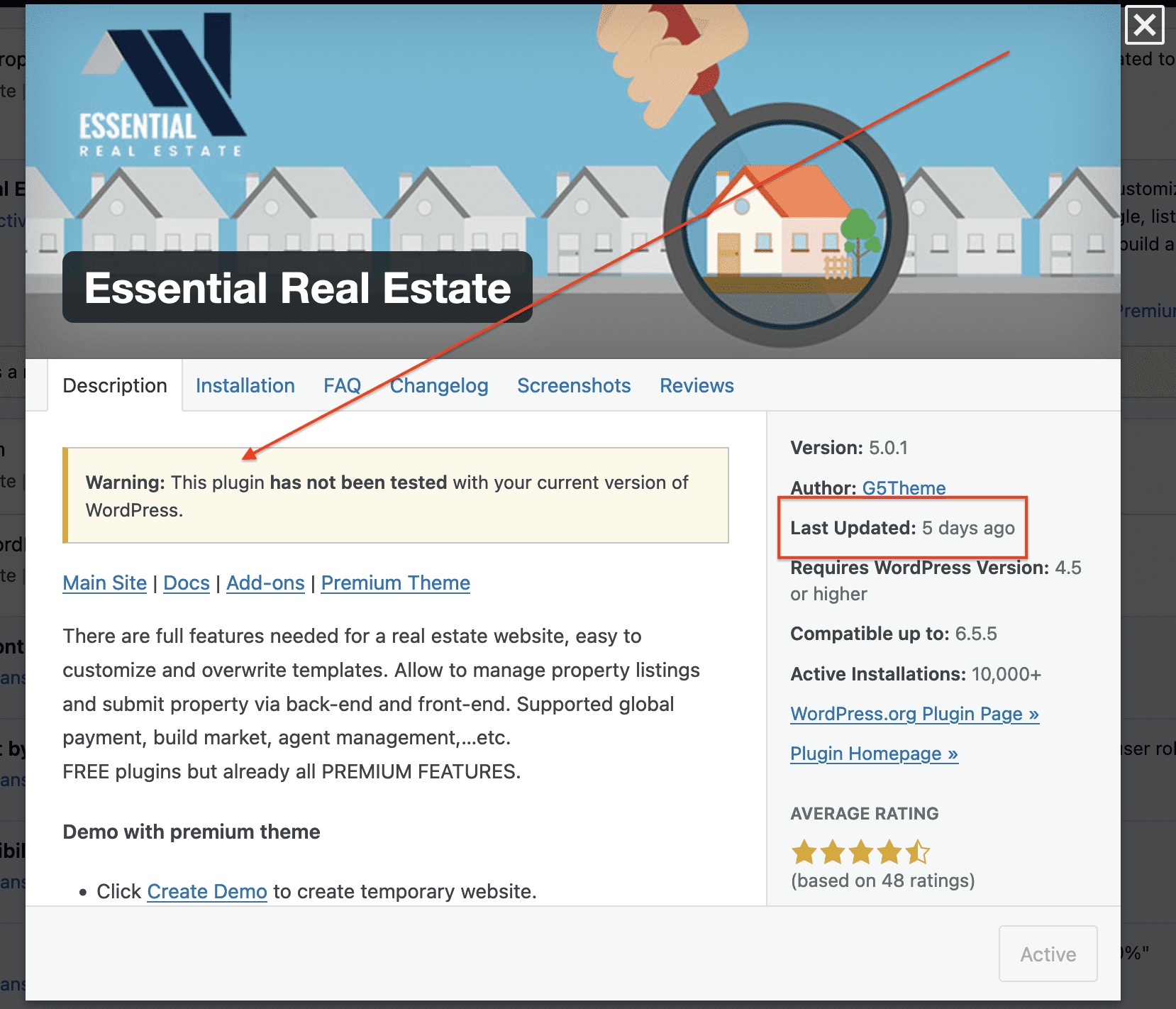
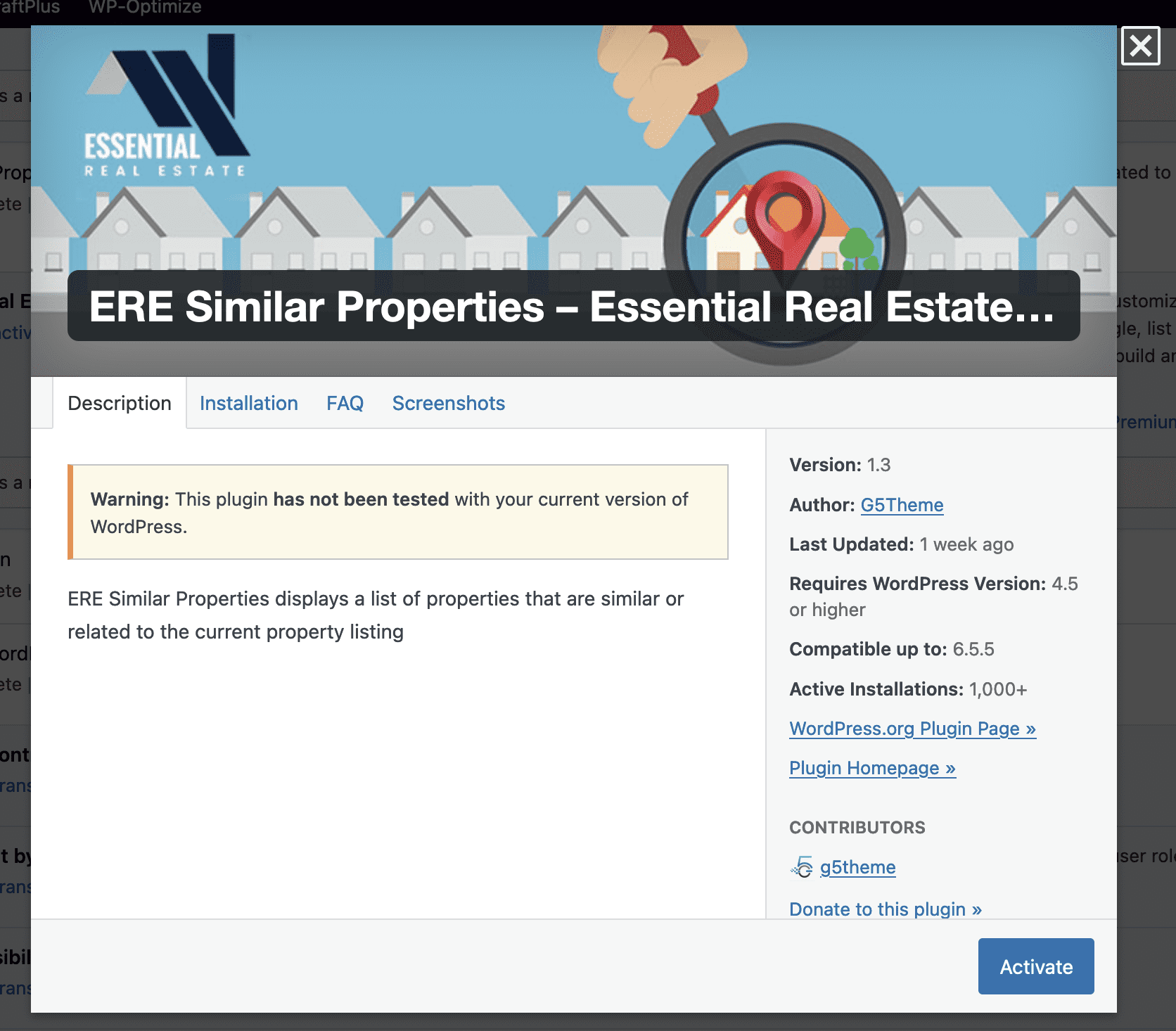
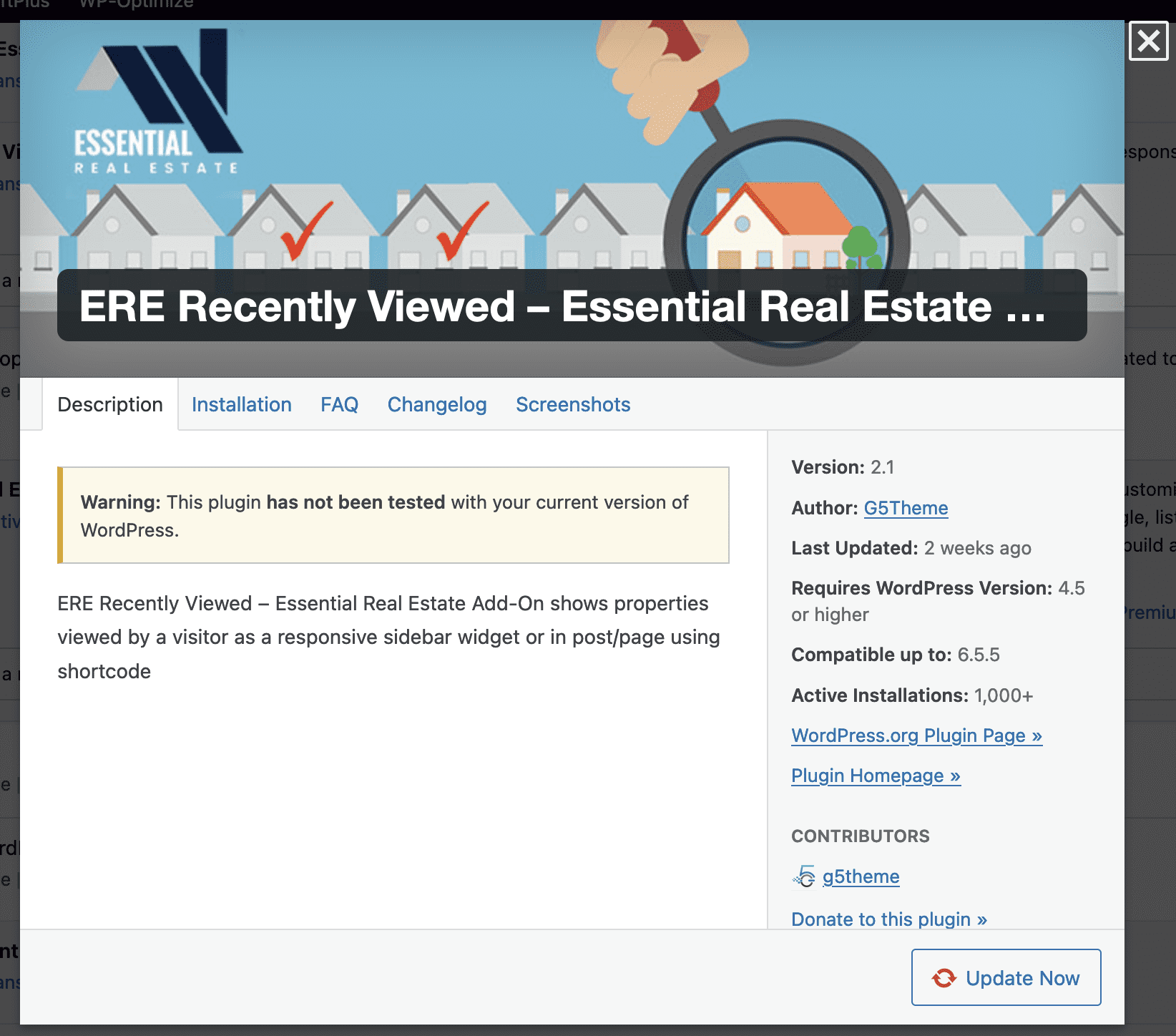
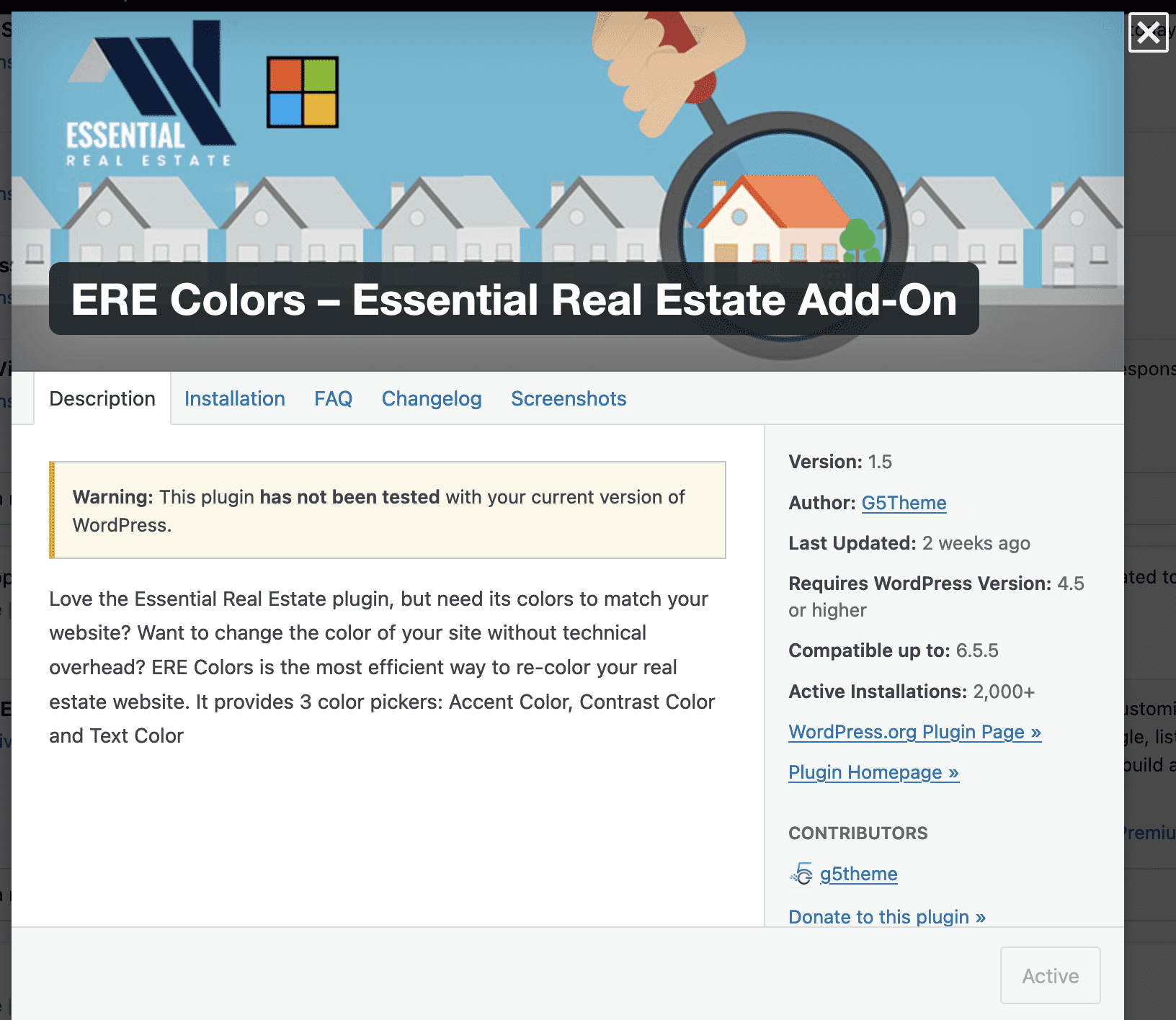
Broken, broken, broken ERE plugin right now…nothing works..all of ERE plugins including recently viewed, similar properties are all broken after the latest ERE 5.0 update…the CSS is out of whack, the search function is broken….the ERE 5.0 not compatible with the current WP version. CAN YOU FIX AND UPDATE PLEASE?
Please create ticket on our help desk https://sp.g5plus.net for further support. Thanks
Your latest ERE update is broken ans still not compatible with the latest Wordpress version…It breaks the site….are you gonna fix that?
Thanks let us know. You should show us more detail via screenshot or video.
Cannot upload a screenshot here as you may know!
Here’s the screenshot you asked for: Just took it a minute ago and as you can see your plugin is not compatible… https://cbxrealestate.com/wp-content/uploads/2024/08/Screenshot-2024-08-02-at-1.37.05 PM.png BTW, my WP version is up to date with the latest vwersion.
Hi, please create ticket on our help desk https://sp.g5plus.net for further support. Thanks
Ticket for what? Your plugins don’t work so I open a ticket so that you can fix mine? What about the rest of the community who’s using your plugins? I expected you to reply back with, yes we’re aware of that and we[re fixing it. Doesn’t make sense for me to open a ticket. Strange answer! I just tested all of ERE plugins and they are all in error and do not work, message is still not compatible with the latest version of WP and it has been almost a month now.
Our plugin use for premium theme, so if you bought it you can create ticket for faster support to fix any issue if any. In case you can’t create ticket please wait. Thanks
I sent a support ticket, you did not respond.
Please patience with us a bit because at the weekend. I will reply soon. Thanks
Hello, we purchased this template and it is a great template but we have detected an anomaly in the emails.
When a user saves a search and after some time a new property is published that has the characteristics of the user’s search, an email should arrive that notifies the presence of the new property to this user but no email arrives.
What do we need to check for correct functioning?
thanks!
Please create ticket on our help desk at https://sp.g5plus.net We need private information to check which can’t public here. Thanks