38439 comments found.

Hi, after the update to 5.5 the theme used in the blog stays on the pre-Ascend theme although I’ve chosen the Ascend theme from the General Settings page… All other theme related things get displayed correctly as far as I can see yet…
I’m using the masonry layout but it’s the identical behaviour if I switch to standard layout.
The next thing on using the masonry layout with the meta overlaid option is that around my images I can see a thin border and a margin… It looks like I had an Excel table on my page with an image in each cell…
Can you please have a look and maybe provide a fix in the next update?
Is there anybode else having the same problem?
Hm, issue seems to be solved for now…
Was related to the plugin “Better Wordpress Minify”. After playing around a bit with the settings / enqueued CSS files I found out that adding “responsive.css” to “Styles to stay at original positions” solved all my problems…
Maybe also helpfull for someone else…
Hey – thanks for mentioning! v5.5.2 sorted this 
Help,
I just installed the new salient theme and now every page of my website looks different. You can see some parts of code in the front end. My pictures are not sorted in columns anymore. I just updated my hole portfolio a week ago. Do I need to do that again now?
Also in my backend it says that a Salient Visual Composer Plugin is required, where do I find that?
I want to go back to my old version till the new theme version works, how do I do that?
http://gloriabiberger.deOk, I’m setting up my old version right now. Please fix the new one and let me know how to get this Plugin. Thx
Hey – Salient v5.5 has separated Visual Composer into a plugin and is no longer automatically built in – this means when you activate the theme you’ll have to still install the Visual Composer plugin via the admin panel. It is included still with the theme and no purchase is necessary, just head to the plugins section of your admin panel to install & activate.
Hi, I love this theme but am having an issue with the Nectar Slider. The text on the homepage is not displaying on iPhones, although it’s displaying fine on every other device tested. The URL is http://www.reclaimproject.org.uk.
Any help would be great. Thank you.
Hey!
what iPhone model are you using?
Cheers
Hey,
It’s been tested on iPhones 5C, 5S and 4S.
Thanks for the quick reply!
Hey, try adding this into the custom css box located in your Salient Options panel:
@media only screen and (max-width: 690px) {
.swiper-slide .content p, .swiper-slide .content h2, .swiper-slide .content .buttons {
        opacity: 1!important;
        padding: 0!important;
}
}
?hi, i have a salient site already setup which i am going to copy and use as the foundation for a new web site. what do i need to so that i have correctly paid for and licensed the new installation?
Hey – you just need purchase a new copy of the theme form here to gain a new license
Cheers
Update v5.5.1 broke the layout of my website completely, do I really have to style those 100+ pages again? 
Looking forward to your reply. - Tapeix
Hey Tapeix,
Ensure that you’re using v5.5.1 of the theme and you’ve cleared any caching/minification plugins you may have on. If you’ve done both those things please share your URL so I can take a look
I have the portfolio-fullwidth-style-three enabled but it doesn’t quite work as per your example. When I click on an image it goes to the portfolio item page rather then enabling the lightbox feature.
How do I enable the lightbox feature while on the portfolio page?
Hey – there’s an option in your portfolio element for “lightbox only”. If you enable that all items will open via a lightbox
Cool, thanks!
Cheers
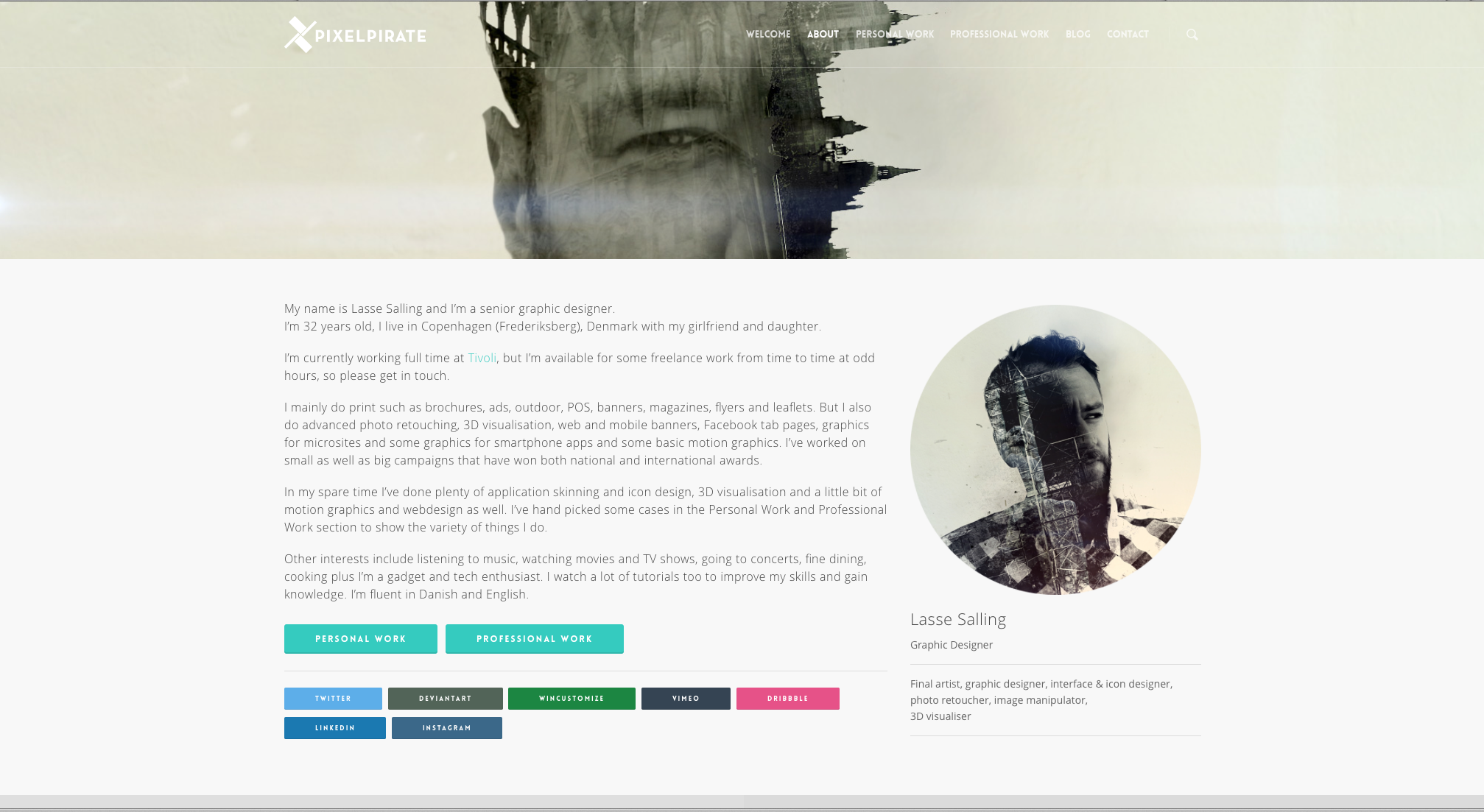
Wow… Even though I install the separated plugin my site is totally borked.
www.pixelpirate.dk
It’s supposed to look like this http://pixelpirate.dk/temp/2.png and this http://pixelpirate.dk/temp/4.png
Do I have to re-layout everything with the new plugin now? This is really not an optimal update, everything was fine before. :/
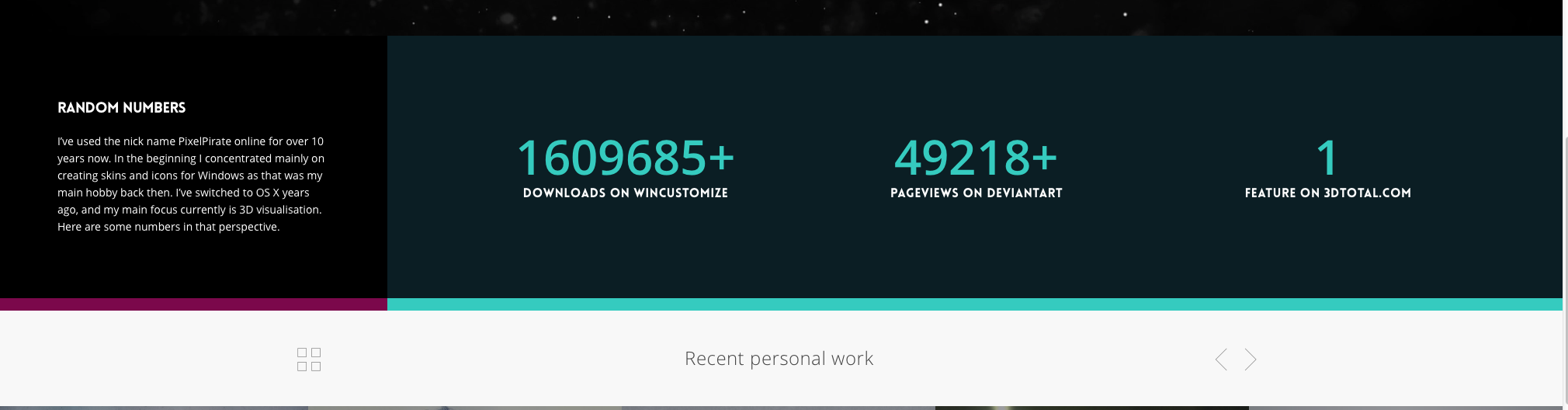
Front page issue is down the site were the counters are, btw.
Contact site is borked too. Seems like the portfolio pages and blog page is fine.
Hey – are you on 5.5.1 and have you cleared the cache from your minify plugin?
Yes, I downloaded 5.5.1 today and I just flushed the cache, but that didn’t seem to fix anything.
Hey again – inspecting your stylehseet I’m not seeing a bunch of the new code that should be in the new VC. Could you please disable bwp minify so I can see the uncompressed stylesheet?
Yeah. That’s the plugin that f*s it up. It used to work with version 5.0 I was running before. And it really helped speed up my site… Do you think you can implement a fix or point me to another minify solution other than BWP?
I’ve disabled the plugin now, so you can take a look.
5.5.2 update fixes it and I can use the BWP plugin again. Great! Thanks.
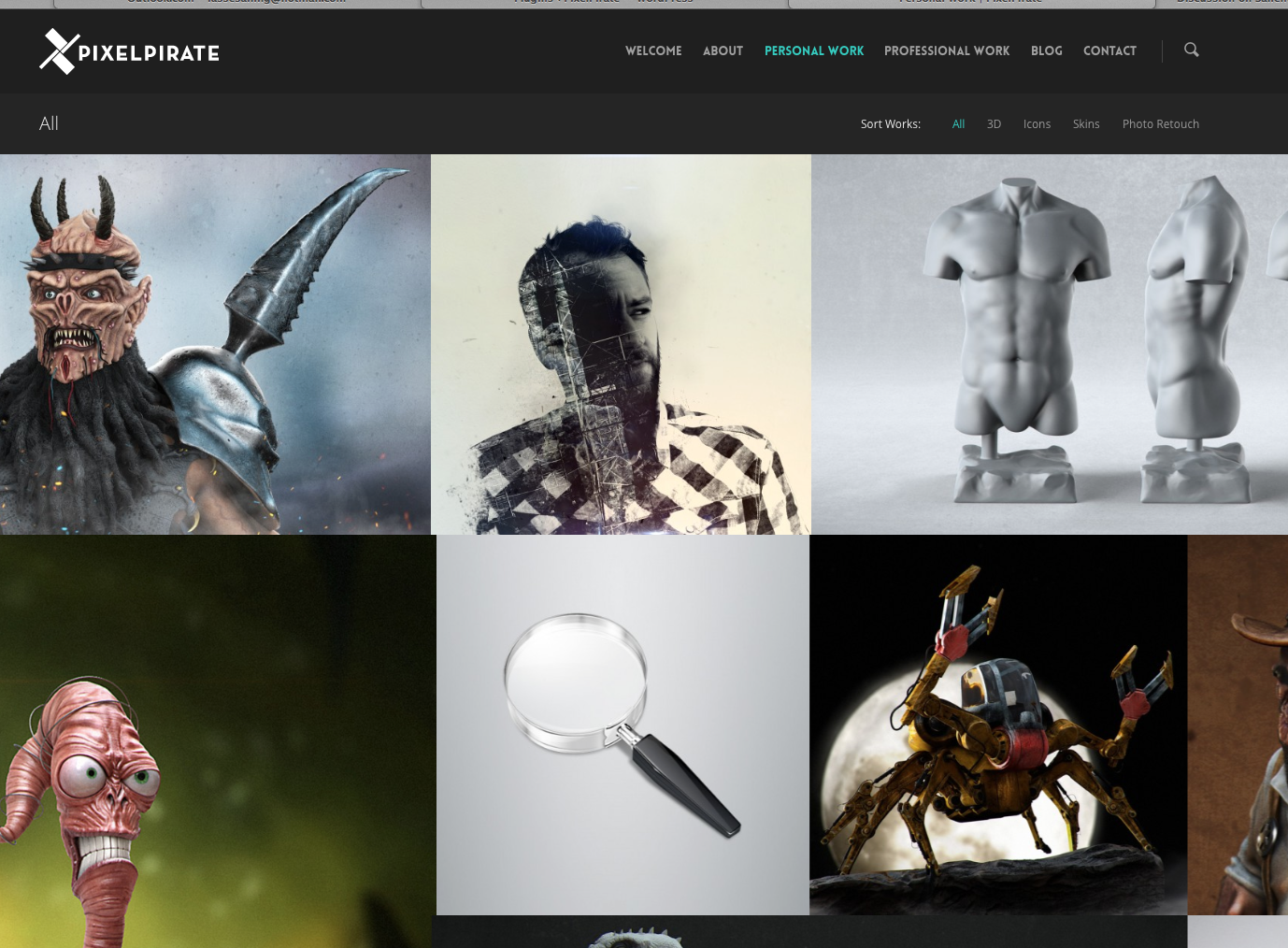
I notice one difference in the masonry layout though, and that’s that the sizes are off compared to Salient 5.0. See here how the item with the magnifying glass width is shorter than the item above and below. It’s like that on the entire page. It’s not an issue with the regular sized entries you can see under Professional Work in the menu.
http://pixelpirate.dk/temp/masonry_alignment.pngHey – this will be sorted in the upcoming bugfix
Hi,
I just updated to 5.5, and with the new visual composer working my site looks different. Substantially, I’am facing three different issues:
1. Column padding
2. Full Width Background (and Full Width Content) row option
3. Background color and image settings
Any help would be greatly appreciated!
http://www.amca.ch/wp/I will wait for the fix. Thank you
Hey – please update to 5.5.1 to fix the issues present when using child themes
Themeforest allow me to download only the 5.5 version…
Hey again – I just double checked and the current version coming from TF downloads is indeed 5.5.1. Can you try one more time?
Also problems after the update to 5.5
On a Child Theme, the “Home with Multi Layer Parallax” doesn’t work properly in frontend (design). Also the Google Map is not displayed.
No problems with the Visual Composer. Just switched to the Main Theme of Salient, Message appears, installed, switched back to Child Theme.
Kind regards, Bernhard
Hey – the child theme issues will be sorted in the bugfix release which will be available in a couple hours
Cheers
Perfect, thanks in advance! Cheers!
hey themenectar.. i did update and install visual composer from admin section but now nothing is showing on my site.. no text is showing on my pages which i created via visual composer
Hey – are you using a child theme? If not please share your URL in regards so I can take a look
no no not using child theme.. here is ticket
https://themenectar.ticksy.com/ticket/381621Hey – it appears you had a child theme active so I changed that for the parent theme. The bugfix for this will be out in a couple hours
thanks a ton guys.
Hey Guys,
v5.5 is now live!
For anyone who didn’t see the readme text file in the new release: “Salient v5.5 has separated Visual Composer into a plugin and is no longer automatically built in – this means when you activate the theme you’ll have to still install the Visual Composer plugin via the admin panel (there will be a prompt at the top of your screen).”
There is also confirmed bug with child themes in the new release – for the time being until the bug fix release is live on ThemeForest I’d recommend that you please activate your parent theme if you’ve already updated and are using one
Cheers
Awesome! Thanks for the update personally not having any issues, hope others are easily fixed. As always, appreciate the ongoing work on this fantastic piece of work.
Cheers jon_b!
everything is ruined.. >_< crappy update
Hey detailmaniac Salient v5.5 has separated Visual Composer into a plugin and is no longer automatically built in – this means when you activate the theme you’ll have to still install the Visual Composer plugin via the admin panel (there will be a prompt at the top of your screen).
There is also confirmed bug with child themes in the new release – for the time being until the bug fix release is live on ThemeForest I’d recommend that you please activate your parent theme if you’ve already updated and are using one
Hi, sorry for this question. I´m trying to change the “by…”, “no comments” and “Read More” to spanish. I just edit the .po and upload the file to /wp-content/languages and /wp-content/themes/salient/lang But the text dont change. Look: http://www.rofe.com.ar/textos/ Help!!! Thanks
Fixed. Thanks.
Cheers
Errors with the 5.5 update. Back to 5.0.1 Just me?
Hey – Salient v5.5 has separated Visual Composer into a plugin and is no longer automatically built in – this means when you activate the theme you’ll have to still install the Visual Composer plugin via the admin panel (there will be a prompt at the top of your screen).
There is also confirmed bug with child themes in the new release – for the time being until the bug fix release is live on ThemeForest I’d recommend that you please activate your parent theme if you’ve already updated and are using one
What’s happened to VC? – I’m blind with out that 
Hey – Salient v5.5 has separated Visual Composer into a plugin and is no longer automatically built in – this means when you activate the theme you’ll have to still install the Visual Composer plugin via the admin panel (there will be a prompt at the top of your screen)
Cheers
Hi Phil. Thanks for the update. Regarding the VC upgrade, is there a way to make the modal windows larger, especially the width. For example, I noticed with the text element that the pop-up editor window is very narrow and much smaller that the previous version. This seems to be a major complaint on the VC forum. This makes editing the content very difficult. By the way, thanks for the light/dark option in the Nectar slider. Will you please consider adding this option for the page headers also. Regards.
Hey,
I’ve noted to enhance this, thanks for pointing it out
Cheers
Hello,
I’ve bought Salient about half a year ago. I just update to the 5.5 version and there is a note about Visual Composer:Salient v5.5 has separated Visual Composer into a plugin and is no longer automatically built inDoes it mean that I now have to buy also Visual Composer otherwise updated Salient won’t work as did before?
Hey – no, there’s an option to install it from the admin panel
Ok, I had to disable my child theme and enable the original Salient to see that. Now it works!
5.5.1 also sorted it – Glad you got it working though
- Salient v5.5 has separated Visual Composer into a plugin and is no longer automatically built in – this means when you activate the theme you’ll have to still install the Visual Composer plugin via the admin panel (there will be a prompt at the top of your screen). Cheers!
- /salient/plugins/js_composer_salient.zip
You will need to go to your WordPress admin console > Plugins > Add New, click the Upload Plugin button at the top, then find the file and go from there to install and activate. Worked for me.
Hey – thanks for helping out davidafuller01, I really appreciate it
Hi there! Sorry if this was already asked, but I have a page full of my portfolio items. Is there a way that someone can search (within the page, I’m aware of the search header) for a specific portfolio?
We use it as an events page: angelhack.com/events
Let me know! Thanks so much.
Hey – as of now there’s no other way to search for items outside of the search bar unfortunately