552 comments found.

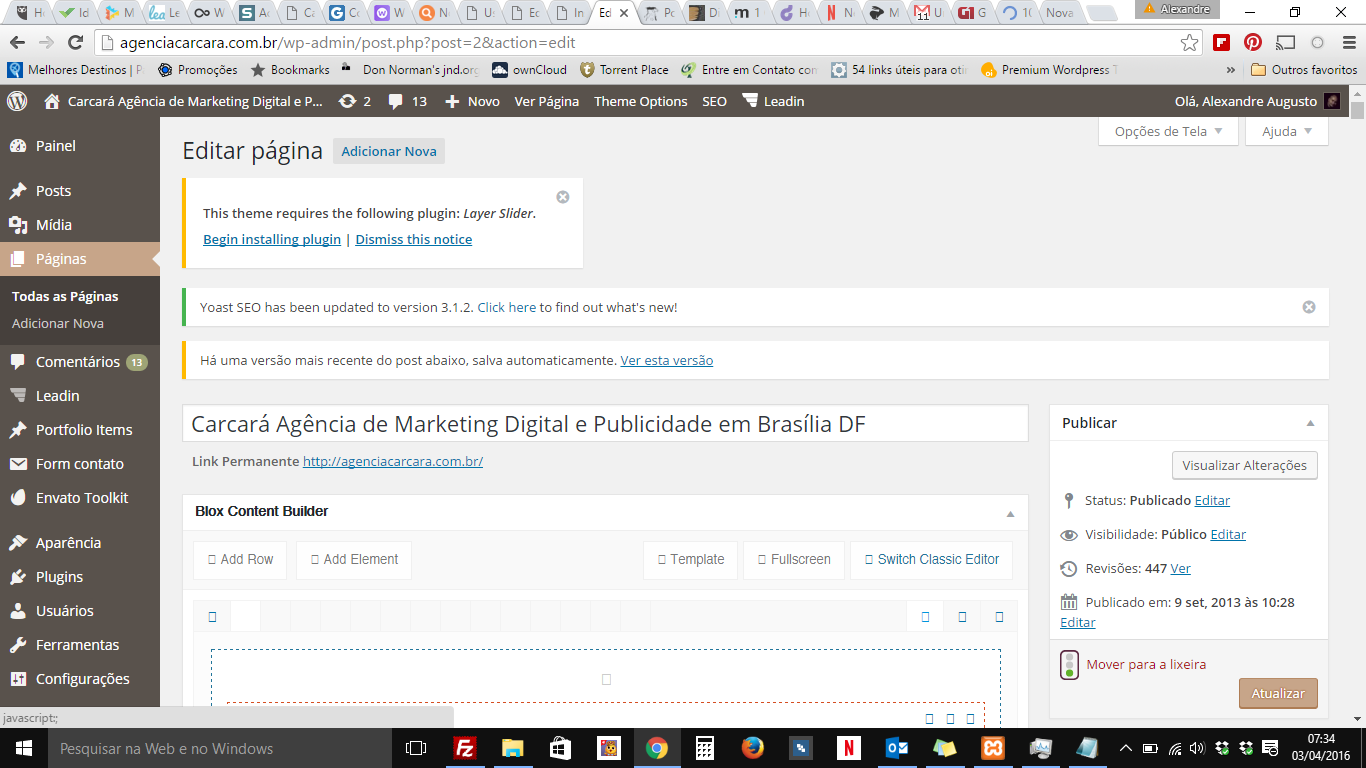
Trying to get on the support page to and it keeps saying server can’t connect. My blox editor is missing and I need help
Thanks, P
Hello,
Thank you for purchased our theme really appreciate it! What is the version of the current theme? If you don’t update theme please get update it. So, here you go: http://themeton.com/support/forums/forum/wordpress-themes/mana/ you can here create new ticket here new issue about Mana.
Thank you.
Hello, The link for the Live Preview is not working. Could you please look into this as I would like to purchase this theme.
Thank you.
P
We had some server issues. Now it is fixed. Thanks
is the themes compatible with Wordpress 4.5 e Woocommerce 2.5 ?
Hello,
Thank you for interest our theme really appreciate it! Sure our theme can work integration of the with Woocommerce. Please check this: http://docs.themeton.com/mana/#woo
Thank you.
thanks.. but i want to know is the compatibility with wordpress and woocommerce versions. In the theme information there is : ” Compatible With WooCommerce 2.0.x, and Software Version WordPress 4.2, the newest woocomerce version is 2.6
Hello,
So, I’ve checked latest update of the WordPress version and Woomcommerce in the our theme Mana. It has worked compatible with plugin. We will update it plugin.
Thank you.
I have Mana theme in one of our clients and we updated WP 4.5.3 but now the BLOX page builder is not working, The client has 1.7.1 version installed What version of theme and WP the client should have to fix this problem?
Thanks!
Joanna
Hello,
Thank you for purchased our theme! But have you update latest version of our theme Mana 1.9.3. If you didn’t get upgrade your theme please update it. Then blox content builder will be work fine. If it doesn’t work please let me know.
Have a good day 
Thank you.
Hi, compliments for this wonderfull theme. I need a smooth scroll on onepage mode. For exemple to ancor a section whith internal link from a botton on the slide. Can You help me? Then, It is possible use “go top” function clicking on menu text?
Hello,
It will be help you this docs: http://docs.themeton.com/mana/#page-options-section
Thank you.
Hello,
It will be help you this docs: http://docs.themeton.com/mana/#page-options-section
Thank you.
Sorry i mean, how can a link a botton to a row with a smooth scroll? For exemple from a botton in a slide to a section in the bottom of the page? Thank you very much.
Hello, When I try to set the blog page on wordpress (in Reading settings), it changes the design of the blog page. The slider and read more buttons disappear, and the sidebar changes. Is there a solution for this?
Thanks!
Hello,
First of all, Thank you for purchased our theme really appreciate it!
1. You have configure your blog elements settings of “Post content”. Then read more button will appear. 2. Click on the blog elements settings “Post Content/Excerpt+Read more link”
-Please check this image link: http://pictub.club/image/8hXsi http://pictub.club/image/8hoUnThank you
Hi, thank you for your response! This has already been in place in my settings for a while. On my designed blog page, I already have a slider and read more button. It is only when I change the Reading settings to show what page is the blog that I find the design changes (no slider or read more button). This honestly seems to be a bug….? Due to this, I have no way to get the RSS feed of my blog posts working for automatic emails. Is there anything you can do to help?
Hello,
Okay, I see! So, Could you share with me your WordPress admin login details of username, password and your website URL in your “support forum”? Then we will check it your issue and let you know immediately!
www.themeton.com/support/forum
Note: If you explain clarify again it will be better easy help for you!
Thank you.
Hi again, Thanks for all of your support so far!
I am setting up a blog and have a few questions. How do I remove the post title from posts? I have the the blog page set up and I have a static slider at the top, and I have a “read more” button for each post. When I got to the full article, I have an issue. It has the colored bar with the title inside at the top of the page. I would really prefer to have the post title under the featured image, and then be able to have a static slider at the top of the post page like the main blog page.
Is there a way to do this?
Thank you!
Hi there, is it at least possible to have a logo image on the posts page? I cannot find this info anywhere and have been trying to figure it out! Thank you!
Hello,
Thank you for purchased our theme really appreciate it! Could you share with me your WordPress admin login details username, password and your URL in our support forum? www.themeton.com/support/forum
Thank you
Hi. I inherited a site with this theme and can’t seem to see that any single stand-alone pages are loading. The homepage is a single-page layout which seems to work ok, but any URL attempted as a single page (http://www.mydomain.com/about/) returns 404, despite existing. There are no special redirects set up anywhere that I can see.
Is there a setting to allow single pages to function somewhere?
Thanks
Hello,
We don’t have any page oriented redirection or functions. Everything would work through what WP standard requires exactly.
Please check there your site without any additional plugin. And check the page on different theme activation and make sure that exactly on the theme.
Note: I don’t see your purchase ribbon here. Please send us from your purchased account and get more specific support.
Thanks
When I switch to TwentySixteen, I can load pages (/about/, etc), but in your theme they all go to 404. Turning off all plugins doesn’t change anything, so there is something in your theme that is causing the redirect, even though I believe you that there isn’t anything you put there specifically trying to do that.
I do not have the purchase information as I am only working on the site and this theme was in place when I got here. Is it possible to get a copy of the theme to compare the files? They are using v 1.8.3.
It’s impossible to share theme sources directly. You should access/ask to your purchased account and get latest version.
Also you should send us a ticket on our support site with your purchase code activation.
Thanks
Hello,
First of all, Thank you for purchased our theme really appreciate it! I’ve checked your attached image. You’ve created too much slider! But Could you give me your WordPress login details of username and password also link our support forum? “www.themeton.com/support”
Thank you
Hello,
Please increase the value on this green rectangle,
Those are too many man and I don’t know how it would be effect huge number queries. Please be responsible with your action.
framework/post-type/page-options.php in line 24.
Thanks
Hi,
How can I show the sticky posts on “blog” blox element?
Blog element has an option about to allow/disallow Sticky posts. Please use it there.
Thanks
Hi,
I’m using the Header 3 and the “sticky menu” is always on. I tried to “Stop sticky” option and changing to other header but anything functions.
I’m using one page but I tried with a normal page but the same 
Fixed. I had deactivated the Theme options Sticky option 
Hello,
Thank you for purchased our theme really appreciate it! If you have more question about our theme please let us know!
Thank you
Hi,
I need to know if there is any way to load the posts of blox_blog element on a modal window or any similar.
I have one page site and if a user loads the posts normally, if they do click on a menu element, it goes to the linked page and the “one page” get lost (not functions; the “one page” is only functioning on the configured as main page of site).
Can you help me with this?
Fixed with custom code on PHP files.
Hello,
Sound great! I hope you’ve created awesome website already!
Good luck with your everything
Thank you.
Hello,
Thank you for purchased our theme really appreciate it! 1. First of all, you have install “contact form7” plugin in your WordPress. 2.Please add this html tag in your contact form-> form.
<p><span class="label">Your Name (required)</span> [text* your-name] </p>
<p><span class="label">Your Email (required)</span>[email* your-email] </p>
<p><span class="label">Contact Type</span>[select menu-294 id:type class:type "Customization" "Presale Question" "Other"]</p>
<p><span class="label">Subject</span>[text your-subject] </p>
<p><span class="label">Your Message</span>[textarea your-message] </p>
<p>[submit "Send"]</p>
Thank you.
Hello,
1. Edit page-> Edit Row option-> here is you can config of your RTL. So, If you have more question about our theme please let me know in our “www.themeton.com/support”
Have a good day
Thank you.
Hi, I am still waiting for you to send me your email
Hello,
Unfortunately our theme doesn’t offer any RTL. So other type of help you could send us your site address with login details on the support forum. (support site: themeton.com/support )
Thanks
I have already sent a post on the forum and Asked about the email to send the credentials
Hello, sir
Did you have solved problem? If you have any question about our theme please let us know in our support forum.
Thank you.
Appreciate!
Alexandre Augusto Agency Carcará Advertising Brasilia – Brazil
Hello,
Do you have still issue now? If you have please let us know in our support forum site! We are ready for help you there!
Thank you.
hello my site shows this error
Parse error: syntax error, unexpected ’$portfolioFilterOrder’ (T_VARIABLE) in /home2/mongol78/public_html/wp-content/themes/mana/functions.php on line 535
seheerel.com please help.
Hello,
First of all, Thank you for purchased our theme really appreciate it!
Our developer already fixed your issue recently. Pleas check your website. So, if you have more question please leave our support forum “www.themeton.com/support”
Have a great day.
Thank you.
thank you. for your support. now working.
Hello! I am having several problems with the “Theme”.
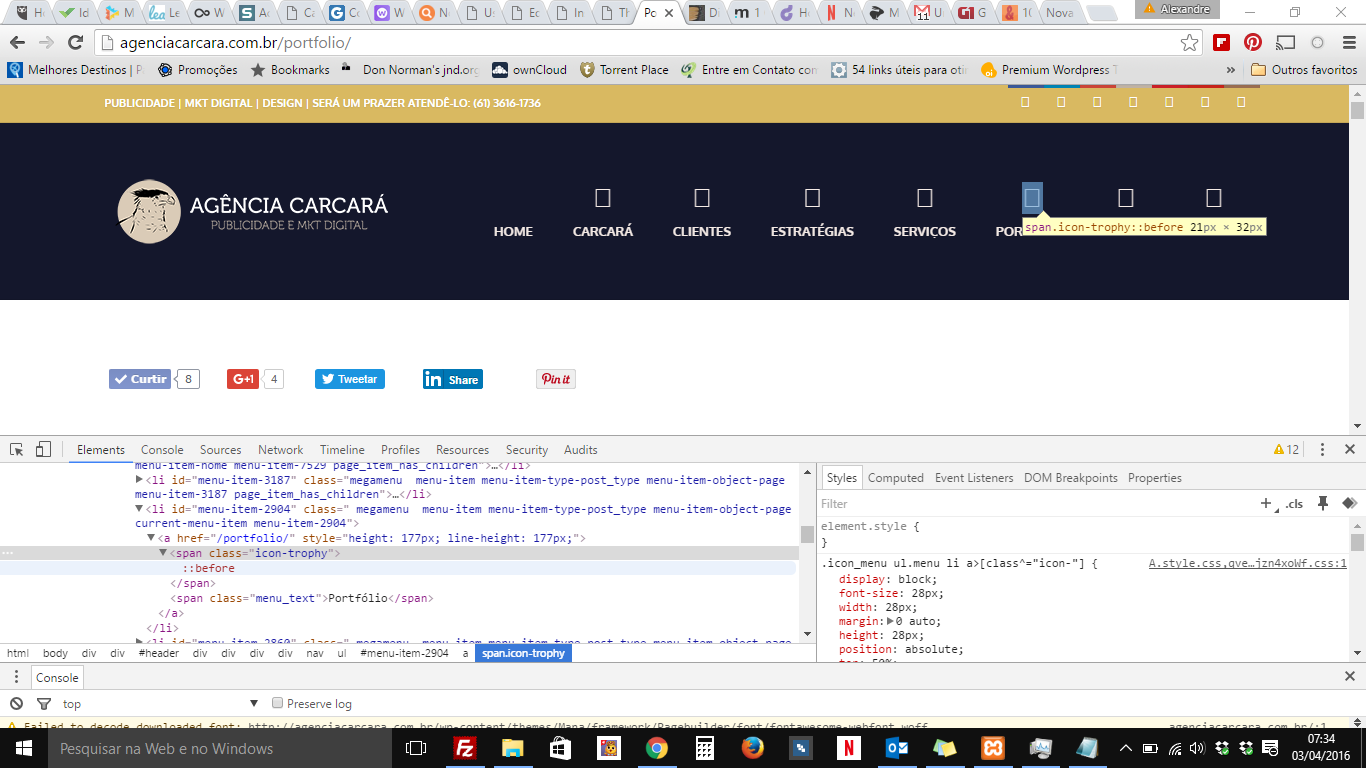
From time to time, all icons disappeared. >>> http://hernanpaz.com.ar/iconosnot.jpg
It does not work me the “BLOX CONTENT BUILDER” >> http://hernanpaz.com.ar/builder.png
I write over here because they are not where they have the support forum. I registered on the links listed here but I can not get to the support forum. It is impossible.
I await your reply please. Thank you
Hello,
Could you give me your Wordpress login details of username and password? I will check it your issues. Then fixed immediately while let you know.
Here is forum link: http://themeton.com/support/forums/forum/wordpress-themes/mana/
Have a good day.
Thank you
Which version of IE appears the problem? As you remember, Microsoft declines earlier version usage and please update there your IE to Edge.
Thanks
The newest version of IE will crash as well as the older ones.
Hello,
Now we are updated latest version 1.9.3. Please upgrade your theme! Then it will be work fine!
Thank you.
Hi, Is it possible to have the whole header transparent so that I can see my logo and menu sitting on top of my slider instead of having a colored bar above the slider?
Thanks!
Hello,
First of all, Thank you for purchased our theme really appreciate it. 1. Please go to the “Theme option/Header option/Header Transparent” here is the you can config your site of header
If you have more question about our theme please let our Support forum “themeton.com/support”
Have a good day.
Thank you.
I’m having issues with the blog on my clients site. For posts where the Blox Editor is being used the excerpt doesn’t show up on the blog listings.
Also, your Freshdesk link in the support tab on Themeforest doesn’t work anymore. Where do I go in the future to submit a support ticket?
Hello,
It works fine on my local site (blog + excerpt). So I need to check your site and how it goes. Please submit here your issue http://themeton.com/support
Thanks
Is there an easy way to Link a whole Service Block?
Hello!
What does meaning that? It is one-page template theme. Please explain more clearly! If you have more question about our theme please leave message in our forum. themeton.com/support/forums/
Thank you.
I’d like to link to another page when a Service-Box is klicked. is that possible?
I’m thinking, how about add wrapper “a” (anchor) tag whole that section?
That was my first idea. BUT, if you edit something and save the page again, the anchor-tag is gone 
How did you add it? I suggest you to use Raw element.