59157 comments found.

Hi, I am getting the below message from the WordPress.
Your theme (Rehub theme) contains outdated copies of some WooCommerce template files. These files may need updating to ensure they are compatible with the current version of WooCommerce. You can see which files are affected from the system status page. If in doubt, check with the author of the theme.
Please advise on above issue.
Please, update the parent and child themes. http://rehubdocs.wpsoul.com/docs/rehub-theme/theme-install-update-translation/updating-theme-and-bundled-plugins/
Hello respected sir, Some days ago i purchased a theme accidentally. I haven’t download anything from download section because i want other in html.
Sir, i want refund, my purchase code is: a7d4d745-5b34-46dc-b63a-8b6d742f1c79
Hello, Please let me know. Refund is possible or not?
if you didn’t download theme and purchase date was not more than 14 days, you can easily get refund
Thank you so much sir
Is there a way to add the thumbs up/down and vote counter to post layout that don’t have this feature?
yes, you can add shortcode
[getHotThumb] in theme option – ads option areas
Bingo! Where can I find all the shortcodes?
most of shortcodes are in shortcode generator (button S near media button). But some system shortcodes are not provided there.
Hi, I’ve placed a 468×60 banner into the site header but it’s over to the left near the logo, is there any CSS that can move it over to the right so it’s centered in the header? http://www.mobileslotcasino.co.uk/
header .header_first_style .mediad{margin:12px auto} you can place this in theme options – general options – custom css
thank you
Hi, I have the Dokan Pro Business Marketplace & I have a few questions: 1. I was wondering in addition to the regular add to cart functions, does your Dokan theme also support the Dokan Auctions, because that is included in the updated Dokan marketplace & also you have to buy the Woocommerce simple auctions for the auctions to work, so are both of those also supported in this theme?
2. Does this theme support live and estimated shipping rates by UPS or Fedex or even USPS for each individual vendor in the Dokan marketplace besides free shipping & flat shipping rate?
3. Stupid question but in your Dokan demo, I did not see a category section, I am assuming you have it right?
4. Is there a free trial?
5. What is your refund policy?
If you have this info on the page already sorry I missed it.
Thank you
1. yes, but it’s function of dokan plugin, not theme.
2. the same answer. Theme doesn’t change shipping functions of woocommerce or dokan plugin
3. http://redokan.wpsoul.net/product-category/digital/
4. no
5. check this, it can be important https://themeforest.net/page/customer_refund_policy#not-refundable
Thanks for the info
Hi,
My current website url is goo.gl/9CyGQV. I need my website 3 column grid should look like goo.gl/fZ1nUv websites “Today’s Trending Offers” section 3 column grid look alike coupons or deal. Please let me know what I need to do the change according to it.
you can customize file inc/parts/compactgrid.php
Price from our team for customization will be $60
ok. I am ready to pay for customization. PLease let me know how to make $60 payment.
first of all, register on trello.com
I am already registered on trello.com. Please let me know how to assign work to you guys
Ok. Tell me name there
Username is smdlive32. Let me know if you need any more details.
Hi,
My current website url is goo.gl/9CyGQV. I need my website header look-alike goo.gl/fZ1nUv. Please let me know how will i be able to change look of Search box and button on header as per provided website link
Hi,
My current website url is goo.gl/9CyGQV. I need my website header look-alike goo.gl/fZ1nUv. Please let me know how will i be able to change look of Search box and button on header as per provided website link
Am I able to combine more than one demo? Such as Redirect and Repick?
Yes. But design will be from one
I would like a custom post page built for blogs on my rehub site. I have had some custom work done in the past.
Ok. And what is the question?
I would like a custom post layout made as an option when posting, current selections have items i would like removed when just posting articles and information for a blog.
what is custom post layout?
when you are posting an item, on the right side you can pick a custom layout. I would like a custom one built and add as an option in the drop down.
Hi, I have the Dokan Pro Business Marketplace & I have a few questions: 1. I was wondering in addition to the regular add to cart functions, does your Dokan theme also support the Dokan Auctions, because that is included in the updated Dokan marketplace & also you have to buy the Woocommerce simple auctions for the auctions to work, so are both of those also supported in this theme?
2. Does this theme support live and estimated shipping rates by UPS or Fedex or even USPS for each individual vendor in the Dokan marketplace besides free shipping & flat shipping rate?
3. Stupid question but in your Dokan demo, I did not see a category section, I am assuming you have it right?
4. Is there a free trial?
5. What is your refund policy?
If you have this info on the page already sorry I missed it.
Thank you
answered
How to i remove the 0 scorebox from the shortcode on this page https://www.madaboutbingo.com/free-spins/ so that the scorebox doesnt show but everything else does?
you can’t remove score from review list shortcode, this doesn’t have a sense. You can create own list with table constructor or with use of page builder
http://rehubdocs.wpsoul.com/docs/rehub-theme/page-builder/ http://rehubdocs.wpsoul.com/docs/rehub-theme/comparisons-tables-charts-lists/table-and-charts-constructor/Also, your support is expired, next time it will be limited
Hi there.
For some reason when I try to use ‘Price comparison’ in the posts section when creating a post I get this error. https://prnt.sc/ik3lm6 It doesn’t show any content and i have made previous posts with no problems until about a fortnight ago.Cheers shaun
Hello, I have an issue with my Shop page and Blog page – nothing shows up on them. Can someone please take a look? Thankyou
Due to unusual sun activity, my extrasensor doesn’t work, so I can’t know your site link
Haha  www.justsmartkitchenware.com
update theme first
also, use
https://wpsoul.com/how-to-know-what-error-do-you-have-on-wordpress-site/and write error code
I updated the theme and the shop page now works but now all the Woocommerce Product Categories do not display on my home page – unless I am logged into my Wordpress Panel (still don’t display on mobile). Please help asap.
Also, when I updated I lost all my widgets – does that always happen?
I don’t know what Product categories you mean. You don’t have any product categories on your custom homepage. If you logged and not logged site is different, you didn’t clean cache in your cache plugin.
Also, i recommend to use ready templates from theme, because your current custom home page is not good
https://youtu.be/Ycv7SfNOyhI?t=16m7sI installed the previous version of the theme back again so you can see how it is meant to look. The ‘Grid of Woocommerce Product Categories’ is an element in the WP Bakery plugin that comes with your theme that is used to build pages. Version 7.2 of the Rehub theme does not display this element. Could you please fix that asap.
I will use one of your templates when I add more products and content but will always want to use the Woocommerce Product Category element of the Visual Builder so need this to work. Thankyou.
we never had such element like “Grid of Woocommerce Product Categories”. There is element category Box which we use and also card box
http://remarket.wpsoul.com/home-2/It is in the visual composer layout builder bundled up in your theme. When you go to the Layout Builder and an add an element, it is in there when you have the Woocommerce plugin enabled. I think the Category Box you refer to references post category but not product category, is that correct? (I tried adding it with one of the woocommerce product categories and it didnt work). I need to be able to add a section for the product category but cannot seem to with the new version of your theme but could with the version before?
....sorry its the ‘Grid of Woocommerce Products’ element I’m referring to and I can see you’ve got it included in your Remarket template. It is that element that is not working in the new version when you enter a specific product category within the element.
...also I like the Remarket page link you have above – is there a Remarket Child Theme? (there wasn’t one in the download) or do you just add the Remarket Template in the Visual Builder? (the template has a different top section to the link you supplied above?).
I don’t see any difference on your site. send screenshot what is “Grid of Woocommerce Product Categories”
Is it possible to use the Price Comparison website and the “Single Product Multivendor” (Dokan) plugin together on the same page? I was thinking of putting “Single Product Multivendor” products in a Widget on the Sidebar Area … Or use Thirsty Affiliate to import products from my suppliers …
Do you have their add-on for multivendor one product?
I’m going to use Rehub with dokan
Dokan option for multi vendors for one product is available only in their paid add-on. Only WC marketplace has this option in free version
Ok … but is it possible to put together a few pages of affiliate and vendor offers for a specific product? It would be like taking the offers of a product from ReHUB VENDORS and putting it in ReCompare …
do you mean that you want to have inner products from site and affiliate external products in one product page?
“do you mean that you want to have inner products from site (REHUB VENDOR Marketplace) and affiliate external products in one product page?” YES, THAT´S IT.
The idea is to create a page (post or product) of comparison for a product, between external affiliates and internal suppliers (marketplace) ... Is this possible?
this is possible. but there is only one product layout for this purpose which can have similar style of list for vendor products and external
It will look close to this http://remarket.wpsoul.com/product/paper-gadget-that-rocks-your-mind-2/
Hello
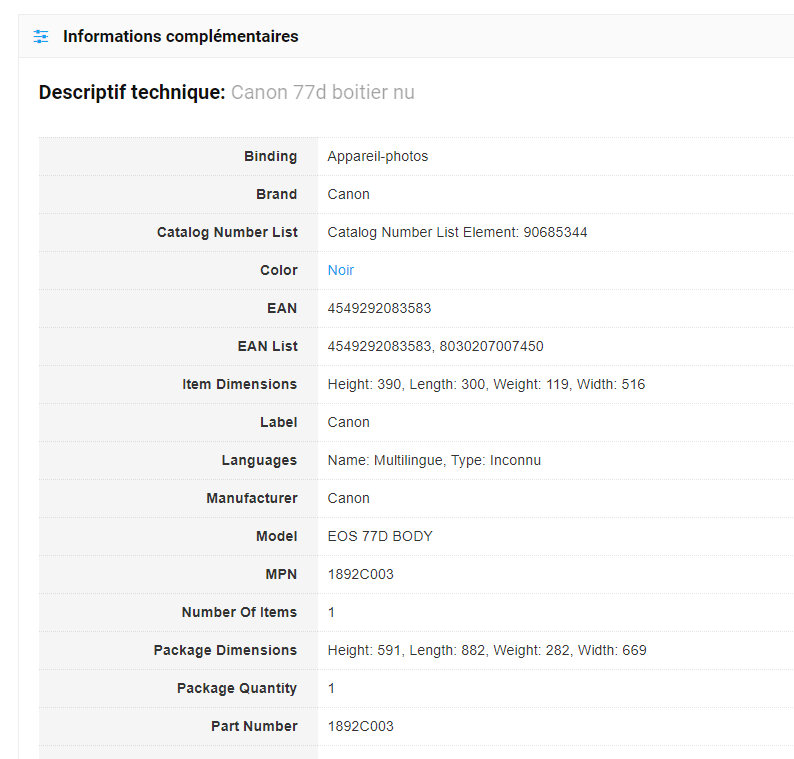
I would like to know if it’s possible to import/sync the amazon information in french ?
https://i.gyazo.com/801c0f9d01b42fa0721471803e4f347c.pngActualy it’s in english. How to change that ?
Thank you
Use amazon french location in content egg
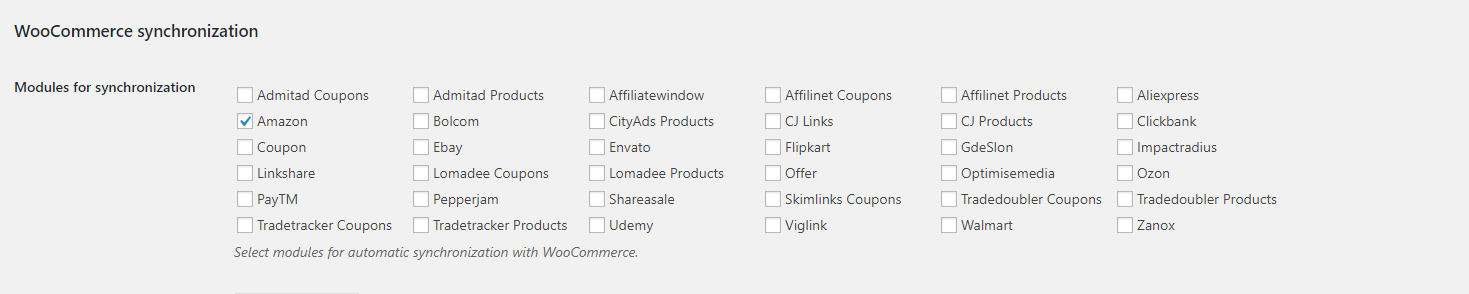
Can you be more specific ? The amazon location is already in french. About the woocommerce sync i can’t choose french amazon location like you can see : https://i.gyazo.com/bee33b00a629c95885262e9ba5d42fd3.png
Content Egg -> Settings – Amazon tab: http://prntscr.com/ikea3y
Have you met all the conditions? http://prntscr.com/ikfroi You can also find tracking options beneath.
I have entered my API code from the amazon french website. So now i would like to know if it’s possible to import in different language or only in english ? Your customers never ask my question about different languages ? i don’t understand why in the documentation there isn’t a tips or guide for that …
An another problem. I’m sorry but your documentation is not simple… I read about MDTF but again i can’t find the answer.
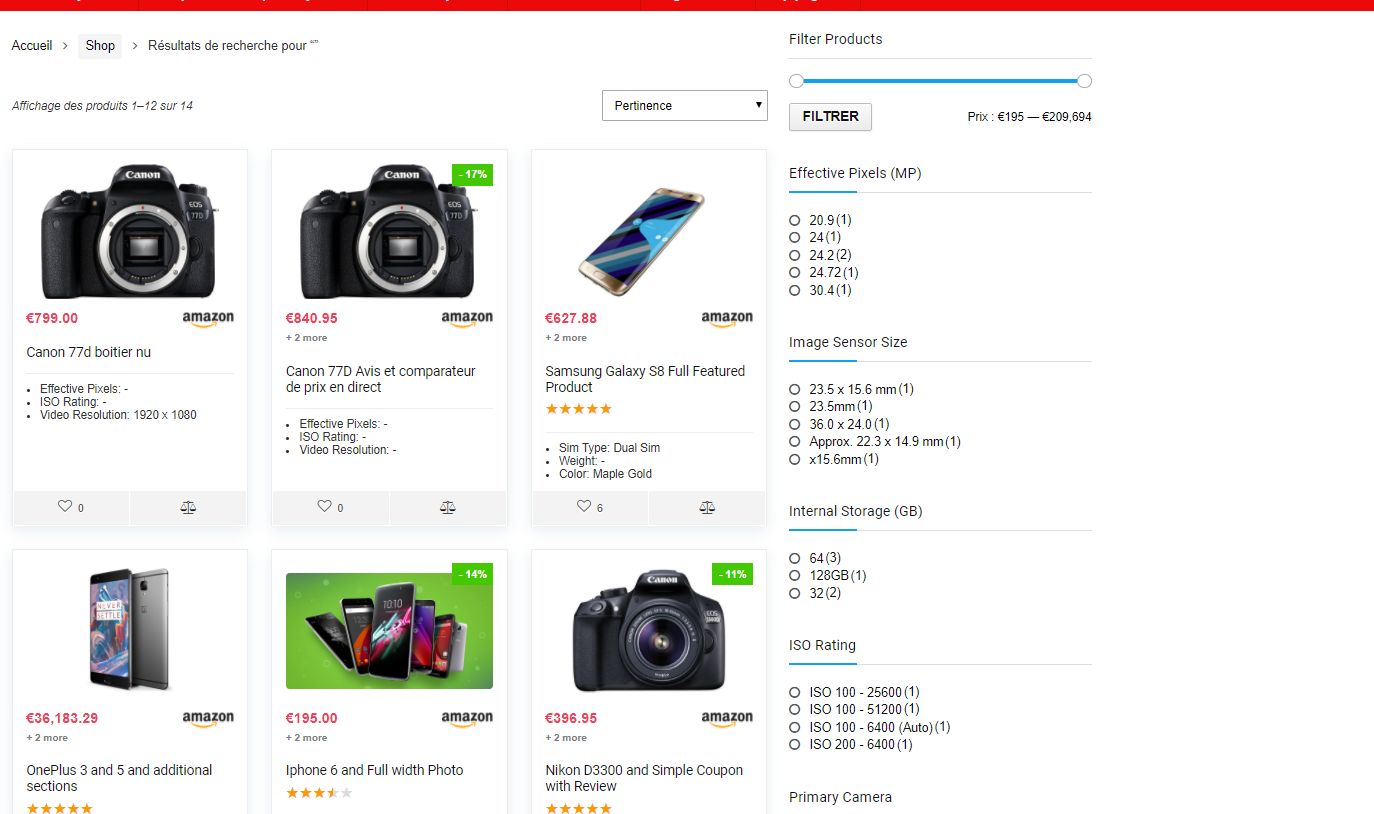
How replace the search model defaut by the MDTF search ? https://i.gyazo.com/fce2c8262588a12947f287eed575787a.pngYou template make me mad to be honest ….
Your support is so slow i loose money and time with your template ! My god ! So i need to import all products informations by my and ? Also i need to add all information by my hand aswell for the MDTF plugin ?!
Really? You get answer each 2-3 hours and think that it’s slow? Try to get support on any top popular theme and you will love our support after you get answer from other providers in 2-3 day
1. About technical questions of COntent Egg, write to author of Content Egg. We are theme authors
support.en@keywordrush.com2. You can’t use MDTF for products and i totally don’t recommend to do this for products. MDTF is for posts
http://rehubdocs.wpsoul.com/docs/rehub-theme/shop-options-woo-edd/better-product-filtering/Hello I’m sorry very bad day yesterday i wasn’t in my best day. Ok so for the product it’s better to use the defaut search. So MDTF is useless for a website price comparaison ?
MDTF is useless for woocommerce sites as it has too much bugs for woo
2. Icecat was deprecated, anyway, this is not what you need. write to support of Content Egg and ask how to enable parsing of french description from Amazon
Ok thank you for your answers.
i don’t remember how to do this Table of Contest with heading and subheadings
http://prntscr.com/ik0pkeit doesn’t work. It only shows h2 but h3 are not added. The sample is https://wpsoul.com/make-smart-profitable-deal-affiliate-comparison-site-woocommerce/
send screenshot how you added shortcode on page
I tried to update rehub theme to 7.2 via ”envato market” plugin but when I click ”update available” button, nothing happens. I got my token and i believe i did everything else needed. thank you.
Hi I figured out at the top of the page there was an arrow circle with a 1 which I clicked and it allowed me to update to 7.2. However, I received this error code: An error occurred while updating Rehub theme: Could not remove the old theme. Am I still able to update in another way?
the rehub stylesheet is missing on this update
Updating theme and bundled plugins http://rehubdocs.wpsoul.com/docs/rehub-theme/theme-install-update-translation/updating-theme-and-bundled-plugins/
yes I see i can update it manually. does this mean since envato market is still in beta testing it simply is not working for me?
You didn’t update it correctly and uploaded full theme package instead rehub.zip file
ok, should i update it manually or try again in envato market? Or just upload the stylesheet for version 7.2?
I got it…i deleted the old version and updated new version and it worked. thank you.
Can you use coupons in all 6 types of models?
What model do you mean?
Can I use coupons in the price comparison model combined with the egg plugin