1009 comments found.

Hello,
how can I get rid of all Google Fonts used in my Website using your theme and self host the chosen fonts instead? does your theme has a function or workflow prepared for that?
kind regards Catie
Hi,
Can you make sure to update the theme(and GoodLayers plugins) to latest version first then you should see this option : https://take.ms/IXDIK
But in this case, you may wish to upload your custom fonts instead for replacing Google fonts.
To update the theme : https://goodlayers.ticksy.com/article/1893/ (Please make sure to update GoodLayers’ plugins as well
I’m trying to submit a support ticket but it keeps saying my support has expired. I have extended my support so it should be ok. Can you let me know how to get in touch please?
Hi,
Sorry for the inconvenience. While waiting for our director to check it, please send your question to: support.loc@goodlayers.com. I will check it for you.
Best Regard!
Keep Update With Us On
FaceBook –
Twitter – Get Support
Hi Conor,
Sorry for the delay. You should be able to submit tickets now.
Thanks!
Hello, I’m using the ECO template, how do I set the navigation menu bar to always be displayed? As of now it just shows only after scrolling the page. I tried with the fixed navigation settings but if I disable Fixed navigation it just disappears without ever showing. Thank you
Hi,
Can you please submit a ticket to our support website? Our dev and supporters only provide support in there, not here 
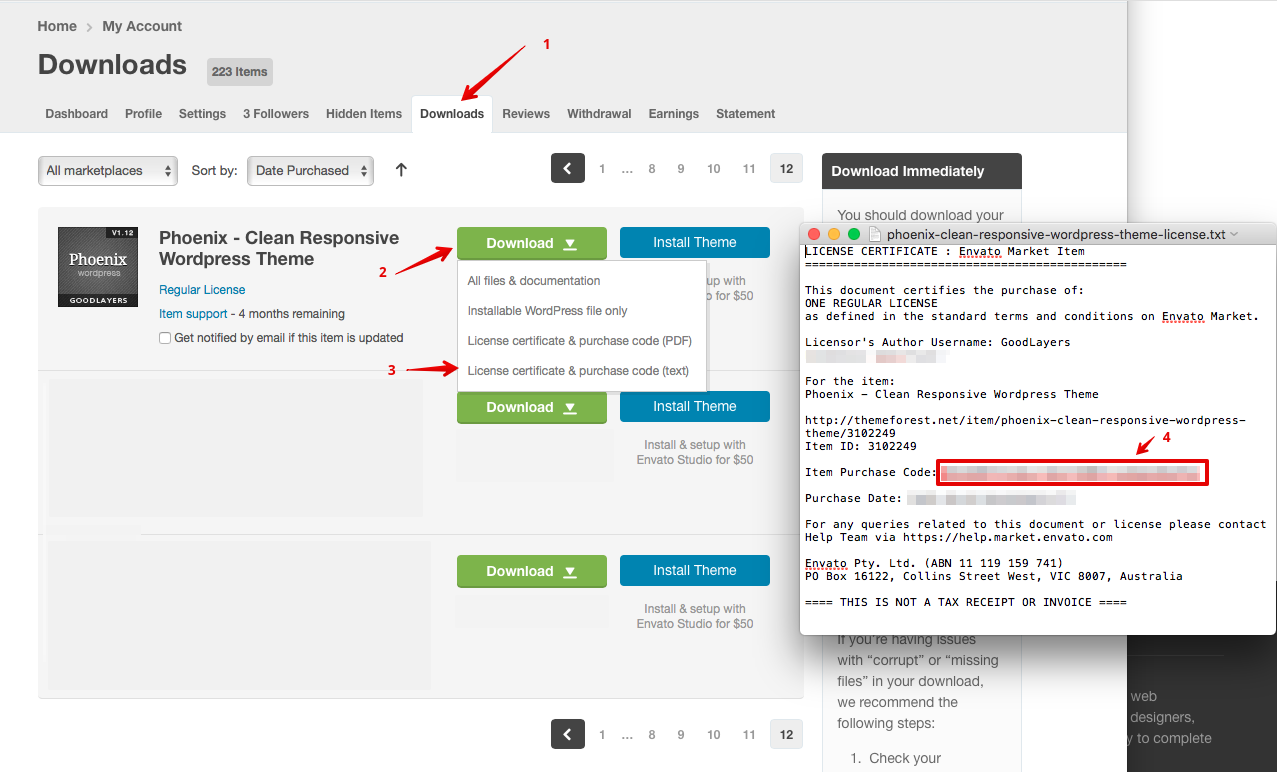
Please note that, Right now, all support will be conducted through http://support.goodlayers.com/ (Purchase code can be found here: http://support.goodlayers.com/purchasecode.png )
Thank you very much! 
Best Regard!
Keep Update With Us On
FaceBook –
Twitter – Get Support
Hi,
We have a big shop online with a lot of products and a lot of visits. For this reason we are using the WP Rocket plugin for the cache. Of course, the web is using the Infinite theme. Lately, we are having many complaints because customers find random items in cart. That is a common issue of the plugin (you can see here https://wp-rocket.me/wordpress-caching-plugins-for-woocommerce/ in the “Most Common Caching Issues With WooCommerce” section).
We are almost sure we configured the WP Rocket correctly, but the cart problem is still there. We were wondering if you know this problem and has any clue to fix it. Maybe we should add other cookie you use in the theme or some query string. Also, as a solution, the cart could be ajax and that will fix it. Is it possible to do that?
Regards.
Hi,
Could you provide the url and some steps to reproduce the problem so we can check this out ?
Hello! What is the latest version number for the Infinite theme? Thanks!
Hi,
You can check it here: https://support.goodlayers.com/document/infinite-changelog .
Best Regard!
Keep Update With Us On
FaceBook –
Twitter – Get Support
Hi — I saw a previous comment that said: “In your theme, I can change the font title. This applies to all h1-h6 titles. Tell me, how can I make h2-h3 titles with another Google font?”
You answered with: ‘You can select the “Additional Font” to include another google font to your site and use custom css to style it.’
I cannot find any documentation about how to use the custom css to style an additional font/use it for specific instances.
Hi,
I have an example in the video in our docs: https://docs.goodlayers.com/upload-custom-font/ , could you check it?
Best Regard!
Keep Update With Us On
FaceBook –
Twitter – Get Support
Perfect! Thank you so much! I was looking in the theme documentation all over the place and didn’t see anything. I had no clue about this document. Truly appreciated.
Hi,
Glad your website working again now.
I would appreciate it if you could please rate the Theme and like the assistance under my support, means a lot to me. Thank you.
You can rate it with your ThemeForest account at your downloads page, precisely at this link: http://themeforest.net/downloads and hover over the 5 stars for our theme.
Best Regard!
Keep Update With Us On
FaceBook –
Twitter – Get Support
The homepage is in responsive view, the images appear one after the other, but in the desktop view they appear right and left. How can I show responsive and desktop in the same order?
Hi,
The only way to do it is disable the responsive mode. Is it what you want?
Best Regard!
Keep Update With Us On
FaceBook –
Twitter – Get Support
Hello,
The theme is great but I would like to use the “Slider Revolution” plugin. I have the following message on the home page: Please install and activate the “Revolution Slider” plugin to show the slides. When I try to install and activate it I get the following message: License key is invalid However, I used the same key as the one provided at the time of purchase.
Thank you for your reply,
Hi,
Can you please submit a ticket to our support website? Our dev and supporters only provide support in there, not here
Please note that, Right now, all support will be conducted through http://support.goodlayers.com/ (Purchase code can be found here: http://support.goodlayers.com/purchasecode.png )
Thank you very much!
Best Regard!
Keep Update With Us On
FaceBook –
Twitter – Get Support
Hello, I purchased your theme, but there is a display problem in the blog section, the arrows are on the top of the article in mobile version and not on the sides.
Can you fix this ? Thanks for your help.
Hi,
Could you provide a screenshot with website address so we can take a look at it?
Best Regard!
Keep Update With Us On
FaceBook –
Twitter – Get Support
Here’s the link : https://repairage.ch/
Please, scroll to the blog section and check on iphone. Thank you for your help.
Hi,
Please add the css code in the path: Goodlayers > Goodlayers > Miscellaneous > Custom Css/Js > Additional CSS ( without <style> tag ):
@media only screen and (max-width: 999px){
.gdlr-core-flexslider-nav, .gdlr-core-flexslider .flex-direction-nav, .gdlr-core-flexslider-custom-nav {
    display: block !important;
}
}
Best Regard!
Keep Update With Us On
FaceBook –
Twitter – Get Support
I did it, but doesn’t work… no difference…
Hi,
Seems the color is quite hard to see, please try this one:
@media only screen and (max-width: 999px){
#gdlr-core-blog-1 .gdlr-core-flexslider-custom-nav i {
    color: red !important;
}
.gdlr-core-flexslider-nav, .gdlr-core-flexslider .flex-direction-nav, .gdlr-core-flexslider-custom-nav {
    display: block !important;
}
}
Best Regard!
Keep Update With Us On
FaceBook –
Twitter – Get Support
The arrows are still above the blog And testimonies posts… They should be on the side like in desktop version… Can you change this too ?
???
Hi,
It’s working fine for me: https://imgur.com/a/EN8bEdv . Please try to clear cache/cookie your website/browser/device then check it again.
Also, we’re not provide support for here and our support will provide a reply within 14 hours from Monday to Friday, please note about it.
I will help you until this question resolve. After that, if you have further questions, please submit ticket in our support website. Our dev and supporters are only provide support in there, not here.
However, unfortunately, we notice that your support has been expired. In this case, you won’t be able to create new tickets anymore. You can purchase support extension in item page. It will be on the right side : http://take.ms/8Q2Ly ( more info: https://help.market.envato.com/hc/en-us/articles/208191263-What-is-Item-Support- , https://help.market.envato.com/hc/en-us/articles/207886473-Extending-and-Renewing-Item-Support )
Please note that we no longer provide support via this channel anymore (Except bugs report.). It’s all will be conducted via support site only. Please also note that many old customers already renewed their support and we have to be fair with everyone by providing support via support site only.
Hope you understand this.
Best Regard!
Keep Update With Us On
FaceBook –
Twitter – Get Support
Ok great, it’s working now !
Thank you very much for your help !
Have a nice day
infinite-overlay-menu-close, this close button showing “M” instead of “X”
Here is the screen shot https://prnt.sc/RxGXUT2V2fB9
Same problem but can’t fix it… can you help me ? Website = www.hp-i.ch The M is on Safari…
Hi,
Could you include “elegantIcons” at the theme option > miscellaneous and see if this helps ?
it doesn’t work sorry…
Hi,
1. Can you try to disable all other plugins first and see if it’s fixed or not.
2. Please make sure that you update the theme to latest version : https://goodlayers.ticksy.com/article/1893/
3. Please clear website’s cache if you’re using caching plugin and also make sure that you clear browser cache.
After you updated the theme and still have issues, please make sure to follow this.
1. Make sure that you clear browser cache or test with another browser and see if the problem fixed or not.
2. Try to deactivate other plugins (except GoodLayers plugins). See if it’s fixed or not.
3. Go to theme options and click on ‘Save Changes’ button.
Let me know if this helps or not.
Best Regard!
Keep Update With Us On
FaceBook –
Twitter – Get Support
it’s ok, Problem resolved avec disable plugins. Thanks a lot
infinite-overlay-menu-close, this close button showing “M” instead of “X”
Here is the screen shot https://prnt.sc/RxGXUT2V2fB9
Managed to fix this error by activating plugins under MISCELLANEOUS Tab in Theme Options
Alright, glad you figured that out
Hi is it possible to have the Main Navigation Search in the top bar ? thanks
Hi,
Unfortunately, it’s not possible, sorry about that.
If you have further questions, please submit ticket in our support website. Our dev and supporters are only provide support in there, not here.
Please note that, Right now, all support will be conducted through http://support.goodlayers.com/ (Purchase code can be found here: http://support.goodlayers.com/purchasecode.png )
Thank you very much!
Best Regard!
Keep Update With Us On
FaceBook –
Twitter – Get Support
A long time ago we bought the theme. We updated the theme to version 4.0.0, but no update for the Goodlayers Core Plugin to version 1.8.8 is offered. Unfortunately, uninstalling the plugin doesn’t help. How do we get an update?
Hi,
Please check our docs: https://goodlayers.ticksy.com/article/1893/ .
Best Regard!
Keep Update With Us On
FaceBook –
Twitter – Get Support
Hello, i bought Infinite theme. I can’t edit footer section. When i try to edit, it says It may not work properly because there are problems with the “text” block. See developer tools for details.” and “is not a valid json response”. How can i edit?
Please make sure that you update the theme to latest version in order to use with WP6.x Also, by updating the theme, please make sure that you update GoodLayers’ Plugins as well and please clear browser cache after updating.
You can follow this : https://goodlayers.ticksy.com/article/1893/
Please also make sure that all your being used plugins are compatible with WP6.x as well.
If you have any further questions, feel free to submit a ticket in our support site 
Please note that, Right now, all support will be conducted through https://support.goodlayers.com/(Purchase code can be found here : https://support.goodlayers.com/purchasecode.png )
Thank you very much!
Hello, I am looking into buying Bundle licenses probably 5 licenses and I am here by writing to check if there is any such option to buy Bundles as on themeforest I cannot find any such option, also wanted to check if there is any discount available for such scenarios, please let me know thanks.
Hi,
Our director may contact to your email now, please check your email.
Best Regard!
Keep Update With Us On
FaceBook –
Twitter – Get Support
Hello, after updating the theme and wordpress to version 6.0. Enable Page Title functionality has stopped working. The page always displays the title regardless of the setting.
Hi,
Could you send an email to me: support.loc@goodlayers.com with your purchase code then we can check it together.
Best Regard!
Keep Update With Us On
FaceBook –
Twitter – Get Support
Hi, I have a problem: I no longer see the “X” key in the Elements and Wrapper tables. So I can’t delete anything, only add items. I updated worpress, I entered the purchase code again, I updated everything I could update, but the problem persists. I can’t work on my site and this is giving me problems. Then if I add an item and I manage to publish it, the update shows up after 30 minutes / 1 hour.
What should I do?
Goodlayer support advised me to contact the author of the theme. I urgently need to fix these problems. Thank you. Help me. G.
I replied your email yesterday. Can you provide us the ticket url via the email so we can check?
I’m not sure you opened the ticket with Envato or not but that’s the wrong place. We provide support via http://support.goodlayers.com
Also, before moving on, please make sure to update the theme to latest version as well. To update the theme : https://goodlayers.ticksy.com/article/1893/ (Please make sure to update GoodLayers’ plugins as well.)
Thank you! I can’t open a ticket because the license is from 4 years ago, buy from a studio that has closed. At this point I should buy a new license in the name of the company that owns the site. I install the theme again manually and let’s see if the problem still persists. Otherwise I will contact you and having the support for 6 months, I will definitely come to the conclusion of this problem. We update!
Does the latest version of the theme support wordpress 6.0 ? is it safe to update to the latest version of wordpress?
Yes, you can update to WP6.0 now but also make sure that your plugins are compatible as well.
Cheers!
[Repurchase] License Question We purchased the Infinite license now more than 12 months ago. This means that updates will no longer be supplied to us in Wordpress? And if we do re-purchase another 12mo license, what steps do we do to “reconnect” us in Wordpress so updates will come to us again? Thanks!
Hi,
No, you don’t need to repurchase in order to get the update(even it’s more than 12 months period)
To update the theme : https://goodlayers.ticksy.com/article/1893/ (Please make sure to update GoodLayers’ plugins as well.)
Hello im helping a friend who bought this theme since 6 years ago, when i try to change add/remove a query field it never work, how can i fix that plz thanks
Here is the site www.trip500.com
Can you please submit ticket in our support website? Our dev and supporters only provide support in there, not here
Please note that, Right now, all support will be conducted through https://support.goodlayers.com/(Purchase code can be found here : https://support.goodlayers.com/purchasecode.png )
Thank you very much!
Hi! I’m using tribe events as event manager plugin but goodlayers options are not displaying as usual in other post types, is there a way around it? Thanks
Hi,
Could you provide a screenshot about it? I’m not sure what’s the problem in here.
Best Regard!
Keep Update With Us On
FaceBook –
Twitter – Get Support
Thanks!
Hi,
We don’t have a style for the single event from the tribe events plugin, it’s using the default layout itself.
We don’t have a plan to style for it at the moment.
Best Regard!
Keep Update With Us On
FaceBook –
Twitter – Get Support