206 comments found.

hello for me design of the part of forum article full view is too simple, too little https://wordpress-theme.spider-themes.net/docly/forums/topic/server-maintenance-19-04/
how to have the same that : http://preview.themeforest.net/item/disputo-wordpress-bbpress-forum-theme/full_screen_preview/21584099?_ga=2.161343541.96496744.1631598000-1385932415.1581258074
as you can see under the big title ” MADRID SPAIN” we can insert video or picture,font size is great, etc. thank you
We can make this change for you if you purchase theme. Confirm us after your purchase.
Thanks
I am trying to install white page Elementor on my website, it is blank page, both bad, I have tried 2 different vps and same problem. Element made me think stop your purchase. https://imgur.com/a/kUE5cPF
I will buy if you can help me check.
Hi,
Seems, you get a gray page when you try to edit with Elementor, it is probably due to a conflict with another plugin or with a script inserted within the theme. In this case, follow the possible solutions below.
- Activate the safe mode. If it helped, deactivate each plugin one by one, besides Elementor and Elementor Pro to figure out which one is causing the issue. We strive to solve the incompatibility issues with other plugins as much as possible. If you have noticed an incompatibility with a plugin, please report this issue to us and to the support of the conflicting plugin.
- Sometimes, you can get this loading page because of an add-on installed on your browser. In this case, you can switch to another browser (It has to be Safari, Chrome, Firefox, or Opera).
- If your theme uses a preloader, you may need to disable the preloader within the theme’s options or within Customizer. Learn more.
- The gray page can be also due to X frame restrictions and Cross-origin issues. You can see if it is the issue by checking the error messages of your browser console (to do it, click right on your mouse, select “inspect” and then “console”. Error messages are written in red). In this case, you will have to change the X-Frame-Options from DENY to SAMEORIGIN. This has to be solved by your hosting company.
- If you use Cloudflare, you may need to either switch off Rocket Loader or add rules to Cloudflare. When Rocket Loader is activated it can take time to load the editor of Elementor and sometimes you will get stuck on the gray loading page. Click here for a solution. The cache of Cloudflare can also prevent your browser from recognizing the new versions of Elementor and Elementor pro so make sure that you clear/deactivate your cache before updating the plugins.
- If you are using both the free version of Elementor and Elementor Pro, make sure the versions are compatible. If you are using one that is older than another, conflicts can occur, because the newer version may be using code or functions that the older one is unaware of. Update both to the latest versions to troubleshoot this possibility.
Thanks
I sent you a message. i’m trying a fresh install. I haven’t installed anything yet. the only one is the elementor plugin. I have attached admin and password for you to check. I’m ready to buy on my next business day
You have to fix the Elementor issue yourself. And if you want us to fix this problem, you can hire us to fix that issue.
Thanks
Hi When I just purchased it. I was able to install all plugin but this one keeps failing
Where can I find step by step instructions to make it loo like this https://wordpress-theme.spider-themes.net/docly/
thank you
Also how do U enable that cool knowledge base is the default home page? and how do I hide all other sun menu items ?
You can import the Cool Knowledgebase with One Click Demo import. See the demo import documentation here .
Thanks
Thanks found it. how do you change and remove some the menu items in the header ?
You can manage the menu items from Appearance > Menus.
Thanks
hello any news about the wpforo version please ?
Sorry to say that we will not create the wpforo version for Themeforest. If you want, we can create it as a custom development service.
Thanks
ok but before you said : “We have completed the design. Added some more features and elements. We will bring many other things in that theme along with the wpforo support. Not sure when we can release that theme.
Thanks”
We have already published the design here https://themeforest.net/item/ama-social-questions-and-answers-figmatemplate/33584037?s_rank=2.
We have decided, we would like to choose bbPress instead of the wpforo plugin. Because of the userbase.
Thanks
I love how the theme looks, before I buy – is it possible to entirely remove the search functionality? I don’t need search on my website, I’d rather put a CTA there.
Yes, possible to remove
I am considering buying this to serve as a Standard Operating Procedure (SOP) intranet in our company. Are we able to create pages/sections that are only visible to select users? For example, I don’t want our Warehouse Team to have access to pages pertaining only to our Marketing Team. Thanks in advance for your help.
Hi,
You can use this theme as an intranet website. Docly has Sign in and Sign up pages. You have to integrate these pages to restrict your website from public access that will only be visible to selected or logged in users. Some of our clients already made their intranet website with Docly. Here are some examples-http://cncupgrades.com/
https://wiki.thesurgery.co.nz/
http://how2contribute.defodi-images.eu/
http://recursos.samo.hn/
Thanks
How should it be set? I tested it with your method, but it still doesn’t work.
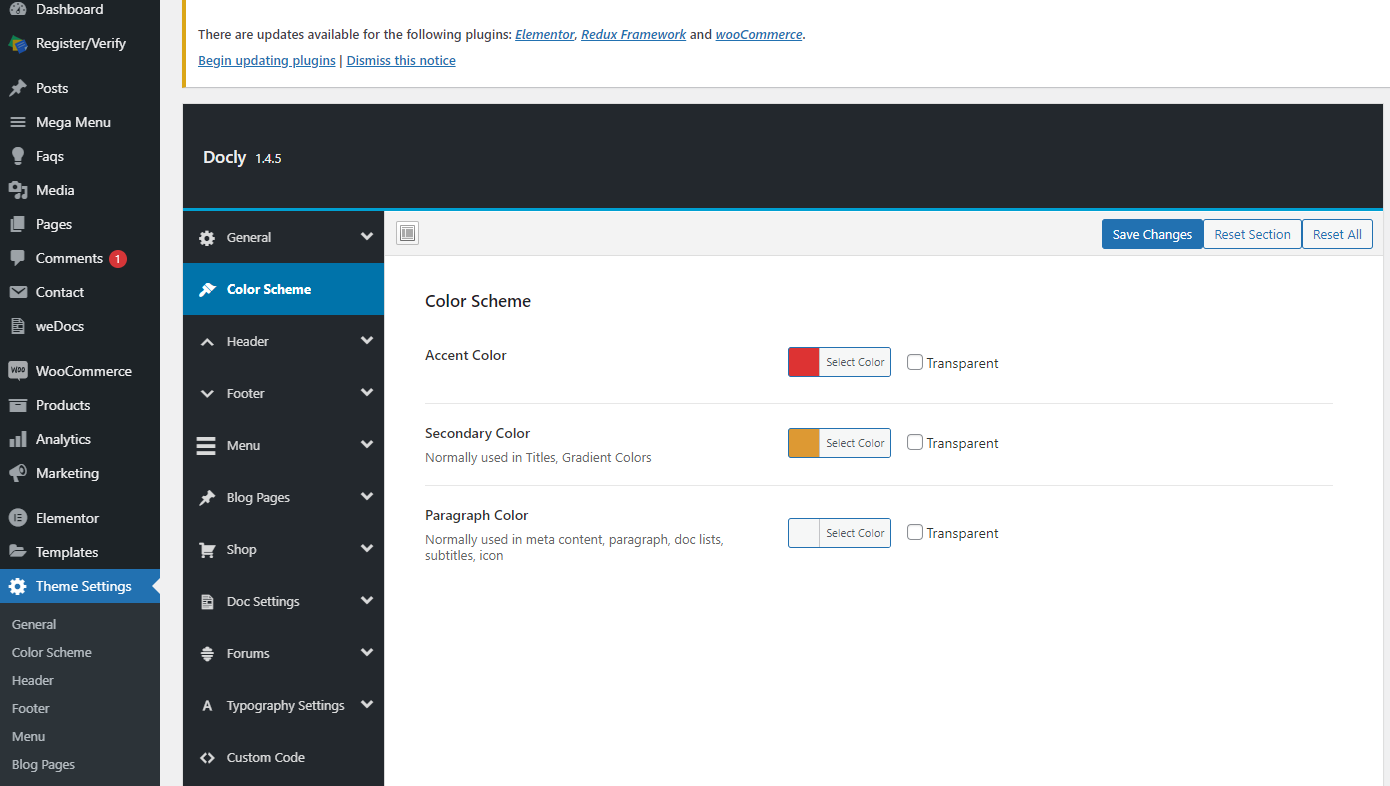
Set the colors from there. Don’t keep the color fields blank. Give me a screenshot of that settings from your website dashboard.
Thanks
Hello, I have bought the theme recently and it is working properly but I cannot understand where to enter the purchase code and also how to disable the Get Docy button on the top menu, please advice.
Please comment from the account that was used to bought the theme.
Thanks
Hello, Can I run YOAST SEO plugin instead of AIO SEO? Is Yoast SEO fully compatible with your theme? Thanks,
We haven’t tested these plugins with our theme. But as far we know, these plugins are compatible with any theme. So you can use any of theme with our theme.
Thanks
Heya something is up with your demo? The text is white and not readable for the most part: https://wordpress-theme.spider-themes.net/docly/
Which text? Pleas show us that text with a screenshot.
Apologies, I should’ve done that initially. This is what I can see. Firefox 91.0 on Windows 10. https://postimg.cc/kDn2nbrF
Thanks for noticing this issue.
We have noted this issue and will fix it in the next version of the theme.
Thanks
No worries, thanks 
The dark/Light Mode toggle option has been completely deactivated in the recent update. Why?
The link is not connecting to check. The darkmode option is no longer active on the new update. Please share the link to your documentation about the darkmode toggle option thanks.
How to change the footer menu
The Footer menu comes from Appearance > Widgets. You can edit there the Footer menus.
Thanks
I want to set weDocs to be user only. What should I do
Did you purchase the theme?
Docly theme has been purchased,But it was purchased on a different account.
So comment from that account or open a support ticket here https://docs.creativegigs.net/forum/docly-wordpress-theme/
Thanks
I like this theme very much, but found that there is no previous page and next page function at the bottom of the document?
Please open support ticket here http://creativegigs.ticksy.com/ to get support regarding this issue.
Thanks
So team, good job with the theme! However after playing a bit with the settings, i did find few issues that i need to resolve urgently in order to use it and launch the site:
1 – Search banner. On the homepage, through Elementor, i can only use Hero search block, which looks different compared to the Search Banner on the single doc page, especially on mobile view. The width of the search field is different, as well as the height of the banner itself. I need to have consistent search banner throughout the whole site. Either one or another.
1.1 If it’s going to be the Search banner, is it possible to change string All Docs in the dropdown to something else? If not, can we have same dropdown on hero search block?
2 – When i click on Search field (in any of the two search bars) on mobile, specifically iPhone, the page gets zoomed a bit and it’s not properly aligned anymore. Can that be disabled?
3 – Sticky header Currently, the header goes from transparent to white as soon as i start scrolling, but it’s not actually sticky at all, because it disappears shortly. I need header to be sticky and fixed on top when i keep scrolling.
4 – Number of views / Date posted / Author. You replied to me in pre-sale question that it’s doable, but i have gone through every single setting, and i can’t find it :/ All i see is “Updated on xx/xx” in the right corner of the single article, and that should actually show created, because it says updated even for brand new docs.
5 – Comments. Is it possible to have comments enabled only on the articles, not on the doc sections?
These are the critical ones that are preventing me from importing all the KBs i have and launching the site, so i would really appreciate your assistance here
There are a few other minor glitches/bugs that i discovered, but i believe they could all be fixed through some simple css modifications later on.
Cheers,
Nikola
Could you open a support ticket here with describing the issues? We will help you there to solve the issues.
Thanks
Sure!
Hello!
I am one click away from purchasing the theme. Quick question, is it possible to create regular pages with content? On your demo site, under Pages, there are only sign in, sign up, contact, 404 etc, so i just want to be sure that i can have pages such as About , Services etc because i’m thinking to use this theme as a main site, not only as a documentation or support subsection of a main site
Also, would you recommend to me to purchase Docly or Docy?
Cheers from Belgrade
Thanks for your query. Yes, you can create other pages as you want. You can build that pages with drag and drop page builder Elementor. Docy and Docly both theme made by us. We recommend you to use Docly as it is more stable than Docy.
Thanks
Thanks for quick reply. One more question i forgot – is it possible to show number of views, date posted and author for documentation pages?
Yes, possible.
Thank you, just purchased it. Let’s see how it goes
The purchase code that i download from Envato downloads page is not valid.I copied the code from the txt file i downloaded and when i enter it in the register field in WP dashboard, it keeps saying invalid. Mind to help?
I don’t know if you activated it in the backend but now it worked after few more tries.
Ok, now, how do we make number of views, date and author visible on global view and on single doc view?
You can disregard this thread, i asked the same question among few others in a new thread!
Hi, Once you have created a page with documentation, do you have to do something in particular for the search engine to search for that documentation? because I only get “no results”
Have you used this theme yet? Or is it your pre sale question?
Where can i download the docly core plugin update, as I am having compatibility issue with the 1.07 version of the plugin and the latest update of the theme.
Delete the old version of the Docly core plugin, then install it from Appearance > Install Plugins. This will install the latest Docly Core plugin. Also make sure you have installed the latest version of the theme to avoid conflicts.
Thanks
Can preloader be disabled?
Yes. the preloader can be disabled.
Hello, I plan to use markdown files, they will be imported. I wish to know if a table of contents can be automatically generated for these markdown files? If so can the table of contents for each markdown page be placed on the right sidebar? Thanks.
If there h2 title exist, the Table of content will automatically generate.
Thanks